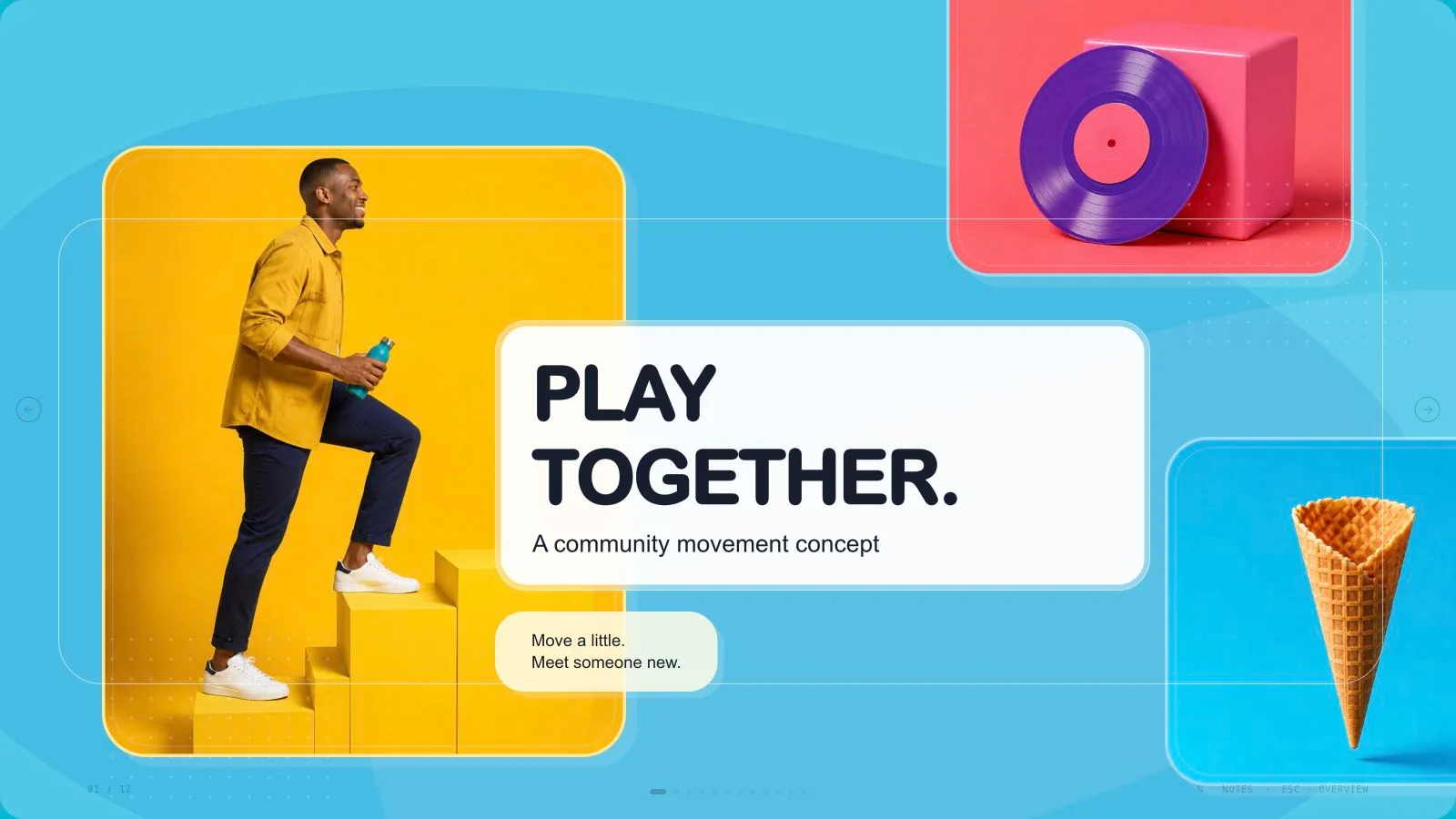
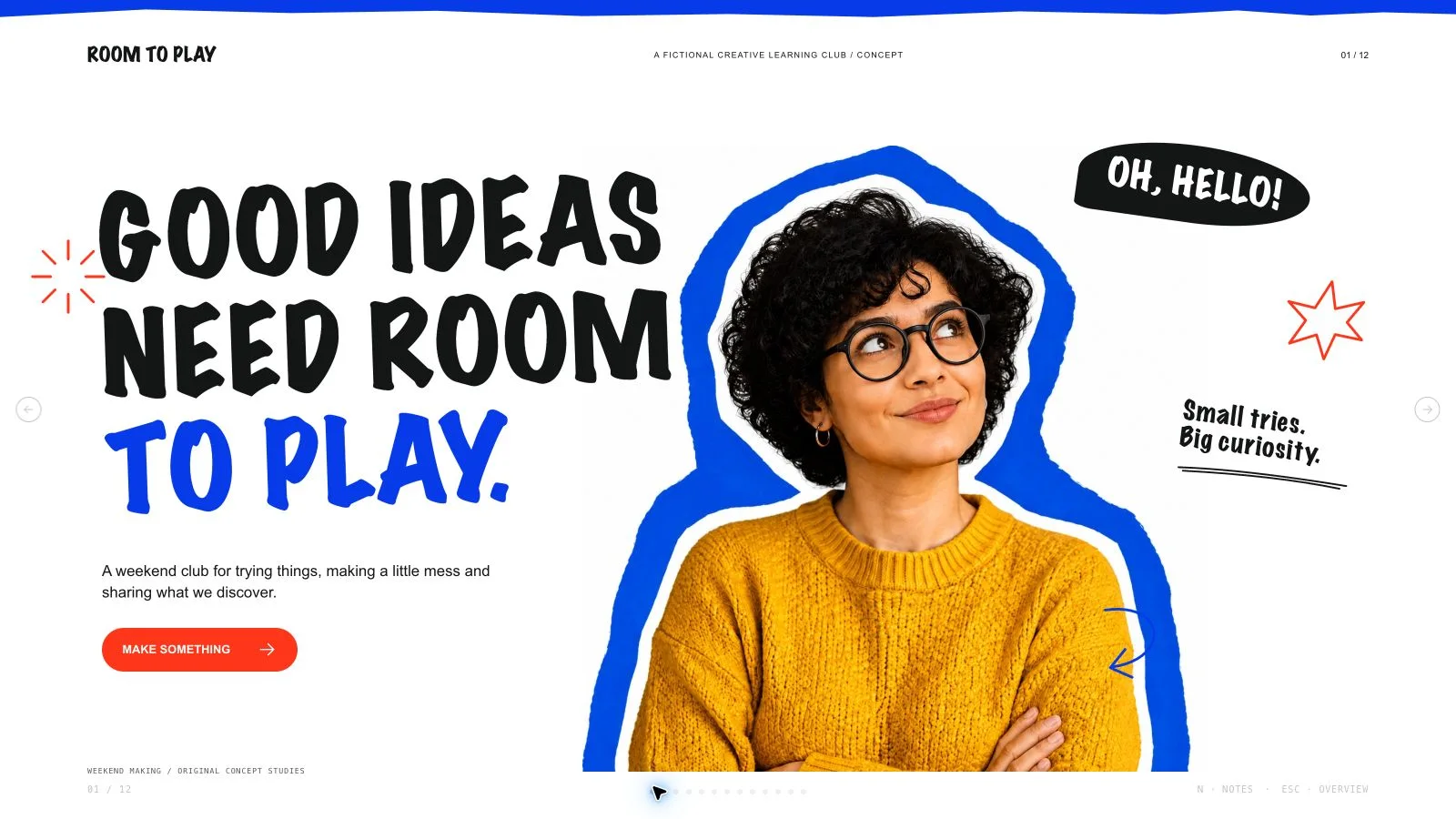
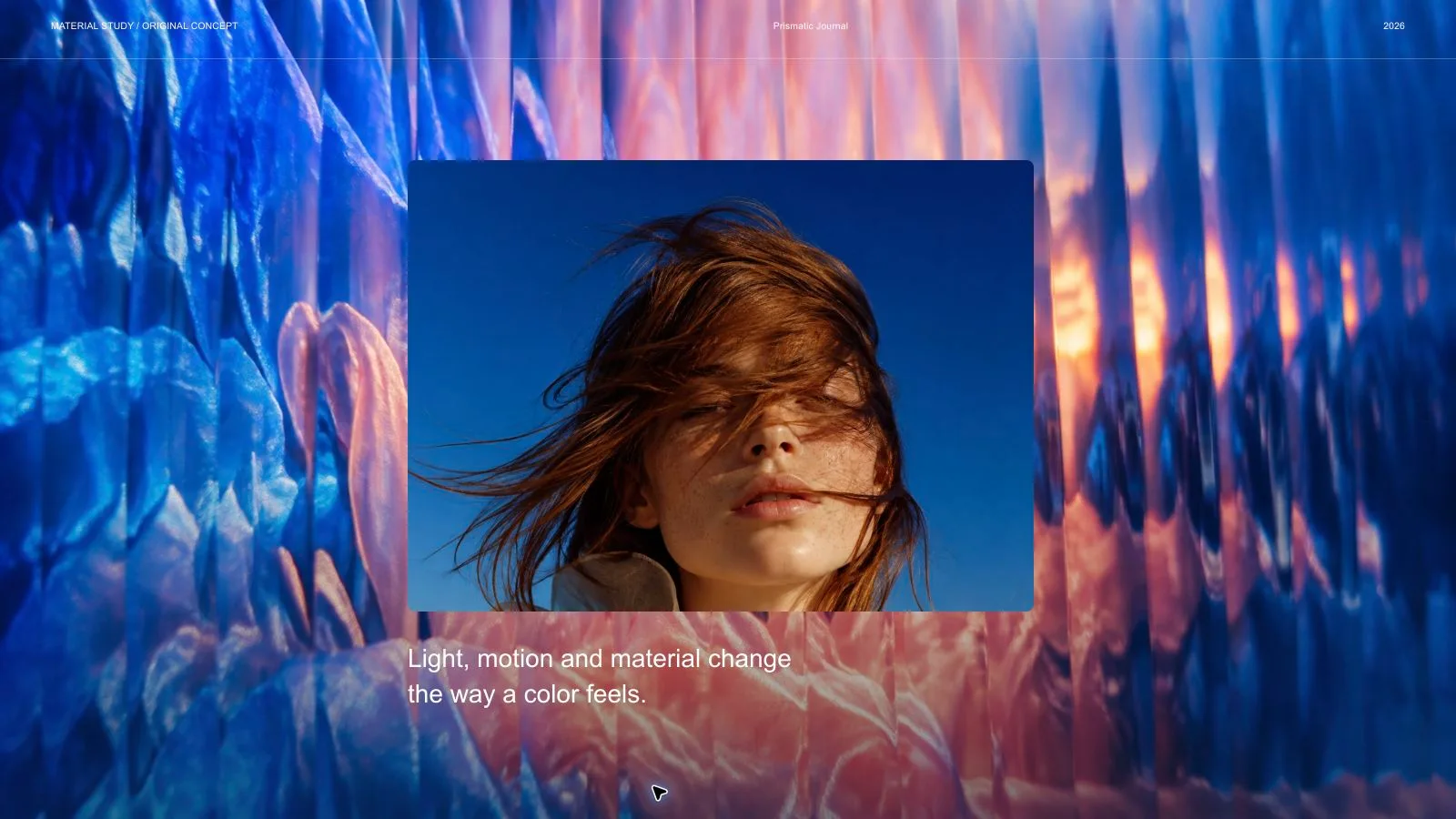
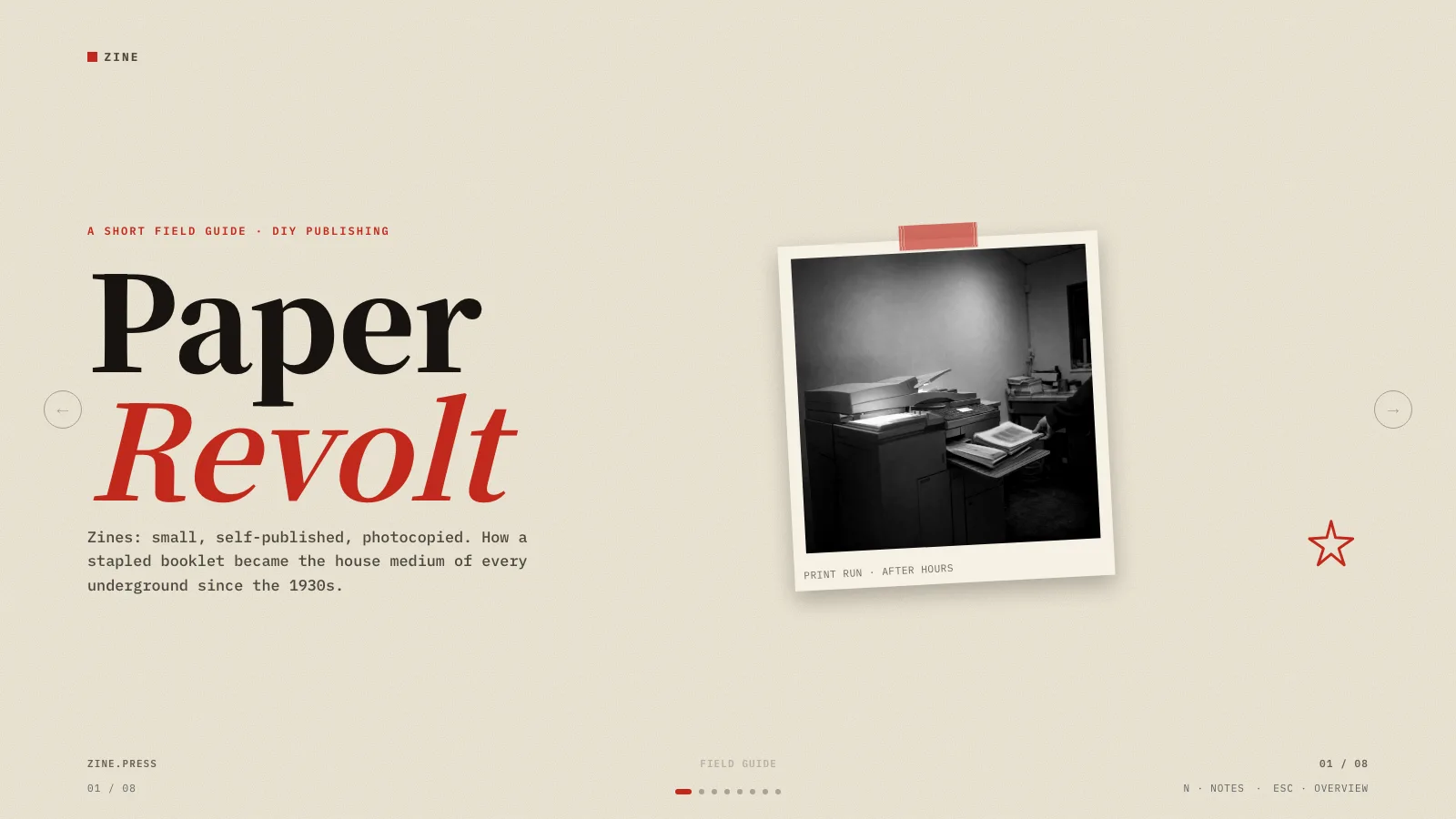
Organize a children’s creativity class or family workshop from welcome and warm-up through making, kind feedback and reflection. Playful Primary Classroom Deck combines bold headings, one handwritten accent, pastel cards and original ink-outline children. It creates editable presentation pages and facilitator notes; the teacher supplies the age group, activity details, accurate timings and learning goal.
What you get
Ten adaptable archetypes: doodle-framed cover, welcome board, lesson timetable, three habits/goals, warm-up choices, making steps, activity stations, kind-feedback sentence starters, reflection/exit ticket and closing. Select or extend recipes for the agreed count. The installed generic schema fixture is not a completed ten-page lesson, and example timings are not a tested lesson plan.
Embedded Bricolage Grotesque headings, Figtree body and Kalam for one handwritten accent per page. Authored, Teal and Clay are coordinated light palettes chosen during generation; no dark pages. Pastel cards share a white fill, ink outline, consistent rounded corners and faint offset shadow, with small colored badges/chips and sparse doodles in empty corners.
Explicit readability limits on a 1280×720 canvas: 77 px side margins, a twelve-column grid, at most three content blocks and roughly thirty percent empty space. Headlines allow seven words (cover five), one supporting line eighteen and the page forty-five; body stays at least 18 px. Longer timings, examples, materials and options belong in useful speaker notes rather than tiny page copy.
Eleven bundled assets include two distinct doodle frames and different poses of two recurring fictional children in yellow/lavender clothing. Content pages use one full-body cutout with no text/card overlap; covers/closings use two distinct children at side edges. Keep the same character language while using each picture on one page only and retaining transparent cutout edges.
A generated offline HTML deck with navigation, overview/thumbnails, notes, editing, presentation mode and print styling. The installation supplies recipes, references, catalog and build/media helpers. Requested PPTX retains native text/notes and separate pictures, while complex charts/shapes/background effects can be rendered layers; PDF printing produces one 16:9 slide per page. No automatic publishing is part of delivery.
Before you choose
Keep the visible task simple while preserving facilitation detail in notes. A child should see what to try, and the adult should know the materials, timing, options and feedback language. Friendly characters support that sequence; they do not establish that the lesson was tested or that an activity achieved the learning goal.
Good fit
A teacher or facilitator planning age-appropriate creativity classes, making activities or family workshops.
A team that wants to revise wording, activity order and notes directly in a browser before rehearsing.
A presenter seeking one coherent visual sequence with a defined audience, learning goal, accurate source outline and permitted pictures.
Not for
Exact copies of protected templates, characters, artwork, logos or traced compositions.
A guarantee that every exported PowerPoint chart, drawing, shape and effect stays native and editable.
Automatic publishing, unapproved paid generation or claims that example children/timings demonstrate actual classroom learning outcomes.
How to use
You say/playful-primary-classroom-deck Make a ten-slide deck for a creativity class for children aged six to nine.
Provide topic, age group/audience, learning goal or next action, lesson duration or approximate page count, source outline/activity list and verified figures. Supply only material you have permission to use. Agree the actual page count; copy defaults to English unless another language is requested. Mark invented figures and timings as illustrative.
Plan welcome, habits, warm-up, making, stations, feedback, reflection and a take-home question as needed. Select/extend the ten recipes rather than treating the example sequence as compulsory. Give each page one focal point and split it instead of adding a fourth item or shrinking type. Preserve detailed materials, examples, timing breakdowns and rehearsal prompts in notes.
Choose Authored, Teal or Clay and keep the embedded fonts, light-page grammar and consistent card style. Apply the 77 px margins, ≤45-word page budget, ≤7-word headings (cover ≤5), one ≤18-word supporting line and up to three short items. Body stays ≥18 px; keep the content within the documented grid, one accent element and one handwritten accent, without tag/folio clutter.
Prioritize supplied images, then suitable catalog reuse, generation for gaps or all-new imagery; reuse is the fallback without a choice/tool. The eleven local assets cover fictional classroom scenes and distinct poses. Use each pictorial source once, with full bodies visible and no text/card overlap. Keep character consistency rather than duplicating one image across pages, and preserve alpha on cutouts.
Generate optional new scenes at kit slot ratios using built-in generation or the current FAL helper/FAL_KEY route, subject to host limits or separate provider charges. Obtain approval for paid generation, submit each paid task once then poll/fetch, and keep prompts/results in an art ledger. Inspect faces/hands/poses and transparent edges; do not claim a mismatch or disclosed missing frame is finished artwork.
Compose from the kit with new editable text, alt descriptions, images and data and remove unused nodes. Python 3 handles compose/build/static checks; optional media helpers use Node. Resolve unfilled-image and leftover-example reports, verify the count and inline assets/fonts under 20 MB. Library downloads may need internet while building, but the completed deck should load no remote resources.
Inspect every page over local HTTP for age-appropriate wording, legibility, title fit, complete figures, character consistency, crops, contrast, bounds, activity sequence and useful notes. Check facts/timings against the brief. Test text/image/order/layout/color changes, notes, undo/redo, Save/reopen and presentation mode, then rehearse. Static checks do not prove learning effectiveness or suitability of an activity.
Deliver page-view HTML with Edit/E and Save (Cmd/Ctrl+S) instructions: browser recovery is local, Save writes portable edits. Set interface/content languages independently; embedded fonts are Latin subsets, so check framework CJK/RTL fallback and fit when needed. Export/check/inspect requested PPTX/PDF before sharing. Named palettes are generation choices, not an editor theme picker, and embedded PPTX export replaces the retired mandatory Node/Chromium chain.
Requirements and costs
You bring
Topic, audience, and the decision or learning goal. · Approximate page count and a source outline. · Verified figures and image rights for any supplied material.
Dependencies
Modern browser — required for presentation and browser editing · Chrome, Chromium or Edge plus Node.js 20 or newer — required only for PowerPoint export · Built-in image generation in your agent (GPT Image class) — only needed to create new pictures; no separate API key · Internet access — optional, to download this Skill's picture library while building a deck
Outside costs
Decks can reuse this Skill's own picture library at no image cost: you choose up front whether to reuse it or generate every picture new. New pictures use your agent's built-in image generation tool (GPT Image class) with no separate API key, and availability follows your agent account.
Publisher testing
v1.0.3 — Claude Code / Claude Desktop / Cowork / Codex / ChatGPT
FAQ
Yes. Enter Edit for wording, images, notes, layouts, colors and page order, then Save. PPTX keeps native text/notes and separate pictures; complex shapes, charts and backgrounds may be rendered. Current embedded export replaces the retired mandatory Node/Chromium chain; Python handles source build/check and optional media tools use Node. Rehearse and inspect exported pages and fonts before sharing.
No generation is needed where suitable supplied pictures or the eleven bundled classroom assets cover the plan. Optional built-in generation follows host availability/limits without a separate key; the current package also permits FAL/FAL_KEY with separate charges and explicit approval for paid work. Each pictorial asset is used once. Disclose scenes still missing instead of implying they are complete.
Choose Authored, Teal or Clay during generation. All preserve light paper, the same embedded fonts, hierarchy and consistent cards; handwritten Kalam is limited to one accent per page. The shared editor permits individual color edits but has no per-style theme chooser. Check contrast and translated text rather than assuming a palette switch guarantees legibility.
User reviews
—0 reviews
Select a star to share your experience.
No reviews yet. Ratings appear once readers share real experiences.