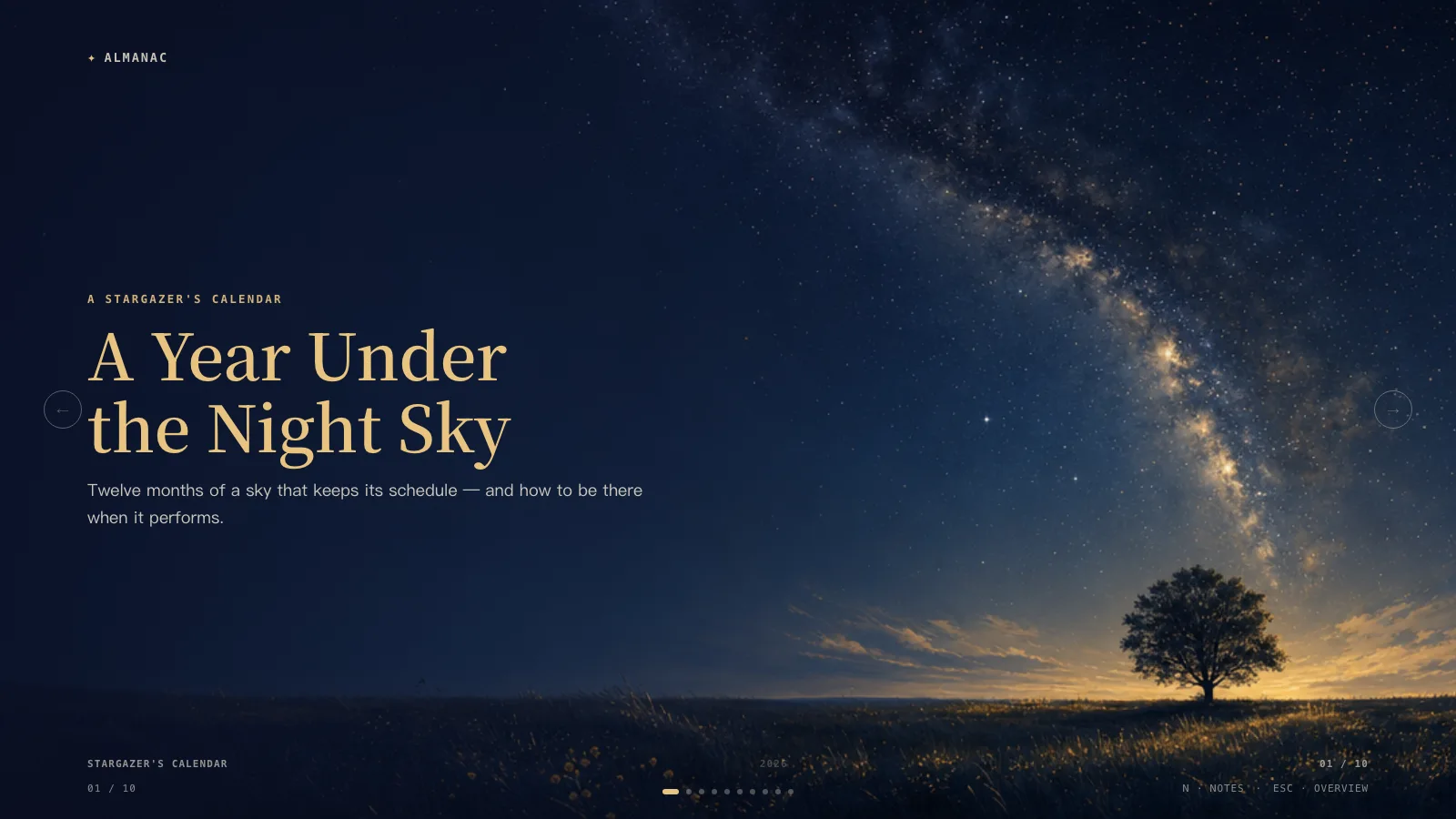
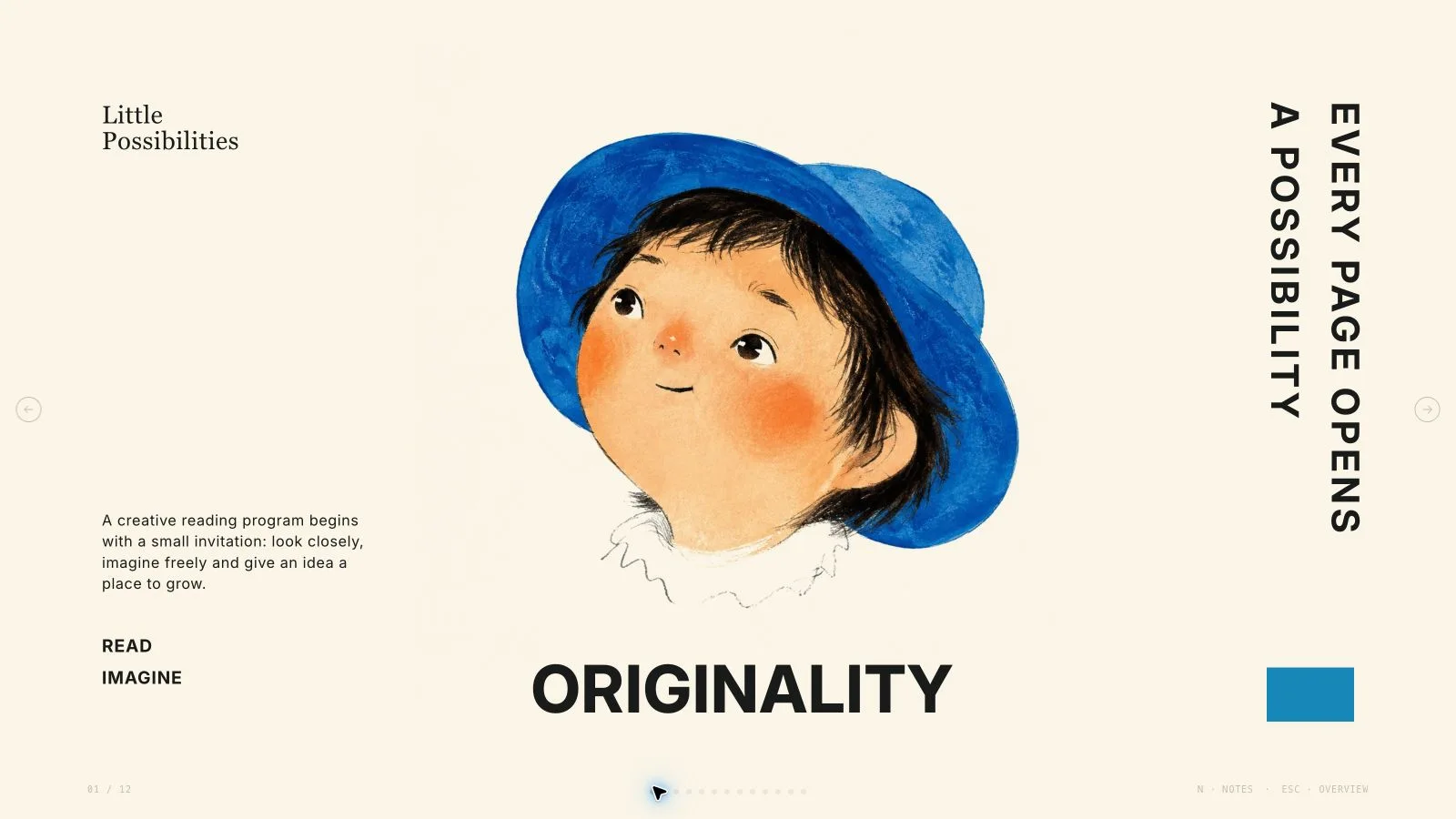
Turn a real community, culture or event story into a paper-zine presentation with thesis pages, cases, process and a clear invitation. Red Black Zine Deck rotates cream newsprint, black ink and poster-red surfaces around serif headlines, typewriter copy and taped photographs. It favors source-backed stories and permitted real photos; generated documentary-looking scenes must never be presented as records of an event.
What you get
Eight documented archetypes plus a closing variant: cover, numbered thesis, trio card grid, full-bleed beats, split stats, stamp/process plan, index-card cases and fact cluster. The kit contains eight starting recipes; split-stats or case arrangements can require adapting the nearest recipe. Use the agreed count, with six to ten only the style’s starting guidance when no count is specified.
One locked palette—near-black #17130f, cream #f1ead9 and poster red #c1281c—used across three surfaces. Start on cream, use red sparingly and avoid three consecutive pages on the same surface. Two-tone serif titles become cream on black/red for contrast; red tabs turn black on red. Photo frames/sticky notes remain cream and tape retains its material color.
A physical-paper vocabulary of torn or Polaroid photo frames, washi tape, grid-paper notes, numbered tabs, dashed case lists, perforated stamps, ticket stubs, torn dividers, halftone strips and simple inline SVG doodles. System old-style serif headings and monospace body copy keep the zine voice without webfont downloads. Keep paragraph/list text to one or two short sentences and avoid piling every component onto one page.
Three local black-and-white catalog photos cover photocopying, collage making and a zine fair; all have publishing/craft topic restrictions. Permitted actual event/venue photos are preferred for factual recaps. Generated/restyled photos can support a declared illustration route but cannot prove attendance, survey results, identity or an event that did not happen.
A generated self-contained 1280×720 HTML deck with embedded assets, page navigation, overview/thumbnails, speaker notes, editing, presentation mode and print styling. Current delivery uses the shared editor rather than the retired bespoke paging engine or mandatory companion images folder. Optional PPTX keeps native text/notes and separate pictures with rendered decorative layers; PDF printing gives one slide per page.
Shared Python structure/offline-shell checks and composition reports identify count/schema/runtime issues, leftover example strings and unfilled images. The current ZIP does not contain a separate zine-specific surface-rhythm validator: surface sequencing, contrast, marker alignment, crops and visible folios still require review. The installed generic schema fixture is not a completed event case.
Before you choose
Treat the zine as an edited argument with a traceable record, not an excuse to invent documentary material. Tie every number, case and photo caption to an actual source; remove unsupported sections. Use the paper/black/red rhythm to pace that argument, and flag missing photos instead of letting scrapbook decoration conceal them.
Good fit
A youth-culture platform, event organizer or community editor has a story with real material and wants field-note/zine energy.
A research-backed pitch can provide verified numbers, cases, a plan and truthful attributions rather than invented proof.
A presenter has permitted photographs to treat as content, along with an audience, message and intended next action.
Not for
A formal corporate/investor presentation that needs a restrained conventional business identity rather than zine styling.
An all-native-object PowerPoint/Google Slides deliverable. Current PPTX export exists, but complex art and decorative layers remain pictures and Google Slides is not a direct native output.
A guarantee of free new AI photo generation, fabricated survey/case/venue evidence or unapproved paid image work.
How to use
You say/red-black-zine-deck Create a red-black culture-zine presentation from my topic and outline as one self-contained HTML file, with full 16:9 slides, cream newsprint, black and red spreads, two-tone serif titles and torn-and-taped photo frames. Include page navigation, a thumbnail overview, speaker notes and print-to-PDF export.
Provide the outline, audience, story, intended action and available real photos, verified survey figures, named cases or rollout plan. Agree the count; six to ten is only a starting proposal if unspecified. Copy defaults to English unless another language is requested. Remove a stats/case slide when evidence is missing rather than inventing numbers or names.
Plan one archetype and surface per page, using the nearest kit recipe and adapting absent arrangements. Begin on cream, reserve red for strong beats/closing and do not run three identical surfaces consecutively. Keep thesis lists to roughly two to four items, full-bleed beats to three to six and fact clusters to four clear cards when that layout is used. Do not force every archetype into a short story.
Update the wordmark, permitted logomark, domain/handle and issue/date labels while retaining the locked ink/paper/red identity. Use automatic title/tab contrast rules instead of hardcoded dark-on-dark colors. Keep photo/notes cream on every surface; use inline SVG line-art doodles, not emoji. Shorten visible paragraphs to one or two sentences and put actual talking points—not duplicated slide text—in notes.
Prioritize permitted real photos, then suitable library reuse, generation for gaps or all-new illustration; label the chosen route. The three catalog scenes suit self-publishing/collage/fairs, not unrelated event evidence. Use each pictorial source once. For restyling, preserve factual identities/context and permission; generated scenes remain illustrations. Keep black-and-white grain/contrast consistent and enough central subject/headroom for taped or torn crops.
Plan each picture at kit slot ratios with prompt/subject/result records. Use supported built-in generation or the FAL helper/FAL_KEY with separate charges and approval for paid work; submit once then poll/fetch rather than automatically replacing failures. Keep source/prompt text, credentials and provider records out of delivered HTML. Explicitly list missing frames; a photo-led deck with empty frames is not finished.
Compose approved words, alt text, images, icons and data from recipes, removing unused nodes. Python 3 handles compose/build/static checks; optional Node helpers embed/generate imagery. Resolve unfilled-image and leftover-example reports, verify count and inline resources under 20 MB. Current output embeds photos; the old companion-folder and no-PPTX claims no longer describe the shared framework.
Inspect every page over local HTTP for three-surface rhythm, title/tab contrast, torn/tape crops, real-versus-illustrative captions, image uniqueness, marker alignment, visible folios, bounds and notes/page order. On process layouts keep torn dividers out of the list column and allow translated titles room to wrap. Shared structural checks do not replace this zine-specific visual/content review.
Test navigation, overview, notes, text/image/order/layout/color edits, undo/redo, Save/reopen and presentation mode. Deliver page-view HTML with Edit/E and Save (Cmd/Ctrl+S) instructions: browser recovery is local, Save writes portable edits. Set interface/content locales separately with framework CJK/RTL support. Use current editor controls rather than assuming retired wheel/ESC/N behavior. Export/check/inspect requested PPTX/PDF and recipient fonts separately; the embedded menu replaces the old mandatory Node/Chromium export chain.
Requirements and costs
You bring
Deck outline or content brief
Dependencies
FAL API key — optional (AI-generated illustration spreads) · Chrome, Chromium or Edge plus Node.js 20 or newer — required only for PowerPoint export
Outside costs
FAL GPT-Image usage charges apply when generating AI illustration art.
Publisher testing
v1.0.5 — Claude Code / Claude Desktop / Cowork / Codex / ChatGPT
FAQ
Not for suitable supplied photos, relevant bundled assets or a clearly disclosed draft with missing frames. New images can use the available built-in route or optional FAL/FAL_KEY with separate charges and approval for paid work. Submit paid tasks once then poll/fetch. A photo-led deck with empty frames must still be flagged as unfinished.
Yes—permitted real event/venue photos are preferred for factual recaps. Apply the grainy grayscale/torn-frame treatment while preserving accurate context and identities. A generated or heavily altered scene must not be represented as documentary evidence. Keep each pictorial source on one page only and center the subject for tight frame crops.
Open the self-contained HTML in the shared page-view editor, use its navigation/overview/notes controls, or enter presentation mode. Save writes portable changes into the file. Current delivery embeds pictures instead of requiring the old images folder. Check requested PPTX or print/PDF separately. Legacy arrow/wheel/touch/ESC/N promises belong to the retired bespoke engine and are not a compatibility guarantee for current controls.
Use the count agreed from your content and presentation time. If unspecified, the style suggests six to ten as a starting plan, not a fixed requirement. Choose only archetypes supported by actual material; omit split stats without verified data or a process page without a real plan. Keep red rare and avoid three same-surface pages in a row.
Yes. Change text, pictures, notes, order, layouts and individual colors in Edit, then Save. The design palette remains deliberately locked and there is no style-theme chooser. Current embedded PPTX export keeps native text/notes and separate pictures with rendered decoration; it replaces the old mandatory Node/Chromium export chain and the outdated no-PPTX restriction. Python builds/checks the source; optional media tools use Node. Inspect fonts and actual PPTX/PDF pages before sharing.
User reviews
—0 reviews
Select a star to share your experience.
No reviews yet. Ratings appear once readers share real experiences.