Lead a creative-reading activity from noticing an image to asking, making, listening and sharing an unfinished story. Storybook Margin Deck places original gouache/graphite characters on ivory paper with enormous chapter numerals, vertical labels and narrow serif copy. The example is a fictional activity concept; the actual audience, program and evidence come from the brief.
What you get
Twelve optional roles covering opening, reading, noticing, imagining, questions, making, drawing, listening, prompts, sharing, reflection and close. Adapt or extend the sequence to the exact agreed count; neither the twelve-page example nor its illustration inventory sets a default or limit.
A quiet editorial storybook system with warm ivory, black, cobalt, ochre and leaf green; licensed Inter for geometric labels/chapter numbers and Georgia for small serif reading copy. Intimate painted crops, large numerals, vertical annotations, colored rectangles and distant text islands create the rhythm.
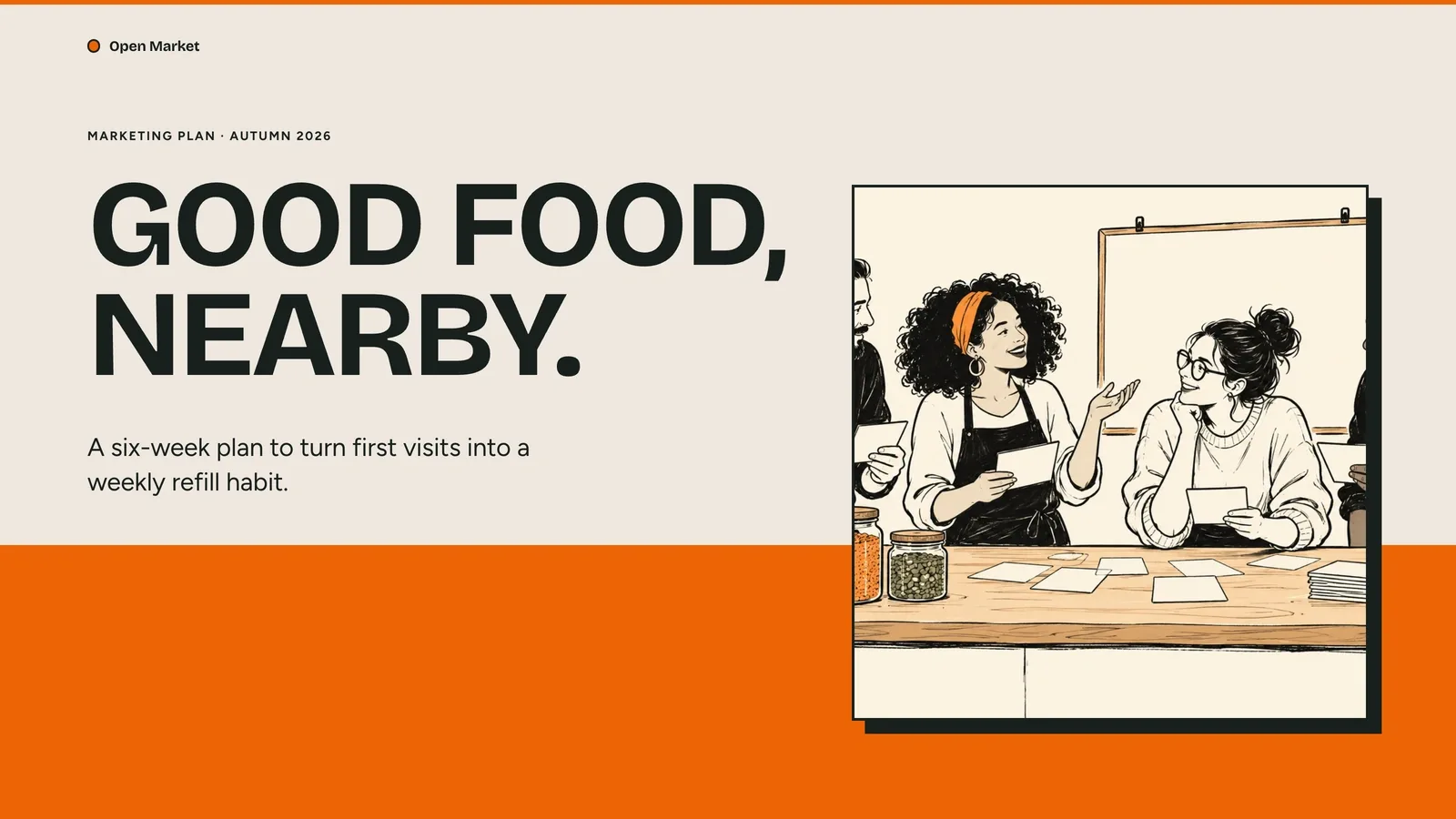
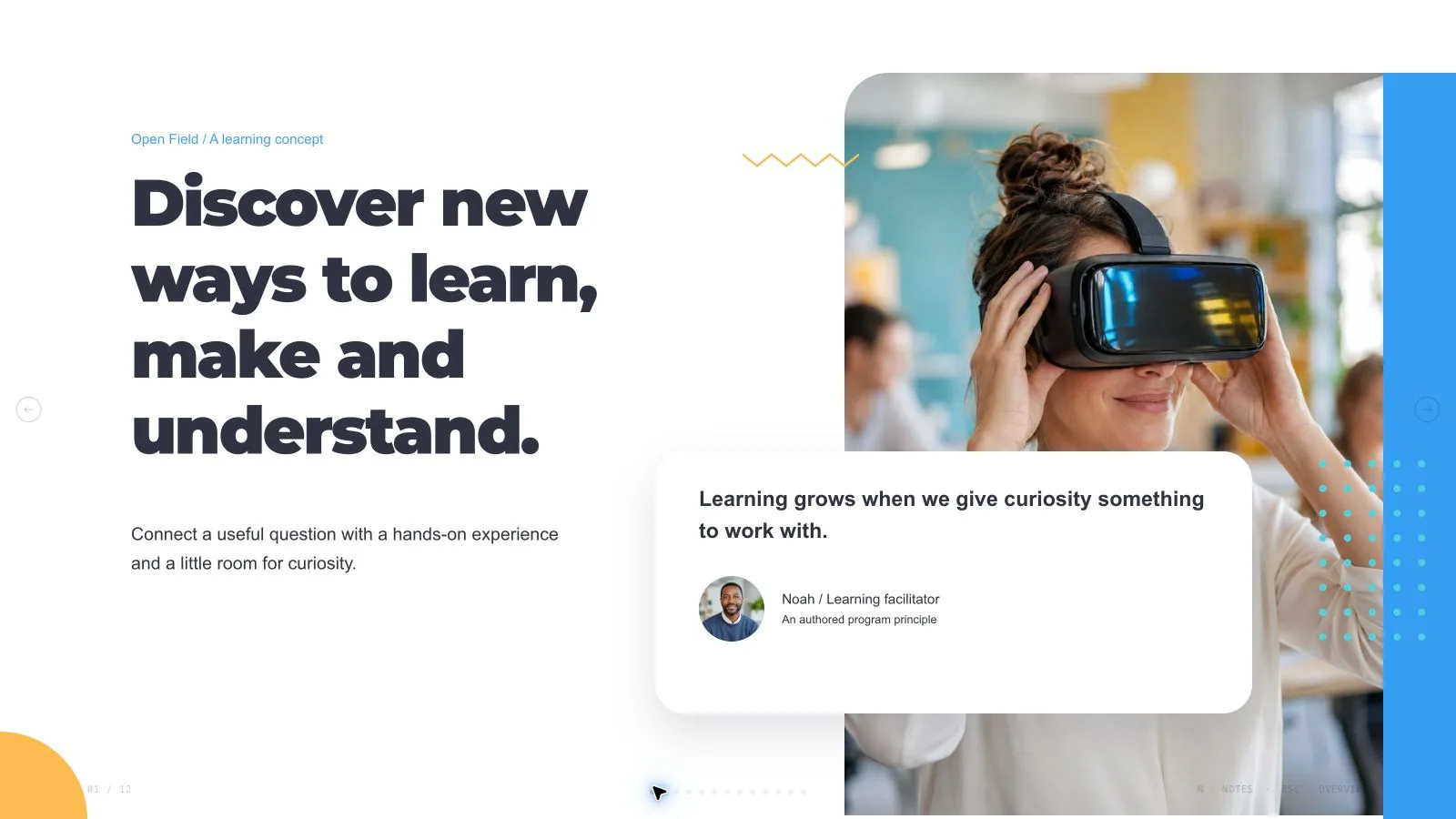
Fourteen local catalog illustrations for fourteen example slots, all specific to children’s books, learning, reading, drawing or friendship. Every portrait/group/detail is distinct, including the three small prompt portraits. These fictional images are not real participants or evidence that a teaching method works.
Live headings, chapter numerals, labels, rectangular accents and notes surrounding the painterly images. The program’s prompts—look, ask, draw, listen, share and reflect—are authored content to adapt, not measured reading outcomes or invented testimonials.
A standalone 16:9 HTML deck with navigation, editor thumbnails, notes, viewing, presentation mode and print styling, plus recipes/runtime, Python build/check and Node media helpers. Requested PPTX preserves text/notes and separate pictures while gouache/background treatments render as layers; PDF gives one page per slide.
Before you choose
Review the prompts as a facilitator would: is there a clear invitation to look, make or respond, and room for a different interpretation? Keep the example characters from implying real participants, and avoid turning a gentle activity sequence into an unsupported claim about learning gains.
Good fit
A children’s creative-reading program needs a sequence that invites attention, questions, drawing and shared storytelling.
A team wants one coherent painterly/editorial language across chapters, prompts, listening and reflection pages.
A creator has an approved audience, message and source material and wants the presentation adapted to a requested count.
Not for
Copying protected book characters, source identities, artworks or author branding.
Automatic research or verification of reading outcomes, testimonials, institutions or program-effectiveness claims.
A PowerPoint where every gouache/graphite detail and decorative crop remains a native editable shape.
Glossy 3D, stock photography, generic cards or vector clipart replacing the intimate painterly character.
How to use
You say/storybook-margin-deck Create a twelve-page creative-reading program deck with original gouache portraits, ivory paper and oversized chapter numerals.
Provide topic, audience, purpose, approved messages/source material, language and exact count. Include actual program details and permissions for supplied images/text. Agree a missing count from content and duration, counting opening/closing in the total unless specified otherwise.
Plan distinct page jobs using the twelve roles, keeping the read/notice/imagine/ask/make/listen/share/reflection path only where it serves the activity. Preserve ivory margins, oversized numerals, vertical labels, Inter/Georgia contrast and narrow text islands. The theme reference describes one authored system, not multiple named palette choices.
Create a per-slot art ledger with page, subject, aspect, placement, palette, prompt and result. Choose suitable reuse of the fourteen local illustrations, reuse with generated gaps or all-new art, with approved supplied assets first. All catalog pictures are children’s reading/learning-related, so changing the subject may require new approved imagery.
Use each picture once; recropping/recoloring is not an independent asset. Match square opening/prompt/closing figures, tall 3:4 chapter panels and 3:2 drawing/paired-reader scenes. Deliberate intimate cropping should preserve the intended character/gesture; do not turn a fictional portrait into a named real student.
Embed catalog IDs with the checksum-verifying Node helper. Authorized new illustrations may use a built-in tool or optional paid FAL path with FAL_KEY, recording returned task IDs for status/fetch without automatic failure retries. Provider/account costs can apply. List labeled gaps when suitable art is unavailable and choose image count from the actual plan rather than a quota.
Replace fictional program names, prompts, character references, claims, notes and contacts with approved material. Do not invent outcomes, testimonials or institutions. Keep words/chapter numbers outside raster art, preserve notices and embed final assets below 20 MB. Compose/build/check with Python 3 and the agreed count/style kit; Node serves media helpers.
Open over local HTTP and inspect all 1280×720 pages for readable small serif copy, oversized numeral fit, vertical labels, painted crops and bounds. Check actual count, thumbnails and notes; test Edit/E, text/images/order/notes/object changes, undo/redo, Save and reopening the HTML.
Export requested PPTX/PDF, run the PPTX checker and inspect text/notes, rendered painted layers and actual font substitution in the target application. The shared editor has individual colors rather than a preset theme menu. Report what was actually reviewed and keep teaching-effect claims separate from visual acceptance.
Requirements and costs
You bring
Presentation topic and audience · Key messages or source material · Desired slide count and language
Dependencies
A browser for presentation and verified print export · Node.js for local validation · A host image generation tool for fresh artwork · Chrome, Chromium or Edge plus Node.js 20 or newer — required only for PowerPoint export
Outside costs
Generating new artwork may incur a separate provider charge. The included original example can be viewed without image generation.
Publisher testing
v1.0.5 — Claude Code / Claude Desktop / Cowork / Codex / ChatGPT
FAQ
Yes. Preserve the painterly editorial language while adapting approved material to the exact requested count. The twelve roles are optional, not a fixed sequence or limit. Agree a missing count before building; the children’s-reading images may not fit an unrelated subject.
Fourteen local illustrations can be reused where their children’s reading/learning topic fits, with approved supplied assets first. Fresh pictures follow actual slots without a quota and may incur provider/account costs. Every portrait/group/detail is independent; list unfilled frames instead of repeating one image across pages.
Use Edit or E in the standalone HTML, revise content/pictures/order/notes and Save. The package has one authored direction, not an editor theme picker. PPTX retains text/notes and separate pictures while other artwork renders into layers. Python 3 handles core build/check, Node media helpers. Verify actual fonts and exported pages separately.
No. It is an authored activity concept with fictional characters and prompts. Supply approved evidence for actual outcomes, testimonials or institutional claims; the storybook presentation does not conduct or verify educational research.
User reviews
—0 reviews
Select a star to share your experience.
No reviews yet. Ratings appear once readers share real experiences.