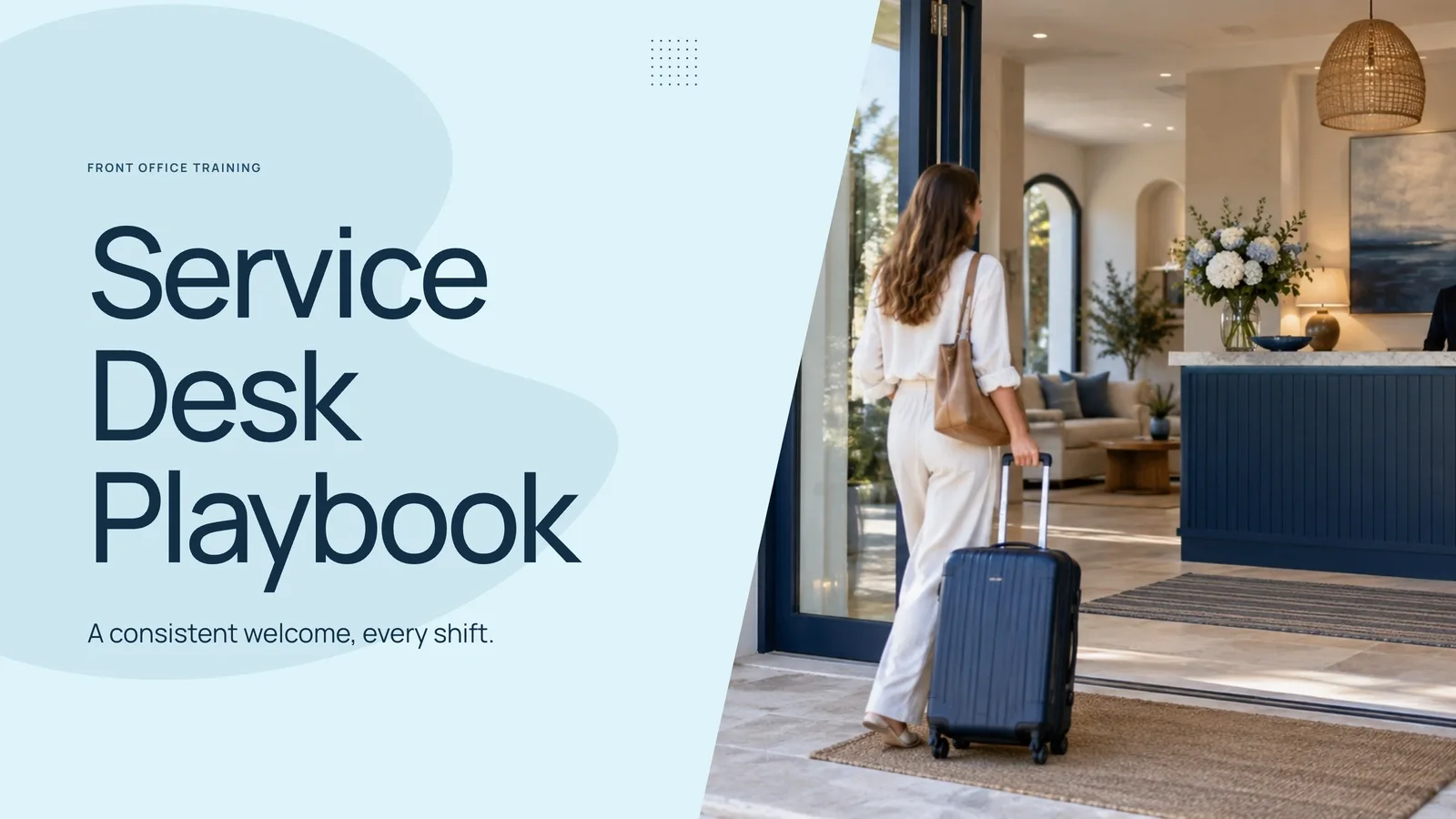
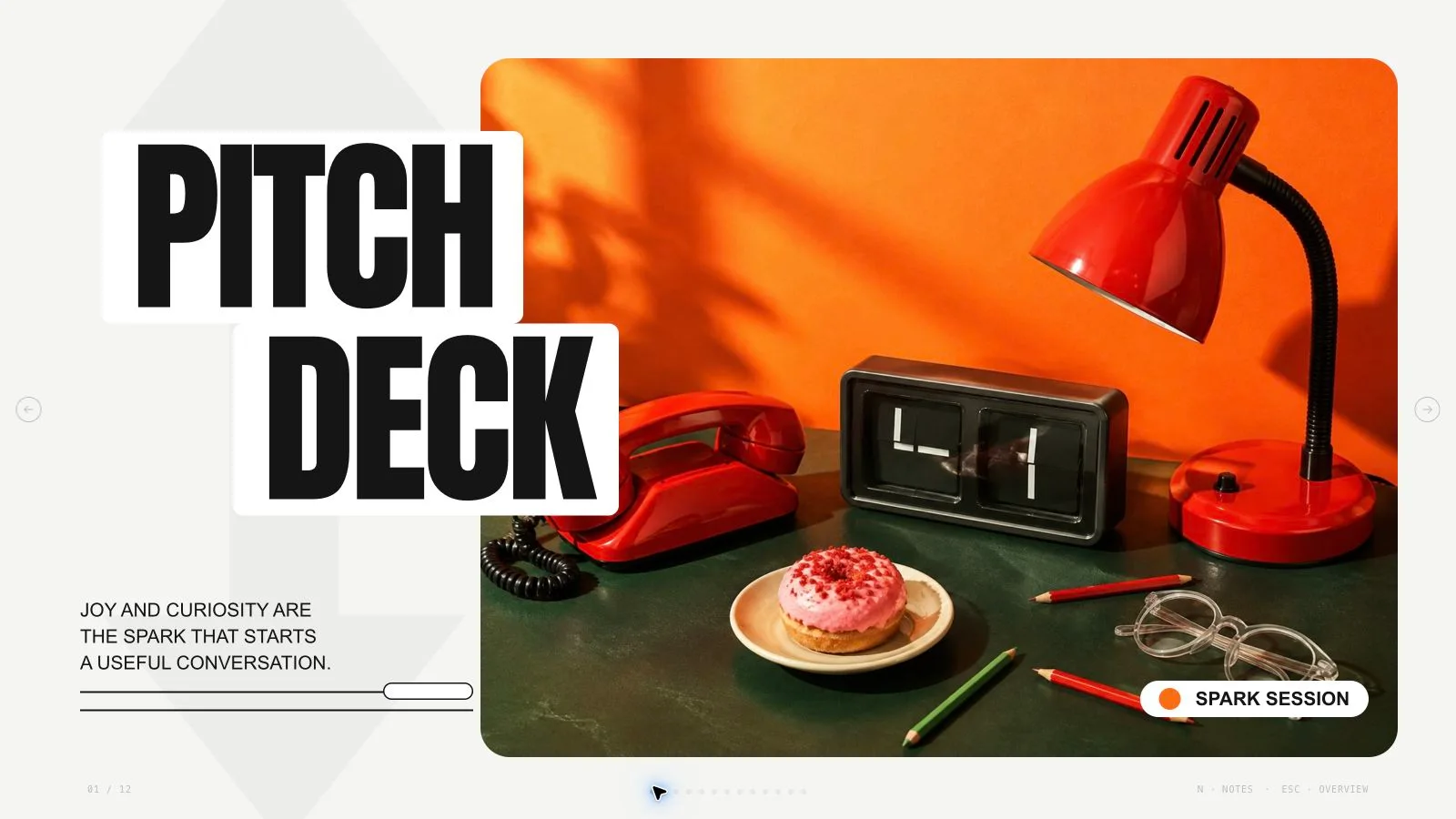
Explain a company’s services and operating model with an approachable, structured visual rhythm. Steel Curve Profile Deck alternates steel-blue framed pages and open white layouts, using arched photo corners, rounded metric cards and restrained triple-dot accents. It turns approved business material into a browser-editable profile rather than supplying verified company evidence.
What you get
Ten company-profile archetypes: cover, introduction, mission/direction, capabilities, audience/scope figures, workflow, team, quality review, commitments and closing contacts. Each page has one focal takeaway, with speaking detail in notes and the final count shaped to the requested story.
A light steel-blue system with rounded white panels, signature quarter-oval photo corners, aligned metric cards and a quiet dot trio. Manrope headlines/numbers and Hanken Grotesk body text are embedded. Four generation-time palettes—Steel Curve Profile, Evergreen White, Plum White and Slate White—retain the same structure and fonts.
Eight local library photographs for the eight example slots, covering architecture, collaboration and on-site roles. One reception scene is specifically cataloged for office visitor services. The paired team images show activity roles rather than a verified roster of individual employees.
A standalone HTML deck with editing, notes, page viewing and presentation mode, plus style recipes/runtime and Python build/check tools. The Harborline Works example and six-week operating claims are fictional; the generic schema fixture is not a completed company profile.
Requested PPTX/PDF outputs. PowerPoint preserves editable text/notes and separate picture objects, while curve masks, backgrounds, diagrams and decorative treatments may be rendered layers. PDF prints one 16:9 page per slide; native visual fidelity requires actual inspection.
Before you choose
Compare the service promise with the quality-review page and commitments. An approachable profile should still say what is delivered, who owns it and how progress is reviewed. Keep the fictional imagery from implying a real office, team or service standard that the approved brief does not establish.
Good fit
A company introduction or partner update needs a calm profile with services, scope figures and a closing next step.
A team is explaining an operating model, site responsibilities or review rhythm through short statements and clear ownership.
Training/shared-standard content can be organized as a small number of steps, commitments and quality signals rather than dense prose.
Not for
Arbitrary unrelated styling, additional dark pages or photo overlaps that break the restrained light/steel identity.
Automatic verification of business figures, service policies or operating claims supplied to the deck.
An all-native-shape PowerPoint deliverable, including editable curve geometry and native chart components throughout.
Presenting fictional office scenes, company names or generated people as real clients, staff or operating sites.
How to use
You say/steel-curve-profile-deck Make an 8-slide company profile for a fictional operations business.
Provide the audience, purpose/decision, approximate count, approved outline and verified figures, standards and dates. Add permitted pictures and real contacts if using business material. English is the default slide language unless requested otherwise; resolve only missing facts that affect the result.
Plan the agreed sequence from the ten archetypes, alternating steel-framed and open-white pages and preserving one focal message. Avoid consecutive arched-photo pages where possible. Choose Steel Curve Profile, Evergreen White, Plum White or Slate White during generation, keeping the Manrope/Hanken Grotesk pairing.
Use the 12-column grid with 77px side margins and 26px gutters. Framed panels sit inside the page, with content inset from the panel; open pages use their own top alignment. Keep titles about 59–64px, cover about 120px and body at least 17px. Limit headings to seven words (cover five), page copy to about forty-five words, three blocks maximum and at least thirty percent empty.
Keep one rounded-card/panel radius and the signature arch corner on photos. Anchor images to the edge/panel, with no photo overlap; reserve the card-on-photo treatment for the workflow rather than repeating it. Sibling metric/service cards share size/style, highlighting at most one. Move overflow to notes or split the page instead of shrinking text.
Choose suitable library reuse, generate only gaps or regenerate the set, using approved supplied images first. The eight local images are illustrative; the reception picture fits visitor-service topics only. Keep each semantic page’s photo distinct and match the kit’s 16:9/3:2 sources to actual arch/tall crops, ensuring faces and key actions remain visible.
Embed library IDs with the checksum-verifying Node helper. Authorized new images can use a built-in tool or the optional paid FAL route with FAL_KEY, recording returned task IDs and using status/fetch without automatic resubmission on failure. Availability/charges follow the provider/account. Report unmatched frames instead of silently inserting misleading scenes.
Replace Harborline sample names, pilot timing, claims, metrics, role descriptions and contacts. Compose/build/check with Python 3 and the expected count/style kit; Node is for the media helpers. Preserve notices, embed assets and stay below 20 MB. Resolve sample leftovers and inspect every page over local HTTP for panel/curve crops, aligned cards, contrast and bounds.
Test Edit/E, wording, images, order, notes, object changes, undo/redo, Save and reopening. Presets apply during generation; the shared editor has individual colors but no preset picker. Export requested PPTX/PDF, run the PPTX check and inspect native text/notes/fonts and rendered curve/artwork layers in the target application before sharing.
Requirements and costs
You bring
A topic or approved outline and the audience. · The desired slide count and the action the presentation should support. · Verified figures, standards, dates, and any supplied imagery.
Dependencies
Modern browser — required for presentation and browser editing · Built-in image generation in your agent (GPT Image class) — only needed to create new pictures; no separate API key · Chrome, Chromium or Edge plus Node.js 20 or newer — required only for PowerPoint export · Internet access — optional, to download this Skill's picture library while building a deck
Outside costs
Decks can reuse this Skill's own picture library at no image cost: you choose up front whether to reuse it or generate every picture new. New pictures use your agent's built-in image generation tool (GPT Image class) with no separate API key, and availability follows your agent account.
Publisher testing
v1.0.3 — Claude Code / Claude Desktop / Cowork / Codex / ChatGPT
FAQ
Yes. Choose Edit or E in the standalone HTML, revise text, photos, order and notes, and Save the updated file. Named palettes apply during generation rather than through an editor theme menu. PPTX preserves editable text/notes and separate photos, with complex masks and artwork rendered.
No account is needed to reuse the eight local library pictures when suitable. Approved supplied assets take priority. New images can use an available built-in tool without a FAL key or an optional paid FAL path. Charges/availability follow the chosen account, and a reception-specific sample should not be used as evidence of an unrelated service.
Provide approved facts, verified figures/standards/dates and images you are allowed to use. The common workflow prioritizes such supplied material, while the style-specific example rules use fictional organizations and generated people. Confirm any real identity/asset use explicitly and replace fictional Harborline claims; the deck is not evidence verification.
Check the actual frame crop, not only the source picture: faces/actions must remain inside the curve, the accent edge should be consistent and overlapping cards must not obscure meaning. Compare the exported picture/mask treatment with the browser deck in the target application.
User reviews
—0 reviews
Select a star to share your experience.
No reviews yet. Ratings appear once readers share real experiences.