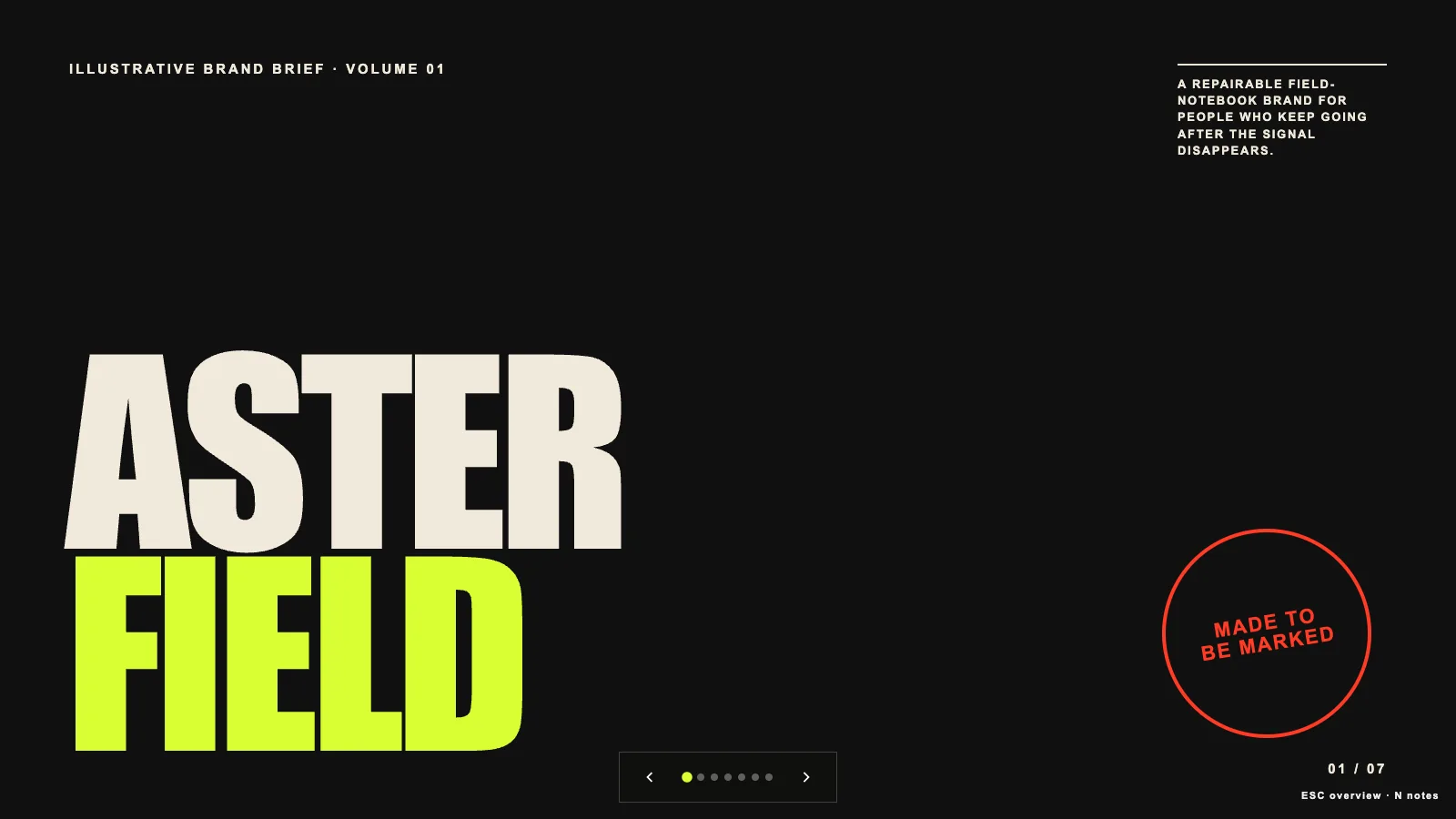
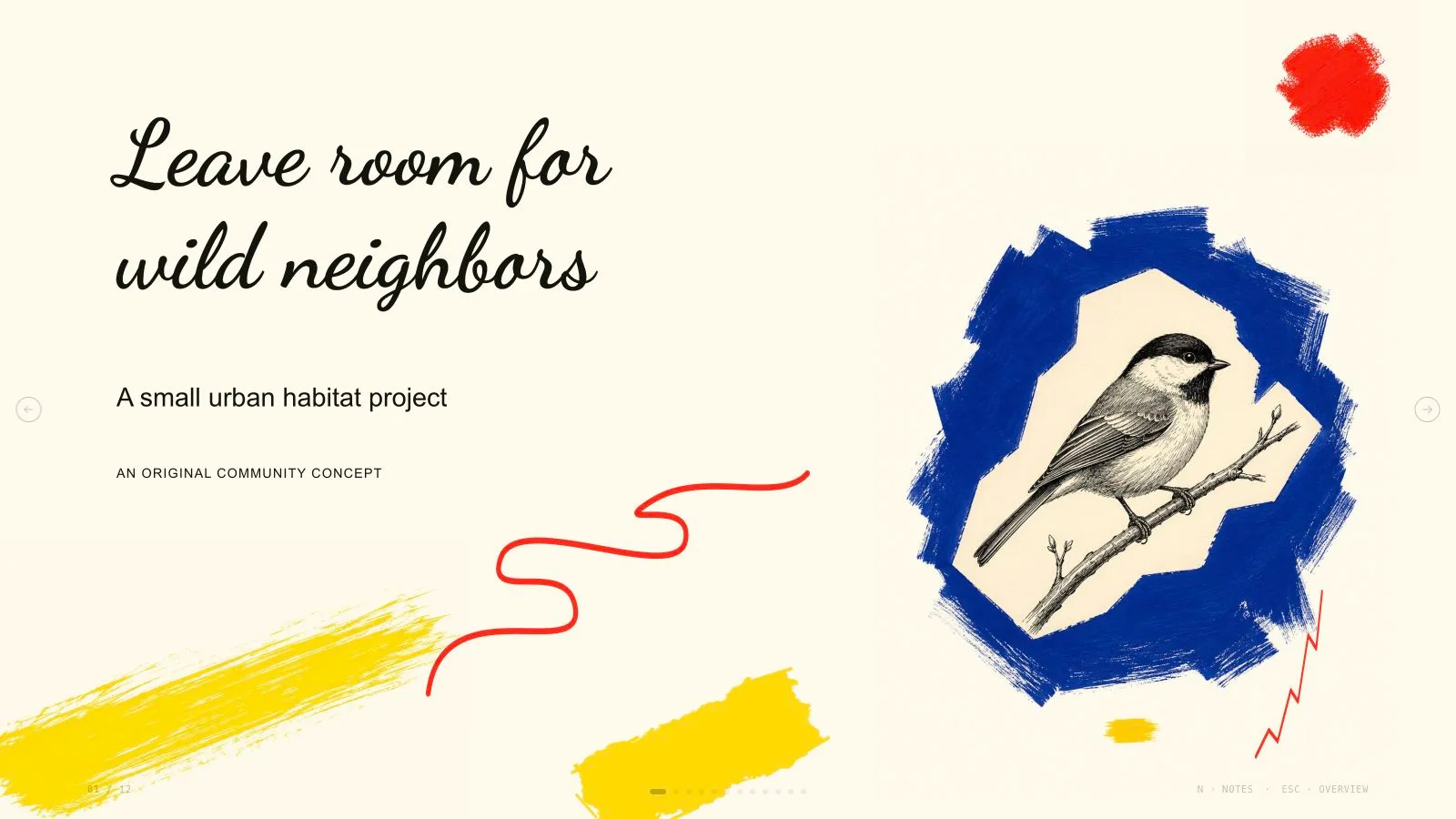
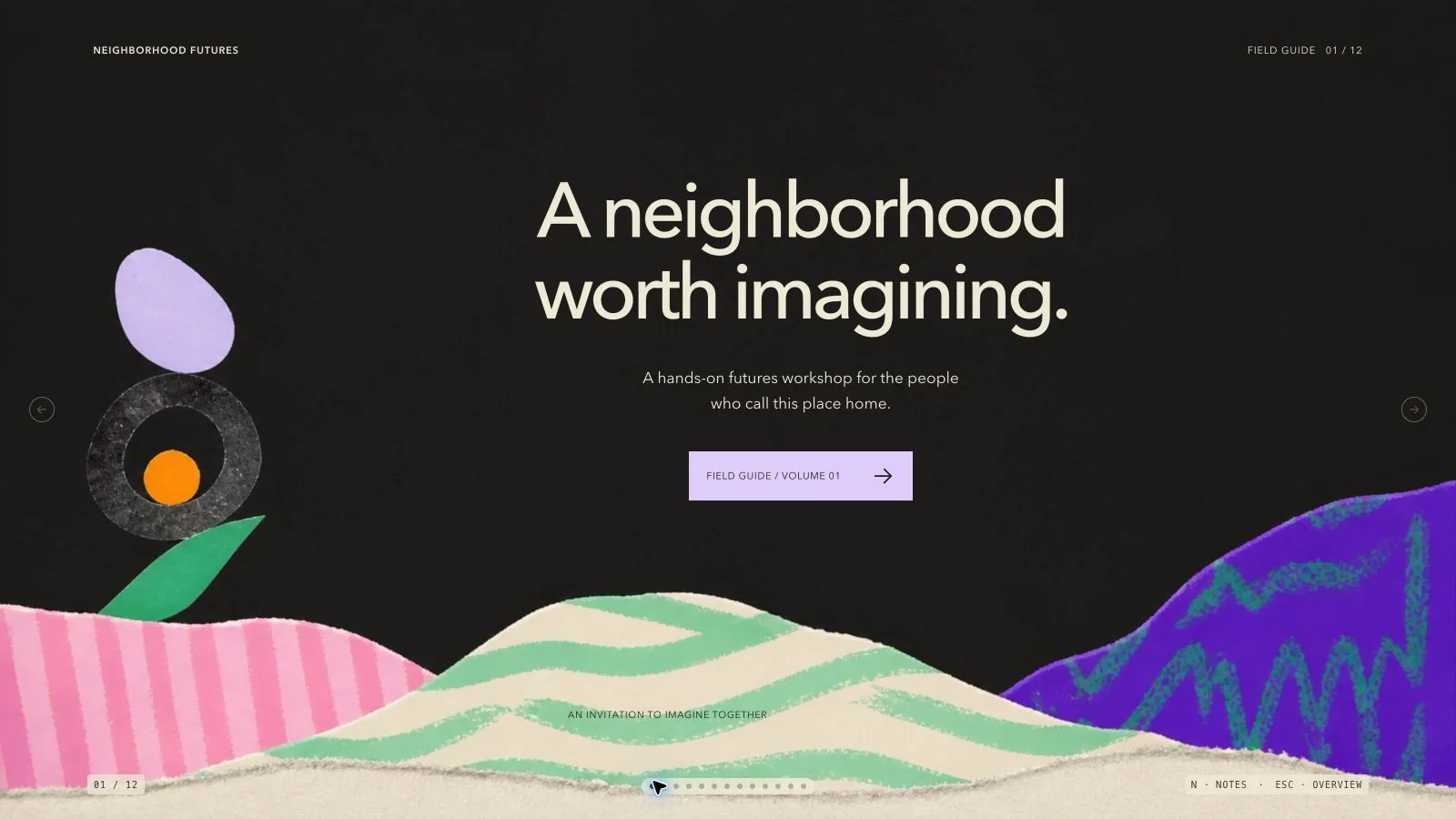
Introduce a learning program through its community, facilitators, resources and ways to take part. Aqua Campus Deck combines airy white pages, rounded heavy headings, sky-blue split panels and warm yellow geometry with portraits and campus scenes. Its example describes a fictional open-learning concept; your own program facts, audience and agreed page count determine the finished presentation.
What you get
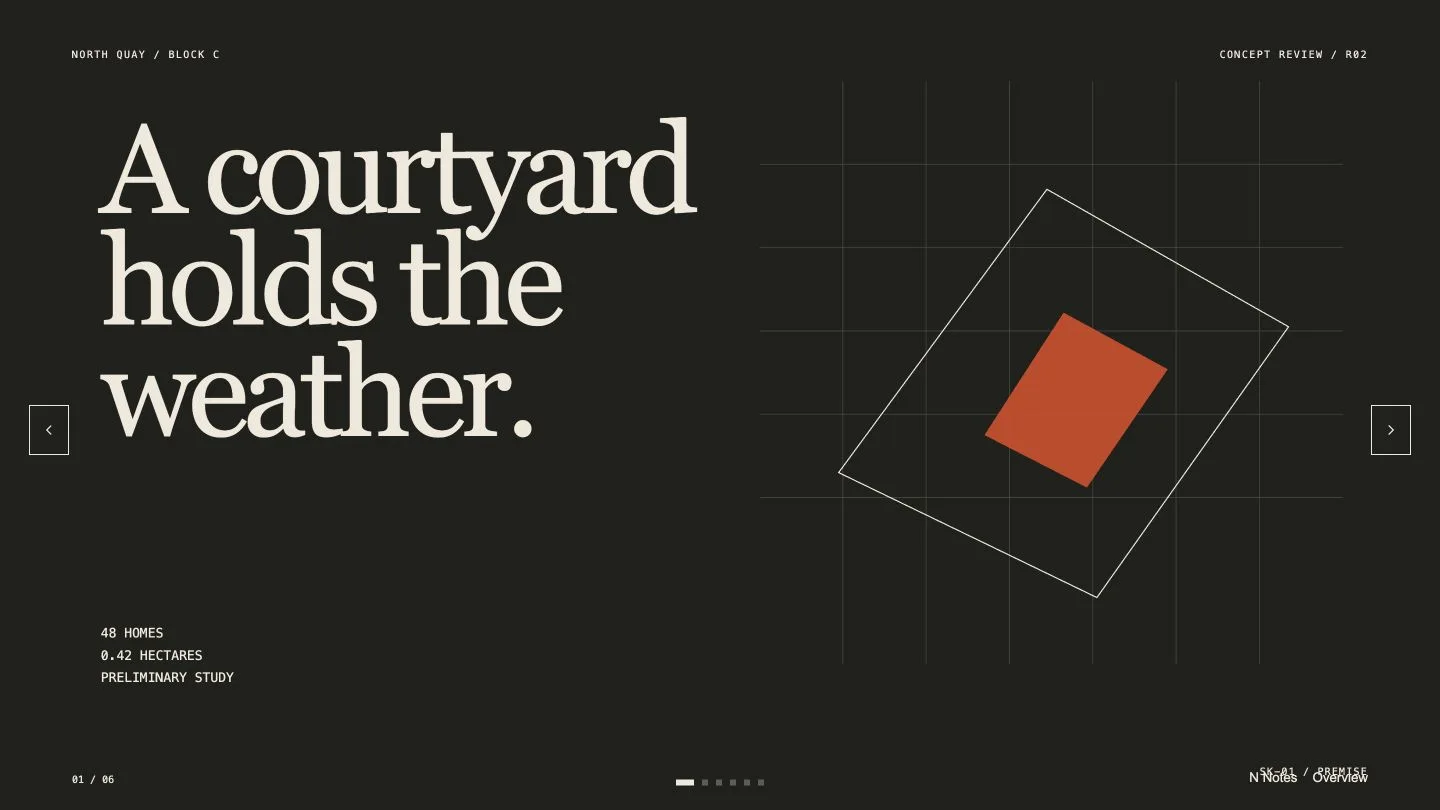
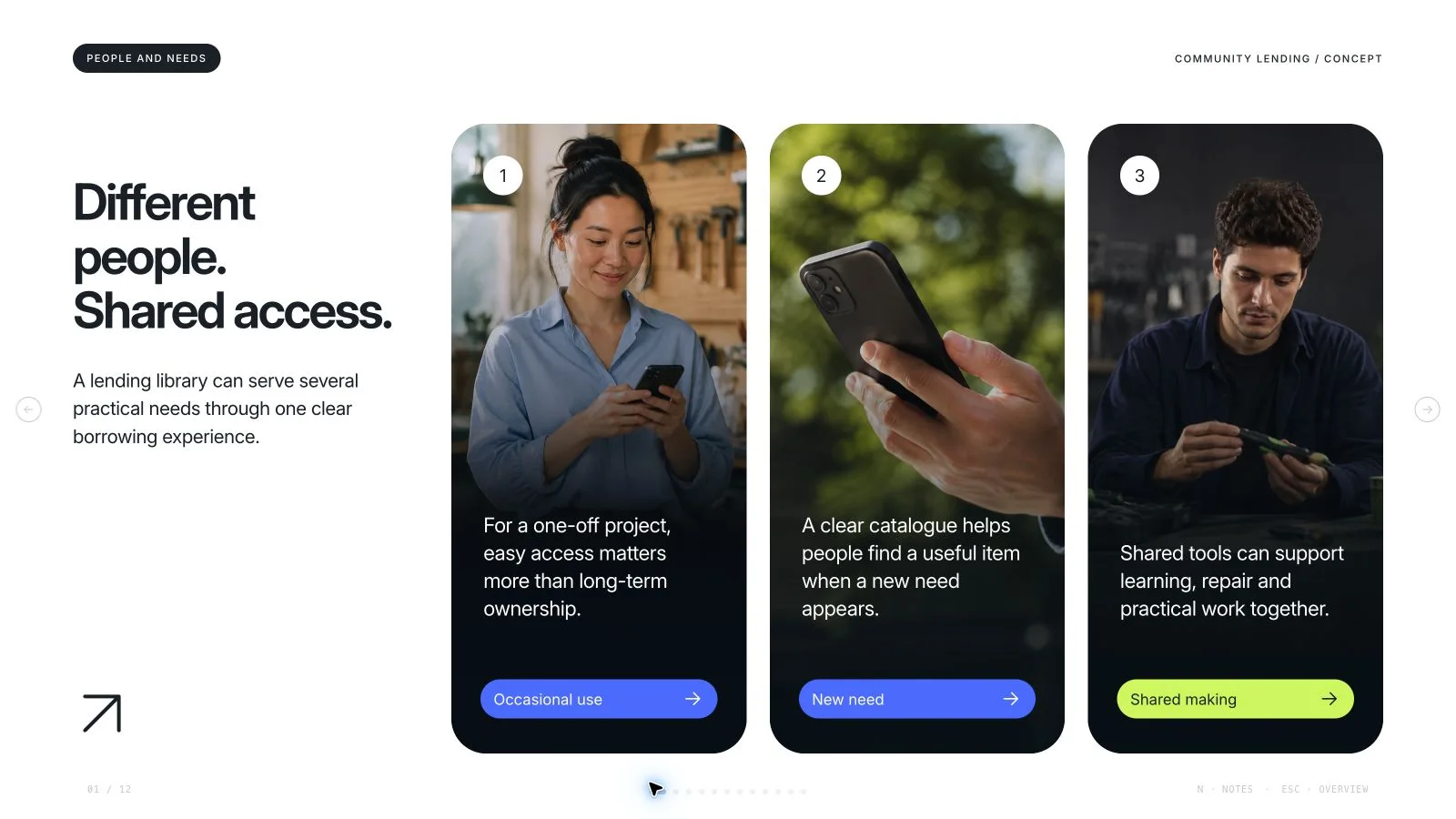
Twelve layout roles provide an opening with a floating principle card, six-portrait community orbit, two-founder introduction, staggered four-mentor circles, a separate four-person portrait grid, individual profile, library/resources opener, mentoring conversation, learning-journal page, four-feature grid, two-photo workshop spread and closing community scene. Select, rearrange or extend these to fit your material rather than adopting a mandatory twelve-slide sequence.
A distinct education-oriented design system: white and dark slate, sky blue #369ef4, cyan #46d1dc and yellow #ffbb4e; an embedded weight-900 geometric display face; pastel portrait rings, rounded photographs, clipped discs, dots, zigzags and compact SVG feature icons. Small supporting copy contrasts with short, heavy headings. The mint profile and blue split pages add variety within this one authored system.
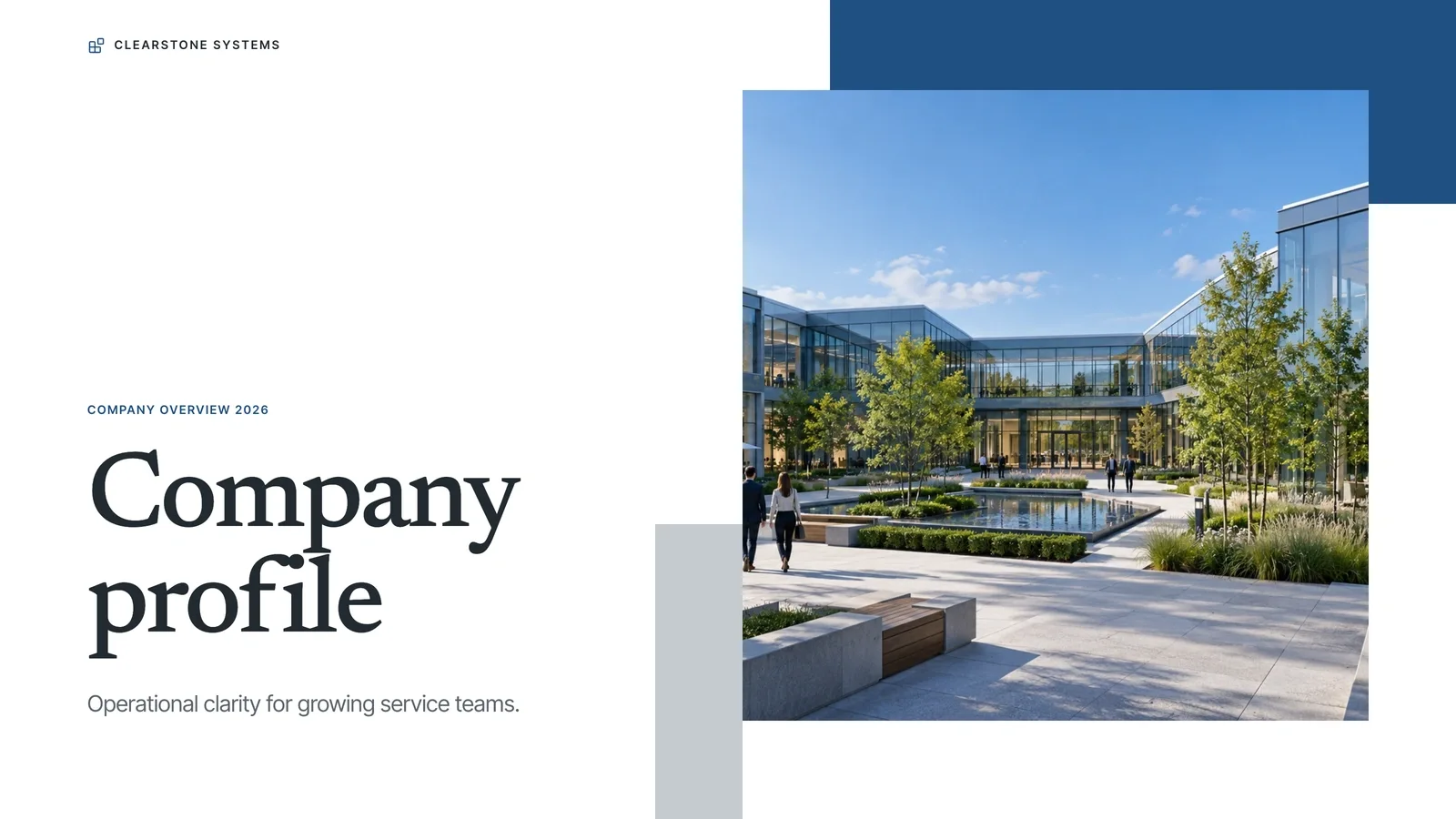
A catalog of twenty-five local images, spanning fictional adult portraits, a VR opening, library, mentoring and study scenes, paper-model and maker workshops, and a courtyard community. The VR, camera portrait, library and robot-kit pictures have topic-specific catalog labels. Other catalog pictures still need a suitable role and accurate caption; none establishes real faculty, facilities, participants or testimonials.
An editable 16:9 browser presentation with inline pictures/fonts, page navigation, thumbnails, notes, presentation mode and print styling. Text, labels and layout objects remain independently editable. The installation supplies recipes, art prompts, shared editor resources, Python build/check scripts and optional Node picture tools; its small schema example is not a completed custom deck.
Portable delivery as one offline HTML file. Requested PowerPoint export retains native editable text and speaker notes plus separate pictures, while backgrounds, SVG decoration and complex effects become rendered layers. PDF printing creates one 16:9 page per slide. Export fidelity and recipient fonts need checking in the actual target application.
Before you choose
Review the deck as a prospective participant: can you tell what is offered, who actually provides it, which resources exist and what to do next? Portrait variety and a bright campus atmosphere help orientation, but they should never substitute for those concrete program facts or imply evidence of learning outcomes.
Good fit
A campus or open-learning team needs to explain who a program serves, who supports it and what participation looks like.
An educator wants a consistent sequence across community introductions, mentor roles, learning spaces, reflective practice and workshops.
A presenter has approved program material and a clear audience, and wants to adapt length and wording in an editable browser deck.
Not for
Passing fictional people or illustrative campus scenes off as your actual staff, students, facilities or endorsements. Use authorized real material when the presentation makes those claims.
Automatic education research, accreditation claims, fact checking or proof that mentoring, VR or a proposed learning format improves outcomes.
Reproducing another institution’s identity, source artwork or protected characters, or requiring every exported decoration to remain a native PowerPoint shape.
How to use
You say/aqua-campus-deck Create a twelve-page deck for a fictional campus learning program with aqua layouts and original student-life photographs.
Provide the program/topic, audience, purpose, key messages, approved source facts, content language and desired page count. Agree a count from the speaking time and material if none is supplied, including opening and closing unless specified otherwise. The example’s length is neither a default nor a limit.
Plan one job for each page: establish the learning proposition, introduce relevant people and roles, explain available resources, show participation formats and finish with the next step. Choose only layouts that help this sequence. Keep the floating quote card as an authored principle unless a real approved quotation is supplied, and replace example names, roles and features with verified program details.
Choose the picture route once: supplied images first, then library reuse, generation for missing subjects, or all-new generation. Library reuse is the fallback when no answer or supported generator is available. Record each slot’s page, subject, ratio, placement and result; no fixed image quota applies. Each pictorial asset appears on one page only, including portraits across orbit, mentor, team and profile layouts. New crops or colors do not make a reused source unique.
Respect the catalog’s subject restrictions: use VR only for an immersive-tech topic, the camera portrait for photography/creative work, the library for campus/library learning and the robot kit for robotics/STEM. Embed fitting library assets by ID; record mismatches or failures as unfilled frames. New pictures follow the style-kit slot ratio and circle-safe framing. Use built-in generation or FAL with FAL_KEY; the latter is separately paid and must be submitted once, then checked/fetched rather than automatically resubmitted after failure.
Build a recipe-based plan with new text, alt text, images, meaningful SVG icons and actual feature labels, removing unused example objects. Run the Python compose step, resolve unfilledImages and leftoverExample entries, then build HTML and run the bundled static deck check for the exact count. Python 3 is needed for core build/check; Node handles optional image helpers. Keep resources embedded, optimize if size is flagged and stay below the package’s 20 MB ceiling.
Inspect every 1280×720 page over local HTTP: protect faces inside circular crops, keep each person distinct, separate photographs from claims of real facilities, and check short headings, body density, contrast, decoration, margins and page/notes numbering. Test editing, adding/removing/moving blocks, pictures, colors, Smart layout, notes, undo/redo, saving and reopening. Presentation mode should disable editing and hide idle controls.
Deliver the standalone HTML, which opens in page view. Use Edit/E to revise it and Save (Cmd/Ctrl+S) to write edits into the portable file; automatic browser recovery stays local. Set interface and content languages independently, with system font fallbacks for CJK and framework RTL handling. For requested PPTX, export, run check-pptx and compare it in PowerPoint, Keynote or WPS; check PDF printing separately. Do not label an uncreated or uninspected export as verified.
Requirements and costs
You bring
Presentation topic and audience · Key messages or source material · Desired slide count and language
Dependencies
A browser for presentation and verified print export · Node.js for local validation · A host image generation tool for fresh artwork · Chrome, Chromium or Edge plus Node.js 20 or newer — required only for PowerPoint export
Outside costs
Generating new artwork may incur a separate provider charge. The included original example can be viewed without image generation.
Publisher testing
v1.0.5 — Claude Code / Claude Desktop / Cowork / Codex / ChatGPT
FAQ
Yes. The twelve compositions are visual options, not a prescribed program or a fixed-length course. Supply the message, audience and source material, agree the exact number of pages, then choose or extend layouts. Preserve the airy type/color rhythm without adding irrelevant team grids or extra people merely to fill space.
Not when your own pictures or suitable catalog assets cover the planned pages. The package has twenty-five local pictures, including several with specific subject restrictions. New generation is optional and may cost separately: FAL needs FAL_KEY, while built-in generation follows your account limits. A page can be reviewed before optional imagery is added, but unresolved frames must be disclosed and are not completed illustrations.
Yes: enter Edit from the page view to change words, pictures, order, colors, layouts and notes. The current shared editor has no style-specific theme chooser; the aqua palette is set during composition. Save writes the portable HTML; embedded previews may restrict saving/export, so open the standalone file. Current PPTX export uses the embedded menu without a mandatory Node/Chromium export toolchain. Text/notes stay editable and pictures remain separate, with decorative layers rendered; check fonts and circular crops in the actual target application. Python supports building/checks and optional media helpers use Node.
User reviews
—0 reviews
Select a star to share your experience.
No reviews yet. Ratings appear once readers share real experiences.