Basalt Dev Portfolio

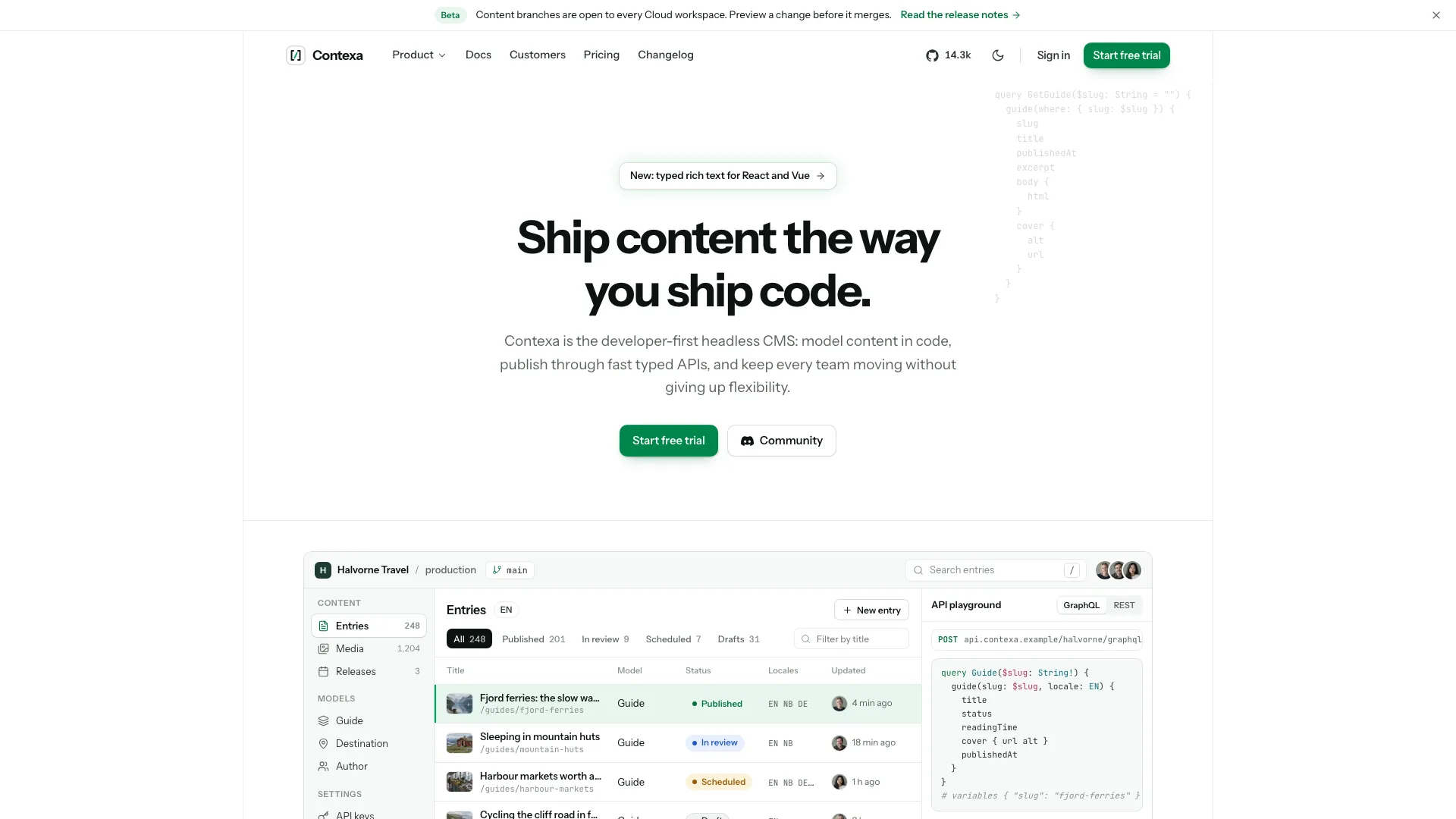
Bring projects, employment and technical writing into one dark personal site. Basalt gives software work a near-black zinc setting with a single cyan accent, then lets visitors move from a compact introduction into the decisions behind each product. Its distinctive experience rail adds visual emphasis to career history without making the whole site an animated presentation.

What you get

  • A connected page family covering Home, Work and individual cases, Writing and complete articles, Talks with notes, Uses, About, a resume, Contact and a missing-page view. Optional sections can be removed when you have no material for them.
  • A home page that combines selected projects, tabbed experience with a descending light beam, an open-source grid with a Show More reveal, recent writing, tools and talks. The navigation floats in a pill above the restrained text-led opening.
  • Project-specific product windows drawn in HTML/CSS, with component details for case studies and a coordinated set of material backdrops. These are editable interface compositions rather than generated screenshots or photographs of laptops.
  • Article contents navigation and code-copy controls; About with portrait, principles and year-by-year milestones; a command palette, mobile menu, searchable filters with empty states and local form feedback. Motion includes one-time reveals and a reduced-motion path.
  • A standalone HTML website by default, with Geist, Geist Mono and images embedded for offline opening without network requests. When used inside an existing or requested framework project, the same design becomes components and real routes in that stack.

Before you choose

Choose Basalt when your career history and technical artifacts should feel like parts of the same body of work. Compared with Skyline’s archive-led reading experience, it gives selected projects and experience more of the home page. Prepare one convincing case first: a real problem, key decisions and a result are more useful than filling every optional collection.

Good fit

  • Developers and independent makers with enough project and career detail to connect a concise home page to substantive cases, articles or talks.
  • Freelancers and job seekers who want a portable personal site with a resume and a clear contact route.
  • People who prefer quiet typography, dark surfaces and one accent over a bright photographic identity.
Not for

  • Automatically importing live repository stars, posts or talks. Those collections and counts are static content until a data integration is added.
  • A light theme, a multicolor brand or a photography-led portfolio. The documented Basalt design is dark-only with cyan as its accent.
  • Delivering contact messages or newsletter subscriptions without a provider. The template validates input and shows local feedback; it is not a form backend.

How to use

You say/basalt-dev-portfolio Build a site for Rae Calder, a Portland full-stack developer behind Emberpad and Querybird, with case studies and talks.
  1. Collect name, role, location, time zone, availability and a short biography. For each employer provide dates, responsibilities and concrete achievements. For two to six projects, describe the problem, decisions and supported outcomes; add repos, posts, talks, tools and milestones that you actually want public.

  2. Choose which collections deserve a place on the site. The first projects supply the home selection and the Work index holds the rest. Keep star counts and experience totals accurate, remove empty sections with their navigation links, and record any draft facts for confirmation rather than publishing them as history.

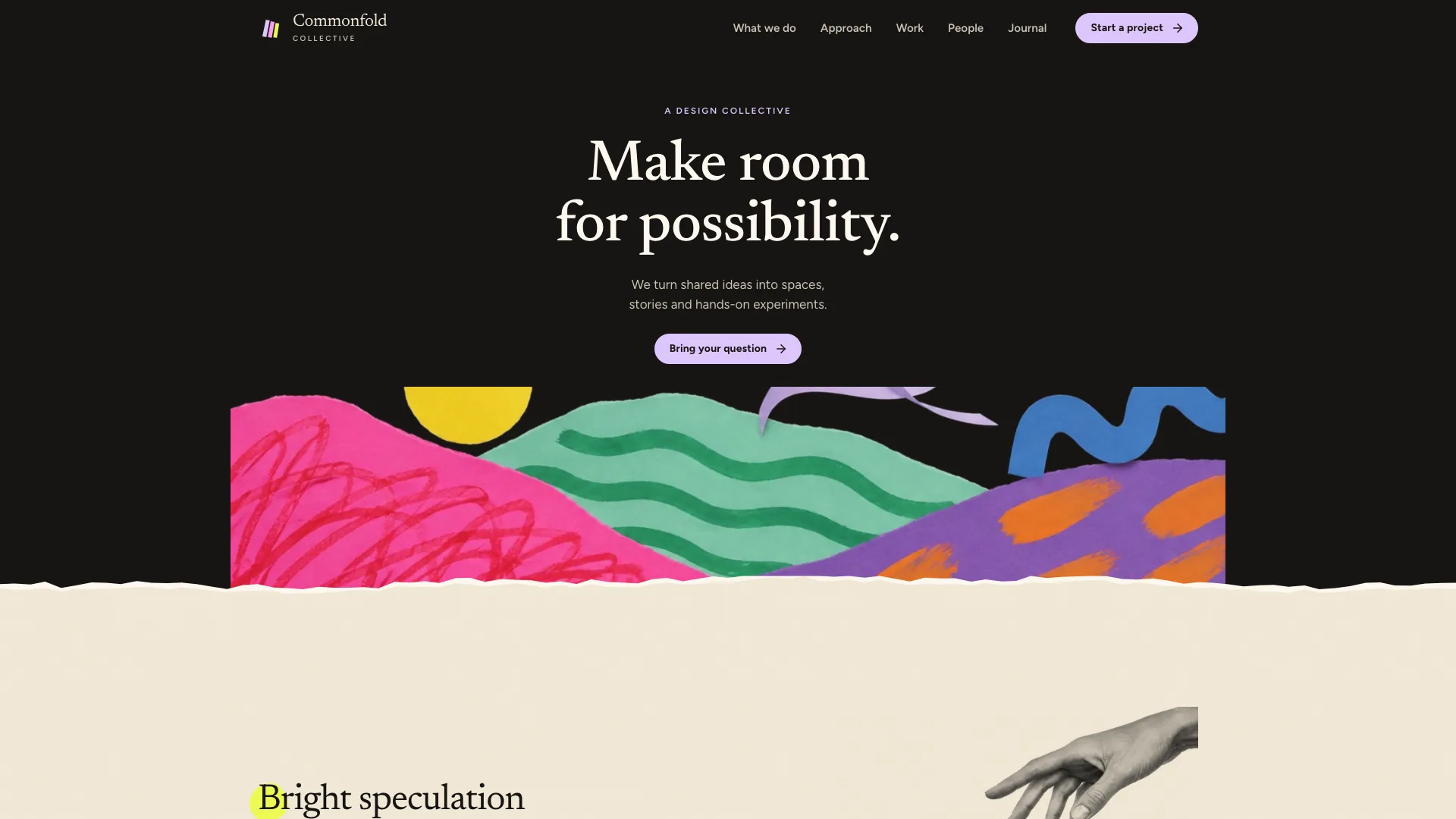
  3. Give each project its own product-window cover and detail views using real interface labels and domain data. Check the narrow crops early: smaller cards show only part of the stage, so important content belongs toward the left. Material backdrops are supplied; the interfaces themselves should describe your work.

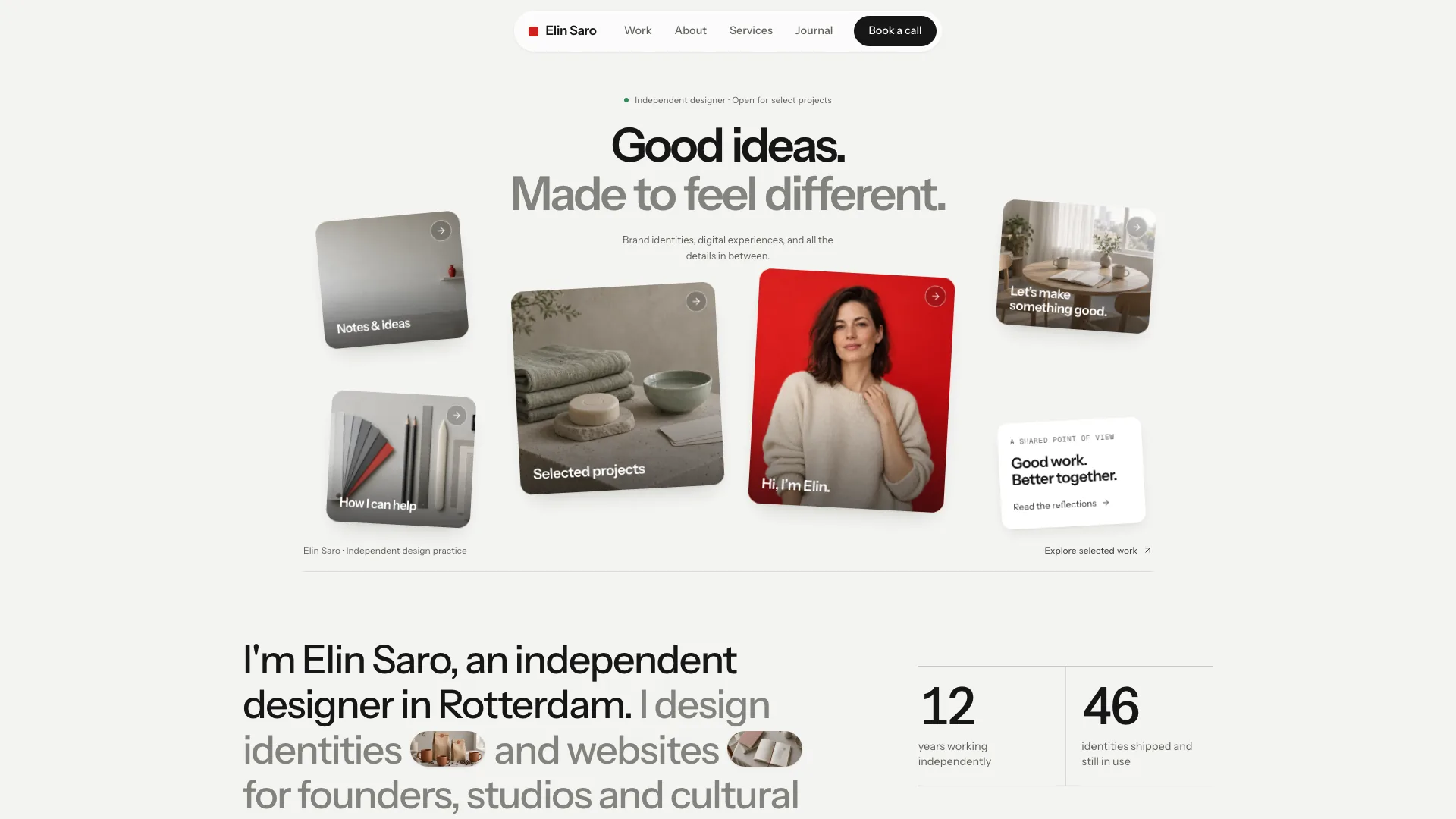
  4. Supply a portrait and real event photos where possible. The image workflow can generate missing desk, place or portrait stand-ins using the agent’s tool, with possible usage charges and no separate API key required by this Skill. Without real talk photos, use a slide or abstract thumbnail instead of implying an event took place.

  5. Build the offline file, or adapt it to the project’s existing routes and styling. The offline builder requires Node.js 18 or newer and an initial connection to embed fonts. Review every page on phone and desktop, including experience tabs, Show More, palette, filters, talk-note dialogs, code copy and form errors; test reduced motion and confirm that real message delivery is connected separately.

Requirements and costs

You bring
Your name, role, location, availability and a two to three sentence bio · Employers with concrete achievements, and two to six projects with the problem, decisions and results · Optional: repos, posts, talks, tools, milestones and your own portrait or event photos
Dependencies
Node.js 18 or newer on your agent's machine, to run the bundled script that builds the single offline file · Internet access while the file is built, so the fonts can be downloaded once and embedded · An image tool in your agent for photos you do not supply (portrait, talk photos, desk still life); optional if you provide your own
Outside costs
Photos you do not supply are generated with your agent's own image tool, which may incur that tool's usage charges. The project backdrops ship with the Skill, and the finished page makes no network requests. Viewing the example costs nothing.
Publisher testing
v1.0.4 — Claude Code / Claude Desktop / Cowork / Codex / ChatGPT

FAQ

User reviews

—0 reviews

Select a star to share your experience.

No reviews yet. Ratings appear once readers share real experiences.

Similar Skills

View all skills