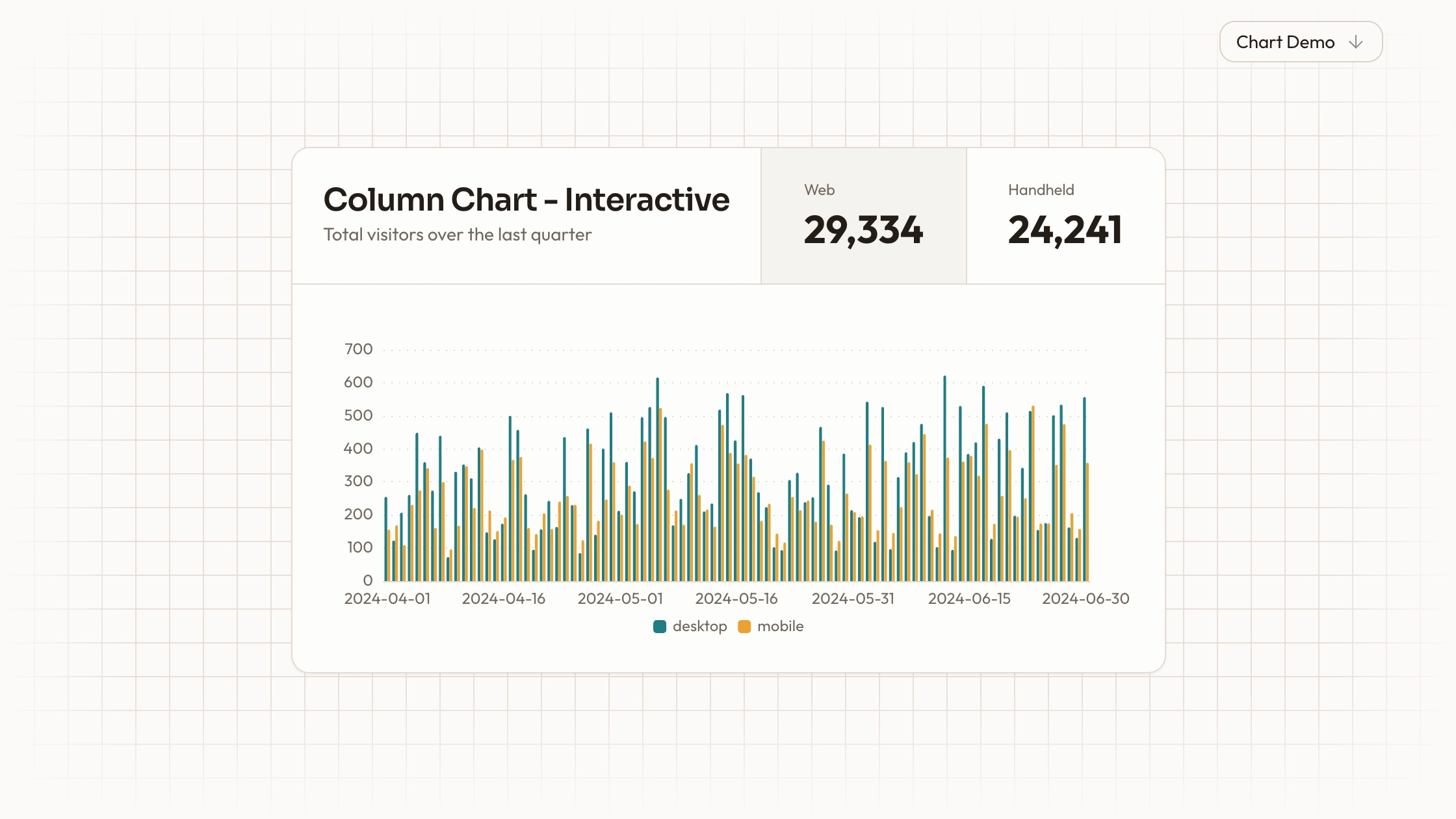
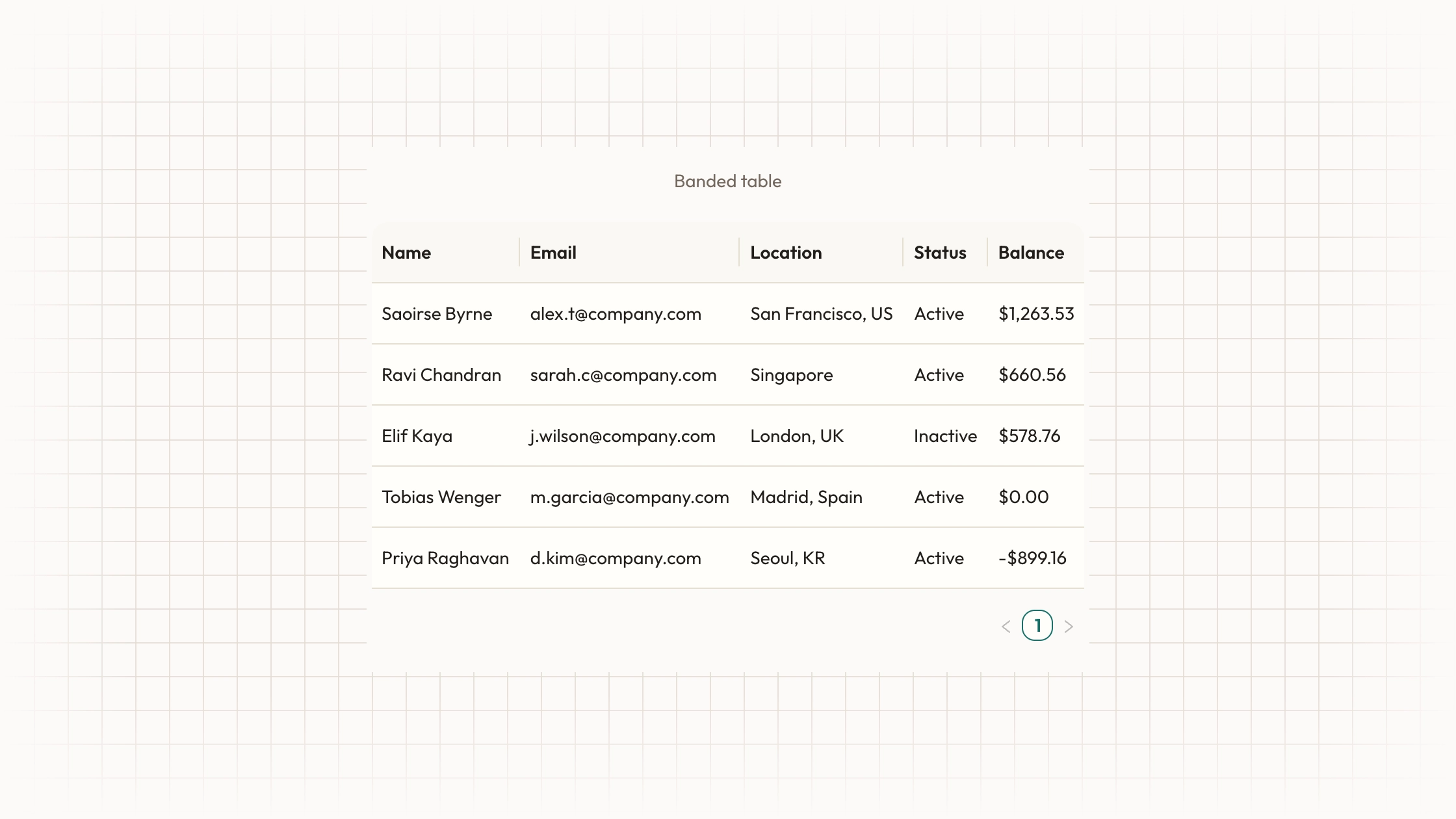
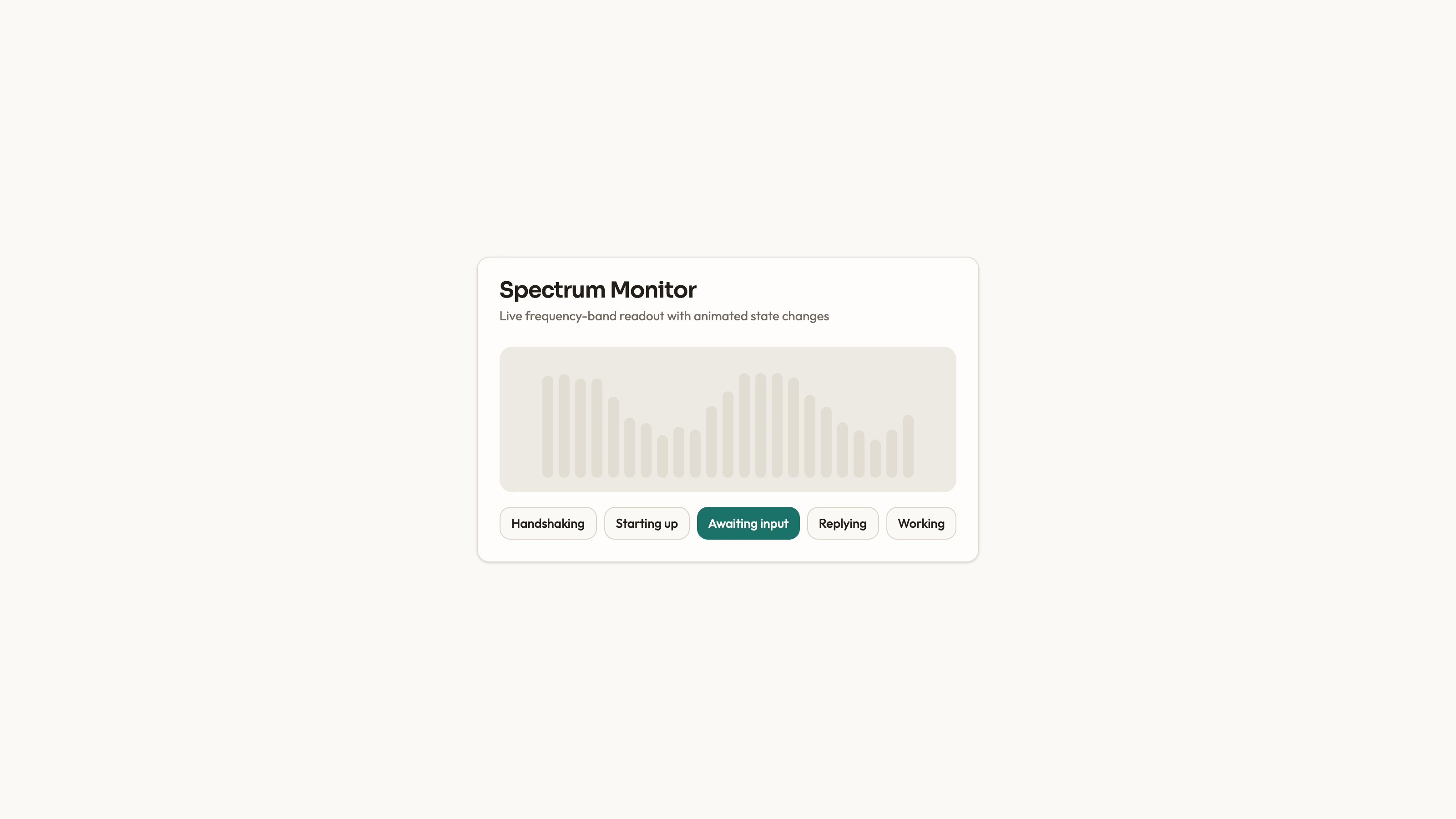
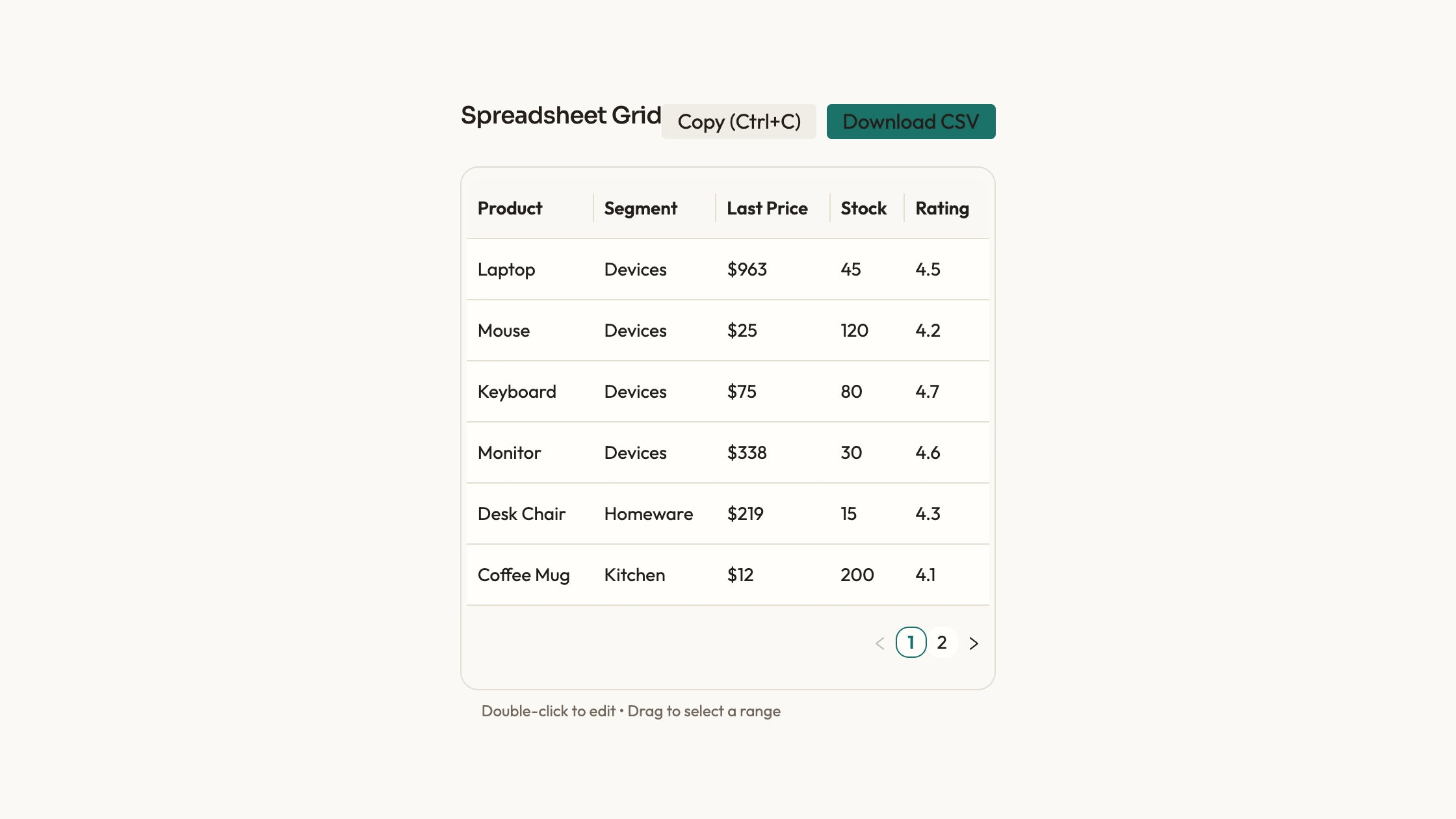
Show the rhythm of daily activity as a year of colored cells. Activity Calendar takes dated counts and arranges them into weekly columns, making quiet periods and bursts of work visible at a glance. You receive editable React source and a usage example, with the calendar’s colors available as a configurable scale.
What you get
A calendar component and React usage example containing a synthetic daily series. Each data item has a date and a count; the component renders fifty-three Sunday-first week columns around a rolling-year window.
Weekday and month labels, a Quiet-to-Busy color legend and a native hover title containing the date and contribution count. The default scale uses a neutral cell for zero, separate levels for one, two and three, and a shared highest level for four or more.
Editable source plus a visual guide for palette, typography, radii, icon strokes and motion. The shared contract describes warm neutrals, teal accents and local font assets; the calendar’s five-color scale is passed directly through its colors prop.
A workflow for fitting the block to an existing project’s component and styling conventions. A standalone HTML adaptation is an output option when specifically wanted, rather than an already bundled complete application.
Before you choose
Choose this for patterns of frequency across days, not a detailed trend of changing magnitudes. Start by checking a week of known records and the color thresholds. A convincing calendar is one whose date alignment and missing-data meaning are correct, even before the full year is populated.
Good fit
A project, habit or contribution view whose main question is when activity occurred, rather than the precise difference between large daily totals.
A page that needs a compact calendar pattern and editable colors without introducing a full charting engine for this block.
A team willing to own the component source and align its spacing and typography with the surrounding page.
Not for
A drop-in component that automatically follows an established design system. Its class-based dimensions and default colors need deliberate integration.
A versioned npm package with ongoing upgrades managed for you. You maintain the copied source and its React/date-fns requirements.
A complete product with navigation, forms, login or checkout, or a calendar with built-in year selection and touch-accessible detail dialogs.
How to use
You say/data-visualization-activity-calendar Add the Activity Calendar Chart component to my dashboard using the data I provide. Inspect the existing page and framework before integrating it; ask for missing data rather than inventing values.
Identify the page and container where the calendar belongs. Have the agent inspect the repository’s framework, styling and import aliases before copying or adapting the source; account for its React hooks and date-fns imports.
Prepare one count per date and define the date/time-zone convention. Replace the synthetic example series with your own data, update contribution wording to match the activity, and decide how missing dates should be understood.
Set the five color levels together and align text, border and cell treatment with the page. Counts above three share the darkest level, so revise the mapping if your data needs different intensity bands.
Check known dates, week alignment and values near each color threshold. Month labels in the supplied source advance in thirty-day steps; verify their placement rather than assuming a precise calendar scale.
Review the full grid inside the actual phone-width container and decide whether it should scroll or use an adapted layout. The supplied cells have fixed dimensions. Hover titles alone do not provide a touch or keyboard detail view, so add an appropriate alternative when exact daily values matter. Keep assets local and run the project’s type/build checks before release.
Requirements and costs
You bring
Not collected yet
Dependencies
Not collected yet
Outside costs
Not collected yet
Publisher testing
v1.0.1 — Claude Code / Claude Desktop / Cowork / Codex / ChatGPT
FAQ
React, with date-fns for date processing and utility classes for presentation. The workflow starts by inspecting your repository and adapting the component to its conventions. Producing a standalone HTML version is a separate adaptation when that is the requested output.
No loader is included: the example creates its data locally and the component renders supplied dates and counts. A GitHub or other activity feed must be connected separately. Keep any fonts and other assets local if you want the resulting page to work without remote requests.
Yes. Supply a five-color scale and edit the source’s typography, cell dimensions and radius to fit the page. The wider visual guide provides shared tokens, but the calendar’s hardcoded classes and defaults also need to be considered; one theme-token edit does not automatically replace every value.
No year control is included in the supplied component. It calculates its displayed window from the current date. A fixed historical range or year selector requires changing that logic.
The current rendering gives absent entries the zero-level color and a zero-count hover title. If missing means unknown rather than no activity in your dataset, adapt the rendering and legend so readers can tell those states apart.
User reviews
—0 reviews
Select a star to share your experience.
No reviews yet. Ratings appear once readers share real experiences.