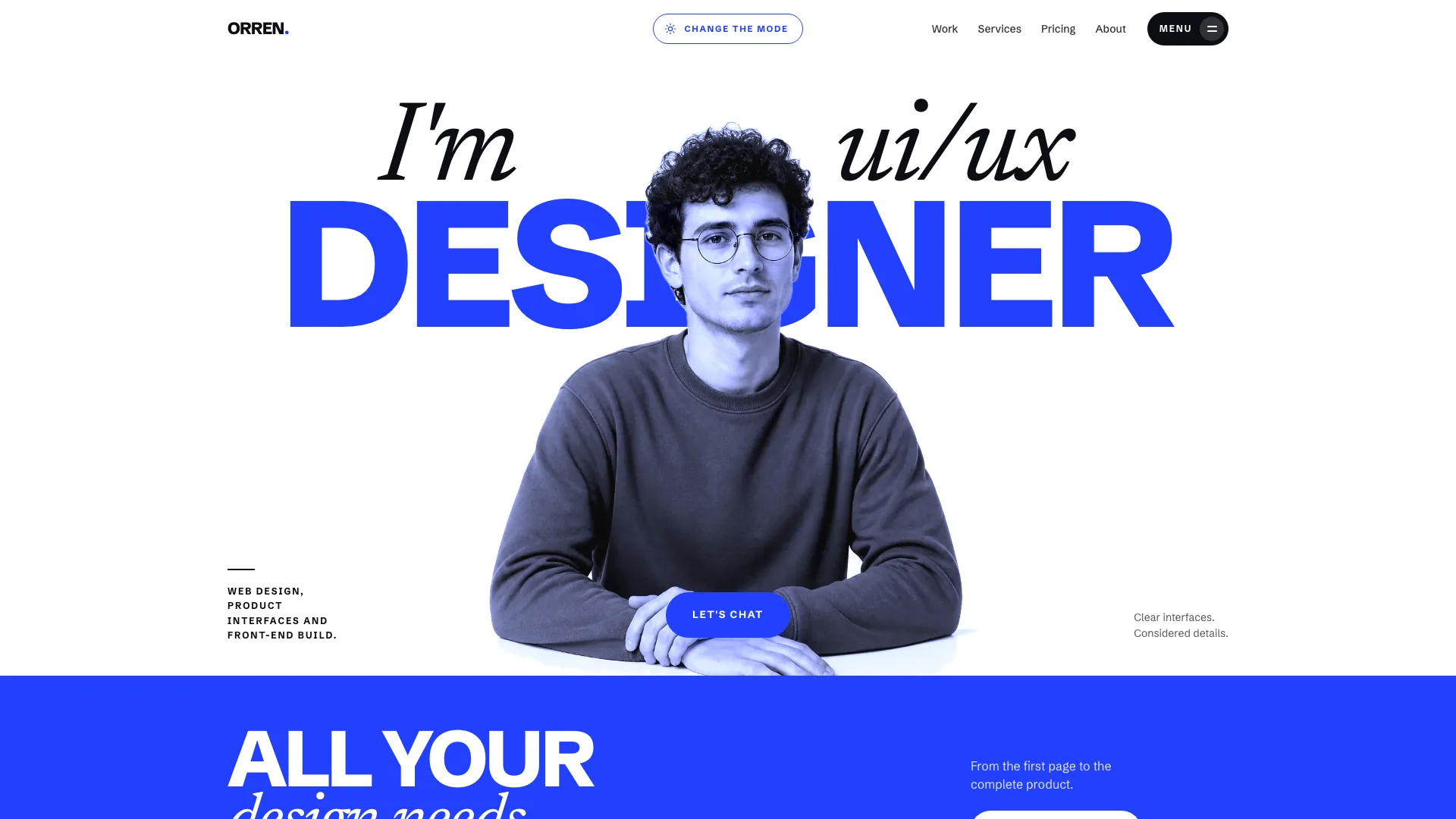
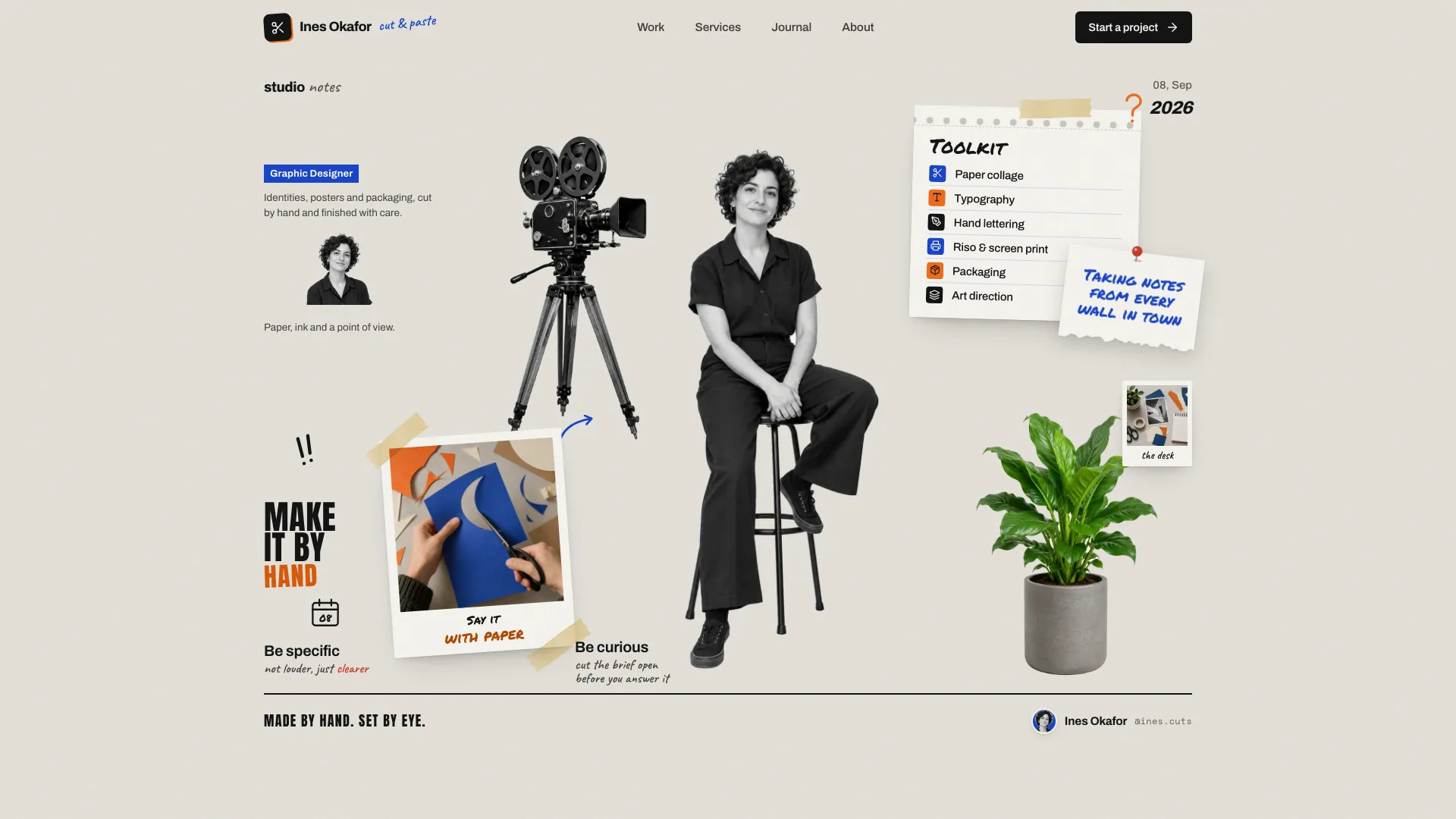
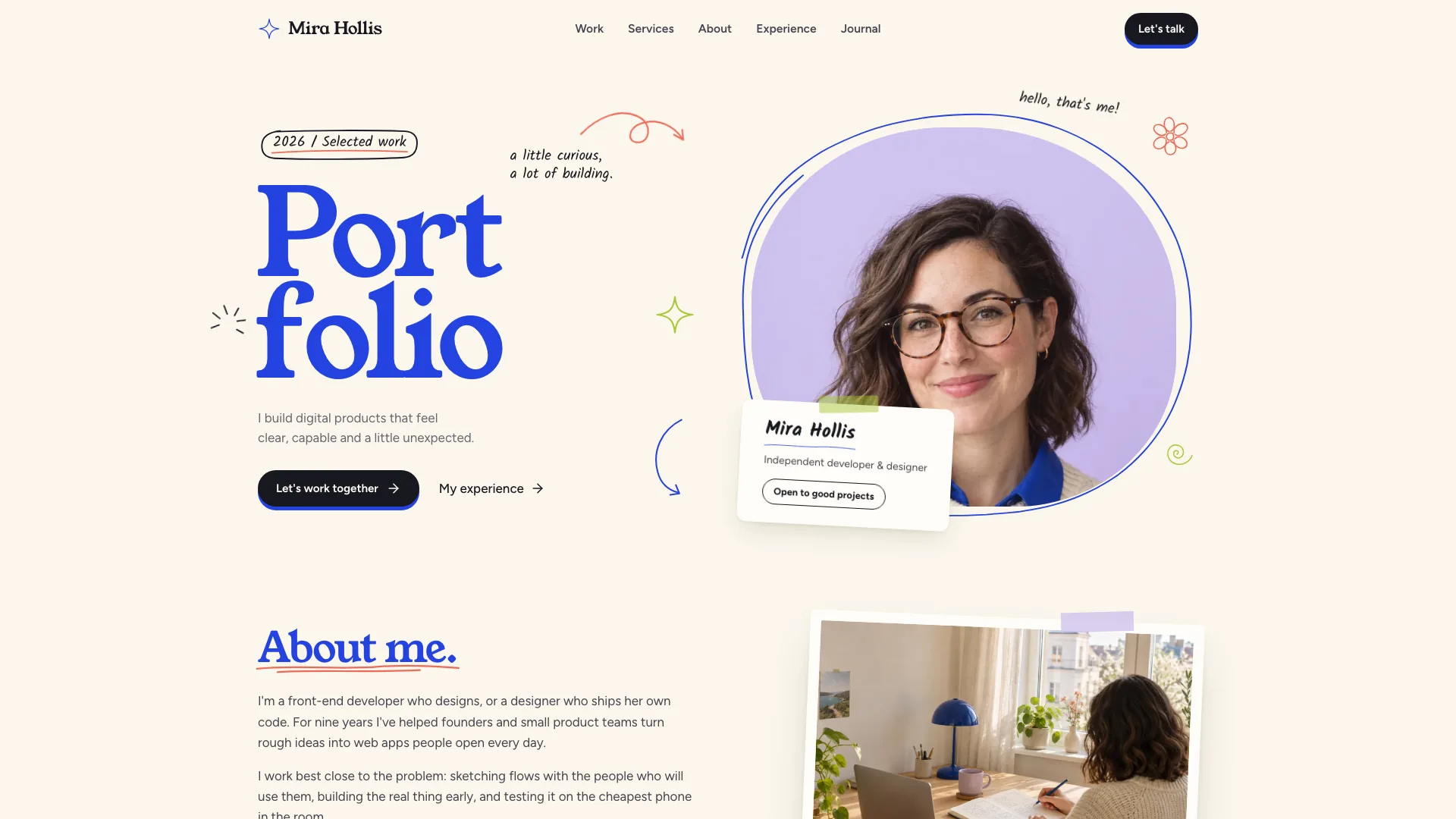
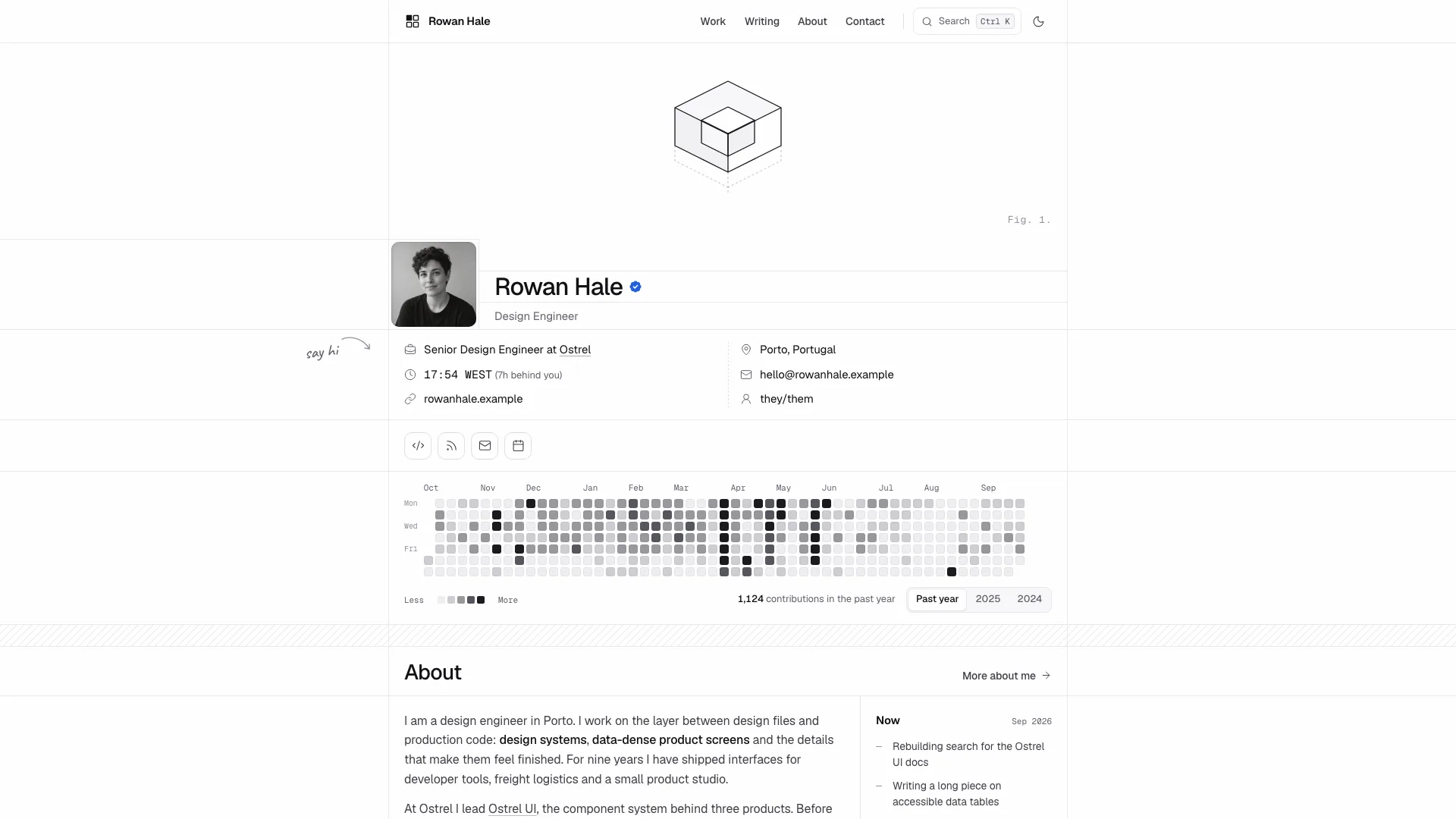
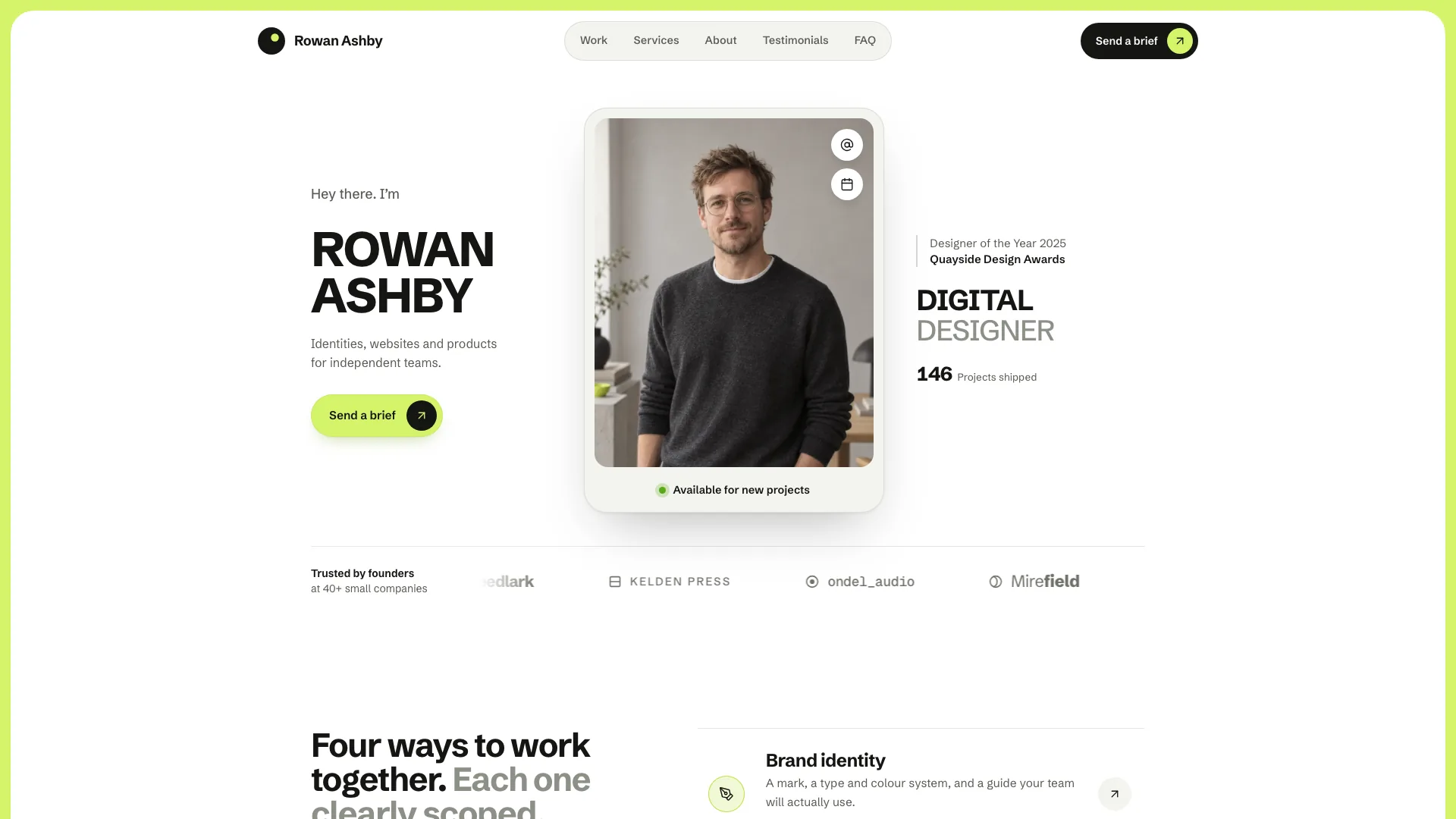
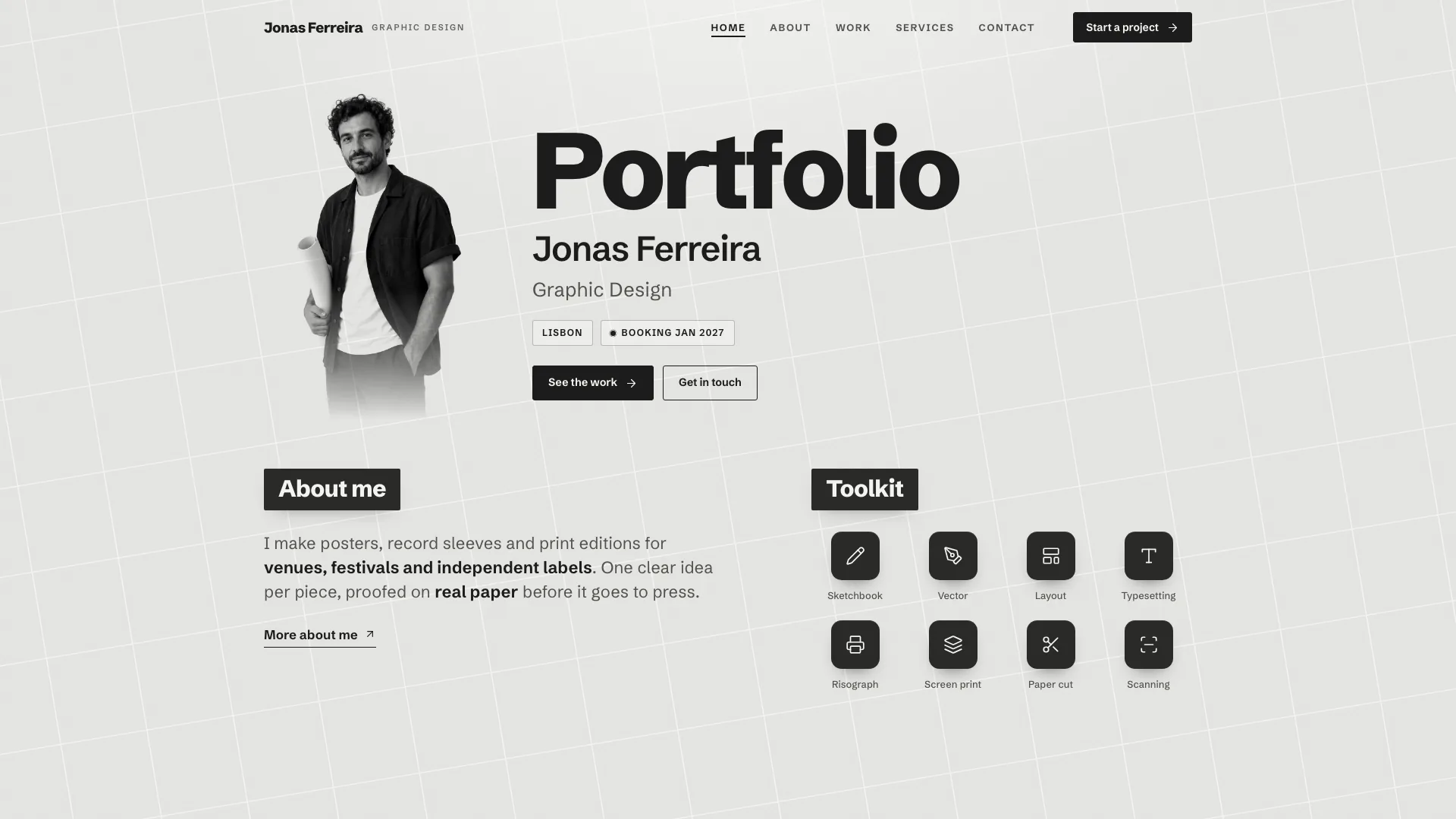
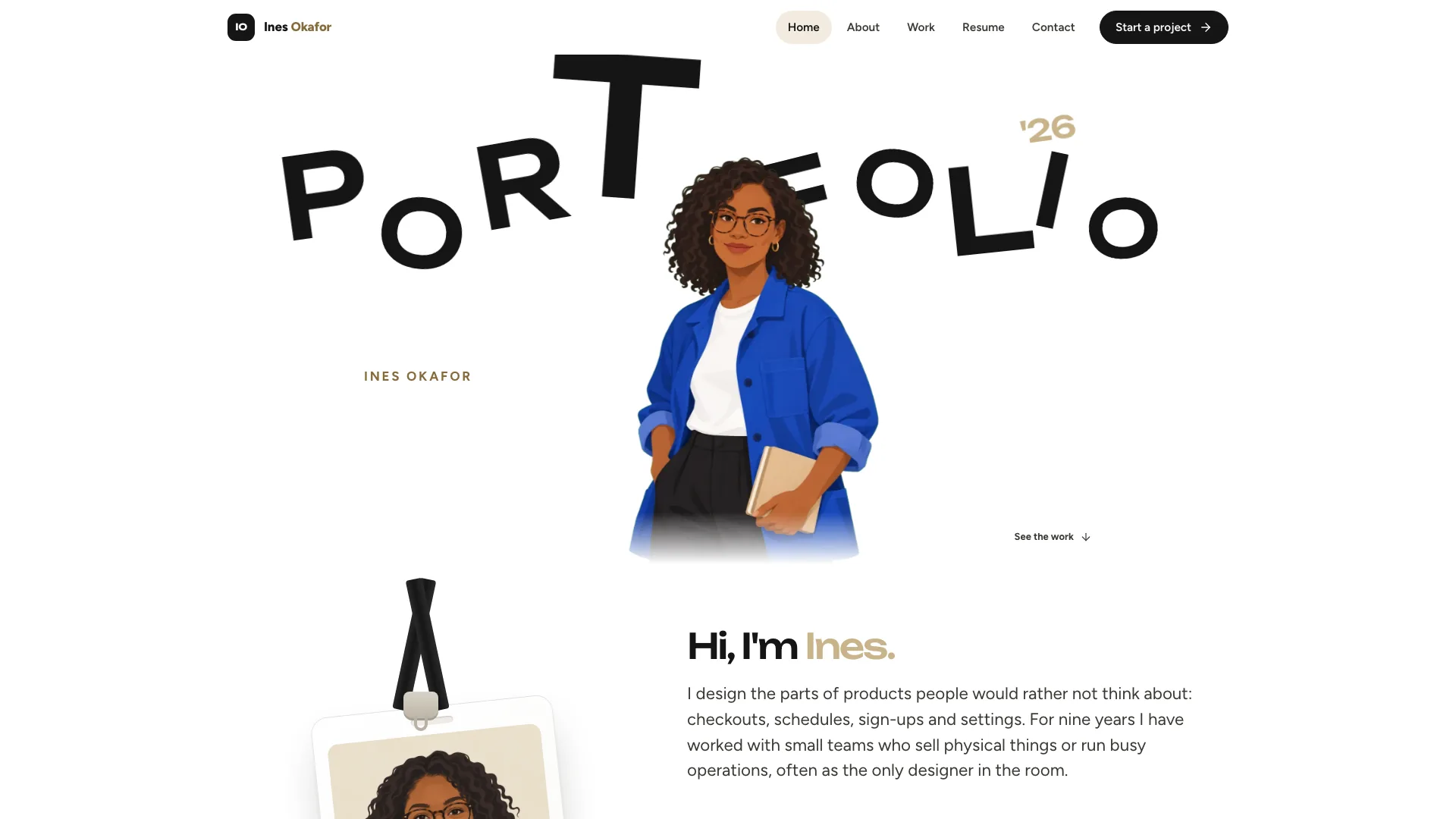
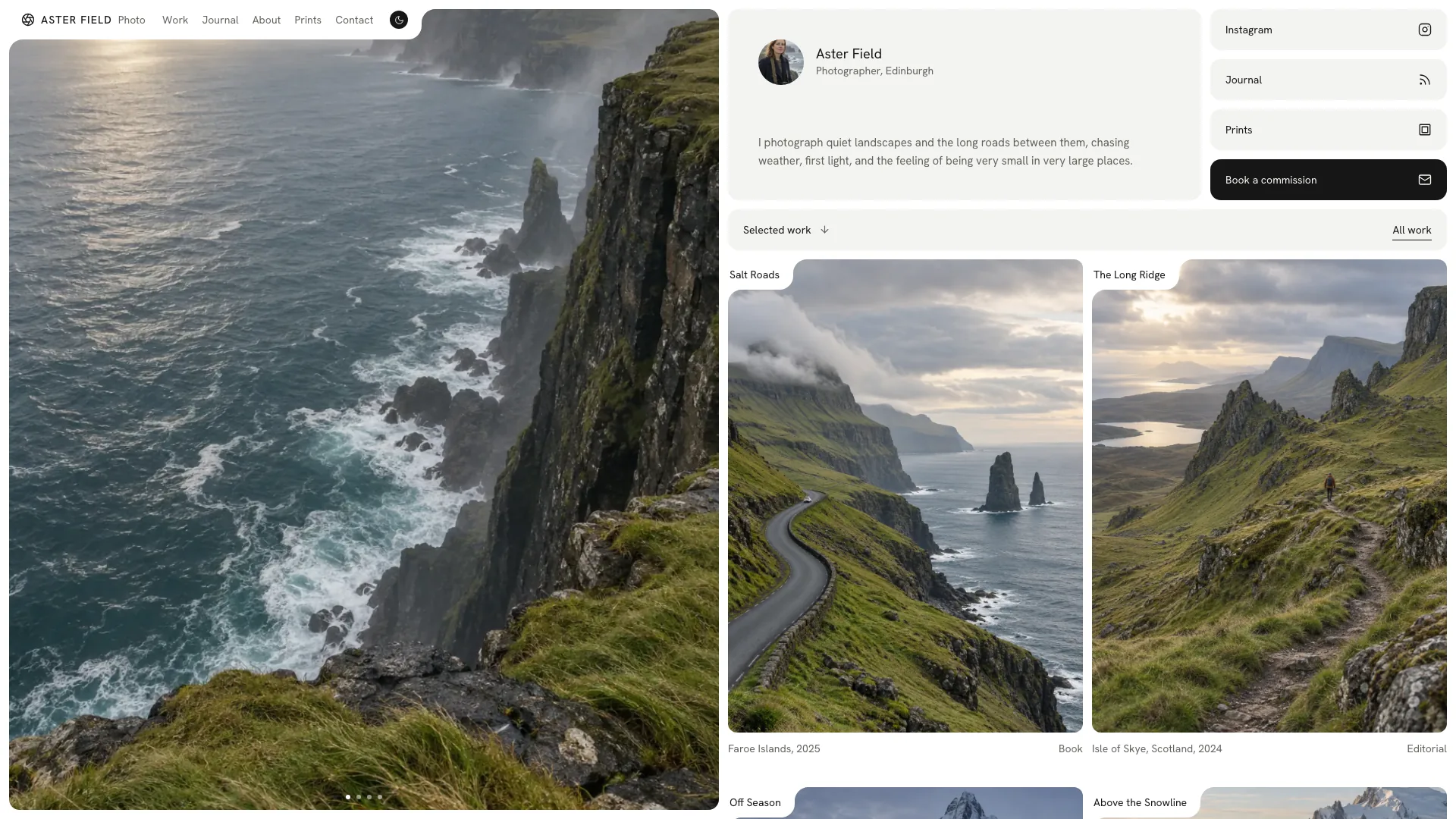
Show a design practice through selected projects, a recognizable portrait and a clear route to an enquiry. Bento places floating cards on a pale grey stage beneath a two-line headline whose second line fades back. Quiet case pages carry the detail, while service summaries, process and a booking preview help visitors understand how they might work with you.
What you get
A full portfolio structure illustrated by twenty-eight example pages: a Work index and six cases, About, Services with four detail pages and price summaries, Process, Reviews, a Journal with four articles, Contact, Booking, FAQ, Newsletter, Privacy, Colophon and a designed missing-page view. These counts describe the example, not a quota for your practice.
The signature grey stage, six floating opening cards, a red portrait tile, a faded second headline line and oversized faded name lettering in the footer. Instrument Sans and Geist Mono support restrained text, with calm entrances and reduced-motion support.
Project pages with a lead image, brief and response, and an identity board covering mark, palette, type and wordmark. Each project can include a genuine client quote and an onward link; service detail pages explain scope, timing and related work.
Category chips with counts, search, sorting, grid/list views and resettable empty states. A booking widget lets visitors choose a day, time, participant count and topic and review the selection. Contact, booking and newsletter forms provide validation and local confirmation.
A coordinated reference set of fourteen images using soft north light, pale warm-grey surfaces and a red accent. Default output is one HTML file with fonts and images embedded for offline opening; an existing or requested framework receives real components and routes.
Before you choose
Choose Bento when a compact visual introduction should lead to case evidence and a clearly explained service. The opening can look complete before the inner pages are ready: review one identity board, one service scope and the booking summary first. Those pages determine whether the portfolio helps a prospective client make a decision.
Good fit
Independent brand, web and product designers who want complete cases behind a visually distinctive home selection.
Small studios that can use a founder or team portrait in the red tile and write consistently in a collective voice.
Designers with fixed-fee services who want visitors to see scope, starting prices, a process timeline and a booking entry before enquiring.
Not for
Live calendar reservations, email delivery or payments without integration. The booking and form feedback is a local demonstration.
A dense full-bleed photographic gallery. The design gives selected work and quiet case explanations more space than a continuous wall of images.
Using the example designer’s identity, client projects, ratings or quotations as your professional evidence.
How to use
You say/bento-designer-portfolio Build a portfolio for Elin Saro, an independent identity and web designer in Rotterdam, with six case studies.
Collect name or studio identity, a short introduction and the disciplines you offer. For each project supply client, year, category, brief, response and outcome. Add service scope, prices, timing and real contact details; list gaps for confirmation before publishing.
Select the home work and map the rest to the Work index. The documented layout starts with three projects; larger collections extend into the index. Keep six opening cards, but point them at pages with useful content. Service and journal counts can change with your actual offer and writing.
Provide a waist-up portrait suitable for the red tile and photographs of your work. The six project still lifes and portrait in the reference belong to a fictional example and should be replaced. Six neutral tools, meeting and journal images can remain as appropriate placeholders. Optional new images use your agent’s tool and may incur charges.
Create complete cases and service pages before tuning the floating stage. Adapt the identity board to the work: brand elements for an identity project, or product icon and UI tokens for a UX case. Omit quotes without real authors and turn off ratings unless they are supported.
Build the embedded file with Node.js 18 or newer and an initial connection for fonts, or implement the design in the existing framework. Review every page on phone and desktop: crops, faded lettering, filters, grid/list, process tabs and reviews, then invalid/valid forms and the full booking selection. Check keyboard access and reduced motion, and connect actual calendar and delivery services separately.
Requirements and costs
You bring
Your name or studio, what you design and a short introduction · Projects with client, year, category and outcome, plus services, prices and contact details · A waist-up portrait and project photos, or approval to generate stand-in images
Dependencies
Node.js 18 or newer on your agent's machine, to run the bundled script that builds the single offline file · Internet access while the file is built, so the fonts can be downloaded once and embedded · An image tool in your agent, or your own photos, for the portrait and project images · A modern browser for previewing and reviewing every page
Outside costs
New project and portrait images are generated with your agent's own image tool, which may charge for usage. Without one, supply your own photos; six neutral images can stay as placeholders. Viewing the example costs nothing.
Publisher testing
v1.0.2 — Claude Code / Claude Desktop / Cowork / Codex / ChatGPT
FAQ
By default, one HTML file containing its pages, fonts and images for opening offline without network requests. If you already have or request a framework such as Vue, Astro or Next.js, the design becomes real components and routes there rather than an embedded standalone demo.
No, if you supply your own portrait and project photography. Otherwise the agent can create missing imagery with its image tool, whose usage may be charged. Replace the fictional example’s six project still lifes and person; the six neutral tools, meeting and journal images can serve as fitting placeholders. A generated portrait is only a stand-in.
Those facts must come from you. Missing details can be drafted as placeholders for confirmation, but a case without a real quote simply omits it. Do not retain invented clients, prices, awards, certifications, logos or ratings to make the example feel populated.
No. The widget demonstrates selecting a day, time, participants and topic and reviewing that choice. It does not check a real calendar, hold a slot or send a confirmation until those services are connected.
The opening still keeps six cards, while the home work selection adapts separately to the project count. Point cards at meaningful destinations and check that archive counts, category chips, detail links and headings match the reduced collection.
User reviews
—0 reviews
Select a star to share your experience.
No reviews yet. Ratings appear once readers share real experiences.