Explain how an operating ambition becomes daily practice. Cobalt Growth Deck alternates cobalt architectural pages, pale-lime modular layouts, botanical scenes and analytical diagrams to connect purpose, ownership, sequence and review. It can support a clean-energy operating plan or another approved operational subject, with the exact slide count and artwork chosen from the brief.
What you get
An operating narrative built to the requested total, including the cover and close unless agreed otherwise. Twelve recipes suggest opening, overview, insights, purpose, operating system, roles, simplification, practice, review, sequence, milestones and next action; select, combine, extend or omit them without treating the example as a fixed template.
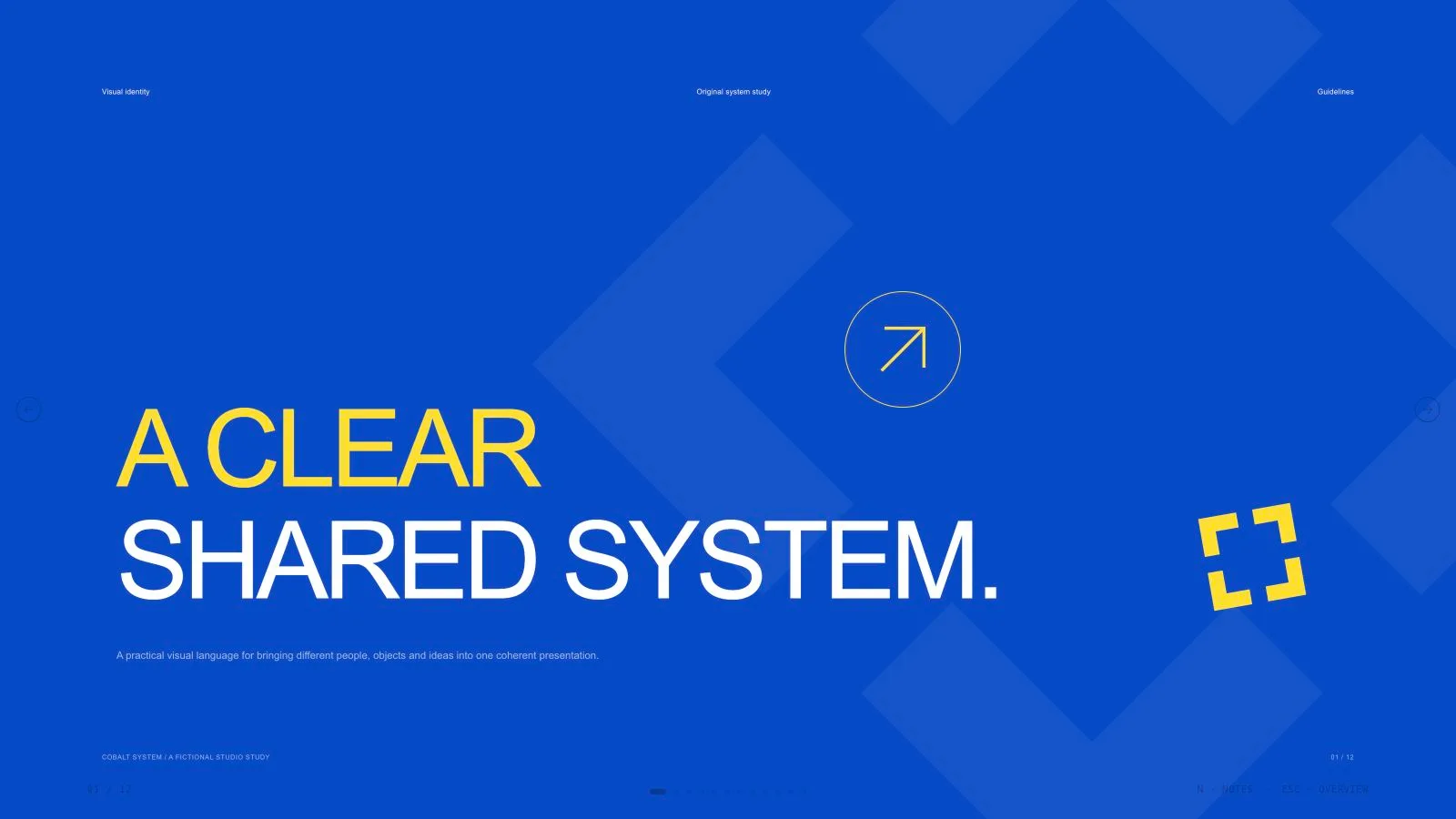
A cobalt/lime system using large medium-weight Inter-style typography, restrained supporting copy, rounded inset photo corners, circular reading cues and capsule annotations. Full-photo pages alternate with connected white cards, pale modular pages and editable diagram structures; closing and diagram pages remain typographic/vector-based rather than repeat the same photographs.
Page-specific imagery tracked in an art ledger, with independent portraits for the roles the content requires. The archive contains thirteen local catalog pictures and thirteen example slots: architecture, collaboration, leaves, headshots and a glass sculpture. Three collaboration scenes are cataloged specifically for renewable-energy/sustainability business and should not be treated as universal evidence.
A standalone HTML deck with navigation, editor thumbnails, speaker notes, presentation mode and print styling. The kit’s sample clean-energy program and index values are illustrative. Numbers may be chapter cues; overlapping circle sizes are decorative, not measured data. Replace those examples with verified operational measures where making real claims.
Requested PPTX/PDF exports, with text and notes editable in PowerPoint, pictures separate and artwork/background/diagram layers rendered. The package provides Python composition/build/check tools and Node media helpers; the schema fixture is not an assembled real operating report.
Before you choose
Follow one operating measure through the deck: what it means, who owns it, how it is reviewed and which next action it triggers. If the link disappears behind attractive architecture or a decorative diagram, fix the story before adding more images.
Good fit
A presenter is preparing a clean-energy operating plan with approved source material and wants purpose, roles and the review rhythm to read coherently.
A team needs a consistent, image-supported visual language across operational pages that still vary in composition.
A creator has a defined audience and message and can supply verified measures, responsibilities and next actions for the chosen subject.
Not for
Copying a source artwork, protected identity or character, or using fictional people and places as actual employee/customer evidence.
Automatic research or verification of business, energy-performance or program claims. The deck organizes approved material; sample indices are not a substitute.
A requirement that every diagram, chart bar, card and decoration remain a native editable PowerPoint object after export.
Padding to the example length, repeating one photo in several crops, or presenting decorative circle areas as quantitative comparison.
How to use
You say/cobalt-growth-deck Create a twelve-page fictional clean-energy operations report with cobalt covers, lime cards and architectural photographs.
Provide topic, audience, purpose, language, approved messages/source material and the exact count, with speaking duration if useful. Include owners, measures, source dates and any actual energy/performance evidence needed. Count the opening/closing within the total unless specified otherwise; agree a count first when absent.
Build the sequence around distinct page jobs, selecting or adapting recipes to the agreed count. Preserve the cobalt #3550d3, pale lime #fbffe5, bright lime #ddf780, soft white and charcoal relationship. The theme reference gives this single authored direction rather than a list of multiple named alternatives; do not promise a preset picker in the editor.
Plan independent imagery by page in an art ledger with subjects, aspects, placements, palette, prompts and saved results. Choose suitable library reuse, reuse with generated gaps or all-new imagery, using approved user assets first. Thirteen local images are available, but the renewable-energy collaboration scenes fit only matching topics. List any unfilled frame instead of substituting misleading imagery.
Match source aspect to the kit, including portrait 3:4 architecture/glass scenes, square portraits/collaboration, 4:3 botanical and wide 2:1/16:9 banners. Use every photographic asset on one page only; recolors, crops and rotations do not count as new art. Functional vector diagrams may repeat. Keep copy, data and role labels live outside images.
If generating authorized fresh art, use the built-in tool or paid FAL helper, one request per distinct asset, recording a returned request ID before status/fetch. Do not automatically retry a failed paid operation. New art may have separate charges or account limits; use suitable existing pictures or labeled gaps when generation is unavailable.
Replace every illustrative program statement, role identity, index/bar value, note and image description. Do not invent organizations, results or energy metrics. Keep the sequence/index bars and overlapping circles semantically honest: decorative geometry is not a statistical scale. Compose and build/check with Python 3; Node is for image embedding/generation helpers, not required by core assembly.
Embed final media, preserve the style’s font assets and useful resolution, and keep below 20 MB. Inspect each 1280×720 page for unique artwork, crops, text bounds, readable contrast, actual total and page/thumbnail labels. Compare density, image character and edge treatments with the approved brief, rebuilding mismatched layouts rather than shrinking text to fit.
Test Edit/E, notes, object changes, undo/redo, order, Save and reopening. Named style descriptions do not imply a runtime theme selector. Export requested PPTX/PDF from the standalone HTML, run check-pptx.py and inspect native text/notes, rendered diagram layers and fonts in PowerPoint, Keynote or WPS. Record what was actually verified.
Requirements and costs
You bring
Presentation topic and audience · Key messages or source material · Desired slide count and language
Dependencies
A browser for presentation and verified print export · Node.js for local validation · A host image generation tool for fresh artwork · Chrome, Chromium or Edge plus Node.js 20 or newer — required only for PowerPoint export
Outside costs
Generating new artwork may incur a separate provider charge. The included original example can be viewed without image generation.
Publisher testing
v1.0.5 — Claude Code / Claude Desktop / Cowork / Codex / ChatGPT
FAQ
Yes. Preserve the visual direction while using approved material for the new operational subject. Produce the exact agreed count, adapting, combining or extending the twelve recipes. Their example length is not a default or limit, and a missing count should be agreed from content and duration.
Thirteen local library assets can be reused when suitable; approved user images come first. The actual page design determines fresh image needs, with no quota. Three collaboration pictures are topic-specific to sustainability/renewable-energy business. New imagery may incur provider charges or account limits, so choose the reuse/generation path explicitly and list unmatched slots.
Choose Edit or E in the HTML to revise text, pictures, order and notes, then Save. The current themes reference documents one cobalt/lime direction and the shared editor has no preset theme picker. PPTX preserves editable text/notes and separate pictures, with other artwork rendered in layers. Core build/check uses Python 3; Node supports the optional media helpers. Verify the actual export and fonts in the target application.
No. The example uses chapter cues and explicitly illustrative indices. Decorative circle sizes are not a quantitative chart. Supply verified data, labels and units for a real report, and retain the difference between an observed measure and a proposed operating target.
User reviews
—0 reviews
Select a star to share your experience.
No reviews yet. Ratings appear once readers share real experiences.