Compare event counts across a short run of labeled dates. Event Bar Chart provides a canvas-rendered ECharts bar panel with rounded bar tops, hover details and container resize handling. You edit its category labels and count values directly, making it a starting point for a compact activity report rather than a live event-monitoring service.
What you get
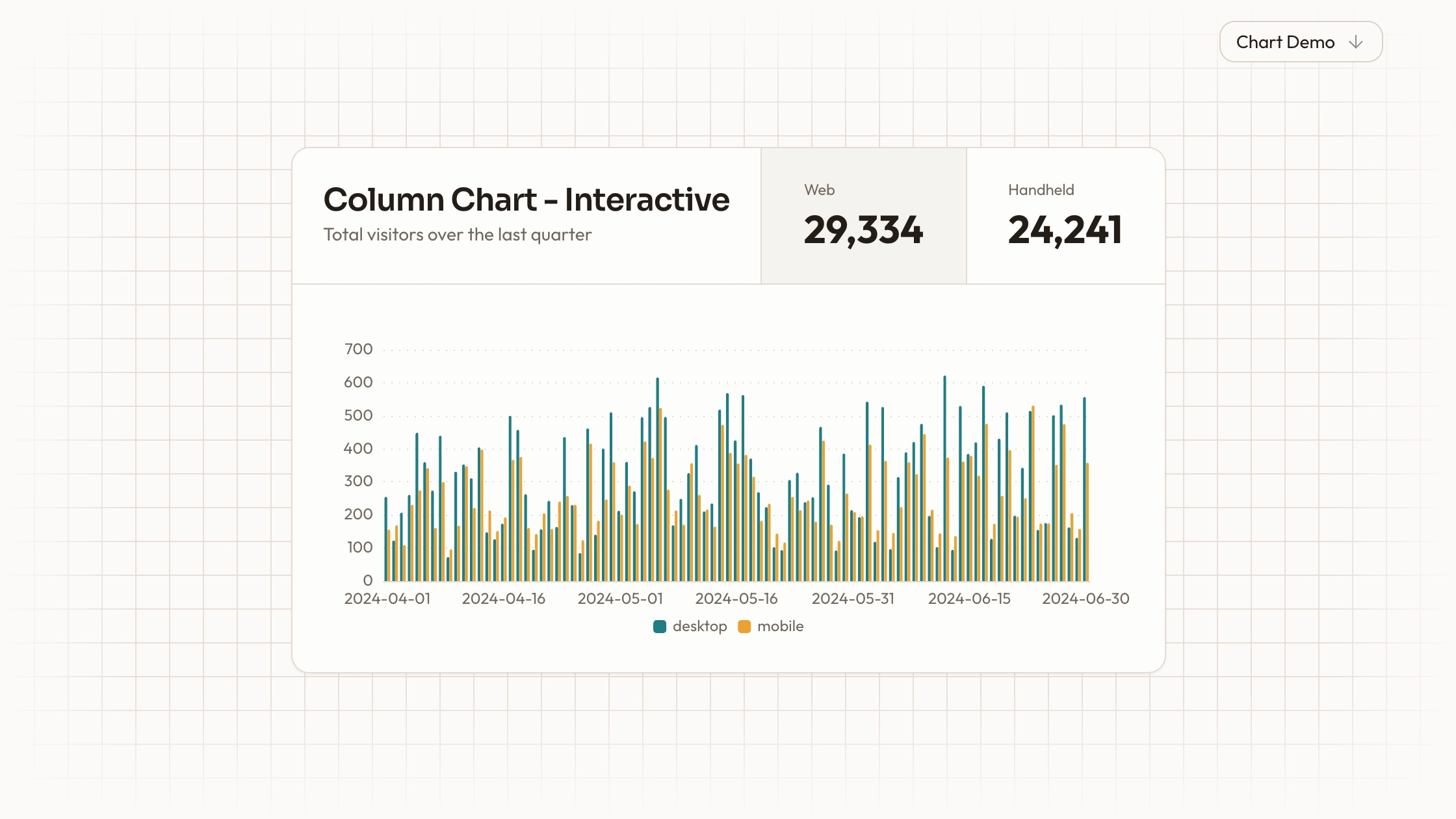
An ECharts React panel with ten sample date categories and an Events bar series. Bars have rounded upper corners and a capped width; dotted value-grid lines and an axis-triggered tooltip support reading the counts.
A plain chart option object containing category labels, values, colors, type and animation settings. The component initializes a canvas renderer, observes container size and disposes the chart on cleanup, without adding a WebGL engine.
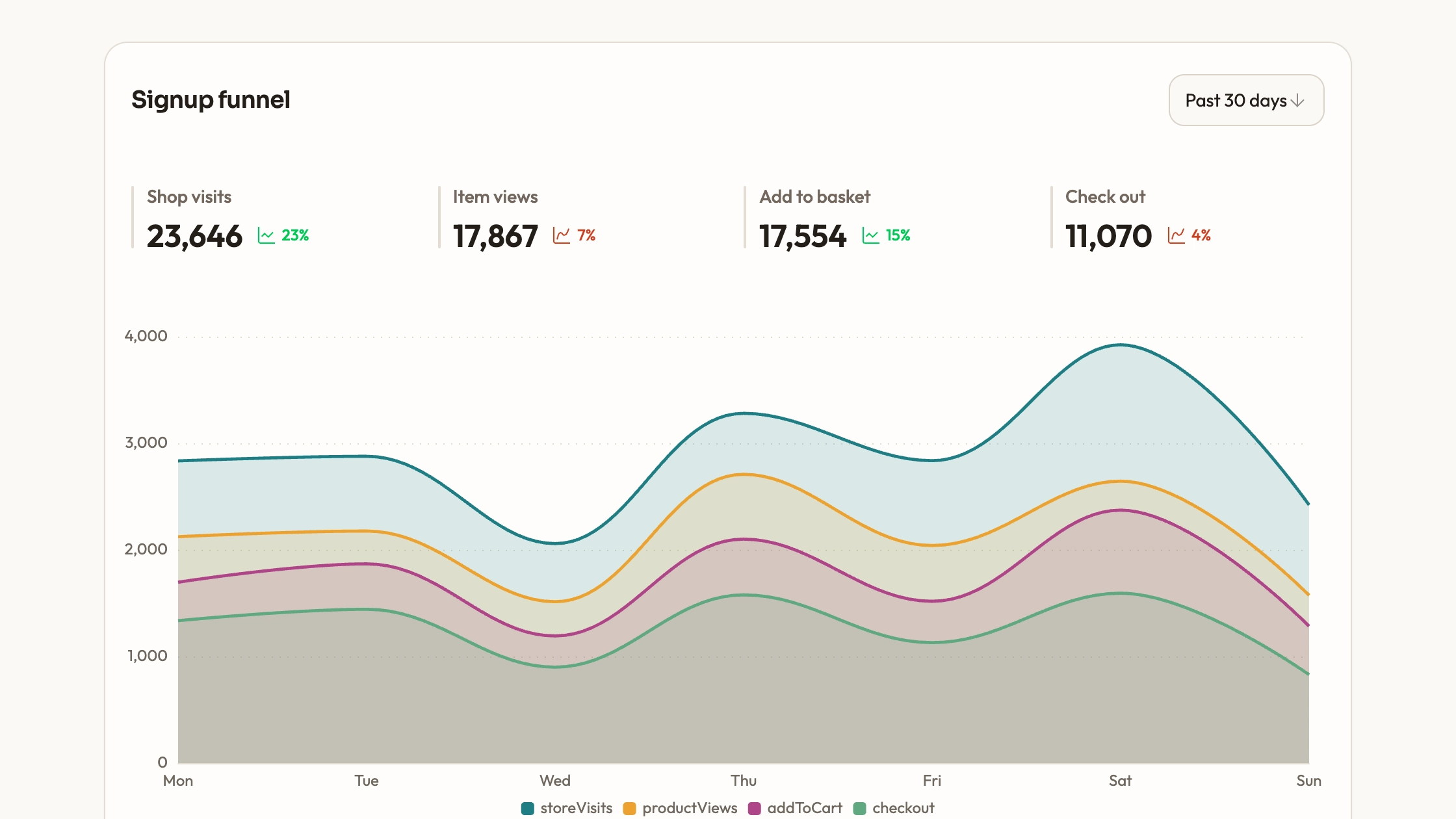
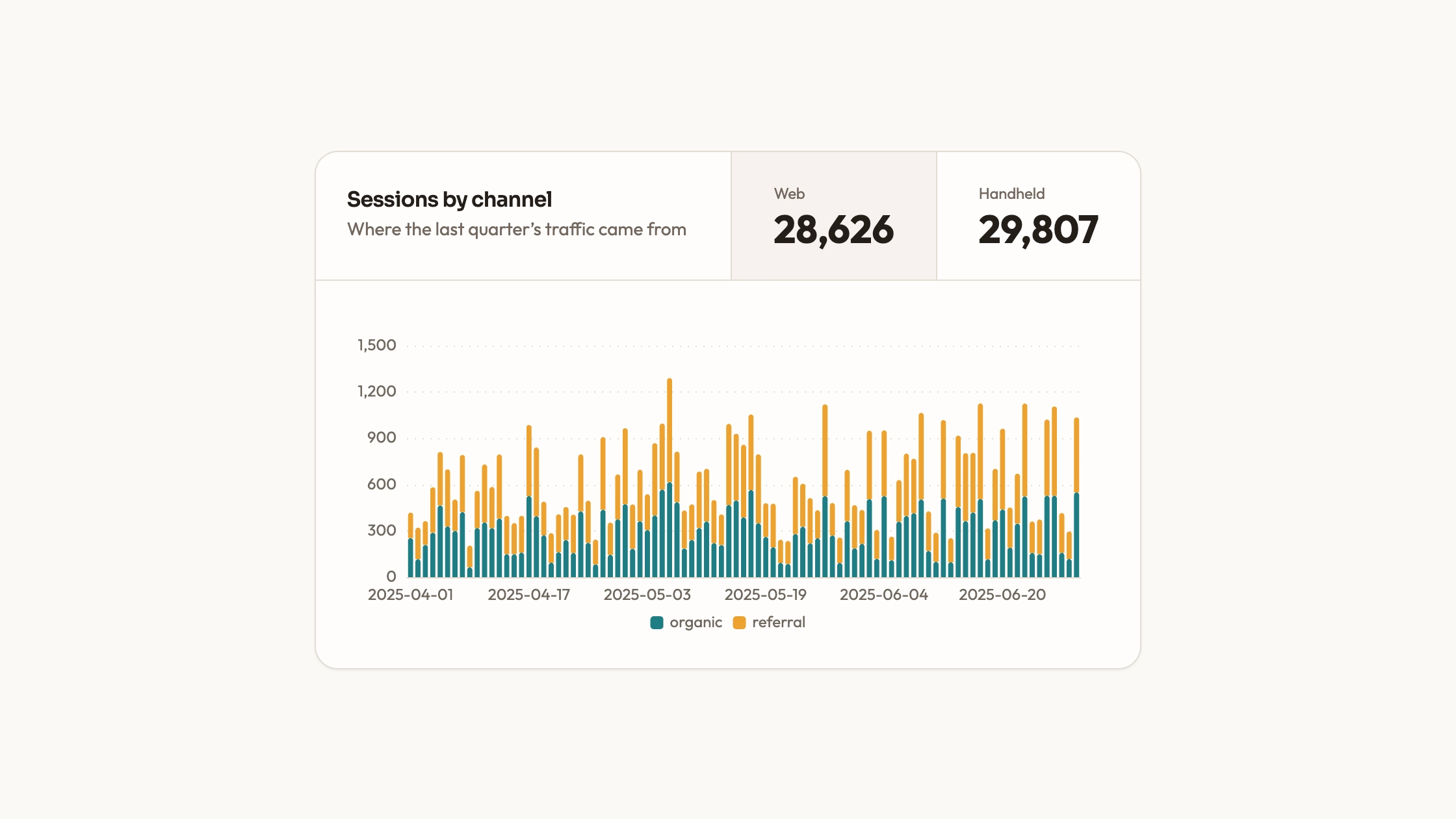
A separate React/Recharts example using an area chart and a locally generated daily count series. Its data shape is a title plus date/count records. That example is not the same visual implementation as the ECharts bars.
Editable source and a shared visual guide for warm neutrals, teal-led chart colors, type, radii, icon strokes and motion, with instructions to adapt project conventions and keep fonts, imagery and icons local.
Before you choose
Choose this when the height of each period’s count is the main comparison. Begin with a short verified series and make the reporting interval obvious. Unlike a daily intensity calendar, this view can show exact magnitude differences, but its labels and bar spacing need another review as the category count grows.
Good fit
A compact report where the reader needs to compare discrete counts by date using clearly separated bars.
A project that can reuse the included ECharts configuration while aligning typography, colors and spacing with the surrounding page.
A developer who prefers owning editable chart source and direct data configuration to adopting another packaged chart wrapper.
Not for
A dependency-free or maintained npm product. The bar panel needs ECharts; the separate area example uses Recharts and project UI helpers.
Instant adoption of an established design system without adapting its palette, typography and chart settings.
Live event ingestion, continuous streaming updates or virtualized exploration of a very large dataset.
How to use
You say/data-visualization-event-bars Add the Event Bar Chart component to my dashboard using the data I provide. Inspect the existing page and framework before integrating it; ask for missing data rather than inventing values.
Inspect the target project and choose the ECharts bar component for the bar-chart result. Resolve its React/ECharts dependencies and import paths. The included area-chart demo follows another rendering path and should not silently replace the intended bars.
Prepare one category label and numeric count for each observation. Put them into matching arrays in the option and state the reporting interval, count definition and actual source in the surrounding copy. Replace all example dates and values.
Apply palette, font, radius and motion choices consistently with the page. Adjust the bar width and date-label density for the number of observations instead of squeezing a long history into the ten-category example.
Compare several visible bars and their hover values with known records. Decide explicitly how zero, missing intervals and duplicate dates should be handled before charting them. The included generated series is demonstration data, not a real seismic or event feed.
Review the panel at desktop and phone widths in its actual parent container. Test label overlap, tooltip readability, resize and remount behavior, then run the project’s type/build checks. Dynamic loaders and chart updates need to be integrated separately; the ECharts source currently sets its local option at initialization.
Requirements and costs
You bring
Not collected yet
Dependencies
ECharts — required
Outside costs
Not collected yet
Publisher testing
v1.0.3 — Claude Code / Claude Desktop / Cowork / Codex / ChatGPT
FAQ
React. The bar panel uses ECharts, while the separate area-chart example imports Recharts and project chart/card helpers. The workflow adapts the chosen component to your repository. A standalone HTML result can be built when requested; it is not the default shape of these source files.
No. The ECharts bars use a fixed example array and the separate demo generates a sample daily series locally. Connect your own loader for real records and replace the source label. Keep libraries and assets local if the final page must make no remote requests.
Yes. Replace the ECharts category labels and series values together. The separate Recharts example accepts a title and date/count records, but produces an area chart. Choose one implementation and wire updates deliberately rather than assuming both share a data-prop API.
No. The area example’s event-themed title accompanies generated sample values, and the bar panel has its own fixed ten-value series. Neither should be cited as observed activity.
Use bars when each labeled period is a separate count to compare. An area chart emphasizes a continuous profile. Decide that meaning first, then keep the interval and missing-data treatment explicit so the shape does not imply a continuity your records do not support.
User reviews
—0 reviews
Select a star to share your experience.
No reviews yet. Ratings appear once readers share real experiences.