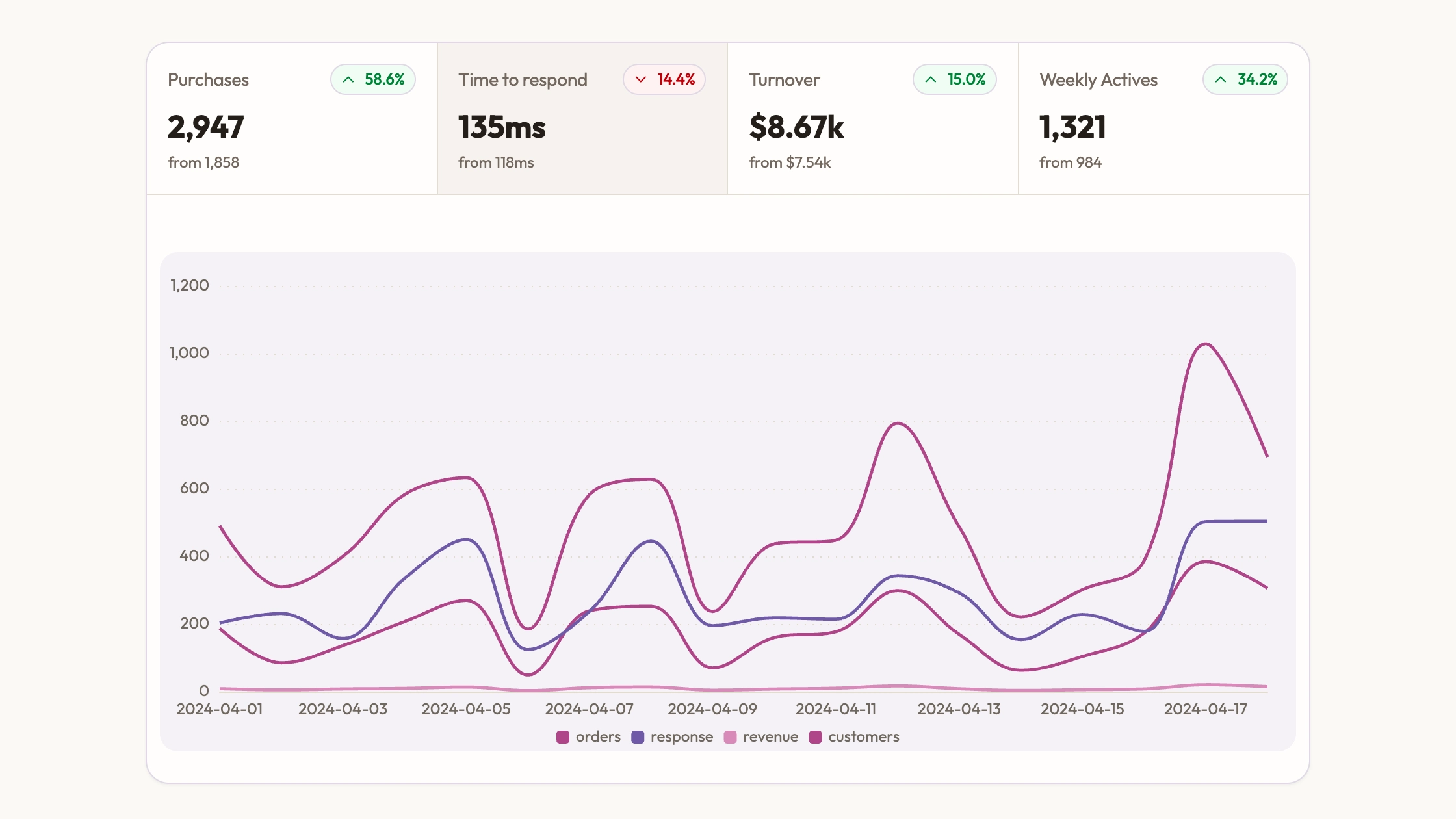
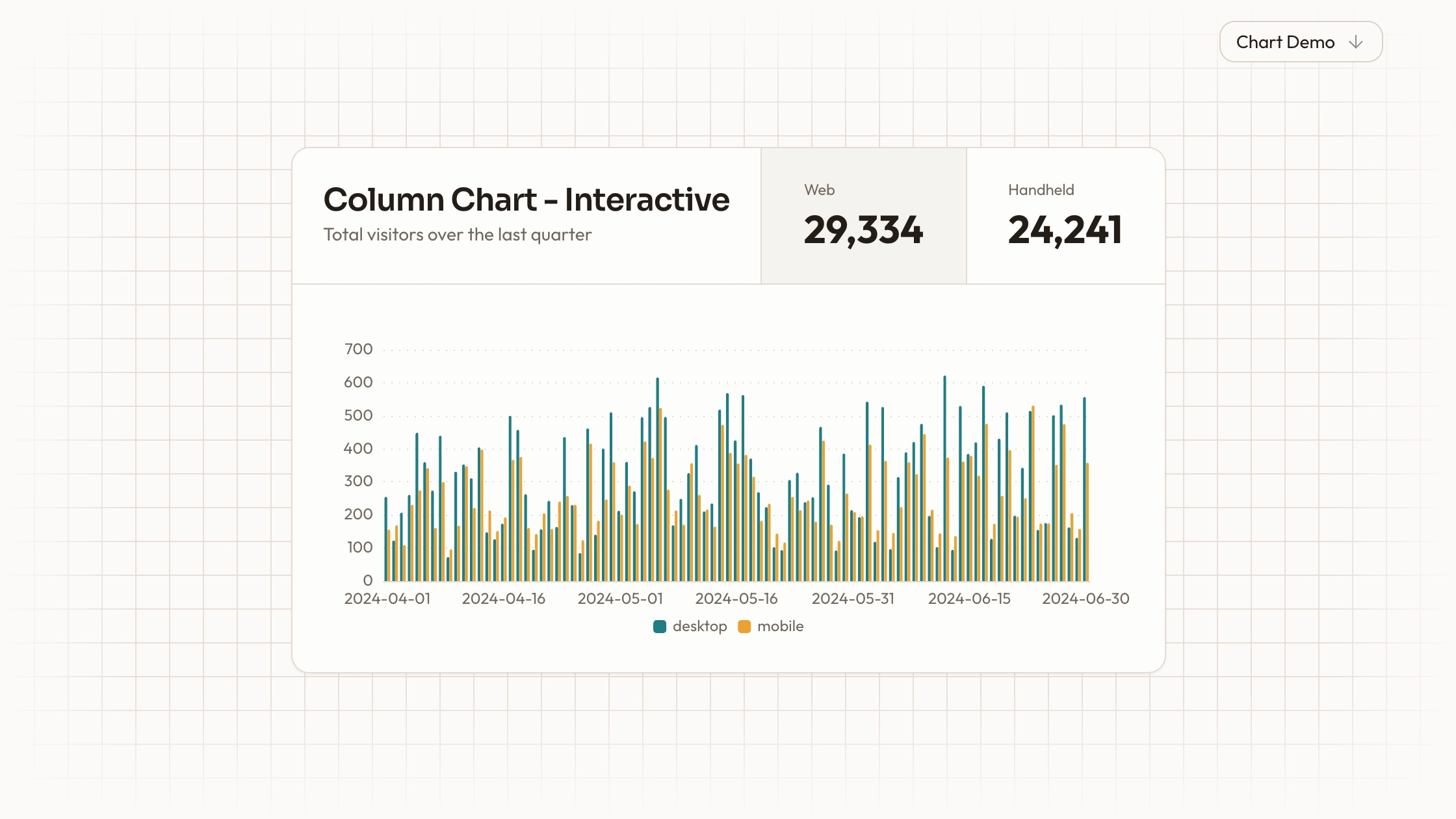
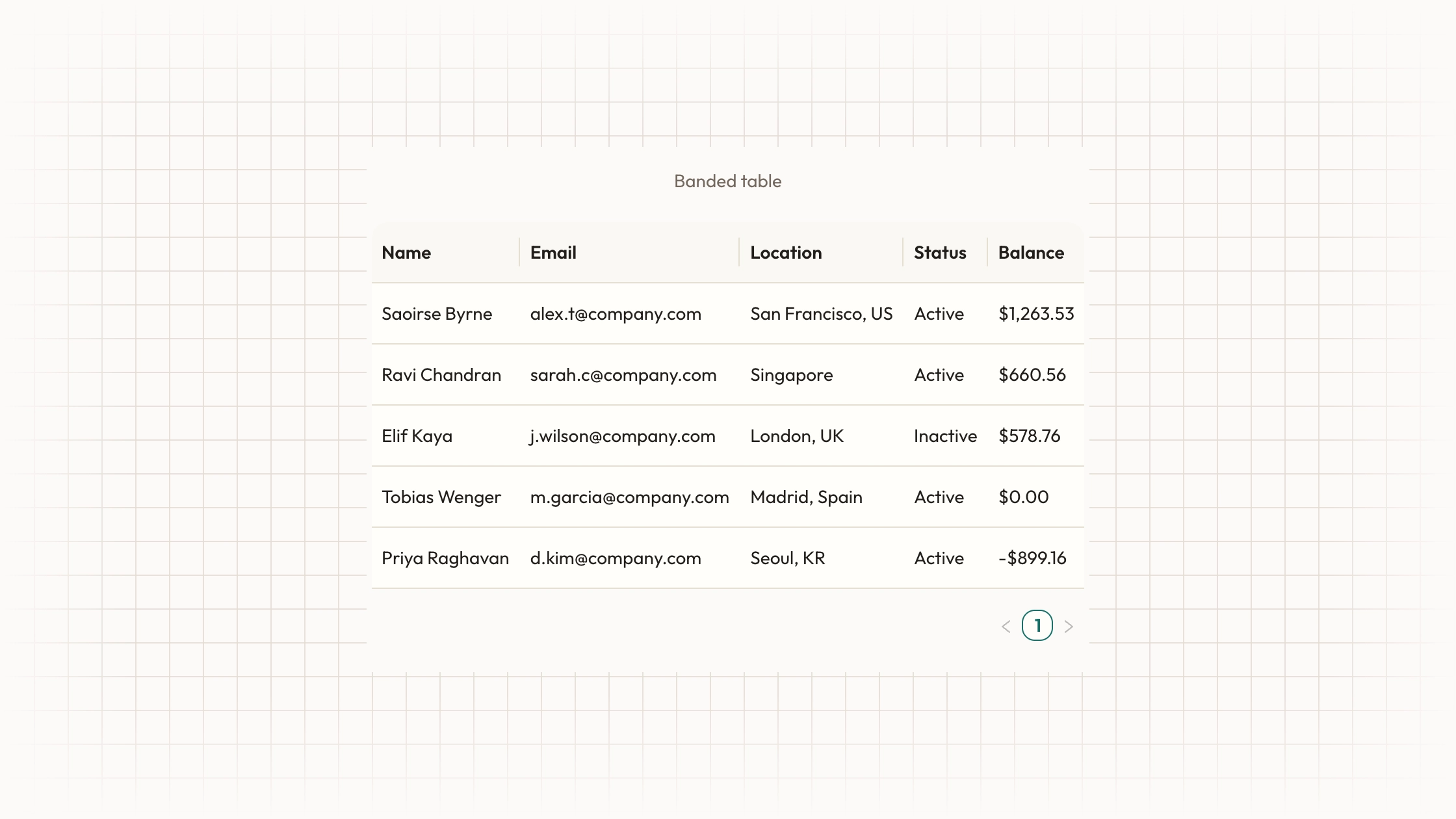
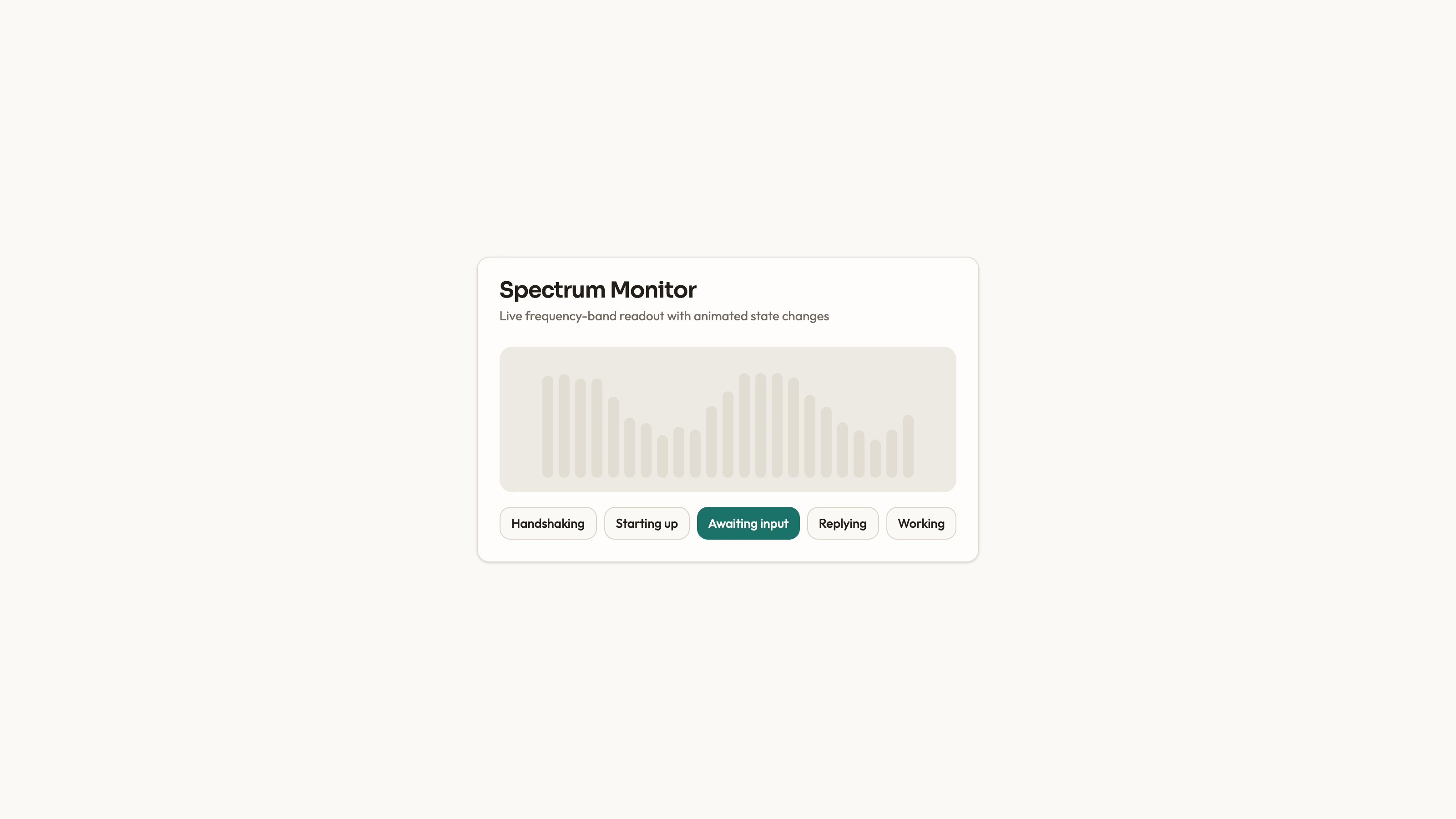
Compare how several stages of an activity change over the same period. Funnel Area Chart includes an editable ECharts panel with four shaded trend lines for visits, product views, basket additions and checkout. It is a time-series comparison, not a funnel-shaped diagram or an analytics connection that calculates conversion for you.
What you get
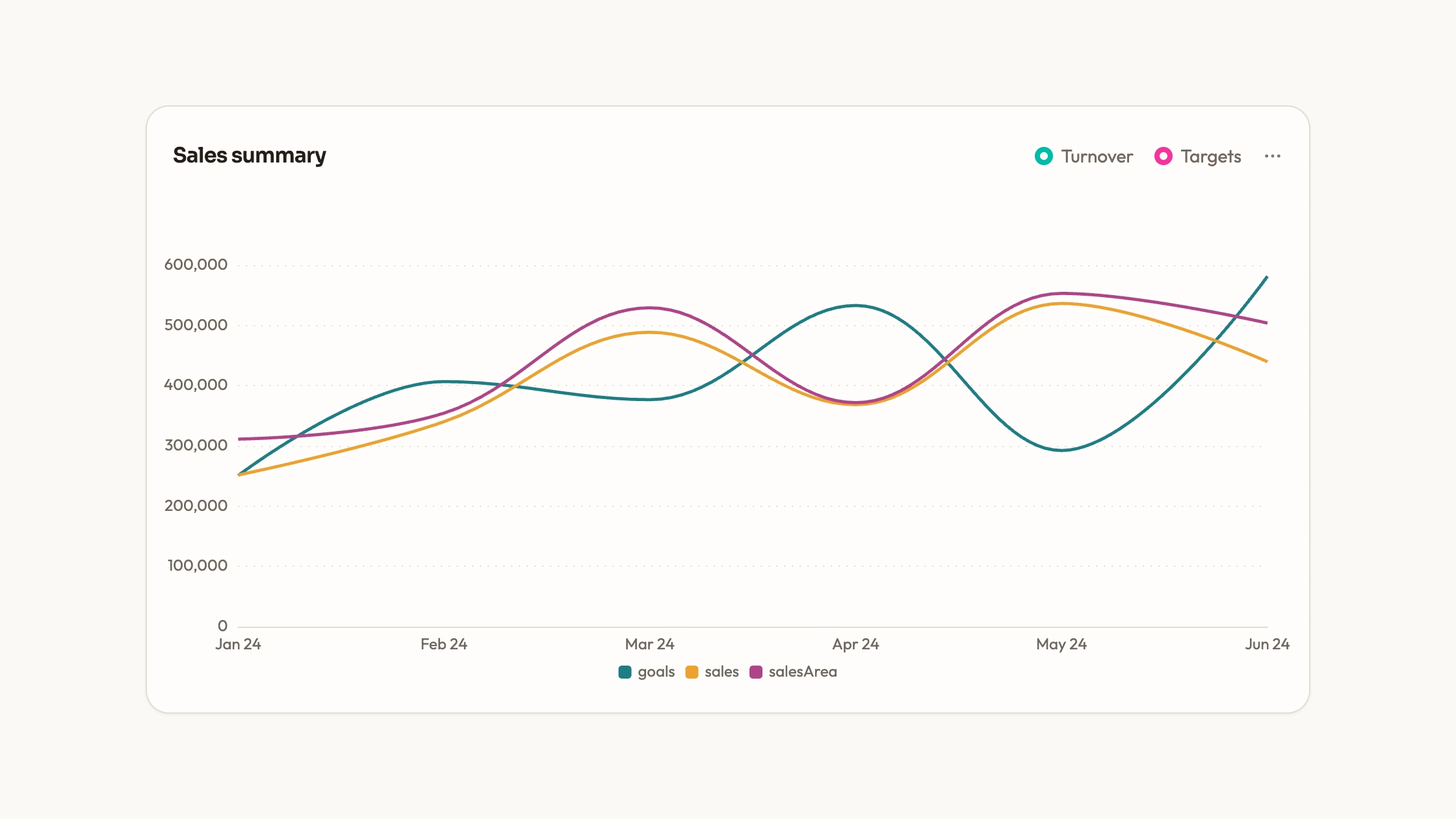
A React/ECharts panel containing four smooth lines with translucent area fills over seven weekday categories. A bottom legend, dotted value grid and shared axis tooltip let readers identify and compare the stage values.
One option object holding series names, values, category labels, palette, type and animation settings. Canvas rendering needs no separate WebGL engine; resize observation and chart disposal are included.
A separate Recharts example with a period selector, stage-summary cards and stacked areas. It uses sample datasets for several period labels and simulated percentage changes, and requires its own card/select/chart helpers.
Editable source files and the shared visual contract for colors, typography, radius, icons and motion, plus guidance for fitting the chosen chart into an existing repository and serving assets locally.
Before you choose
Choose this to compare the timing of stage volumes. If your audience mainly needs one stage-to-stage conversion rate, calculate and label that rate directly instead of asking them to infer it from filled areas. First verify one date across every stage and confirm what one count means.
Good fit
A report comparing stage volumes over time when every series shares a clearly defined counting basis and reporting interval.
A developer who wants a configured charting starting point and direct access to series data, rather than building the chart setup from scratch.
A page where the chart’s palette, spacing and type can be deliberately aligned with nearby content and the copied source will be maintained in the project.
Not for
A dependency-free or automatically maintained package. The panel needs ECharts; its alternate example uses Recharts and additional UI helpers.
Unreviewed insertion into an established design system or a funnel that should automatically compute cohort conversion and drop-off.
Live streaming or virtualized exploration of very large datasets. Data loading and update behavior require separate integration.
How to use
You say/data-visualization-funnel-area Add the Funnel Area Chart component to my dashboard using the data I provide. Inspect the existing page and framework before integrating it; ask for missing data rather than inventing values.
Inspect the destination project and choose the ECharts comparison panel or the distinct Recharts period-selector example. Resolve that implementation’s dependencies and imports before adapting it to the existing component and styling conventions.
Define each stage and the shared reporting interval. Prepare ordered labels and one matching value array per stage, replace the sample names and numbers, and state whether counts represent people, sessions or events.
Use the option’s palette, typography, tooltip and animation settings to match the page. The ECharts areas are not stacked, while the alternate example stacks stage counts; choose that meaning deliberately, especially when later stages are subsets of earlier stages.
If retaining the alternate period selector, replace every period dataset and its summary logic. The sample change percentages are simulated and the summary values come from the last plotted point, not totals for the whole period.
Check known records against all four tooltip values, verify the reporting labels and inspect the result on phone and desktop. Test legend behavior and container resizing, run project type/build checks and keep fonts/icons local. The ECharts panel initializes a local option once; reactive data updates or a live analytics feed need additional wiring.
Requirements and costs
You bring
Not collected yet
Dependencies
ECharts — required
Outside costs
Not collected yet
Publisher testing
v1.0.3 — Claude Code / Claude Desktop / Cowork / Codex / ChatGPT
FAQ
The source targets React. The direct option-based panel uses ECharts; the separate interactive example uses Recharts and project card/select helpers. Adapt the chosen path to your repository. A standalone HTML page can be built when requested, rather than assumed as the supplied format.
No. Both implementations use included sample data. Load your real records separately and bundle libraries, fonts and other assets locally if the final page needs no remote requests.
Yes. Edit the ECharts category labels and each named series together. If you use the Recharts example, also replace its period datasets, stage cards and simulated change figures so the displayed summary describes the same data.
No. The ECharts panel compares stage counts as area-filled lines across time. To report conversion rates, define the eligible cohort and denominator and calculate those rates separately; the shape alone does not establish a conversion percentage.
Only if the measures are actually additive. When checkout is a subset of visits, stacking them creates a sum with a different meaning from total users. The ECharts panel overlays the series; the separate stacked-area example needs this review before reuse.
User reviews
—0 reviews
Select a star to share your experience.
No reviews yet. Ratings appear once readers share real experiences.