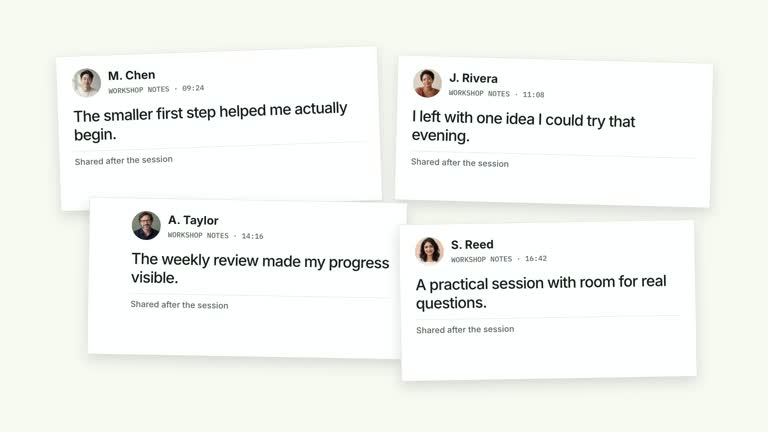
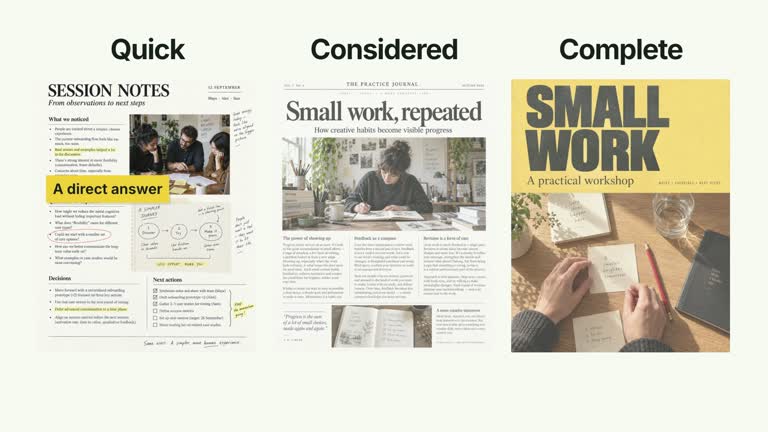
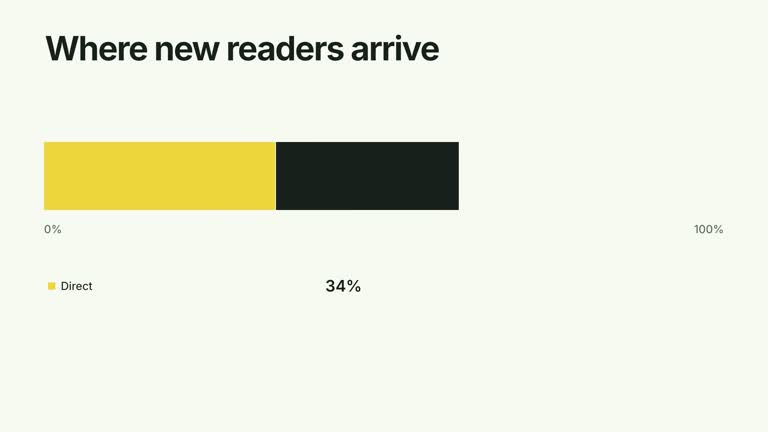
Move through a dense field of notes, then let one clear conclusion take priority. Twenty-eight page instances occupy three depth planes with different travel speeds, scale and softness while a short typographic statement resolves and stays still. The seven-second shot creates a sense of accumulated material; the repeated pages are not independent proof of the conclusion.
What you get
A local generator, editable HyperFrames implementation and detailed motion/review instructions. Generate a 1920×1080 project and render a 30 fps continuous graphic segment.
A field of 28 partly cropped page instances—12 far, 10 middle and six near—repeating your supplied cards. cards accepts strings or objects with title and optional body/image; in the current implementation only the image is drawn, with the title used as image-description text rather than an extra visible caption.
Editable conclusion segments, preferably two to four short phrases, and accentIndex selecting the strongest typographic weight. The phrases begin at 0.50 seconds with 0.53-second spacing, then hold while the field keeps traveling in one direction.
Choose White & Yellow (white-yellow), Charcoal & Lime (charcoal-lime), Paper & Orange (paper-orange) or Black & White (midnight-ice). All four preserve geometry and timing; semantic overrides need a contrast check. Dark canvases keep a fine stationary grid. Fonts are bundled locally: Inter, IBM Plex Mono for measurements/ordinals, Smiley Sans and Noto Sans SC. Chinese content automatically uses Smiley Sans, including Latin text in the same composition; --zh-font noto-sans-sc selects the plainer face and --font embeds your own. Inspect wrapping again after changing fonts.
Before you choose
Write the conclusion before filling the field. Treat density as visual context, not evidential weight; if a particular source matters to the argument, show it clearly elsewhere instead of relying on tiny repeated pages behind the headline.
Good fit
A creator contrasting many pieces of material with one concise takeaway.
A short teaching passage where the conclusion is the mandatory reading layer and background pages provide conceptual context.
A series using consistent depth, typography and palette for material-to-conclusion scenes.
Not for
Automatically researching, evaluating evidence or creating verified social proof. Generated pages and repeated images do not establish a real result.
Expecting all page contents to be legible or supplying many long conclusion phrases. The background is intentionally cropped and defocused; the conclusion needs its own reading time.
Automatic long-form editing, generated presenter performance or soundtrack, or invented names, metrics and endorsements to populate the field.
How to use
You say/creatormotion-collage-parallax-proof Turn my supplied explanation into a white-yellow B-roll scene using the Parallax Evidence and Conclusion effect. Use the text, data and media I provide, and ask for any required input that is missing.
Choose a small set of cards representing your actual material. Use custom image keys on objects or the default card-1, card-2 and subsequent slots; the bundled six images are illustrative. The module repeats those inputs across 28 page positions rather than requiring 28 unique documents.
Write two to four short segments and select an existing segment with a zero-based integer accentIndex. Establish the claim independently and choose images that support it if you are describing a real result. Optional body text is not displayed in the final image-only page implementation.
Read the motion specification and preserve coherent depth: near pages travel farther and stay sharper, far pages travel less and remain softer. The complete field appears together rather than as 28 separately staggered entrances. No presenter take or alpha matte is used.
Prepare Node.js 22+, FFmpeg and the documented HyperFrames CLI 0.8.30. Run node scripts/create.mjs --out PROJECT --data CONTENT.json with your chosen --style from the extracted package. Use --images for a local slot-to-file map; relative paths resolve beside that JSON and unlisted slots keep bundled defaults. Add semantic --overrides as needed and read the included image policy before adapting materials.
Lint, validate and inspect the generated HyperFrames project, then render at 1920×1080 and 30 fps with the pinned CLI. Review the actual opening, focus changes and final hold in the MP4, including every palette if you edit the module. Check crops, overlap, text bounds and transition seams. Narration, music and assembly remain separate work; a silent example does not establish audio synchronization. Inspect the field before the text, the fully resolved conclusion and a late frame. Confirm that the conclusion remains steady and readable while the field moves, without a looping reset. Only background-page crop/overlap is intentional.
Requirements and costs
You bring
cards: provide your own content or retain the illustrative default. · segments: provide your own content or retain the illustrative default. · accentIndex: provide your own content or retain the illustrative default.
Dependencies
HyperFrames CLI 0.8.30 or compatible — required · Node.js 22 or newer — required · FFmpeg — required
Outside costs
Not collected yet
Tools used
HyperFrames
Publisher testing
v1.0.1 — Claude Code / Claude Desktop / Cowork / Codex / ChatGPT
FAQ
Yes. segments controls the visible conclusion and accentIndex its strongest phrase. cards supplies repeated material images and their descriptions. Use palettes or semantic overrides without replacing the shot with a row of rounded panels.
No. This is a graphic shot using raster document pages. Defaults are included; replace card-1–card-6 or supply object-specific image keys for your own materials. There is no presenter video or matte requirement.
Yes. Preserve three coherent depth planes, continuous directional travel and a stable conclusion after it resolves. Unrelated floating loops or a generic blur wash would lose the depth relationship.
No. The code repeats the input cards through fixed field positions. The number of instances is a composition choice, not a count of independent documents or corroborating sources.
Only after supplying actual audio/cues, aligning the timeline and reviewing the rendered result against them. The silent default demonstrates the visual relationship and does not establish synchronized narration.
User reviews
—0 reviews
Select a star to share your experience.
No reviews yet. Ratings appear once readers share real experiences.