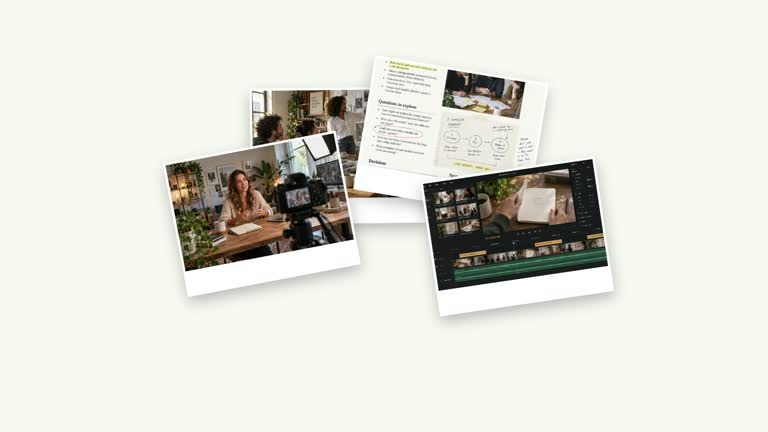
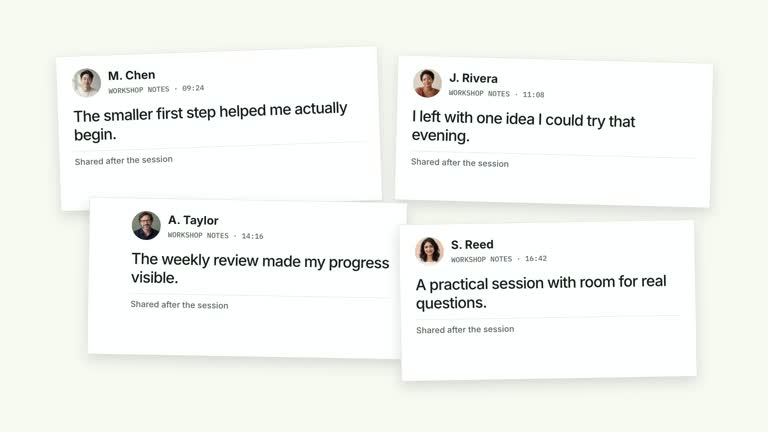
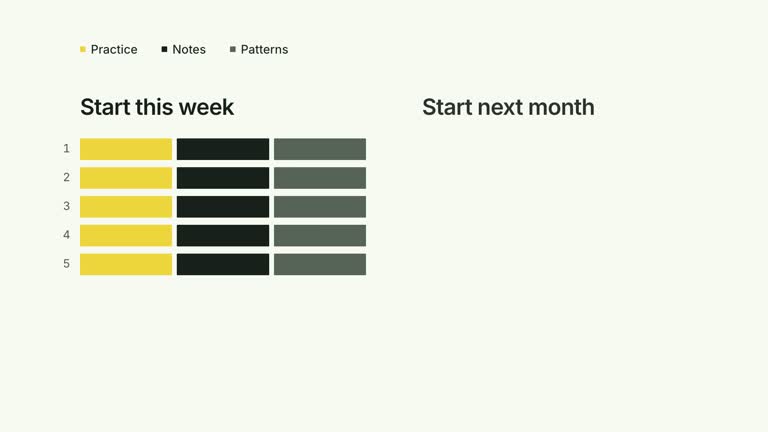
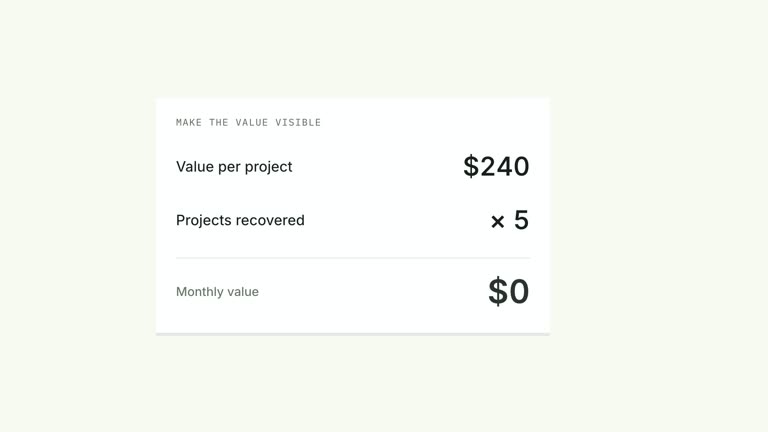
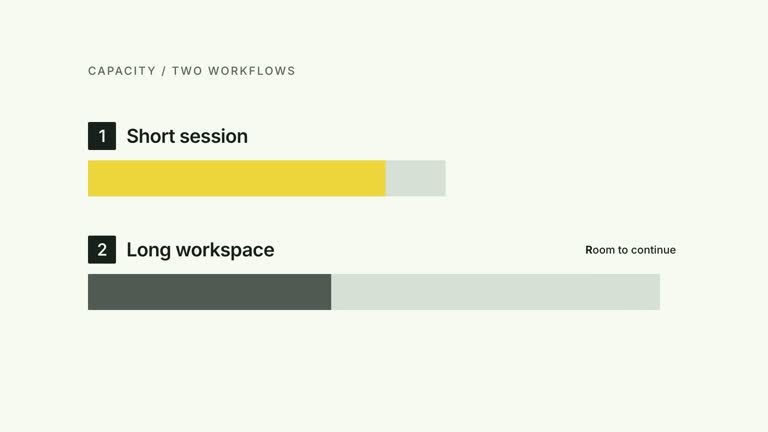
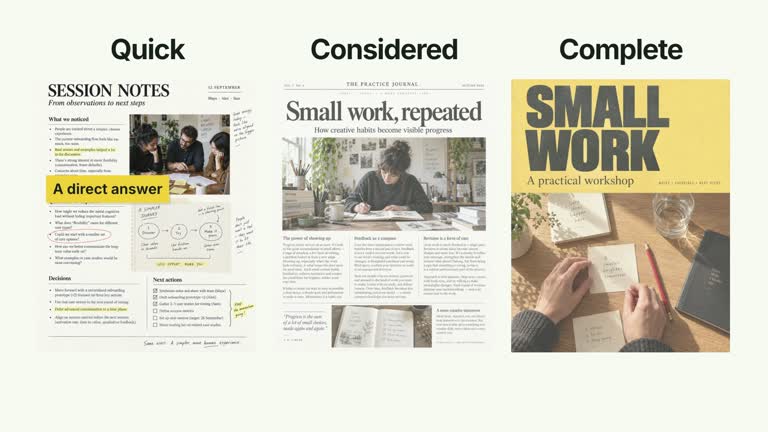
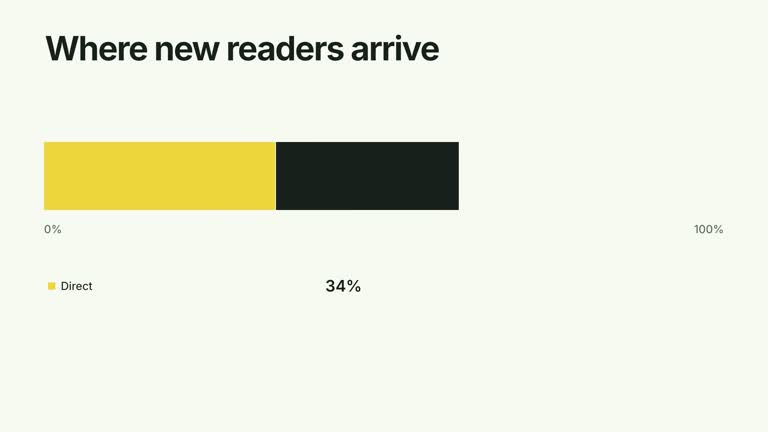
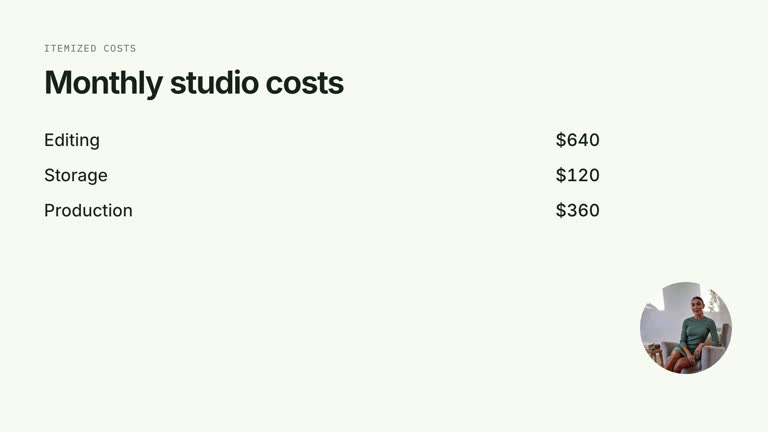
Introduce a person through an editorial spread rather than a moving profile card. A large grayscale portrait stays in place while the name, role and three short notes build beside it; two context pictures appear before a closing quotation and drawn underline. The seven-second scene presents supplied biographical material, not a verified profile.
What you get
A local generator, editable HyperFrames effect and motion/review instructions. Generate a 1920×1080 project and render a 30 fps introduction segment.
Editable name, role, up to three notes and quote. Raster slots portrait, portrait-context-1 and portrait-context-2 supply the subject and supporting images, with illustrative defaults included.
Name reveal at 0.16 seconds, role from 0.55 seconds and note entrances beginning at 0.85 seconds with 0.70-second spacing. Context images begin at 2.65 seconds, the closing line at 3.50 seconds and an underline draws from 3.95 seconds.
Four palettes preserve geometry and timing: White & Yellow (white-yellow), Charcoal & Lime (charcoal-lime), Paper & Orange (paper-orange) and Black & White (midnight-ice). Semantic overrides adapt styling; check contrast afterwards. Dark canvases retain a fine stationary grid. Fonts are local: Inter, IBM Plex Mono for measurements/ordinals, Smiley Sans and Noto Sans SC. Chinese text automatically selects Smiley Sans, including Latin words in the composition; --zh-font noto-sans-sc chooses the plainer face and --font embeds your own. Inspect wrapping after changes.
Before you choose
Give each note a distinct purpose: what the person does, how they work or why their contribution matters. A polished portrait spread should not turn generic invented biography into an implied factual introduction.
Good fit
A creator introducing a person, their work and a few meaningful biographical observations.
A short teaching profile with concise notes and a properly attributed closing line.
A series needing consistent portrait/copy hierarchy, palette and motion.
Not for
Automatically researching a biography, verifying identity or generating a person’s performance and voice.
A changing dossier about resources beside a role. This scene keeps the person as the editorial subject.
Automatic full-film editing, generated music or copying a reference creator’s identity, photographs or quotations.
How to use
You say/creatormotion-collage-portrait-notes Turn my supplied explanation into a white-yellow B-roll scene using the Portrait with Editorial Notes effect. Use the text, data and media I provide, and ask for any required input that is missing.
Prepare name, role, three concise notes and quote in JSON. Use accurate information for a real person; the example name and biography are demonstration content, not independently established facts.
Choose portrait and two context pictures through --images, or retain illustrative defaults for a labeled example. Match every image and statement to the intended subject. The main portrait is cropped, slightly angled and forced to grayscale in the current implementation.
Keep notes short enough to leave room for context images and the closing line. The underline is a preset drawn flourish, not a generated signature or handwriting sample. No presenter video or aligned matte is required.
Prepare Node.js 22+, FFmpeg and the documented HyperFrames CLI 0.8.30. From the extracted package run node scripts/create.mjs --out PROJECT --data CONTENT.json with the chosen --style. Map replacement images through --images; relative paths resolve beside that JSON and unlisted slots retain defaults. Add semantic --overrides as needed and read the image policy before adapting materials.
Lint, validate and inspect the generated HyperFrames project, then render at 1920×1080 and 30 fps with the pinned CLI. Check actual MP4 frames at the opening, changes of focus and final hold for cropping, overlap, contrast and seams. Review all palettes when editing the module. Narration, music and assembly remain separate work; a silent preview does not establish audio synchronization. Inspect the face crop, name/role hierarchy, all three notes and the final quote. The two context images share space with the closing line, so review the complete final arrangement, not just the portrait.
Requirements and costs
You bring
name: provide your own content or retain the illustrative default. · role: provide your own content or retain the illustrative default. · notes: provide your own content or retain the illustrative default. · quote: provide your own content or retain the illustrative default.
Dependencies
HyperFrames CLI 0.8.30 or compatible — required · Node.js 22 or newer — required · FFmpeg — required
Outside costs
Not collected yet
Tools used
HyperFrames
Publisher testing
v1.0.1 — Claude Code / Claude Desktop / Cowork / Codex / ChatGPT
FAQ
Yes. The five content fields and named palettes are configurable, with optional semantic overrides. The main portrait’s grayscale filter is an implementation choice, so restoring color requires a code change.
No. This scene uses three static image slots and editable copy. Defaults are included; replace them with appropriate authorized images when profiling an actual person.
Yes. Keep the settled portrait, measured note entrances and later closing mark. Re-render after adjusting timing or copy so all information has reading time.
No. It is a fixed loose SVG underline beneath the supplied quote. Do not present it as handwriting or a signature from the subject.
Verify the name, role, notes, image identity and quotation attribution outside the animation. Replace the illustrative context pictures and any fixed image descriptions that do not fit your material.
User reviews
—0 reviews
Select a star to share your experience.
No reviews yet. Ratings appear once readers share real experiences.