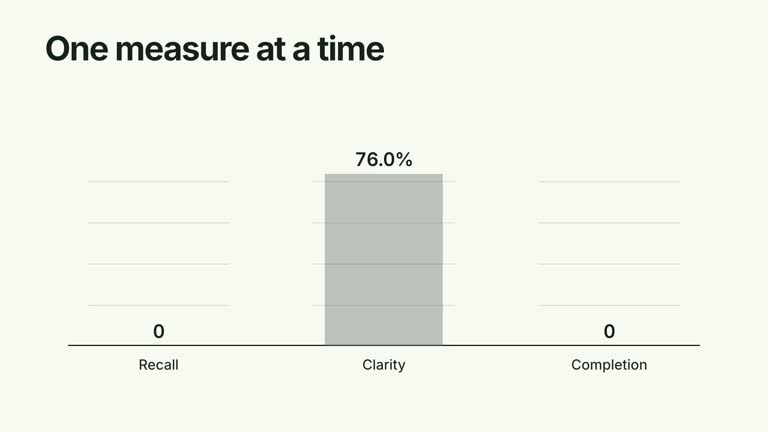
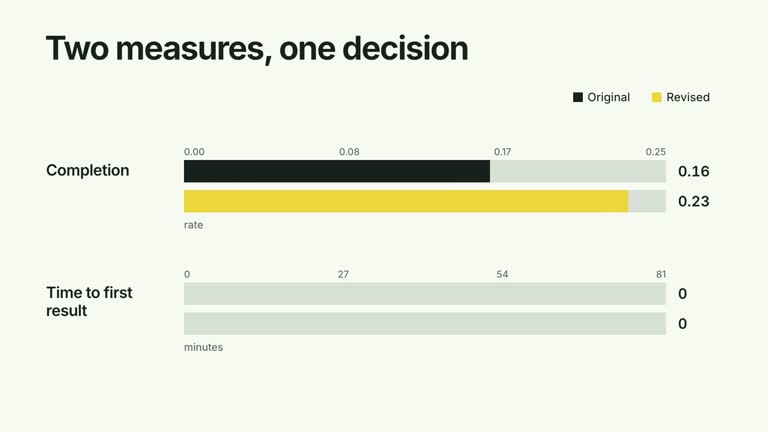
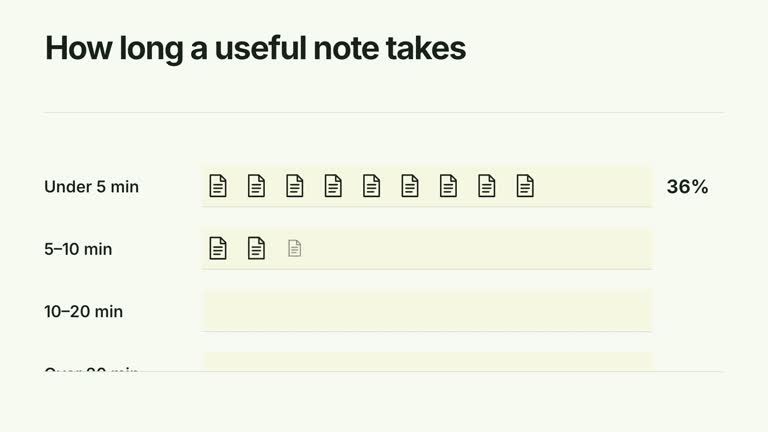
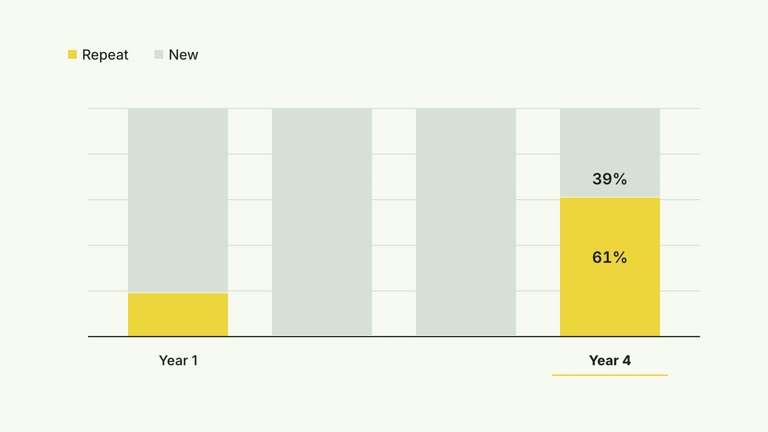
Show the itemization before the total. Expense descriptions and right-aligned amounts reveal row by row in a large editorial ledger; a ruled footer then counts up to their sum. This ten-second effect calculates from supplied numeric amounts, but it does not validate expenses, convert currencies or connect to an accounting system.
What you get
A local generator, editable HyperFrames effect and motion/review instructions. Generate the project at 1920×1080 and render a 30 fps ledger segment.
Editable title, items with label/amount, currency prefix and period. The total is calculated by adding the input amounts, while monetary labels and counters use whole-number display formatting.
Row reveals beginning at 1 second with 0.8-second spacing, followed by the footer and a 1.4-second total counter. Optional local presenter footage can occupy a small window while the itemization remains visible.
Four palettes keep geometry and timing consistent: White & Yellow (white-yellow), Charcoal & Lime (charcoal-lime), Paper & Orange (paper-orange) and Black & White (midnight-ice). Semantic overrides need a contrast check; dark canvases retain a fine stationary grid. Bundled local fonts include Inter, IBM Plex Mono for measurements/ordinals, Smiley Sans and Noto Sans SC. Chinese copy automatically selects Smiley Sans, including Latin words; --zh-font noto-sans-sc selects the plainer face and --font embeds your own. Inspect wrapping after changes.
Before you choose
Use the ledger to explain the total, not just decorate it. Choose a consistent cost basis and period, and make sure the visible precision allows viewers to reproduce the sum from the displayed itemization.
Good fit
A creator explaining a small set of costs where the line items need to remain visible beside their sum.
A short teaching example with one currency, consistent period and concise descriptions.
A series using consistent ledger alignment, total emphasis and typography.
Not for
Automatic bookkeeping, currency conversion, tax computation or verification that amounts were actually spent.
Precise cent-level reporting without changing the formatter. Fractional amounts are summed numerically but the current display rounds each amount and total independently.
Automatic full-film editing, generated presenter performance or soundtrack, or copying a reference creator’s identity and footage.
How to use
You say/creatormotion-comparison-cost-total Turn my supplied explanation into a white-yellow B-roll scene using the Cost Ledger Total effect. Use the text, data and media I provide, and ask for any required input that is missing.
Prepare title, items, currency and period in JSON. Every item needs a numeric amount, not a numeric string. Make the units and period agree; the default monthly studio costs are illustrative.
Add the amounts independently and check the expected total. Currency is a prefix only, not a conversion instruction. With fractional amounts, displayed rounded rows may not sum to the displayed rounded total; adapt formatting before presenting exact financial detail.
Keep the list short enough for the fixed row spacing, canvas height and ten-second timeline. If adding --media, supply a continuous local presenter take covering the visible interval. The shared helper uses a 6.8-second video window and fades it from 6.4 seconds; no alpha matte is required.
Prepare Node.js 22+, FFmpeg and the documented HyperFrames CLI 0.8.30. From the extracted package run node scripts/create.mjs --out PROJECT --data CONTENT.json with the chosen --style. Use semantic --overrides if needed. An --images JSON maps named slots to local files, with relative paths resolved beside the map and unlisted slots retaining bundled defaults. Read the image policy before replacing material. For the optional speaker window, include --media with your recording.
Lint, validate and inspect the generated HyperFrames project, then render at 1920×1080 and 30 fps with the pinned CLI. Review real MP4 frames at the opening, each handoff and final state for clipping, contrast and correct labels. Keep at least 1.2 seconds for final reading when editing timing, and compare all palettes with identical content after module changes. Narration, music and film assembly remain separate work. Check every amount, the period, total counter and any presenter overlap. The final CSS sets a fixed ledger width, so inspect actual copy rather than relying on the guide’s promise that it narrows for video.
Requirements and costs
You bring
title: provide your own content or retain the illustrative default. · items: provide your own content or retain the illustrative default. · currency: provide your own content or retain the illustrative default. · period: provide your own content or retain the illustrative default.
Dependencies
HyperFrames CLI 0.8.30 or compatible — required · Node.js 22 or newer — required · FFmpeg — required
Outside costs
Not collected yet
Tools used
HyperFrames
Publisher testing
v1.0.1 — Claude Code / Claude Desktop / Cowork / Codex / ChatGPT
FAQ
Yes. title, item labels/amounts, currency and period come from JSON. Choose a palette or semantic overrides. Itemized costs and Total remain fixed English headings unless you edit the implementation.
No for a ledger-only segment. Add --media if you want the optional presenter window and inspect its timing/crop. The effect does not require an aligned alpha matte or raster images.
Yes. Preserve row-by-row itemization, the separated total and a readable final hold. Re-render after changes to ensure every amount appears before the total becomes the conclusion.
Yes from the numeric item amounts. It does not include unlisted expenses or extra operations such as tax, discounts or currency exchange. Validate the inputs and their meaning yourself.
The summation accepts numeric fractions, but the current monetary display uses zero decimal places. Change the formatter if cents matter and verify both the visible rows and final sum.
User reviews
—0 reviews
Select a star to share your experience.
No reviews yet. Ratings appear once readers share real experiences.