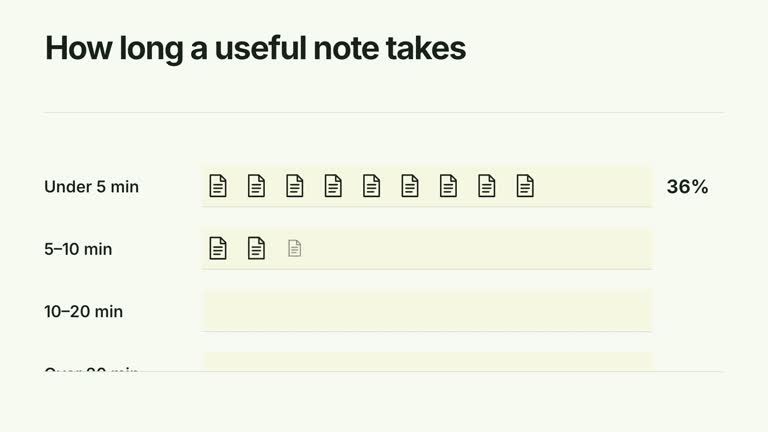
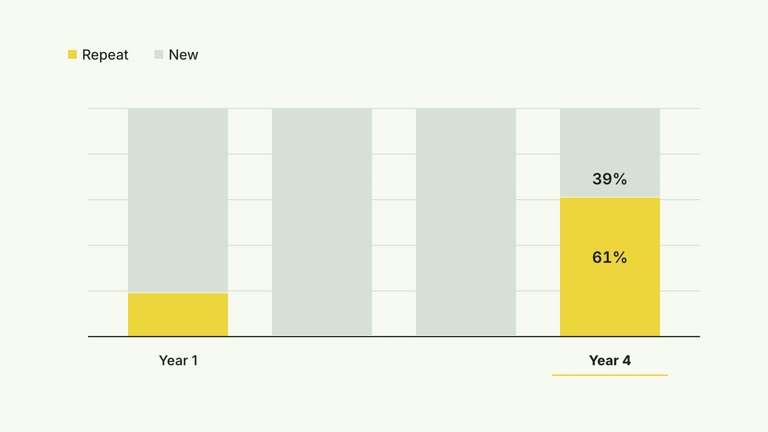
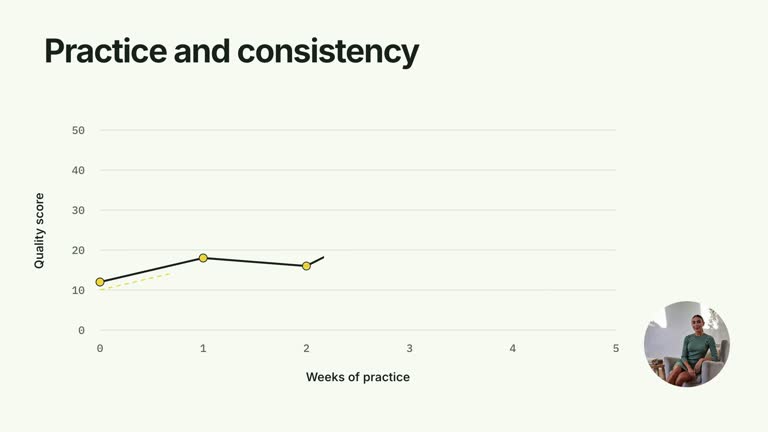
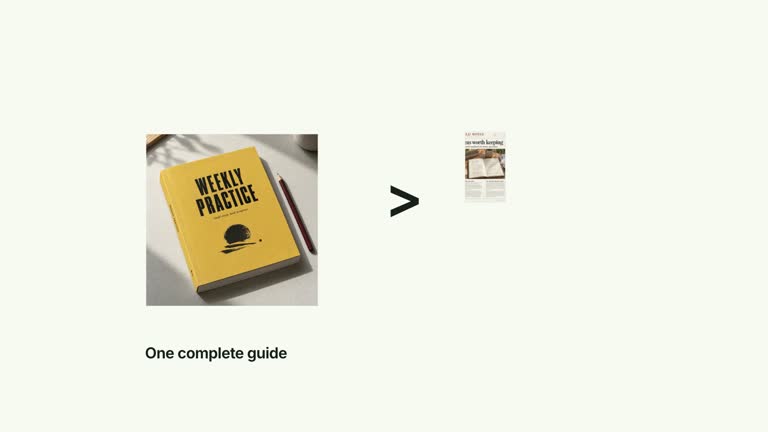
Compare two series within each measure before moving to the next. Paired horizontal bars grow in sequence with numeric endpoints, separate units and a fixed series legend. Each metric has its own scale, so the ten-second effect supports within-metric comparison without pretending that bars from different units share one numerical axis.
What you get
A local generator, editable HyperFrames effect and motion/review instructions. Generate a 1920×1080 project and render a 30 fps paired-metric comparison segment.
Two seriesLabels and metrics with name, two values and unit. Each group’s maximum is 1.05 times its largest supplied value, with its own labeled axis.
Two-series growth within the first metric, followed by the next metric. Bars and endpoint counters share a 1.1-second interval, with a fixed legend and a final complete comparison.
Four palettes preserve geometry and timing: White & Yellow (white-yellow), Charcoal & Lime (charcoal-lime), Paper & Orange (paper-orange) and Black & White (midnight-ice). Semantic overrides need a contrast check; dark canvases retain a fine static grid. Fonts are bundled locally: Inter, IBM Plex Mono for measurements/ordinals, Smiley Sans and Noto Sans SC. Chinese text automatically uses Smiley Sans, including Latin words; --zh-font noto-sans-sc selects the plainer face and --font embeds your own. Inspect wrapping after changes.
Before you choose
Use the chart to explain a tradeoff rather than invent an overall winner. A completion rate and a time measure can move in different desirable directions; define success for each before drawing a conclusion from the paired bars.
Good fit
A creator comparing two alternatives across a small number of clearly defined metrics.
A short teaching example where measures have different units and need independent scales.
A recurring series using consistent paired-bar order, legends and typography.
Not for
Directly comparing lengths between different metric groups, interpreting the longest bar as the best outcome or assuming all measures share a unit.
Automatic benchmark collection, significance testing or negative/all-zero data without adapting the current scale calculation.
Automatic full-film editing, generated presenter performances or music, or copying a reference creator’s identity and materials.
How to use
You say/creatormotion-comparison-grouped-bars Turn my supplied explanation into a white-yellow B-roll scene using the Grouped Metric Bars effect. Use the text, data and media I provide, and ask for any required input that is missing.
Prepare two seriesLabels and metrics with name, exactly two numeric values and unit. Keep series order consistent in every group. The default compares completion rate and time to first result as illustrative data.
Verify metric definitions and whether higher or lower is desirable. Every group rescales to its own maximum; the two bars within a group are comparable, but a long bar in one group cannot be directly compared with a long bar in another.
Check display precision: endpoint counters use two decimals for values below one and whole numbers otherwise. A fractional rate is not multiplied by 100. Each group has fixed spacing and a three-second start cadence, so adding metrics needs a layout/timing review. No footage, matte or raster image is required.
Prepare Node.js 22+, FFmpeg and the documented HyperFrames CLI 0.8.30. From the extracted package run node scripts/create.mjs --out PROJECT --data CONTENT.json with the chosen --style, adding semantic --overrides if needed. Read the motion specification and image policy before adapting the composition. Shared image-map options do not add an active raster slot or presenter to this effect.
Lint, validate and inspect the generated HyperFrames project, then render at 1920×1080 and 30 fps with the pinned CLI. Check actual MP4 frames at the opening, each reveal and final comparison for labels, bounds, contrast and correct values. Preserve at least 1.2 seconds of final reading time when changing the timeline and inspect all palettes with identical content after module changes. Narration, music and film assembly remain separate work. Check each group’s axis, unit, series color and terminal values, then read the complete two-measure comparison. The title Two measures, one decision is fixed in code; adapt it if your brief differs.
Requirements and costs
You bring
seriesLabels: provide your own content or retain the illustrative default. · metrics: provide your own content or retain the illustrative default.
Dependencies
HyperFrames CLI 0.8.30 or compatible — required · Node.js 22 or newer — required · FFmpeg — required
Outside costs
Not collected yet
Tools used
HyperFrames
Publisher testing
v1.0.1 — Claude Code / Claude Desktop / Cowork / Codex / ChatGPT
FAQ
Yes. seriesLabels and each metric’s name/values/unit are supplied in JSON. Palettes and semantic overrides adapt the treatment; the first and second series retain distinct theme roles.
No. This effect uses editable bars, axes and text. Generic image/presenter/matte instructions do not add media requirements here.
Yes. Keep each two-series pair together before advancing to the next metric, with correct axis and unit labels. A single shared ratio scale would change the meaning.
Not quantitatively. Each metric has an independent scale based on its own values. Compare the two series inside each group and use the printed values/units to understand differences between metrics.
No. A value below one displays with two decimals and its supplied unit; the code does not convert it to percent. Use appropriate values and labels, and check formatting when precision matters.
User reviews
—0 reviews
Select a star to share your experience.
No reviews yet. Ratings appear once readers share real experiences.