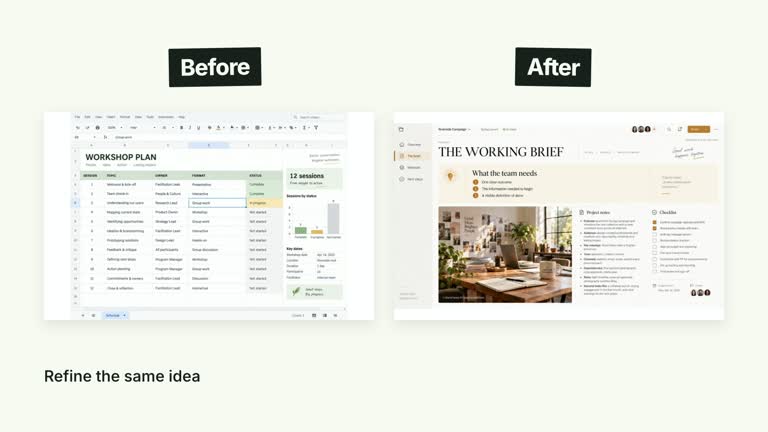
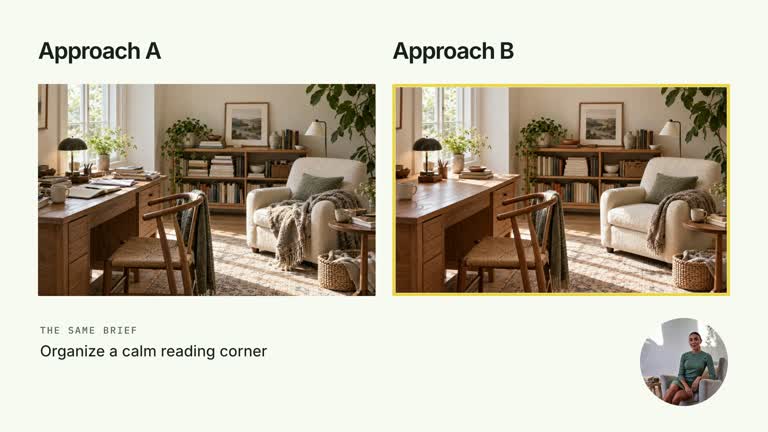
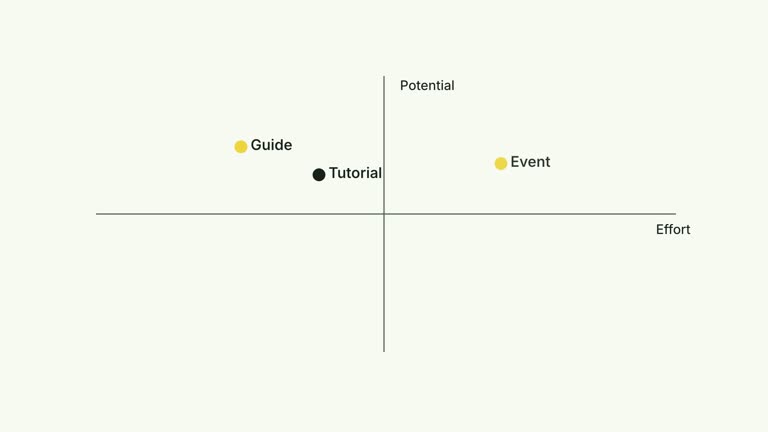
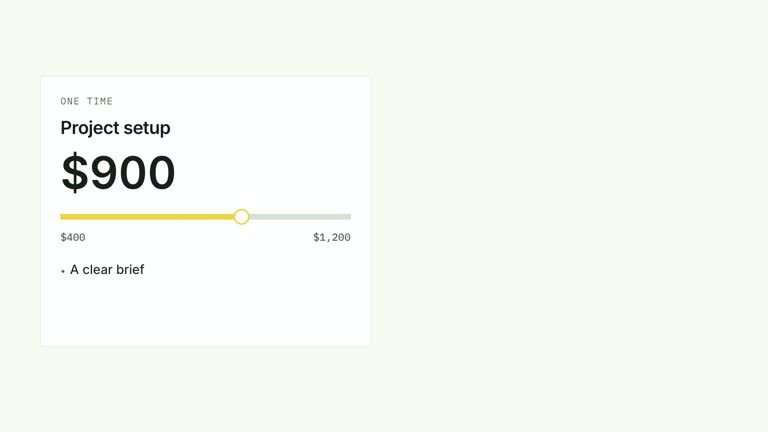
Set one complete item against a countable group. The large first image contracts into a left-hand anchor, a comparison operator appears and repeated smaller items build a five-column grid on the right. This eight-second effect presents a supplied relationship; the operator does not establish that one item is objectively worth more than the others.
What you get
A local generator, editable HyperFrames effect and motion/review instructions. Generate a 1920×1080 project and render a 30 fps one-to-many comparison segment.
singleMedia and unitImage image keys, an integer count, operator and two labels. The default uses one guide and ten small units, with generated raster material supplied as an illustrative example.
A prominent first image, contraction beginning at 1.30 seconds, operator at 2.60 seconds and grid arrivals from 2.90 seconds at 0.18-second spacing. The right-side caption arrives at 5.40 seconds and the complete relation holds.
Four palettes preserve geometry and timing: White & Yellow (white-yellow), Charcoal & Lime (charcoal-lime), Paper & Orange (paper-orange) and Black & White (midnight-ice). Semantic overrides need a contrast check; dark canvases retain a fine static grid. Fonts are local: Inter, IBM Plex Mono for measurements/ordinals, Smiley Sans and Noto Sans SC. Chinese content automatically selects Smiley Sans, including Latin words; --zh-font noto-sans-sc chooses the plainer face and --font embeds your own. Recheck wrapping after changes.
Before you choose
Define what is being compared before choosing the operator. A large greater-than sign is a strong editorial claim; make the actual value, scope or relationship clear rather than letting visual scale imply an unsupported judgement.
Good fit
A creator contrasting one semantic whole with a small set of repeated alternatives or component objects.
A concise teaching passage where exact visible count and a clear comparison operator help the explanation.
A series using consistent image-to-grid motion, palette and typography.
Not for
Automatically proving equivalence or superiority, counting real content from an image or generating the compared materials.
Assuming every repeated unit is a different source. Default small images cycle through four assets, or a chosen replacement repeats for every unit.
Automatic full-film editing, generated presenter performances or music, or copying a reference creator’s identity and materials.
How to use
You say/creatormotion-comparison-one-many Turn my supplied explanation into a white-yellow B-roll scene using the One Versus Many effect. Use the text, data and media I provide, and ask for any required input that is missing.
Prepare singleMedia, count, operator and two captions. Use a nonnegative integer count and make the right caption agree with it; labels are independent text and do not update when count changes. Explain the basis of the operator yourself.
Supply a resolvable single-item image key. For small units, images.unitImage in the image map takes priority, then a nonempty unitImage content key; otherwise content-1–content-4 repeat cyclically. Required images have no diagram fallback in the current code, despite earlier guide wording.
Keep the grid compact enough for its five fixed columns and eight-second timeline. More units add rows and staggered arrivals without automatic resizing. singleMedia is rendered through an image helper, so its broad imageOrVideo name does not provide video playback in this implementation. No presenter take or matte is used.
Prepare Node.js 22+, FFmpeg and the documented HyperFrames CLI 0.8.30. Run node scripts/create.mjs --out PROJECT --data CONTENT.json with the chosen --style from the extracted package. Map local image keys through --images; relative paths resolve beside that JSON and unlisted keys retain defaults. Add semantic --overrides if needed and follow the image policy when adapting materials.
Lint, validate and inspect the generated HyperFrames project, then render at 1920×1080 and 30 fps with the pinned CLI. Inspect actual MP4 frames at entry, every change and final hold for image fit, captions, seams and text bounds. Keep at least 1.2 seconds for final reading when adjusting timing and check all palettes with identical content after module changes. Narration, music and full-film assembly remain separate work. Count every visible unit, inspect the single-image contraction and read both labels with the operator. Check that repeated imagery does not imply more distinct sources than you actually supplied.
Requirements and costs
You bring
singleMedia: provide your own content or retain the illustrative default. · unitImage: provide your own content or retain the illustrative default. · count: provide your own content or retain the illustrative default. · operator: provide your own content or retain the illustrative default. · labels: provide your own content or retain the illustrative default.
Dependencies
HyperFrames CLI 0.8.30 or compatible — required · Node.js 22 or newer — required · FFmpeg — required
Outside costs
Not collected yet
Tools used
HyperFrames
Publisher testing
v1.0.1 — Claude Code / Claude Desktop / Cowork / Codex / ChatGPT
FAQ
Yes. The JSON controls count, operator, labels and image keys, with palettes and semantic overrides for styling. Image content remains raster rather than an editable document body.
No. This implementation uses image elements, with bundled raster defaults or your replacements. It does not play singleMedia as a video, and no presenter matte is required.
Yes. Preserve the single-item shrink, later operator and countable right-hand grid. A shared timeline or independent category sweep would communicate a different relationship.
The default cycles four content images; a unitImage override repeats one picture across the grid. A distinct image for every unit requires changing the selection logic.
No. The number of units changes, but labels remain supplied strings. Update the count wording and inspect fit/timing yourself.
User reviews
—0 reviews
Select a star to share your experience.
No reviews yet. Ratings appear once readers share real experiences.