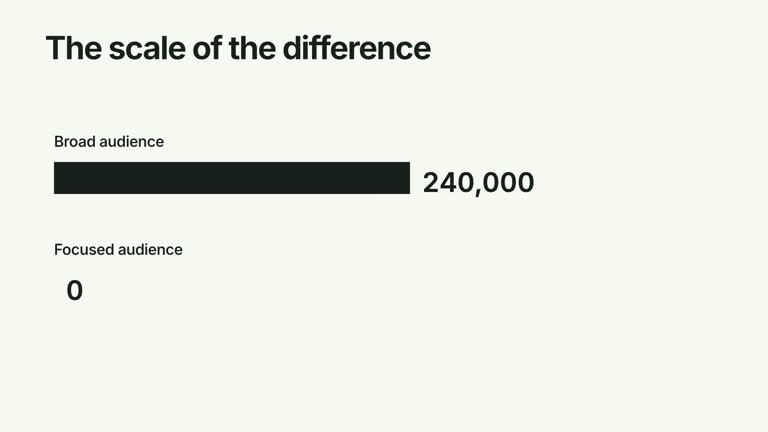
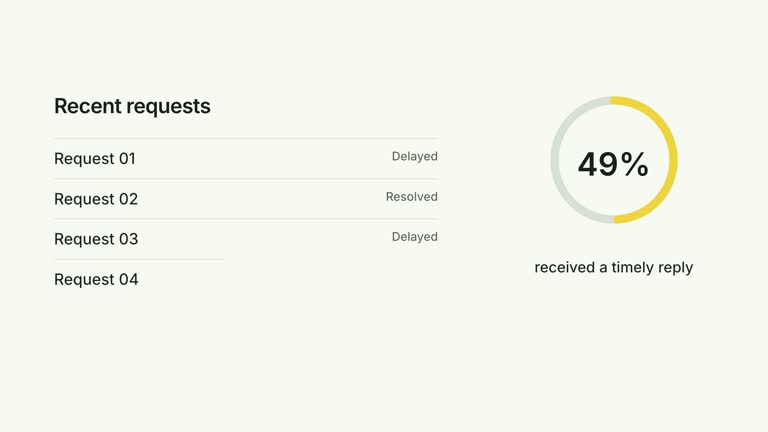
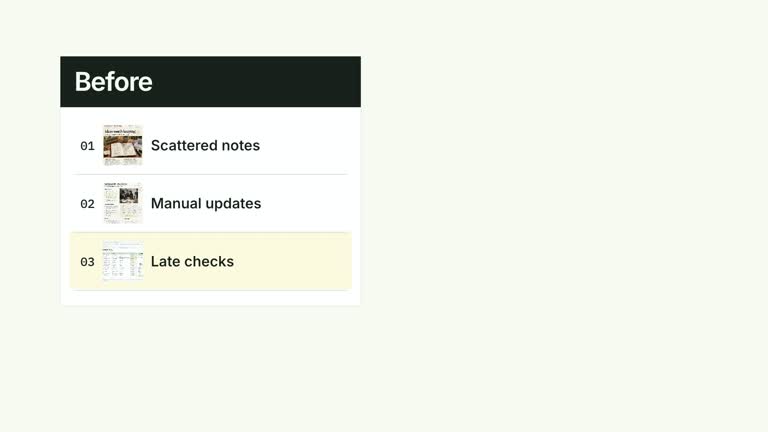
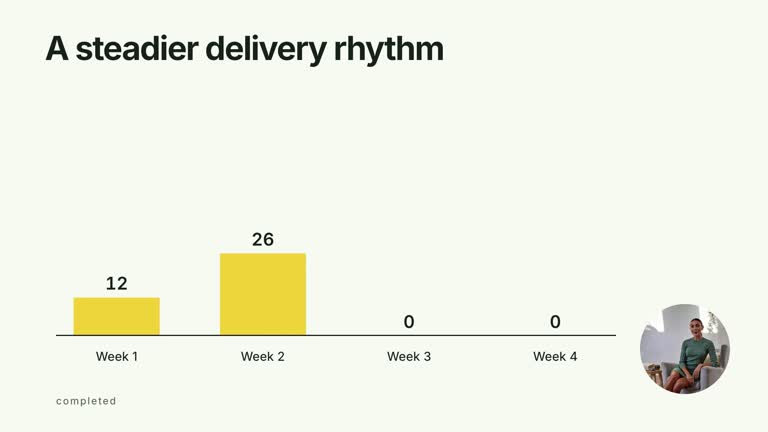
Explain a multidimensional profile in three readings: its overall shape, the values at its vertices, and the meaning of each dimension. This ten-second radar scene expands a single polygon from the center, then adds numerical badges and outer notes. You provide the scores and their common scale; the effect visualizes them without assessing performance or assigning a rating.
What you get
A local generator, editable HyperFrames scene and documented motion/review guidance. The package provides the tools to generate and render your own radar segment, rather than a finished assessment of your subject.
A title and dimensions array, with a name, numeric value and short note for every axis, plus maxValue as the shared radial maximum. Four nested grid outlines provide a consistent frame for the supplied profile.
A center-origin polygon expansion beginning at one second, vertex badges introduced in order from 2.10 seconds, and explanatory labels from 4.80 seconds. Each badge displays one decimal place at its data vertex. The current implementation holds the completed chart without a late camera zoom.
Four styles keep the same data and choreography: White & Yellow (white-yellow), Charcoal & Lime (charcoal-lime), Paper & Orange (paper-orange), and Black & White (midnight-ice). Semantic style overrides are supported; check contrast after changing them. Dark canvases use a fine grid. Local fonts include Inter, IBM Plex Mono for measurements and ordinals, Smiley Sans and Noto Sans SC. Chinese text selects Smiley Sans automatically, including accompanying Latin text; --zh-font noto-sans-sc selects Noto Sans SC, while --font takes precedence for a supplied font.
Before you choose
State what the scores mean before showing the shape. A radar polygon looks persuasive even when its axes are subjective; use stable definitions and a shared maximum, and keep the explanation of evidence separate from the animation.
Good fit
A creator comparing several qualities of one subject on an explicitly defined common scale.
A short teaching segment where viewers first need the profile, then numbers, then concise explanations of the dimensions.
A series of profiles that needs repeatable axis order, scoring definitions, typography and motion.
Not for
Automatically evaluating a product, calculating scores from evidence, or verifying that a subjective rating is objective.
Combining unrelated raw units on a single radar scale, displaying several competing polygons, or crowding a large number of dimensions into the default layout.
Editing a whole long-form production, inventing presenter footage or a soundtrack, or copying a reference creator’s identity or source materials.
How to use
You say/creatormotion-comparison-radar-reveal Turn my supplied explanation into a white-yellow B-roll scene using the Radar Explanation Reveal effect. Use the text, data and media I provide, and ask for any required input that is missing.
Define the dimensions before entering values. Supply title, dimensions with name/value/note, and a positive maxValue. Keep every score between zero and that maximum; replace the illustrative defaults with values you can explain.
Keep the dimension order stable between profiles. Radius is value divided by maxValue, so changing the maximum changes the apparent shape even when the scores stay the same. Bring different measures onto a defensible common scale before using this scene.
Write short names and notes and start with a compact axis set. Numeric badges sit on the actual vertices, so low or similar values may cluster near the center; outer notes can collide with the title or neighboring axes. This effect uses editable geometry and text, without presenter footage, a matte or image inputs.
From the extracted package, prepare Node.js 22+, FFmpeg and HyperFrames CLI 0.8.30. Run node scripts/create.mjs --out PROJECT --data CONTENT.json --style white-yellow, substituting another documented palette if wanted. Read the motion specification and image policy before adapting the scene; use semantic --overrides for deliberate style changes.
Inspect the editable project at entry, each motion handoff and final hold, then render with the command printed by the generator. Check the resulting frames for text collisions, correct numbers and readable contrast. Keep at least 1.2 seconds for the final reading when editing, and compare all four palettes with identical content after structural changes. Narration, music and assembly into a longer film remain separate work. Check that every badge matches its vertex and every note belongs to the correct axis. More dimensions extend the fixed per-item reveal sequence; revise the timing if needed rather than letting explanations continue into the final hold.
Requirements and costs
You bring
dimensions: provide your own content or retain the illustrative default. · maxValue: provide your own content or retain the illustrative default. · title: provide your own content or retain the illustrative default.
Dependencies
HyperFrames CLI 0.8.30 or compatible — required · Node.js 22 or newer — required · FFmpeg — required
Outside costs
Not collected yet
Tools used
HyperFrames
Publisher testing
v1.0.1 — Claude Code / Claude Desktop / Cowork / Codex / ChatGPT
FAQ
Yes. Title, dimension names, notes, scores and the maximum are supplied through JSON. Use the four palettes or semantic overrides, keeping the same data when comparing appearances.
No. This implementation draws the grid, polygon, badges and labels as editable SVG/text. The package’s shared image and presenter instructions do not create a footage requirement for this scene.
Yes. Keep the progression from overall shape to vertex values to explanations. Older guide text mentions a final push-in, but the later renovation and current implementation hold the final labels still; inspect the edited result before rendering.
No. It divides each supplied value by maxValue to position a vertex. It does not convert unlike units into comparable scores, clamp bad inputs, or substantiate the rating.
Badges follow measured positions, including vertices close to the center. Adjust the annotation layout or simplify the comparison; do not change scores to make the geometry look better.
User reviews
—0 reviews
Select a star to share your experience.
No reviews yet. Ratings appear once readers share real experiences.