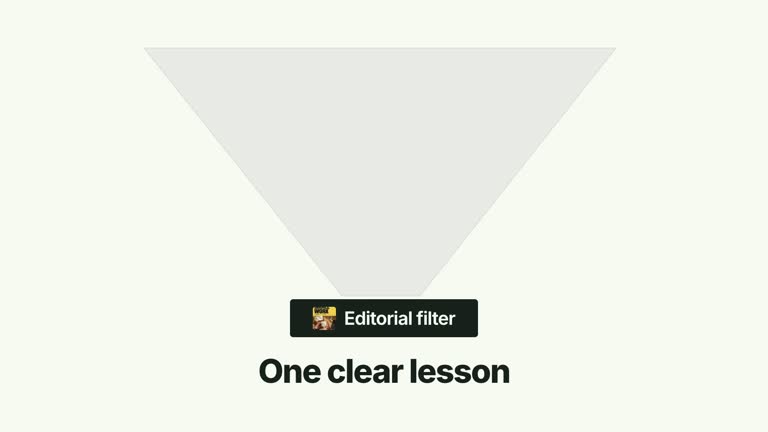
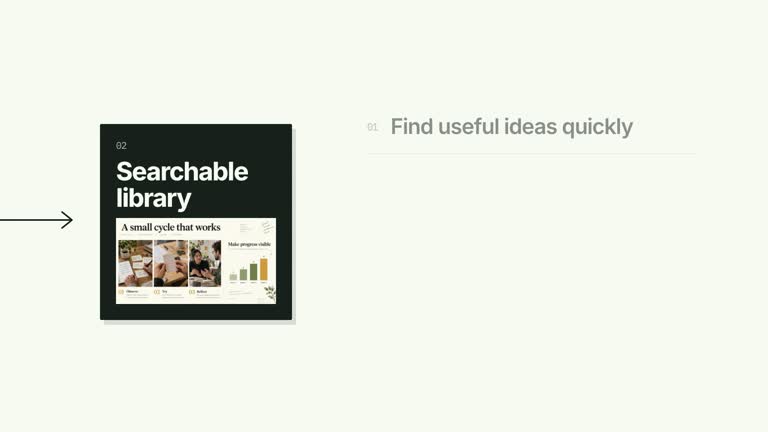
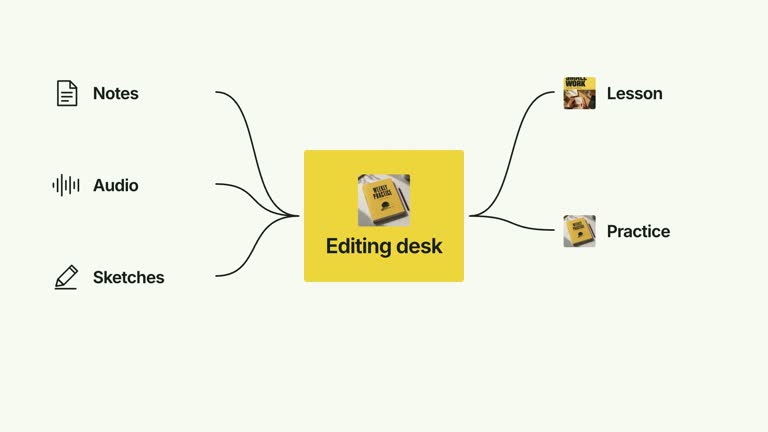
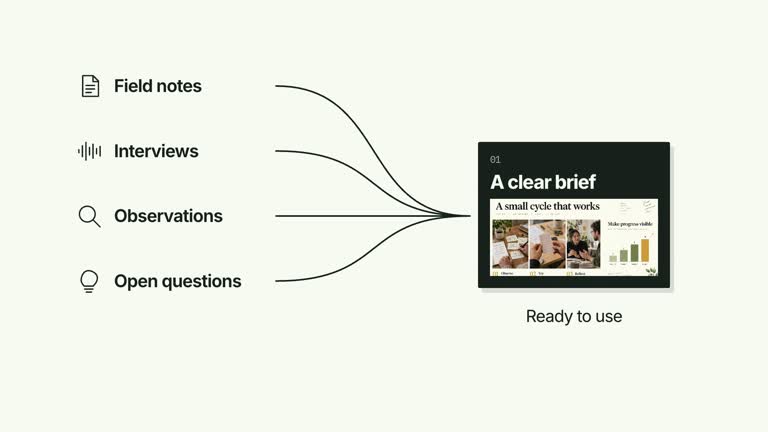
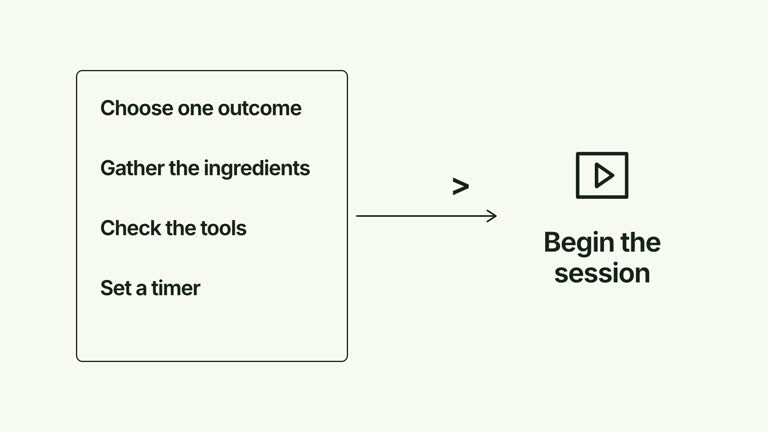
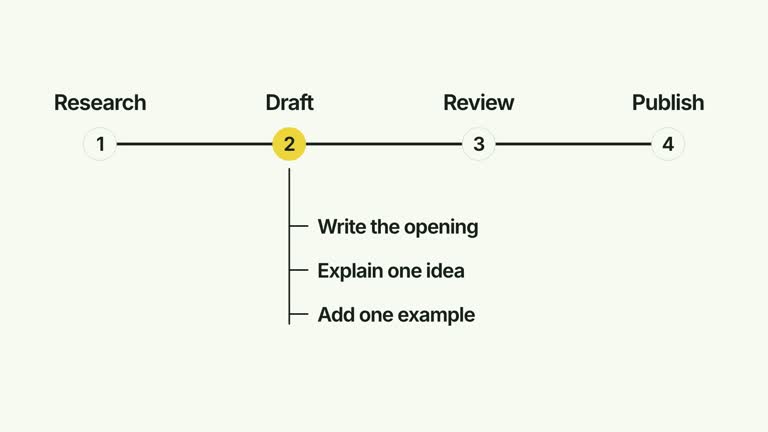
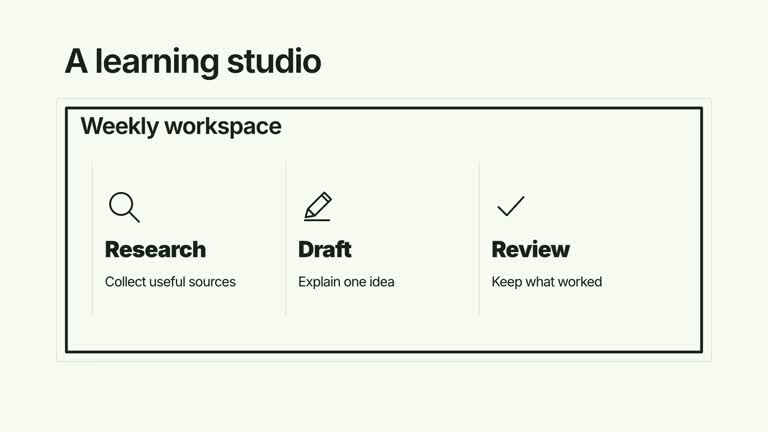
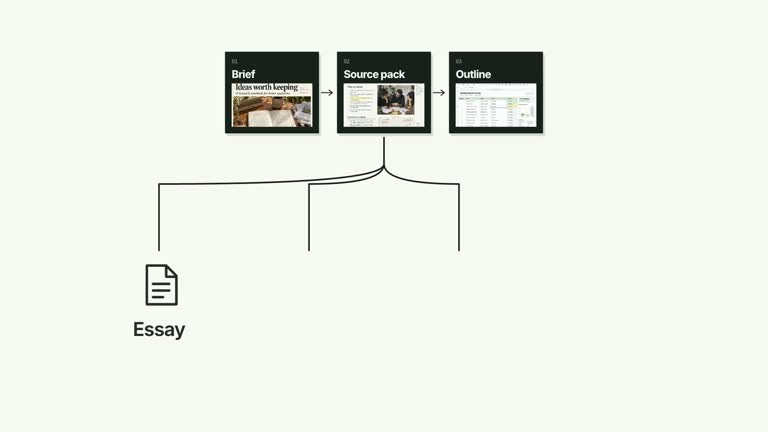
Break a broad question into a short set of named parts, then guide attention across them before asking a concluding question. A traveling outline scans the numbered labels while the parent statement remains visible; a filled question balloon and thinking character provide the closing beat. The scene presents your decomposition rather than finding or prioritizing the parts itself.
What you get
A local generator, editable HyperFrames shot and motion/review instructions for a 7.2-second, 1920×1080, 30 fps segment. Generate the composition from your own prepared problem and component labels, then render it.
problem, up to six parts and question inputs. Part panels share the available width, and the scan outline advances through them in array order. A required thinking-character raster slot has a bundled default.
A parent statement from 0.16 seconds, numbered components from 0.55 seconds, a scan from 1.05 seconds and a count-dependent concluding balloon after the scan. The final outline stays on the last part; it is not a calculated recommendation.
Four styles keep the same data and choreography: White & Yellow (white-yellow), Charcoal & Lime (charcoal-lime), Paper & Orange (paper-orange), and Black & White (midnight-ice). Semantic style overrides are supported; check contrast after changing them. Dark canvases use a fine grid. Local fonts include Inter, IBM Plex Mono for measurements and ordinals, Smiley Sans and Noto Sans SC. Chinese text selects Smiley Sans automatically, including accompanying Latin text; --zh-font noto-sans-sc selects Noto Sans SC, while --font takes precedence for a supplied font.
Before you choose
Choose parts that help someone reason about the parent question, not merely labels that fill the row. Let the concluding balloon invite a useful next decision and avoid implying that the moving outline has made that decision for the viewer.
Good fit
A creator explaining how one large question can be considered through several manageable aspects.
A teaching passage that needs an ordered attention sweep followed by a reflective question or takeaway.
A series using consistent decomposition panels, scan pacing and concluding-question typography.
Not for
Automatically decomposing a problem, scoring its components or choosing which one needs attention first.
A deep branching hierarchy, many labels, or assuming the final scan position identifies the most important part.
Automatic long-form editing, generated presenter performances or soundtrack, or copying another creator’s identity and materials.
How to use
You say/creatormotion-diagram-decompose-scan Turn my supplied explanation into a white-yellow B-roll scene using the Decompose and Scan effect. Use the text, data and media I provide, and ask for any required input that is missing.
Write problem, a nonempty parts array and question. Use no more than six meaningful parts; later items are not displayed. Keep labels short enough for the shared row and make the relationship to the parent question explicit.
Order the parts for the reading sequence. The outline visits them serially at 0.46-second spacing and ends on the final item. If your closing question asks about priority, explain that it invites a decision rather than treating the last outlined part as an answer.
Reuse the supplied thinking-character image or replace that exact slot through --images MAP.json. Relative paths resolve beside the map and other defaults remain available. The raster is required by the scene helper; no presenter clip or alpha matte is used. Follow the image policy when replacing it.
From the extracted package, prepare Node.js 22+, FFmpeg and HyperFrames CLI 0.8.30. Run node scripts/create.mjs --out PROJECT --data CONTENT.json --style white-yellow, substituting another documented palette if wanted. Read the motion specification and image policy before adapting the scene; use semantic --overrides for deliberate style changes.
Inspect the editable project at entry, each motion handoff and final hold, then render with the command printed by the generator. Check the resulting frames for text collisions, correct numbers and readable contrast. Keep at least 1.2 seconds for the final reading when editing, and compare all four palettes with identical content after structural changes. Narration, music and assembly into a longer film remain separate work. Inspect panel widths and text wrapping, each scan alignment and the final balloon/character placement. The conclusion timing changes with the visible part count, but long text still needs a reading review. Keep supporting text at least 24 px and retain both the scan and final question instead of stopping at a static decomposition.
Requirements and costs
You bring
problem: provide your own content or retain the illustrative default. · parts: provide your own content or retain the illustrative default. · question: provide your own content or retain the illustrative default.
Dependencies
HyperFrames CLI 0.8.30 or compatible — required · Node.js 22 or newer — required · FFmpeg — required
Outside costs
Not collected yet
Tools used
HyperFrames
Publisher testing
v1.0.1 — Claude Code / Claude Desktop / Cowork / Codex / ChatGPT
FAQ
Yes. problem, parts and question are supplied through JSON, with four palettes and semantic overrides. The character image is replaced separately through its named raster slot.
No presenter footage is needed. The scene requires thinking-character, which has a bundled raster default. Supply a local replacement only when the default is unsuitable.
Yes. Preserve the parent/parts relationship, serial focus sweep and later concluding balloon. Re-render after label/count changes and check that the final question arrives after the scan.
No. Parts are provided by you and scanned in input order. The final outlined item is simply the last in that sequence, not a result of ranking or analysis.
The implementation uses the first six at most. A larger decomposition requires deliberate layout and timing changes rather than extra JSON items alone.
User reviews
—0 reviews
Select a star to share your experience.
No reviews yet. Ratings appear once readers share real experiences.