CreatorMotion · Hub Routing

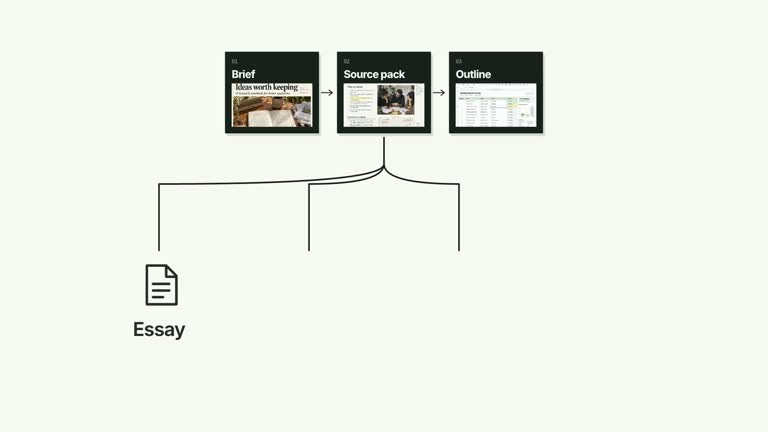
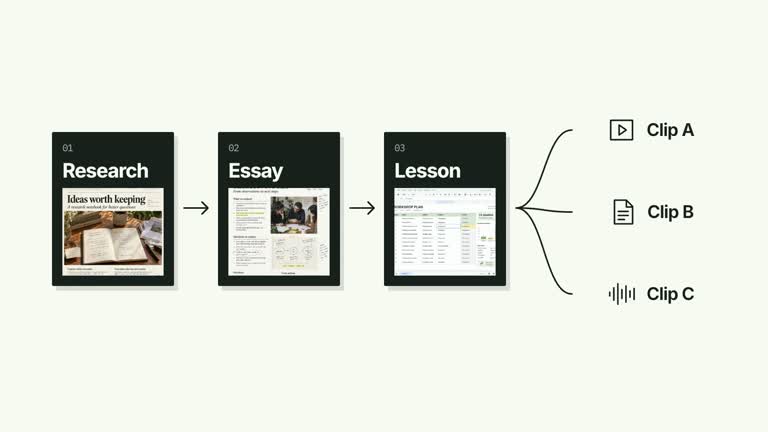
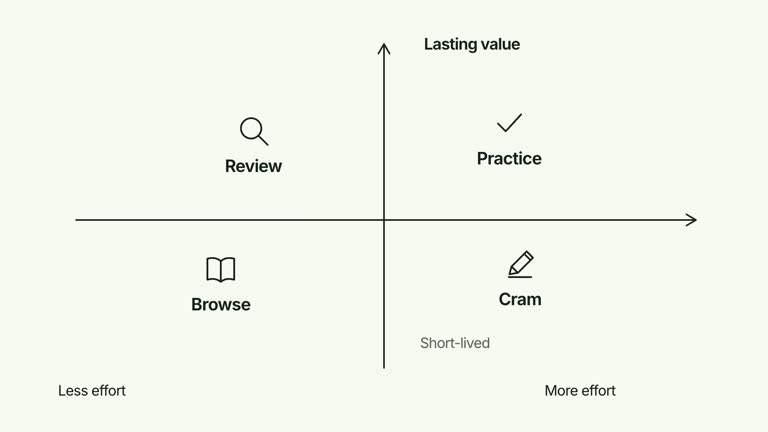
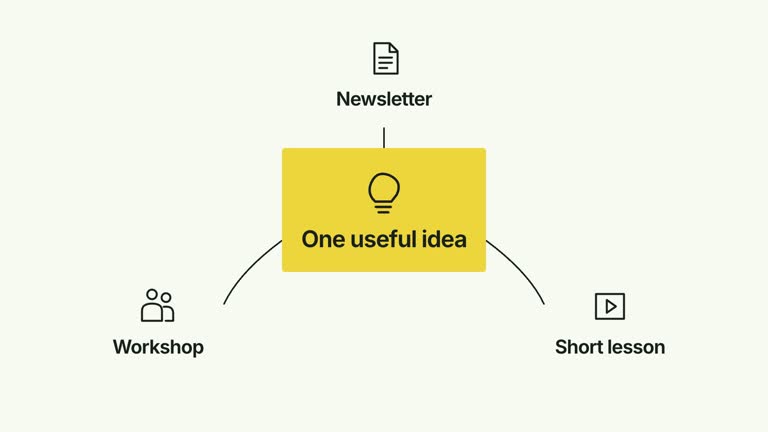
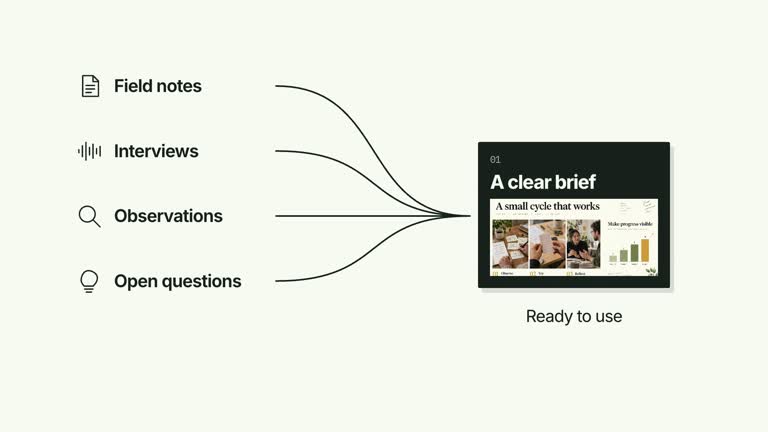
Explain how several sources relate to a shared intermediary and its outputs. A central hub anchors the network while curved routes and endpoint groups arrive in a controlled order. This 6.4-second scene can introduce the input side first or the output side first, with an optional supplied presenter in a separate corner. It illustrates routing relationships without moving or processing real data.

What you get

  • A local generator, editable HyperFrames network and motion/review instructions for a 1920×1080, 30 fps segment. Generate and render the shot from your prepared source, hub and output labels.
  • Up to five inputs, a hub, up to four outputs, reverseOrder and presenter controls. hub-image and output-1 through output-4 are bundled raster slots; inputs use editable functional glyphs.
  • A central hub from 0.16 seconds, an early group of endpoint/route entrances and a later group of outgoing relationships. reverseOrder swaps which side is introduced first while preserving the same input-to-hub-to-output topology. Optional presenter media is cropped into a small corner frame.
  • Four styles keep the same data and choreography: White & Yellow (white-yellow), Charcoal & Lime (charcoal-lime), Paper & Orange (paper-orange), and Black & White (midnight-ice). Semantic style overrides are supported; check contrast after changing them. Dark canvases use a fine grid. Local fonts include Inter, IBM Plex Mono for measurements and ordinals, Smiley Sans and Noto Sans SC. Chinese text selects Smiley Sans automatically, including accompanying Latin text; --zh-font noto-sans-sc selects Noto Sans SC, while --font takes precedence for a supplied font.

Before you choose

Name the intermediary’s role precisely. Use the arrival order to support the explanation, but do not let presentation order imply a different flow or suggest that the animation has performed a real integration.

Good fit

  • A creator explaining the intermediary role of a desk, service or coordination step between sources and deliverables.
  • A concise teaching passage where an outgoing relationship matters as much as convergence into the middle.
  • A series using repeatable hub geometry, endpoint identities and optional on-camera explanation.
Not for

  • Running a real router, integrating services, processing files or inferring which sources belong to which outputs.
  • A single terminal result with no onward relation, or assuming reverseOrder reverses the meaning of the network.
  • Automatic long-form editing, generated presenter performances or soundtrack, or copying another creator’s identity and materials.

How to use

You say/creatormotion-diagram-hub-routing Turn my supplied explanation into a white-yellow B-roll scene using the Hub Routing effect. Use the text, data and media I provide, and ask for any required input that is missing.
  1. Prepare concise inputs, hub and outputs. At most five inputs and four outputs are shown. Explain what the intermediary actually does and how the outputs relate to it; labels and connections are supplied structure, not discovered relationships.

  2. Set reverseOrder to choose the presentation order. False brings the input side forward first; true introduces outputs earlier. The input list stays on the left and outputs on the right, and path geometry still runs through the same hub. The flag changes timing rather than exchanging roles.

  3. Reuse the supplied hub-image and output-N rasters or replace named slots through --images MAP.json, using paths relative to that map. For an optional presenter, set presenter true and supply --media RECORDING.mp4; both are required. Bring footage covering the 6.4-second visible interval and inspect the strong crop/zoom in the corner. No matte is used by this implementation.

  4. From the extracted package, prepare Node.js 22+, FFmpeg and HyperFrames CLI 0.8.30. Run node scripts/create.mjs --out PROJECT --data CONTENT.json --style white-yellow, substituting another documented palette if wanted. Read the motion specification and image policy before adapting the scene; use semantic --overrides for deliberate style changes.

  5. Inspect the editable project at entry, each motion handoff and final hold, then render with the command printed by the generator. Check the resulting frames for text collisions, correct numbers and readable contrast. Keep at least 1.2 seconds for the final reading when editing, and compare all four palettes with identical content after structural changes. Narration, music and assembly into a longer film remain separate work. Check every curve, active image key and endpoint label in the MP4. Review the presenter’s crop as well as the uncropped source, and keep supporting text at least 24 px. Preserve the intermediary’s outgoing relationships rather than reducing the shot to a single destination.

Requirements and costs

You bring
inputs: provide your own content or retain the illustrative default. · hub: provide your own content or retain the illustrative default. · outputs: provide your own content or retain the illustrative default. · reverseOrder: provide your own content or retain the illustrative default. · presenter: provide your own content or retain the illustrative default.
Dependencies
HyperFrames CLI 0.8.30 or compatible — required · Node.js 22 or newer — required · FFmpeg — required
Outside costs
Not collected yet
Tools used
HyperFrames
Publisher testing
v1.0.1 — Claude Code / Claude Desktop / Cowork / Codex / ChatGPT

FAQ

User reviews

—0 reviews

Select a star to share your experience.

No reviews yet. Ratings appear once readers share real experiences.

Similar Skills

View all skills