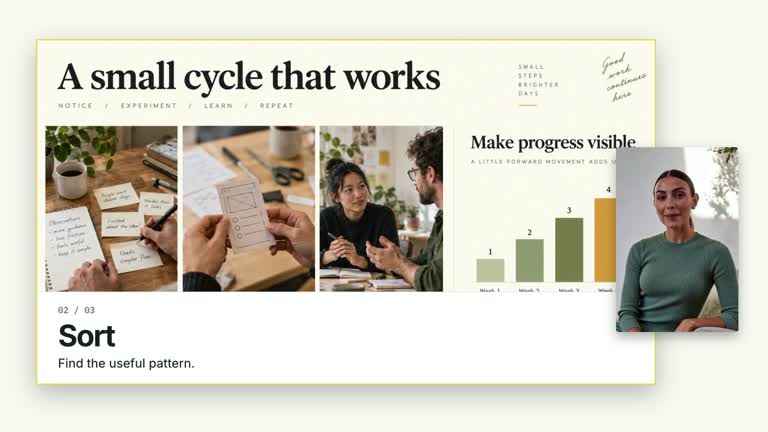
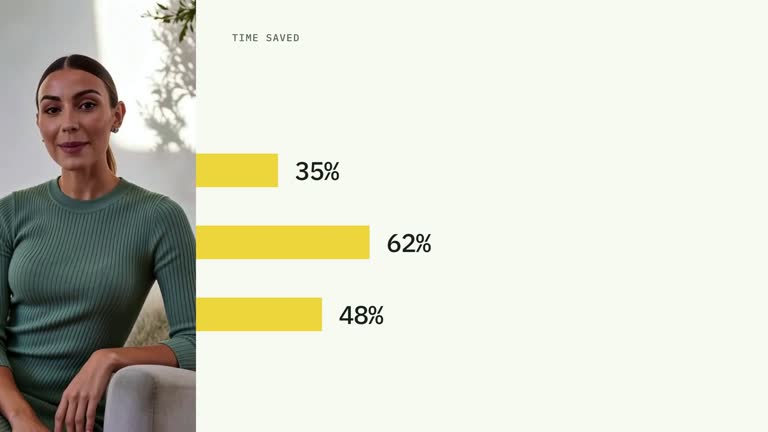
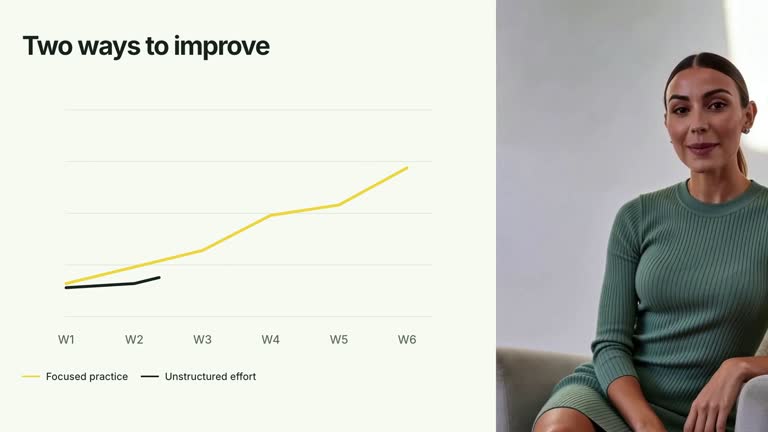
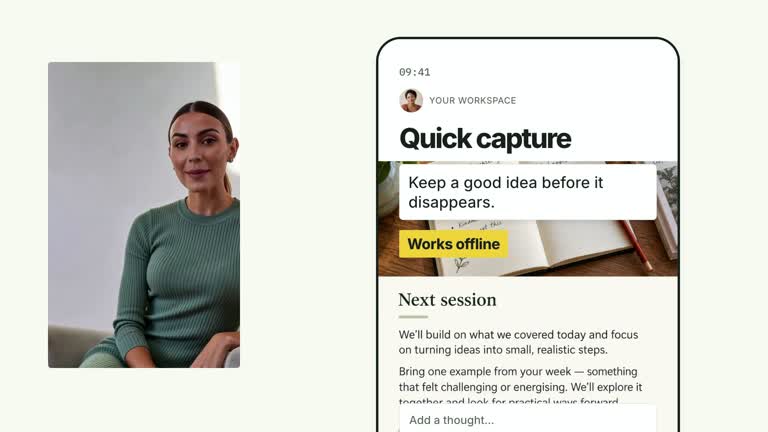
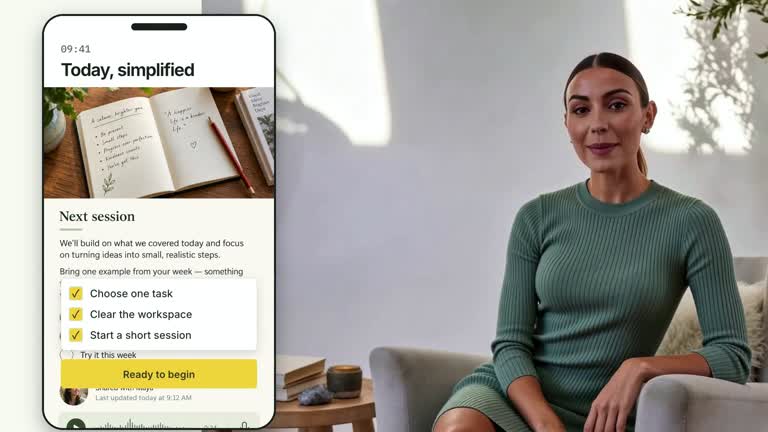
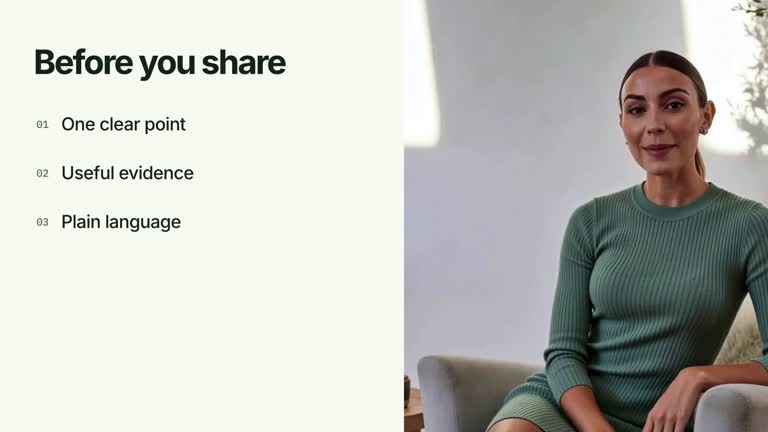
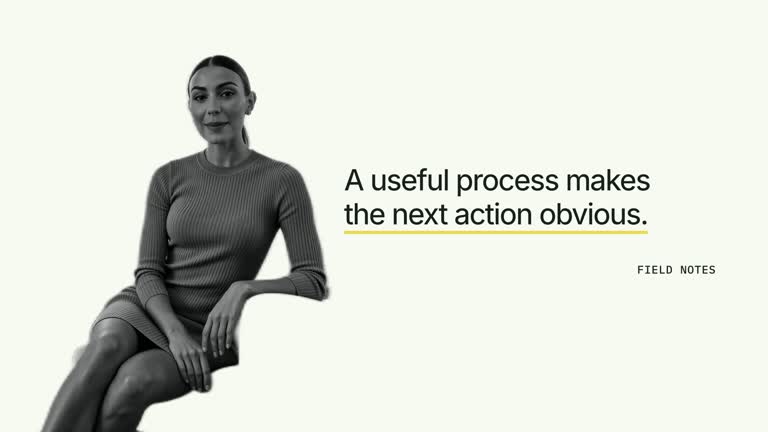
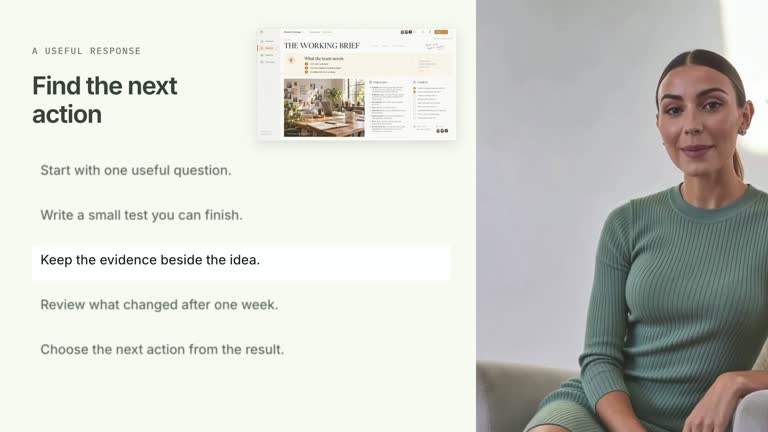
Start with a saved-result notification, then reveal the activity record behind the story. A tall phone takes the first reading position before sliding left to make room for a broad log; compact lines wipe into view while the supplied speaker stays anchored in a circular crop. This 6.8-second scene displays your prepared notification and log rather than saving data or recording system events.
What you get
A local generator, editable HyperFrames phone/log/presenter shot and motion/review instructions for a 1920×1080, 30 fps segment. Generate the composition from prepared copy and media, then render the video.
notification, up to four logLines and deviceLabel inputs. mobile-screen supplies the raster phone background with a bundled default; the presenter is a separate continuous local video. Timestamps in the log are supplied text.
Phone and speaker establishment, notification reveal from 0.70 seconds and a leftward phone move from 1.65 seconds. The log enters from 1.92 seconds and lines reveal from 2.70 seconds at 0.58-second spacing, leaving the final record visible for reading.
Four styles keep the same data and choreography: White & Yellow (white-yellow), Charcoal & Lime (charcoal-lime), Paper & Orange (paper-orange), and Black & White (midnight-ice). Semantic style overrides are supported; check contrast after changing them. Dark canvases use a fine grid. Local fonts include Inter, IBM Plex Mono for measurements and ordinals, Smiley Sans and Noto Sans SC. Chinese text selects Smiley Sans automatically, including accompanying Latin text; --zh-font noto-sans-sc selects Noto Sans SC, while --font takes precedence for a supplied font.
Before you choose
Make the notification and log tell the same sequence, and label illustrative records appropriately in the surrounding explanation. The realistic presentation does not turn supplied timestamps into evidence of actual system activity.
Good fit
A creator explaining how a visible confirmation relates to a short, prepared sequence of underlying actions.
A teaching passage needing a decisive handoff from mobile result to activity record.
A series with consistent phone framing, compact log typography and presenter crops.
Not for
Actually saving a note, collecting application events, generating authentic audit logs or verifying that a workflow succeeded.
Long scrolling logs, automatic timestamp creation or a working mobile interface.
Automatic long-form editing, creation of missing presenter footage or soundtrack, or copying another creator’s identity and source material.
How to use
You say/creatormotion-pip-notification-log Turn my supplied explanation into a white-yellow B-roll scene using the Notification to Log effect. Use the text, data and media I provide, and ask for any required input that is missing.
Prepare deviceLabel, notification and up to four short logLines. Keep entries in the intended order and write any timestamps yourself. The notification, check mark and lines are independent supplied presentation content, not the result of an executed operation.
Supply a continuous local presenter take of at least 6.8 seconds through --media. The speaker is muted and tightly cropped into a larger circular viewport. Review face framing and whether the circle covers essential log material; never loop a shorter clip. No alpha matte is required by this scene.
Reuse mobile-screen or replace that slot through --images MAP.json, with relative paths resolved beside the map. The phone background remains raster while its header and notification are editable overlays. Select relevant imagery and follow the image policy rather than treating the default screen as an actual application record.
Prepare Node.js 22+, FFmpeg and HyperFrames CLI 0.8.30. From the extracted package run node scripts/create.mjs --out /absolute/PROJECT --data /absolute/CONTENT.json --style white-yellow --media /absolute/PRESENTER.mp4. Use another documented palette or semantic --overrides as needed. Read the motion specification, DESIGN.md and image policy before adapting materials.
Run the generated project’s lint, validate and inspect checks, then render with the printed command. Inspect actual MP4 frames at entry, every focus change and the final reading hold for seams, clipping, contrast and media overlap. Keep essential text and interface targets readable; compare all four palettes with identical content after module changes. Narration is separate, and a silent preview does not establish audio synchronization. Inspect the notification-to-phone-move handoff, log entrance and every line wipe in actual MP4 frames. Log rows are single-line and clipped rather than wrapped, so shorten or adapt long entries and check the fourth line. Keep a clear reading interval after the final reveal.
Requirements and costs
You bring
notification: provide your own content or retain the illustrative default. · logLines: provide your own content or retain the illustrative default. · deviceLabel: provide your own content or retain the illustrative default.
Dependencies
HyperFrames CLI 0.8.30 or compatible — required · Node.js 22 or newer — required · FFmpeg — required
Outside costs
Not collected yet
Tools used
HyperFrames
Publisher testing
v1.0.1 — Claude Code / Claude Desktop / Cowork / Codex / ChatGPT
FAQ
Yes. notification, logLines and deviceLabel are JSON inputs, with palettes and semantic overrides. The activity-log heading, check icon and phone clock are authored scene elements, not live data.
Yes. Bring a continuous local presenter take covering the 6.8-second composition. The bundled mobile-screen image can be reused or replaced; it does not substitute for presenter video. No matte is used.
Yes. Preserve the initial phone result, lateral handoff and successive log-line reveals. Re-render after copy or layout changes and inspect the final reading state rather than judging only the phone entrance.
No. logLines are supplied strings, including timestamps. The scene neither records events nor verifies that the notification corresponds to a successful save.
Rows use no wrapping and hide overflow. Keep entries compact or deliberately revise the layout; a successful generation command does not guarantee the whole line is visible.
User reviews
—0 reviews
Select a star to share your experience.
No reviews yet. Ratings appear once readers share real experiences.