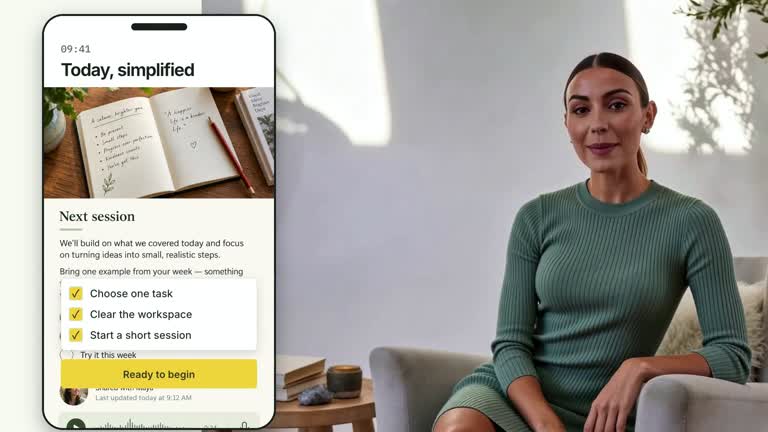
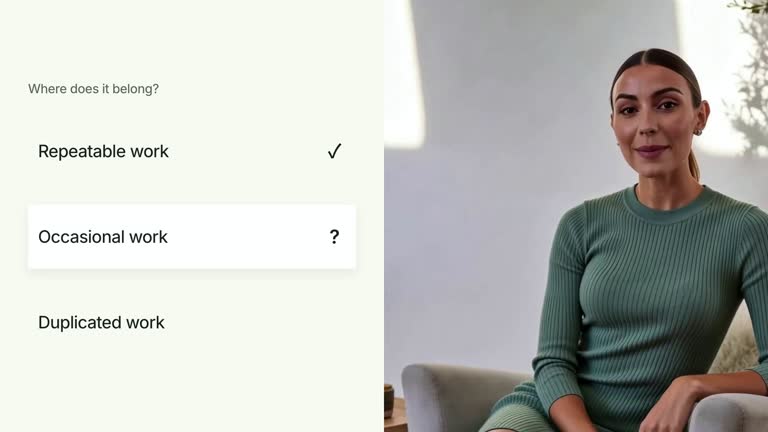
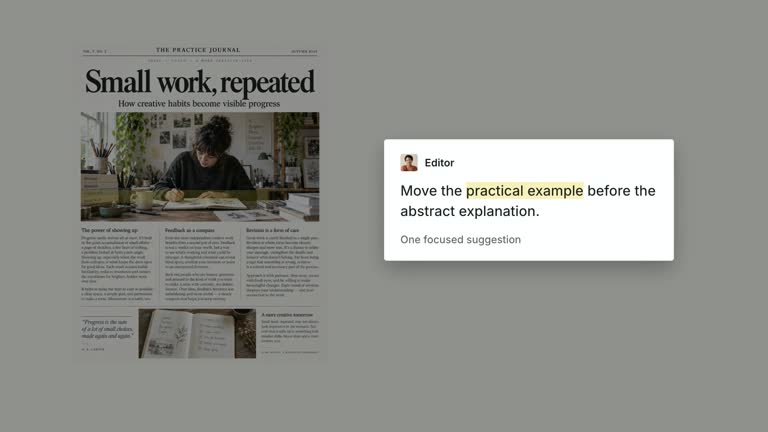
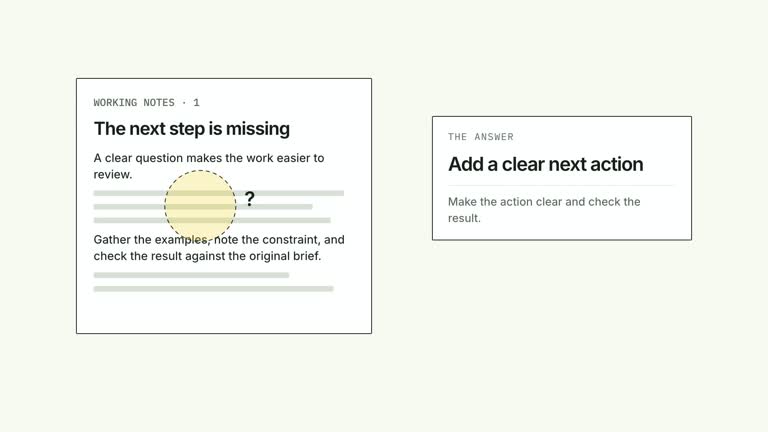
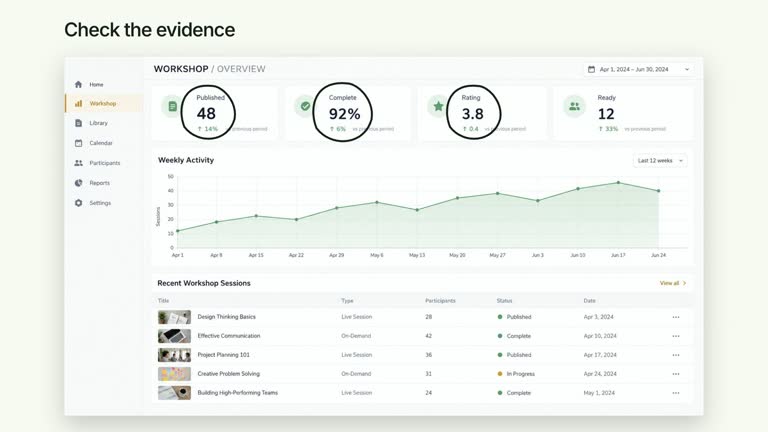
Introduce a mobile message, then emphasize two concise capabilities inside the device. An oversized phone dominates one side while a supplied presenter remains in a tall close crop; the labels arrive only after the main message is established. This 6.8-second shot illustrates claims you provide, without operating a mobile app or testing whether its capabilities exist.
What you get
A local generator, editable HyperFrames phone/presenter composition and motion/review instructions for a 1920×1080, 30 fps segment. Generate the project from your prepared copy and local footage, then render it.
phoneTitle, message and up to two callouts. Required mobile-screen and chat-avatar raster slots have bundled defaults. The phone background, editable copy overlays and separate presenter video remain distinct materials.
An initial phone/presenter establishment, message reveal from 0.65 seconds and capability-label stamps at 2.05 and 3.10 seconds. The phone deliberately extends below the canvas; the essential title, message and internal callouts must remain readable above that crop.
Four styles keep the same data and choreography: White & Yellow (white-yellow), Charcoal & Lime (charcoal-lime), Paper & Orange (paper-orange), and Black & White (midnight-ice). Semantic style overrides are supported; check contrast after changing them. Dark canvases use a fine grid. Local fonts include Inter, IBM Plex Mono for measurements and ordinals, Smiley Sans and Noto Sans SC. Chinese text selects Smiley Sans automatically, including accompanying Latin text; --zh-font noto-sans-sc selects Noto Sans SC, while --font takes precedence for a supplied font.
Before you choose
Choose two capabilities that actually support the main message and can be substantiated separately. Use the labels to direct attention, not to make an untested mobile mockup appear functional.
Good fit
A creator explaining one mobile interaction or product idea with two short, supportable capability statements.
A teaching passage where the phone is the main reading surface and the speaker provides supporting presence.
A series needing consistent mobile imagery, strong internal labels and tall presenter framing.
Not for
Running a mobile application, checking offline behavior or proving any capability stated in the callouts.
Long feature lists, automatically detected screenshot annotations or assuming the cropped lower phone input is a usable control.
Automatic full-film editing, generation of missing presenter footage or music, or copying another creator’s identity and interface materials.
How to use
You say/creatormotion-split-phone-callouts Turn my supplied explanation into a white-yellow B-roll scene using the Phone Feature Callouts effect. Use the text, data and media I provide, and ask for any required input that is missing.
Prepare a short phoneTitle, message and at most two callouts. Keep capability claims accurate for the subject you are explaining; the example labels are illustrative copy rather than tested functionality.
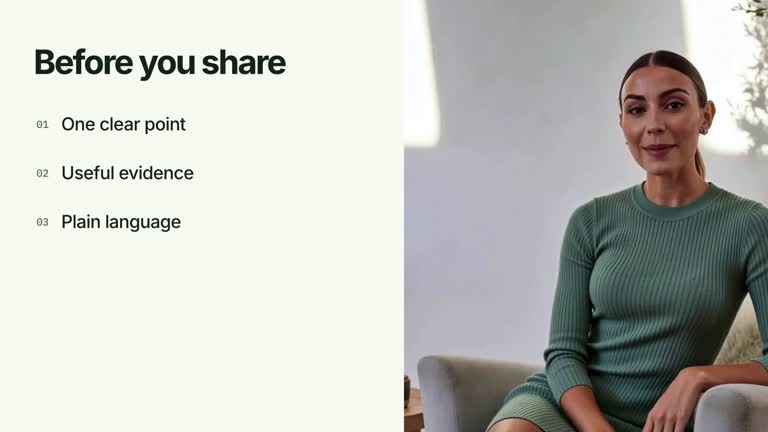
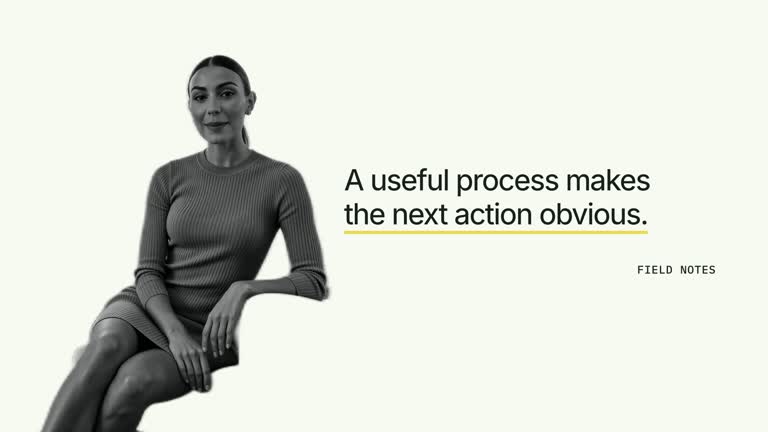
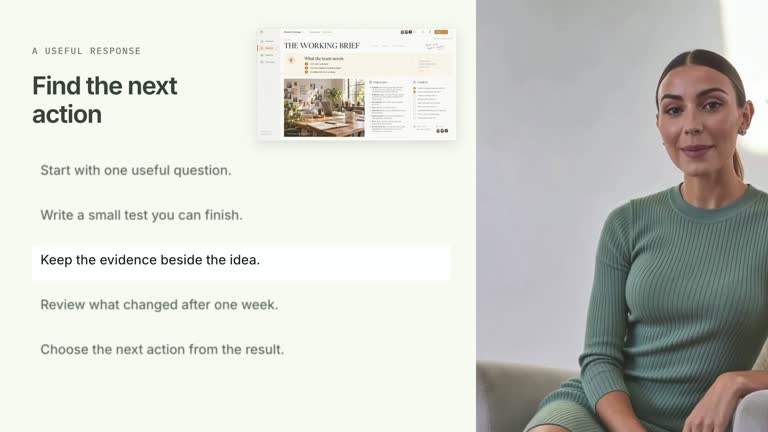
Supply a continuous local presenter take of at least 6.8 seconds through --media. The video is muted and zoomed into a tall crop. Inspect the face and body framing and never loop a shorter take. No alpha-matte cutout is used.
Reuse mobile-screen and chat-avatar or replace those exact keys with --images MAP.json. Relative paths resolve beside the map and unmentioned defaults remain. The screen is a raster background beneath editable overlays, so text baked into the image does not change with phoneTitle or message. Follow the image policy when adapting material.
Prepare Node.js 22+, FFmpeg and HyperFrames CLI 0.8.30. From the extracted package run node scripts/create.mjs --out /absolute/PROJECT --data /absolute/CONTENT.json --style white-yellow --media /absolute/PRESENTER.mp4. Use another documented palette or semantic --overrides as needed. Read the motion specification, DESIGN.md and image policy before adapting materials.
Run the generated project’s lint, validate and inspect checks, then render with the printed command. Inspect actual MP4 frames at entry, every focus change and the final reading hold for seams, clipping, contrast and media overlap. Keep essential text and interface targets readable; compare all four palettes with identical content after module changes. Narration is separate, and a silent preview does not establish audio synchronization. Inspect the message-to-label sequence and the intentional lower-edge phone crop in actual MP4 frames. Check that both callouts remain legible within the device, with no essential text hidden by the crop. Keep the tall presenter separate from the primary reading area.
Requirements and costs
You bring
phoneTitle: provide your own content or retain the illustrative default. · message: provide your own content or retain the illustrative default. · callouts: provide your own content or retain the illustrative default.
Dependencies
HyperFrames CLI 0.8.30 or compatible — required · Node.js 22 or newer — required · FFmpeg — required
Outside costs
Not collected yet
Tools used
HyperFrames
Publisher testing
v1.0.1 — Claude Code / Claude Desktop / Cowork / Codex / ChatGPT
FAQ
Yes. phoneTitle, message and callouts are JSON inputs, with four palettes and semantic overrides. The clock, workspace label and input placeholder are fixed scene text; raster background text needs an image replacement.
Yes. Bring a continuous local presenter take covering the 6.8-second composition. The two still-image slots have defaults, but those do not replace speaker footage. No alpha matte is required here.
Yes. Preserve the message before the two internal capability labels and keep the phone dominant. Re-render after changes and check the stamped label states, presenter crop and final reading interval.
No. Callouts are supplied strings. An animated offline or organization label does not demonstrate that a real product has those functions.
The oversized device intentionally crosses the frame edge. Review essential content within the visible viewport; use a different layout or adapt the scene if the lower controls must be shown.
User reviews
—0 reviews
Select a star to share your experience.
No reviews yet. Ratings appear once readers share real experiences.