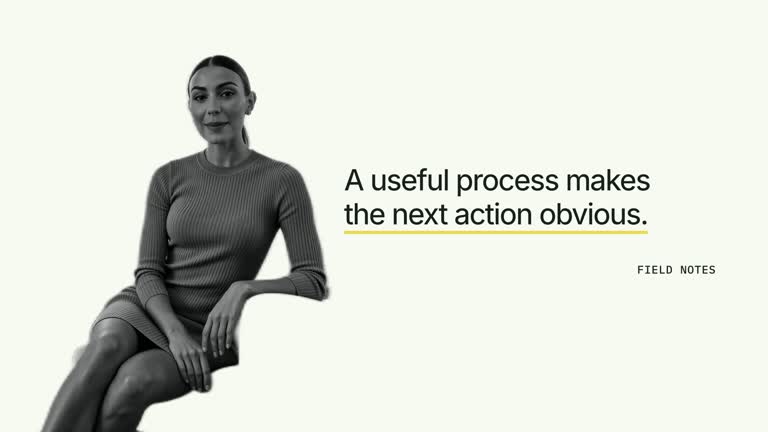
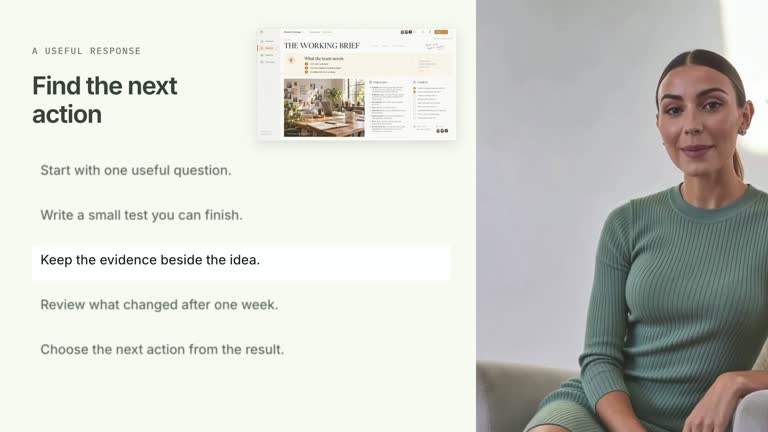
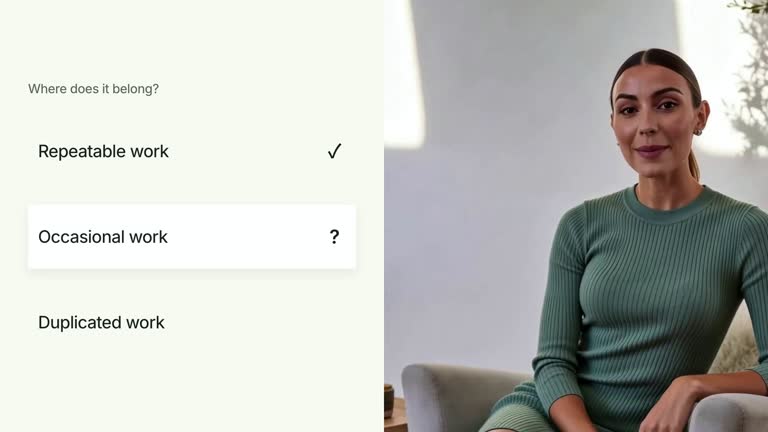
Build a short argument one point at a time beside a close speaker while keeping earlier points available. A stable text grid receives quick horizontal reveals and separate marker arrivals, then the completed list holds through the end. This 6.8-second scene supports either text side and one or two columns, using prepared points rather than generating an argument from the presenter’s speech.
What you get
A local generator, editable HyperFrames list/presenter composition and motion/review instructions for a 1920×1080, 30 fps segment. Generate and render a concise point-by-point explanation from supplied copy and footage.
heading, one to seven items, side for the text region, columns, markerStyle and rowStyle. Supported options are left/right, one/two columns, number/diamond/check markers and plain/pill rows; six/seven-item single-column versions use tighter spacing.
A speaker entrance, headline reveal from 0.22 seconds and independently timed markers/text. Entries appear in array reading order without pushing prior rows away. The current revision uses neutral, unboxed markers and retains the complete list rather than fading it out.
Four styles keep the same data and choreography: White & Yellow (white-yellow), Charcoal & Lime (charcoal-lime), Paper & Orange (paper-orange), and Black & White (midnight-ice). Semantic style overrides are supported; check contrast after changing them. Dark canvases use a fine grid. Local fonts include Inter, IBM Plex Mono for measurements and ordinals, Smiley Sans and Noto Sans SC. Chinese text selects Smiley Sans automatically, including accompanying Latin text; --zh-font noto-sans-sc selects Noto Sans SC, while --font takes precedence for a supplied font.
Before you choose
Write points that reward remaining on screen together. Choose the column count based on actual reading density, and make the presenter support the list rather than force the audience to read long copy during fast reveals.
Good fit
A creator presenting a concise checklist, set of reasons or ordered teaching points with continuous speaker presence.
A short passage where viewers should retain earlier points while the next one arrives.
A series needing flexible text-side, column and marker choices within a consistent layout.
Not for
Automatically extracting points from speech, verifying an argument or generating a summary from the supplied video.
Long paragraphs, unlimited items or assuming presets guarantee that dense two-column wording will fit.
Automatic full-film editing, generated presenter performances or soundtrack, or copying another creator’s identity and materials.
How to use
You say/creatormotion-split-progressive-list Turn my supplied explanation into a white-yellow B-roll scene using the Progressive Presenter List effect. Use the text, data and media I provide, and ask for any required input that is missing.
Write heading and one to seven short items in the desired reading order. Extra entries are not shown. Keep each item useful on its own and make the sequence support the argument instead of relying on the animation to supply missing logic.
Set side to left or right for the text region, columns to one or two, markerStyle to number/diamond/check and rowStyle to plain/pill. Preview the actual item lengths in both columns if used; marker symbols organize the list without verifying or ranking its content.
Supply a continuous local speaker take covering 6.8 seconds through --media. It is muted and closely cropped in the other region. Check face framing for the chosen text side and do not loop a short clip. This scene needs no raster illustration or alpha matte.
Prepare Node.js 22+, FFmpeg and HyperFrames CLI 0.8.30. From the extracted package run node scripts/create.mjs --out /absolute/PROJECT --data /absolute/CONTENT.json --style white-yellow --media /absolute/PRESENTER.mp4. Use another documented palette or semantic --overrides as needed. Read the motion specification, DESIGN.md and image policy before adapting materials.
Run the generated project’s lint, validate and inspect checks, then render with the printed command. Inspect actual MP4 frames at entry, every focus change and the final reading hold for seams, clipping, contrast and media overlap. Keep essential text and interface targets readable; compare all four palettes with identical content after module changes. Narration is separate, and a silent preview does not establish audio synchronization. Inspect every text/marker entrance and the final complete list in actual MP4 frames. The latest styling removes the old accent-background marker boxes; do not expect the earlier guide’s marker treatment. Keep the complete argument readable through the final frame rather than restoring the obsolete list fade-out.
Requirements and costs
You bring
heading: provide your own content or retain the illustrative default. · items: provide your own content or retain the illustrative default. · side: provide your own content or retain the illustrative default. · columns: provide your own content or retain the illustrative default. · markerStyle: provide your own content or retain the illustrative default. · rowStyle: provide your own content or retain the illustrative default.
Dependencies
HyperFrames CLI 0.8.30 or compatible — required · Node.js 22 or newer — required · FFmpeg — required
Outside costs
Not collected yet
Tools used
HyperFrames
Publisher testing
v1.0.1 — Claude Code / Claude Desktop / Cowork / Codex / ChatGPT
FAQ
Yes. The six documented fields control text and layout, with four palettes and semantic overrides. Current markers are neutral and unboxed despite older guide wording describing accent backgrounds.
Yes. Supply a continuous local presenter take covering the 6.8-second scene. The list is editable text and geometry, so no raster illustration or alpha matte is required.
Yes. Preserve ordered local reveals and earlier-point persistence. Re-render after text/layout changes and keep the complete list visible for a meaningful final hold.
It names the text region: left puts text on the left and the speaker on the right; right reverses that allocation. Check the resulting crop rather than assuming it refers to the video side.
No. items is prepared copy and reveal timing is authored. Audio synchronization requires real narration/cues and a separate check; a silent animation does not establish it.
User reviews
—0 reviews
Select a star to share your experience.
No reviews yet. Ratings appear once readers share real experiences.