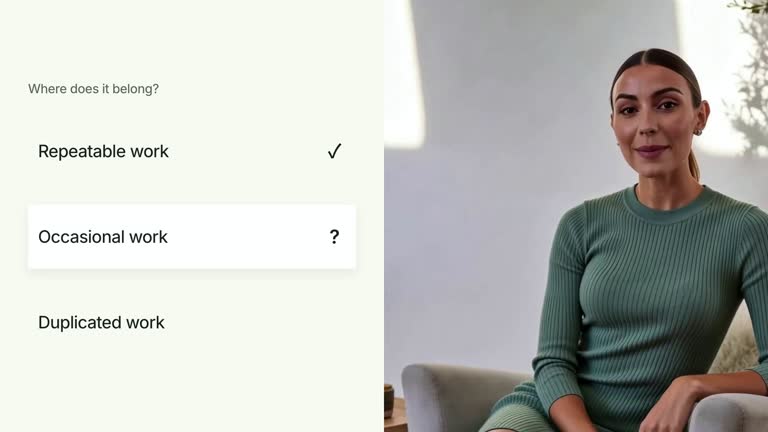
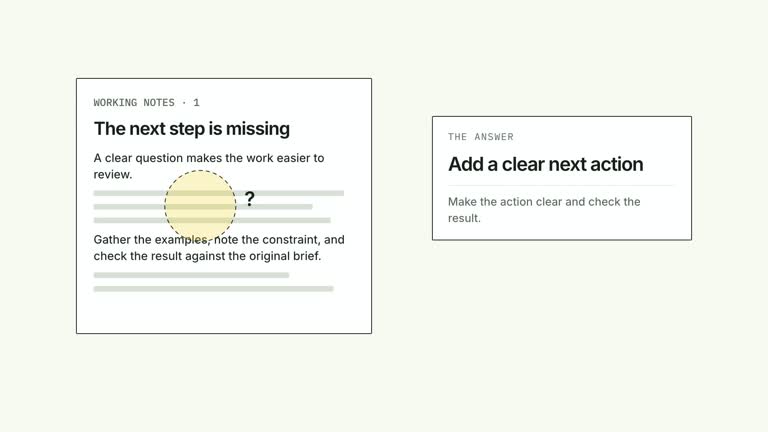
Guide attention through a prepared response without moving its text out of context. A bright reading band travels among selected rows while the surrounding lines become quieter, and a close speaker occupies the adjacent region. This 6.8-second scene uses your response and focus choices; it does not generate an answer or decide which passages deserve attention.
What you get
A local generator, editable HyperFrames response/presenter composition and motion/review instructions for a 1920×1080, 30 fps segment. Generate and render a guided reading from your supplied copy and local footage.
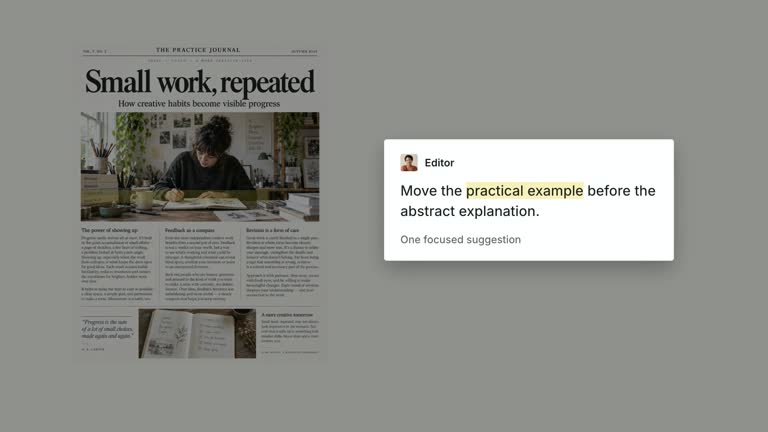
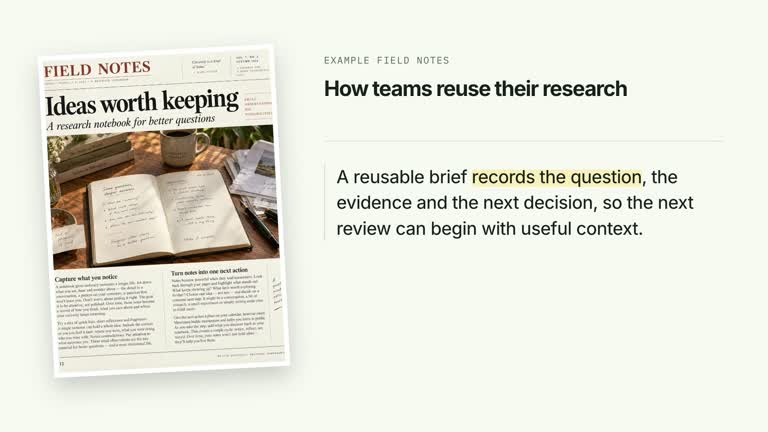
Three to six responseLines and three zero-based focusSequence indices. response-image provides a required contextual raster inset with a bundled default; editable response rows remain separate from that image.
A fixed response surface and speaker, an initial reading band from 0.75 seconds and focus moves from 0.80 seconds at 1.70-second intervals. Active text stays sharp while other rows receive muted styling and slight blur, retaining surrounding context.
Four styles keep the same data and choreography: White & Yellow (white-yellow), Charcoal & Lime (charcoal-lime), Paper & Orange (paper-orange), and Black & White (midnight-ice). Semantic style overrides are supported; check contrast after changing them. Dark canvases use a fine grid. Local fonts include Inter, IBM Plex Mono for measurements and ordinals, Smiley Sans and Noto Sans SC. Chinese text selects Smiley Sans automatically, including accompanying Latin text; --zh-font noto-sans-sc selects Noto Sans SC, while --font takes precedence for a supplied font.
Before you choose
Choose focus indices to support a clear reading argument and check them whenever the text order changes. A bright band guides attention, but it does not make the highlighted advice accurate or more important by itself.
Good fit
A creator explaining selected lines of a concise response while keeping the whole passage available.
A teaching passage where a chosen sequence of excerpts supports the narration more clearly than scrolling.
A series using consistent response typography, context imagery and close speaker framing.
Not for
Generating or fact-checking the response, automatically selecting the best lines or synchronizing focus from speech without supplied cues.
An arbitrary screenshot reader, unrestricted line counts or invalid focus indices that do not correspond to displayed rows.
Automatic full-film editing, generated presenter performances or soundtrack, or copying another creator’s identity and material.
How to use
You say/creatormotion-split-response-spotlight Turn my supplied explanation into a white-yellow B-roll scene using the Response Line Spotlight effect. Use the text, data and media I provide, and ask for any required input that is missing.
Prepare three to six concise responseLines and exactly three focusSequence indices within that visible list. Select the passages for a reason you can explain; the scene does not rank or understand them. Extra source rows beyond six are not rendered.
Keep indices valid even though parts of the code clamp band positions. Text emphasis compares against the original index, and a source list longer than six can move the band toward a row that is not displayed. Validate both the row list and focus sequence together rather than relying on automatic correction.
Supply a continuous local presenter take at least 6.8 seconds long through --media and reuse or replace response-image via --images MAP.json. Relative image paths resolve beside the map. Footage is muted and tightly cropped; the inset is illustrative context, not a generated response. No alpha matte is used, and a short take must not be looped.
Prepare Node.js 22+, FFmpeg and HyperFrames CLI 0.8.30. From the extracted package run node scripts/create.mjs --out /absolute/PROJECT --data /absolute/CONTENT.json --style white-yellow --media /absolute/PRESENTER.mp4. Use another documented palette or semantic --overrides as needed. Read the motion specification, DESIGN.md and image policy before adapting materials.
Run the generated project’s lint, validate and inspect checks, then render with the printed command. Inspect actual MP4 frames at entry, every focus change and the final reading hold for seams, clipping, contrast and media overlap. Keep essential text and interface targets readable; compare all four palettes with identical content after module changes. Narration is separate, and a silent preview does not establish audio synchronization. Inspect every band/text alignment, muted/blurred neighboring line and the final focused passage in actual MP4 frames. Check the context inset and fixed heading against your material, and keep rows short enough for the authored line pitch.
Requirements and costs
You bring
responseLines: provide your own content or retain the illustrative default. · focusSequence: provide your own content or retain the illustrative default.
Dependencies
HyperFrames CLI 0.8.30 or compatible — required · Node.js 22 or newer — required · FFmpeg — required
Outside costs
Not collected yet
Tools used
HyperFrames
Publisher testing
v1.0.1 — Claude Code / Claude Desktop / Cowork / Codex / ChatGPT
FAQ
Yes. responseLines and focusSequence are JSON inputs, with palettes and semantic overrides. A USEFUL RESPONSE and Find the next action are fixed scene headings; replace the context image separately.
Yes. Bring a continuous local presenter take covering 6.8 seconds. response-image has a bundled default and can be replaced. This scene uses a cropped video region, not a matte cutout.
Yes. Preserve fixed text, selected-line band movement and surrounding context. Re-render after copy or focus changes and inspect each move rather than only the final highlighted row.
No. focusSequence is an explicit index list supplied by you. It does not analyze the response or derive focus timing from the speaker.
The scene’s active rows are editable responseLines. response-image is a contextual inset, not an OCR source whose lines are automatically located or highlighted.
User reviews
—0 reviews
Select a star to share your experience.
No reviews yet. Ratings appear once readers share real experiences.