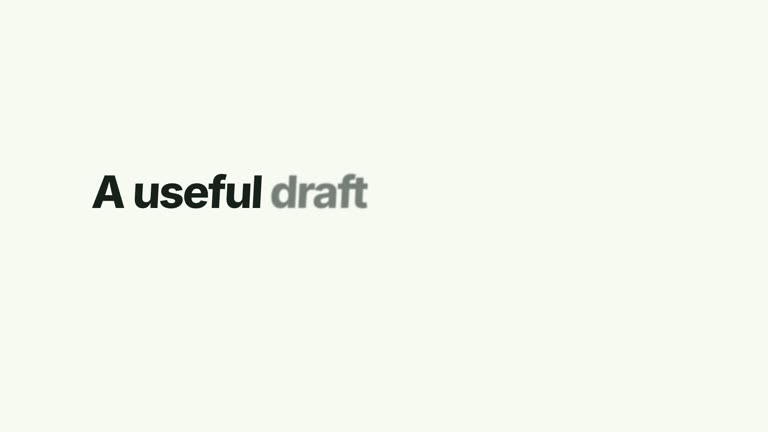
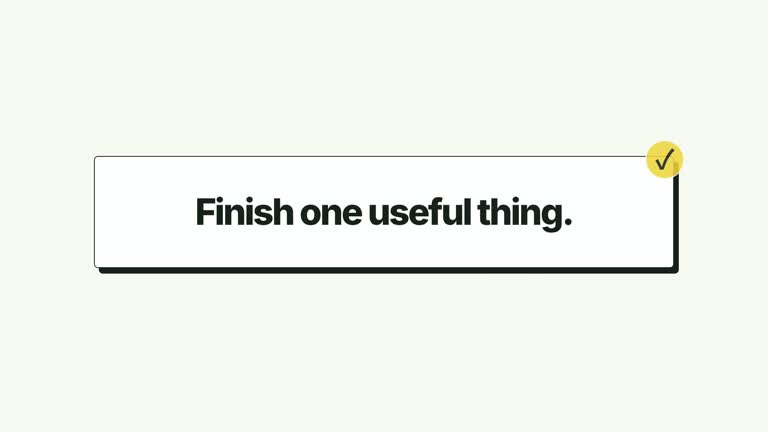
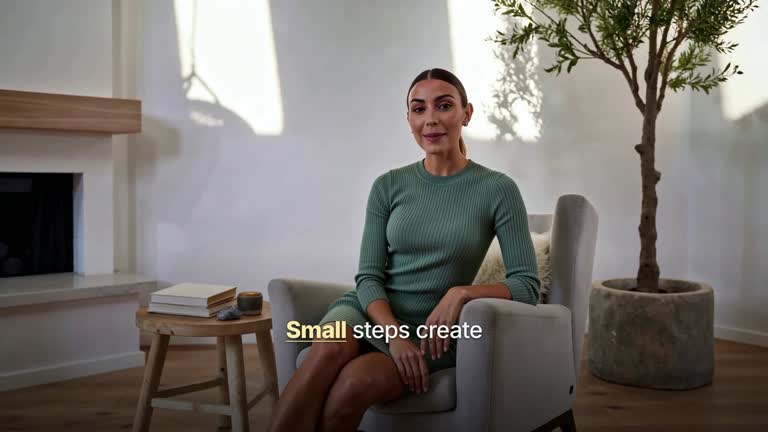
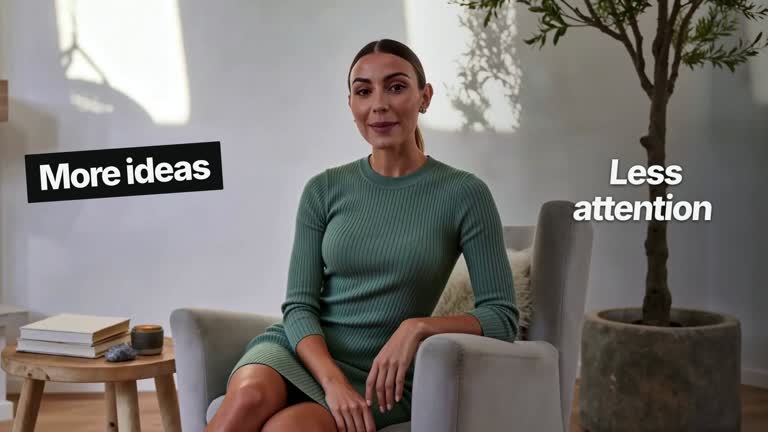
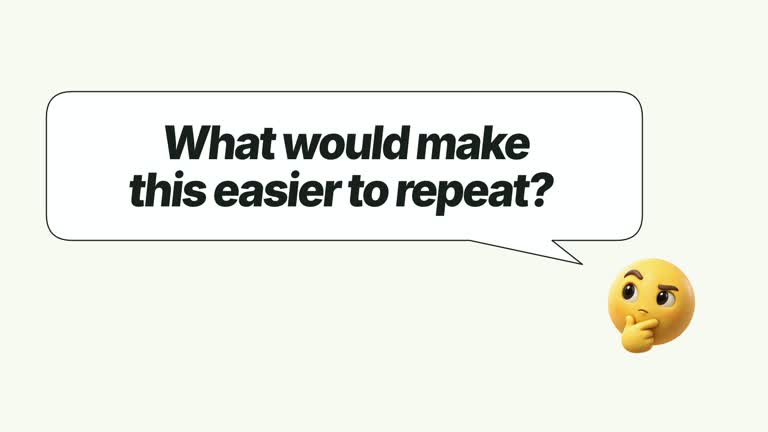
Interrupt a continuous shot with a concise statement, then return to the same footage through a grid reveal. Forty cells cover the frame in a center-led stagger; the mark and headline hold before an edge-led clearing restores the speaker or background. This 6.8-second composition supplies the visual interruption, not a new presenter performance or a complete film edit.
What you get
A local generator, editable HyperFrames video/mosaic composition and motion/review instructions for a 1920×1080, 30 fps segment. Generate and render the transition using your supplied continuous local video.
statement and markText. The base scene comes from --media and remains one continuous take; an eight-column/five-row grid of separate cells covers it. No raster illustration or transparent matte is needed.
Video established before the mosaic starts at 1.15 seconds, statement entrance from 1.60 seconds, statement clearance from 3.45 seconds and reverse cell reveal from 3.56 seconds. The base video then holds through the end.
Four styles keep the same data and choreography: White & Yellow (white-yellow), Charcoal & Lime (charcoal-lime), Paper & Orange (paper-orange), and Black & White (midnight-ice). Semantic style overrides are supported; check contrast after changing them. Dark canvases use a fine grid. Local fonts include Inter, IBM Plex Mono for measurements and ordinals, Smiley Sans and Noto Sans SC. Chinese text selects Smiley Sans automatically, including accompanying Latin text; --zh-font noto-sans-sc selects Noto Sans SC, while --font takes precedence for a supplied font.
Before you choose
Choose a source interval that still makes sense when its middle is hidden. Let the statement punctuate the passage, and check the return moment so the graphic interruption does not conceal essential context.
Good fit
A creator punctuating a spoken or visual passage with one short statement before returning to the same shot.
A teaching sequence needing a distinct graphic interruption without changing the underlying video source.
A series with consistent grid transitions, plain mark typography and a strong central message.
Not for
Pausing and resuming the source clip automatically, generating another scene or choosing edit timing from the speaker’s words.
A uniform opacity dissolve in place of the authored cell pattern, or long text that cannot be read during the statement interval.
Automatic full-film editing, missing presenter footage or soundtrack generation, or copying another creator’s identity and source material.
How to use
You say/creatormotion-transition-tile-dissolve Turn my supplied explanation into a white-yellow B-roll scene using the Tile Scene Dissolve effect. Use the text, data and media I provide, and ask for any required input that is missing.
Write a short statement and markText. The small mark sits above the larger centered headline; keep both concise enough for the brief reading interval rather than treating the interstitial as a full slide.
Supply a continuous local video of at least 6.8 seconds through --media. It is muted and fills the frame with cover cropping. The footage continues beneath the cells, so the returning image is a later moment, not the frame where the mosaic began. Never loop a short take.
Check whether the covered interval hides an important gesture or screen change. This composition does not automatically align the statement to narration; use real audio/cues and review them separately if synchronization matters. No image map or alpha matte is required for the effect.
From the extracted package, prepare Node.js 22+, FFmpeg and HyperFrames CLI 0.8.30. Run node scripts/create.mjs --out PROJECT --data CONTENT.json --style white-yellow, substituting another documented palette if wanted. Read the motion specification and image policy before adapting the scene; use semantic --overrides for deliberate style changes. Add --media /absolute/TAKE.mp4 for this video-based composition.
Inspect the editable project at entry, each motion handoff and final hold, then render with the command printed by the generator. Check the resulting frames for text collisions, correct numbers and readable contrast. Keep at least 1.2 seconds for the final reading when editing, and compare all four palettes with identical content after structural changes. Narration, music and assembly into a longer film remain separate work. Inspect center/edge cell ordering, coverage seams, statement legibility and the restored video in actual MP4 frames. Preserve separate grid cells and a readable final video interval rather than replacing the sequence with one generic fade.
Requirements and costs
You bring
statement: provide your own content or retain the illustrative default. · markText: provide your own content or retain the illustrative default.
Dependencies
HyperFrames CLI 0.8.30 or compatible — required · Node.js 22 or newer — required · FFmpeg — required
Outside costs
Not collected yet
Tools used
HyperFrames
Publisher testing
v1.0.1 — Claude Code / Claude Desktop / Cowork / Codex / ChatGPT
FAQ
Yes. statement and markText are JSON inputs, with four palettes and semantic overrides. The eight-by-five grid and its center/edge staggering are authored scene geometry.
Yes. Supply a continuous local presenter or background take covering the entire 6.8-second shot. The cells do not generate missing footage, and no alpha matte is needed.
Yes. Preserve the tiled interruption, statement hold and reverse reveal. Re-render after timing changes and inspect full coverage and edge seams.
No. The same continuous video remains underneath the grid. When it clears, the clip is at the later corresponding time.
No. The timing is predetermined. Synchronization requires supplied narration/cues and a separate audio/visual check.
User reviews
—0 reviews
Select a star to share your experience.
No reviews yet. Ratings appear once readers share real experiences.