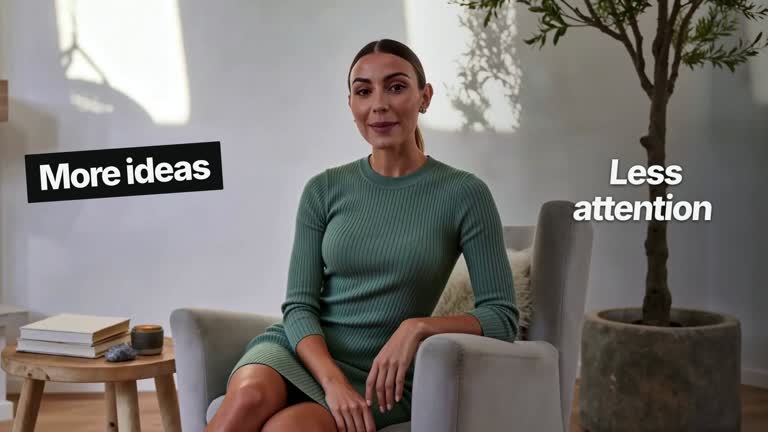
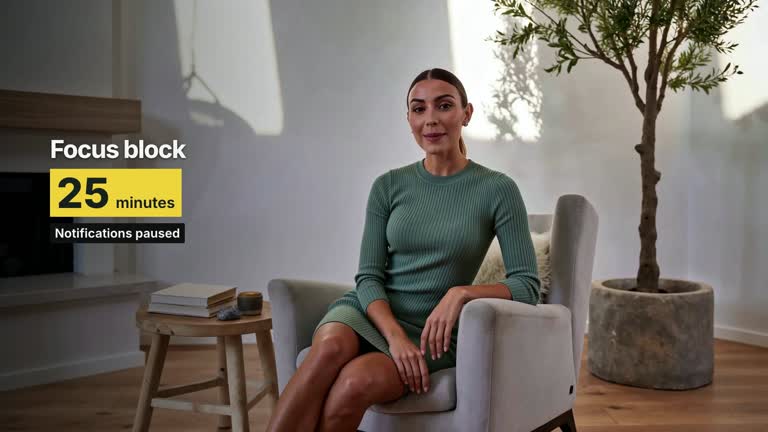
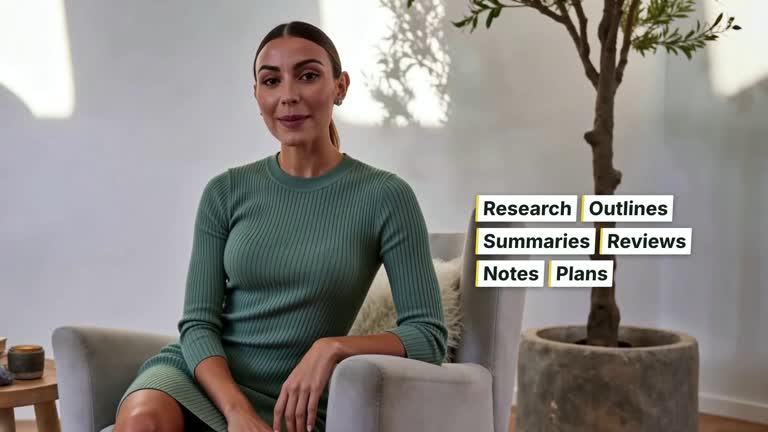
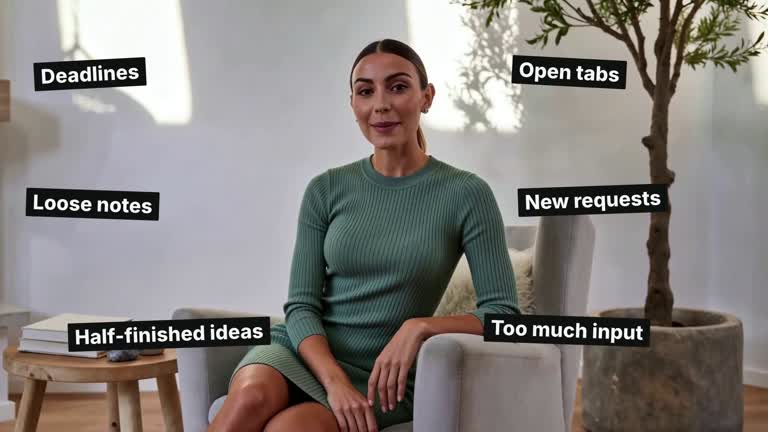
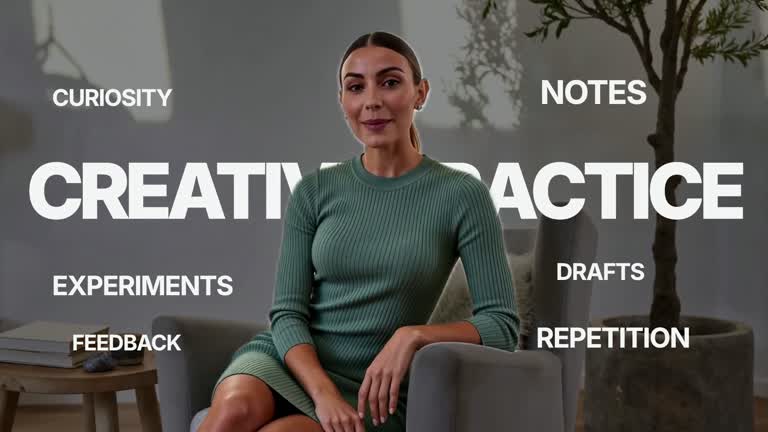
Build a short caption over real footage while keeping its reading position steady. Words appear consecutively in one or two prepared lines; selected tokens receive pale accent color, extra weight and a fine underline. This 6.8-second lower-third treatment emphasizes a supplied sentence without word tiles or bouncing text. Its authored timing still needs to be matched to your narration.
What you get
A local generator, editable HyperFrames caption composition and motion/review instructions for a 1920×1080, 30 fps shot. Generate the project with your local video and text, then render the segment.
lines and accentWords as JSON inputs. The scene uses the first two lines, lays out every token before revealing it and keeps previous words in place. White 58 px text sits over a lower-frame shade with text shadow; emphasized tokens also gain weight and underlining.
Caption entrance from 0.70 seconds, with token starts distributed across 3.25 seconds and short opacity reveals. The completed sentence holds through the end. Footage remains continuous underneath, with no matte or image slot needed.
Four styles keep the same data and choreography: White & Yellow (white-yellow), Charcoal & Lime (charcoal-lime), Paper & Orange (paper-orange), and Black & White (midnight-ice). Semantic style overrides are supported; check contrast after changing them. Dark canvases use a fine grid. Local fonts include Inter, IBM Plex Mono for measurements and ordinals, Smiley Sans and Noto Sans SC. Chinese text selects Smiley Sans automatically, including accompanying Latin text; --zh-font noto-sans-sc selects Noto Sans SC, while --font takes precedence for a supplied font.
Before you choose
Choose only the terms that carry the sentence’s meaning. Review the caption against the actual moving take and voice track so a technically correct reveal does not distract from the spoken explanation.
Good fit
A creator calling attention to selected terms in a short spoken explanation.
A brief teaching passage that benefits from stable two-line reading rather than moving word cards.
A recurring presenter series needing consistent caption hierarchy, emphasis and typography.
Not for
Automatically transcribing a recording, detecting important words or aligning captions to speech without supplied timing work.
Long transcripts, more than two displayed lines, subtitle-file generation or a full accessibility-captioning workflow.
Automatic long-form editing, generating a missing presenter or soundtrack, or copying another creator’s identity and footage.
How to use
You say/creatormotion-type-keyword-caption Turn my supplied explanation into a white-yellow B-roll scene using the Keyword Caption Build effect. Use the text, data and media I provide, and ask for any required input that is missing.
Prepare one or two short lines and accentWords matching the exact tokens to emphasize. Matching is case- and punctuation-sensitive: a token ending in punctuation needs the same punctuation in accentWords. Additional lines beyond the first two are ignored.
Supply a continuous local presenter/background take at least 6.8 seconds long via --media. It is muted and uses cover cropping; do not loop a short take. Narration is a separate asset and the preset reveal is not automatically synchronized with it.
Keep lines compact and check the lower third against changing footage brightness and speaker placement. Words split at whitespace, so unspaced Chinese text behaves as a whole token. No transparent cutout or raster replacement is needed by this caption scene.
From the extracted package, prepare Node.js 22+, FFmpeg and HyperFrames CLI 0.8.30. Run node scripts/create.mjs --out PROJECT --data CONTENT.json --style white-yellow, substituting another documented palette if wanted. Read the motion specification and image policy before adapting the scene; use semantic --overrides for deliberate style changes. Add --media /absolute/TAKE.mp4. Adjust the reveal schedule deliberately when matching a real voice track.
Inspect the editable project at entry, each motion handoff and final hold, then render with the command printed by the generator. Check the resulting frames for text collisions, correct numbers and readable contrast. Keep at least 1.2 seconds for the final reading when editing, and compare all four palettes with identical content after structural changes. Narration, music and assembly into a longer film remain separate work. Verify every highlighted token and both full lines after the last word appears. Test emphasis in monochrome as well as color: weight and underline should remain meaningful. The stable positions should not be replaced by bouncing words or separate tiles.
Requirements and costs
You bring
lines: provide your own content or retain the illustrative default. · accentWords: provide your own content or retain the illustrative default.
Dependencies
HyperFrames CLI 0.8.30 or compatible — required · Node.js 22 or newer — required · FFmpeg — required
Outside costs
Not collected yet
Tools used
HyperFrames
Publisher testing
v1.0.1 — Claude Code / Claude Desktop / Cowork / Codex / ChatGPT
FAQ
Yes. Use lines and exact accentWords tokens in JSON. Palettes and semantic overrides are available; the base caption stays white while selected words mix the accent with white and add weight and underline.
Yes. Provide a continuous local take covering the full 6.8-second composition. No presenter matte or image replacement is required for this effect.
Yes. Keep the prepared line geometry, consecutive reveals and persistence of earlier words. Render again after changing timing, wording or caption placement.
The code tests exact whitespace-separated token matches. Check capitalization and punctuation in accentWords; it does not stem words or infer semantic importance.
The initial reveal schedule is fixed. Supply and align narration separately or edit the timeline to match actual cues; the effect performs no speech recognition.
User reviews
—0 reviews
Select a star to share your experience.
No reviews yet. Ratings appear once readers share real experiences.