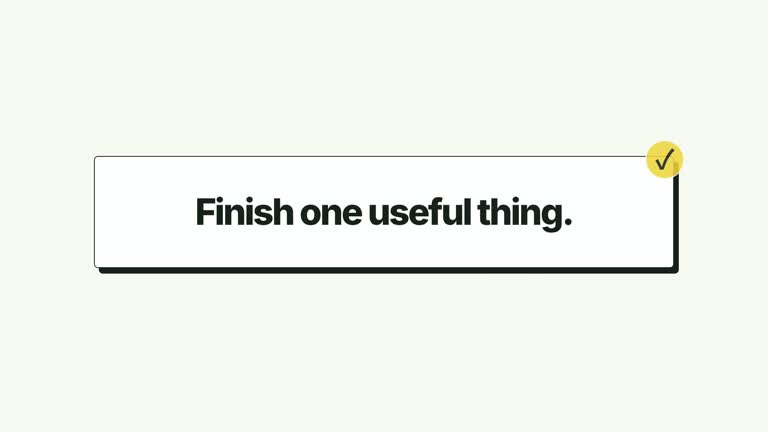
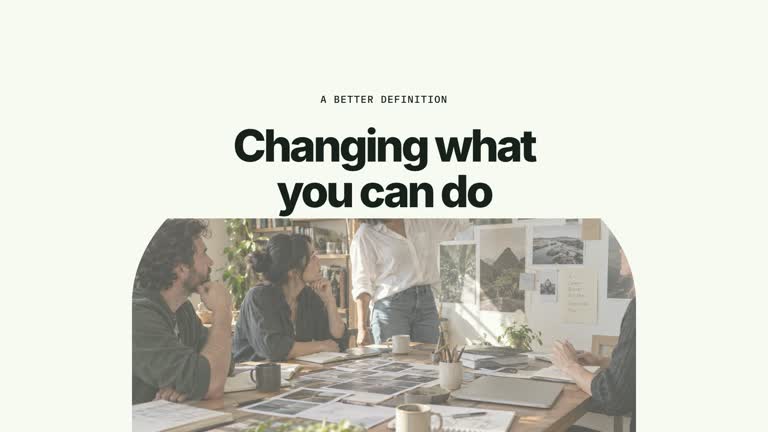
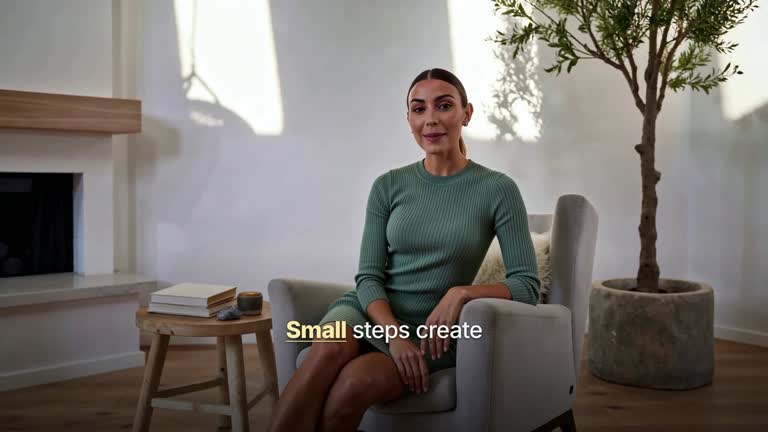
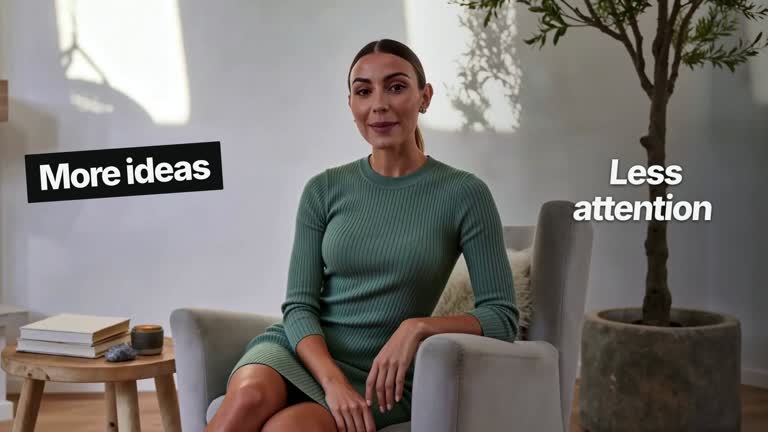
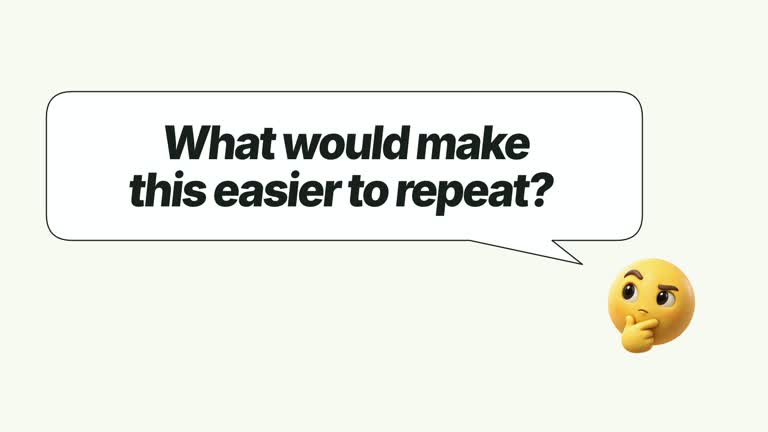
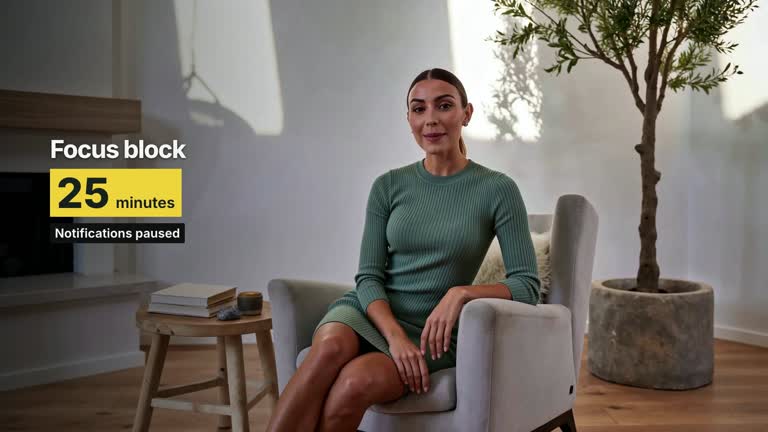
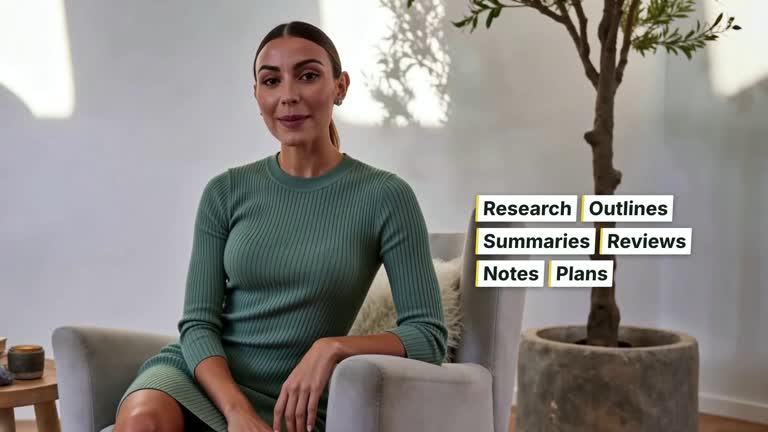
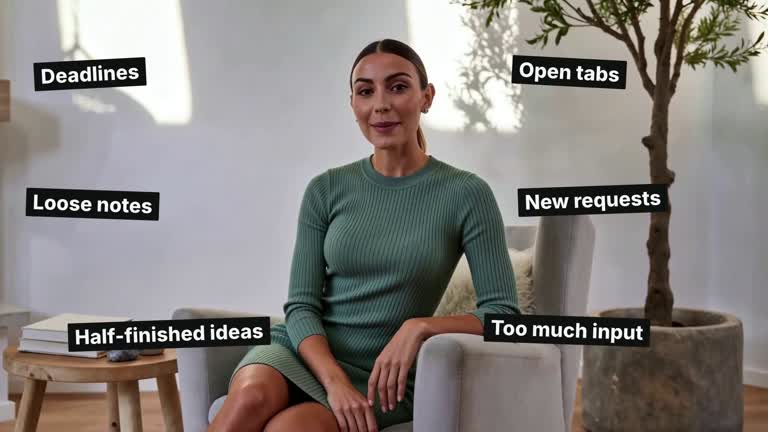
Give one phrase a brief burst of energy, then let the main message settle. This 6.8-second sequence cuts from a supplied presenter take to a large solid phrase with seven moving outline echoes, returns to the presenter, and finishes on a separate word-by-word statement. It is a prepared emphasis beat for a longer explanation, with a deliberately still ending.
What you get
A local generator, editable HyperFrames sequence and motion/review instructions for a 1920×1080, 30 fps segment. The package builds the composition; your footage and a rendered export complete the shot.
burstPhrase and statement as editable text. The former is the very short central burst; the latter is the sentence revealed on the final screen. Seven outline copies travel vertically behind the solid phrase rather than making the whole sentence bounce.
A presenter opening through 0.50 seconds, burst through 1.52 seconds, presenter return through 2.65 seconds and final sentence from that cut onward. Words reveal left to right with a soft leading blur, then hold. The source take continues under the graphic stages.
Four styles keep the same data and choreography: White & Yellow (white-yellow), Charcoal & Lime (charcoal-lime), Paper & Orange (paper-orange), and Black & White (midnight-ice). Semantic style overrides are supported; check contrast after changing them. Dark canvases use a fine grid. Local fonts include Inter, IBM Plex Mono for measurements and ordinals, Smiley Sans and Noto Sans SC. Chinese text selects Smiley Sans automatically, including accompanying Latin text; --zh-font noto-sans-sc selects Noto Sans SC, while --font takes precedence for a supplied font.
Before you choose
Decide which phrase deserves the burst and which sentence deserves the reading time. A short visual interruption works best when viewers can understand the surrounding presenter passage and still read the completed takeaway.
Good fit
A creator emphasizing one short phrase without keeping every line in constant motion.
A teaching passage whose presenter can pause visually for a graphic beat before the takeaway.
A series of short explanations needing consistent type, palette and an energetic-to-quiet rhythm.
Not for
A text-only project without the required source video, or a long paragraph squeezed into the oversized burst.
Automatic speech recognition, word-level synchronization to narration or identifying the best edit points in a recording.
Editing a complete long-form production, generating a missing presenter or soundtrack, or copying another creator’s identity or footage.
How to use
You say/creatormotion-type-burst-statement Turn my supplied explanation into a white-yellow B-roll scene using the Echo Burst Statement effect. Use the text, data and media I provide, and ask for any required input that is missing.
Prepare a very short burstPhrase and a single concise statement. The burst uses large display type while the statement has its own reading surface. Use original words that make sense in the surrounding explanation; illustrative defaults are available for a demonstration.
Bring one continuous local presenter take covering the full 6.8 seconds and pass it with --media. The video fills the canvas with cover cropping and is muted. Its intervening return shows the later part of the same take; the composition does not freeze it or create an extra performance.
No image replacement or transparent matte is required by this effect. Match the presenter interval to your script yourself. Statement words split at whitespace and enter in sequence, so Chinese text without spaces reveals as one token; add intentional grouping or revise the scene if separate word beats matter.
From the extracted package, prepare Node.js 22+, FFmpeg and HyperFrames CLI 0.8.30. Run node scripts/create.mjs --out PROJECT --data CONTENT.json --style white-yellow, substituting another documented palette if wanted. Read the motion specification and image policy before adapting the scene; use semantic --overrides for deliberate style changes. Add --media /absolute/PRESENTER.mp4. Keep footage continuous rather than looping a shorter take.
Inspect the editable project at entry, each motion handoff and final hold, then render with the command printed by the generator. Check the resulting frames for text collisions, correct numbers and readable contrast. Keep at least 1.2 seconds for the final reading when editing, and compare all four palettes with identical content after structural changes. Narration, music and assembly into a longer film remain separate work. Inspect the 0.50, 1.52 and 2.65-second cuts and the first statement word on the final cut. Outline echoes may intentionally leave the viewport; that allowance does not apply to clipped solid text. The final sentence should be readable after the last reveal.
Requirements and costs
You bring
burstPhrase: provide your own content or retain the illustrative default. · statement: provide your own content or retain the illustrative default.
Dependencies
HyperFrames CLI 0.8.30 or compatible — required · Node.js 22 or newer — required · FFmpeg — required
Outside costs
Not collected yet
Tools used
HyperFrames
Publisher testing
v1.0.1 — Claude Code / Claude Desktop / Cowork / Codex / ChatGPT
FAQ
Yes. burstPhrase and statement are JSON inputs, with four palettes and semantic overrides. Keep the first phrase especially short; replacing content does not automatically resize the entire choreography.
Yes. The opening and intervening return use actual local video supplied through --media. No alpha matte or raster replacement is required for this effect.
Yes. Keep the presenter/burst/presenter/statement progression, one clear outline sweep and a stable final sentence. Render and inspect the edited sequence rather than accepting a poster frame.
No. It uses an authored reveal from 2.65 seconds, dividing the supplied sentence at whitespace. Audio alignment is separate work.
The burst and final statement interrupt a real presenter take. Removing the video would require deliberately redesigning the opening and return, not simply leaving the media input blank.
User reviews
—0 reviews
Select a star to share your experience.
No reviews yet. Ratings appear once readers share real experiences.