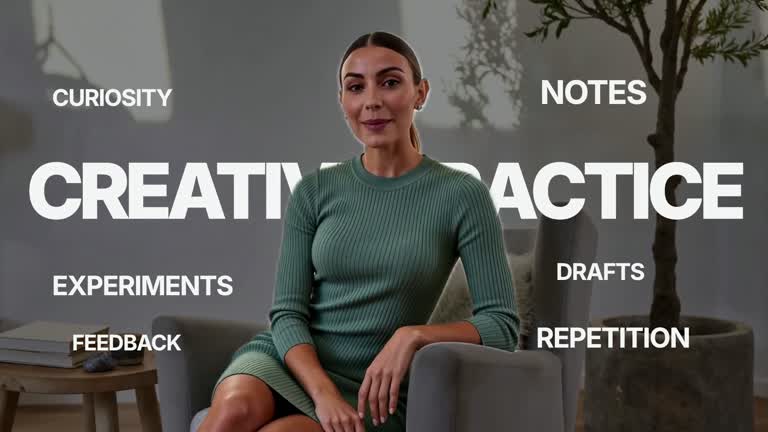
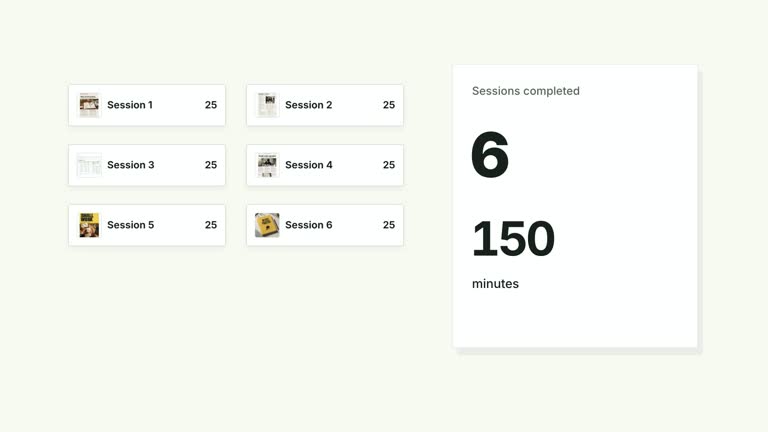
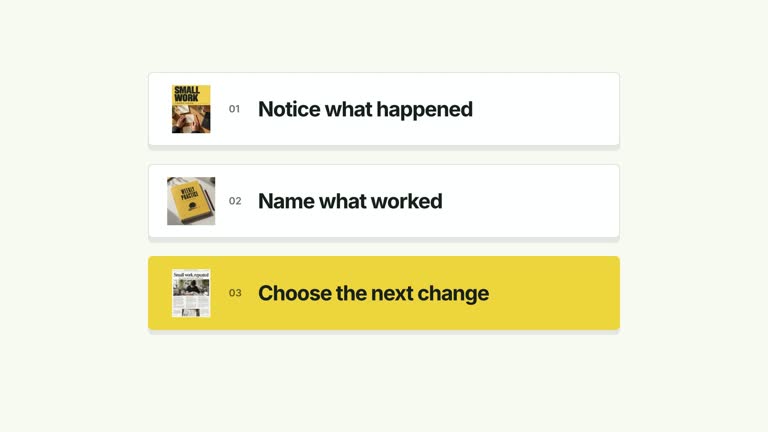
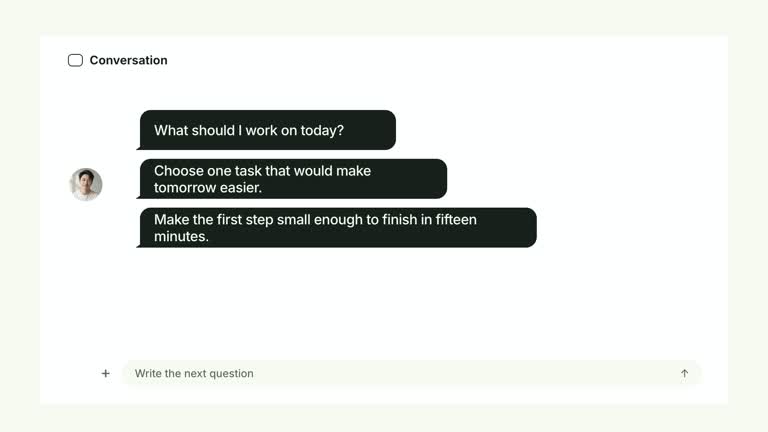
Show demands accumulating around a person, then change the central image while leaving those demands in place. Up to six short labels pop into fixed positions around supplied footage. At 3.30 seconds the background switches to a grayscale photograph with a slight paper angle; the unchanged label arrangement carries the sense of pressure into the final view. The complete segment lasts 6.8 seconds.
What you get
A local generator, editable HyperFrames video-to-photo composition and motion/review instructions for a 1920×1080, 30 fps shot. Generate the project with your terms and media, then render it.
A terms array with up to six short entries and a centerImage raster slot with a bundled illustrative photograph of an overwhelmed person. Source presenter video remains a separate required input. Labels are editable text, not lettering flattened into the photograph.
Label entrances beginning at 0.25 seconds with 0.43-second spacing, followed by the scene replacement at 3.30 seconds and photo entrance from 3.31 to 3.73 seconds. Label positions persist through the switch and the final hold.
Four styles keep the same data and choreography: White & Yellow (white-yellow), Charcoal & Lime (charcoal-lime), Paper & Orange (paper-orange), and Black & White (midnight-ice). Semantic style overrides are supported; check contrast after changing them. Dark canvases use a fine grid. Local fonts include Inter, IBM Plex Mono for measurements and ordinals, Smiley Sans and Noto Sans SC. Chinese text selects Smiley Sans automatically, including accompanying Latin text; --zh-font noto-sans-sc selects Noto Sans SC, while --font takes precedence for a supplied font.
Before you choose
Choose terms and a replacement photograph that tell the same story without making unsupported claims about a real person. The persistent label positions should help viewers recognize what stayed constant when the central context changed.
Good fit
A creator explaining competing demands or information overload through a visible change of context.
A short teaching passage where the same terms should retain their relationship before and after a scene cut.
A series needing consistent surrounding labels, typography and a decisive presenter-to-photo transition.
Not for
Inferring a person’s psychological state from footage or presenting an illustrative image as evidence of an actual individual’s experience.
Automatically extracting terms, more than six visible labels or moving text freely around any tracked subject.
Automatic full-film editing, generating an absent presenter or soundtrack, or copying another creator’s identity and source materials.
How to use
You say/creatormotion-type-term-pressure Turn my supplied explanation into a white-yellow B-roll scene using the Surrounding Term Pressure effect. Use the text, data and media I provide, and ask for any required input that is missing.
Prepare up to six short terms that explain the demands in your example. Use an intentional order; labels enter at predetermined positions around the central subject. Additional array entries are omitted, and long phrases can collide despite the authored layout.
Supply a continuous local --media take at least 6.8 seconds long, muted and without looping a short clip. The video is cropped to 128% and shifted left. Check that the surrounding labels leave the real subject readable before the cut.
Reuse centerImage or replace that exact slot with a relevant local raster through --images MAP.json. Relative paths resolve beside the map and other defaults remain. Follow the image policy. The photo is required, cropped, desaturated and slightly rotated; it replaces the video stage rather than supplying an alpha matte.
From the extracted package, prepare Node.js 22+, FFmpeg and HyperFrames CLI 0.8.30. Run node scripts/create.mjs --out PROJECT --data CONTENT.json --style white-yellow, substituting another documented palette if wanted. Read the motion specification and image policy before adapting the scene; use semantic --overrides for deliberate style changes. Add --media /absolute/PRESENTER.mp4 and, only for a replacement photo, --images MAP.json.
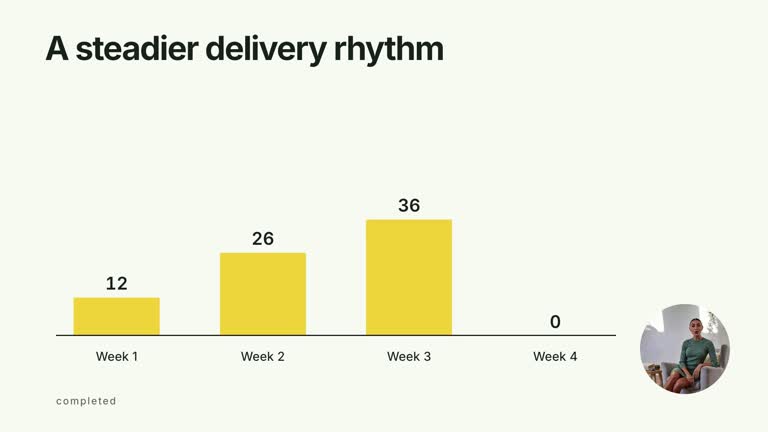
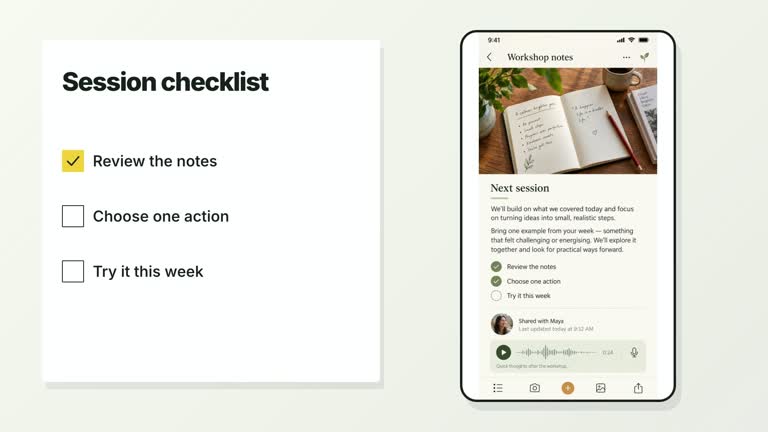
Inspect the editable project at entry, each motion handoff and final hold, then render with the command printed by the generator. Check the resulting frames for text collisions, correct numbers and readable contrast. Keep at least 1.2 seconds for the final reading when editing, and compare all four palettes with identical content after structural changes. Narration, music and assembly into a longer film remain separate work. Inspect the last video frame, direct 3.30-second change, photo entrance and settled labels. Preserve the exact label constellation so the changed center carries the meaning; review narration separately and do not claim a psychological assessment from the visual metaphor.
Requirements and costs
You bring
terms: provide your own content or retain the illustrative default.
Dependencies
HyperFrames CLI 0.8.30 or compatible — required · Node.js 22 or newer — required · FFmpeg — required
Outside costs
Not collected yet
Tools used
HyperFrames
Publisher testing
v1.0.1 — Claude Code / Claude Desktop / Cowork / Codex / ChatGPT
FAQ
Yes. terms is a JSON array, and palettes/semantic overrides are supported. The current labels deliberately use dark backgrounds with white type; palette changes do not automatically recolor every layer.
Yes. Supply the continuous presenter/background take separately. The required centerImage has a bundled illustrative default or can be replaced with your local photo. No transparent presenter matte is used.
Yes. Keep accumulating surrounding labels, the clear scene replacement and stable term positions afterward. Render and check both sides of the transition after edits.
Yes. Replace centerImage through the local image map and choose an image that supports your intended explanation. Its grayscale crop and paper angle remain part of the scene treatment.
No. You supply the terms and choose the visual example. Their emotional or factual meaning is an editorial claim, not an inference performed by this animation.
User reviews
—0 reviews
Select a star to share your experience.
No reviews yet. Ratings appear once readers share real experiences.