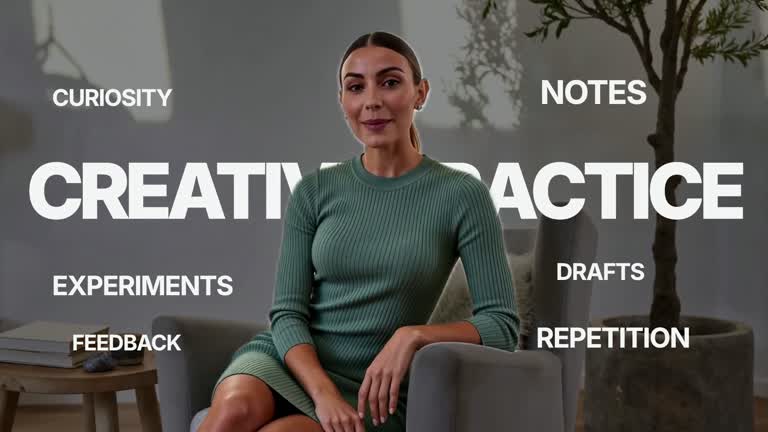
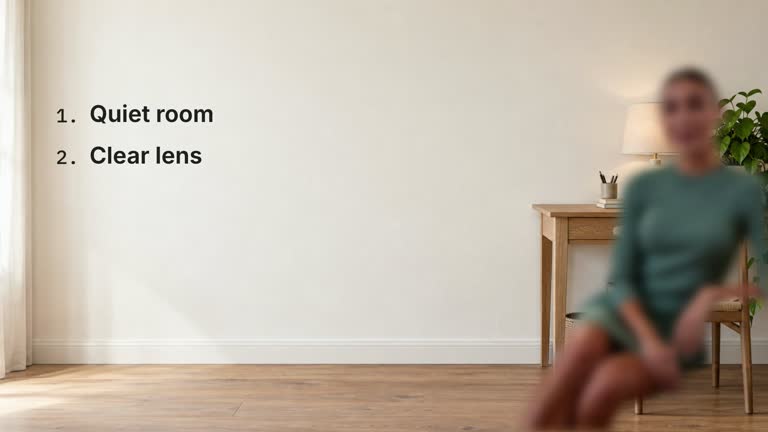
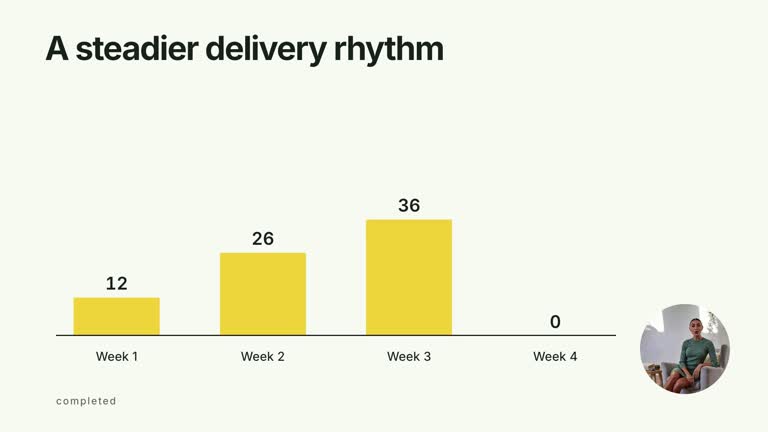
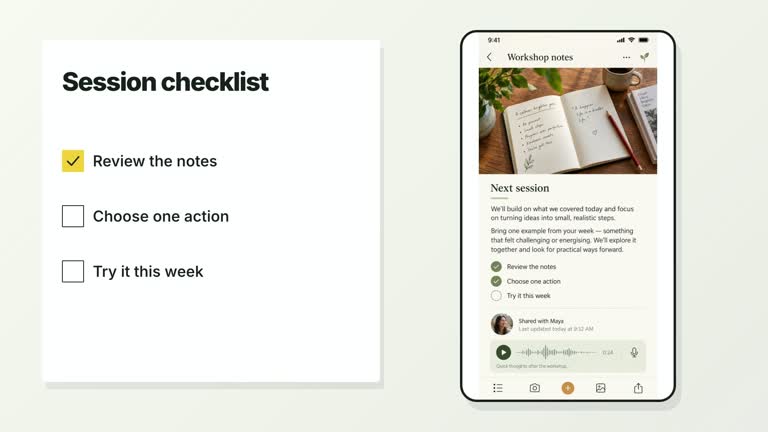
Let a short statement move from behind a presenter to owning the frame. Oversized condensed lettering punches in, settles and stays in exactly the same position as both video layers cut away at 1.80 seconds. A plain supporting line follows on the palette canvas. This 5.4-second composition uses one persistent title rather than shrinking it into a second small heading.
What you get
A local generator, editable HyperFrames two-shot composition and motion/review instructions for a 1920×1080, 30 fps segment. Generate the layered project with your source footage and cutout, then render inside HyperFrames without a separate compositor.
title and supportingLine. The headline accepts up to 32 characters and is fitted to an authored 1680 px width; short 2–4-word English phrases or 4–8 Chinese characters suit its tall display treatment. The subordinate line stays plain and right-aligned rather than becoming a button.
Title punch from 0.36 to 0.59 seconds, settle through 0.76 seconds, then an exact 1.80-second video/foreground cut. The title changes from neutral white to palette ink at that cut while preserving size and position. Support reveals from 2.08 to 2.35 seconds and the final statement holds through 5.40 seconds.
Four styles keep the same data and choreography: White & Yellow (white-yellow), Charcoal & Lime (charcoal-lime), Paper & Orange (paper-orange), and Black & White (midnight-ice). Semantic style overrides are supported; check contrast after changing them. Dark canvases use a fine grid. Local fonts include Inter, IBM Plex Mono for measurements and ordinals, Smiley Sans and Noto Sans SC. Chinese text selects Smiley Sans automatically, including accompanying Latin text; --zh-font noto-sans-sc selects Noto Sans SC, while --font takes precedence for a supplied font.
Before you choose
Choose a phrase that remains meaningful before and after the presenter disappears. Judge the exact cut and the persistent title together; a clean change of context is the point, so extra movement during the final hold usually weakens it.
Good fit
A creator turning one emphatic spoken phrase into a full-frame statement or chapter boundary.
A short teaching or launch passage where continuity of the same lettering across a cut carries the emphasis.
A series with consistent display typography, matched presenter framing and a still closing title.
Not for
Long copy beyond the 32-character headline limit or silently shrinking paragraphs to fit a title.
Unmatched cutouts, static silhouette substitutes, automatically generated presenter performances or guaranteed clean segmentation for arbitrary footage.
Automatic complete-film editing, soundtrack generation or copying another creator’s identity and footage.
How to use
You say/creatormotion-type-title-takeover Turn my supplied explanation into a white-yellow B-roll scene using the Title Scene Takeover effect. Use the text, data and media I provide, and ask for any required input that is missing.
Prepare a concise title and one-line supportingLine. The code rejects an empty or over 32-character title. The headline uses a fixed painted width with adjusted glyph proportions, so inspect your actual lettering instead of assuming the inspector’s natural glyph bounds describe the visible pixels.
Supply a continuous local --media take and matching alpha presenter-matte covering at least the opening 1.8 seconds. Use --matte FILE, presenter-matte in an image map, or already-alpha footage. Keep the base and cutout aligned; their shared 150% crop and left translation must change together. Videos remain muted, with narration supplied separately.
Without a prepared cutout, default --matte auto invokes pinned HyperFrames remove-background locally. The first use may download model weights; checksum caching reuses a cutout for the same source. --matte off stops automatic cutting but does not remove this effect’s required-matte policy. Inspect hair, hands and fast movement or supply a better cutout.
From the extracted package, prepare Node.js 22+, FFmpeg and HyperFrames CLI 0.8.30. Run node scripts/create.mjs --out PROJECT --data CONTENT.json --style white-yellow, substituting another documented palette if wanted. Read the motion specification and image policy before adapting the scene; use semantic --overrides for deliberate style changes. Add --media /absolute/PRESENTER.mp 4 and, when available, --matte /absolute/MATTE.webm. For 4K delivery, bring 4K source and add --resolution landscape-4k to the printed render command.
Inspect the editable project at entry, each motion handoff and final hold, then render with the command printed by the generator. Check the resulting frames for text collisions, correct numbers and readable contrast. Keep at least 1.2 seconds for the final reading when editing, and compare all four palettes with identical content after structural changes. Narration, music and assembly into a longer film remain separate work. Review exact frames immediately before, on and after 1.80 seconds: both presenter layers must disappear while the title stays stationary. Check the punch/settle, full supporting line and nonempty final frame. Provenance records identify cutout origin/checksums, not edge quality.
Requirements and costs
You bring
Presenter footage for your own scene; the local matte step can isolate the person. · title: provide your own content or retain the illustrative default. · supportingLine: provide your own content or retain the illustrative default.
Dependencies
HyperFrames CLI 0.8.30 or compatible — required · Node.js 22 or newer — required · FFmpeg — required
Outside costs
Not collected yet
Tools used
HyperFrames
Publisher testing
v1.0.2 — Claude Code / Claude Desktop / Cowork / Codex / ChatGPT
FAQ
Yes. title and supportingLine are JSON inputs with palettes and semantic overrides. The title is white over footage and switches to palette ink on the cut, keeping light final canvases readable.
Yes. Supply the opening presenter take and an aligned alpha cutout, or allow automatic local cutting. Both layers need at least 1.8 seconds, even though the whole composition lasts 5.4 seconds.
Yes. Preserve one punch and settle, the exact two-layer cut and the same title across it. Re-render the nearby frames after any timing or framing change.
The guide notes an SVG textLength/lengthAdjust measurement limitation. Compare actual rendered lettering and screenshots; this does not excuse genuinely clipped characters or a blanket overflow exemption.
No. Local cutting and caching are available, but visual edges still need review. Supply a better aligned matte if the automatic result is unsuitable.
User reviews
—0 reviews
Select a star to share your experience.
No reviews yet. Ratings appear once readers share real experiences.