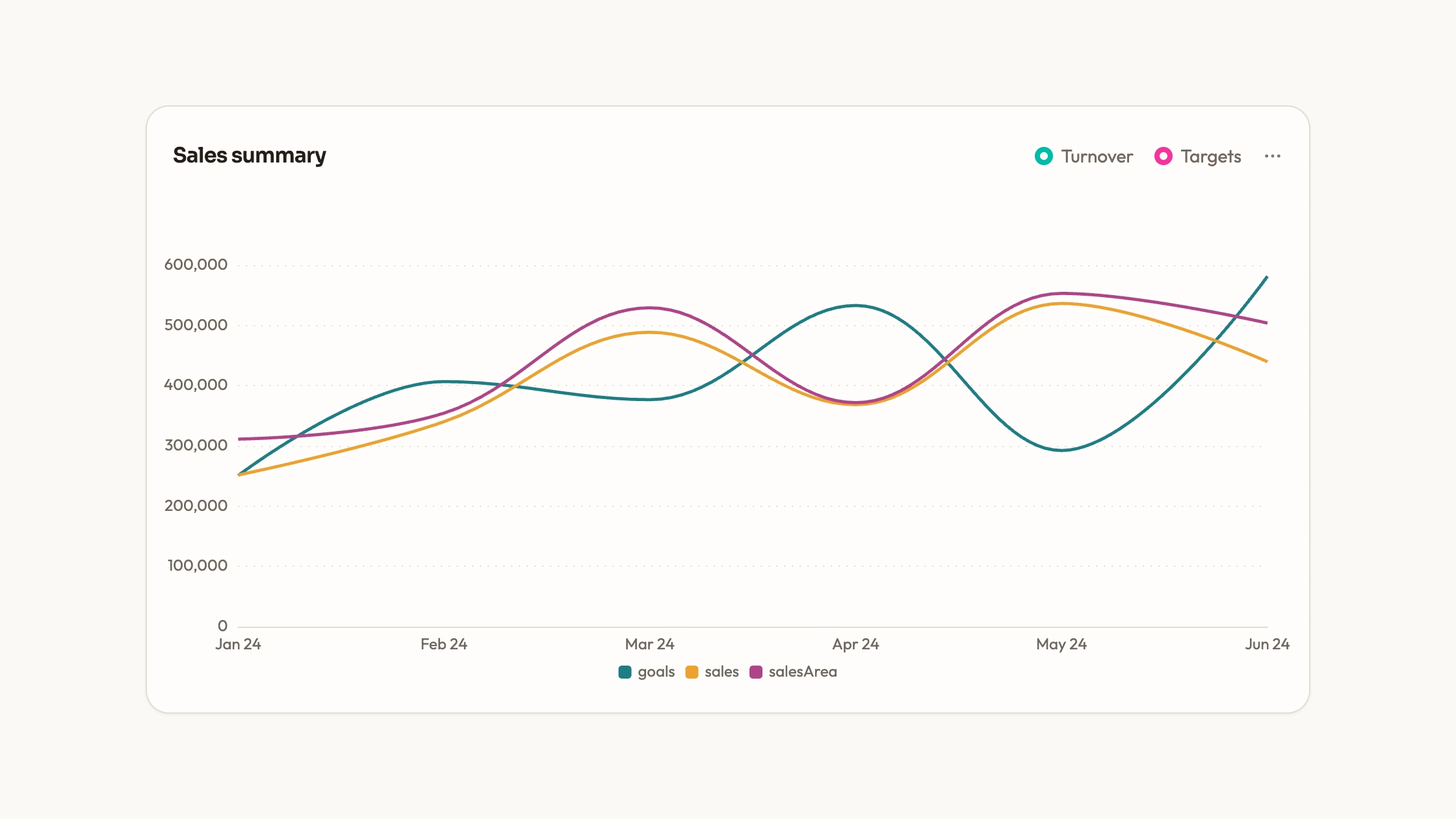
Use editable column-chart source to explore two dated traffic series. Although listed as Stacked Column Chart, the supplied ECharts option currently draws the series side by side, and its separate Recharts card shows one selected series. A true stacked comparison requires an explicit configuration change before the chart can communicate totals and their parts.
What you get
A React/ECharts panel with desktop and mobile bar series over a sample quarter, rounded upper corners, a width cap, dotted grid, a bottom legend and axis-hover values. The supplied series do not have a shared stack setting.
A plain chart option containing dates, data arrays, series colors, type and motion settings. It renders on canvas with resize observation and chart disposal, without a separate WebGL engine.
A separate Recharts card with web/handheld buttons, totals calculated from its sample arrays and a single active bar series. It provides an alternate interaction pattern rather than a working stacked-column example.
The editable files and shared visual contract for palette, typography, radius, icon strokes and motion, plus repository-adaptation and local-asset guidance.
Before you choose
Confirm the analytical meaning before changing the chart style. A paired view helps compare components directly; a stacked view highlights totals but moves the baseline for the upper series. Use a small verified dataset to establish the right behavior before loading a full quarter.
Good fit
A developer looking for a two-series column-chart starting point who can configure the final comparison rather than expect a finished stacked result.
A page whose colors and spacing can be aligned with the supplied visual contract and whose categories and values are maintained directly in source.
A project willing to own the implementation and choose between grouped comparison, single-series selection and a deliberately added stack.
Not for
A ready-configured stacked chart or a dependency-free maintained npm package. The current options do not implement stacking, and ECharts or the alternate Recharts dependencies are needed.
Unreviewed integration into a mature design system, or stacking overlapping categories that cannot truthfully be added.
Live streaming analytics or virtualized exploration of a very large dataset.
How to use
You say/data-visualization-stacked-columns Add the Stacked Column Chart component to my dashboard using the data I provide. Inspect the existing page and framework before integrating it; ask for missing data rather than inventing values.
Inspect the target repository and the supplied implementations. Decide whether the task is to compare separate series or show parts of a total. Use the grouped/selected behavior as supplied only when it answers that question.
Prepare ordered dates and two numeric series with a common unit. For a stack, ensure categories are mutually exclusive and use the same interval, then add the appropriate shared stack configuration and review the resulting totals.
Replace sample names, arrays and period copy. If using the selectable Recharts card, keep its total calculations and active-series labels aligned with the plotted data instead of describing it as a stacked view.
Apply the shared colors, typography, radius and motion consistently and keep assets local. Reduce category density or add an explicit range when quarter-length daily data makes individual columns unreadable.
Check known values and, for a modified stack, independently calculate several category totals. Verify tooltip meaning, legend changes, baseline, narrow-screen labels and resize behavior, then run the project’s type/build checks. Data fetching and reactive updates require separate wiring beyond the ECharts component’s initial option.
Requirements and costs
You bring
Not collected yet
Dependencies
ECharts — required
Outside costs
Not collected yet
Publisher testing
v1.0.3 — Claude Code / Claude Desktop / Cowork / Codex / ChatGPT
FAQ
React. ECharts powers the option-based panel; the separate card uses Recharts and project UI helpers. The agent should adapt the chosen path to your repository. A standalone HTML page is an additional output adaptation when wanted.
No. Both implementations use sample arrays, without an included service loader. Bundle libraries and keep assets local if the final output must avoid remote requests; a real traffic source is a separate integration.
Yes. Replace the dates and both arrays in the ECharts option. Update units, labels and summary wording together, and configure stacking explicitly if that is the intended result.
No. The ECharts series are grouped because no stack key is set, and the Recharts card renders only the active series. The title does not describe the current implementation accurately; decide and implement the intended stacking before publishing a stacked-chart claim.
When they represent non-overlapping parts of a meaningful total in the same unit and interval. If a person or event can occur in both categories, adding the heights may double-count them; separate comparison may be the clearer choice.
User reviews
—0 reviews
Select a star to share your experience.
No reviews yet. Ratings appear once readers share real experiences.