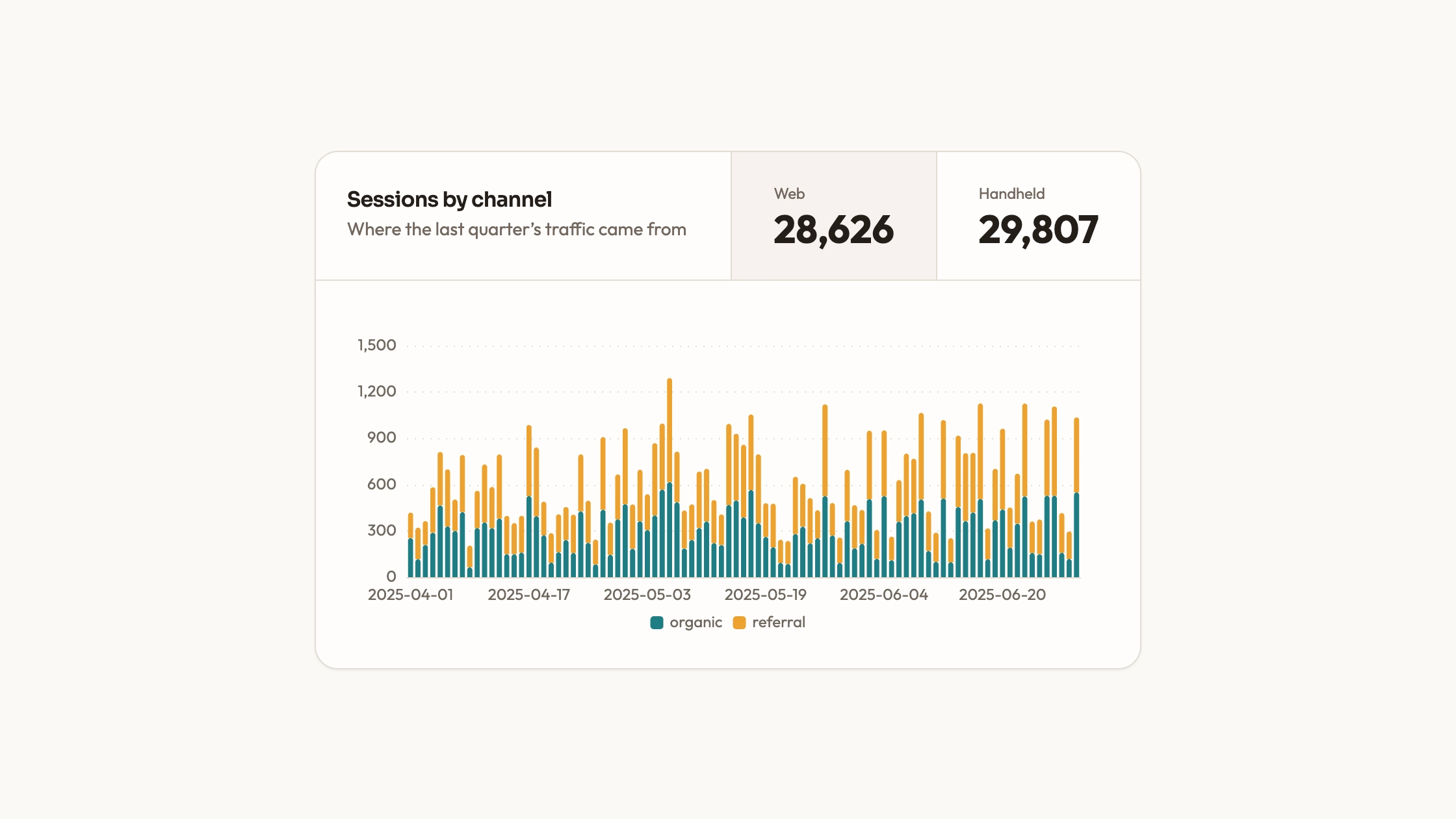
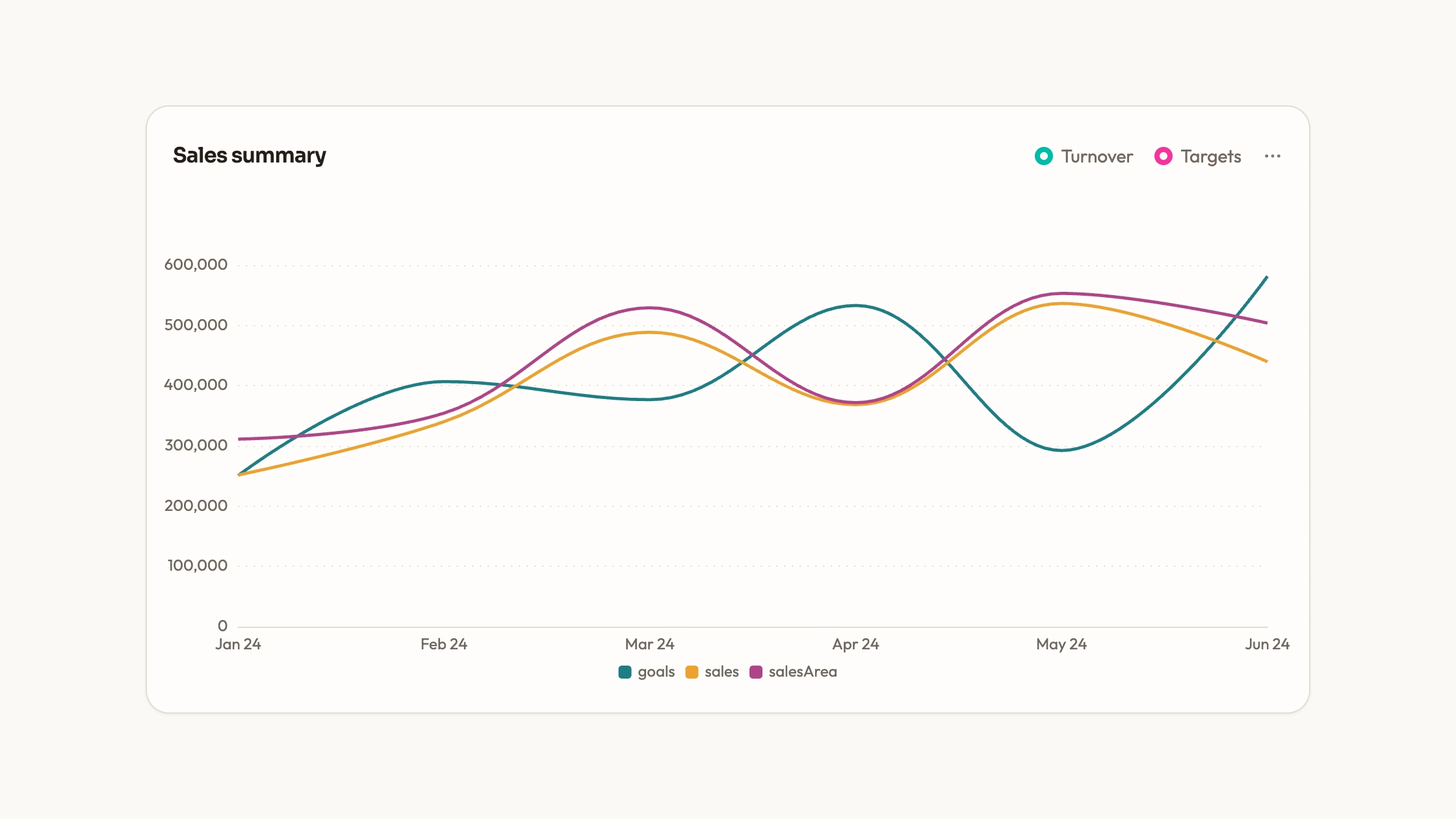
Explore operational measures as dated trends rather than isolated headline numbers. KPI Line Panel includes a four-series ECharts view and a separate selectable-metric card example. It gives you editable source for the chart and its presentation, while leaving metric definitions, units and real data connections under your control.
What you get
A React/ECharts line panel with four sample series named orders, response, revenue and customers over eighteen dates. Smooth lines, a bottom legend, shared tooltip and dotted grid support browsing the observations.
A plain option object for category labels, values, colors, typography and animation. The panel renders on canvas, observes container size and disposes its chart instance on cleanup without a WebGL engine.
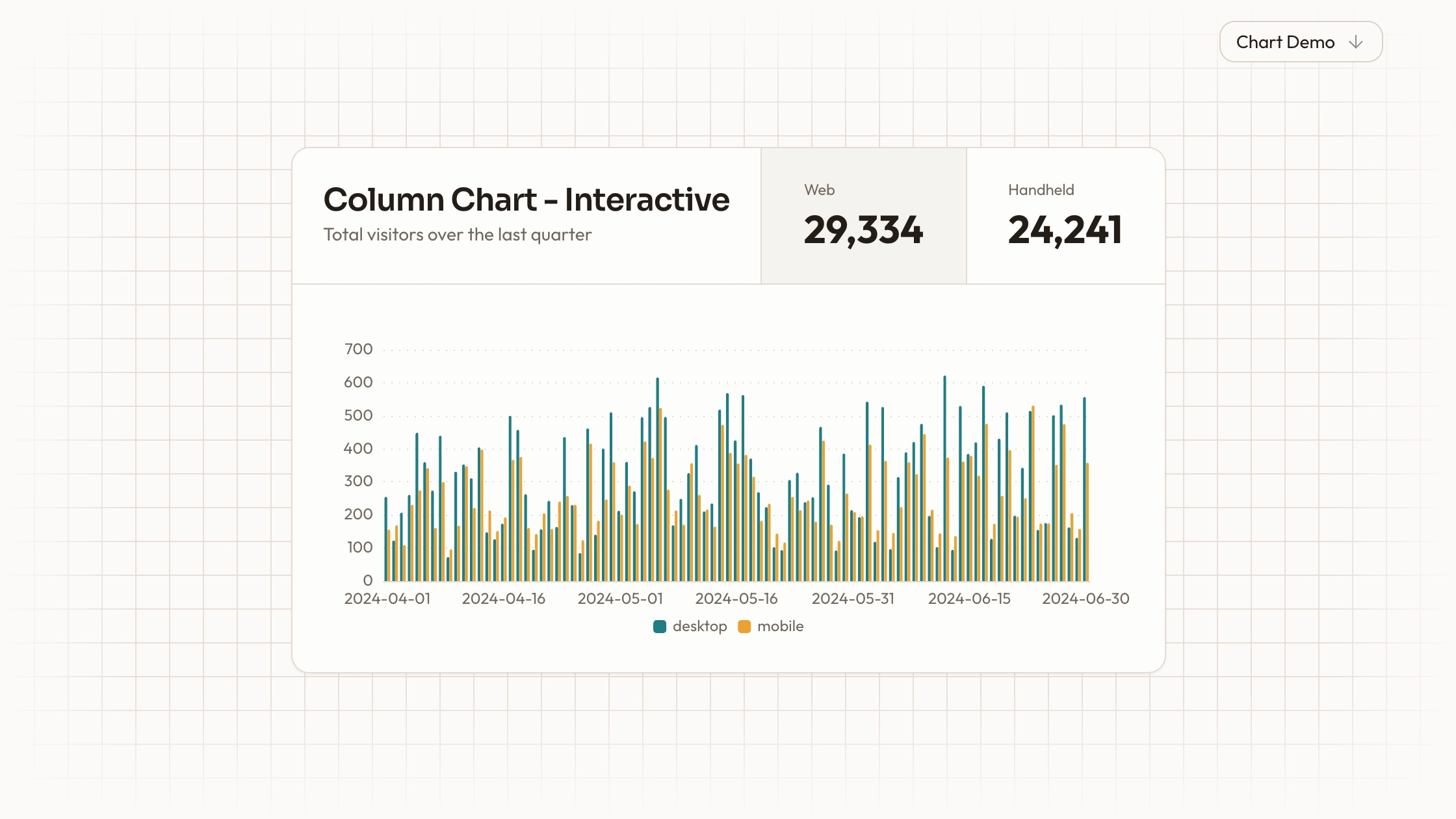
A separate Recharts card example whose metric buttons select one line at a time and format the vertical axis and tooltip for that measure. It also displays current/previous values and change badges, including an example where a lower response time is treated as better.
The component sources and visual contract covering palette, type scale, radii, icon strokes and motion, with instructions to follow repository conventions and keep assets local.
Before you choose
Choose the panel after deciding the question the reader should answer. For changes within one KPI, the selected-metric example can preserve a meaningful unit. For cross-metric comparisons, define normalization or separate axes/views first; visual proximity alone does not make different quantities comparable.
Good fit
A report where readers need to inspect how several defined measures change across a shared set of dates.
A developer who wants the initial chart configuration and direct ownership of arrays and presentation source.
A team prepared to align colors and spacing with its page and maintain the chosen chart library and copied code.
Not for
A dependency-free maintained npm widget. The panel uses ECharts, and the alternate card requires Recharts and project UI helpers.
Unqualified comparison of currency, counts and response times on one numeric scale, or automatic conformance to a mature design system.
A live streaming metrics backend, large-data virtualization or an automatic KPI-definition service.
How to use
You say/data-visualization-kpi-lines Add the KPI Line Panel component to my dashboard using the data I provide. Inspect the existing page and framework before integrating it; ask for missing data rather than inventing values.
Inspect the existing project and decide whether readers need all lines together or one selected metric. Integrate the matching ECharts or Recharts path with the correct imports and styling, rather than assuming the demo is the panel’s usage entry.
Prepare ordered dates, named values, units and a clear reporting period. Decide whether each metric is a count, duration, currency or normalized index; a shared axis is meaningful only after that choice.
Replace sample arrays and labels. For the selectable card, derive current and previous values from the same period as the line, define whether an increase is favorable, and handle a zero previous value instead of producing a misleading percentage.
Align palette, typography and tooltips with the page. The ECharts panel starts by plotting all four raw sample series together, while the Recharts example changes formatting with the selected metric. Split or normalize measures when their units cannot share an axis.
Check several records and headline changes against your source, then test selection or legend interactions, hover values and phone-width labels. Verify container resize, project type/build checks and local asset requests. Wire refresh behavior explicitly: the ECharts component’s local option is set on initialization, not through a live data prop.
Requirements and costs
You bring
Not collected yet
Dependencies
ECharts — required
Outside costs
Not collected yet
Publisher testing
v1.0.3 — Claude Code / Claude Desktop / Cowork / Codex / ChatGPT
FAQ
React. ECharts powers the multi-line panel, while a separate Recharts composition provides metric-selection buttons and UI cards. The workflow adapts the chosen component to your repository; standalone HTML output is a requested adaptation.
No service loader is included. The charts start with sample arrays. Add your own data source and bundle the selected library and local assets if the resulting page should avoid external requests.
Yes. Replace dates and values in the ECharts option, plus series labels and units. For the alternate metric card, replace its separate headline current/previous values and formatting rules as well as the plotted data.
Only if their units or normalization make that comparison meaningful. The ECharts sample combines raw counts, a response measure and revenue on one value axis. Choose comparable measures, normalize transparently or separate views; the chart does not make that analytical decision for you.
In the alternate example they are calculated from separately configured current and previous values. Replace those values consistently with your reporting period and define whether lower or higher is better for each metric.
User reviews
—0 reviews
Select a star to share your experience.
No reviews yet. Ratings appear once readers share real experiences.