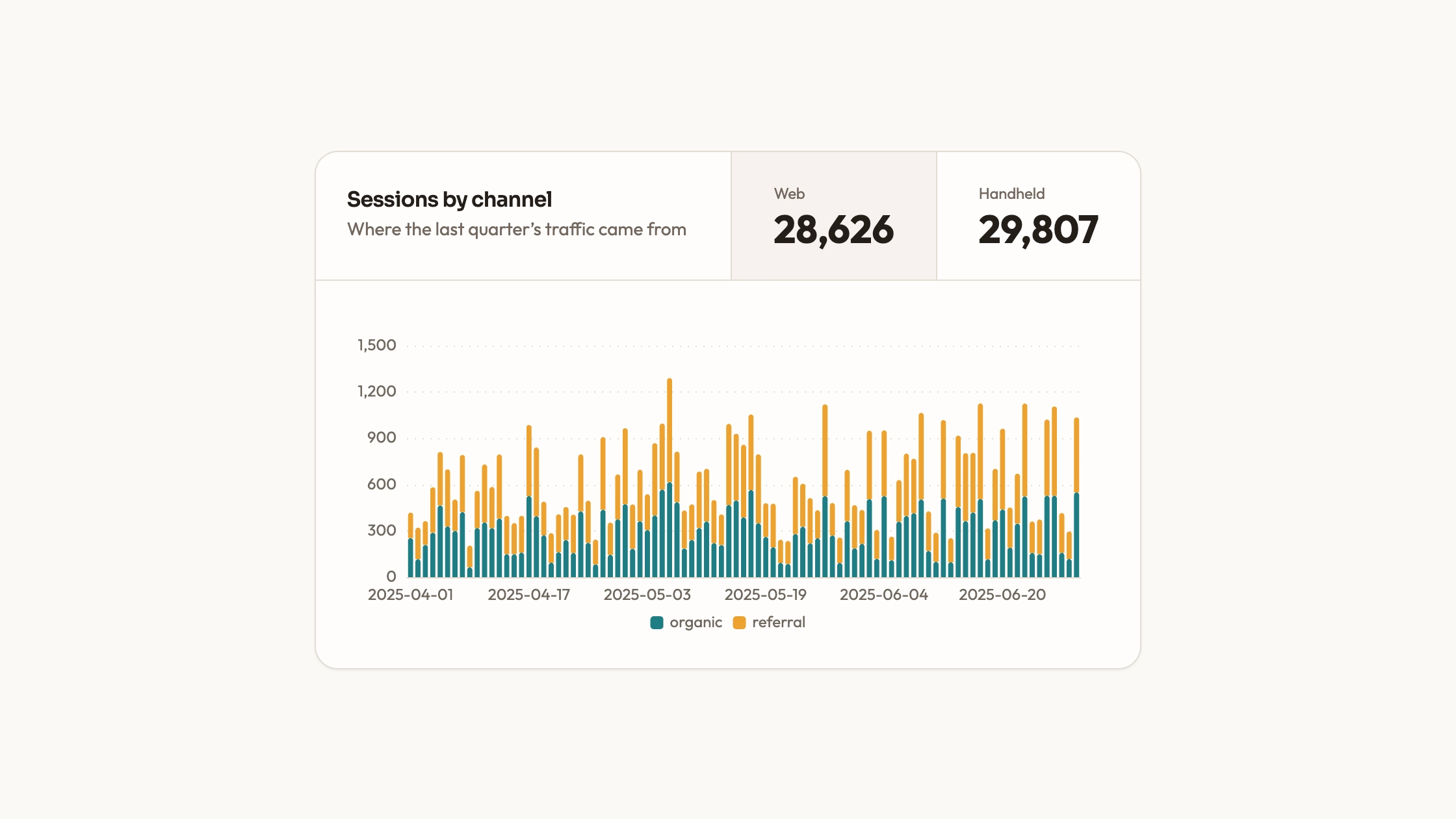
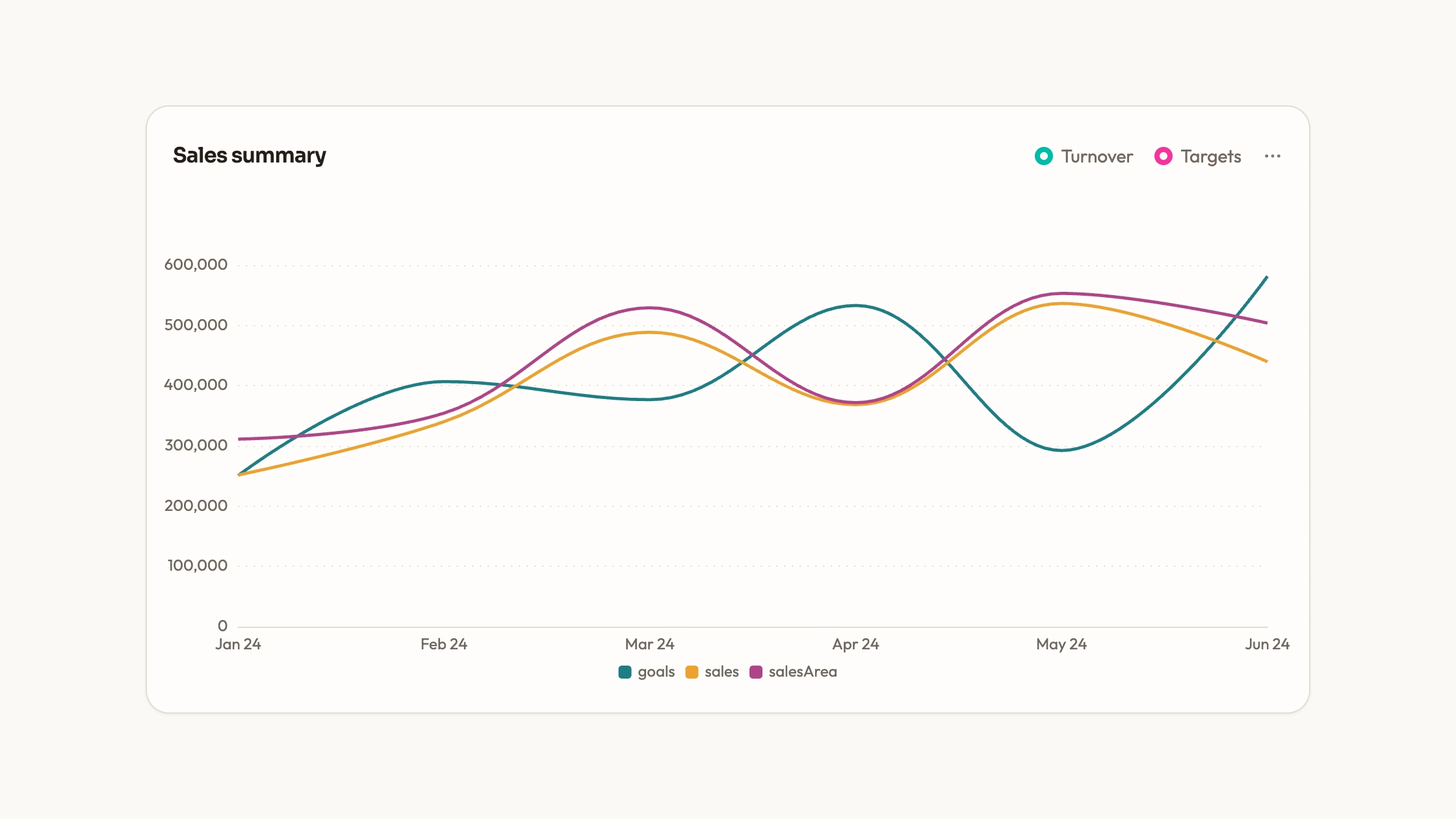
Compare two series side by side for each labeled period. Paired Column Chart includes a React/ECharts panel with grouped desktop and mobile bars, a legend and shared hover values. Editable category and series arrays let you reuse the comparison structure for other paired measures that share a unit.
What you get
An ECharts grouped-column panel with two series over a sample quarter of daily labels. Rounded upper corners, a width cap, dotted grid lines, bottom legend and axis tooltip provide the visual structure.
A direct chart option object for labels, arrays, palette, type and animation. Canvas rendering is paired with container-resize observation and cleanup; no separate WebGL engine is involved.
A separate Recharts demonstration file containing a selectable single-series view and paired-bar variants that progressively add grid, axis labels, tooltip and legend. These are examples for adaptation, not one interchangeable entry point.
Editable component source and a visual contract for colors, typography, radii, icons and motion, with project-adaptation instructions and local-asset requirements.
Before you choose
Choose paired columns for comparisons within a category: web versus handheld, actual versus target, or another clearly labeled pair in one unit. If the key question is total volume and its composition, a deliberately stacked view has different meaning. Do not use two side-by-side bars to imply that the series should be added.
Good fit
A report comparing two measures with the same unit at each date or category, where the difference within each pair matters.
A project that can benefit from the supplied chart setup while keeping direct access to category labels and series arrays.
A developer who will align the palette and spacing with the page and maintain the copied source and library dependency.
Not for
A versioned, dependency-free npm component. ECharts is required for the panel; Recharts examples need their own chart/card helpers.
Automatic adoption of a mature design system without checking typography, colors and series meaning.
Live-streaming ingestion, virtualized huge datasets or a sum-of-parts story that should use an explicitly stacked view.
How to use
You say/data-visualization-paired-columns Add the Paired Column Chart component to my dashboard using the data I provide. Inspect the existing page and framework before integrating it; ask for missing data rather than inventing values.
Inspect the repository and select the actual paired view. The ECharts panel shows both series together; the first Recharts card switches one series at a time, while later variants show pairs. Integrate the path that matches the intended reading task.
Prepare one category sequence and two corresponding numeric arrays in the same unit. Replace desktop/mobile labels with your own series names and make the reporting interval clear.
Edit palette, type, grid and tooltip configuration as one system. Keep the two series consistently identified across the legend, columns and nearby text, and keep fonts/icons local.
Choose a category count that leaves individual pairs readable. The sample quarter contains many daily groups; aggregate or provide an explicit range control if the actual container cannot show those comparisons clearly.
Check several pairs against known source records, including zero and missing values, and compare totals only across the same interval. Review hover details, legend state, labels and container resizing on phone and desktop, then run project type/build checks. Reactive data updates must be wired beyond the ECharts panel’s initial local option.
Requirements and costs
You bring
Not collected yet
Dependencies
ECharts — required
Outside costs
Not collected yet
Publisher testing
v1.0.3 — Claude Code / Claude Desktop / Cowork / Codex / ChatGPT
FAQ
The components target React. The option-based paired panel uses ECharts; the separate example file uses Recharts and UI helpers. Adapt one chosen implementation to the repository. A standalone HTML page can be produced when requested.
No loader is included. The desktop/mobile values are sample arrays. Connect real data separately and bundle libraries and assets locally if the completed page must work without remote requests.
Yes. Replace labels and both value arrays, keeping category order and units aligned. Update legend names, tooltips and surrounding descriptions as well; no part of the data model requires the measures to be devices.
No. Its initial card lets readers choose one series. Other Recharts variants and the ECharts panel display both. Decide whether the page needs selection or simultaneous comparison before choosing the source to integrate.
There is no universal count. Check the actual container at phone width and whether the reader can distinguish each pair. If the groups become too dense, aggregate the reporting interval or add a range view rather than relying on canvas resizing alone.
User reviews
—0 reviews
Select a star to share your experience.
No reviews yet. Ratings appear once readers share real experiences.