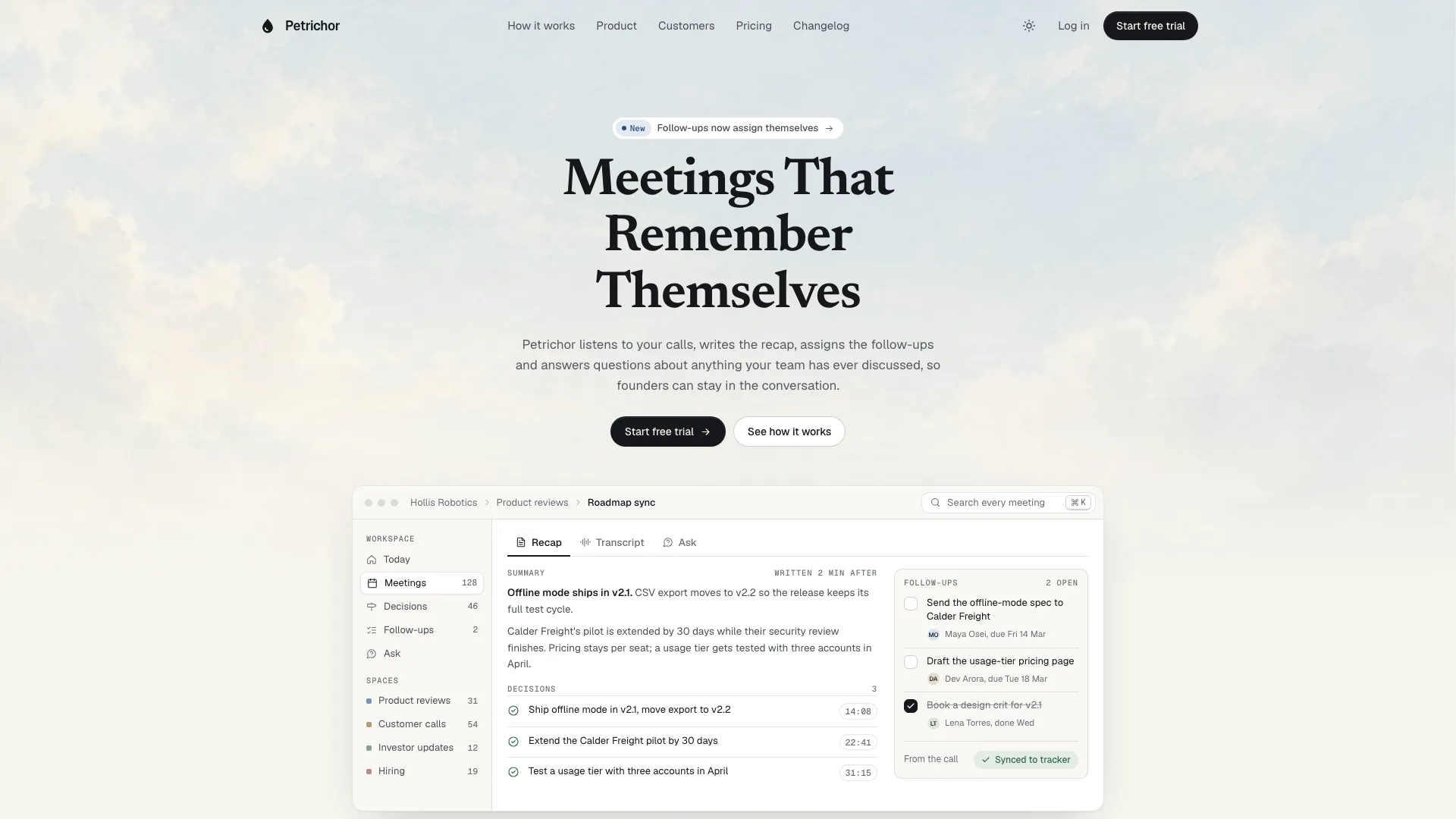
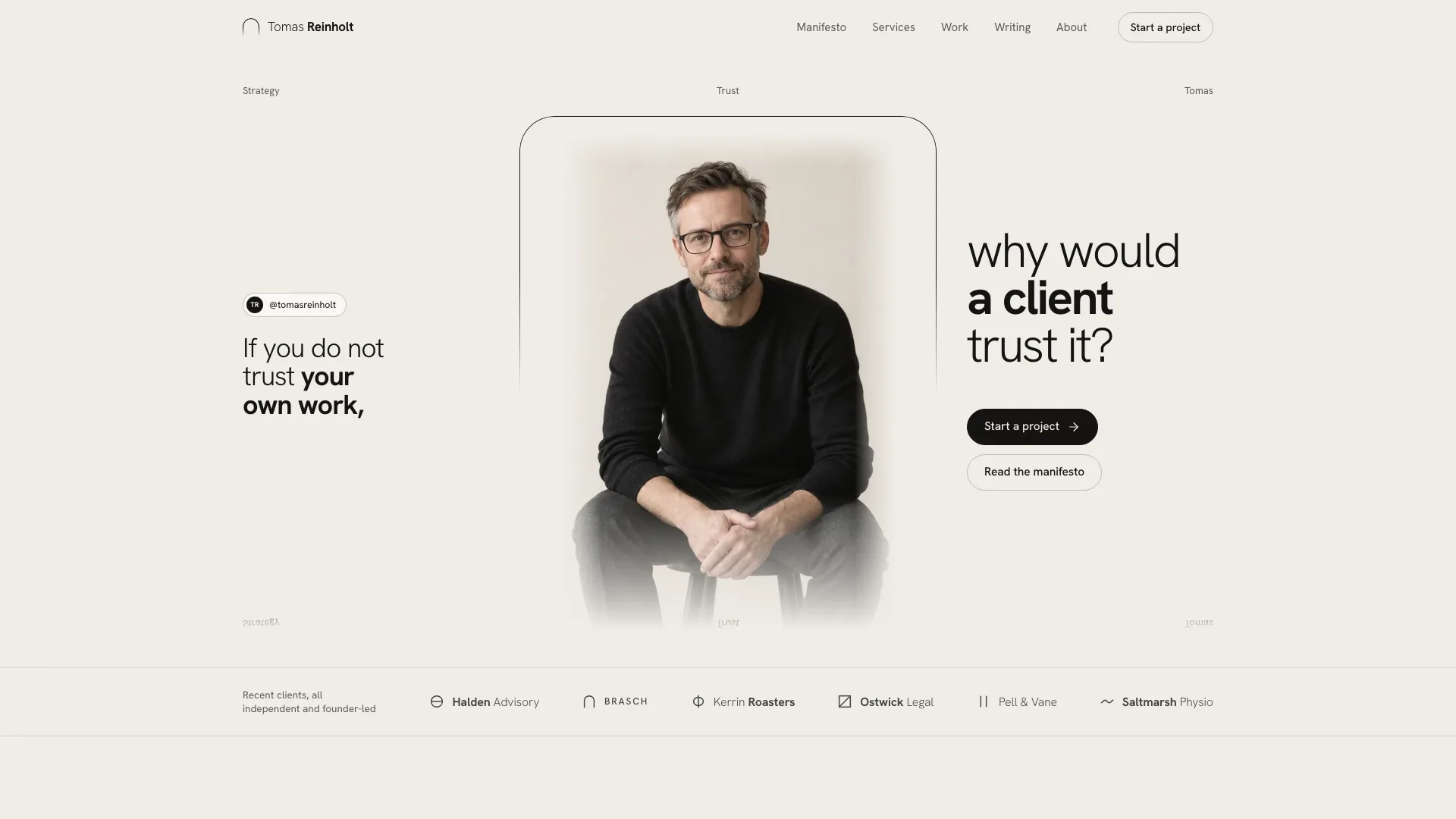
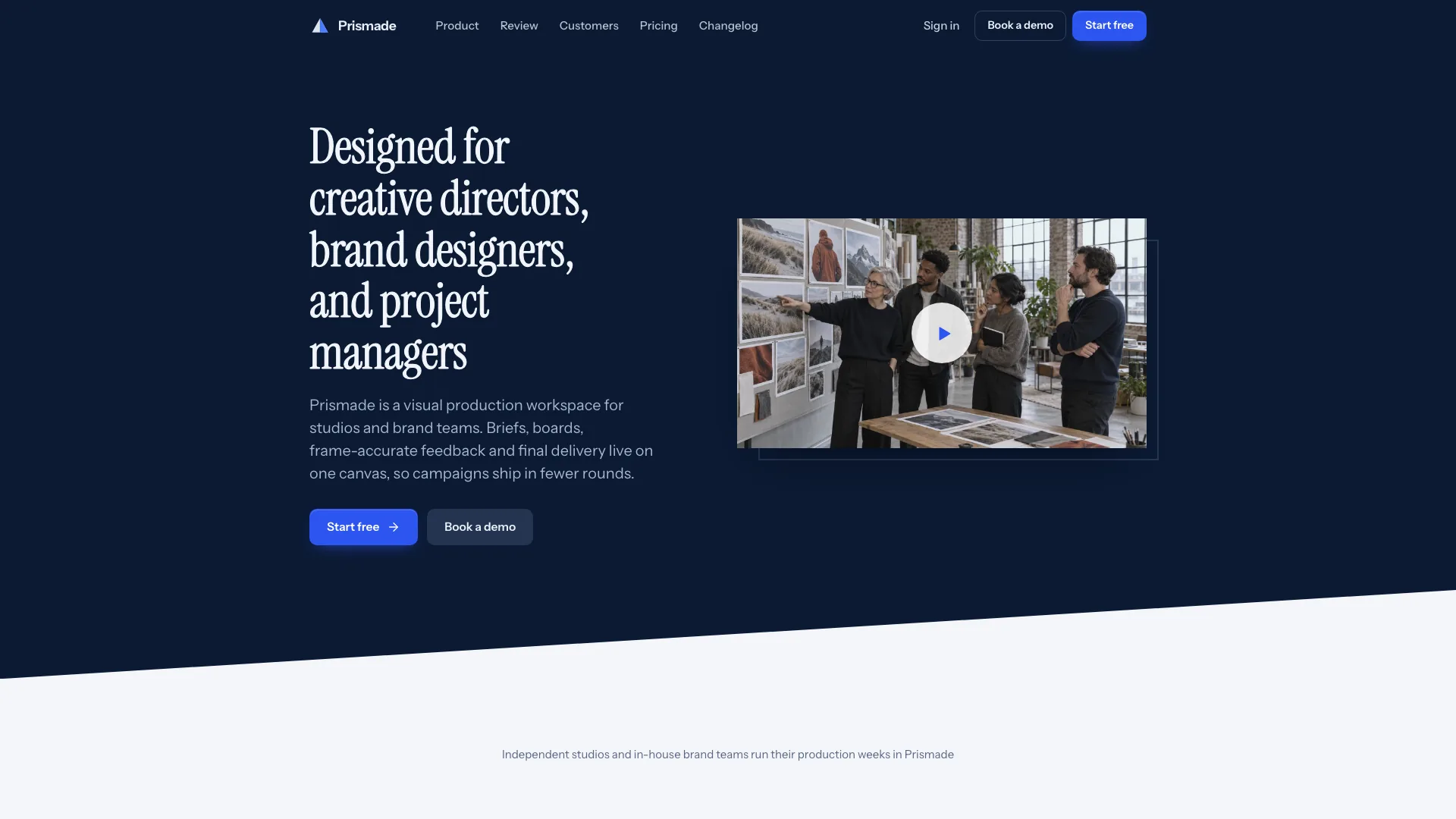
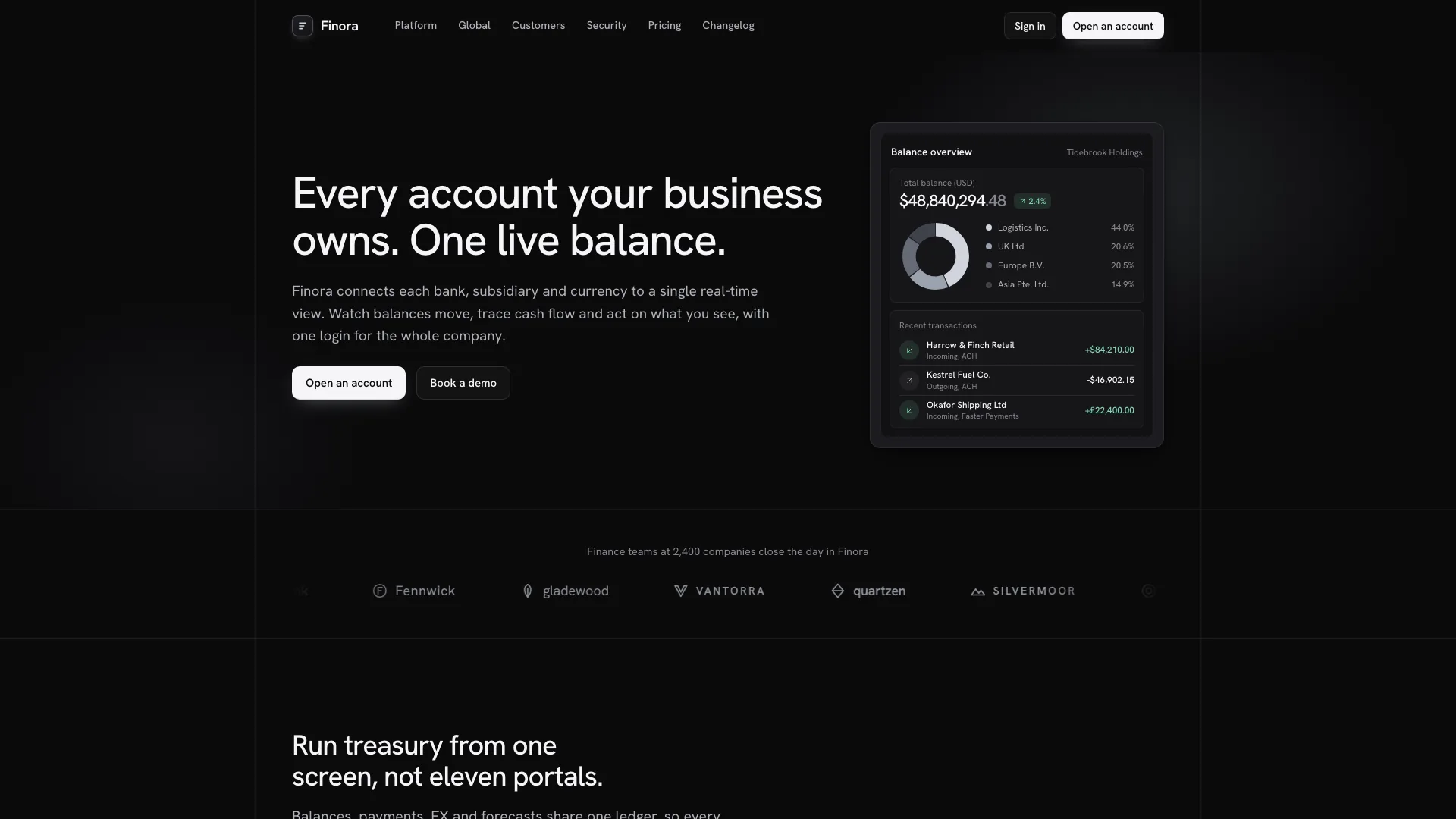
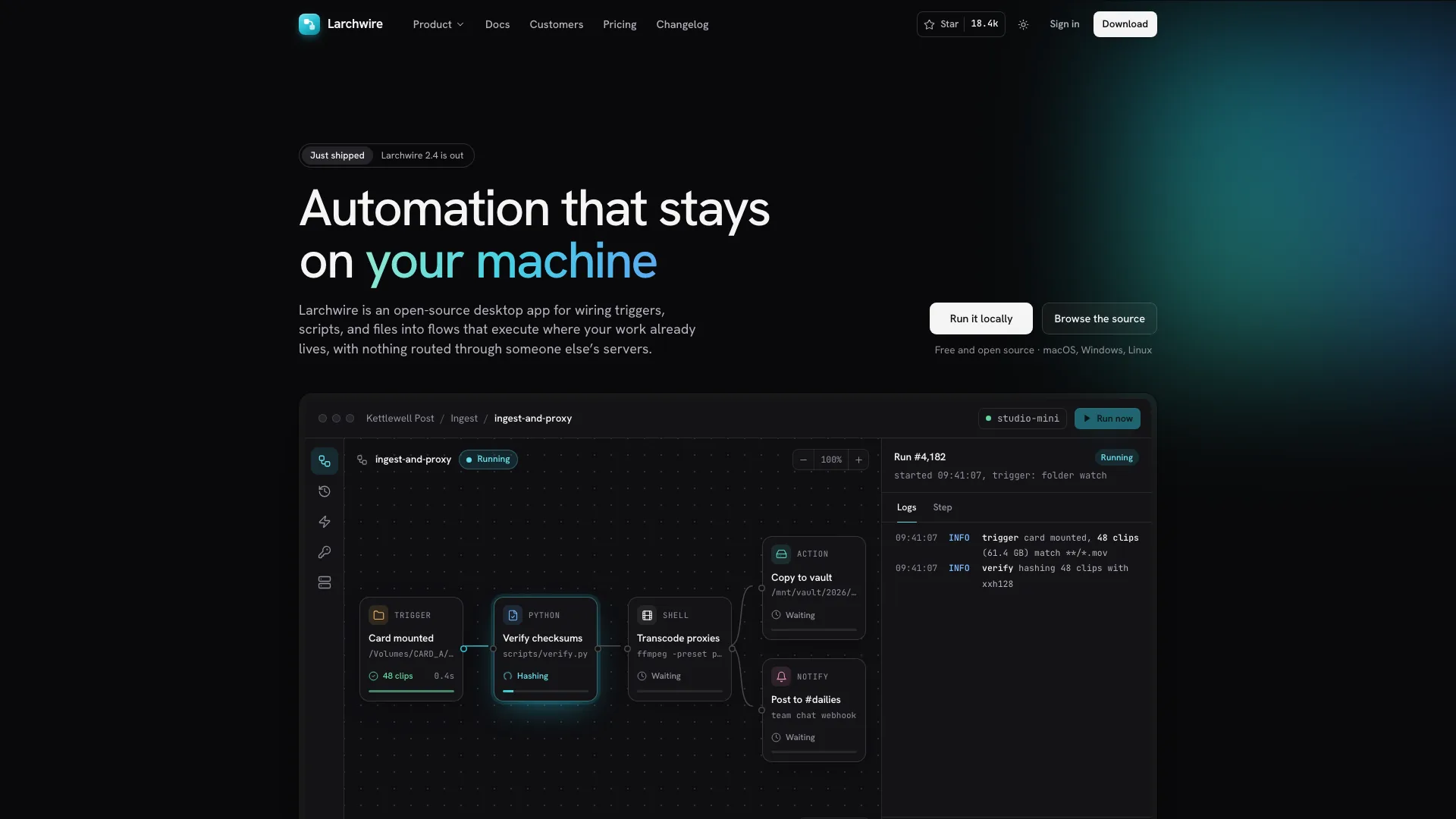
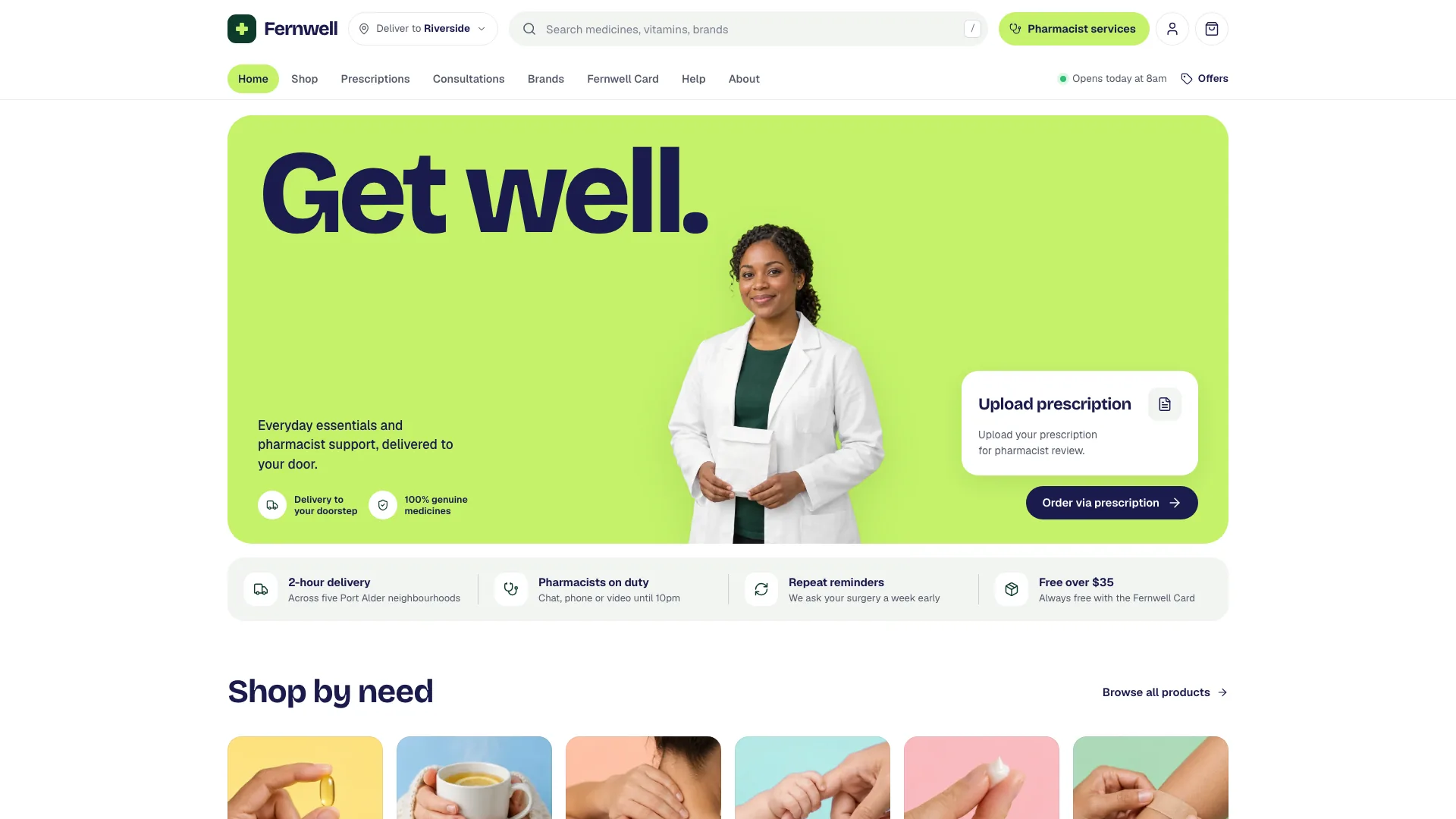
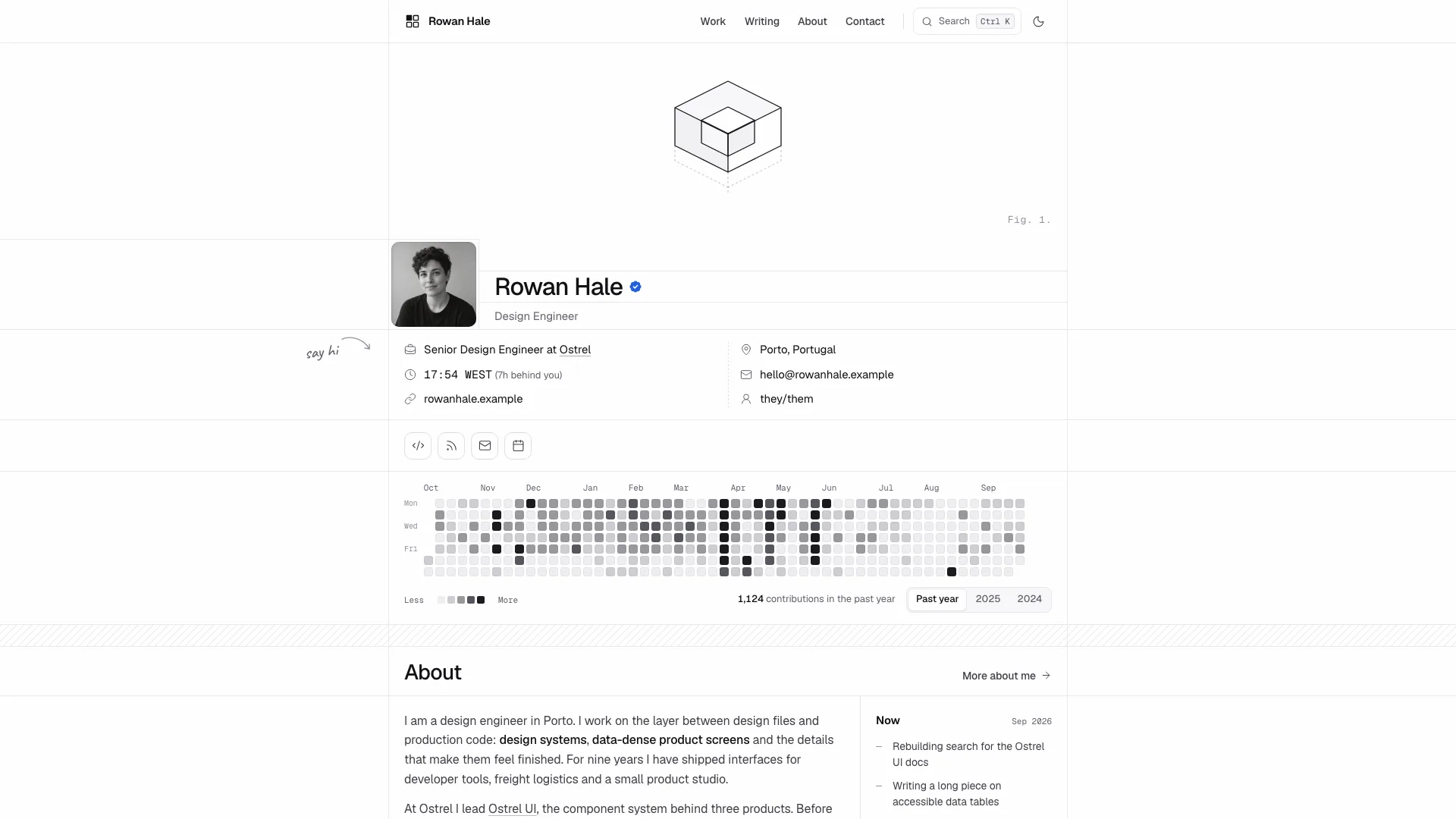
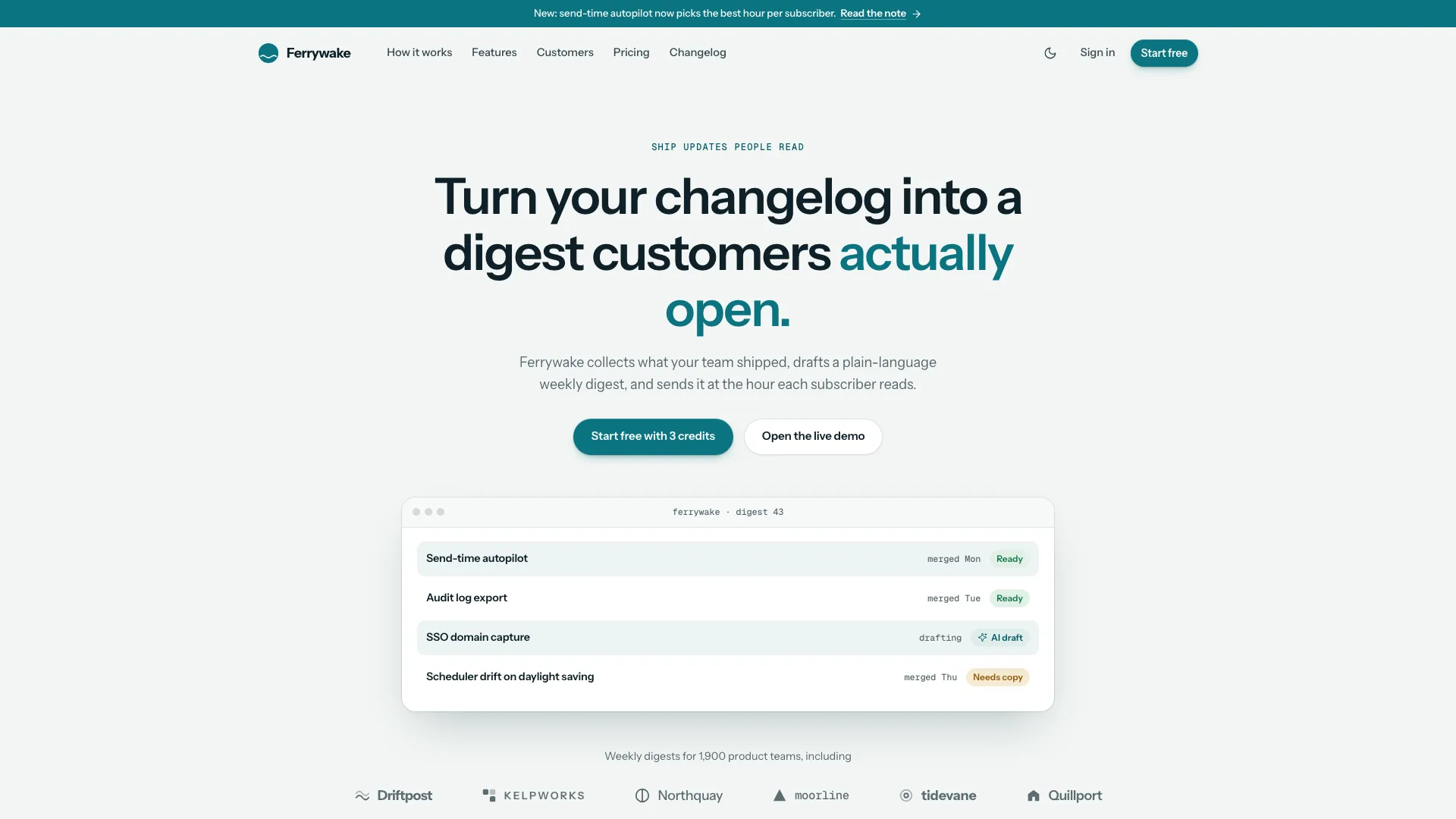
Make the case for your judgment through projects, writing and teaching. Editorial Dev uses a narrow white reading column on a pale ground, a small portrait and a tilted strip of three studio photographs. The restrained opening leads into full case studies and articles, giving a solo practitioner room to explain how work was done rather than relying on a large promotional headline.
What you get
A connected personal site with Home, Work and individual cases, a Writing index and article pages, Teaching or Services, About, Contact, Privacy and a missing-page view. Default delivery is a self-contained HTML file; an existing or requested framework can use the same design with real routes and content files.
Cases organized around the problem, findings, process, design details and results, including one-time result count-ups and a note explaining how each result was measured. Covers and design figures are product mockups built in code for each project, not stock laptop photos or generated interface screenshots.
A searchable writing journal with topic filters, full article layouts, reading progress and author cards. Teaching can present a course or workshops alongside client work; About includes a portrait and career timeline.
A compact personal opening with one quiet headline, a small round portrait and three angled studio photographs. Geist, Newsreader and Geist Mono distinguish interface text, reading and metadata, with complete light and dark themes.
Contact, course waitlist and newsletter validation with on-page confirmation, plus filtering, navigation, theme and supporting interaction patterns. The standalone build embeds the fonts and images so the completed file can open offline without remote asset requests.
Before you choose
Choose Editorial Dev when a compact personal front page should lead into deeper explanations of your work. Compared with Doodle, the identity is quieter and the reading column carries more of the presentation. Prepare one complete case and one article first; both should remain persuasive when read without the surrounding photographs.
Good fit
Independent product designers, design engineers and developers who want clients to assess their thinking through detailed work.
Educators and writers who have courses, workshops or essays to place beside a professional practice.
Solo practitioners who want a portable site now or a consistent design implemented inside an existing Next.js, Nuxt, SvelteKit or Astro project.
Not for
An agency site that needs to represent a whole team. The original structure speaks in one practitioner’s first-person voice.
A SaaS launch page centered on feature grids and subscription-plan comparisons.
A hosted CMS, form processor or mailing service. The included forms need real integrations to deliver messages or record signups.
How to use
You say/editorial-dev-portfolio Build a portfolio for Mira Vale, a product designer and educator in Rotterdam, with case studies and her course.
Provide identity, discipline, availability and contact details. For three to six projects, gather client, role, timing, team, problem, learning, decisions and measured outcomes. Add complete writing, career history and the course or services you actually offer.
Choose the route emphasis that fits your practice. A consultant can remove Teaching and use Services; an advocate can lead with Writing and adapt the course to Workshops. Remove unneeded routes together with their links, and keep the home selection consistent with the full Work collection.
Supply your portrait and real studio or workshop photographs, including a set that works in the three-photo strip. Rebuild each product mockup with the actual project’s labels and details. Missing photos may be generated as disclosed stand-ins with your agent’s tool; neutral bundled studio photos can serve as placeholders.
Write in your own first-person voice and record missing facts for confirmation. Keep a measurement explanation with each result, omit unsupported quotes and replace the fictional practitioner’s identity throughout. Build the embedded file with Node.js 18 or newer and an initial connection for fonts, or use the existing framework’s routes and content conventions.
Follow every case and article on phone and desktop in light and dark. Check search, filter counts and empty states, reading progress, navigation and the three-photo strip, then test contact, waitlist and newsletter errors and local confirmation. Verify keyboard and reduced-motion paths and connect real form delivery separately.
Requirements and costs
You bring
Your name, discipline, availability and contact email · 3 to 6 projects with client, role, problem, process and measured results · Writing, teaching or services, career history, and your own portrait and studio photos if you have them
Dependencies
Node.js 18 or newer on your agent's machine, to run the bundled script that builds the single offline file · Internet access while the file is built, so the fonts can be downloaded once and embedded · Optional: an image generation tool in your agent for stand-in portrait, studio and article photos
Outside costs
Your own photos cost nothing. Stand-in portrait, studio, case-study and article photos are generated with your agent's own image tool, which may incur that tool's usage charges; neutral studio photos bundled with the Skill can also stay as placeholders.
Publisher testing
v1.0.6 — Claude Code / Claude Desktop / Cowork / Codex / ChatGPT
FAQ
No. Its identity, clients, colleagues, quotations and numbers are fictional. Replace them with your own evidence. Missing fields can be drafted for your confirmation, but invented metrics, awards or endorsements should not be published as facts about you.
One standalone HTML file by default, with embedded images and fonts for offline opening. In an existing or requested framework such as Next.js, Vue/Nuxt, SvelteKit or Astro, the design is adapted to real routes with posts kept as content files.
Ideally provide your portrait and studio or workshop photos. The portrait also supplies the small avatar. Optional generated images are stand-ins and may incur your agent’s image-tool charges; neutral bundled photos can fill suitable slots temporarily. Project covers are rebuilt product mockups, so screenshots are not required.
Use the service offer appropriate to your practice and remove the course panel and Teaching route with their navigation links. The remaining case studies, writing, About and Contact can still form a complete practitioner site.
A reader should be able to connect the stated problem to what you learned, the choices you made and the outcome. Check that each mockup shows the actual project and each numeric result explains its measurement. Remove unsupported claims rather than retaining them to fill a visual slot.
User reviews
—0 reviews
Select a star to share your experience.
No reviews yet. Ratings appear once readers share real experiences.