Provide product name, purpose, audience and point of view, three to six capabilities with their mechanisms, a three-step method, two to four plans with real limits and five to seven FAQ answers. Supply two or three numbers with sources and permissioned quotes if available. Draft ordinary missing content as identified placeholders, never present invented certifications, security controls, customers, results or prices as established facts.
With no project, adapt the template into a self-contained offline file. With an existing/requested project, inspect its stack, preserve unrelated code and build sections/routes as real components, using typed data and the project’s styling/router. If a framework is requested but unspecified, the package recommends Next.js App Router with TypeScript. Reuse compatible existing ReUI/shadcn primitives if present, restyled to the paper tokens; do not inject the entire template or wrap it in an iframe.
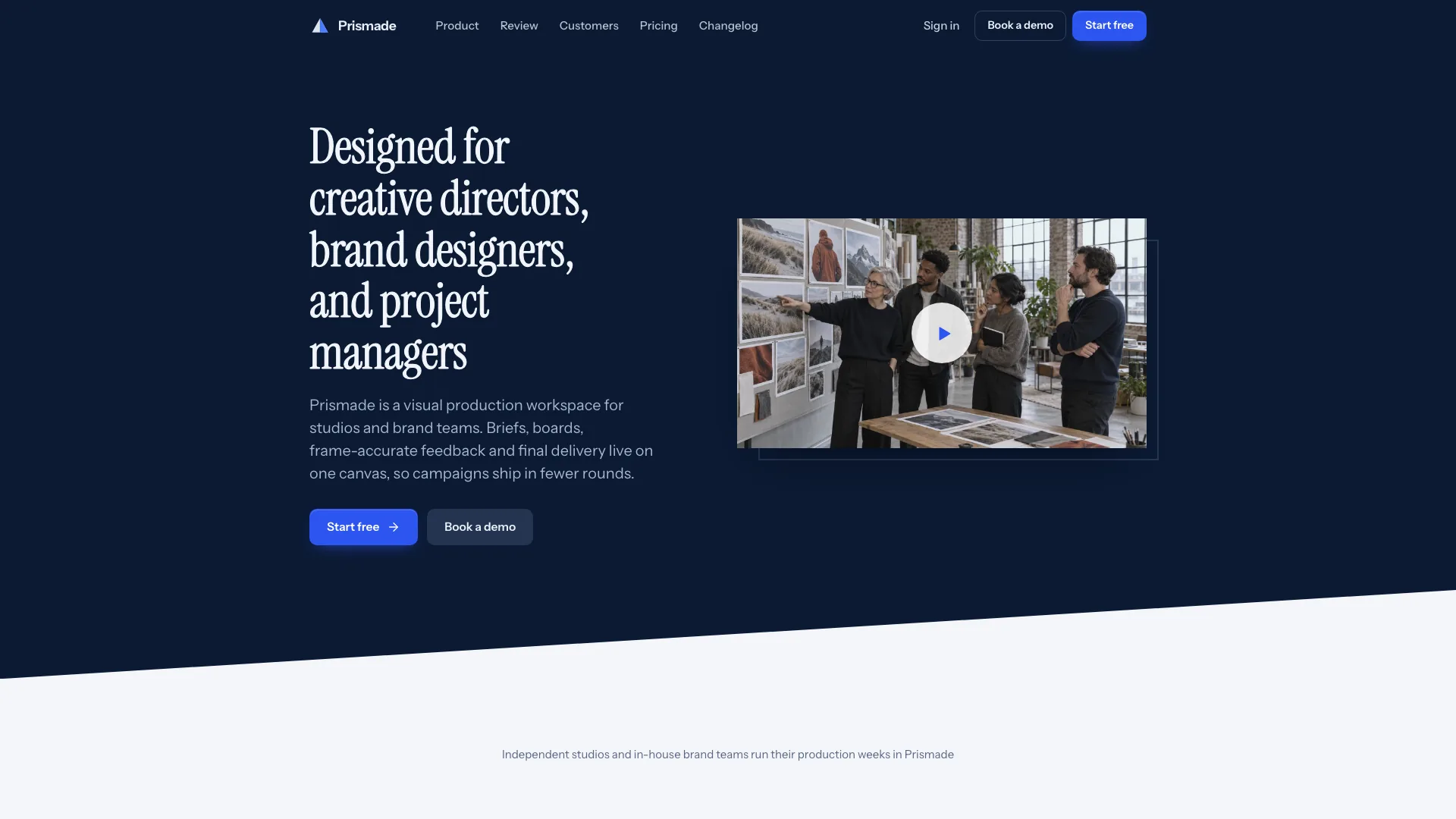
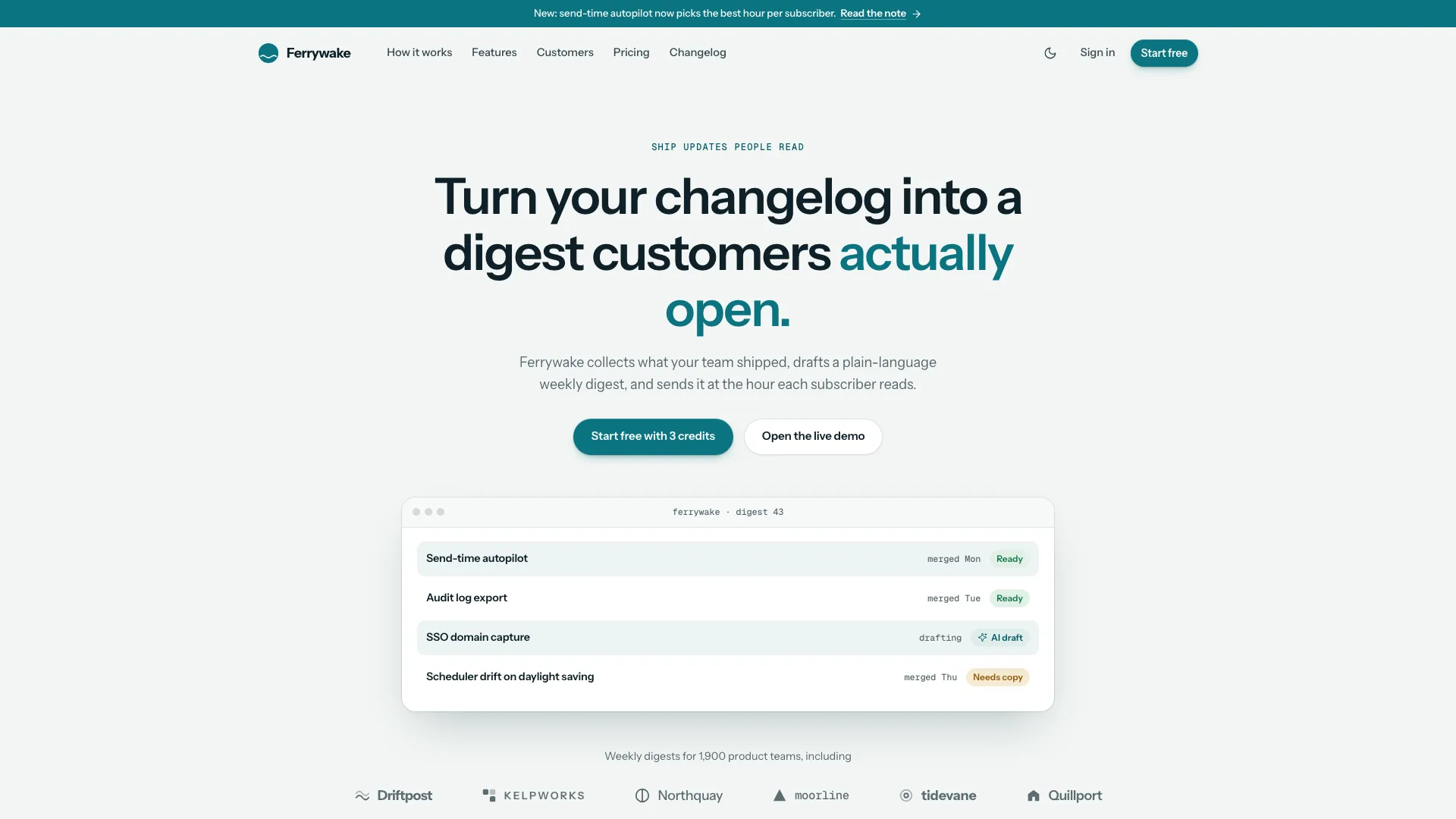
Keep the hero’s compact hierarchy: centered badge, three-line Newsreader claim at 40–69px, short paragraph, two 40px CTAs and a 992px product window below. Use Geist for reading/UI and Geist Mono for labels/timestamps, with serif reserved for headlines, quotes and large numerals. Preserve the 1240px container, hairline boundaries and chapter spacing. Ink-blue may shift within the approved blue range or become neutral ink; purple remains excluded.
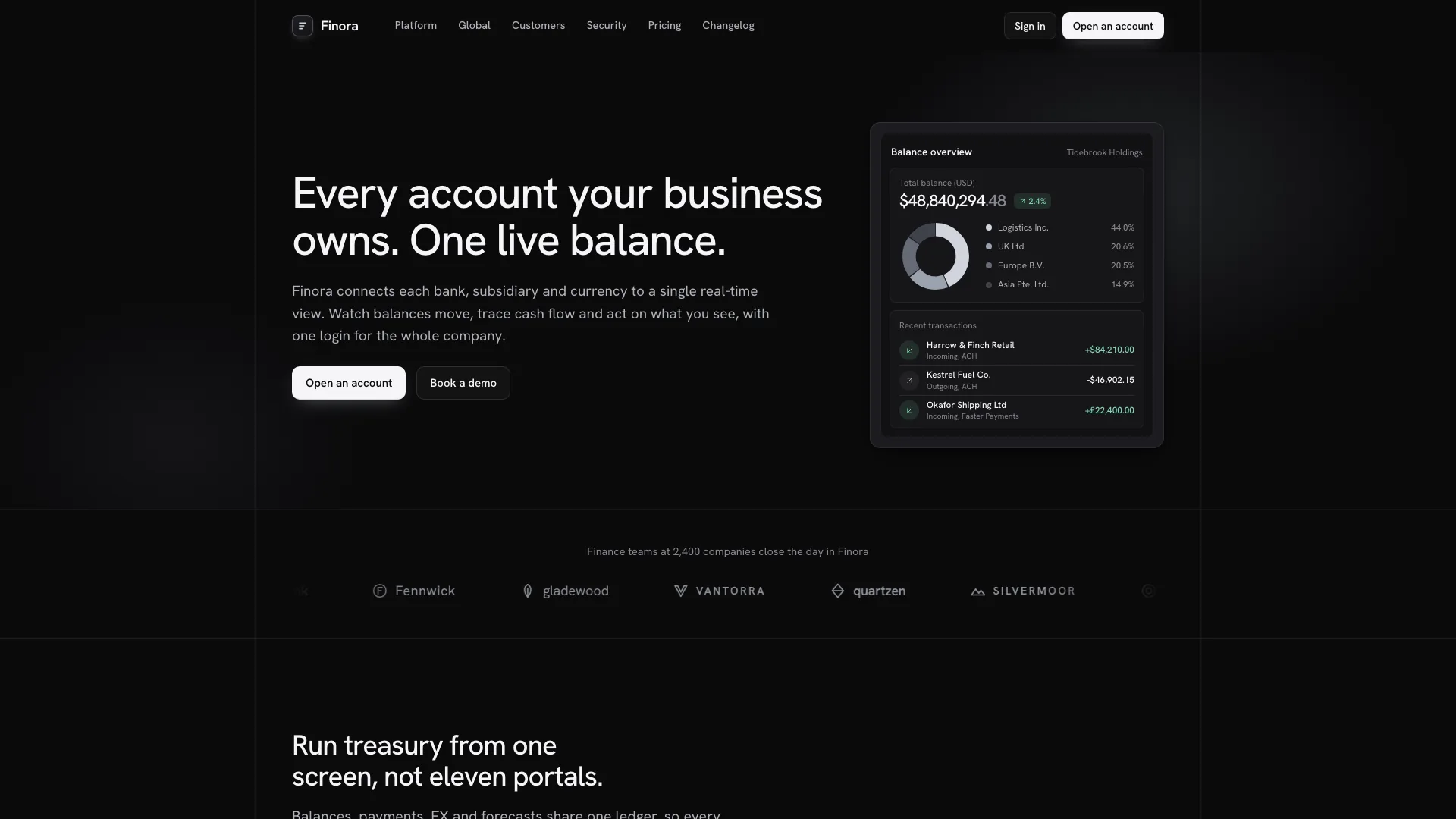
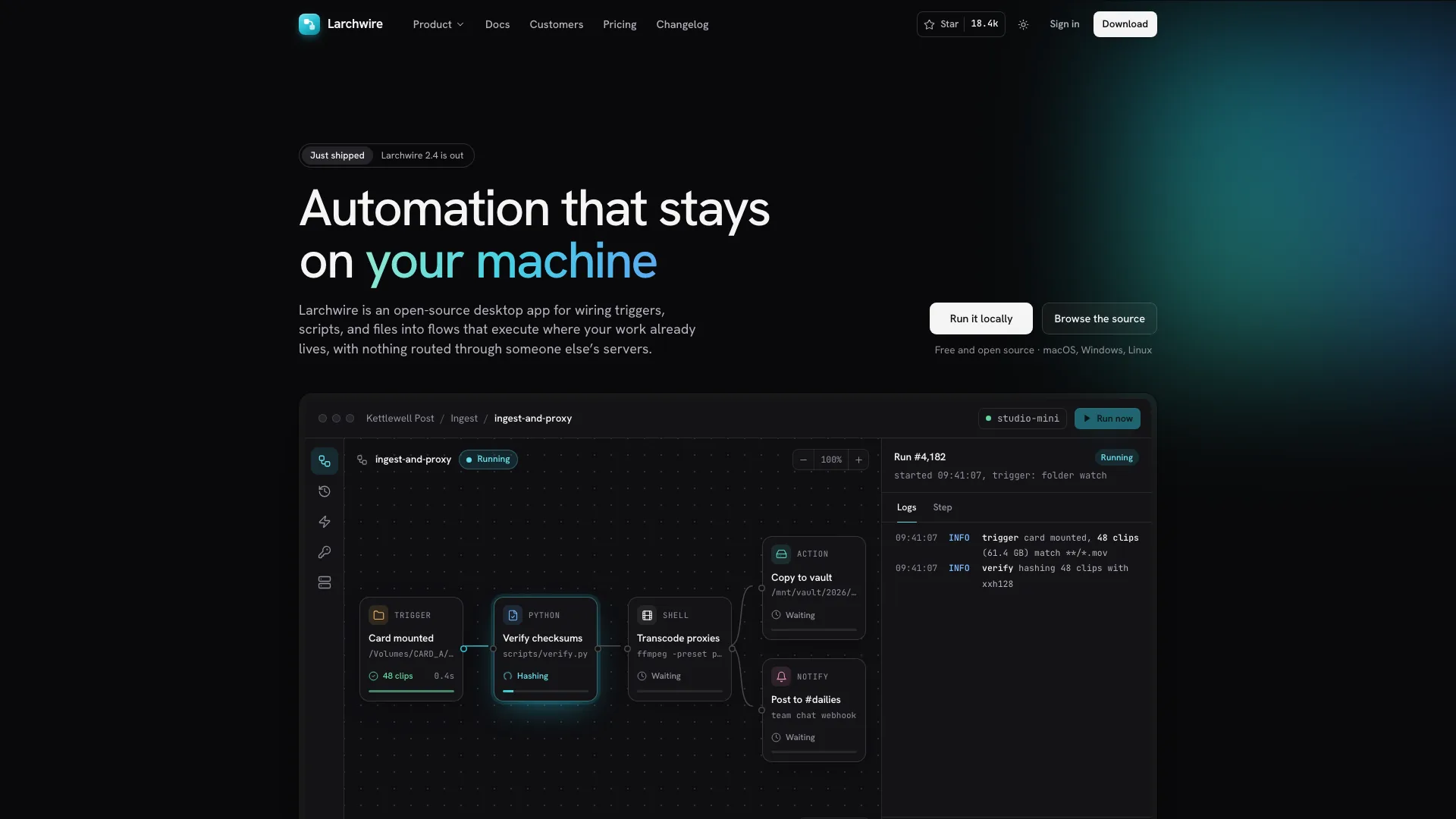
Make one coherent product story across hero, method, feature cards and releases. For the meeting example, align workspace/people/counts, recap decisions, three timestamped follow-ups and matching transcript passages. Rebuild these objects for another product instead of leaving generic metric panes. Developer tools can use Install/Run/Observe; services can show a local portal/slot view, engagement steps, packages without seats and journal/events in place of releases.
Qualify the product-window demonstration. Follow-up checks only alter visible counts; Ask uses a small keyword-matched corpus with prepared text and references. Preserve an honest unmatched-query state, and check that current-meeting references actually jump to matching transcript lines. A source label for another meeting is not an implemented meeting route. Do not claim AI retrieval, a live recorder or real integration sync merely because an answer or switch animates.
Choose only sections the business can fill, retaining the shared header, hero, footer and useful validated-form route(s). Keep every linked route and anchor populated. If deleting or renaming content, update navigation, drawer/footer, view/title hooks, form-prefill targets and related script roots. Add practical security/careers pages only when relevant; a service can turn Security into policies and omit Careers when it is not hiring.
Adapt counts without breaking relationships. Pricing uses two to four cards with one featured plan; more plans can move to a comparison route. Keep card plan IDs aligned with signup options. The billing/seat controls calculate the featured plan from its per-seat prices and maximum, not all card prices automatically; the sample starts at five seats, has a 49-seat cap and defaults to yearly. Update currency/formatting, threshold messages and annual total together. Remove billing/seat controls for one flat package price.
Keep testimonial data, tab buttons and portrait images in matching order, using two to four quotes or a static photo/quote without tabs for one. Adjust figure columns for two or three approved metrics and proof marks to the available evidence; guides describe roughly four to seven marks. Releases and roles can expand, but category chips, labels, headline counts and contact-prefill behavior must agree. Do not turn fictional customer names into claimed endorsements.
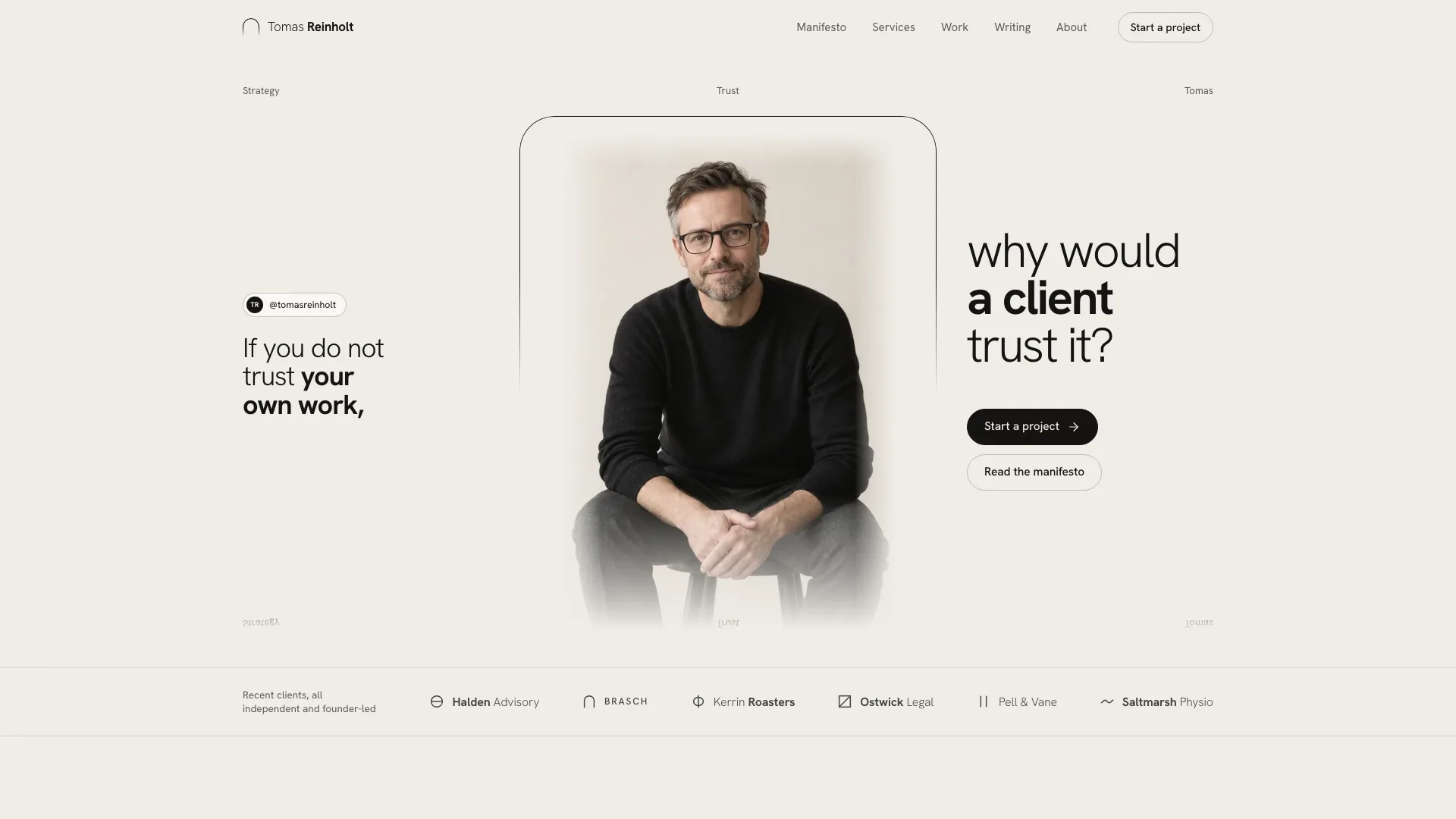
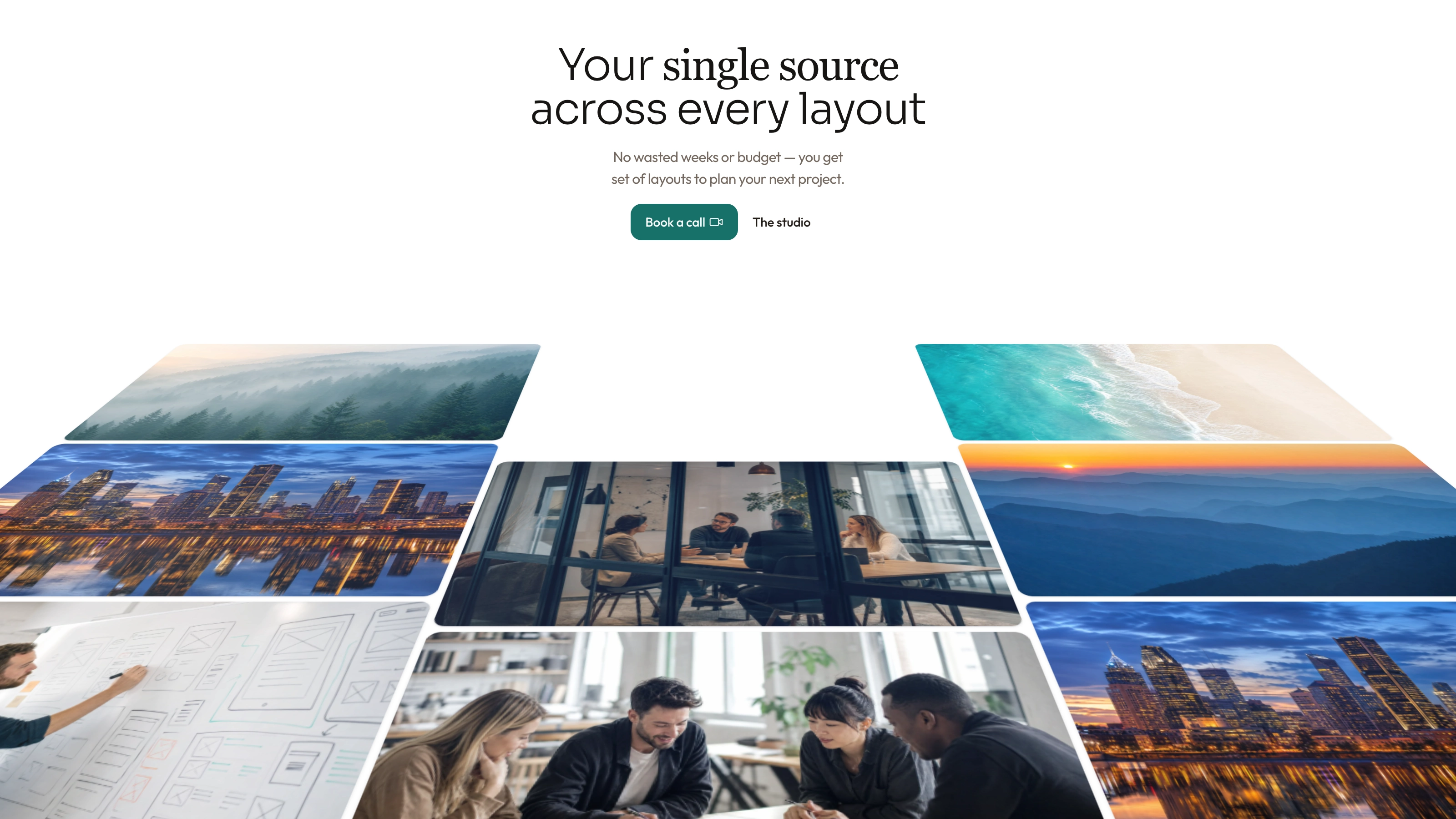
Plan visual roles as one rain-washed campaign: pale day sky for hero, dusk sky for closing/dark hero, one or two ink studies, a photograph of the product’s real human context, matched testimonial portraits and a team scene if Careers remains. Keep product UI in HTML/SVG, not a screenshot or laptop photo. Reuse the two shipped skies and two ink studies as neutral art; replace the founders-at-table scene for a different promise. Portraits/team are generated stand-ins and need disclosure or approved real photographs.
An available agent image tool may charge, but this local design needs no Skill-specific API key. Without that tool use supplied approved imagery, or the documented no-photo treatment: soft CSS sky, serif pull quote instead of ink art, initials for people and no story photo. Keep approved figures only and deliver the missing-slot prompts. Check crop focus at phone width, consistency between portrait thumbnails and people, legibility over skies and no accidental likeness/identity claims.
Replace identity and unverified assertions throughout metadata, favicon/logo, header/drawer/login/footer wordmarks, giant footer text, accessible labels, document titles and legal entity. Review meeting names and Ask corpus, counts in search/loading messages, prices/seat limits, success text, cities/hours, roles, vendors and update dates. Sample SOC 2, encryption, residency, adoption numbers and subprocessor claims cannot become facts just by changing the brand.
Inspect form results as local states. Signup/login/contact and the closing email CTA validate then reveal confirmation after a timer; SSO is feedback, not configured login. Newsletter immediately shows “Subscribed”/“on the list” after email validation without sending a request. Real account, mail, sales and payment outcomes require connected services and truthful response-based states. Check empty/invalid input, terms agreement, loading, success, reset and repeated navigation.
Build offline output using Node.js 18+ with initial internet access to download/embed four font files and local images. Aim at 5 MB or less and remain under the 8 MB cap. Read the inliner’s exit status even when a file was written: missing assets/downloads and oversized output fail. Repeated image copies use a small script while shared backgrounds should use one custom-property reference. Validate the final single file or local-files variant, where referenced files must exist; framework ports also need their own build/lint/type checks.
Review twice at 1440, 1024, 768, 390 and 360px in both themes, plus overflow up to 1920px. Check every route/back/forward/anchor, drawer focus/Escape, product tabs/timestamps/questions, method playback, integrations, testimonial input methods, billing/seat boundaries, changelog empty state, careers prefill and all forms. Repeat offline paths in a scripts-only iframe. Reduced motion should stop autoplay/loops/counting; dark mode should use designed night surfaces and dusk artwork. Compare hero/crops/spacing after fixes and report only checks actually performed.