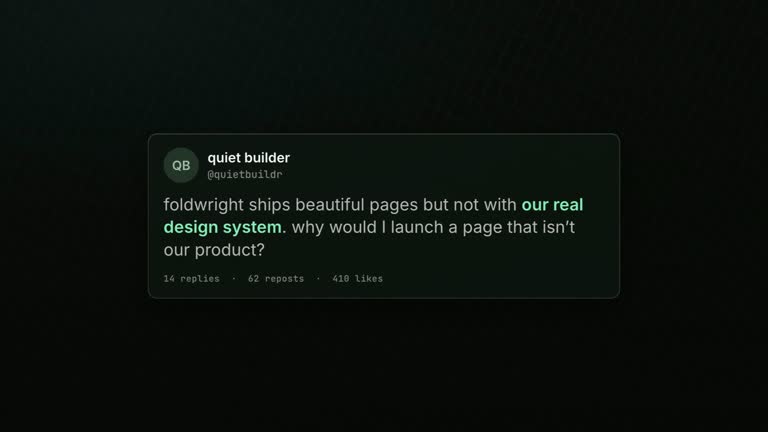
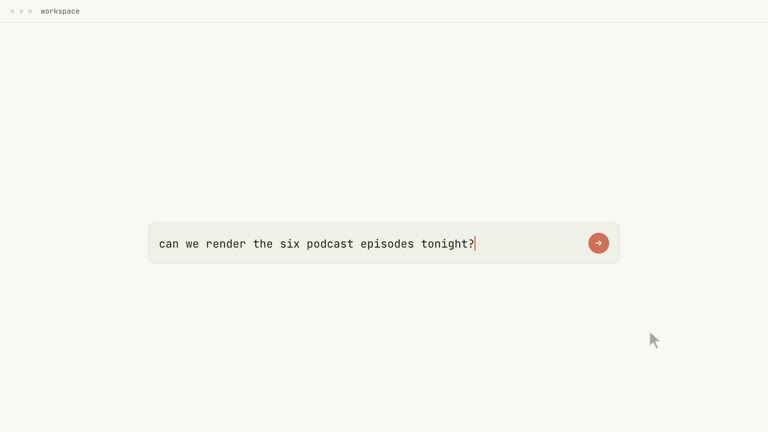
Demonstrate precise product control on one continuous halftone field. Living-Halftone changes the density, scale and tone of its dot canvas while ordinary user requests and a real control appear above it. The field moves slightly before the foreground, helping successive beats feel like changes to one surface rather than separate cards.
What you get
A production method for a twenty-to-thirty-second, 1920×1080, 30 fps H.264/AAC launch film with one continuous dot-raster canvas across eight beats.
A canvas specification built from two tiled gradient layers at different pitches, animated with transforms and wash opacity rather than a bitmap or repeating video. Close raster hues create depth, with warm text and limited support accents above the cool field.
Timing rules for a roughly 0.1-second canvas lead at beat changes, with the field moving farther than the foreground. A storyboard canvas column and cut ledger record those decisions so the persistent field does not reset between beats.
A plan covering thesis, surface word, familiar problem, small user ask, a faster accumulation of asks, actual control proof, reframe and lockup. The guide-only archive supports authoring the editable HyperFrames project and MP4; those finished artifacts are not bundled.
Before you choose
Choose this when precise adjustment is the product story. Test one actual request and its response before writing the whole beat sheet. Then check the background lead at a single boundary: if that relationship is wrong, additional dot detail will not make the edit feel continuous.
Good fit
An inspector, editor or parameter-based product whose value is direct, specific control.
A team with genuine small user requests from support or session material, rather than only polished campaign slogans.
A product with actual control behavior available as a capture or a faithful rebuild of its own interface.
Not for
A warm character story or narrative launch with a protagonist and emotional arc.
A production whose value depends on footage or a spokesperson. Those elements would compete with the continuous field.
A launch with no real interface proof. A generic mock control cannot substantiate a claim about precision.
How to use
You say/hyperframes-halftone-canvas-launch You can now nudge any element directly instead of re-prompting. Make the launch film.
Define the exact control the product provides and collect real small requests in the user’s own register. Select a permitted capture or faithful rebuild showing that control doing the thing the film claims.
Choose the deep ground, two nearby raster hues, warm type and up to two support accents. Prepare HyperFrames CLI, Node.js 22 or newer and FFmpeg and locate the referenced motion/audio guidance.
Build the field alone before foreground content. Use one persistent element with two gradient pitches; animate its transforms and wash opacity instead of repeatedly changing background size or position. Plan density, warmth, darkness and travel for each beat.
Write the storyboard with a canvas column and link each field/foreground move in one timeline segment. Start the larger field move about a tenth of a second first. Keep the accumulating-asks beat as the one intense moment and give the actual control enough time to show its result.
Inspect every beat boundary to confirm the field already moves before the foreground and never resets. Review real ask wording, interface proof and contrast through changing washes, then run documented lint/check and output verification. Check dimensions, frame rate, duration and soundtrack as applicable, recording field parameters and proof material in the handoff.
Requirements and costs
You bring
The product and the specific control it gives · Real small asks users type, in their own register · A capture or programmatic rebuild of your actual control · A deep canvas colour and two raster hues that sit close together · A warm type colour and up to two support accents
v1.0.0 — Claude Code / Claude Desktop / Cowork / Codex / ChatGPT
FAQ
At a beat change, the field begins around 0.1 seconds before the foreground and makes the larger move. The viewer’s eye is already following that direction when text follows. Reversing the order would make the field feel like decoration behind separate slides.
Neither. The guide specifies two tiled gradient layers animated with transforms and wash opacities. The field is one finite timeline movement across the film, not a restarting background loop. The guide describes ending at its starting position without resetting during the film. The actual project still needs to be authored from these references.
The claim is that users can make small exact adjustments. Requests in their real working language support that claim; generic marketing copy does not. Keep the original register and pair it with visible product behavior.
A faithful rebuild of your own control is an option when grounded in real behavior. If neither capture nor truthful rebuild is available, choose a format that does not rely on interface proof rather than inventing a convincing-looking control.
The production guide, canvas system, beat sheet and retarget checklist. The agent must still author the persistent canvas component, compositions, storyboard, ledger and final MP4 using the HyperFrames toolchain.
User reviews
—0 reviews
Select a star to share your experience.
No reviews yet. Ratings appear once readers share real experiences.