Provide name, product definition and what signup gives the visitor, cadence or launch date, actual prices/tiers, three or four confirmed facts and the people behind it. Add useful FAQs, optional owned dark hero footage and approved team photos. Record missing facts/copy for confirmation. Reader counts, testimonials, corrections, tax/privacy/security promises and dates must reflect actual evidence rather than the fictional newsletter.
Use standalone HTML without an existing project. In a requested/existing React/Next, Vue/Nuxt, Svelte, Astro or HTML setup, inspect conventions, preserve unrelated files and port sections, typed content, routes and local assets into that stack. Keep the same glass recipe and interaction states; do not drop a monolithic file into a component tree. Preparation still needs font embedding/bundling, while the actual project needs its own build and route checks.
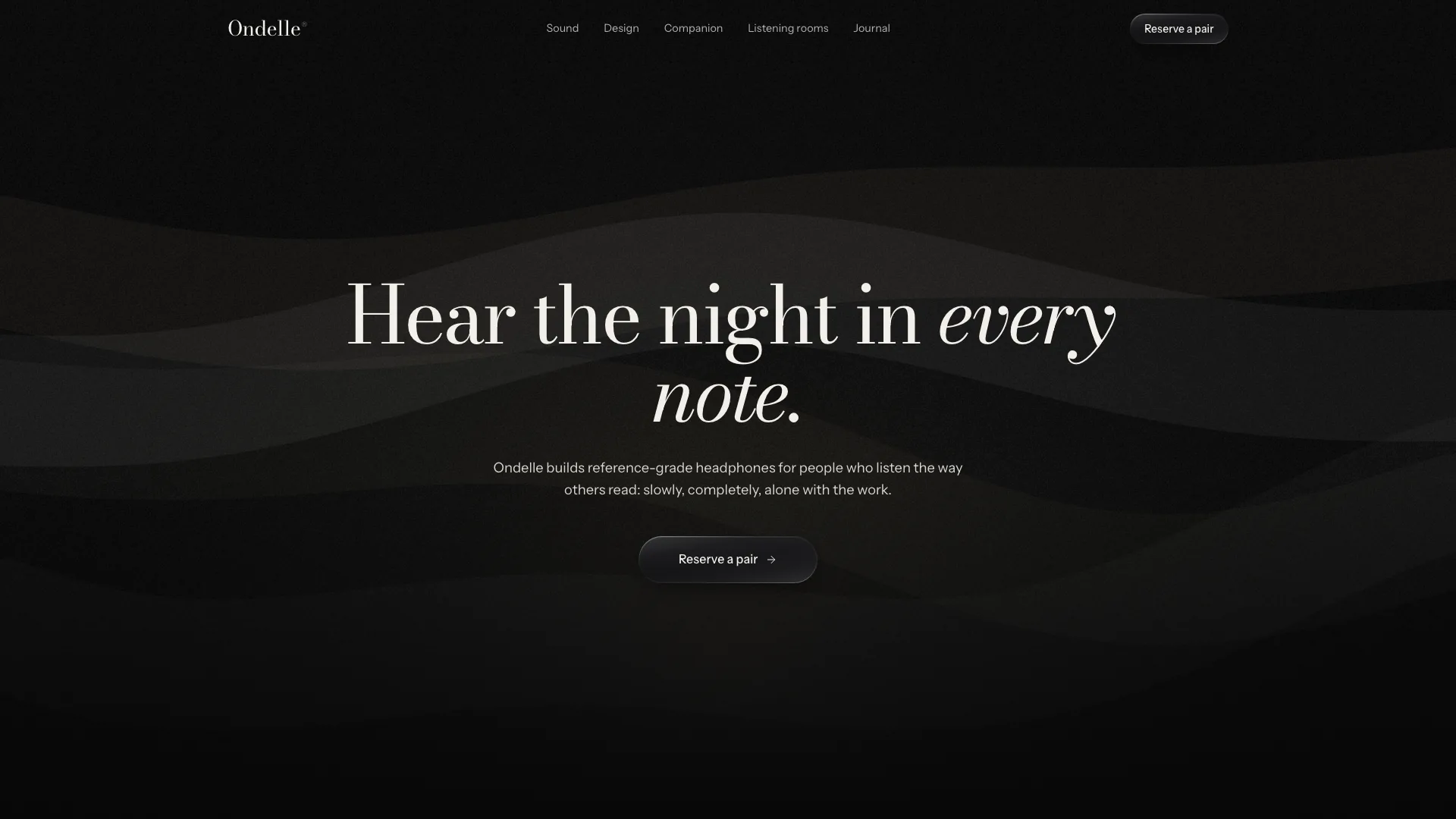
Keep the fixed hero hierarchy: two to four words with one italic word in Instrument Serif, email pill, two-line support copy, one glass action and three round links below. Reference sizing reaches 128px desktop/64px phone with headline top around 230/225px. The still stays black above, with material highlights beneath capture; adjust its crop/scrim rather than adding glow. Do not add fact chips, badges, countdowns or helper lines to the hero; the countdown belongs in the closing frame.
Carry near-black ground, restrained white-opacity text, hairlines and the same liquid-glass surface across raised elements. Its recipe combines very faint white interior, backdrop blur, top sheen and a masked gradient rim catching top/bottom light. Strong overlays need enough fill for readability and reduced-transparency mode gets an opaque alternative. Use Instrument Serif only for the hero, light Newsreader for section/reading voice, Geist for UI and Geist Mono for sparse labels/data. Keep 1240px text/1360px media widths, 20–40px gutters, 96–160px section rhythm and 28/24/14px card/media/input roles with pill controls.
Keep media dark and coherent rather than borrowing generic bright photos. Plan ten roles: silk hero, writer desk, prism, three offering images, three editor portraits and ink-water closing image. Neutral silk/ink/prism/smoke/water may remain relevant abstract art; desk needs an editorial context and microphone an audio role. Real people require approved representations; shipped portraits are fictional stand-ins to rename/replace. An available agent image tool may charge. Without one, use deliberate dark highlighted placeholder frames and identify remaining image slots.
Use owned dark video if appropriate, with muted/inline behavior and a still poster, while budgeting its size for offline delivery. Keep faces and the black space for captions at the actual desktop/phone crop. Product UI remains HTML/CSS/SVG without baked screenshots or lettering in generated photos. Review actual media/rights separately; asset paths and successful embedding do not prove identity, crop or ownership.
Adapt the page roles to the offer. App beta can replace editions with feature drops and archive with releases, using the product’s actual screen in the preview; a course uses modules/lessons/cohort seats, and an event uses tracks/speakers/sessions/tickets. Rename route patterns and all related links together. Keep required header, capture, product preview, closing capture, footer and recovery route, removing unused sections with their hooks rather than leaving dead controls.
Keep counts and choices aligned. Facts default to four with a two-by-two phone layout; three need adjusted columns/borders. Pricing supports two to four cards and matching join choices; one fixed price can remove billing/savings labels. Offer bento defaults to one tall/two row cards, while two/four require changed spans. Masthead defaults to three portraits and needs matching phone/grid rules for two/four. Update all number-bearing headings, picker frequency math, edition names and archive filter keys.
Preserve the offering picker’s practical distinction. The sample always includes its weekday briefing, optionally adds a weekly essay or alternate-week episode and routes free versus paid choices differently. The displayed five/six-emails-per-week calculation is hardcoded to that cadence. Change it for courses/events/releases and ensure the membership contents agree with the join summary. A selected offering does not register a mailing preference on a server.
Keep pricing and join content synchronized beyond the price data. Sample member/team cards calculate from billing period and seat count, but join plan descriptions, savings labels, included-edition text and renewal date also contain fixed copy. Gift mode requires yearly billing and recipient email; its text promises a future gift date chosen at checkout, although no delivery-date picker or real checkout exists in this local interface. Verify mouse/keyboard and navigation state, then qualify every unimplemented next step.
Populate real content for reading routes. The inspected free-edition renderer uses one shared full sample body for every entry marked free; adding several free records therefore requires distinct body content rather than changing only title/dek. Paywalled entries render a short preview and member/sign-in actions without authentication. Keep byline, dates, reading time, source lines, charts, older/newer navigation and reading progress useful, but do not present fictional editorial assertions as sourced reporting.
Replace archive/topic data, charter principles/corrections and privacy/terms with the actual publication or product. RSS copy needs a real feed URL to be useful and an actual clipboard check; a copied string does not create a feed. Legal tabs and a displayed cancellation/refund/privacy policy do not implement those workflows. No tracking, data-sale, retention, export or tax promises should carry over without confirmation.
Treat capture feedback as local. Email validation and a short timer set subscribed state and show timezone-aware wording; the sample then claims a confirmation inbox message and scheduled delivery despite sending nothing. Newly initialized forms can read that local state, but existing capture instances need cross-form testing and reload persistence should not be assumed. A visible confirmation is not mailing-list enrollment or consent storage.
Qualify join/sign-in/contact behavior too. Join validates buyer and optional gift recipient, waits and claims a secure checkout link; sign-in waits and claims an expiring magic link, then offers a thirty-second resend countdown whose click only changes feedback. Desk form validates name/email/message length and shows a reply-time promise after a timer. These actions send no mail/message, create no account/access and charge nothing. Connect actual endpoints and error paths before replacing demo wording with operational promises.
Localize the countdown deliberately. It finds the next weekday send time using the visitor’s local clock and the configured hour/minute; it is not a central scheduled-mail job, holiday calendar or fixed-timezone launch service. For a launch/cohort cutoff, replace this repeating weekday rule with the real target and expiry behavior. Check hidden-tab pause/reduced motion for media, keep carousel user-controlled and preserve immediate functional feedback.
Rebrand metadata/header/menu/footer/ghost wordmark, accessible labels, preview sender/subject, static capture messages, edition links/images/IDs, the full sample body, archive historic counts, charter signature, join copy/renewal/savings and legal entity/dates. Keep the hero italic word echoed in footer wording. Sample names hidden inside route templates and old portrait IDs are still part of the output and need review.
Prepare offline delivery with Node.js 18+ and initial internet access for six font files. Embed slot-sized WebP/local video assets, target at most 5MB and stay below 8MB. The inliner writes output before reporting missing assets and exits unsuccessfully above the hard cap; inspect its result. Repeated static images share embedded sources via a small script, and routes reuse on-page assets. Check actual loading from disk rather than file presence.
Use the static validator for resource paths/file existence, route patterns, anchors/icons/labels, glass markers, motion, sample names and size. It checks one static h1 but does not prove every rendered route’s heading/accessibility, full glass values, paywall security or service behavior. Review twice at 1440/1024/768/390/360px: hero crops/contrast, capture errors/success, menu focus/Escape, preview highlights/chart tooltip, picker, carousel keys/swipe, prices/seats/join/gift, free/member content, archive empty/filter/sort/RSS copy, charter/legal, sign-in resend and desk dialog. Test back navigation, reduced motion/transparency and offline/iframe paths; report actual checks and remaining data/media/service gaps.