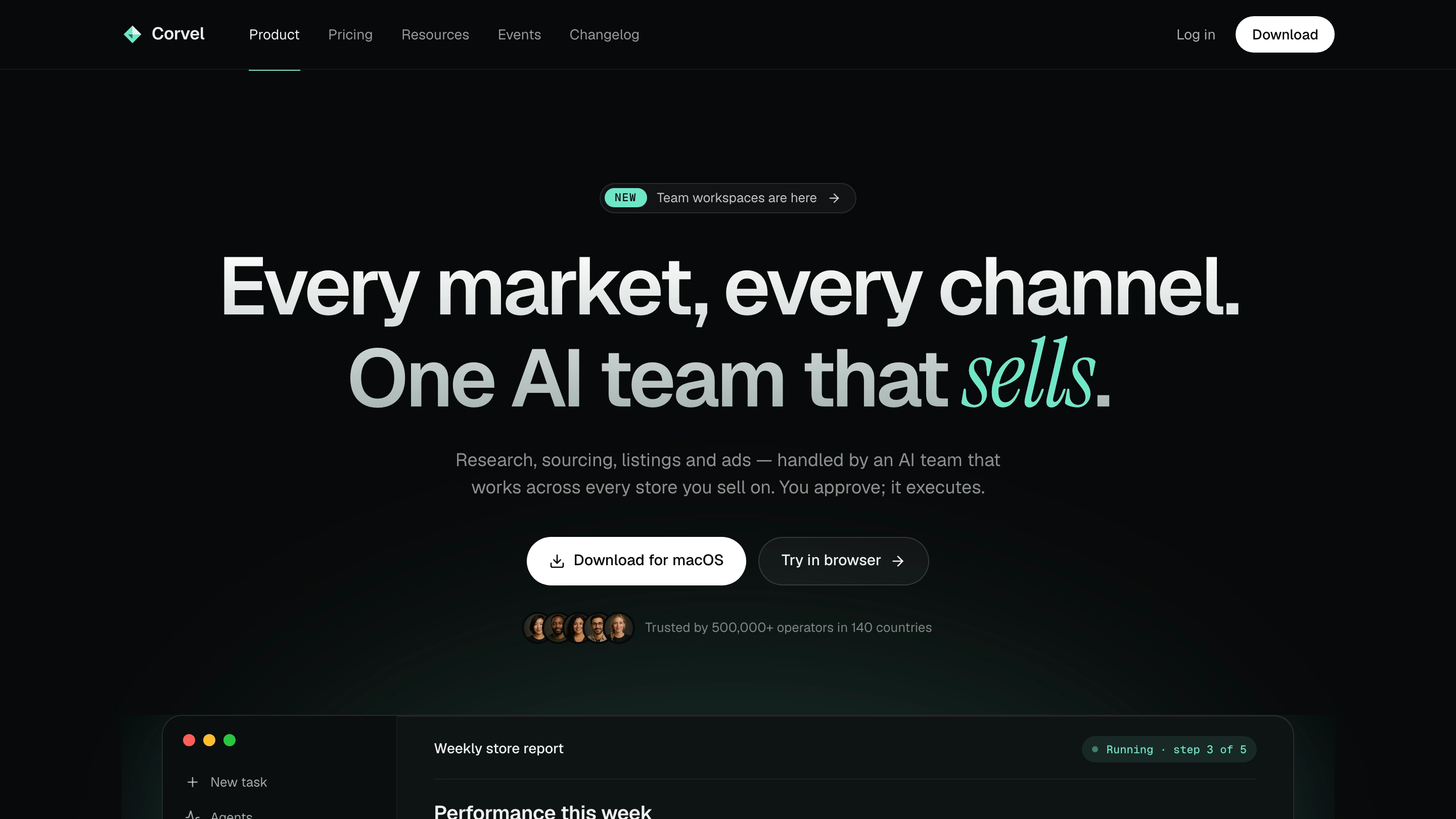
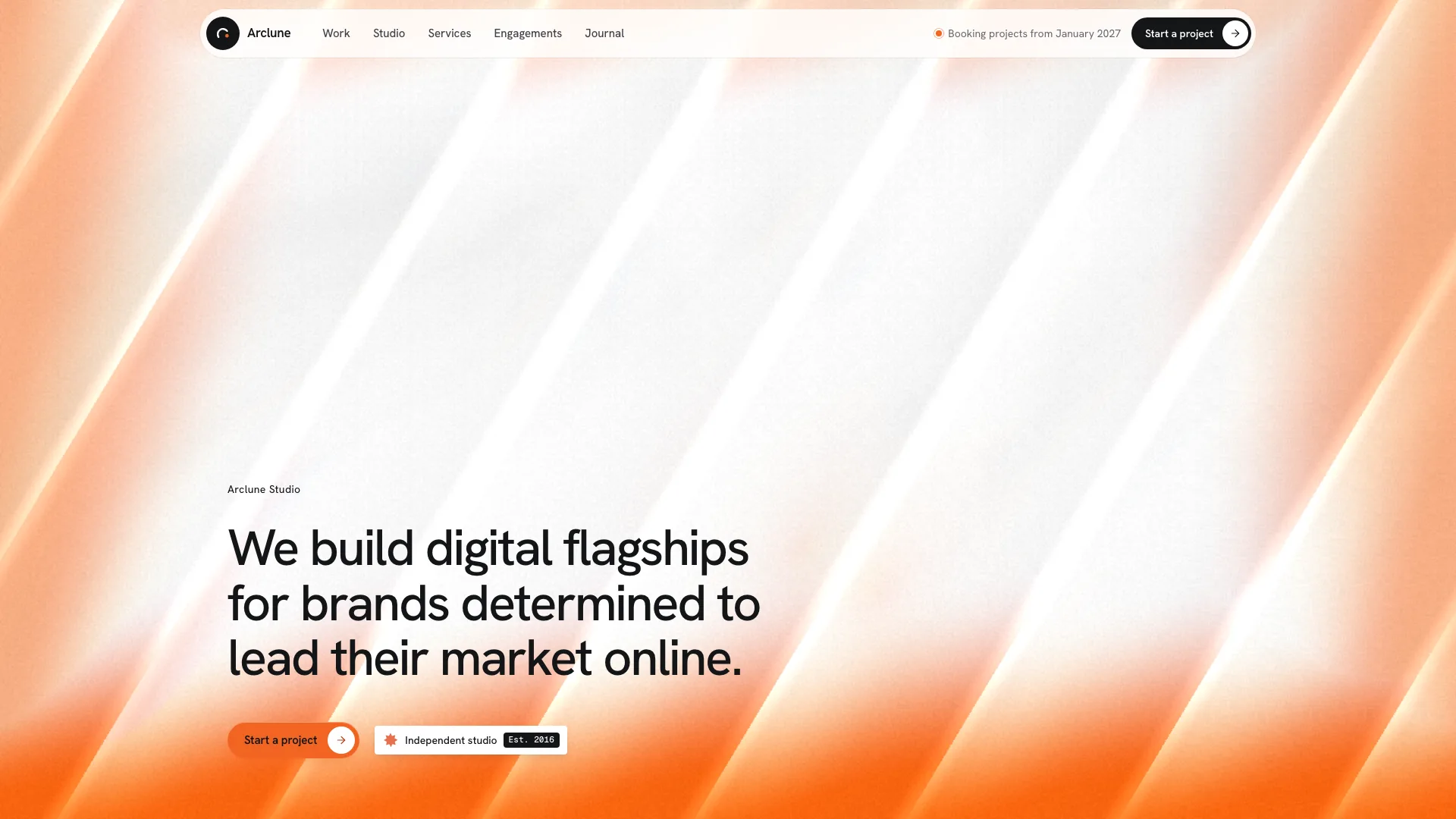
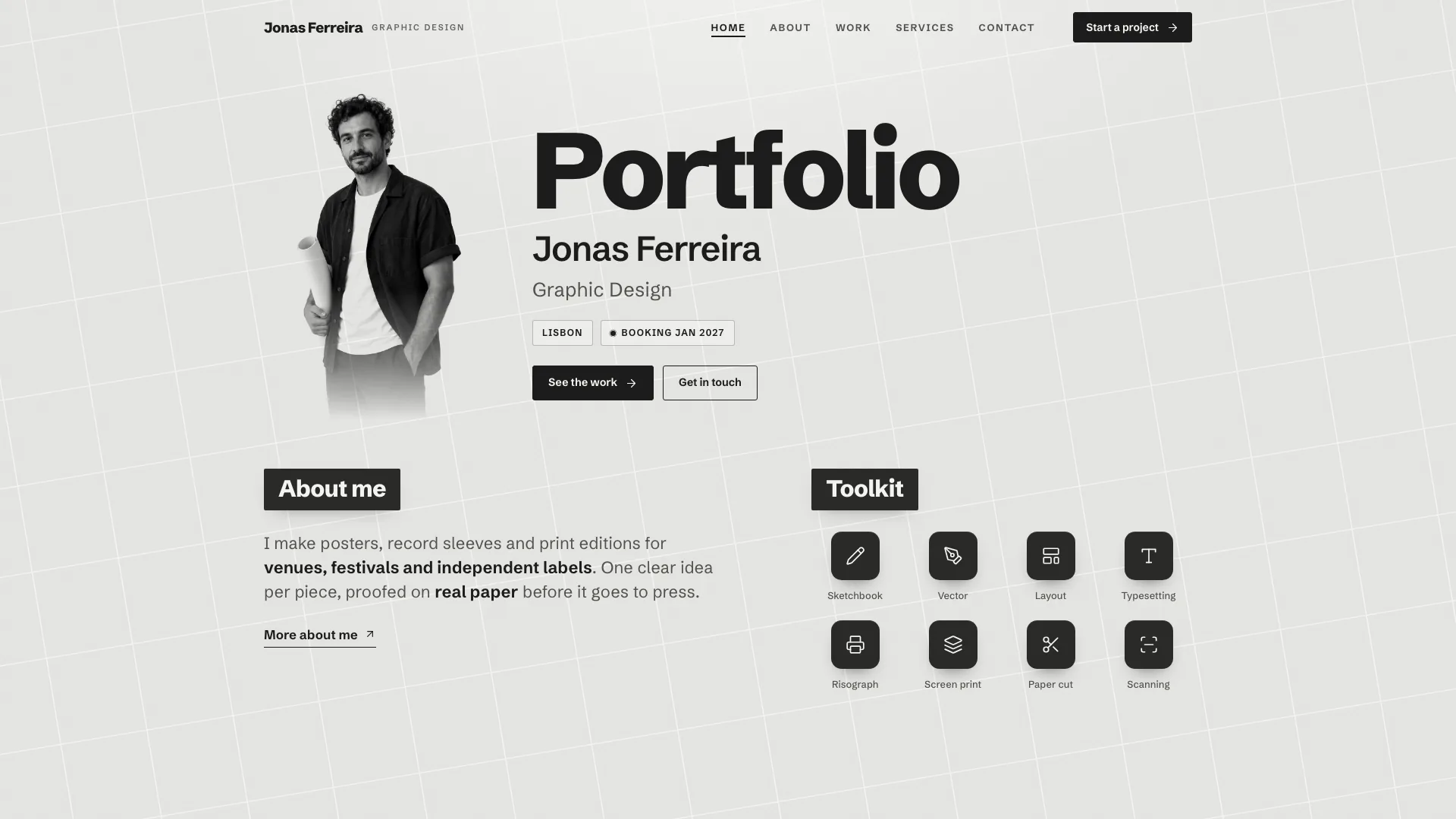
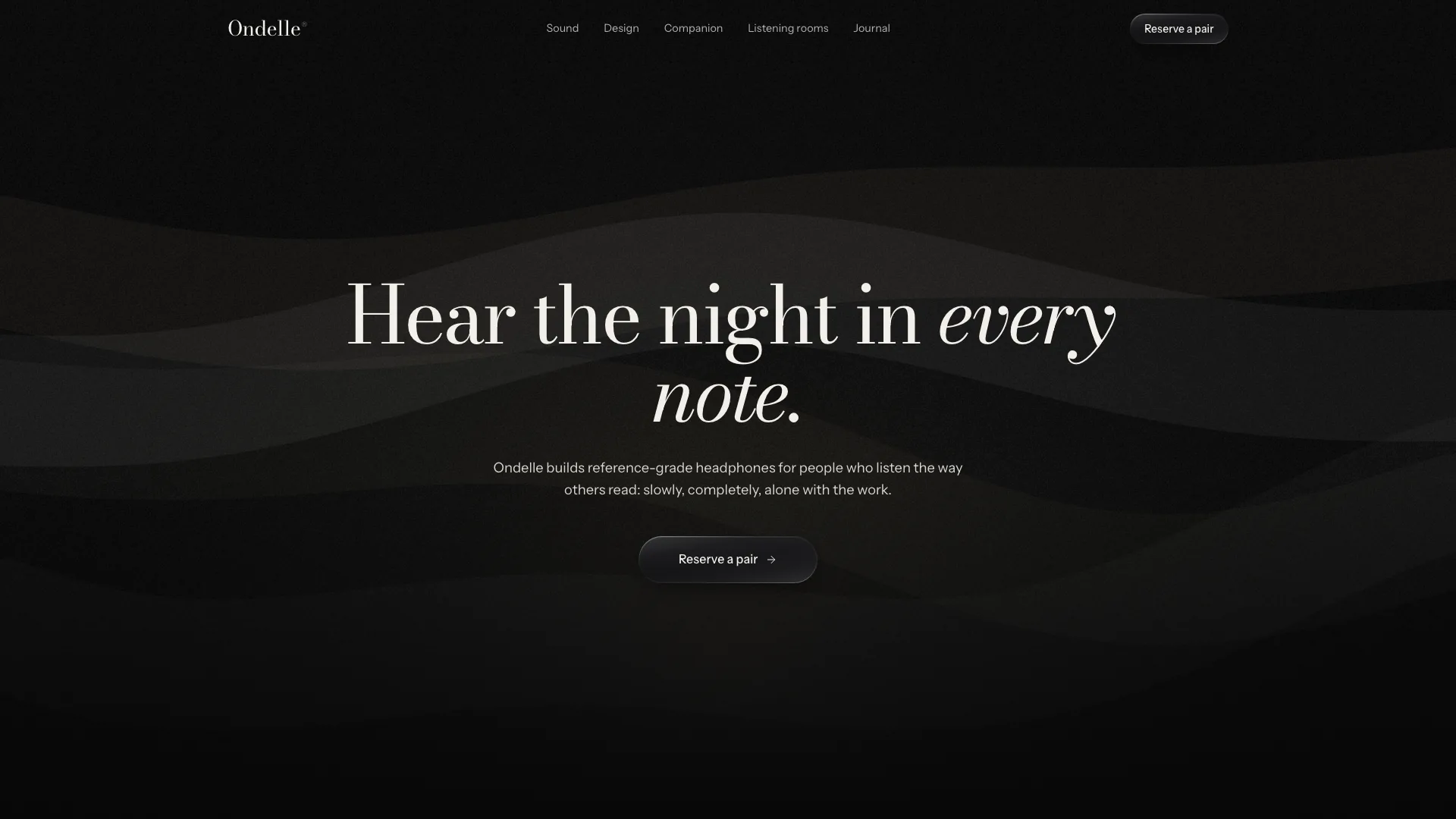
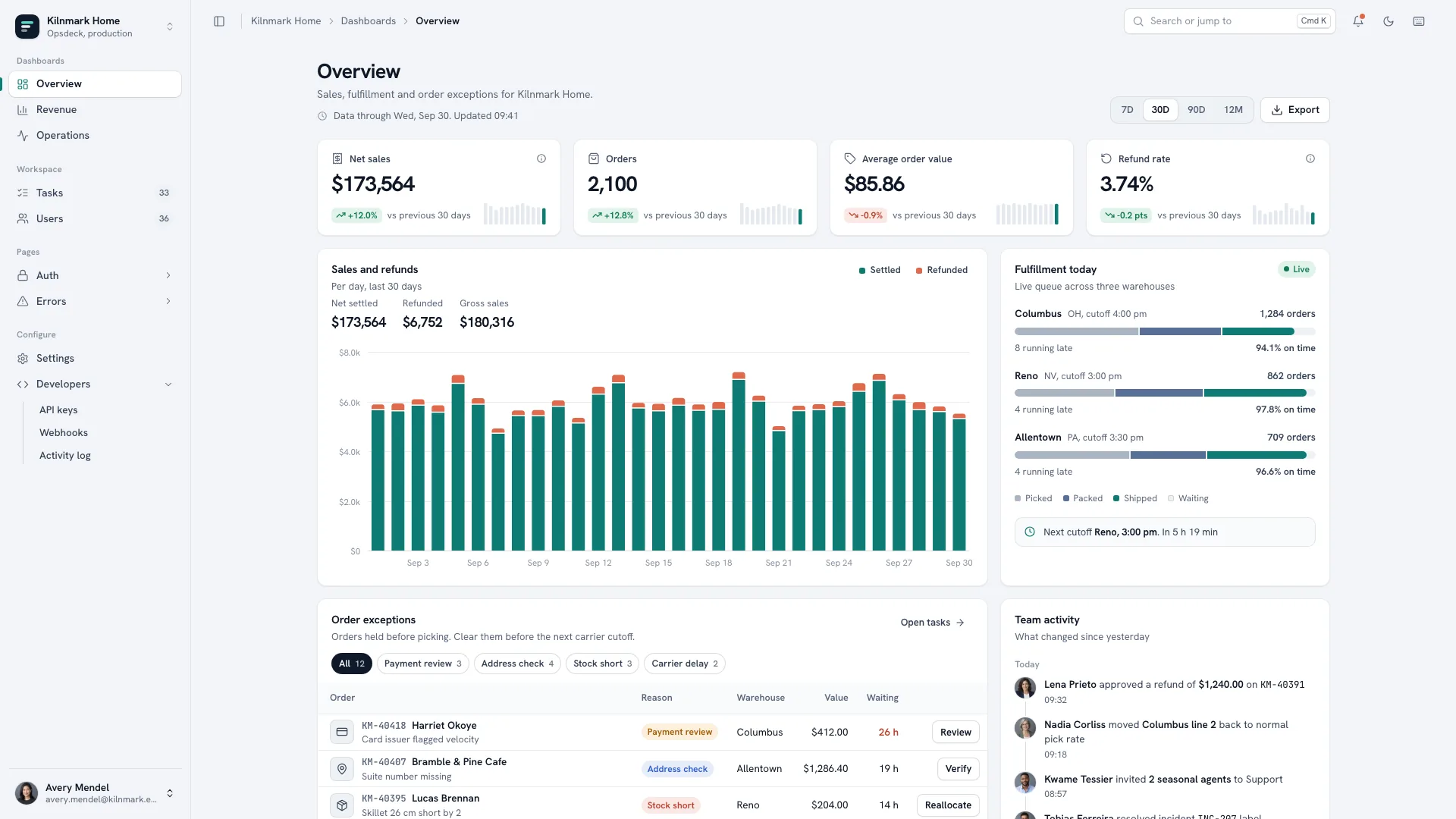
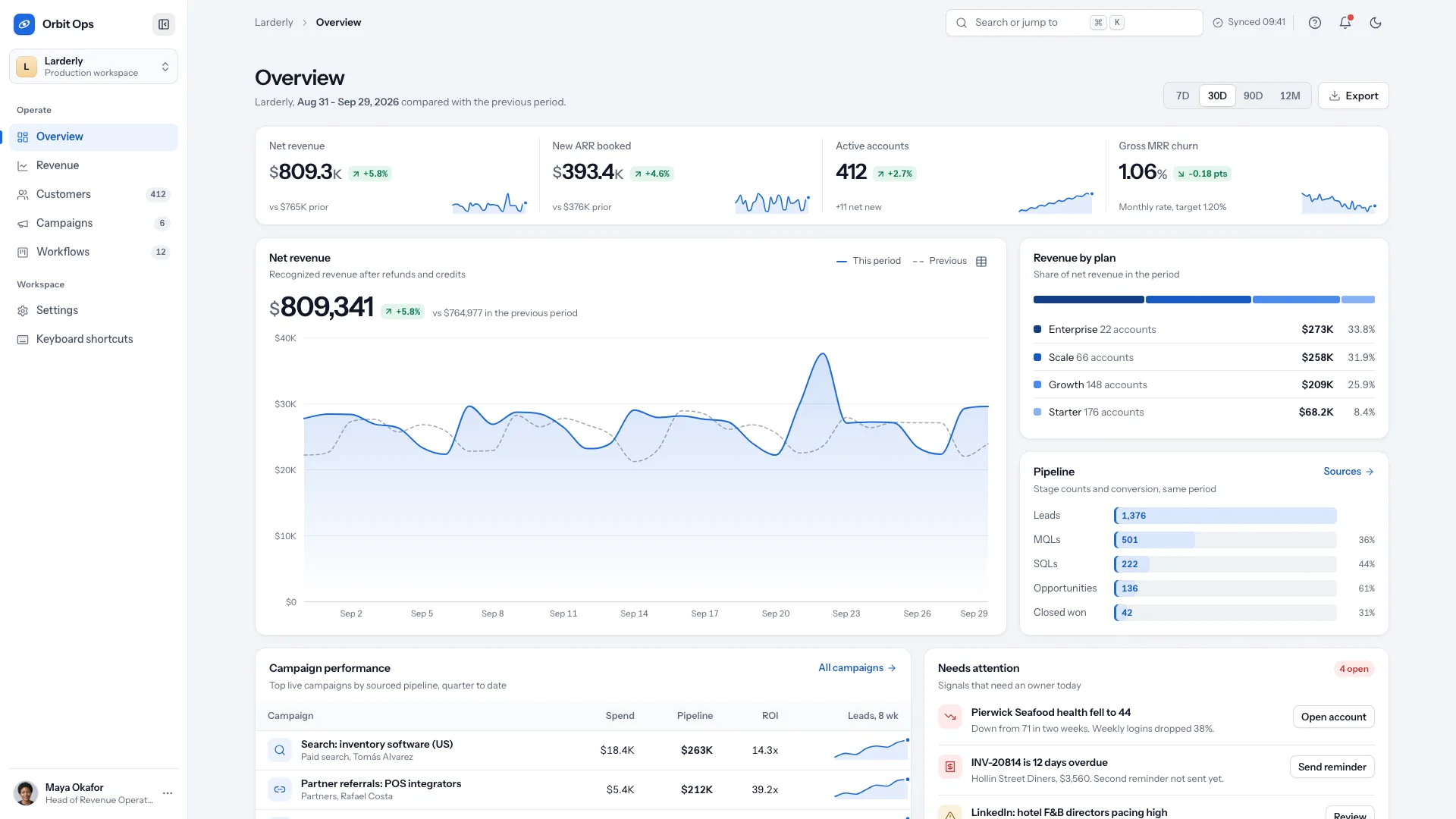
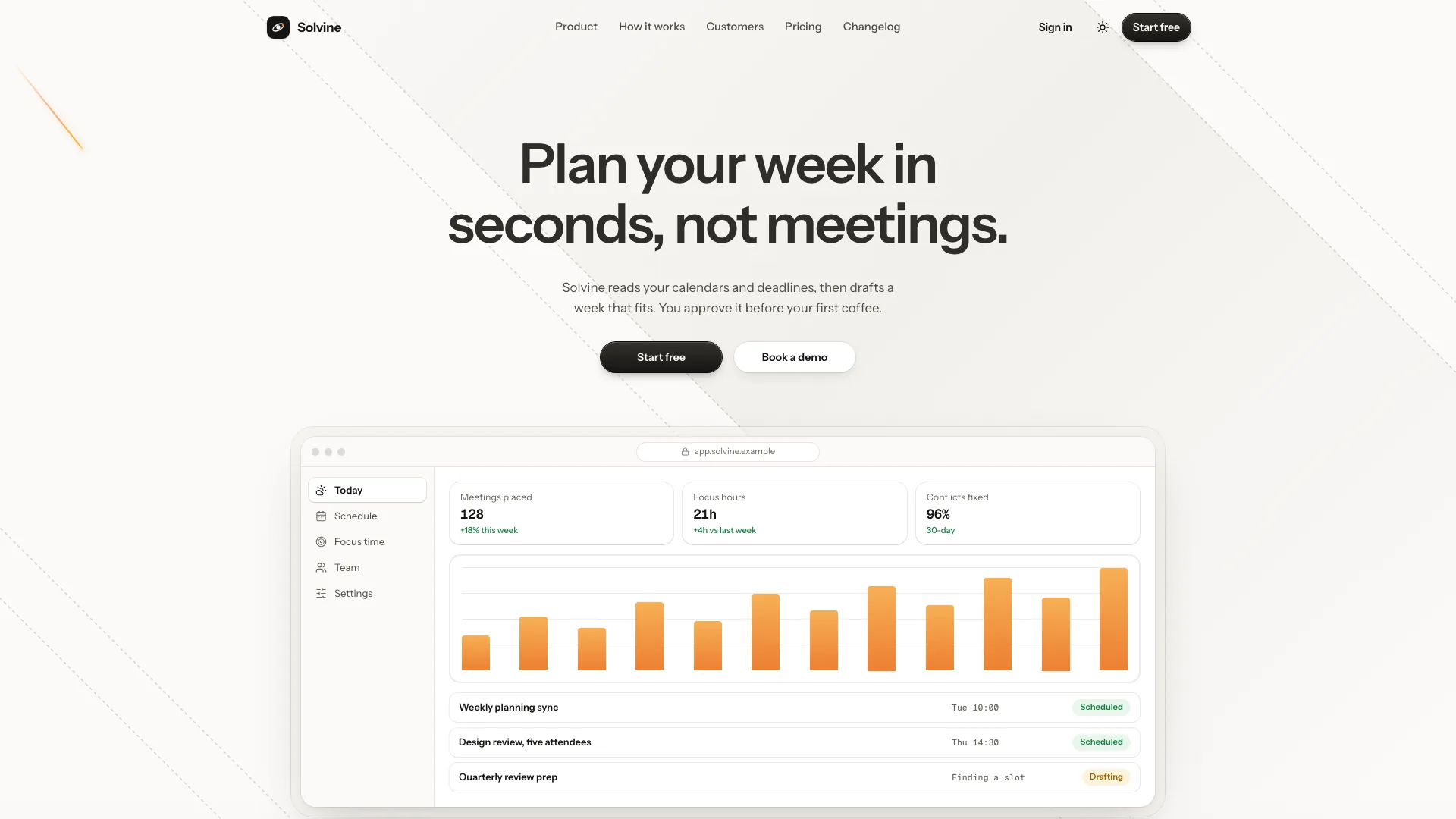
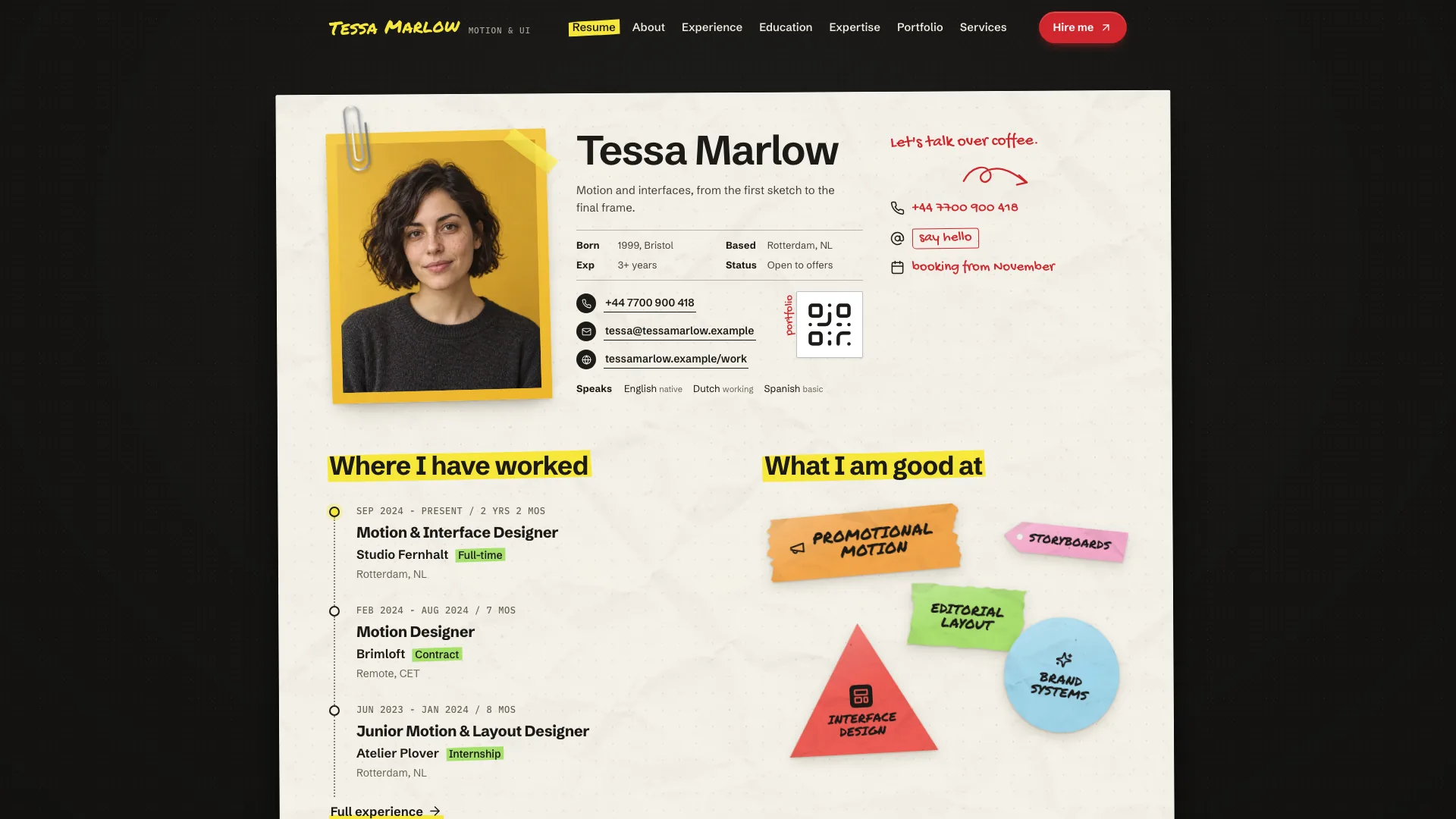
Show how your software helps before asking a visitor to sign up. Meridian Marketing Landing puts a code-built product dashboard below a restrained headline, then develops the story through interactive feature views, a customer case, pricing and supporting pages. White and zinc surfaces, a single teal accent and contrasting dark sections keep the product demonstration central.
What you get
A marketing home page with a dismissible announcement, sticky dark pill navigation, faint graph-paper hero and a dashboard that moves from a perspective tilt to a flat view on scroll. Onest and JetBrains Mono carry the restrained typography. The design stays light with dark feature/CTA sections; it does not include a theme switch.
Product UI drawn in HTML, CSS and SVG rather than a dashboard screenshot: a date-range selector updates three KPIs and the chart, chart hover reveals values, and a short prepared sequence adds rows to a list. Dark bento cards show smaller product moments; setup tabs switch between related panels. Labels, objects and sample data are rewritten for your product.
A photo-led customer story with three metrics, a balanced testimonial wall, pricing cards with monthly/yearly switching and a comparison table, security content, FAQ and an email CTA. Selected plan and billing cycle carry into the sign-up view. Figures, customer names and security claims need your evidence; the template’s fictional delivery-analytics product is not customer proof.
Sign-up, sign-in, demo booking, changelog, case study, security, privacy and terms views plus a designed 404. Forms include local validation and success states; the changelog has category filters, search, counts and an empty state. Account, booking, email and payment services are not connected.
An offline HTML deliverable by default, with both fonts and chosen photos embedded by the included builder. The package also supplies the template, visual/section/motion/image references and a static checklist/validator. In an existing or requested React, Next.js, Vue, Svelte or Astro project, the design becomes native components and routes with local assets.
Before you choose
Start with a product moment a visitor can understand: what object appears, what changes and why it matters. Carry that same vocabulary through the hero, features and customer story. Keep example metrics separate from real evidence, and treat a local success screen as interface feedback until the corresponding service has actually been connected and tested.
Good fit
Founders and marketers launching a SaaS product whose usefulness can be shown through a short sequence of product interactions.
Analytics, operations and developer tools that have concrete objects, measurements and workflows to demonstrate.
Teams needing a coherent pricing, security, changelog and acquisition journey alongside the landing page.
Not for
Building the actual product application, a CMS-driven publishing system or production analytics from this marketing template.
A multicolor identity or a dark-mode toggle; the supplied composition depends on one teal accent and alternating light/dark sections.
Accepting real registrations, authenticating accounts, sending messages, reserving appointments or charging payments without backend integration.
How to use
You say/meridian-marketing-landing Build the Parcelo landing page: delivery analytics that flags late parcels early, with Starter, Growth and Scale plans.
Share the product name, audience and one-line promise, then explain its features and the objects a visitor should see in the dashboard. Supply monthly/yearly plan prices where applicable. Customer stories, permitted quotations, supported metrics, FAQ answers, security facts and changelog entries make the supporting sections specific; rough notes can start the draft, but missing claims must be listed for confirmation.
Build the demonstration around your product’s own vocabulary. Replace the sample delivery orders, carriers, workspace names and email addresses with meaningful objects and plausible labeled example data. Update KPI ranges, chart values, feature mini views and setup panels together so they tell the same story. Interactivity makes these illustrations explorable; it does not connect them to your live data.
Choose images by role: customer portrait, case-study detail, demo team and small avatars. Supply real photographs for real named people or identify generated faces as stand-ins. The agent can source or generate a consistent set, with possible image-tool charges; no separate image API key is required by this package. Without an image source, use the documented tinted company panel, monograms and agenda card instead of unrelated stock imagery.
Adapt plans and page structure to the business. The reference supports two to four plans, one highlighted, and four to nine quotations; update comparison columns and sign-up choices with the plans. Keep both billing cycles only if offered. For sales-led pricing, remove the pricing section and its links and direct acquisition actions to demo booking. Remove unsupported security claims rather than inheriting sample badges.
For standalone output, use Node.js 18 or newer and build-time internet to embed the two font files and local images into one HTML file; the finished file can open offline. In an existing framework, preserve its stack and create native components, typed content and real routes. Rename metadata, legal contacts and route titles as well as visible sections.
Run the supplied static checks or the framework’s build checks, then review desktop and phone layouts and click every route. Verify range changes/tooltips, the short live-list sequence, feature controls, step tabs, mobile menu, testimonial expansion, billing/plan carry-over, comparison disclosure, FAQ, changelog filters and invalid/valid form states. Check reduced motion and back/forward navigation. Replace misleading demo success messages before publishing an unconnected form; connect and separately test real authentication, mail, bookings or payments if required.
Requirements and costs
You bring
Product name, one-line promise and audience · Features, plans with monthly and yearly prices, and what the dashboard should show · Optional: a customer story, quotes, FAQ answers, security facts and changelog entries
Dependencies
Node.js 18 or newer on your agent's machine, to run the bundled script that builds the single offline file · Internet access while the file is built, so the fonts can be downloaded once and embedded · An image generation tool in your agent for story, team and avatar photos (optional; tinted panels and monograms are used without it)
Outside costs
Story, case-study, team and avatar photos are generated with your agent's own image tool when available, which may incur that tool's usage charges. Without an image source, tinted panels and monogram avatars are used instead.
Publisher testing
v1.0.3 — Claude Code / Claude Desktop / Cowork / Codex / ChatGPT
FAQ
No. The hero dashboard and feature mini views are rendered in code with editable example data. The range switch, chart tooltip and selected controls respond locally. Their labels should match your actual product; these views demonstrate a workflow rather than provide a working version of its backend.
Only if you choose an image tool that charges for it. You can supply photographs instead. Images belong in the customer-story, case-study, team and avatar slots, while the product remains code-built. Without suitable images, the package specifies tinted panels and monograms. Generated portraits are stand-ins and should never be presented as verified photographs of named customers.
Yes. The default is an embedded HTML file that opens from disk, but an existing or requested React, Next.js, Vue, Svelte or Astro project receives the sections as native components and real routes, with the same two fonts and visual system. It should not be an iframe wrapper around the example.
User reviews
—0 reviews
Select a star to share your experience.
No reviews yet. Ratings appear once readers share real experiences.