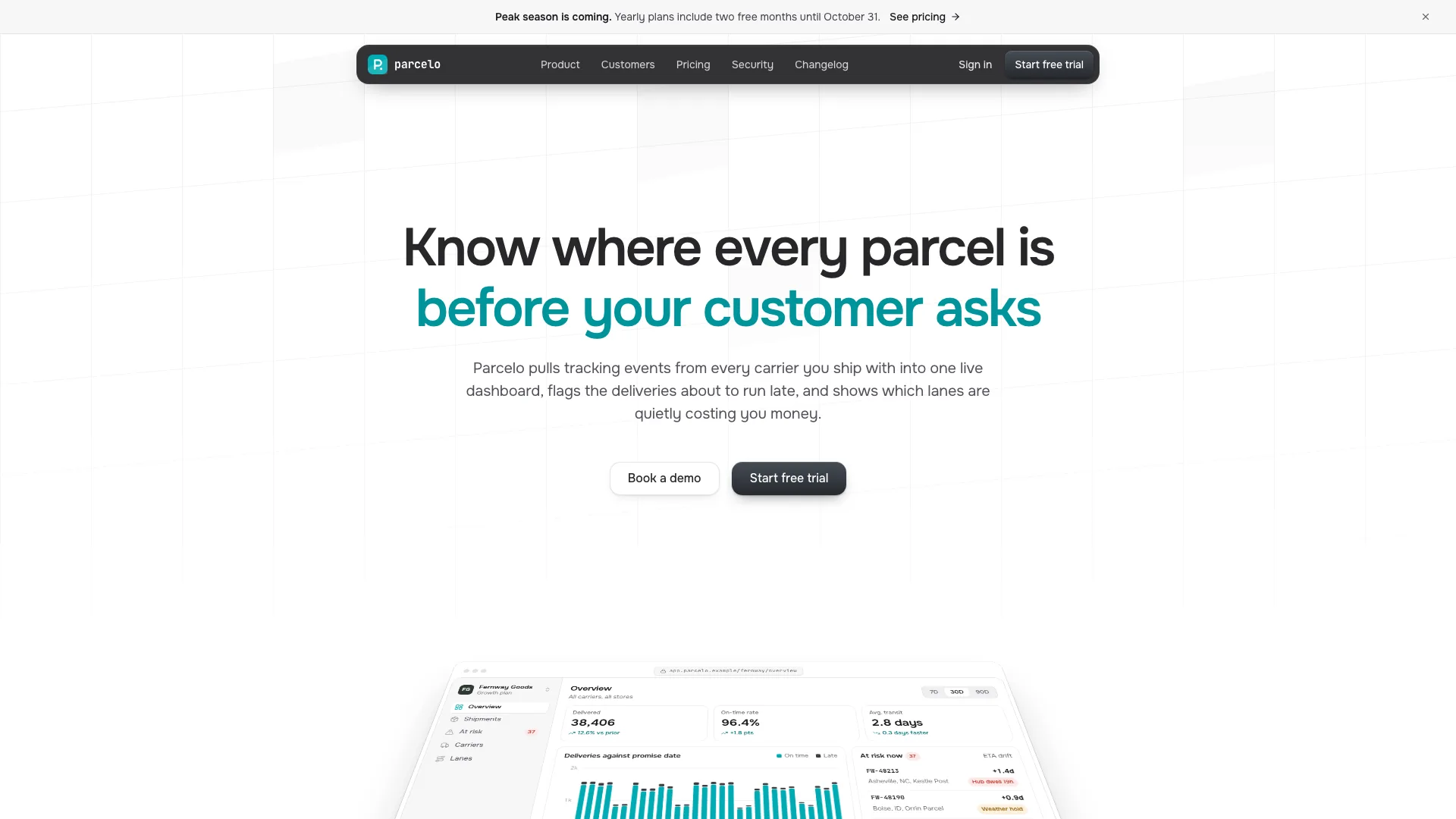
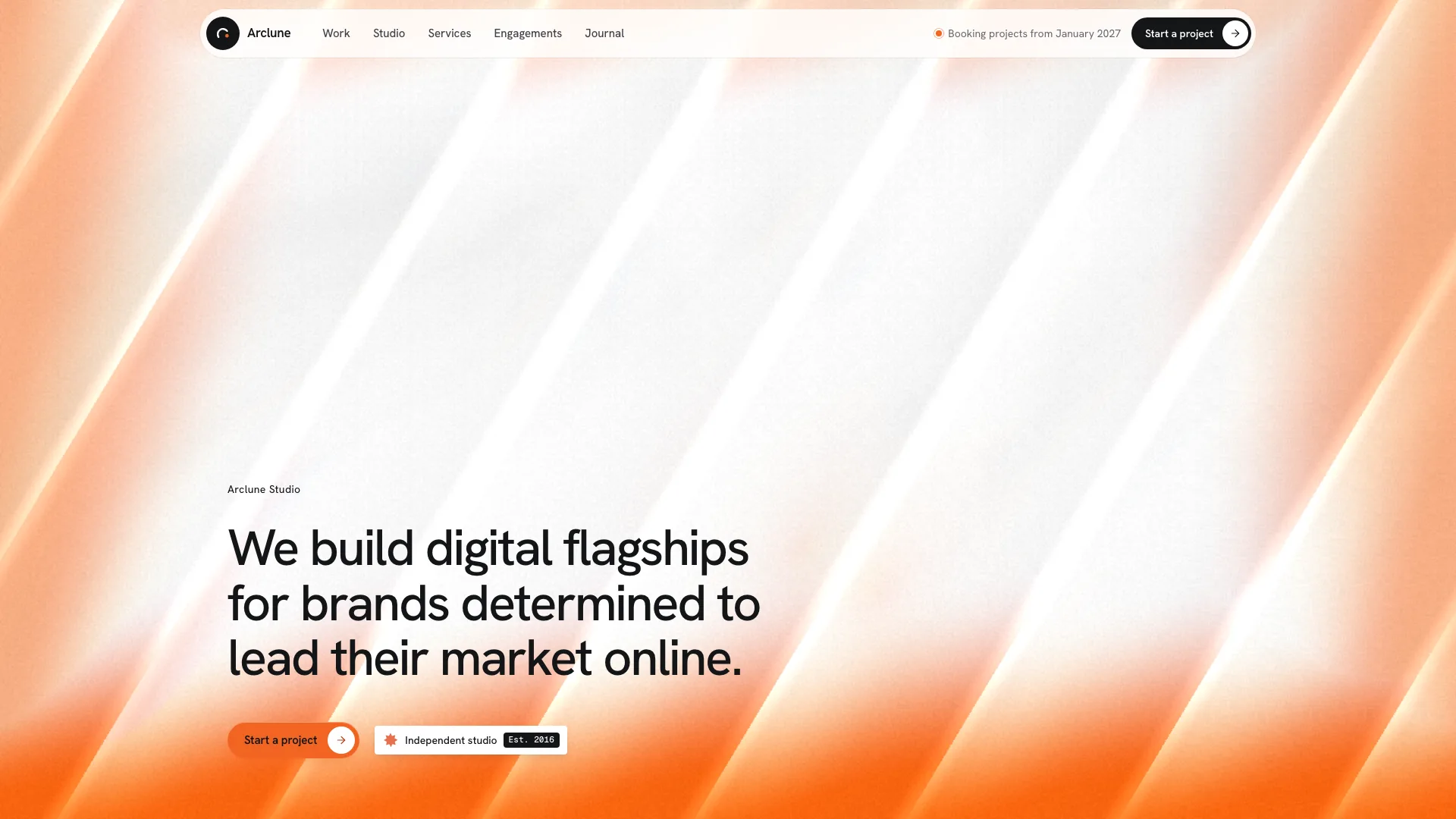
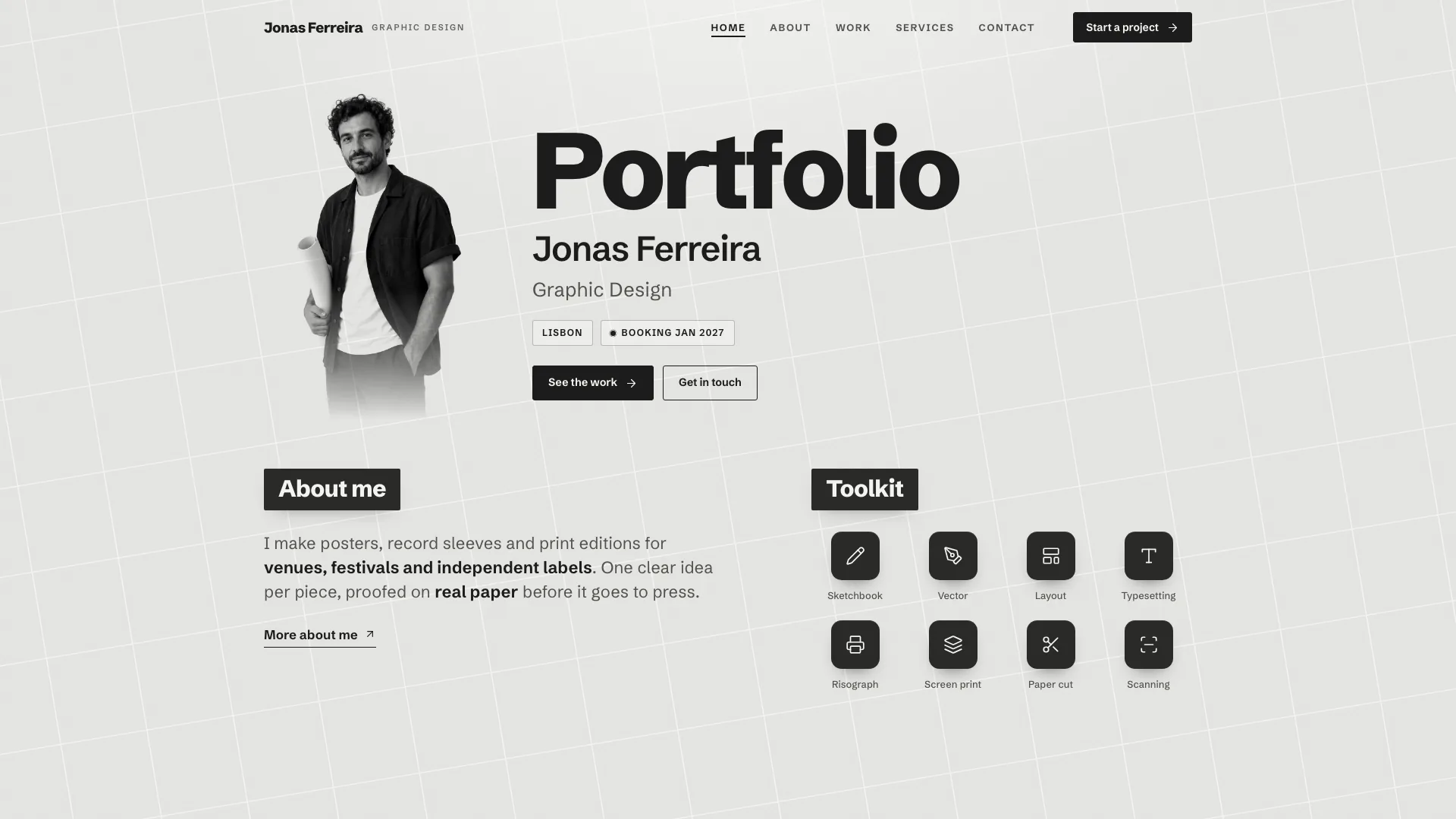
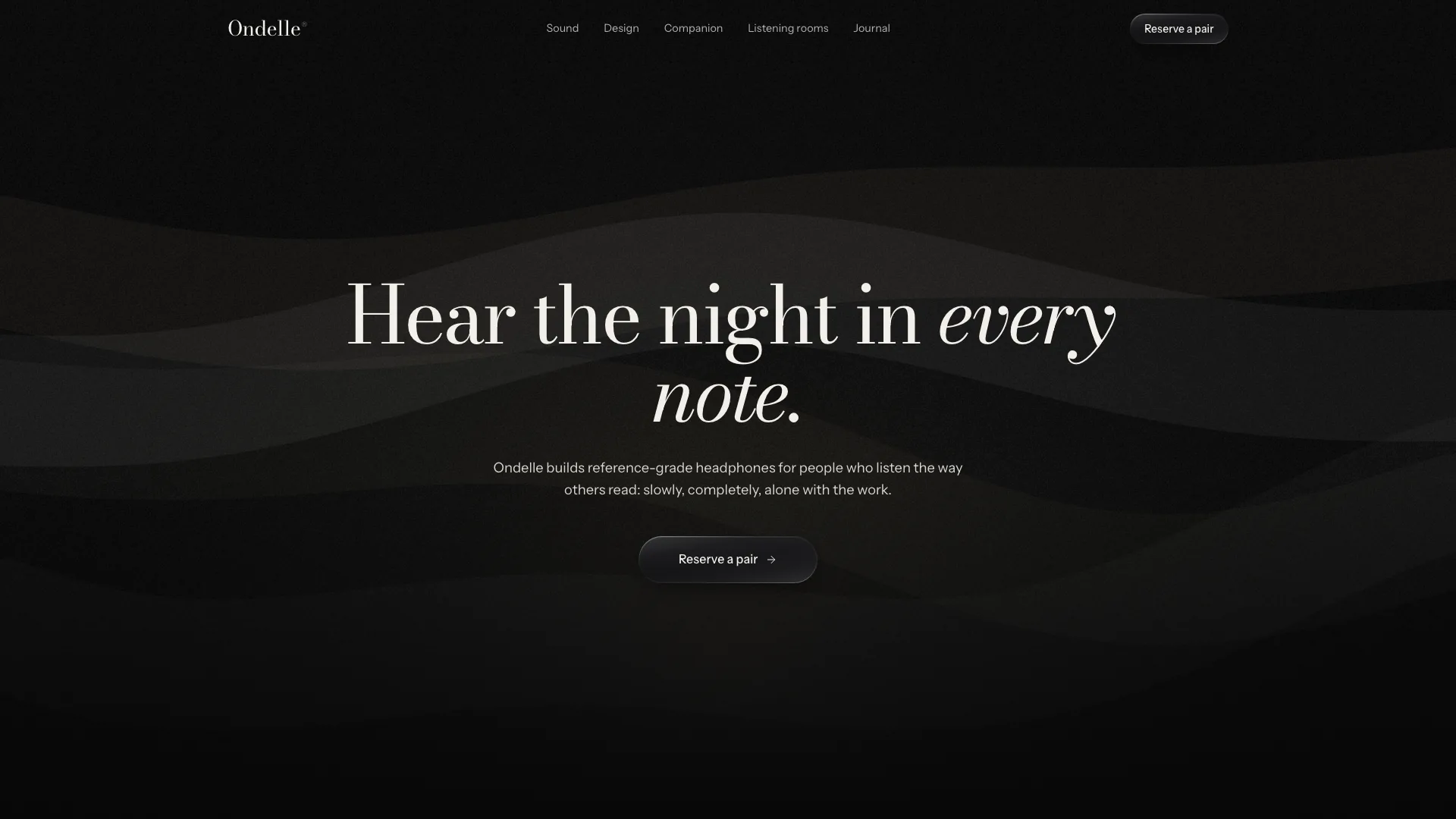
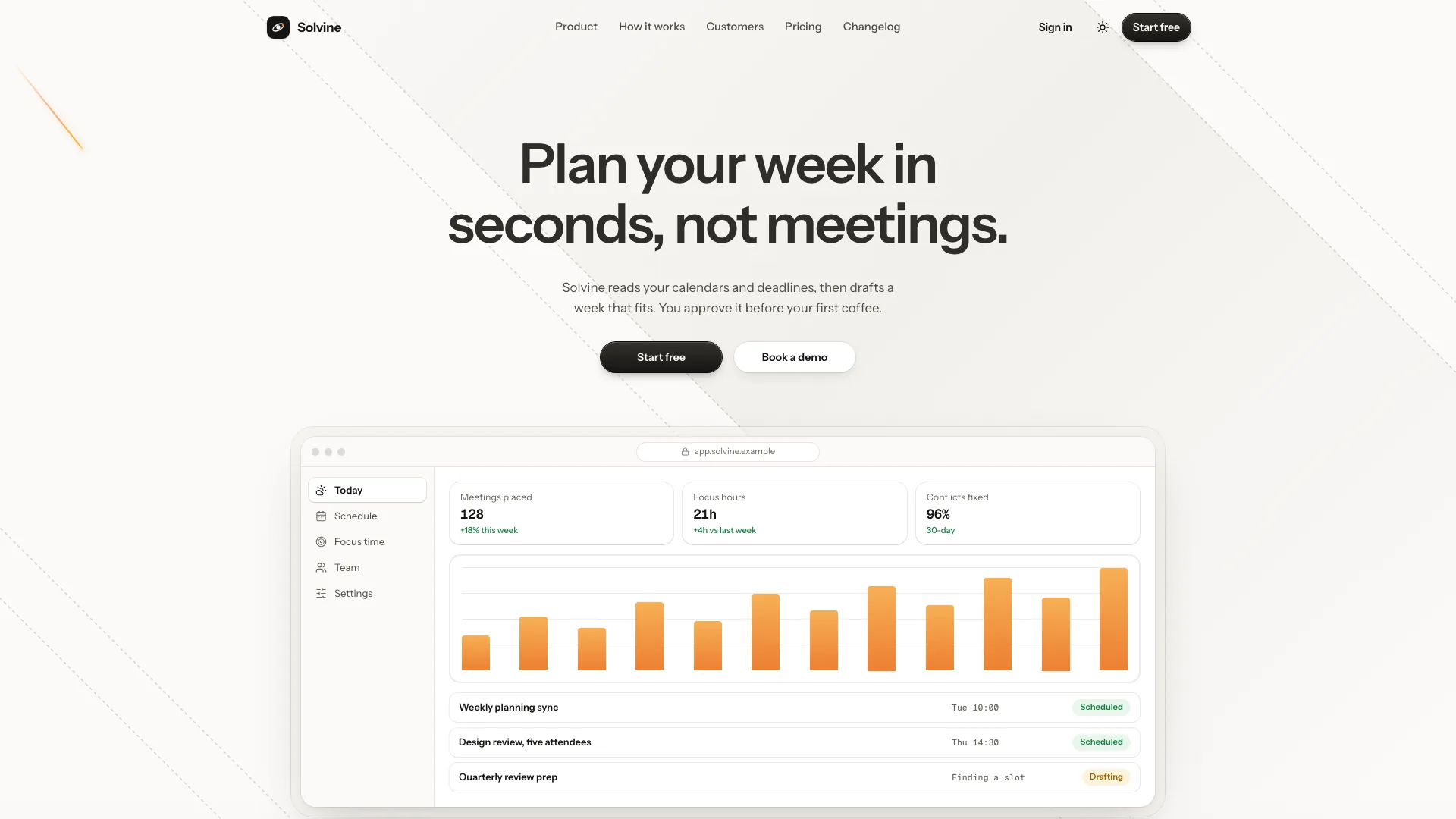
Provide a headline of roughly eight words or fewer, supporting line and action labels/destinations, or a product description from which the agent can draft them. Badge is optional, hints can be omitted and proof marks should name only actual supported providers/customers. Do not inherit decorative provider claims from placeholder text.
Use the single HTML output for a standalone hero. Inside an existing React/Next, Vue/Nuxt, Svelte, Astro or plain site, inspect its conventions and mount the stage in the normal lifecycle. Keep one canvas with a 2D context, stage-local pointer coordinates and ordinary HTML content above it. Choose section height in CSS; the reference defaults to viewport height with a 480px minimum, which matters for a shorter embedded banner.
Preserve the supplied engine instead of rebuilding the displacement model for a new brand. It eases the pointer, applies a cosine falloff plus a near-pointer dead zone, combines radial wave forces and multiplies mobility by distance from edges. Color/width interpolate along segments and charged junctions gain size/halo. These are visual forces, not a physical simulation or measured product capability.
Choose midnight or monochrome and change accent/ring values for the brand while keeping backdrop dark. Resting strand opacity should stay around 0.10–0.18 so copy leads. Use a short message, good contrast and accessible CTA focus states; the canvas is decorative/hidden from assistive technology. Meaningful hint text should not inherit the reference’s aria-hidden wrapper if visitors need it to understand the offer.
Tune one setting at a time when requested: cell spacing about 48–88px, reaction radius 160–320px, pull strength roughly 10–30px, easing 0.06–0.18, ring speed 260–480px/s, fade 0.6–1.4 and kick 10–24px. Keep pull strength below about a third of cell size to avoid crossed strands. These are reference ranges rather than a performance guarantee; check actual density and behavior on target hardware.
Keep inline Lucide-style icons small and dim: badge/CTA/hints rather than an additional visual layer. Genuine AI-provider proof may use monochrome labeled brand marks, but the icon guide points to an examples file that is not present in this archive, so those assets are not supplied here. Omit the proof row or obtain approved marks separately; do not present a provider logo as the product’s own brand.
Handle template removal and lifecycle explicitly. The guide says the optional theme switcher can go, but the boot script binds it without a null guard; removing the markup alone breaks that binding. The engine function is inside an immediately invoked script and returns only setTheme, with no destroy handle. A framework component therefore needs an exported/wrapped initializer and cleanup for animation frames, observers and listeners, plus a check for repeated mounts. These changes are integration work, not already-shipped cleanup support.
Check reduced motion against actual behavior. Initial reduced motion suppresses the animation loop and draws a static grid, but pointerdown still adds a zero-radius wave and renders once. The supplied engine does not listen for changes to the media preference after initialization. For strict static behavior, suppress pointer effects, clear waves and respond to preference changes during integration. Hidden tabs stop/restart the loop; being scrolled out of view is not separately observed.
Check input and scaling in context. Pointer coordinates subtract the stage bounds so a section below the fold or inside an iframe responds in the right place; clicks on .mlh-ui are excluded, while content/CTA pointerdown can still trigger waves without preventing navigation. Touch taps need actual device testing. Device-pixel ratio is capped at two and ResizeObserver falls back to window resize. On large/dense stages raise cell spacing first and review repeated taps because the wave array has no explicit count cap.
Replace template headings/actions and remove every placeholder, then open the result to move/park/leave the pointer, click several positions, tap on phone and resize. Confirm strands relax, rings displace, edge rows stay pinned and text/actions remain legible/clickable. Test both themes, short/tall stages, keyboard navigation, hidden-tab return, initial and changed reduced motion, iframe offsets and framework remount/unmount. Report what was actually checked; no API key, image generation or paid usage is required for this hero.