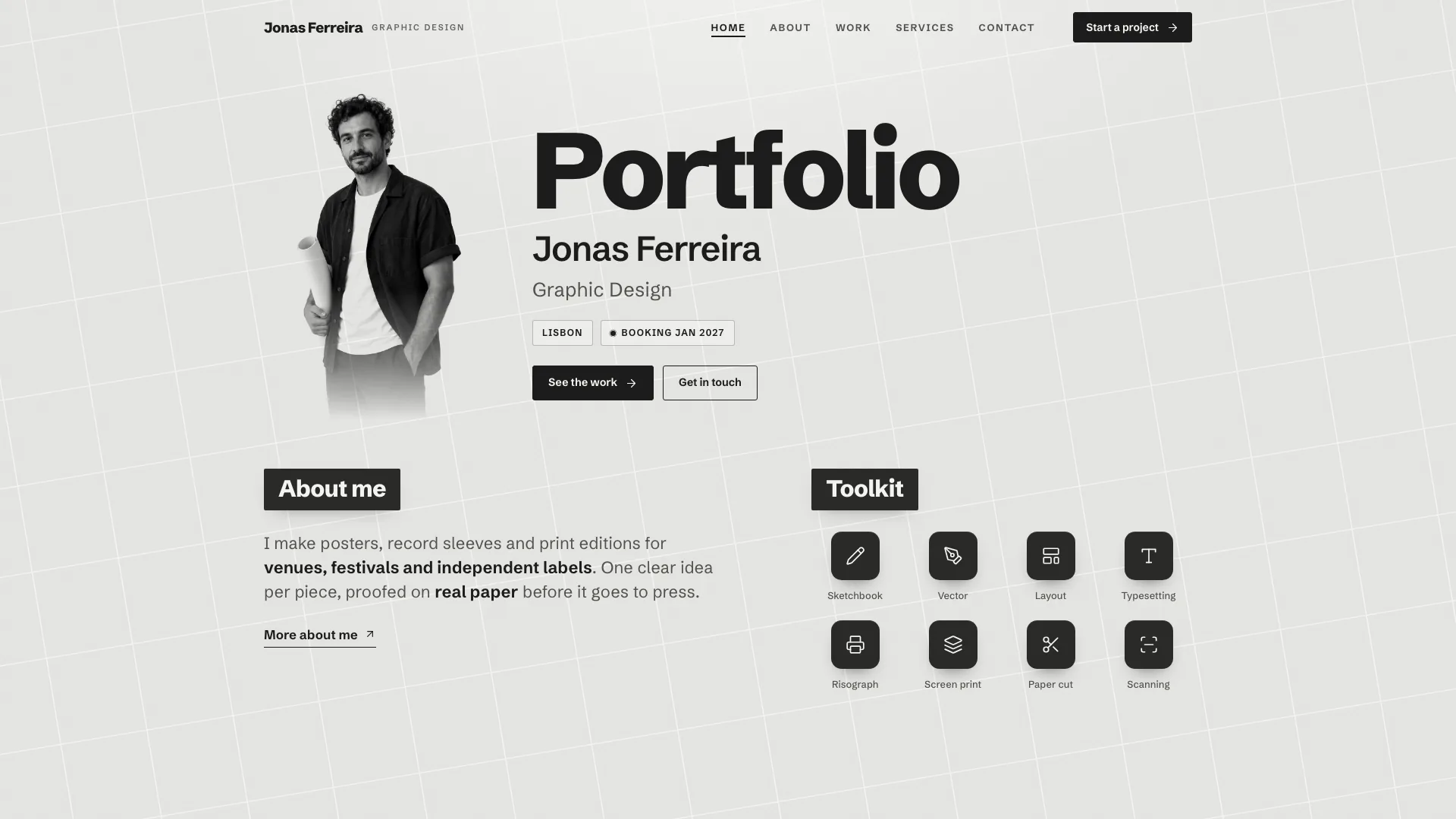
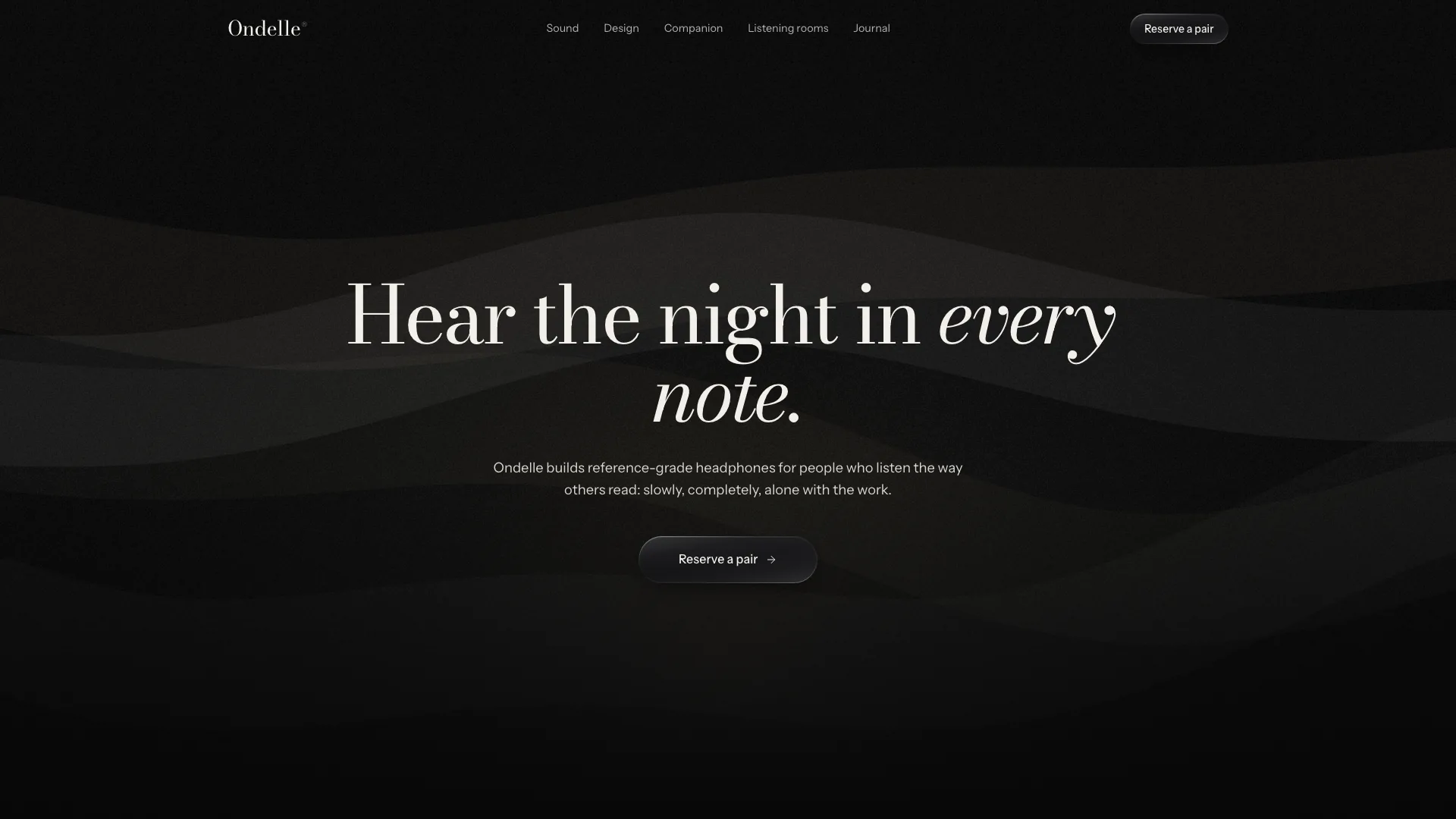
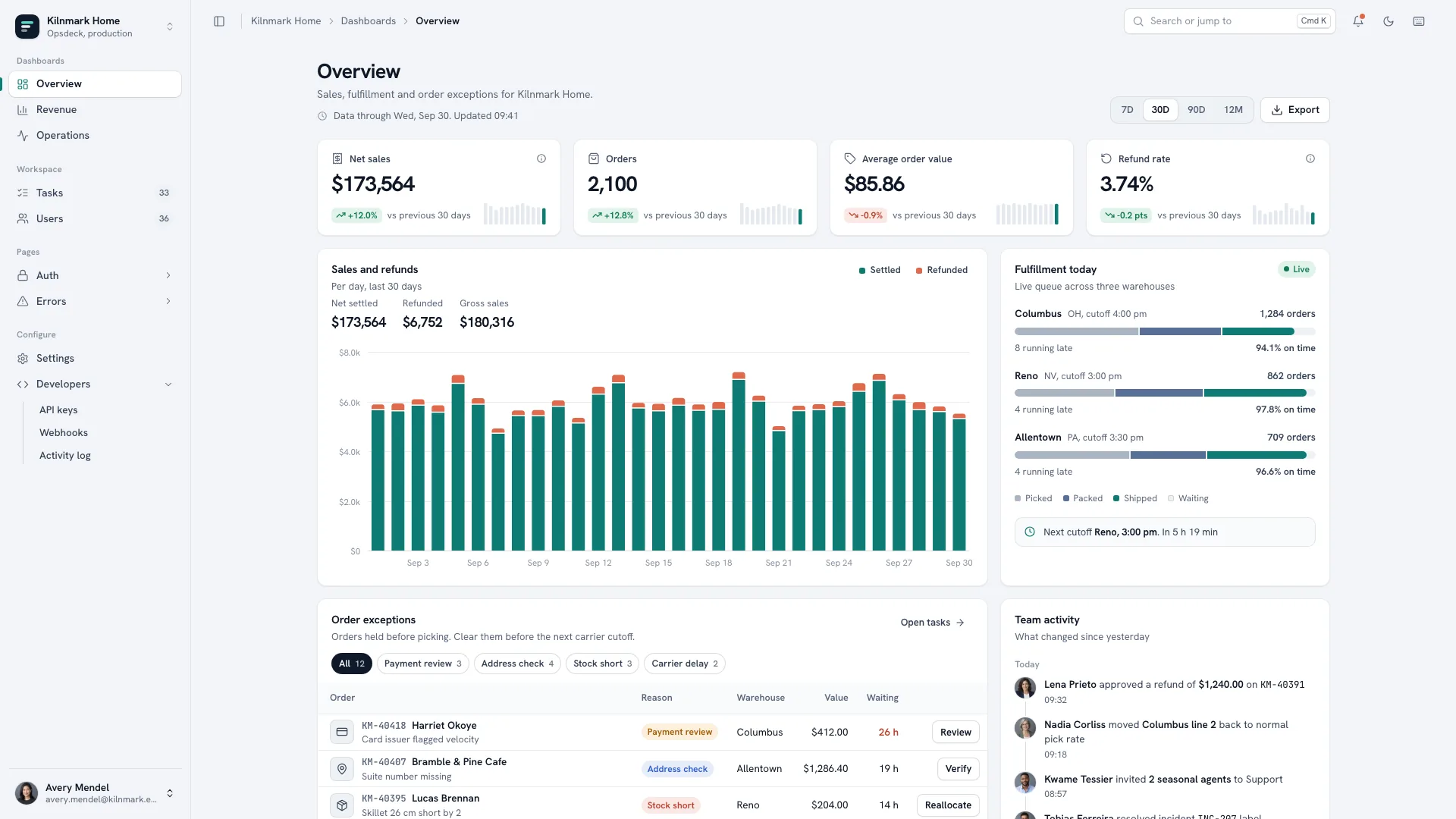
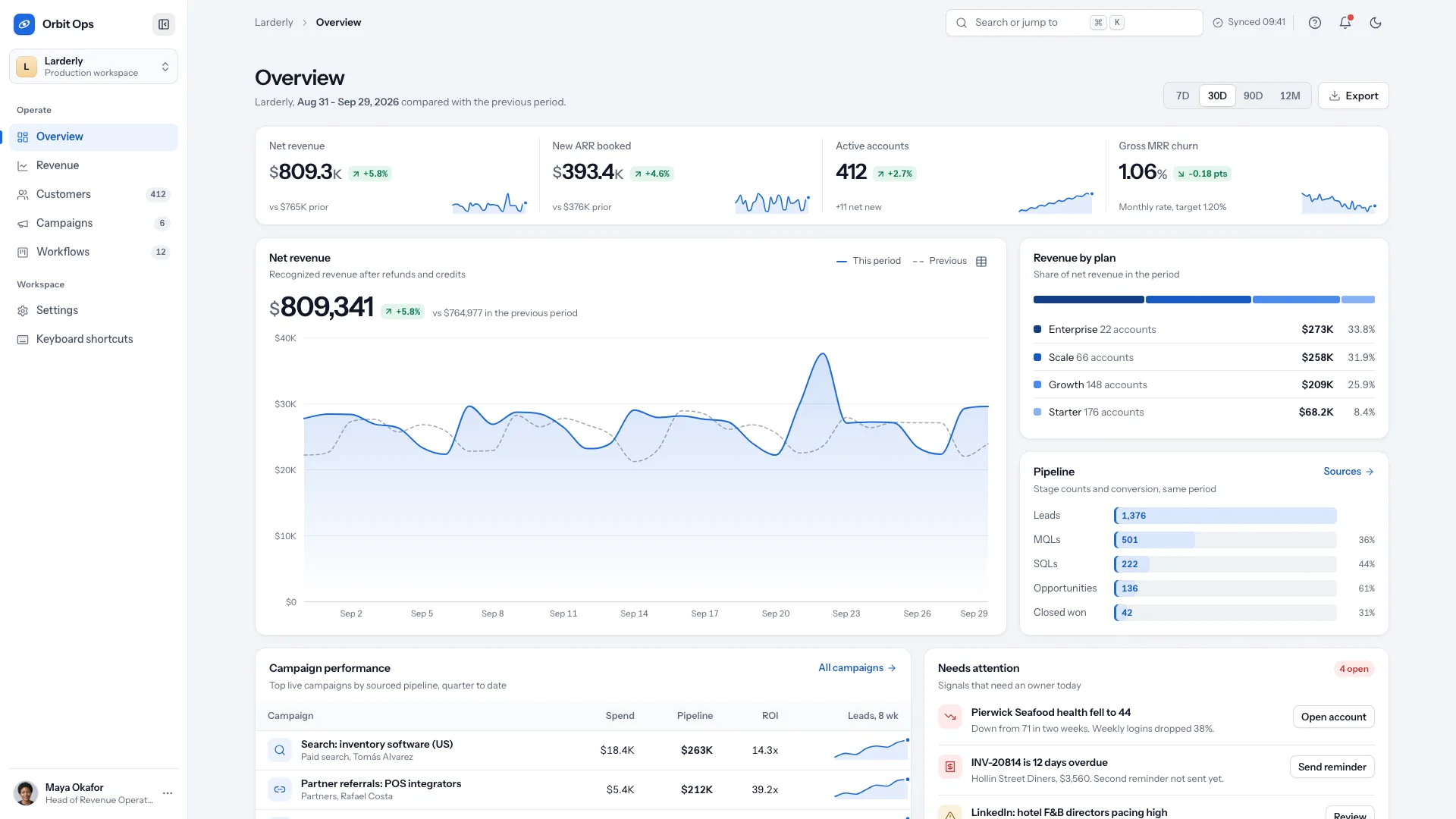
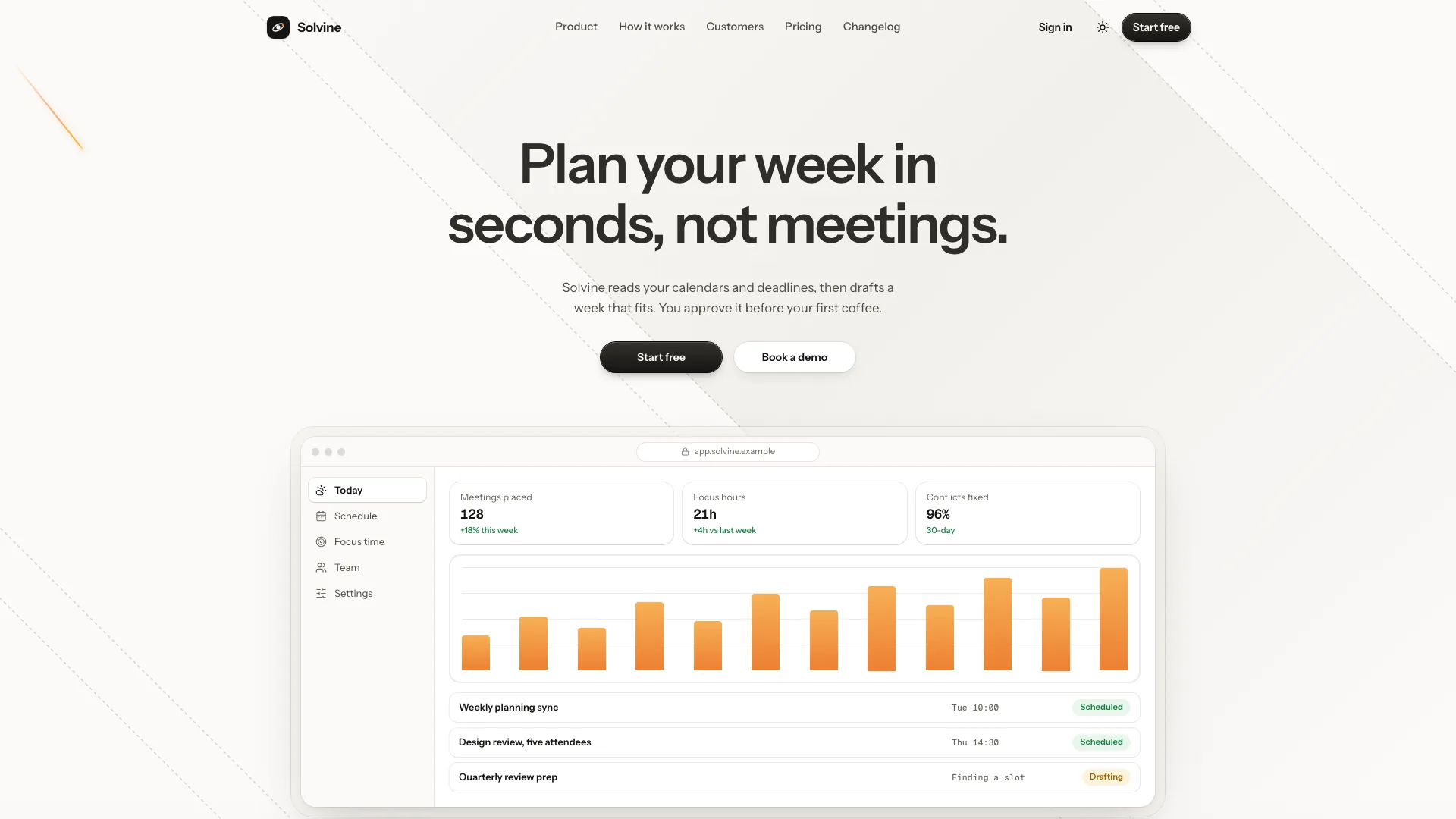
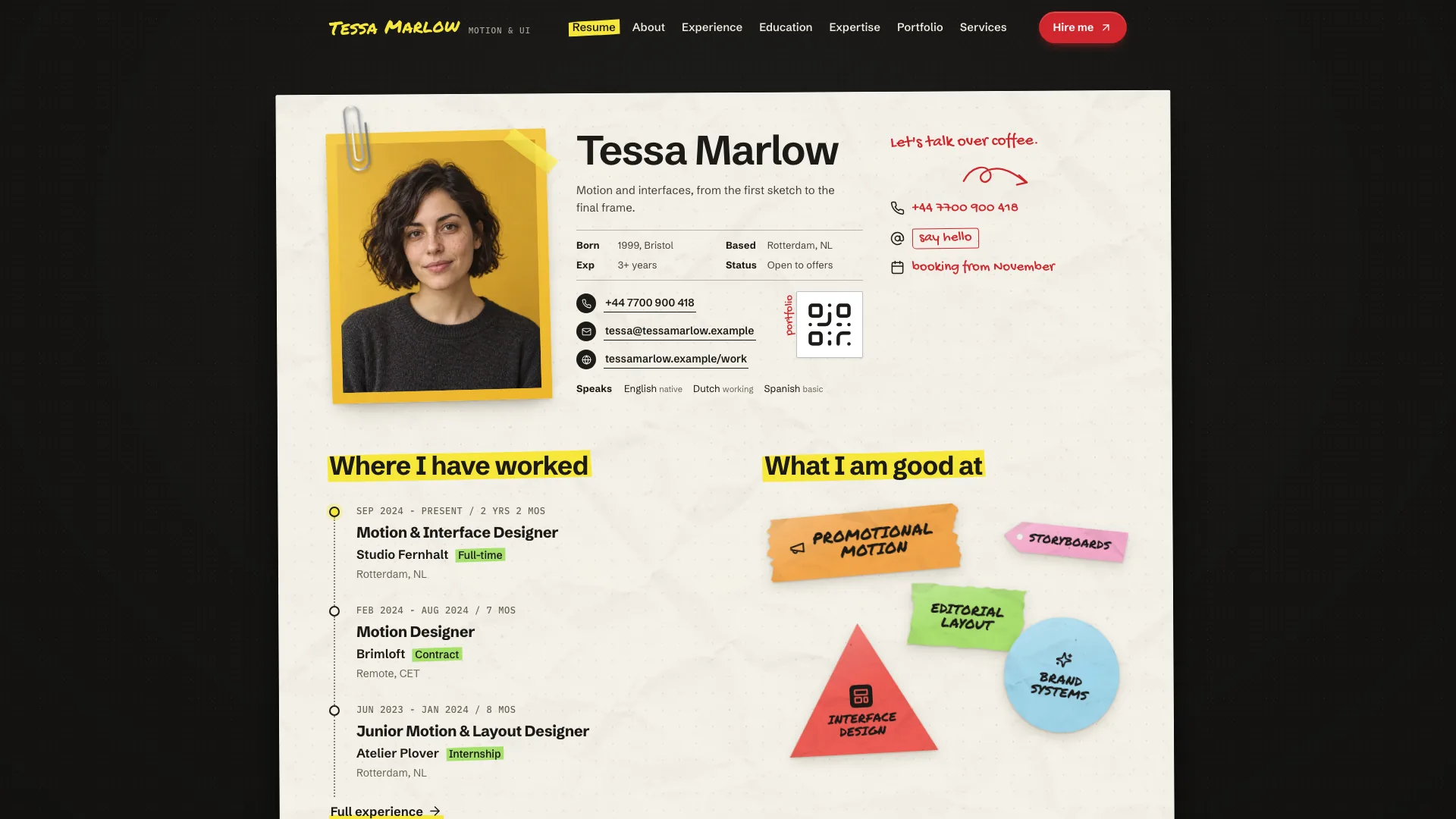
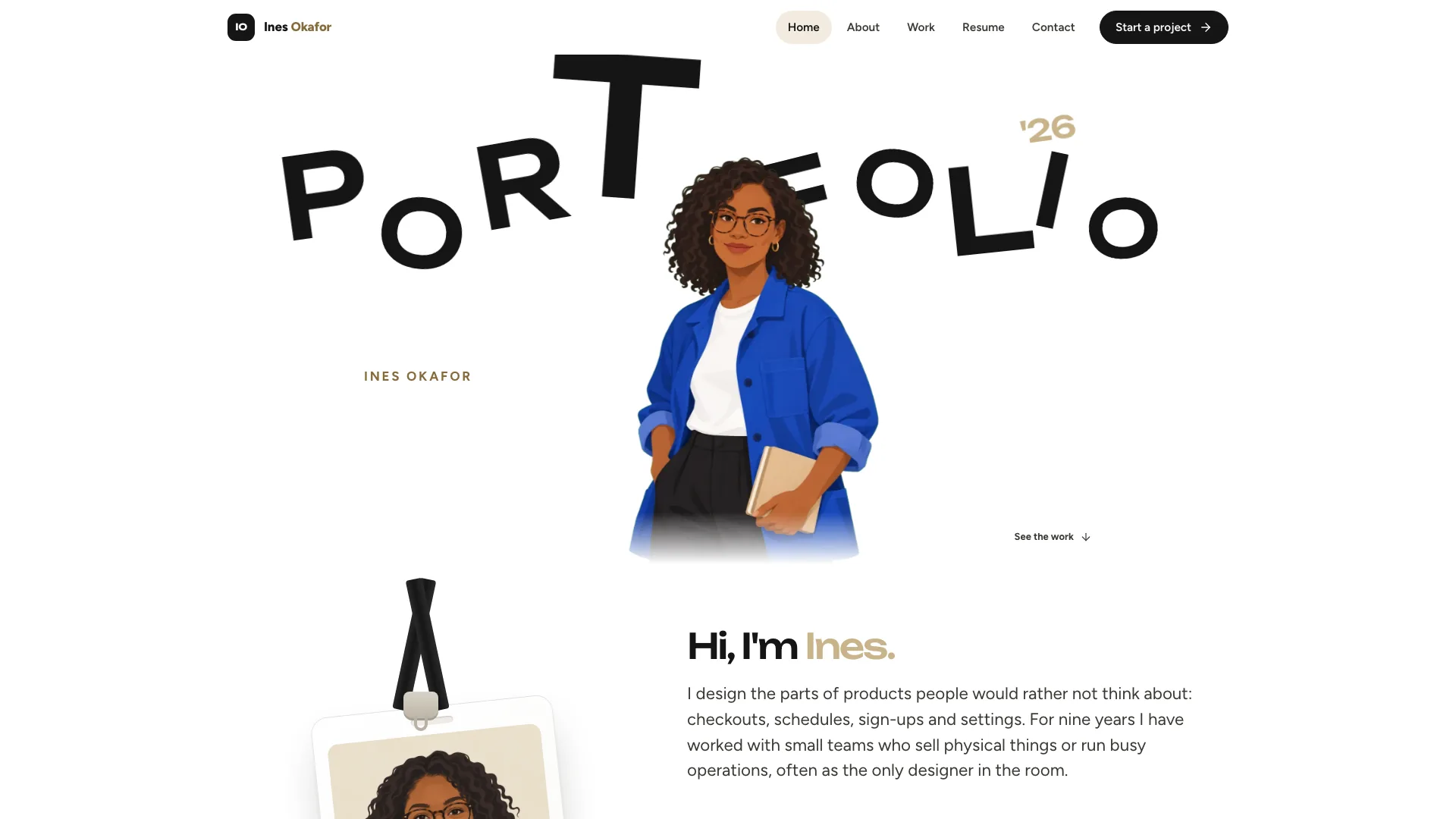
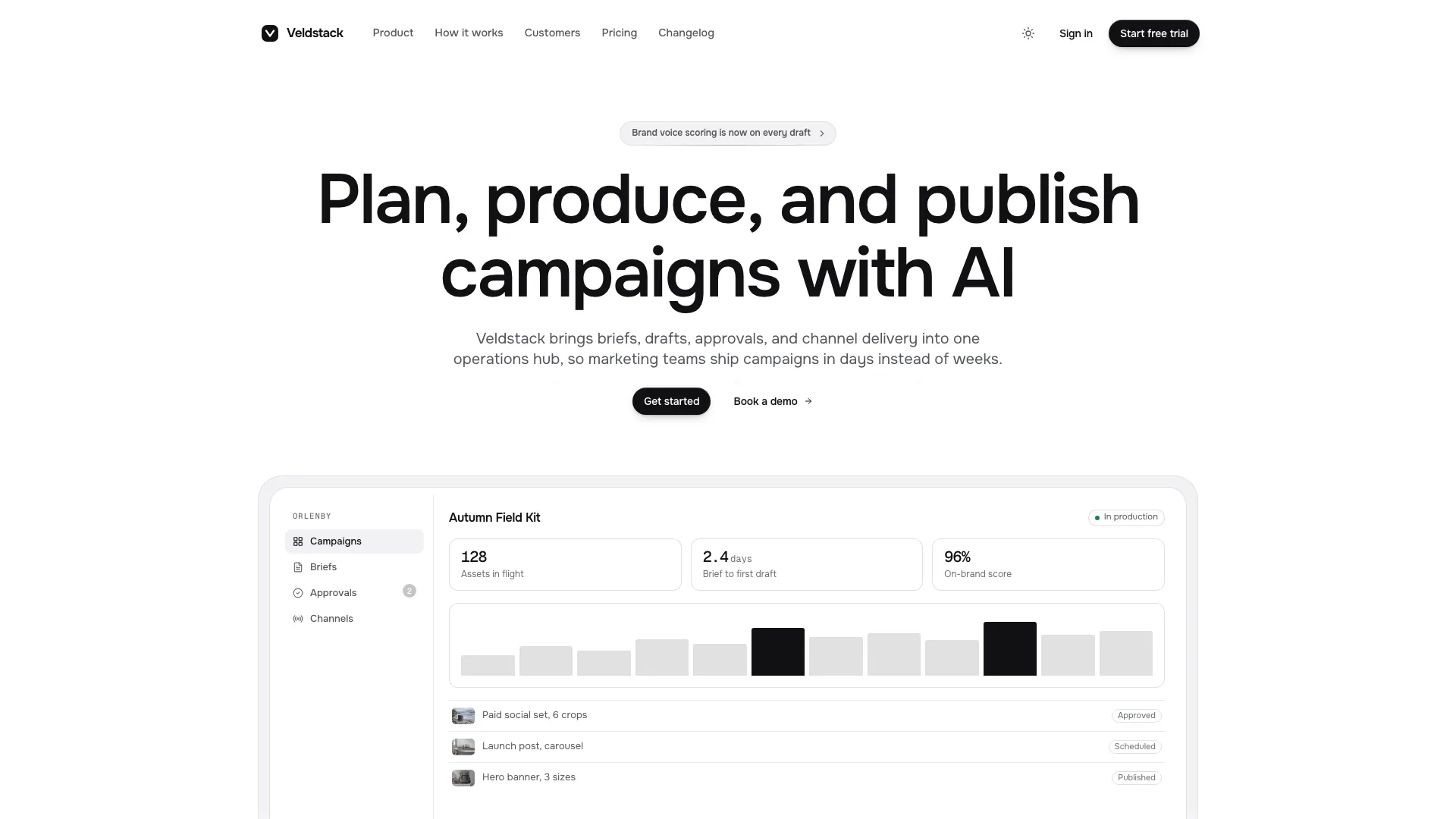
Introduce a studio through a living glass surface, then give visitors substantive work and clear ways to engage. Molten Glass Landing opens with pale fluted refraction and orange light around a bottom-aligned statement. The rest is an editorial portfolio with case studies, services, engagement terms and a project brief, ending in one oversized dark footer.
What you get
A full-height hero with a live WebGL glass effect, fine grain, edge-lit heat, a short statement, one primary action and a small factual seal. A finished CSS gradient remains behind the animation when WebGL is unavailable; reduced-motion mode renders a still. Pill navigation and rolling button labels continue the visual treatment.
A studio home with introductory photographs and count-up figures, staggered selected work, a searchable/filterable project index, service tabs, a process track, engagement cards, client voices, team/open roles, journal, FAQ and contact brief. Sections can be selected to suit the actual business while the hero, brief and final footer anchor the journey.
Individual case-study views containing the brief, work, results, images, palette, optional quotation/credits and next-project link. Journal articles have their own reading views, including a live-glass versus CSS-fallback demonstration in the sample. Privacy, terms and a designed 404 complete the route family.
Engagement selection that preselects the brief, a currency switch backed by configured prices, keyboard/swipe quote navigation, service panels, project search with an empty state, local clocks, copy feedback and validated brief/newsletter interfaces. These interactions are front-end demonstrations: they do not send briefs, subscribe readers or collect payment without connected services.
A self-contained HTML output with Hanken Grotesk roman/italic, Geist Mono, scripts, shader and chosen photographs embedded. The package includes 12 example photos, image directions, visual/motion/section references, a builder and static validator. Existing or requested framework projects instead use native sections, content modules and real routes.
Before you choose
Let the animated introduction lead into specific projects rather than more visual effects. Choose cases with a real result and explain the scope and decisions behind it. Keep engagement terms legible, verify each configured currency price and separate an on-screen brief receipt from actual message delivery.
Good fit
Design, branding and engineering studios wanting a memorable animated introduction followed by readable evidence of their work.
Freelancers and small agencies presenting substantial case studies, defined engagements and a useful enquiry brief.
Product teams able to map work to customer cases, service tabs to features and engagements to plans while retaining the bright glass identity.
Not for
A dark or moody site throughout: the principal page surfaces stay bright and the footer supplies the dark contrast.
A CMS or large publishing operation; case studies and journal content are maintained as static data in this package.
A completely script-free interactive experience. Basic text/layout and the visual fallback remain, but animation, menus, generated views and forms rely on JavaScript.
Claiming a brief was delivered or a newsletter subscription recorded merely because the local example displays a receipt.
How to use
You say/molten-glass-landing Build the studio site for Arclune, an independent design and engineering studio in Lisbon and Rotterdam.
Provide the studio/brand name, a one-sentence positioning statement and at least two flagship projects with supported results. Add disciplines, scopes or engagement prices, payment terms, team leads, locations and contact details. Missing prices, dates, metrics, legal details or quotations must be recorded as drafts for confirmation rather than presented as established facts.
Plan a coherent photo set: studio space and craft detail, a hero image plus complementary detail for each case, and matching portraits for the team. Supply your own work/people photographs or use the agent’s image tool, which may charge for generation. The sample project images depict fictional clients and need replacing; studio photos can be temporary creative-studio placeholders, and generated portraits remain disclosed stand-ins.
Preserve the hero’s clear reading area: studio eyebrow, short two- or three-line statement, one CTA and a factual seal. Keep bright paper-grey surfaces and one dark footer. The orange light can be retuned through documented color presets without changing the ribbed-glass model. Do not substitute fabricated awards or ratings for the seal’s plain fact.
Populate case studies, service panels, journal and contact details before adding decorative sections. The guidance supports two to six cases, two to five services and two to four engagement cards; revise headings, grids, navigation and detail links when counts change. Currency choices read configured price tables, so publish only currencies and rates you actually offer. Selecting a plan should carry that engagement into the brief.
With no existing project, build the offline HTML file using Node.js 18 or newer and build-time internet for the three font files. The completed embedded file needs no runtime network access. In a framework project, mount the shader as a client-side component over its CSS fallback, use the project’s normal routes/content conventions and handle its lifecycle.
Run the supplied static validator, then open every route at desktop/tablet/phone widths and in the intended preview. Check the fallback, reduced-motion still, offscreen animation pause, image crops, project filter/search/empty state, service tabs, currency amounts, engagement prefill, quotes, FAQ, menu keys/Escape and form invalid/success/reset states. Confirm unknown routes and back/forward behavior. Replace demo delivery promises or connect and test real mail/subscription services before publishing.
Requirements and costs
You bring
Studio or brand name and a one-sentence positioning statement · At least two flagship projects, each with a one-line measurable result · Disciplines, engagement terms or prices, team leads and contact details (optional; gaps are drafted for you to confirm)
Dependencies
Node.js 18 or newer on your agent's machine, to run the bundled script that builds the single offline file · Internet access while the file is built, so the fonts can be downloaded once and embedded · An image tool in your agent for the studio, project and team photos (optional; the page reads correctly with placeholders or your own photos)
Outside costs
Studio, project and team photos are generated with your agent's own image tool when you want new ones, which may incur that tool's usage charges. You can supply your own photos or keep placeholders instead. Nothing else uses a paid service.
Publisher testing
v1.0.3 — Claude Code / Claude Desktop / Cowork / Codex / ChatGPT
FAQ
The default built file embeds its styles, scripts, WebGL effect, Hanken Grotesk and Geist Mono fonts and photographs, so it opens from disk without runtime requests. Building it initially downloads the font files once. A framework project uses native components/routes and bundled or local assets rather than the standalone hash-router file.
A CSS gradient sits beneath the WebGL layer and is intended to be a finished visual fallback. With reduced motion, the shader draws a still, entrances/reveals become immediate and count-ups show their final values. The supplied engine also pauses when offscreen or in a hidden tab. Check these states on the actual target device; this review did not execute the animation.
Yes. Retune the documented shader colors while retaining the bright page and single dark footer. Plan photographs by role—studio, project hero/detail pairs and matching team portraits. Your own photos avoid generation charges; optional new images use the agent’s image tool. Placeholder slots can support layout review, but sample client imagery and generated people should not represent verified work or real named team members.
User reviews
—0 reviews
Select a star to share your experience.
No reviews yet. Ratings appear once readers share real experiences.