Provide name, one-line promise, work objects/views, four to six capabilities, reporting story and primary signup/waitlist/demo action. Add actual plans/limits, integrations, security and company facts. Choose one sample customer workspace and reuse it across hero, workflows, digest and story. List missing content for confirmation; never convert fictional metrics, customers, ratings or certifications into real business claims.
Choose standalone HTML without an existing project. In a requested/existing framework inspect conventions, preserve unrelated files and port each marketing section/route, typed data and stateful product view into the host’s idiom. Keep the product UI as real components rather than screenshots or an iframe. Fonts/images remain local; theme implementation and framework build/type checks need their own verification.
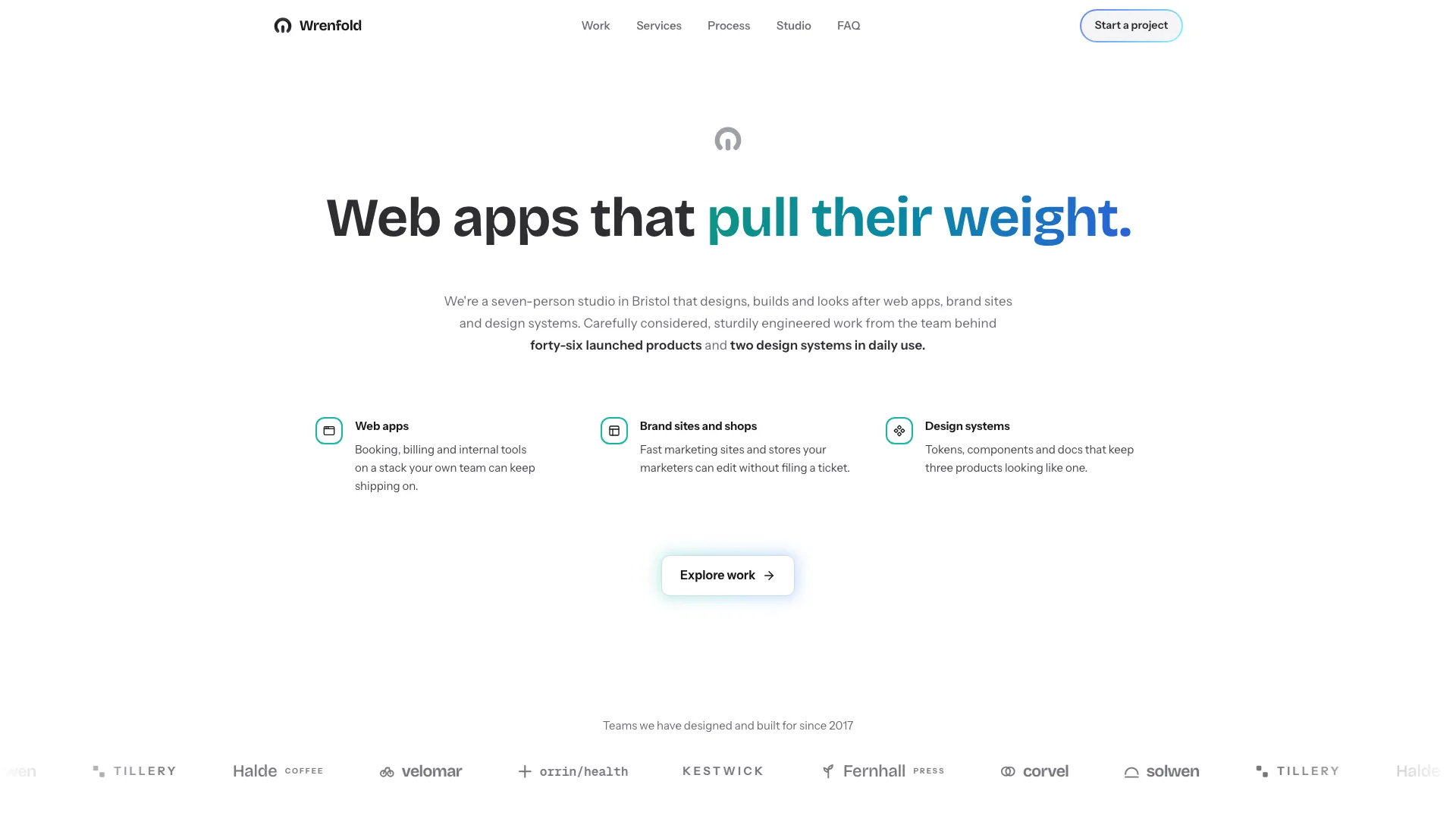
Preserve the centered hero proportions: two short ink-colored Title Case lines at a 55px desktop ceiling, one support sentence, one ink action and a 940px glass-framed workspace below. Phone text stays compact, sidebar hides and board can scroll internally. Headline starts roughly 84px below the header; do not add badges, a second action, stat strips, floating cards or gradient/accent words. The product frame should remain visible above the fold.
Carry the white/slate light system, soft sky/mint/peach wash and fine fixed grain without recoloring photographs. Ink marks primary actions; blue marks selection/data, with semantic tags separate. Bricolage Grotesque is display, Hanken Grotesk text/UI including italic, and Geist Mono identifiers. Preserve the 1240px container, 16–32px gutters, 76–120px section rhythm and pill/20/28/12/10px control/card/stage/input/product roles. Check every route in dark mode, including forms, comparison, charts and wash contrast.
Rebuild sample objects throughout hero and panels: board columns, cards, assignees/IDs/dates, list rows, timeline labels, filter tasks, digest and risk names. A help desk can show ticket stages/SLA dates/resolution counts; CRM can use deal stages/pipeline/won business; a developer tool can show runs/deployments and platform SDKs. Keep one coherent customer context and make counts/statuses agree across representations rather than swapping only headings.
Preserve the distinction between illustration and operation. The sample runs three prepared board events after visibility triggers them: pricing copy moves to review, QA completes and a partner announcement is added; list data changes too. This is a timed sequence, not collaboration or external event ingestion. Inspect what happens if the visitor switches tabs, scrolls away or enables reduced motion; the script schedules timers once triggered, so ongoing visibility cancellation must not be assumed.
Keep four workflow tab/panel pairs, replacing their subject matter rather than deleting filter/dependency panels expected by the script. Auto-advance pauses for hover/focus/offscreen and manual interaction takes control. Filter chips use combined conditions, counts and clear recovery. Dependency action shifts prepared bars by two days and changes launch-date text, with Undo; it is not a schedule solver. Verify keyboard tab movement and that all custom panels still correspond to their descriptions.
Keep the fixed six-cell bento balanced if capabilities change: first row spans four/two, next two/two/two and final full-width command cell. The goal ring and command typing are illustrative animations, not calculated goals or a working global command system. Three/six testimonials fit the mosaic, company team grid and three story figures/four company numbers need consistent layouts, and home articles need at least three posts besides the story. Use another useful index/detail collection if the business has no blog.
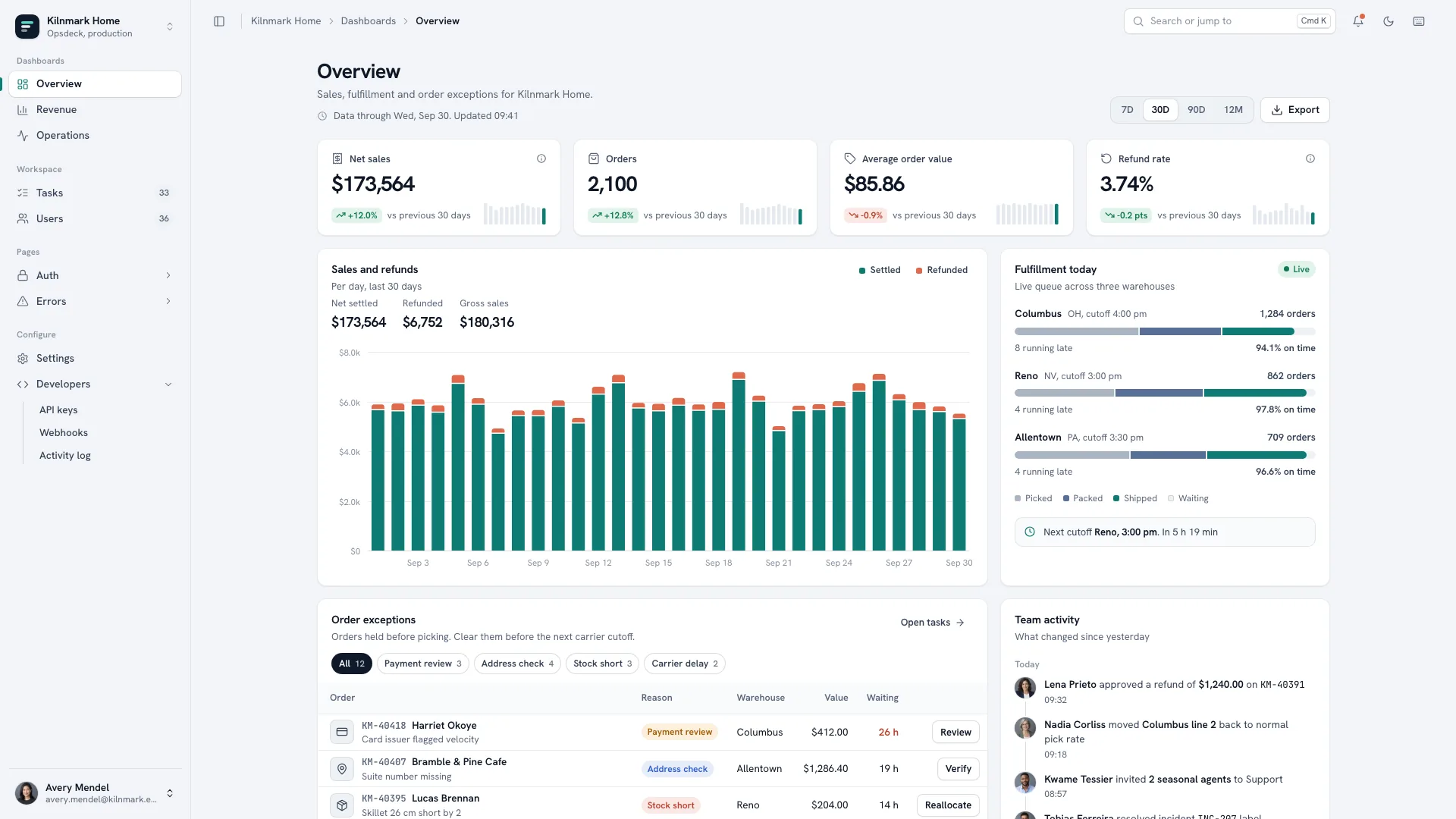
Adapt reporting facts independently from the display controls. The digest selects fixed two-week/month/quarter series, headline KPIs and narrative text; these are not calculated from newly moved board cards. Check that displayed totals, series sums, dates and summaries agree before publishing new values. Rebalance toggles predetermined assignees, capacity text and an on-time forecast after a delay; it does not inspect actual workloads or execute reassignment. Keep Undo and qualify sample outcome claims.
Use two to four plans with one recommended tier and matching comparison values; the layout reads the tier count, but every comparison row must match it. A fifth enterprise offer belongs in the separate strip. With one real price, remove billing choice and reconcile the plan-count validator requirement consciously. Monthly/yearly prices and annual notes need actual rates. Plan links carry selected tier to signup, but do not open checkout or create billing.
Keep full route depth: grouped comparison with a phone plan switch, category/search/empty blog, article cover/body/author/quote/callout/related items and copy link, searchable filtered changelog, company story/numbers/values/team and careers accordion. Contact topics include demo/sales/careers/press/support. Rebuild article bodies and release examples for the actual product; renaming a post title does not make its old advice/customer story applicable.
Plan photography where a real company would use it. Five office-style covers can remain neutral for compatible knowledge-work subjects; replace them for clinics/logistics/classrooms. Replace the specific customer studio story. Eighteen customer/team avatar crops and the company team image are generated stand-ins requiring approved replacements for real people. Portrait contact sheets supply matched light/backdrop; the shipped files are individual crops, not eighteen separate photo shoots. A crop reused for its own entity is appropriate, while unrelated people need distinct identities.
Use owned photos or an available agent image tool, which may charge. Keep soft window light, pale oak/plaster, muted blue-grey/mint and natural grade across story, team and covers; avoid readable text/screens/logos and check face crops at phone/desktop sizes. Product board, chart, risk and interface article cover remain code-built. No image-generation key is needed merely to view the example, and viewing requires no paid service.
Validate form behavior honestly. Required fields/email/minimum lengths and terms check run locally; password meter scores simple character/length criteria and is not an account-security service. A timer reveals success for signup/signin/reset/contact/newsletter/CTA, including messages claiming a workspace or emailed link. SSO just focuses email and shows guidance. These handlers do not authenticate, provision a trial, reset credentials or deliver mail. Use explicit demo outcomes until each actual service/error path exists.
Replace metadata, shell/accessibility labels, product workspace/project, both duplicated marquee sets, story attribution/statistics, company/city/year, article slugs/bodies/authors, footer status, release notes, data arrays, legal identity and security/integration text. SOC2, SAML/SCIM, audit retention, regions and uptime/SLA are sample claims to confirm or omit. With no approved customers remove marquee and mark any retained example story clearly, rather than manufacturing proof.
Prepare offline output with Node.js 18+ and initial font-download access. Embed three font families across four files and slot-sized WebP assets, target under 5MB and remain below 8MB. The inliner is byte-equal to the previously inspected pharmacy helper: a written file can still accompany missing-asset/download errors, and repeated image tags use a small deduplication script. Inspect exit result and actual disk/iframe loading.
Use static validation for HTML routes/IDs/labels, local asset existence, sample identities and resource/size checks. Project-folder mode mainly scans source hygiene/sample names and warns on motion/focus/CDNs; it does not build the app or establish route/interaction fidelity. Its checks also do not prove chart math, security claims or real forms. Run host build/type/lint and browser acceptance where appropriate.
Review all routes at 390/768/1024/1440/1920px in both themes, with 360px overflow checks. Exercise board/timeline/list/sort and timed states, workflow pause/manual/filter-empty/dependency, bento states, digest ranges, risk rebalance/undo, comparison/billing/tier carryover, blog/changelog search/filters, article clipboard, careers, form empty/fix/success and password controls. Check menu/sheet focus/Escape/back navigation, reduced motion and internal board scrolling. Fix/recheck and report actual checks, placeholders/stand-in people and unconnected services.