Let the artwork carry the color while the portfolio explains how it was made. Mono Designer puts posters and selected graphic projects on a quiet grid-paper interface, with a large black identity, grayscale portrait and detailed project pages. It works especially well when production choices and service scope matter alongside the image.
What you get
A connected site with Home, About, Work, project detail, Services, Contact and a missing-page state. The fictional example has eight project pages, fourteen routes and fourteen images; the documented work collection can hold four to sixteen projects.
A print-like home composition with display headline, grayscale cutout portrait, toolkit tiles, poster grid, in-place artwork feature, service rows, quotation and dark closing action. Interface chrome remains grayscale while color belongs to the work.
Project pages covering brief, approach, outcome, deliverables, print specifications and a copyable palette, with previous/next navigation. Poster titles and detail copy remain live type rather than being generated as unreliable lettering inside an image.
Work filters and search, grid/index views, services accordion and a validated brief form with local errors, loading and confirmation. A compositing script places rendered poster artwork into blank wall/frame scenes.
One embedded HTML file by default, with Schibsted Grotesk and Geist Mono, image-plan guidance and checks. Existing or requested framework output is an alternative; the source prerequisites also include Python with Pillow and NumPy for the in-place composite workflow.
Before you choose
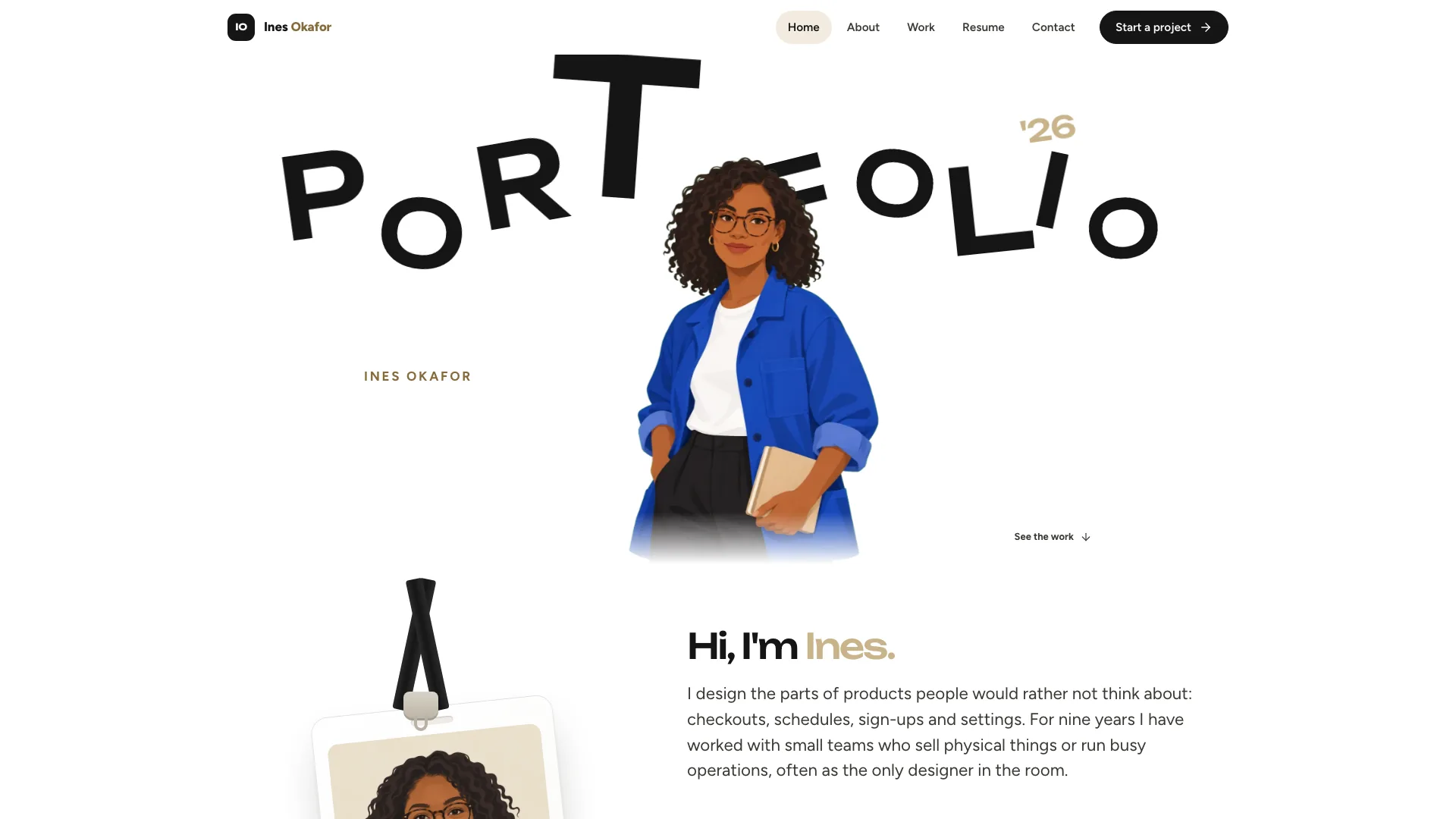
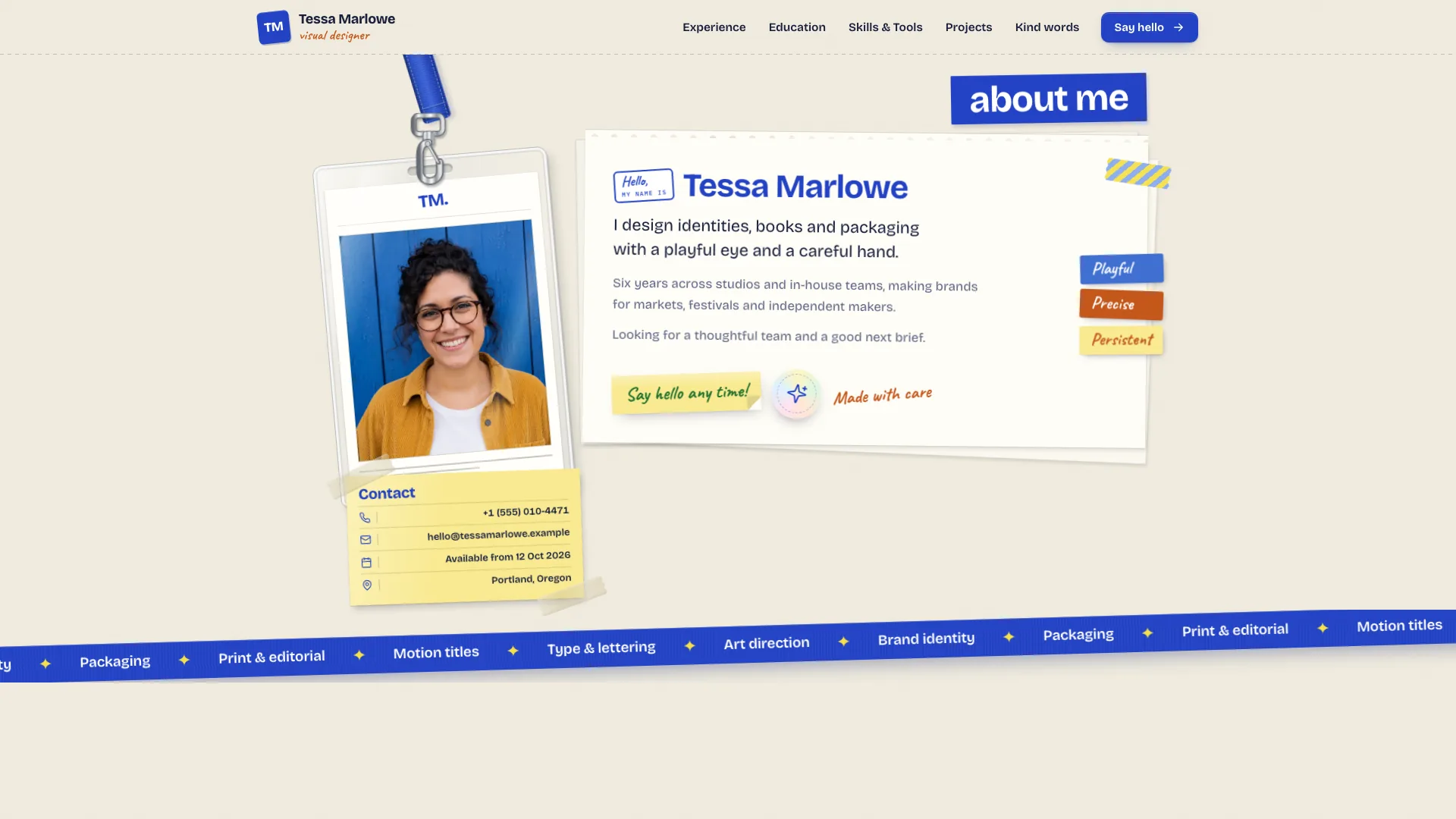
Choose this for a curated graphic-work portfolio, especially when the production story supports the images. Compared with Lime Frame, it gives less emphasis to the person and collaboration imagery and more to the artwork itself. A convincing framed mockup should still be labeled according to whether the piece was produced or only proposed.
Good fit
Poster, print and illustration designers want a restrained interface that leaves visual attention on their work.
Your services have useful starting prices and scope information, and you want prospective clients to submit a structured brief.
A small studio or photographer can present selected series in the same frame and case structure, adapting the production fields honestly.
Not for
A colorful interface identity that competes with the artwork; grayscale chrome is central to the design.
An archive with hundreds of pieces. The documented selection is four to sixteen projects rather than a large collection-management system.
Receiving real briefs without a backend or presenting generated/sample posters as your actual portfolio.
How to use
You say/mono-designer-portfolio Build Jonas Ferreira's portfolio: a graphic designer in Lisbon with eight posters, four services and a brief form.
Prepare name, discipline, city, availability, bio, contact and permitted portrait. Supply four to sixteen projects with your actual files where possible, brief, role, result and production specifications, plus service names and starting prices.
Choose the standalone file or adapt to the actual framework project. Keep content collections and route links aligned, and ensure category filters, service names and form project types describe the same offering.
Place your artwork in the poster cards, keeping titles and supporting details as live type. If there is no finished work, any generated type-free stand-in must be identified for replacement rather than silently becoming a portfolio claim.
Render the finished poster and use the provided compositing script to place it into an appropriate blank scene. Review perspective, edge alignment and legibility. Optional generation of artwork stand-ins or blank scenes can incur image-tool charges; your own work and photos can replace those steps.
Run the build checks and review every project on desktop and phone. Test an empty filter result, search, grid/index switching, palette copying, service accordion and brief validation. Confirm production facts and distinguish a wall mockup from evidence of an actual printed edition.
Requirements and costs
You bring
Name, discipline, city, availability and a short first-person bio · Four to sixteen projects with client, year, brief, outcome and print specs, ideally with your own files · Services with starting prices, a portrait photo and contact details
Dependencies
Node.js 18 or newer on your agent's machine, to run the bundled script that builds the single offline file · Internet access while the file is built, so the fonts can be downloaded once and embedded · Python with Pillow and NumPy, for placing posters into wall and frame photos · Optional: an image generation tool in your agent for stand-in artwork and blank scene photos
Outside costs
Generating stand-in artwork, the portrait or blank scene photos with your agent's image tool may incur that tool's usage charges. Your own work and photos cost nothing extra.
Publisher testing
v1.0.2 — Claude Code / Claude Desktop / Cowork / Codex / ChatGPT
FAQ
A self-contained HTML file with embedded fonts and images. An existing or requested framework project receives a real component-and-route adaptation, with Next.js App Router and TypeScript as the package’s unnamed-framework fallback.
Yes, and the package prefers it. Place your files inside the poster presentation and keep titles and details as live type. Generated type-free artwork is a stand-in that may incur tool charges and must be listed for replacement; the sample designer’s work must not be presented as yours.
The workflow first renders the finished poster, then perspective-composites it onto a blank wall, frame or window photograph with the bundled script. That preserves actual lettering instead of asking an image model to reproduce it. Inspect the resulting composite rather than assuming placement is automatically correct.
No. The adaptation guide allows other disciplines to relabel the specification rows with truthful fields such as format, medium, material or edition. Do not invent a print run for digital or unproduced work.
The included form validates and shows the brief locally. Message delivery requires a separately connected and tested backend.
User reviews
—0 reviews
Select a star to share your experience.
No reviews yet. Ratings appear once readers share real experiences.