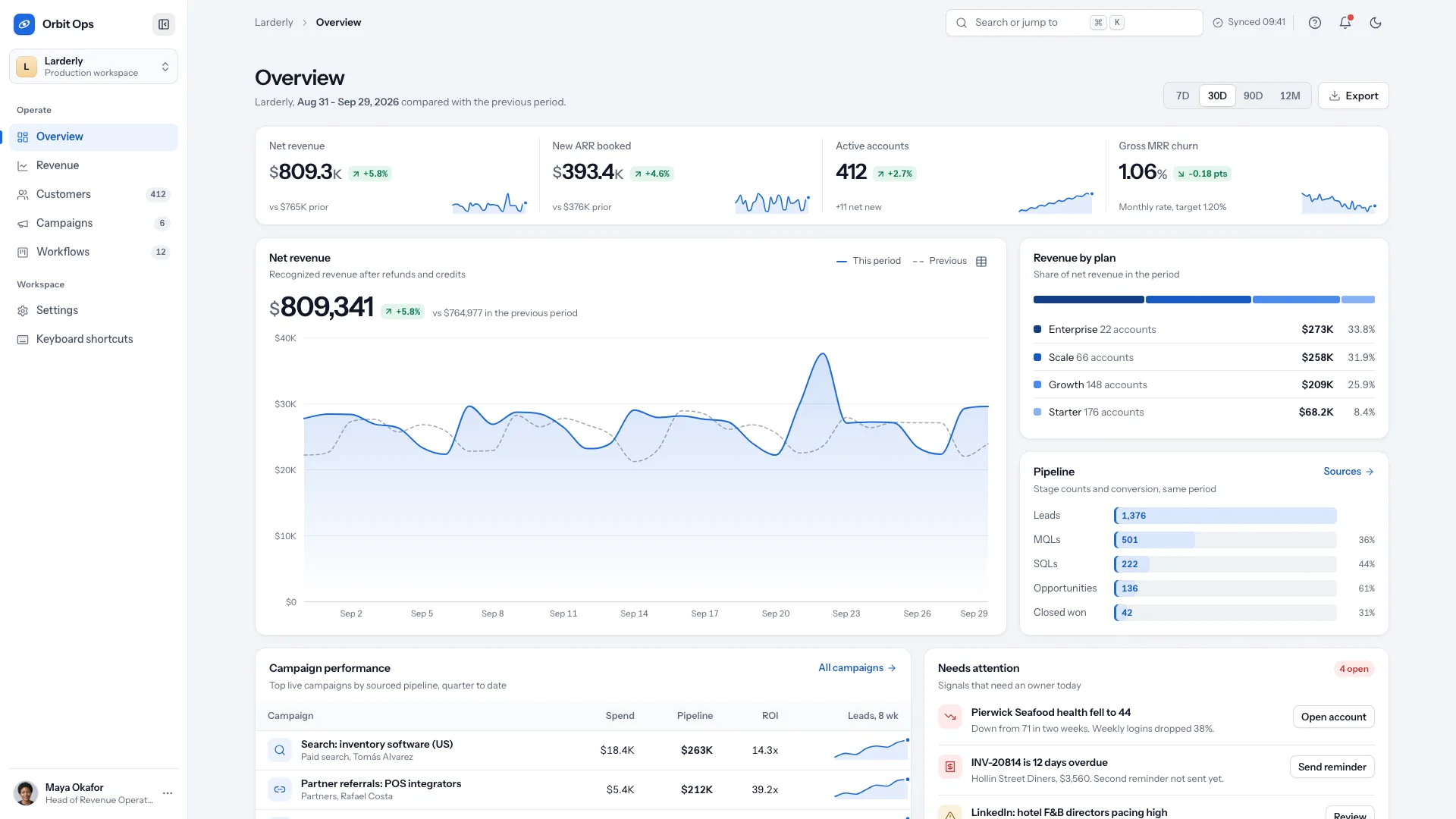
Prototype the work an operations team performs, not only the dashboard it sees. Opsdeck Admin Kit combines range-driven business boards with searchable records, bulk edits, detail drawers and settings in one slate-toned console. It provides a coherent front end in complete light/dark themes; the supplied sample data, account screens and developer tools are not a backend.
What you get
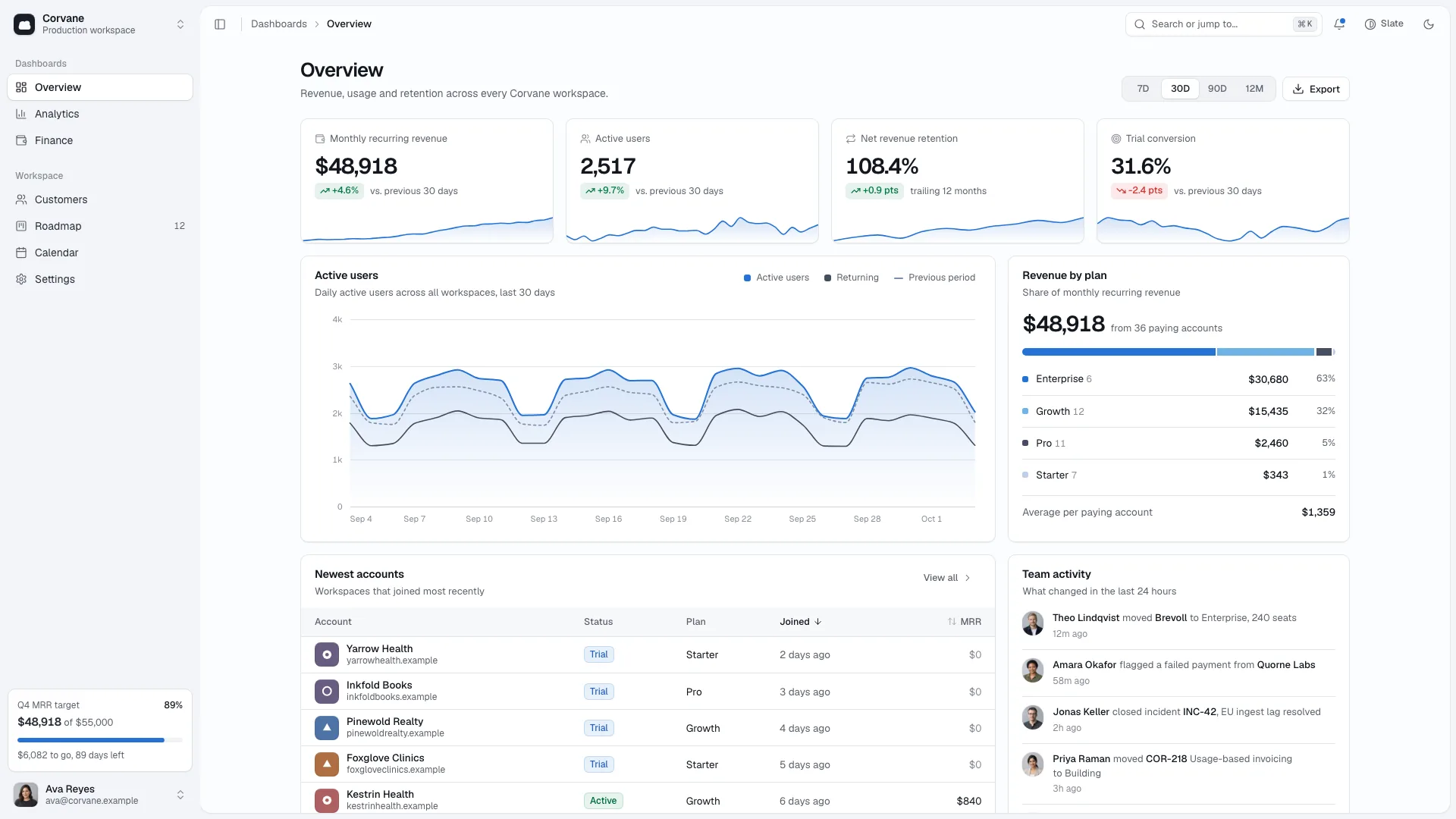
A responsive console shell with collapsible grouped sidebar, workspace switcher, breadcrumbs, command palette, notifications, account menu, shortcuts and theme controls. An icon rail serves narrower screens, while phones use a tab bar and navigation sheet. Hanken Grotesk supports tabular figures and JetBrains Mono identifies IDs and code.
Overview, Revenue and Operations boards led by four KPIs each. A seeded two-year daily series drives 7D, 30D, 90D and 12M views and comparison periods. Charts include bars, trends, channel shares, reasons, cohort/heatmap views and pointer/keyboard tooltips. Data is generated example activity rather than live reporting; secondary examples and row slices need checking against the chosen business story.
Task and member tables with search, counted facets, sorting, page sizes/pagination, row selection, column visibility and density. Bulk actions and row menus change local records, detail drawers can be opened by deep link, and destructive actions use confirmation/Undo. New-task forms, editable properties, checklists and comments support a realistic record workflow.
Six settings areas—profile, workspace, notifications, billing, connected apps and appearance—with dirty tracking, Discard and Save states. Developer views demonstrate key creation/show-once secrets, webhook configuration/delivery history and filtered audit records. These screens illustrate workflows; they do not provision secure credentials, deliver webhooks, charge a plan or enforce permissions on a server.
Sign-in, account creation and password-reset forms plus designed 401, 403, 404, 500 and 503 states. Validation, loading and success feedback support a complete prototype, but authentication, email and access control require actual services. Export/invoice actions in the standalone pattern display feedback rather than create/send files.
One self-contained offline HTML file by default, with two fonts and selected team portraits embedded. Nine fictional portrait assets, content/route/style/motion/image references, an asset builder, static validator and Playwright route-sweep script are supplied. A requested or existing Next.js, React, Vue, Svelte or Astro project gets native routes/components and replaceable data modules.
Before you choose
Review the console by completing an actual staff task: find a record, understand it, change it, recover from a mistake and confirm the result. Then decide which data source and permission check each step needs. This is a detailed front-end foundation, not evidence that operational changes, exports or access controls already reach a server.
Good fit
Operations teams defining an internal workflow for orders, tickets, bookings or subscriptions before integrating their systems.
Founders and product teams needing a credible back-office demonstration with usable records and supporting screens.
Developers wanting a consistent shell and interaction model to connect to their own API one screen at a time.
Not for
A ready-to-run production backend, database, authentication provider or API. Local sample arrays and prototype UI do not provide those services.
Customer-facing marketing pages or commerce storefronts.
A CMS-driven or multilingual product without further content, localization and integration work.
How to use
You say/opsdeck-admin-kit Build the Kilnmark Home operations console with Overview, Revenue and Operations boards plus task and team tables.
Describe the company/product and what the team operates. Name the four headline measures for each board, table objects, statuses/priorities, teams/roles, regions/sites and integrations. Optional inputs include a logo and real portraits. Gaps can use explicitly identified example records in your nouns, ID prefixes and reporting currency; do not present drafted figures as company performance.
Rebrand the complete shell and content model, including workspace names, menus, titles, addresses, sample order/task IDs, authentication copy and developer labels. Keep dates internally consistent. The default dataset uses a fixed demonstration clock and seeded series; if the business operates weekly, adapt the documented weekly model and distinguish stocks such as active subscribers from period totals such as cancellations.
Choose the relevant boards and table views, then define one end-to-end record task. Preserve at least an overview and useful collection/detail flow; keep developer pages only if the product has corresponding APIs/integrations. For an internal back office, adapt the sample console subscription billing to the business’s actual payment/payout/refund settings rather than retaining an unrelated SaaS plan.
Work through search, facets, sort, pagination, selection, bulk changes, row actions, drawer edits and Undo using sample records. Name the slice shown by each table so a small record sample does not contradict a whole-business KPI. Review chart units, comparison direction and range aggregation; a visually working chart is not proof its business metric is correctly defined.
With no project, use Node.js 18 or newer and build-time internet to embed the two fonts and portraits into one offline HTML file. Existing/requested frameworks get native routes, shell and typed data behind replaceable async getters. Font guidance includes additional character coverage when staff names need more than the default Latin files.
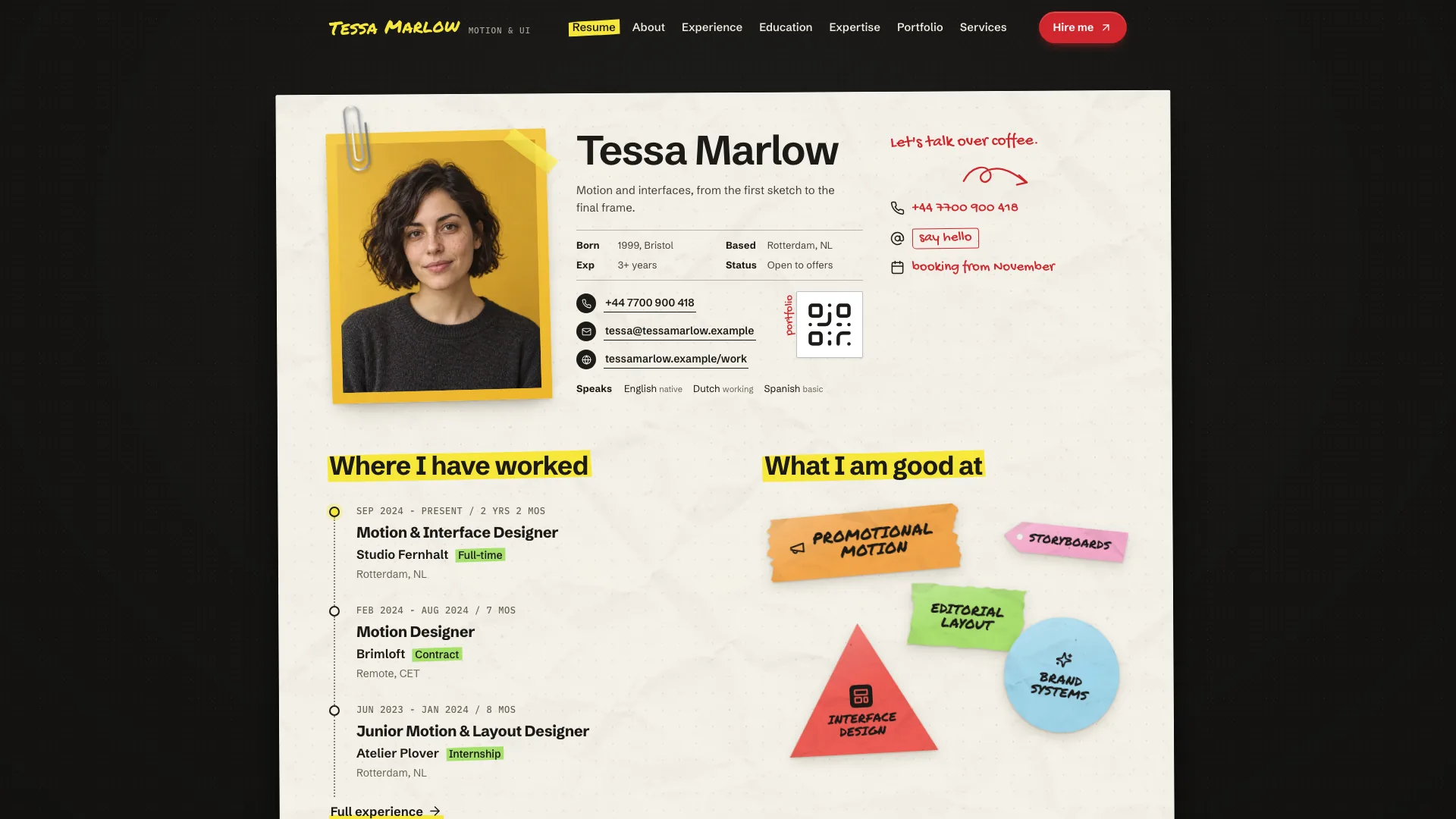
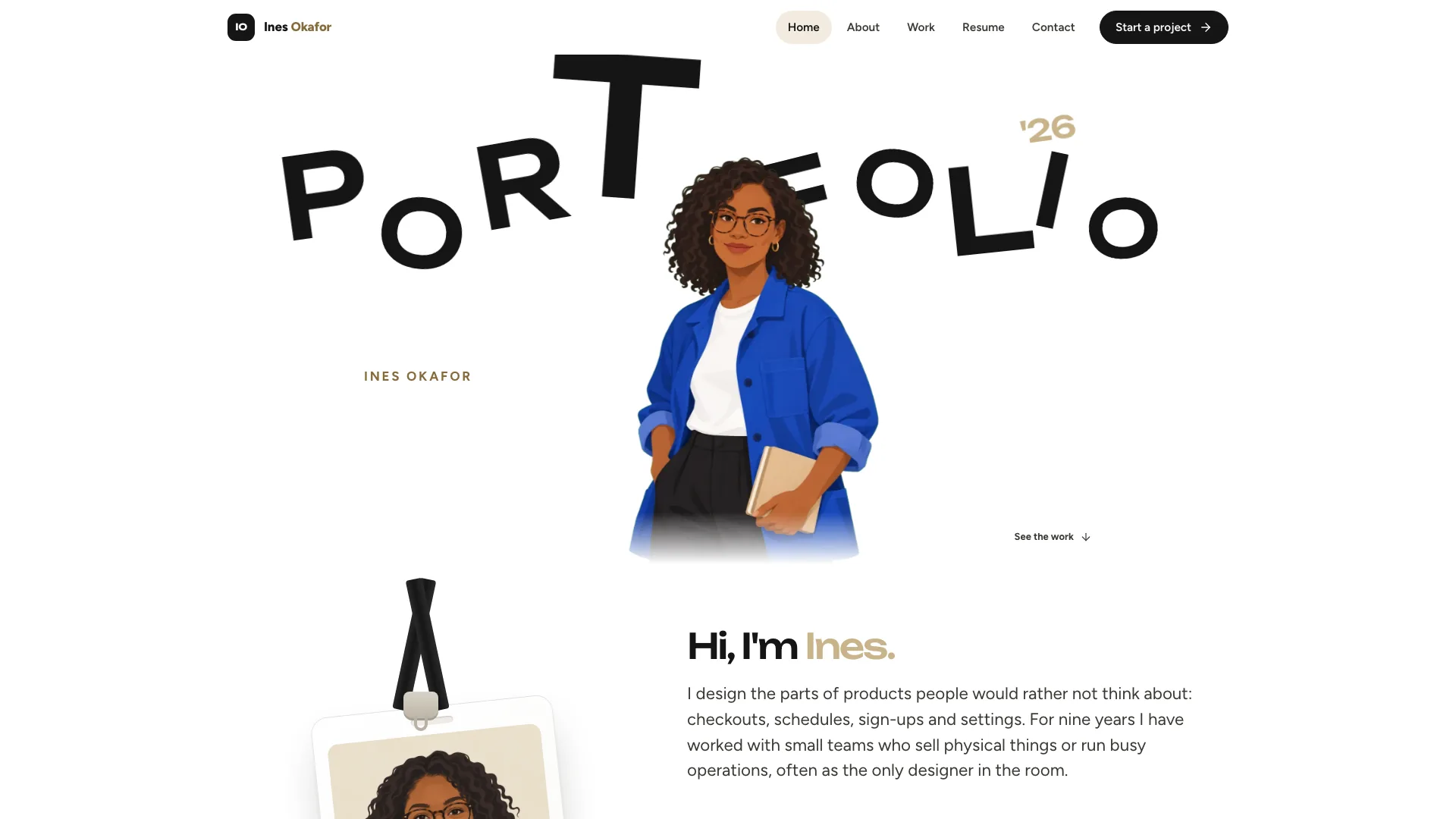
Use real team photographs, initials or disclosed fictional stand-ins. Only portraits are needed; optional new generation uses the agent’s image tool and may incur charges. Never label a generated face as a verified photograph of a real colleague.
Run the static validator and the supplied Playwright sweep when available, then manually inspect desktop/tablet/phone layouts in both themes. Walk one table end to end and revisit screens before triggering actions to catch duplicate listeners. Test empty/invalid states, keyboard/tooltips, deep-link drawers, Escape, save/discard and auth/error views. Connect database/auth/mail/exports/webhooks separately and verify them before using this as an operational system.
Requirements and costs
You bring
Company and product name, and what the team operates (orders, tickets, bookings or subscriptions) · The four headline numbers per board, the table objects with their statuses, and the teams and roles · Optional: logo, team portraits and the integrations you use
Dependencies
Node.js 18 or newer on your agent's machine, to run the bundled script that builds the single offline file · Internet access while the file is built, so the fonts can be downloaded once and embedded · Optional: an image generation tool in your agent for a new set of team portraits
Outside costs
Only team portraits are photos. A new set generated with your agent's own image tool may incur that tool's usage charges; otherwise the nine bundled fictional headshots can stand in, or everyone uses initials.
Publisher testing
v1.0.4 — Claude Code / Claude Desktop / Cowork / Codex / ChatGPT
FAQ
No. Named local data arrays drive the records, and account screens provide validation and prototype feedback. In a framework port the data is organized behind async getters so an API can replace it screen by screen. Real session checks, authorization and persistence must be implemented and tested separately.
The default is one HTML file with fonts and chosen portraits embedded, suitable for opening from disk and offline review. The source template still uses separate assets until built. Existing or requested Next.js, React, Vue, Svelte and Astro projects receive native shell/board/table components and real routes instead.
Yes. Light and dark tokens cover surfaces, charts and status treatments, with appearance controls in the shell/settings. Photography is limited to people: nine fictional headshots are supplied as disclosed stand-ins, your own portraits can replace them, or everyone can use initials. Optional new image generation may carry the chosen tool’s charges.
User reviews
—0 reviews
Select a star to share your experience.
No reviews yet. Ratings appear once readers share real experiences.