Explore a compact back office where each navigation item opens a useful view. Slate Admin Console combines a near-monochrome shell with responsive charts, records, a roadmap board and a calendar. Slate/tangerine presets and full light/dark modes share the same hierarchy; the console’s local data and edit states are a front-end foundation rather than a production backend.
What you get
Seven views: Overview, Analytics, Finance, Customers, Roadmap, Calendar and Settings. A two-group sidebar keeps five to eight real destinations, with collapse/phone navigation, breadcrumbs, notifications and a Ctrl/Cmd K command palette for views, actions and records. Geist and Geist Mono distinguish interface text and data.
Overview KPIs/sparklines, inspectable area/trend charts and plan mix; analytics bars, sources, retention heatmap and page table; finance cash flow, spending donut and transaction ledger. Date ranges update relevant metrics/charts, legends toggle series and primary charts support keyboard inspection. Arrays and prepared/generative examples must be adapted to the actual metric definitions.
Customer tables with search, status/plan filters, sorting, pagination, selection and bulk actions, plus an editable record drawer and validated add dialogs. Reversible actions expose Undo. The example has 48 accounts, but row counts and nouns can change with the brief.
A four-column roadmap with drag-and-drop, Shift+Arrow/menu movement, assignee filters, inline creation and task details. A month calendar/agenda offers recurring/one-off examples, calendar filters, event details and new-event validation. Local changes do not update an external project or calendar service.
Settings for profile, workspace, notifications, members and appearance, with dirty/saving/saved feedback and local preferences. Light/dark plus slate/tangerine presets and table density are supported. Export, sign-out and photo-upload examples need actual integrations; a toast is not evidence of a file, session termination or uploaded asset.
One offline HTML file by default with Geist/Geist Mono and eight fictional team portraits embedded. Source, view/style/image/motion guides, builder and static validator are provided. An existing React, Next.js, Vue, Svelte or Astro project gets native routes and the same tokens; existing shadcn/ui primitives can be mapped to the design.
Before you choose
Review the console through a real staff task and trace the displayed measures back to their inputs. Keep the compact navigation, but ensure each retained view answers a distinct question. Treat local saved states and feedback as prototype behavior until persistence and permissions are implemented.
Good fit
Founders and product managers specifying or demonstrating a credible back-office workflow.
Developers wanting a consistent console scaffold as a portable file or a native project foundation.
Teams that prefer a short sidebar with two groups and working destinations over a large unfinished navigation tree.
Not for
A production backend, live API, database or authentication service; the standalone views use local example data.
A public marketing or landing site rather than an application shell.
A custom brand redesign that replaces the near-monochrome visual system; the supplied alternatives are slate/tangerine presets.
How to use
You say/slate-admin-console Build the admin console for Corvane, our workspace analytics SaaS. Overview, finance and customers matter most.
Provide the product name, signed-in operator, four important overview measures, four to eight team members and the records/tasks/events the console should hold. Add real figures, currency/locale and permitted portraits where available. Missing records or performance data remain clearly identified examples for confirmation.
Map the seven recipes to the business while preserving two sidebar groups and five to eight routed items. A shop can use Orders/Fulfilment, while a clinic or agency can use Clients/Cases/Appointments. Change the registry, sidebar, view, command actions, shortcuts and cross-links together, removing unsupported views rather than leaving dead items.
Replace accounts, contacts, transactions, tasks, events, activity and analytics with coherent data. Reconcile MRR/plan mix, income/expenses/burn/runway and targets with their definitions and underlying rows; adapt weekly periods across every range-keyed dataset if needed. Label table slices separately from whole-business totals and test zeros, one point and missing comparison periods.
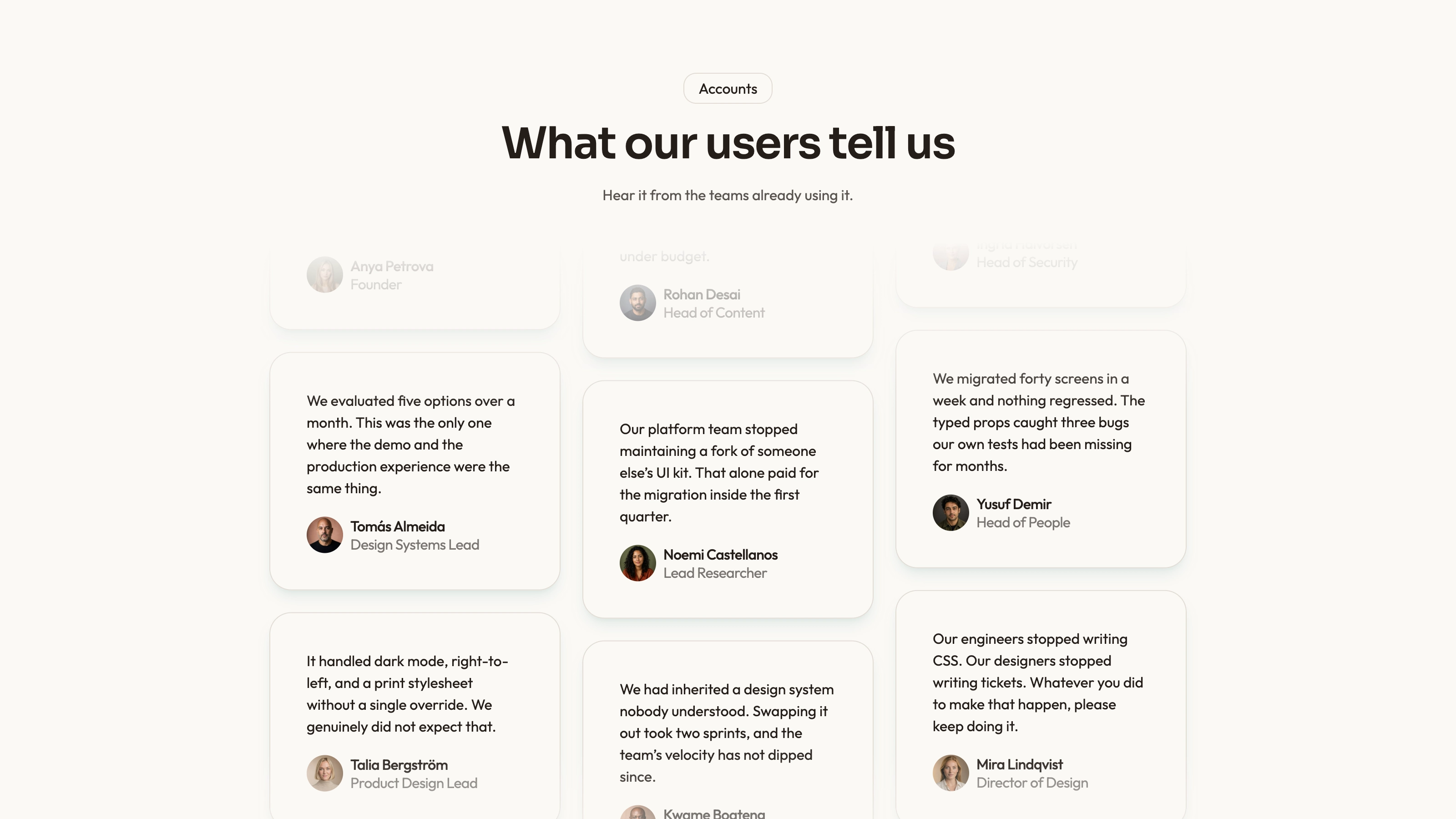
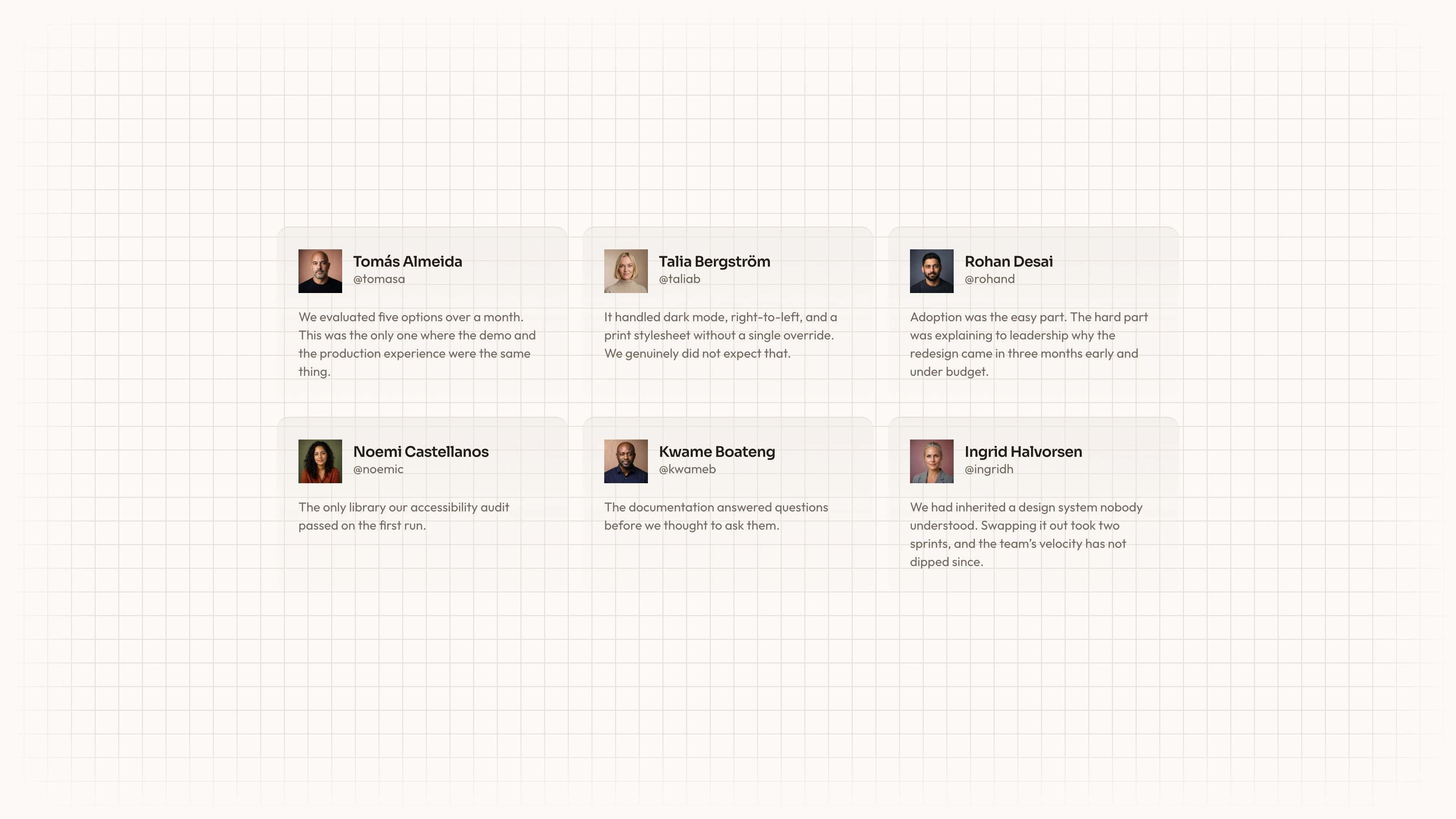
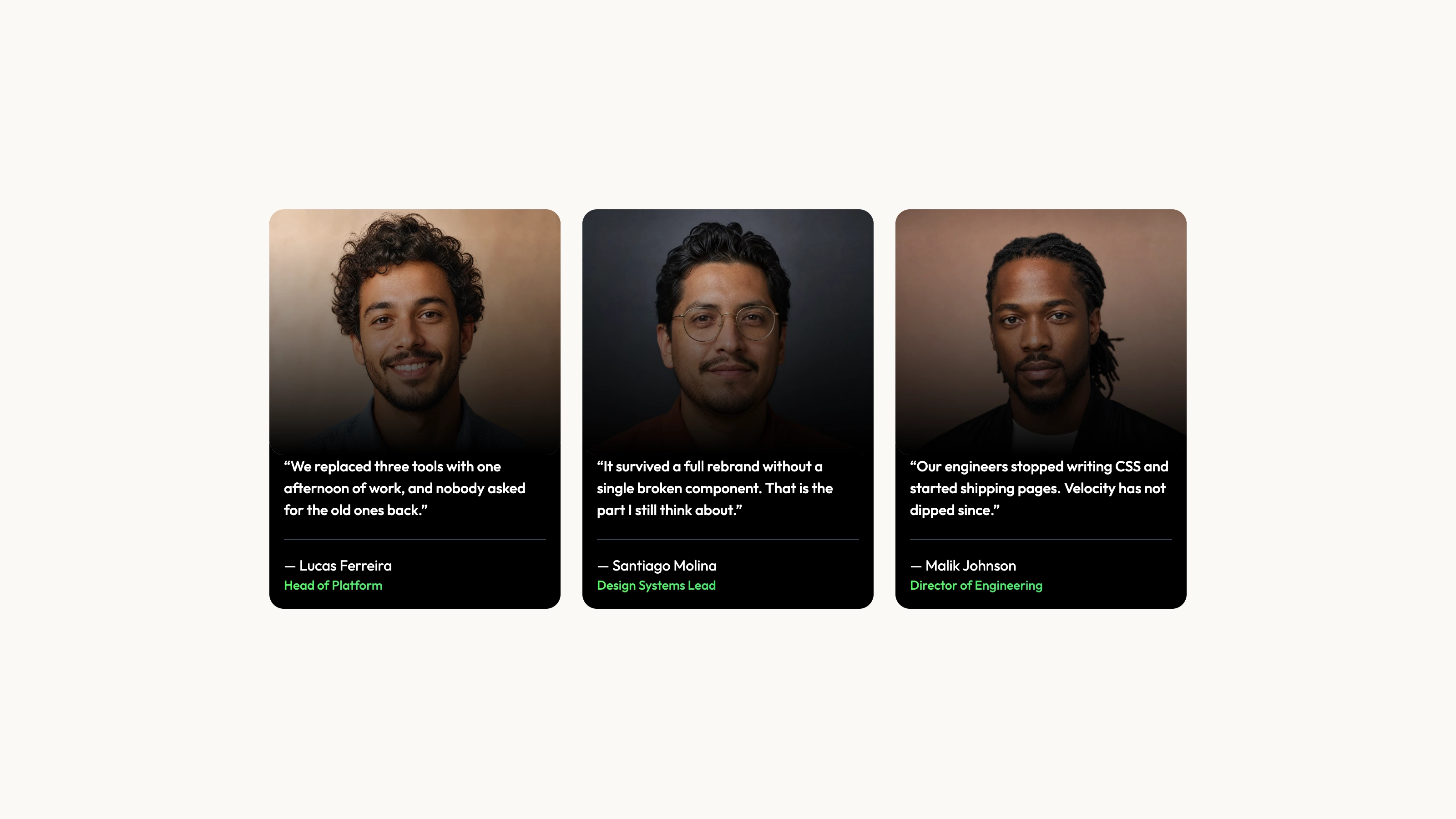
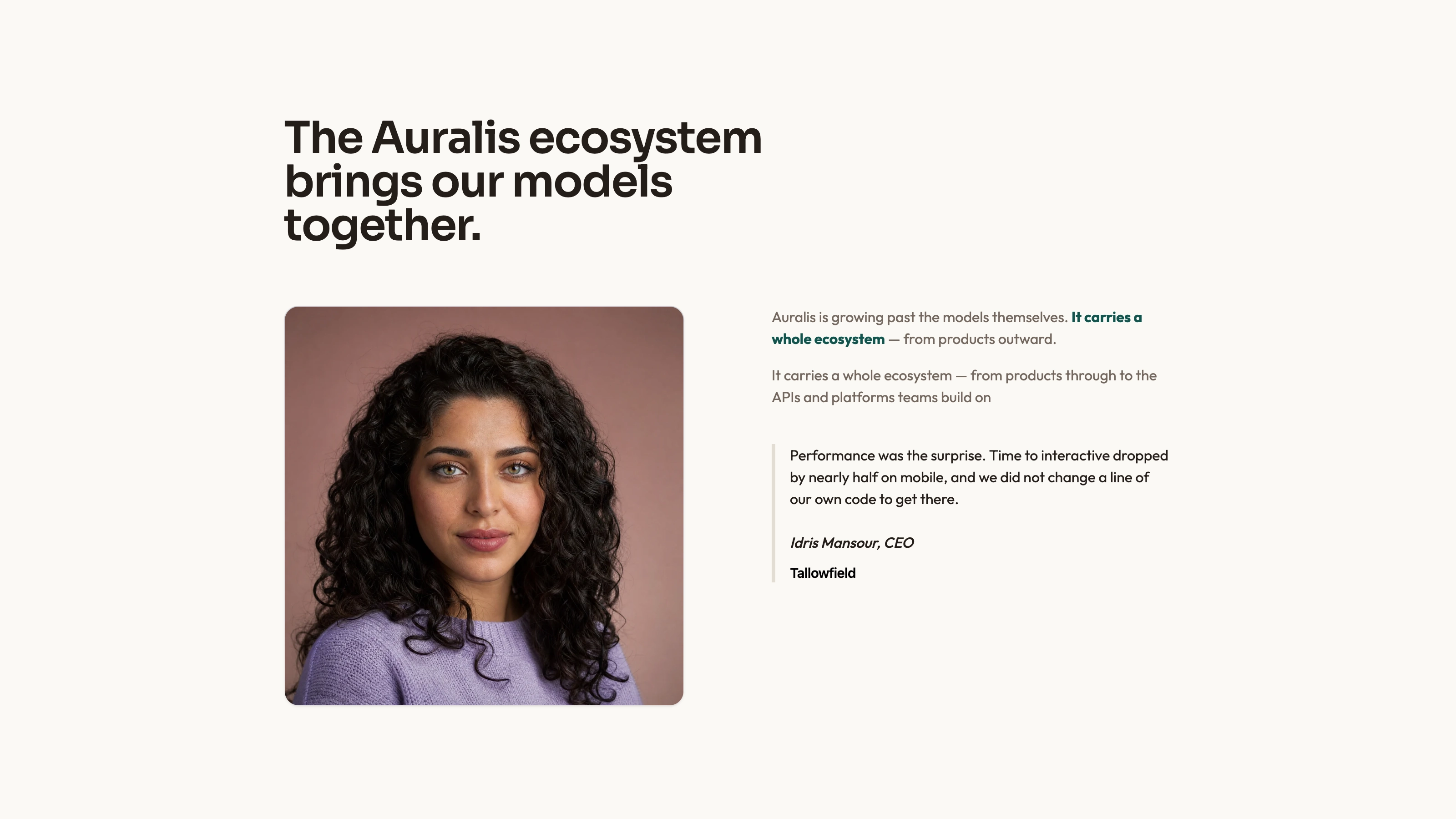
Use real staff photos, initials or disclosed fictional stand-ins. Eight portraits are supplied, so new imagery is optional; generating another matching series can incur the agent image tool’s charges. Do not represent generated faces as verified photographs of real colleagues. Company marks/charts/icons remain code-built.
For the default standalone file, use Node.js 18 or newer and build-time internet to embed both fonts and local portraits. The finished file opens offline. In an existing/requested framework, preserve its conventions and create native routes/components; keep the token values and adapt its existing control kit rather than pasting the HTML page.
Run static checks, then review every view twice on desktop/tablet/phone in both modes and presets. Switch ranges/legends, complete a search-filter-page-bulk-Undo path, inspect the drawer, move cards by pointer/keyboard and create/select calendar events. Test dirty/save/discard, invalid/valid forms, palette/overlay focus, reduced motion and duplicate actions after revisits. Connect and verify persistence, exports, account/security and calendar services separately before operational use.
Requirements and costs
You bring
Product name and the four overview metrics that matter · Your team (four to eight people) and what your tables, board cards and calendar events hold · Optional: real figures, currency and team photos; otherwise sample data is drafted for you
Dependencies
Node.js 18 or newer on your agent's machine, to run the bundled script that builds the single offline file · Internet access while the file is built, so the fonts can be downloaded once and embedded · Optional: an image generation tool in your agent for a new team portrait series (the shipped portraits can stand in)
Outside costs
Team portraits can reuse the eight shipped stand-ins at no cost. Generating a new portrait series with your agent's own image tool may incur that tool's usage charges.
Publisher testing
v1.0.4 — Claude Code / Claude Desktop / Cowork / Codex / ChatGPT
FAQ
Yes. Replace the sample accounts, team, transactions, tasks and events with supplied data and adapt the related metric calculations. Several measures derive from arrays, but some comparison values/series remain configured examples until replaced. Reconcile them before relying on the results. The standalone file does not establish a live API connection.
Only people use photographs. Eight fictional team portraits can be disclosed stand-ins, real photographs can replace them, or the agent can generate a matching series with possible image-tool charges. Company marks, charts and interface icons are drawn in code rather than supplied as stock imagery.
Yes. The default is a self-contained HTML file with embedded fonts/portraits. In React, Next.js, Vue, Svelte or Astro, views become native routes with the same tokens and behavior. A project already using shadcn/ui can map its primitives to the console’s design.
User reviews
—0 reviews
Select a star to share your experience.
No reviews yet. Ratings appear once readers share real experiences.