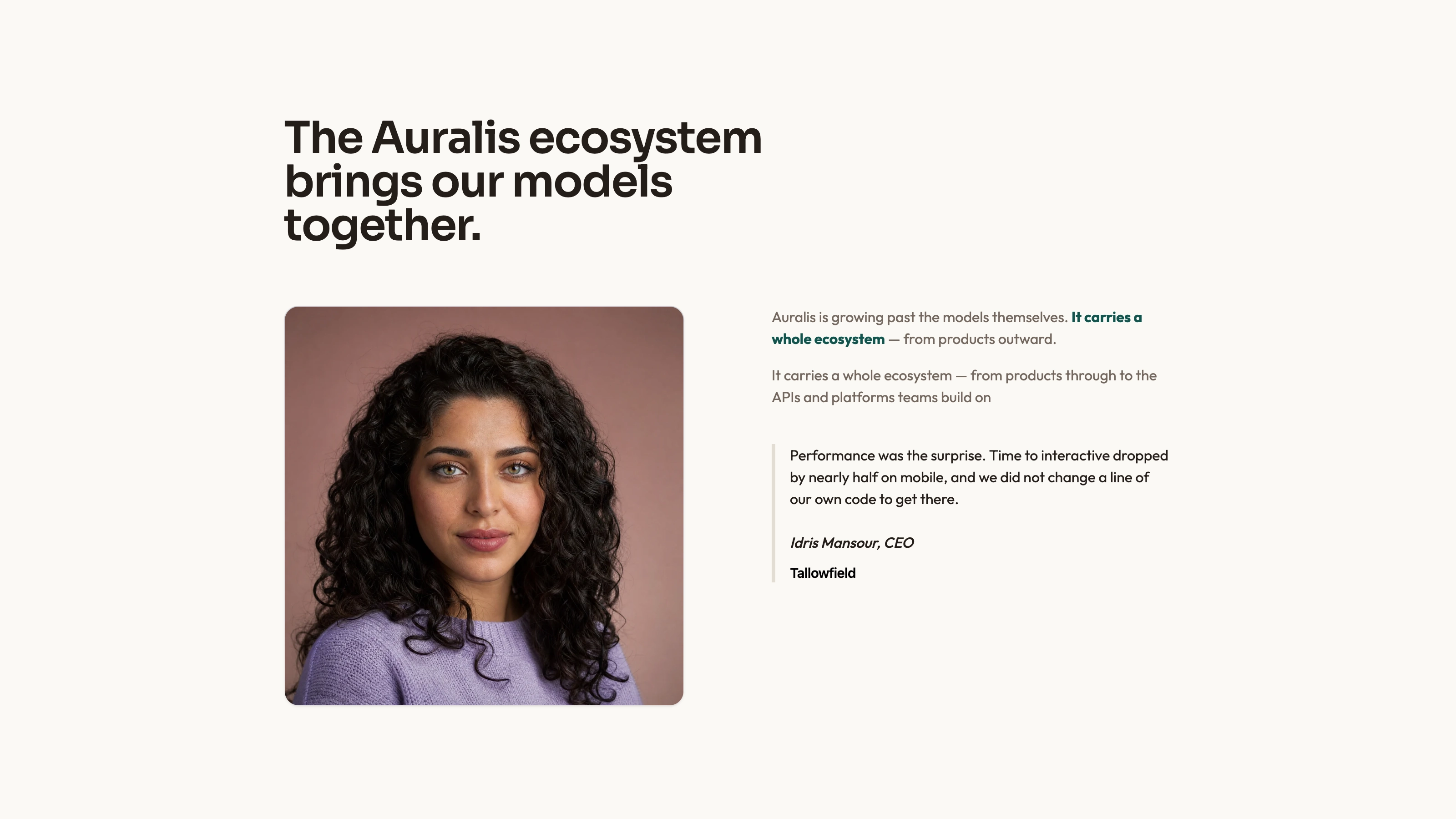
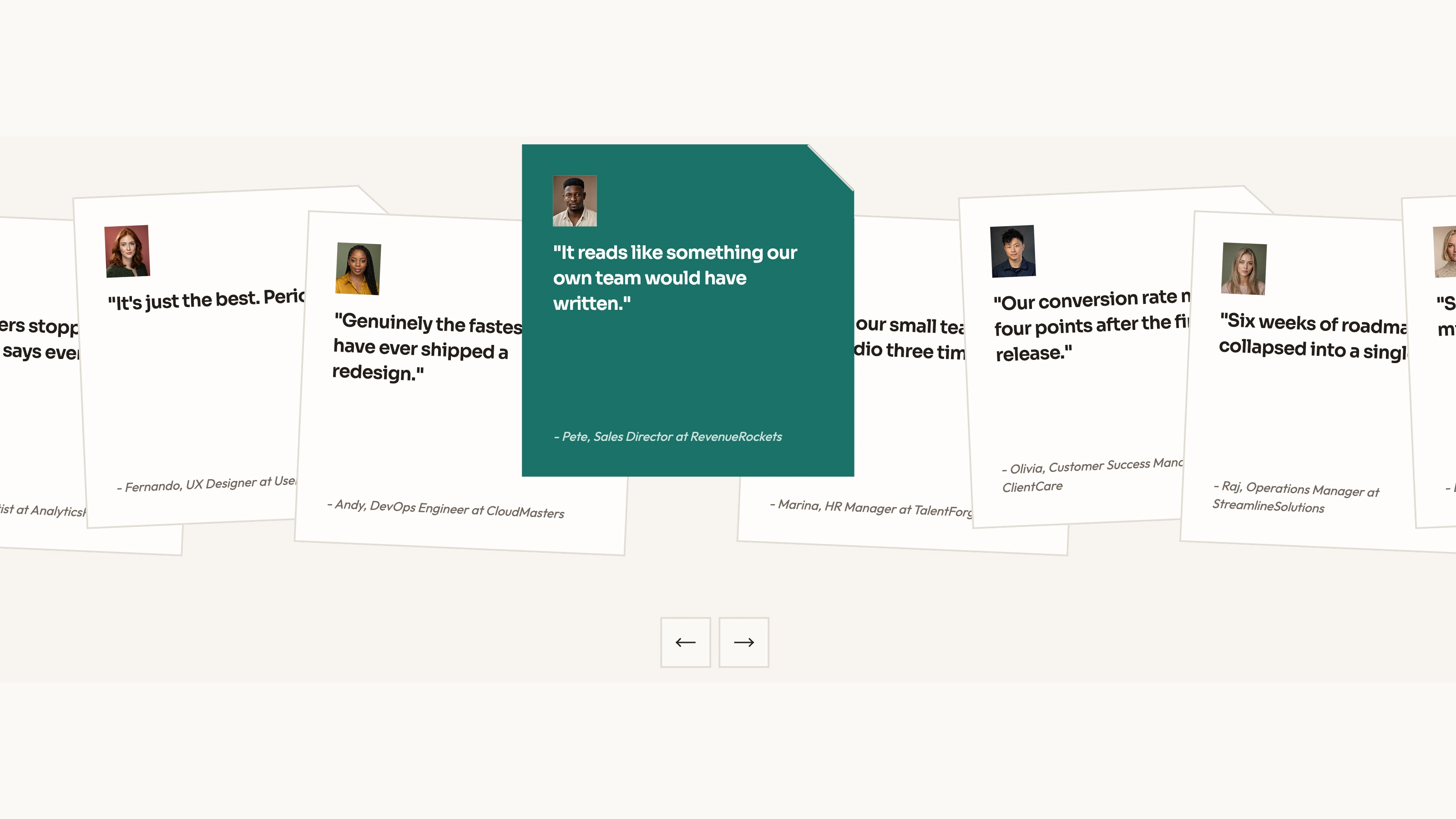
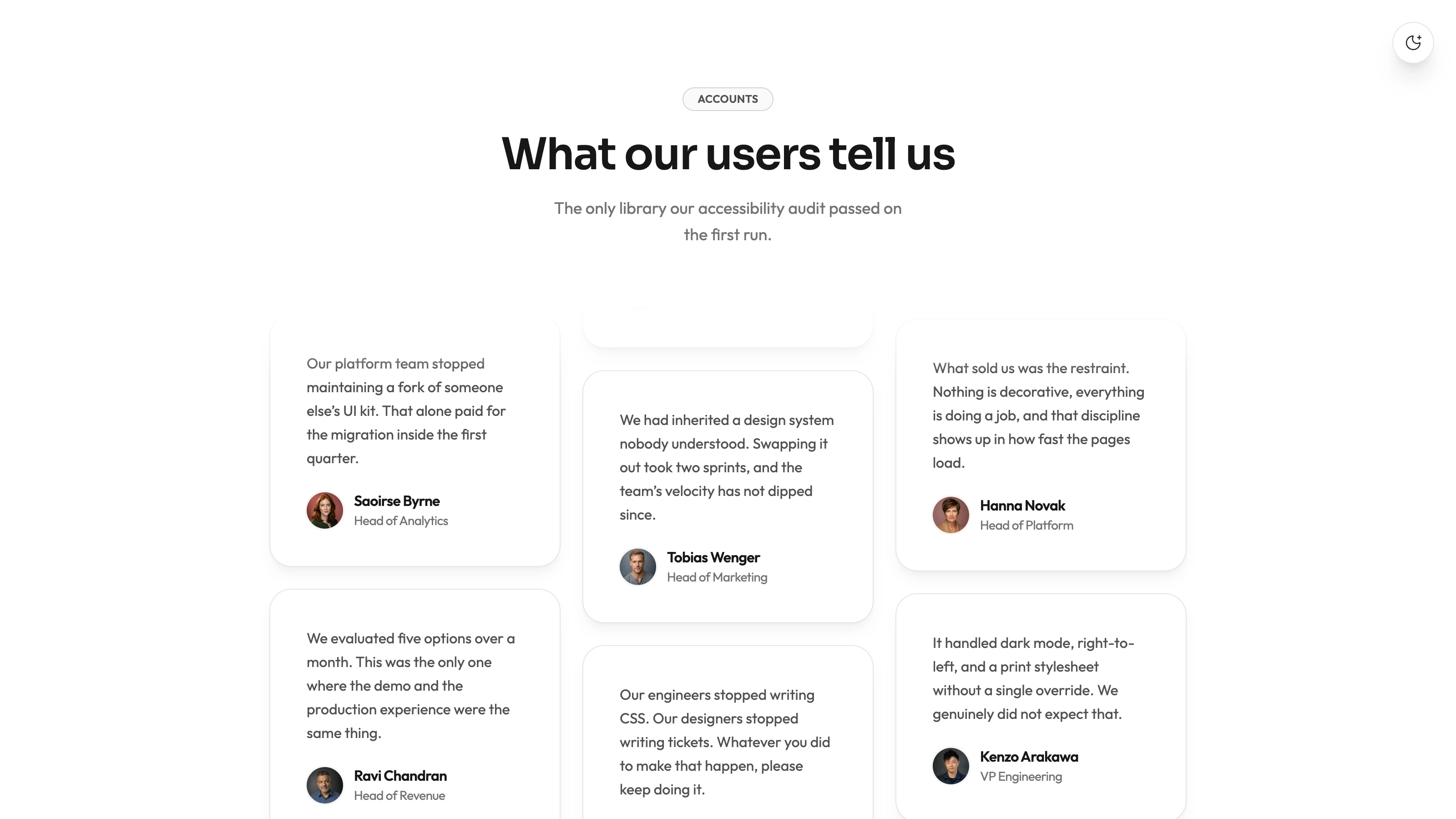
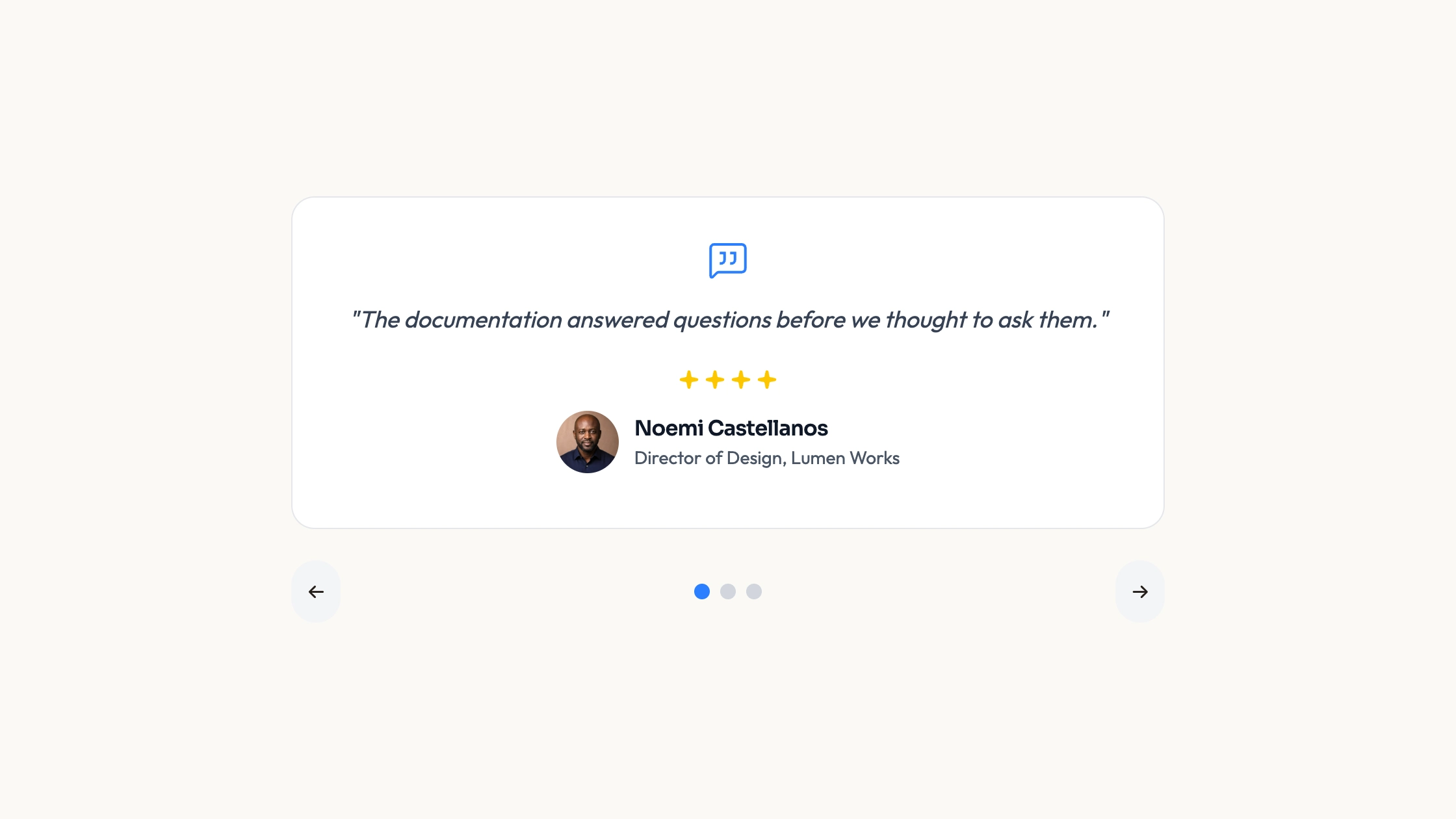
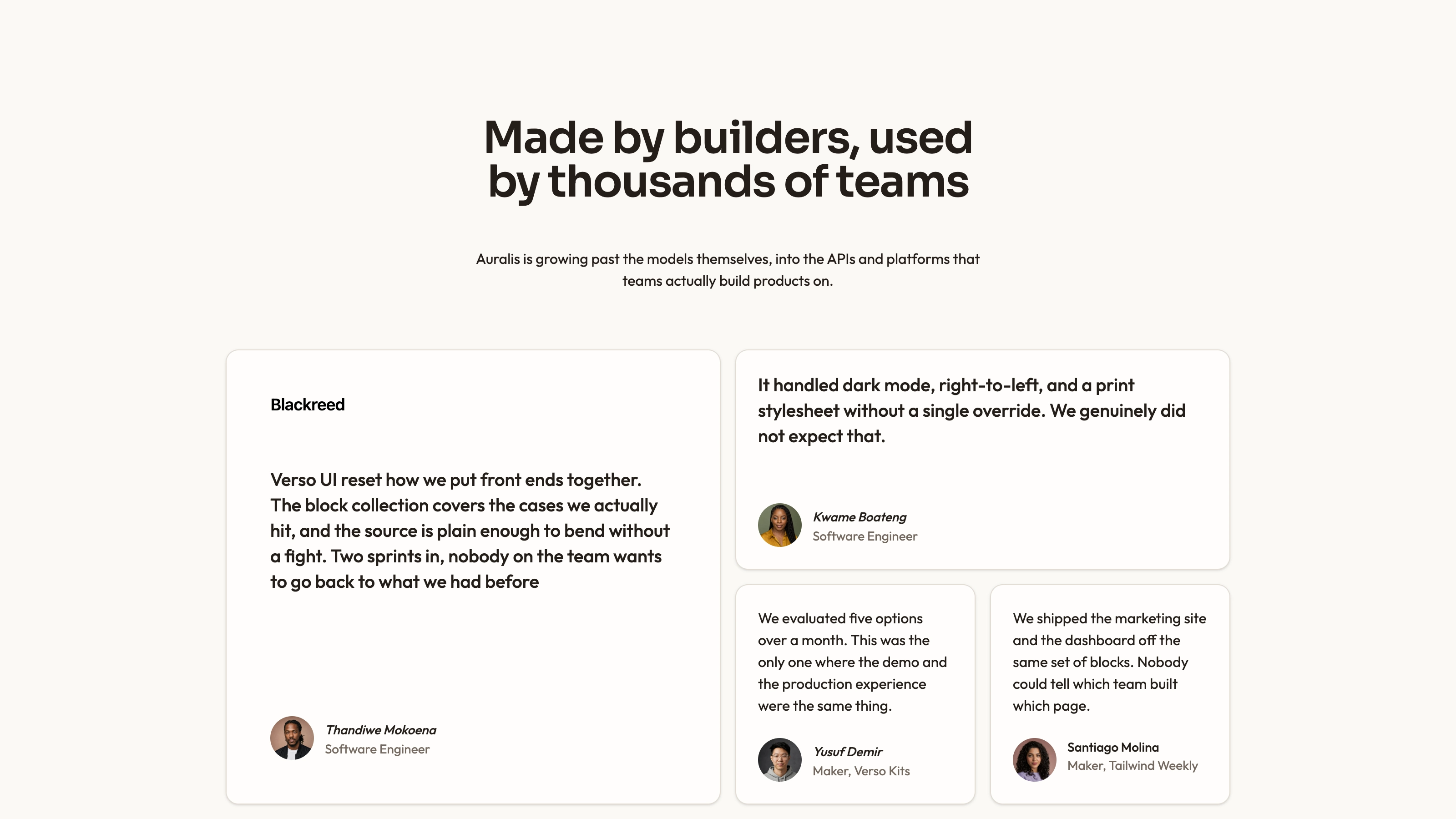
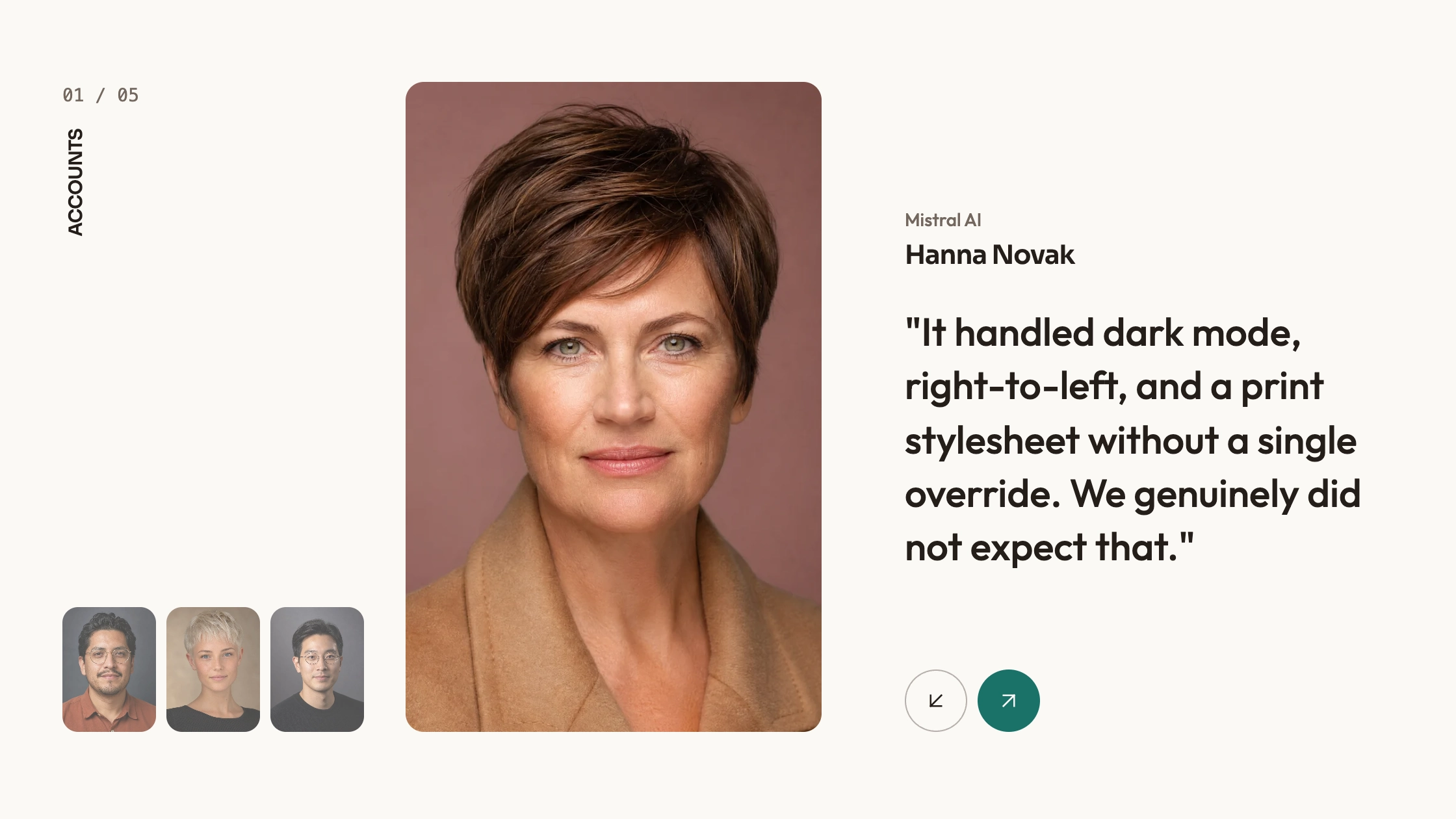
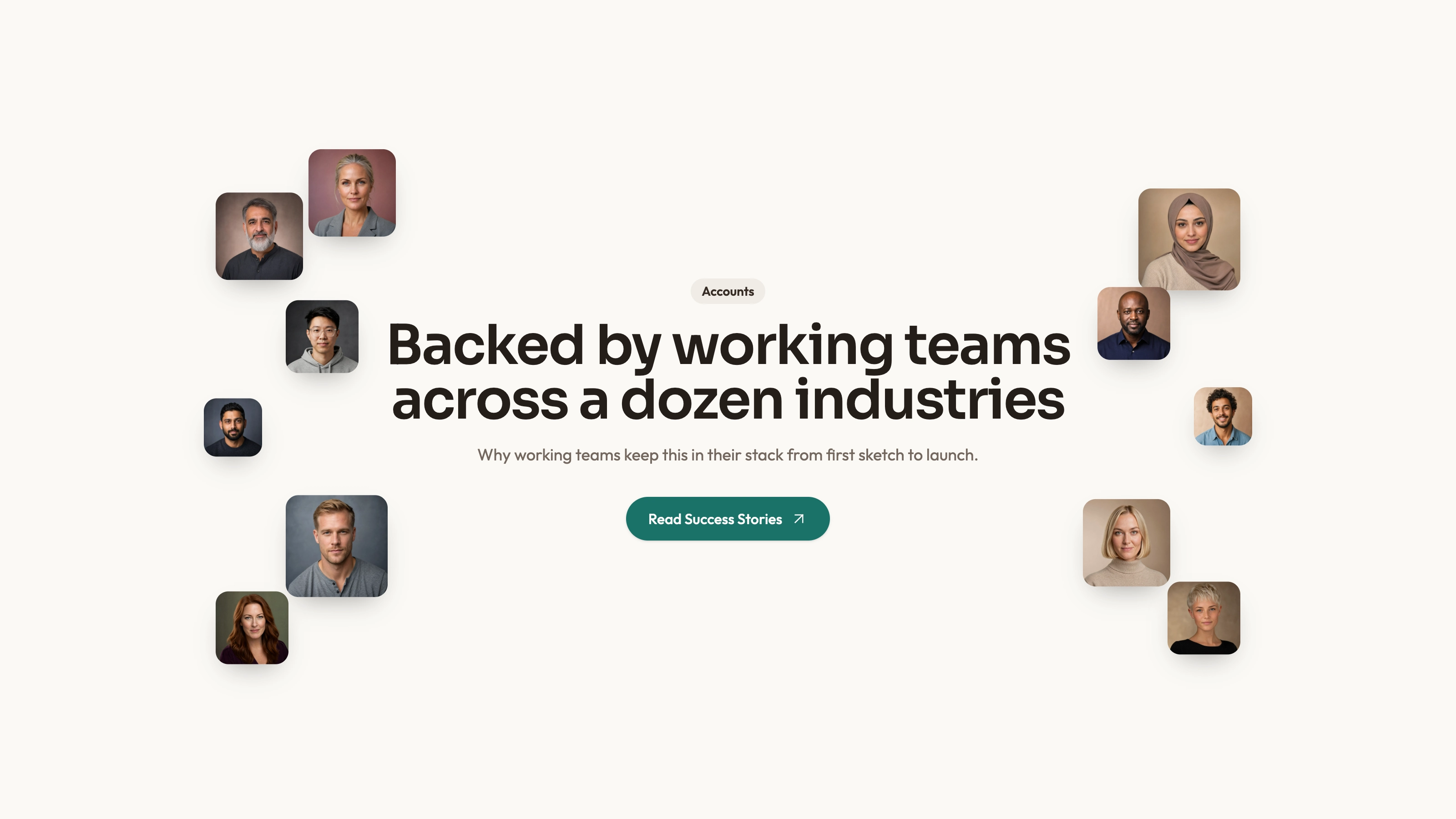
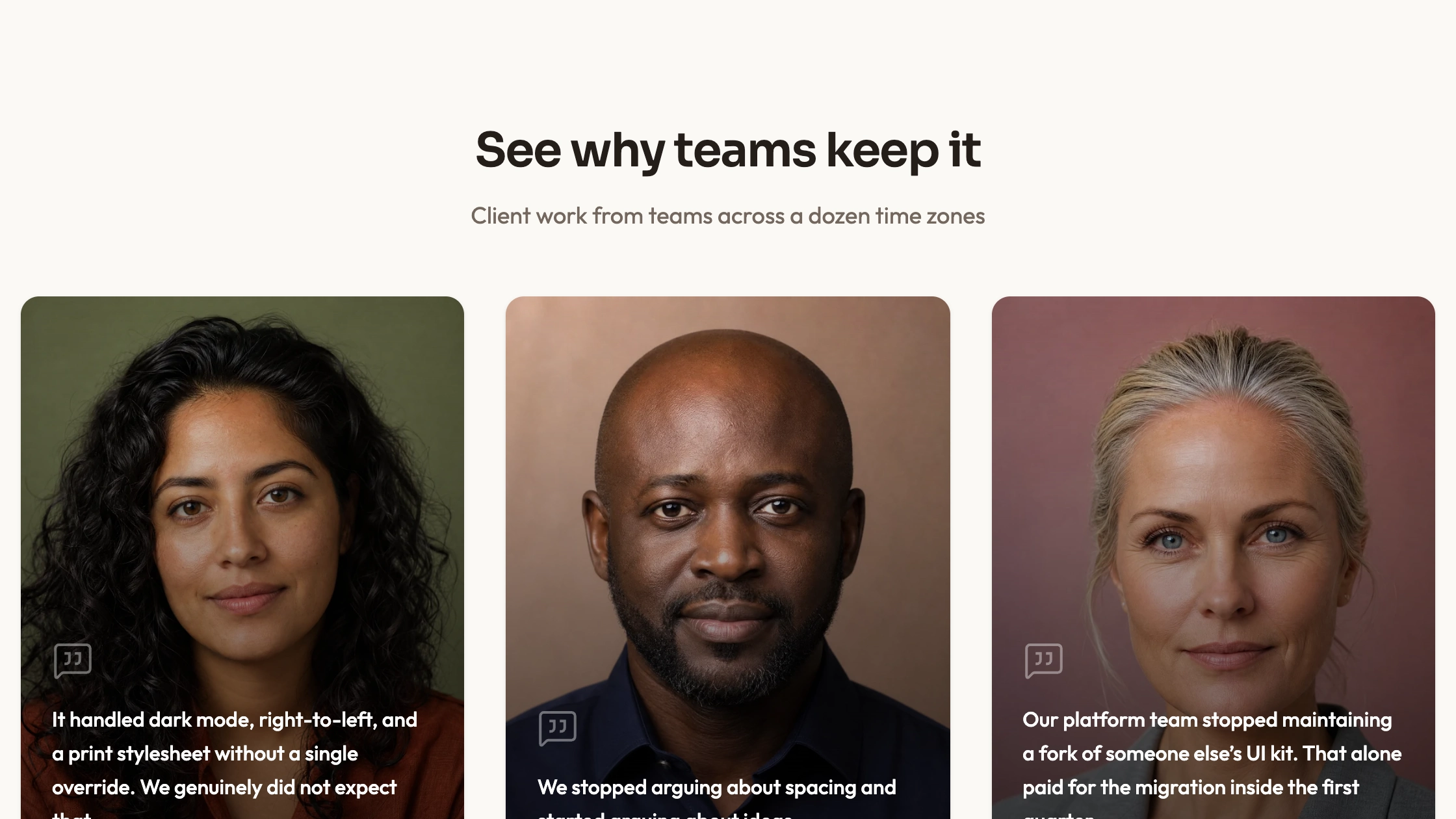
Present a few customer statements as portrait-led dark cards. Dark Portrait pairs a large image with a separate quote area, speaker name and role, using a wrapping row rather than a carousel. The inspected interaction is image enlargement on hover; the statements themselves remain fixed and visible.
What you get
A React section and usage example with three authored portrait cards. Their image, quotation, speaker and role are written directly into the source, so replacing them means editing those records or refactoring them into data in your integration.
Black card surfaces, white quotation text, rounded portraits, divider lines and a hover-scale image treatment. The package includes a theme reference covering palette, typography, radius and motion; inspect its actual classes rather than assuming every style is linked to one shared token.
Editable React source, local-path portrait examples and theme/icon/imagery references with a source-check script. No portrait or WOFF2 font binaries are included in the archive. The host supplies React, cn import resolution and utility/theme styling; example people and claims are not evidence about your customers.
The written visual contract defines warm paper/teal light tokens, dark roles, Outfit body type, Sora headings and a 0.875rem base radius. It specifies restrained motion and inline SVG icons with 1.5 px square-cap strokes; actual vendor marks should be monochrome and visibly named. Reconcile the copied source with those references, including fixed classes and dimensions.
Before you choose
Choose this layout when each portrait deserves attention but every statement should stay readable without interaction. Keep the image treatment secondary to the actual attributed experience rather than using dramatic portraits to imply stronger evidence.
Good fit
A small set of approved statements and permitted portraits can remain visible together without readers operating a slider.
You want the portrait, name and role clearly associated with the same statement in a dark visual treatment.
You prefer editable source and are prepared to adapt and maintain it within your application rather than subscribe to a managed widget.
Not for
A quote-switching interaction or visitor-editable testimonial state. An unused state import does not establish such a feature in this component.
A managed npm product, automatic review collection or verification of a speaker’s identity.
An entire page system with navigation, forms, authentication or checkout.
Dropping global style rules into a mature design system without inspection. The example includes a universal font selector, which may need scoping in the host.
How to use
You say/testimonial-dark-portraits Add the Dark Portrait Testimonials section to the landing page for [product name]. Use the quotes, names and portraits I provide; do not invent testimonials. Follow the existing page framework and styling.
Inspect the host React structure, styling, cn alias and font handling, then copy the section/demo into its conventions. The unused useState/cn imports do not establish an interactive selection feature. A different framework requires a real port; a standalone HTML rendition is appropriate only for a specifically standalone request.
Replace every sample quote, portrait, speaker name and role as a coherent set. Use approved testimony and do not carry demonstration performance claims into a real product page merely because the card has space for them.
The written visual contract defines warm paper/teal light tokens, dark roles, Outfit body type, Sora headings and a 0.875rem base radius. It specifies restrained motion and inline SVG icons with 1.5 px square-cap strokes; actual vendor marks should be monochrome and visibly named. Reconcile the copied source with those references, including fixed classes and dimensions. Scope the universal font selector to this section if neighboring content should retain its own type. Supply actual local fonts/portraits because only paths are included. Keep accurate person/role/quote/image pairings, and use the guide’s abstract-slot rule only where special invert/blend styling is deliberately added.
Review the actual crops and text lengths. Keep the face visible in the fixed-height portrait area and the attribution readable in the separate content area; do not imply hovering selects another speaker.
Run the supplied block check and inspect the final row on phone and desktop. Check wrapping, image alternatives, contrast, hover behavior on touch devices and whether styling affects neighboring sections. A static validator is separate from browser review. The three cards use fixed270 px portrait areas and wrapping layout, not a responsive quote-selection grid. Review empty image alternatives deliberately rather than assuming decorative treatment is suitable for every attribution use.
Requirements and costs
You bring
Not collected yet
Dependencies
Not collected yet
Outside costs
Not collected yet
Publisher testing
v1.0.1 — Claude Code / Claude Desktop / Cowork / Codex / ChatGPT
FAQ
The supplied implementation is React. The workflow asks the assistant to inspect the host repository and adapt component structure, styling and imports to its conventions. Another stack needs a real port; a standalone HTML rendition is appropriate when the requested output is a standalone page.
No review service is implemented; the section displays hardcoded copy and local portrait paths. Actual portrait/font files are absent from the ZIP. Supply those locally and inspect the completed host page’s requests before claiming it is offline.
Yes. Replace the person, role, quotation and picture together and test the actual crop and text length. The imagery guide distinguishes portrait slots from normal photographs and special abstract blend-mode slots; those treatments are not interchangeable.
The inspected image scales slightly on hover. The implementation does not change the quotation or activate a different testimonial record.
User reviews
—0 reviews
Select a star to share your experience.
No reviews yet. Ratings appear once readers share real experiences.