Visual Canvas Deck

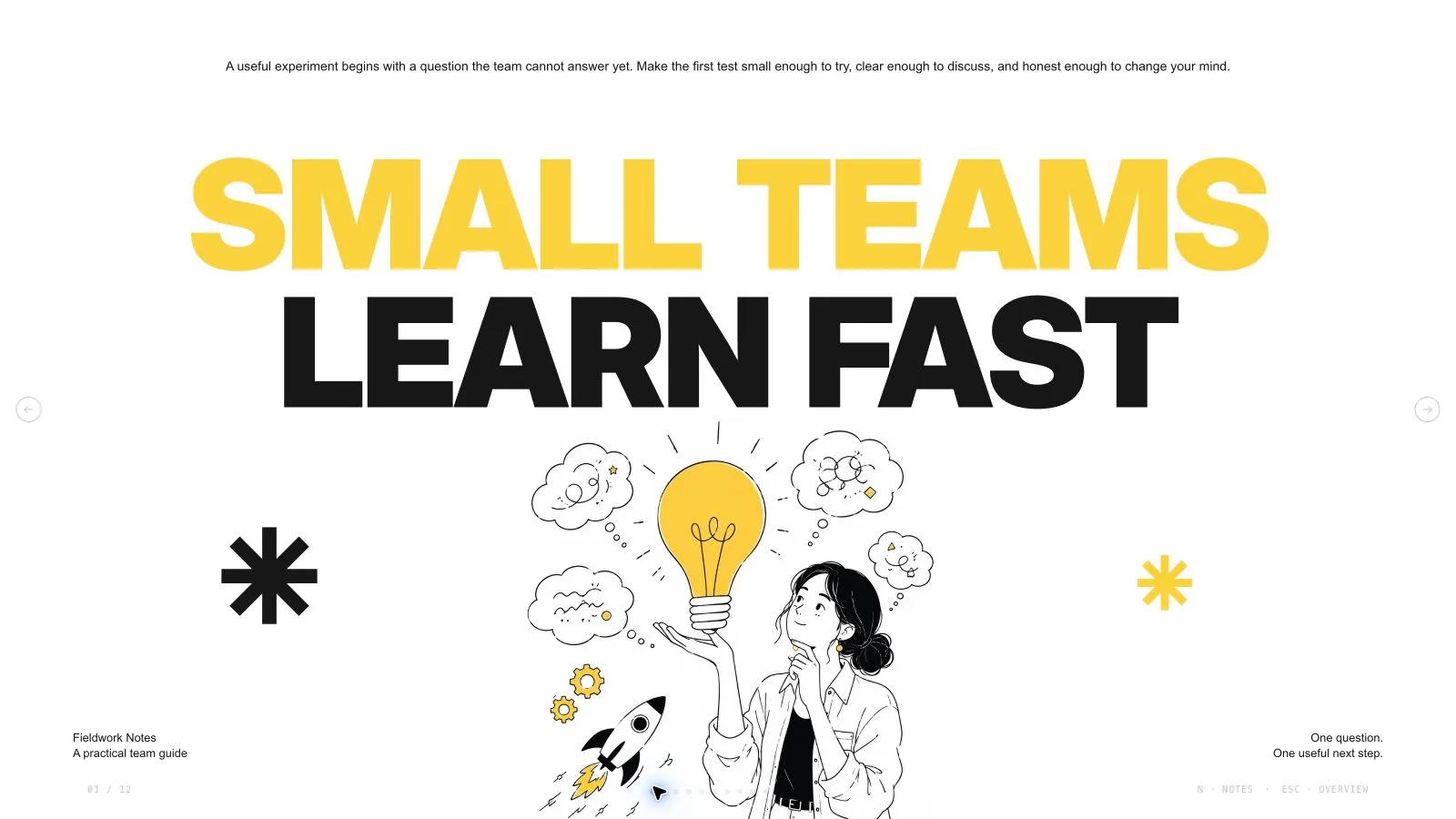
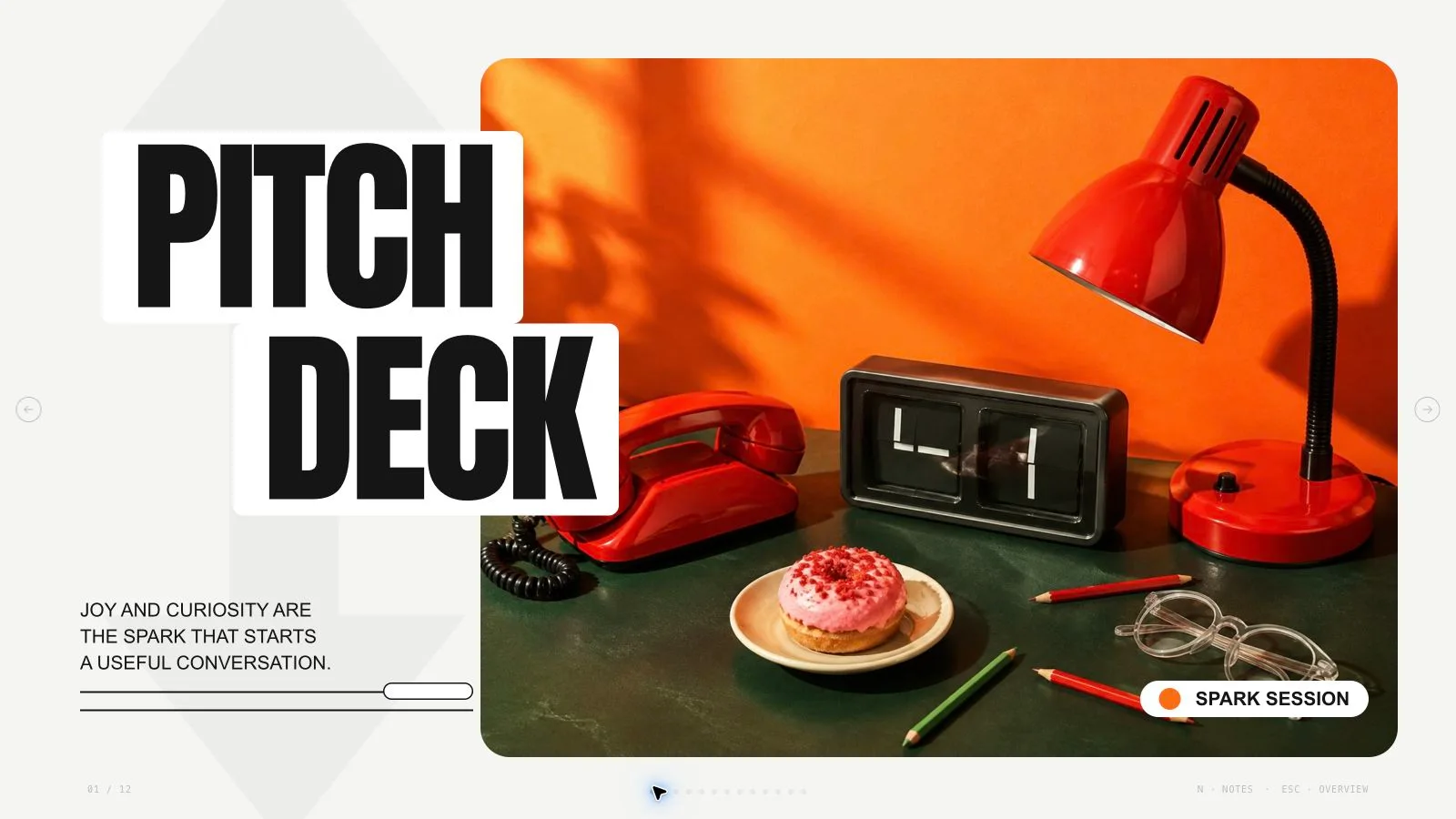
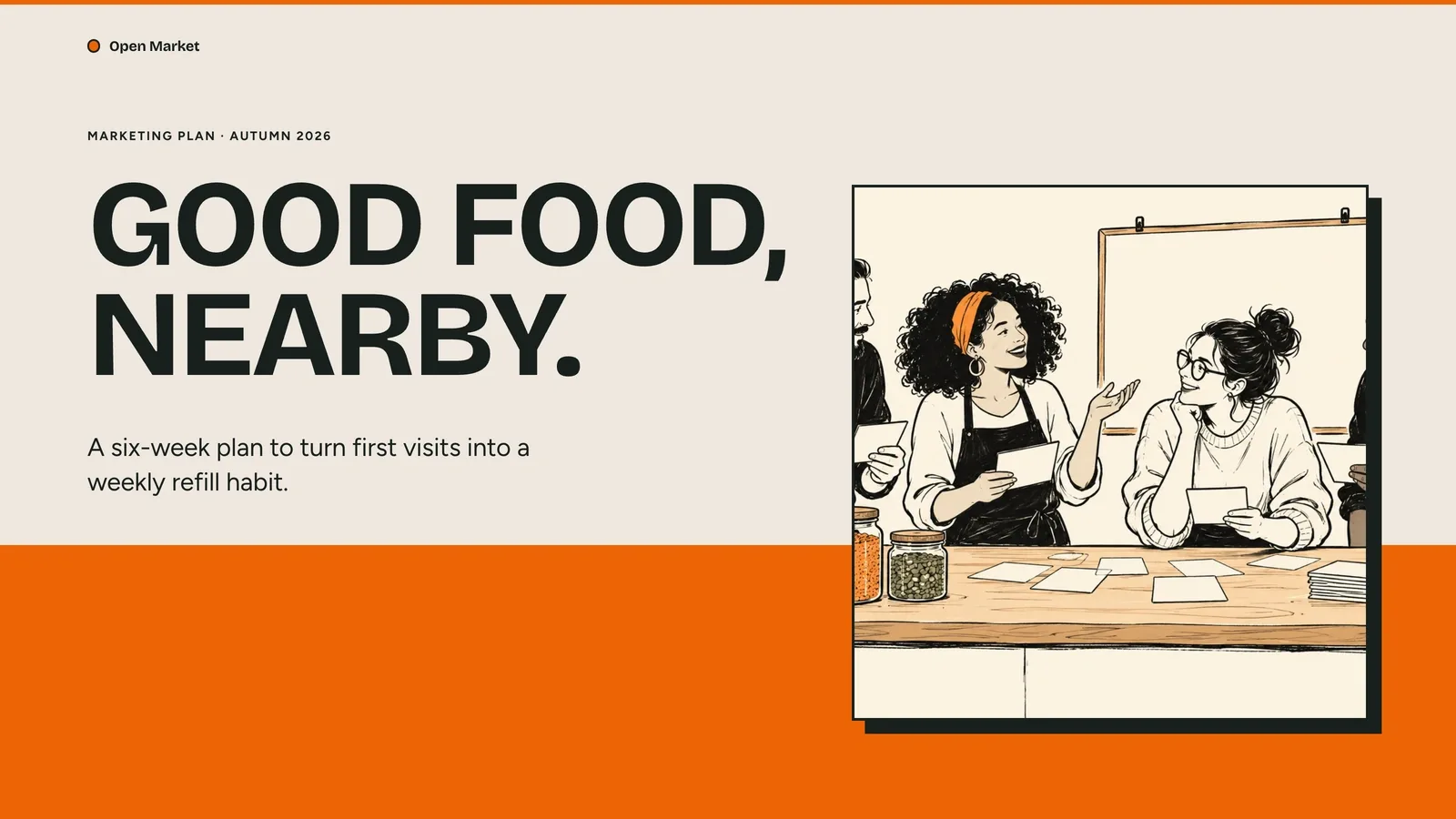
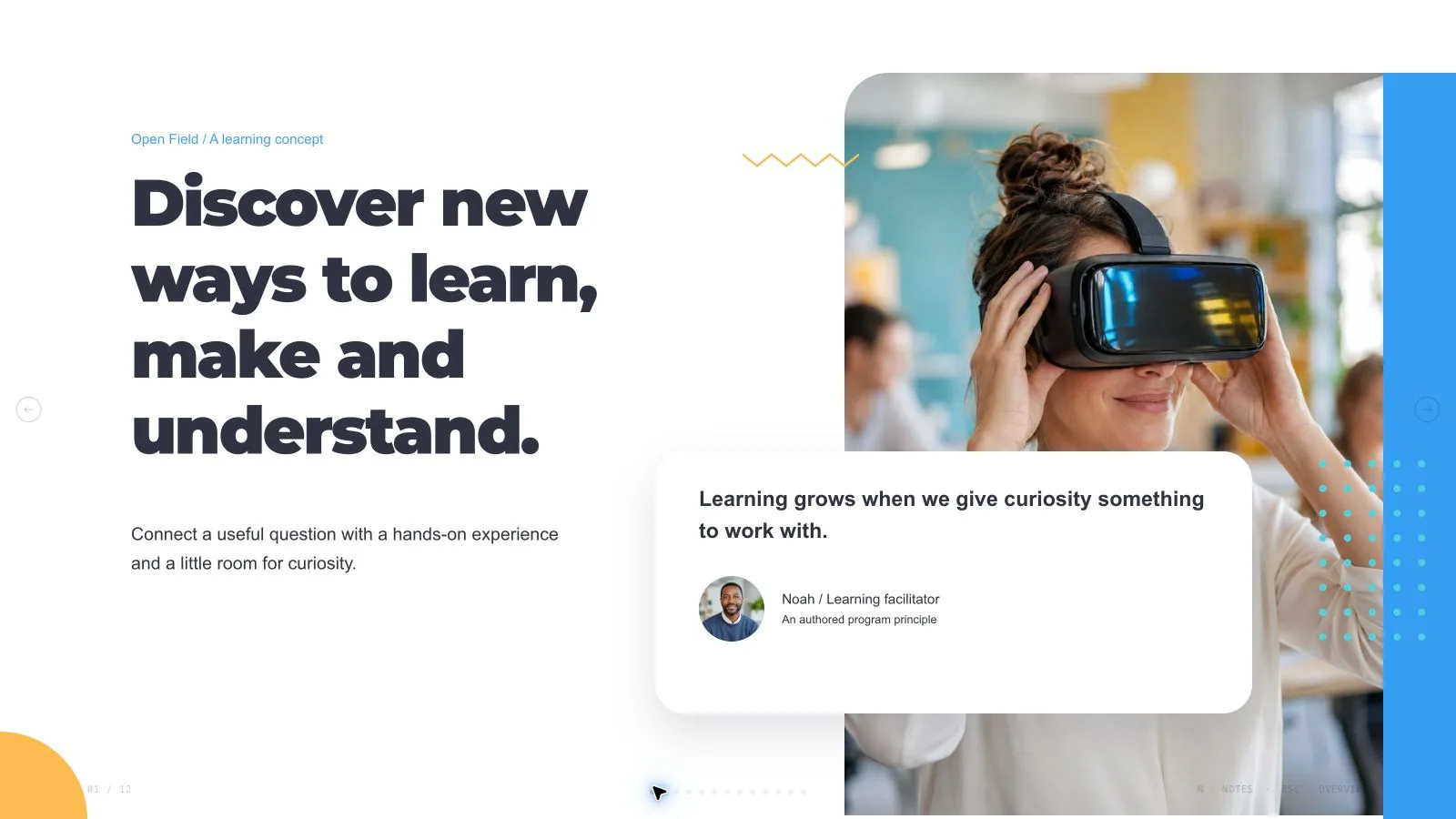
Develop a rough creative brief as a sequence of deliberate studio boards. Visual Canvas Deck uses oversized type, offset color planes, ruled paper and spatial diagrams to make concepts easy to compare. It asks for approval of the whole outline and visual direction before building, then supports focused refinement or a separate alternative without treating the output as an online whiteboard service.

What you get

  • A complete plan for review: title, narrative summary, ordered slide list, visual direction and asset decision presented together. Refinement changes the approved direction while preserving unrelated pages; a branch creates a separate alternative for comparison when requested. These are authoring-workflow choices, not a promise of a built-in side-by-side collaboration panel.
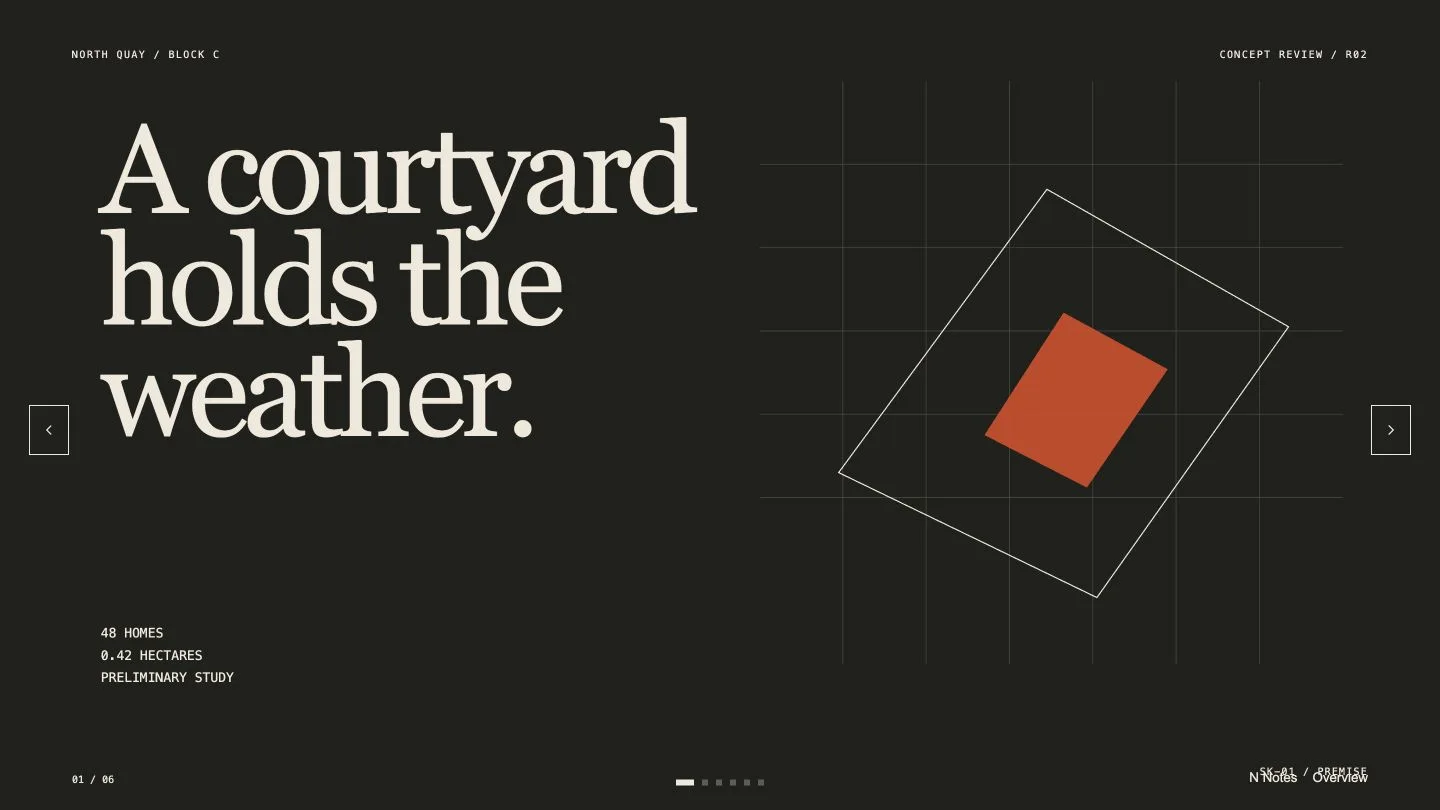
  • Asymmetric 16:9 boards with distinct jobs: mounted cover, unequal material/specimen columns, a signal map, decision canvas and field-note close. The kit contains five recipes; a staggered process wall or cropped quotation is constructed by adapting their nodes rather than selecting nonexistent dedicated recipes.
  • A spatial visual system using paper, registration coordinates, ruled lines, diagrams and inline SVG. Cobalt Registry combines its theme tokens with the kit’s electric-cobalt surface class; Vermilion Archive and Moss Signal offer alternatives. Pictures are optional and belong only where they carry content, using approved local assets at suitable display resolution.
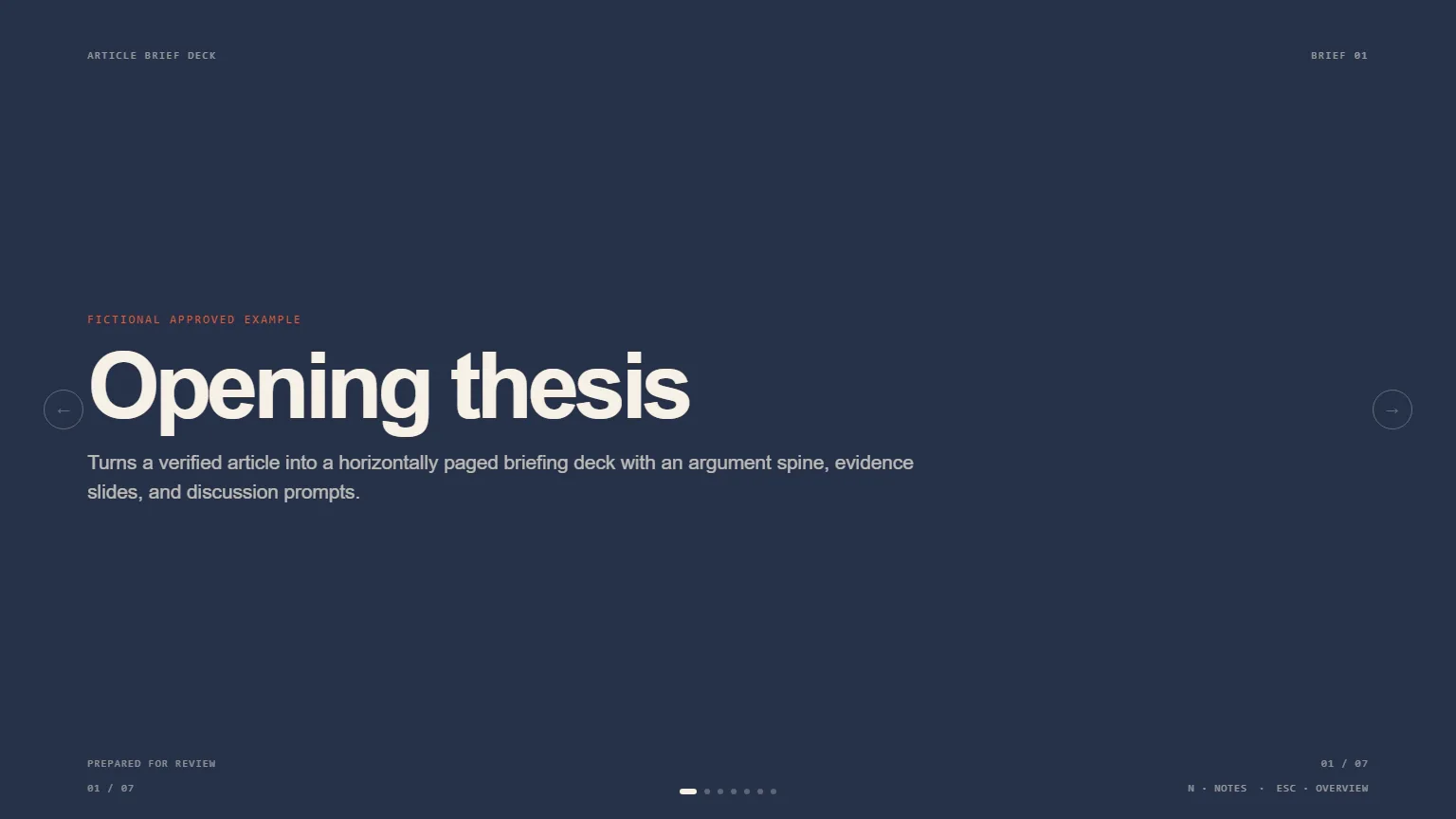
  • An editable standalone HTML presentation with notes, page viewing and presentation mode. Literal text and unique node IDs make objects addressable for targeted authoring changes. The package includes the style kit/shared runtime and Python composition/build/check tools; the neighborhood-workspace example is not research evidence for your own concept.
  • Requested PowerPoint export with editable text and notes, separate image objects and rendered paper/diagram/background layers, or PDF with one page per board. Save produces a portable HTML file; local browser recovery is not a hosted shared canvas or a published workspace.

Before you choose

Judge each board by its job: does it expose a relationship, focus a decision or close the argument? When branching, compare what the viewer understands first and what evidence remains visible, not only which color treatment looks more striking.

Good fit

  • A creative director or designer is pitching a concept and needs visual groupings that a room can react to.
  • A facilitator wants to turn workshop source notes into a coherent visual summary without flattening every idea into identical cards.
  • A team needs two intentionally separate visual directions to compare before committing to one.
Not for

  • A long scrolling report or document-style deck where dense prose is the primary deliverable.
  • A hosted collaborative whiteboard with live multi-user editing, infinite canvas or shared online storage. The deliverable is a fixed-page presentation.
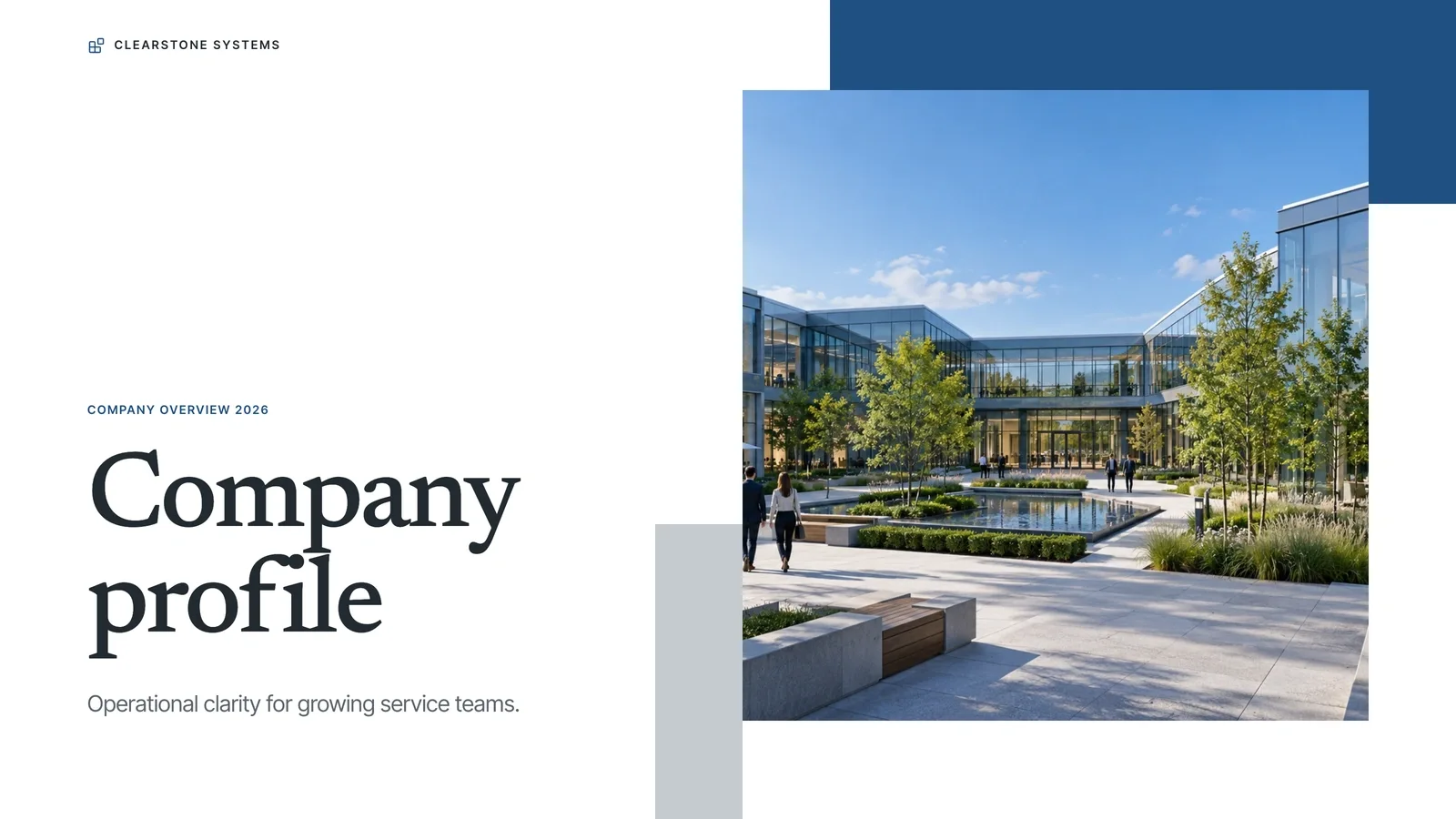
  • A photo-led or cinematic deck. This direction is built from spatial type, planes, ruled lines and diagrams, with images only where they communicate content.
  • Automatic inference that a sample workspace layout, capacity number or illustrative relationship map is validated user research.

How to use

You say/visual-canvas-deck Arrange these future-of-work notes into a five-slide visual canvas with an approved narrative arc.
  1. Bring rough notes, approved content blocks/source material, the purpose, audience and desired decision. State approximate slide count, visual direction, brand boundaries and navigation preferences. Resolve only the missing essentials in one round; a shortcut default should be clearly labeled and accepted rather than silently selected.

  2. Review the full title, story summary, ordered page list, look and asset decision together before generation. Approve that complete plan, not only a cover. Ask for refinement when the direction is right but parts need work; request a separate branch when a different direction should be compared.

  3. Choose Cobalt Registry, Vermilion Archive or Moss Signal. Compose purposeful boards with oversized type, unequal columns, offset planes and ruled backgrounds. The default cobalt surface comes from a style class in addition to the three theme tokens. Do not turn every item into equal rounded cards or assume a preset-switching control exists in the shared editor.

  4. Use the five style-kit recipes and adapt nodes for a process wall or quote crop. Keep IDs unique and words literal so specific pages/objects can be changed without recreating the whole deck. Replace neighborhood-workspace claims, capacity values and labels with approved material. Use current-color inline SVG for meaningful cues, not decorative model marks or text-glyph arrows.

  5. Keep the composition complete with programmatic paper, rules and diagrams. Prefer approved user assets and embed pictures locally at an appropriate 2× display size only when they materially support a point. Set UI language independently of content language, which defaults to English unless requested otherwise.

  6. Compose the plan, resolve leftovers/unfilled slots and build/check with Python 3 and the agreed count/style kit. Open over local HTTP and inspect all boards for hierarchy, asymmetric balance, legible source/coordinate labels, crops and bounds. Use Edit or E to revise content/order/notes, and test object changes, undo/redo, Save and reopening the saved HTML.

  7. For refinement, name the affected page/node and preserve unrelated material. For a branch, retain a separate version and compare its narrative as well as its appearance; the workflow does not itself provide a cloud comparison service. Recheck pacing after reordering.

  8. Export requested PPTX/PDF from the standalone deck, run the packaged PPTX check and inspect notes, text wrapping, rendered diagrams and fonts in the intended presentation software. Record actual differences and keep the approved plan alongside the handoff so reviewers can see which direction was developed.

Requirements and costs

You bring
Purpose, audience, and desired decision · Approved content blocks or source notes · Slide count, visual direction, and navigation preferences
Dependencies
Modern browser — required · Node.js 20 or newer — required for validation · Chrome, Chromium or Edge plus Node.js 20 or newer — required only for PowerPoint export
Outside costs
Not collected yet
Publisher testing
v1.0.5 — Claude Code / Claude Desktop / Cowork / Codex / ChatGPT

FAQ

User reviews

—0 reviews

Select a star to share your experience.

No reviews yet. Ratings appear once readers share real experiences.

Similar Skills

View all skills