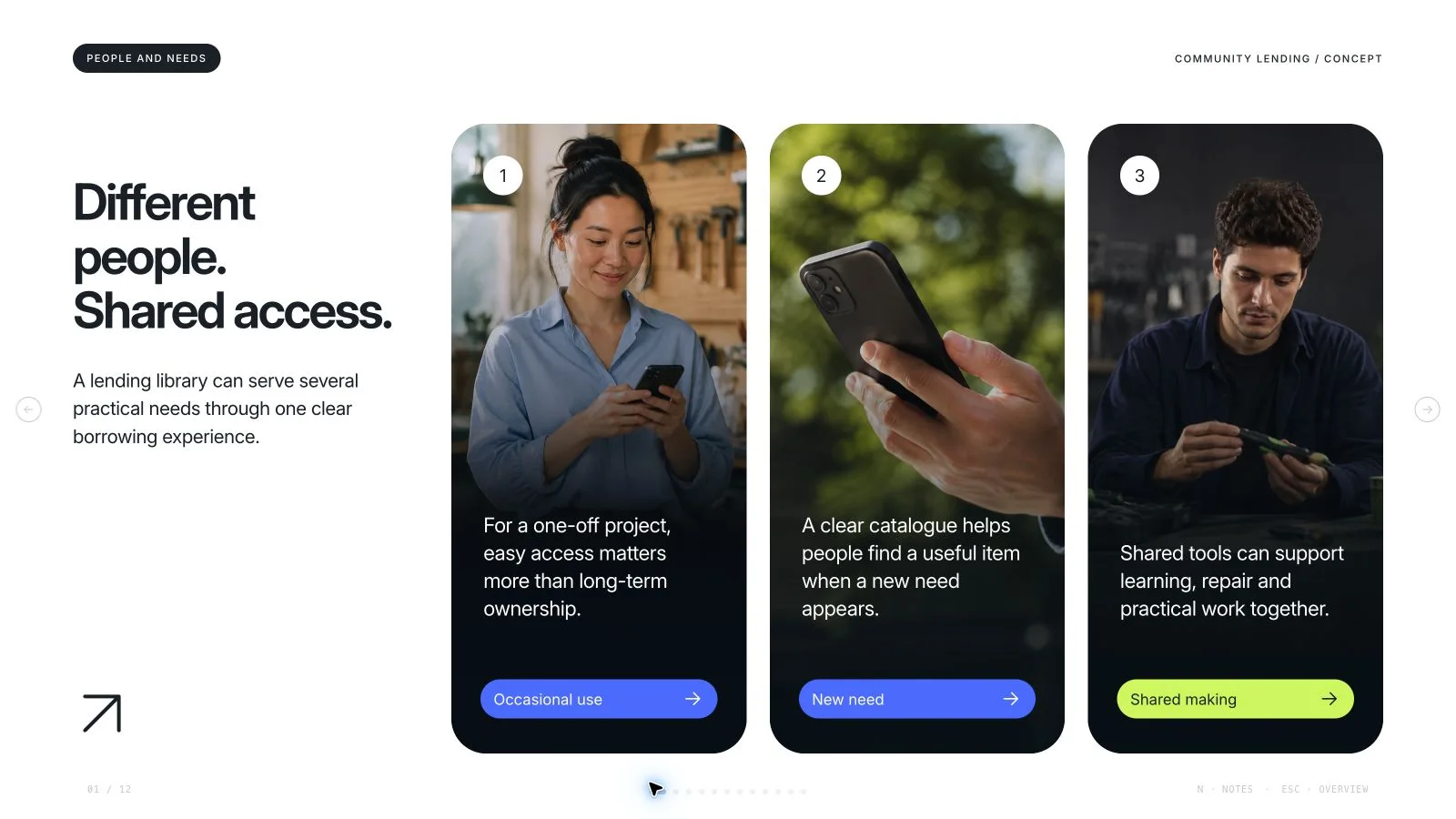
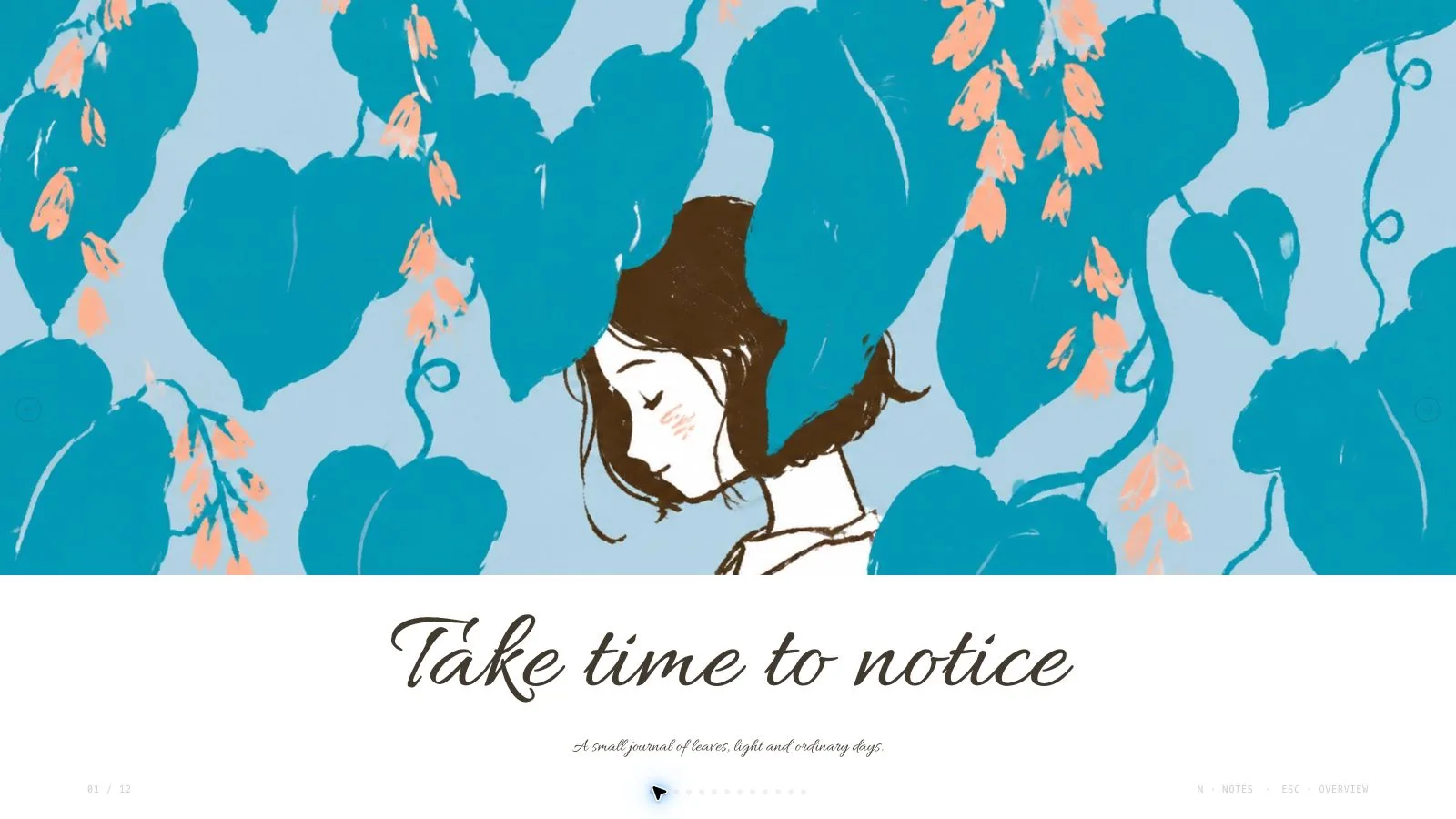
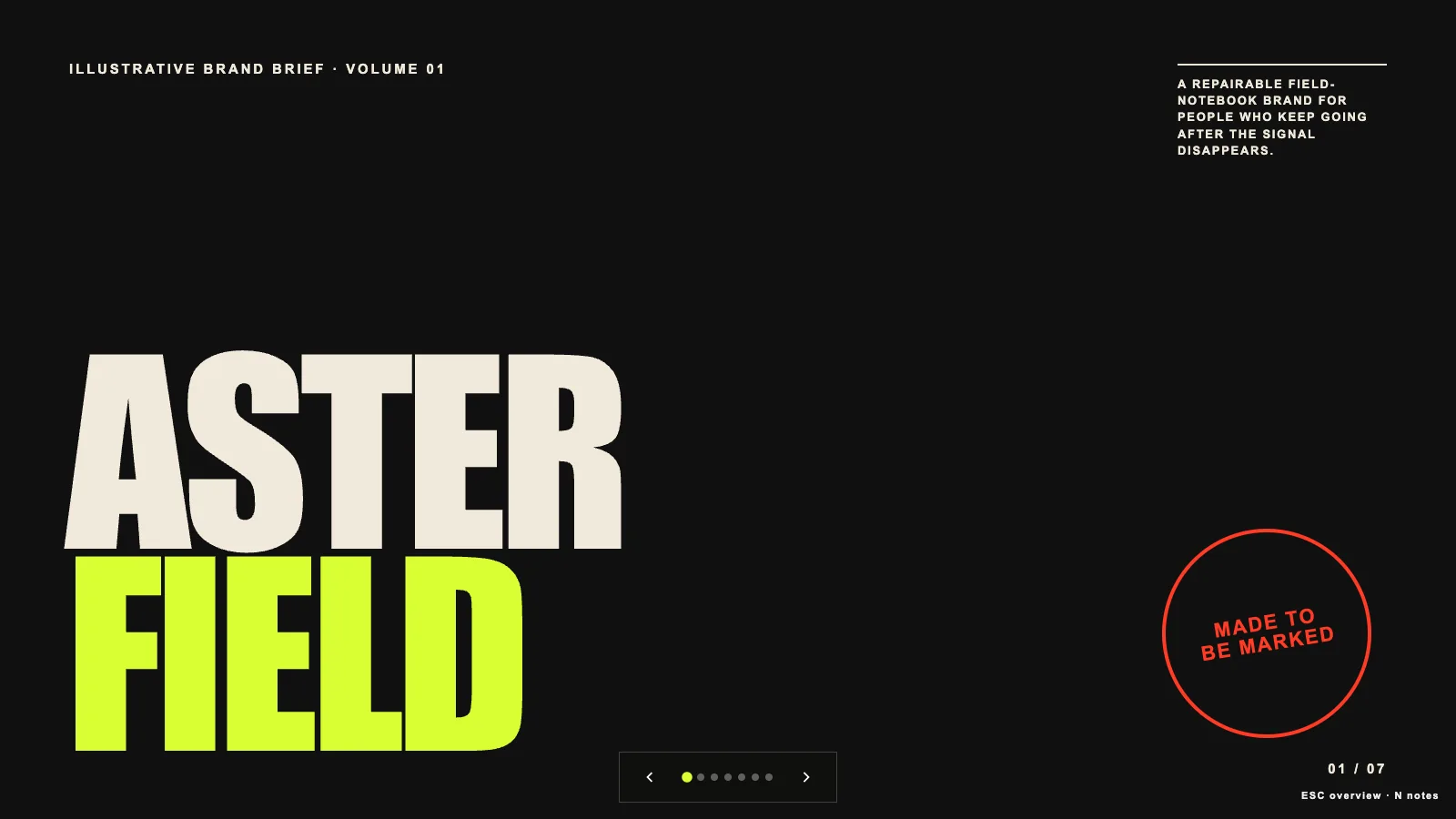
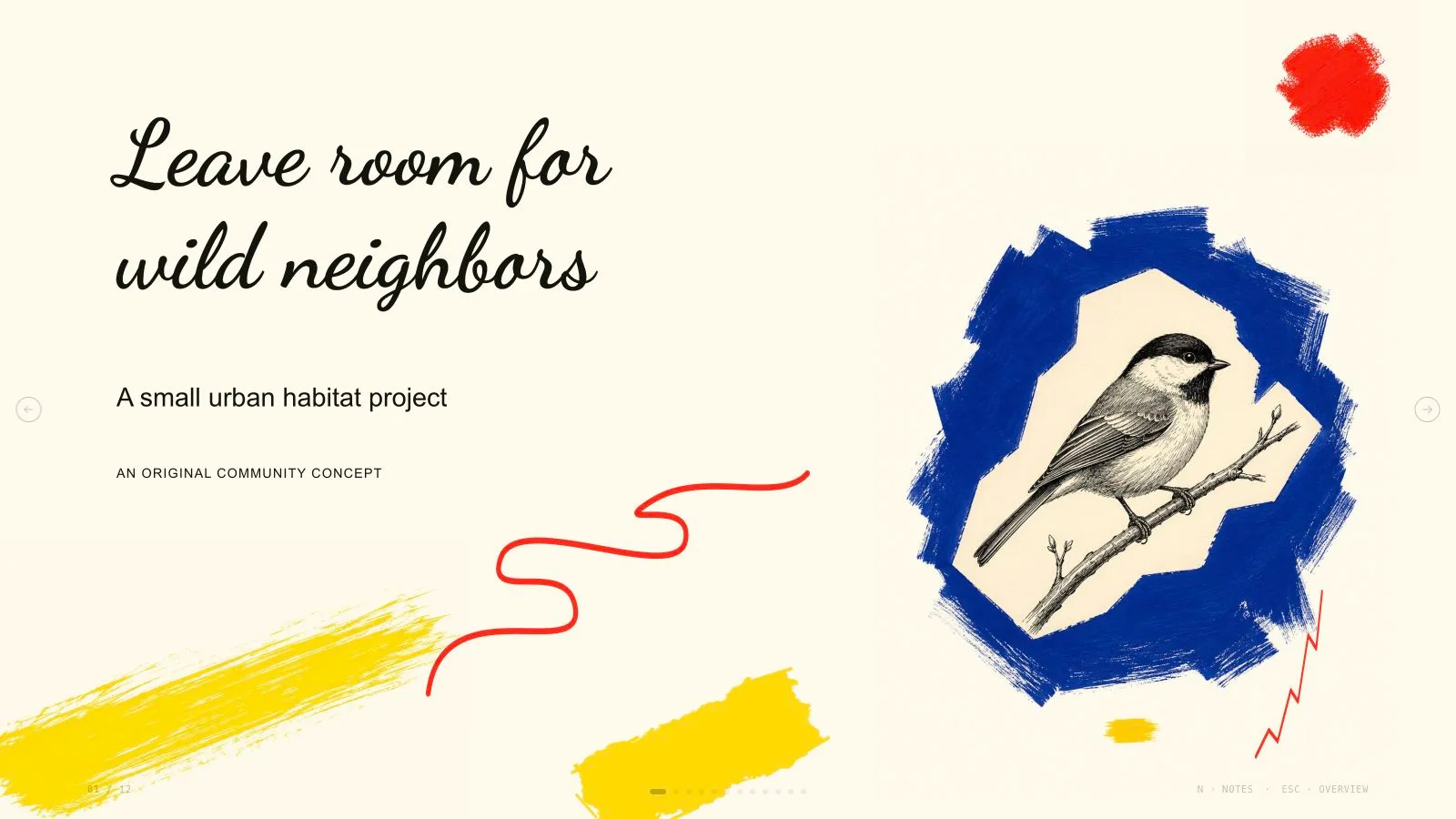
Put a small-business marketing plan into a sequence of audience, objectives, positioning, strategy, budget and launch timing. Apricot Ink Marketing Deck uses orange bands, warm paper and original black-ink scenes to make the plan approachable, while keeping approved figures and a specific next action distinct from the fictional refill-shop example.
What you get
Nine reusable marketing layouts: cover, summary, objectives, audience, positioning, strategies, budget, timeline and close. The nine-page example supplies a visual/story structure with concise notes; adapt the agreed outline and count rather than inherit its business assumptions or six-week schedule.
A paper/orange rhythm with blunt uppercase Bricolage Grotesque headlines and Figtree body copy, both embedded. Square frames, ruled items, three-column strategies and offset ink shadows create the character; shadows are limited to the signature cover/position/close move rather than applied everywhere.
Four generation-time palettes—Apricot Ink, Terracotta Ink, Olive Ink and Ocean Ink—and eight local catalog illustrations for eight example picture slots. Every image is topic-specific to a refill shop, zero-waste grocery, tasting/content activity or meal planning; they are not neutral evidence for any small business.
A budget page with three grouped spending lines scaled relative to the largest line, and a three-phase timeline with goals and notes. The example summary figures and campaign results are illustrative and must be replaced or labeled; the deck does not calculate or validate the business plan for you.
A standalone HTML presentation with editable text/content, notes, viewing and presentation mode, plus recipes/runtime, Python build/check and Node media tools. Requested PPTX retains text/notes and separate pictures, with charts/ink/backgrounds rendered as layers; PDF provides one 16:9 page per slide.
Before you choose
Follow one objective through its audience, strategy, budget and timing. If money is allocated without a clear intended learning or outcome, fix that link before polishing the ink scenes. Keep forecasts and observed campaign results visibly distinct.
Good fit
A neighborhood or small-business launch needs a clear link from audience and positioning to campaign actions.
A marketer is explaining a budget and campaign sequence with a limited number of spending lines and phases.
A workshop is turning approved audience/strategy material into a concrete plan that participants can revise before presenting.
Not for
A luxury photo-led fashion editorial or a dense legal/compliance document.
Unlabeled fictional campaign results, invented customer evidence or reuse of a sample launch budget as real data.
Copying reference identities, portraits, slogans or artwork rather than using original/approved material.
A PowerPoint where every ink character, bar, shape and decorative panel remains a native editable drawing object.
How to use
You say/apricot-doodle-plan-deck Make a nine-slide launch plan for Open Market, a fictional neighborhood refill shop.
Provide topic/outline, audience, the decision or action sought, approximate count and accurate source figures/dates. Add permitted imagery and identify actual versus illustrative results. English is the default slide language unless requested otherwise; keep assumptions visible before drafting the page outline.
Build the story through the nine archetypes, keeping audience, positioning, strategies, budget and timing connected. Select Apricot Ink, Terracotta Ink, Olive Ink or Ocean Ink during generation; preserve paper/orange page roles with no added dark run and the embedded Bricolage Grotesque/Figtree pairing.
Use the 12-column grid with 77px margins, 26px gutters and content roughly y79–634 on 1280×720. Headlines stay within seven words (cover five), one lede within eighteen, at most three short items/blocks and about forty-five visible words. Body stays at least 17px and at least thirty percent space remains empty. Put detail in notes rather than shrink it.
Keep square photo/art/card frames with no picture overlaps and one accent emphasis per page. Group related wording without dead gaps inside a group. Budget bars compare three aggregated lines relative to the largest; check labels/units/totals and explain any grouping. The three timeline phases need approved dates/goals, not automatic reuse of the example’s six weeks.
Choose suitable library reuse, reuse with generated gaps or regenerate-all, with approved supplied assets first. The eight local ink scenes all have food/refill-related topics. Match the kit’s 16:9 scenes and 2:3 tall drawings, use a distinct picture per semantic page and list unmatched frames rather than misrepresent another industry.
Embed library IDs using the checksum-verifying Node helper. Authorized fresh imagery may use a built-in tool or paid FAL path with FAL_KEY; keep returned task IDs and use status/fetch without automatic failure resubmission. Provider/account charges may apply. Follow the loose black-ink-on-paper drawing grammar rather than substitute glossy photos, and keep labels/live copy outside artwork.
Replace fictional case names, figures, campaign claims, dates, notes and contacts. Compose/build/check with Python 3 and the agreed count/style kit; Node is for media helpers. Embed final assets/notices and resolve sample leftovers/unfilled slots. The installation’s schema fixture is not an already approved marketing example for your business.
Open over local HTTP and inspect type scale, frame alignment, ink contrast, chart proportions and page bounds. Test Edit/E, wording/images/order/notes, object changes, undo/redo, Save and reopening. Palettes are generation choices rather than an editor theme menu. Export requested PPTX/PDF, run the PPTX check and inspect editable text/notes, rendered art and actual font substitution in the target application before sharing.
Requirements and costs
You bring
Your topic or outline, audience, and intended decision. · The approximate page count and source figures that must be accurate. · Any permitted photographs or artwork you want included.
Dependencies
Modern browser — required for presentation and browser editing · Built-in image generation in your agent (GPT Image class) — only needed to create new pictures; no separate API key · Chrome, Chromium or Edge plus Node.js 20 or newer — required only for PowerPoint export · Internet access — optional, to download this Skill's picture library while building a deck
Outside costs
Decks can reuse this Skill's own picture library at no image cost: you choose up front whether to reuse it or generate every picture new. New pictures use your agent's built-in image generation tool (GPT Image class) with no separate API key, and availability follows your agent account.
Publisher testing
v1.0.3 — Claude Code / Claude Desktop / Cowork / Codex / ChatGPT
FAQ
Yes. Use Edit or E in the standalone HTML to revise text, pictures, order and notes, then Save. Named palettes apply during generation; individual colors remain editable. PPTX keeps text/notes editable and pictures separate while complex ink art/charts render into layers.
No account is needed for suitable reuse of the eight local library drawings, but all are food/refill-related. Use approved supplied assets first. New images may use an available built-in tool without a FAL key or an optional paid FAL route. Costs/availability follow the chosen provider/account; list unsuitable frames.
No. The example is fictional and illustrative figures must be labeled or replaced with approved evidence. Its people, campaign outcomes, budget and timing are not research about your business.
Confirm source amounts, total, units and grouping before comparing the three spending bars, which are relative to the largest line. Check each timeline phase against the actual launch plan. A tidy bar chart and a six-week example do not establish feasibility or expected results.
User reviews
—0 reviews
Select a star to share your experience.
No reviews yet. Ratings appear once readers share real experiences.