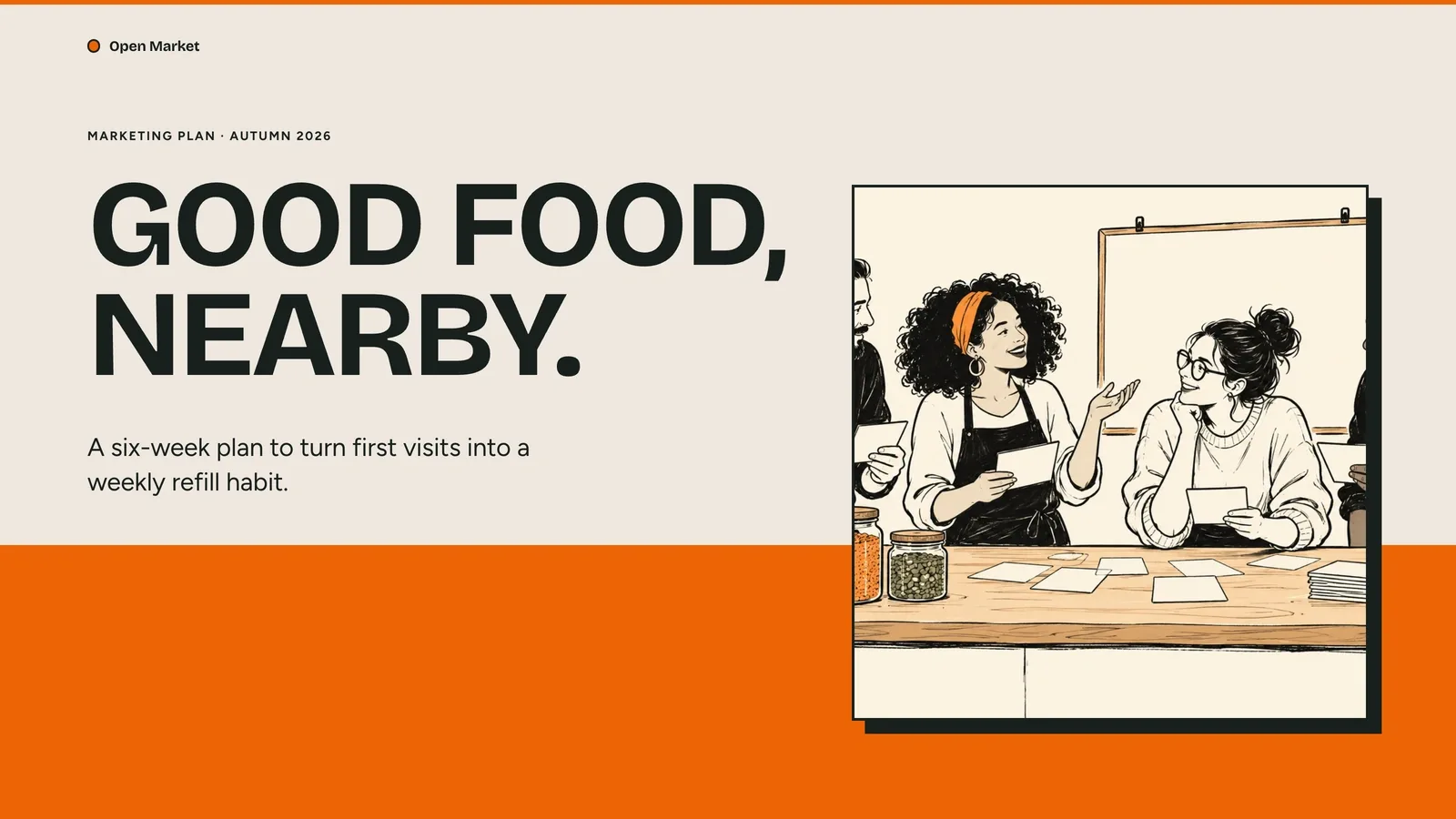
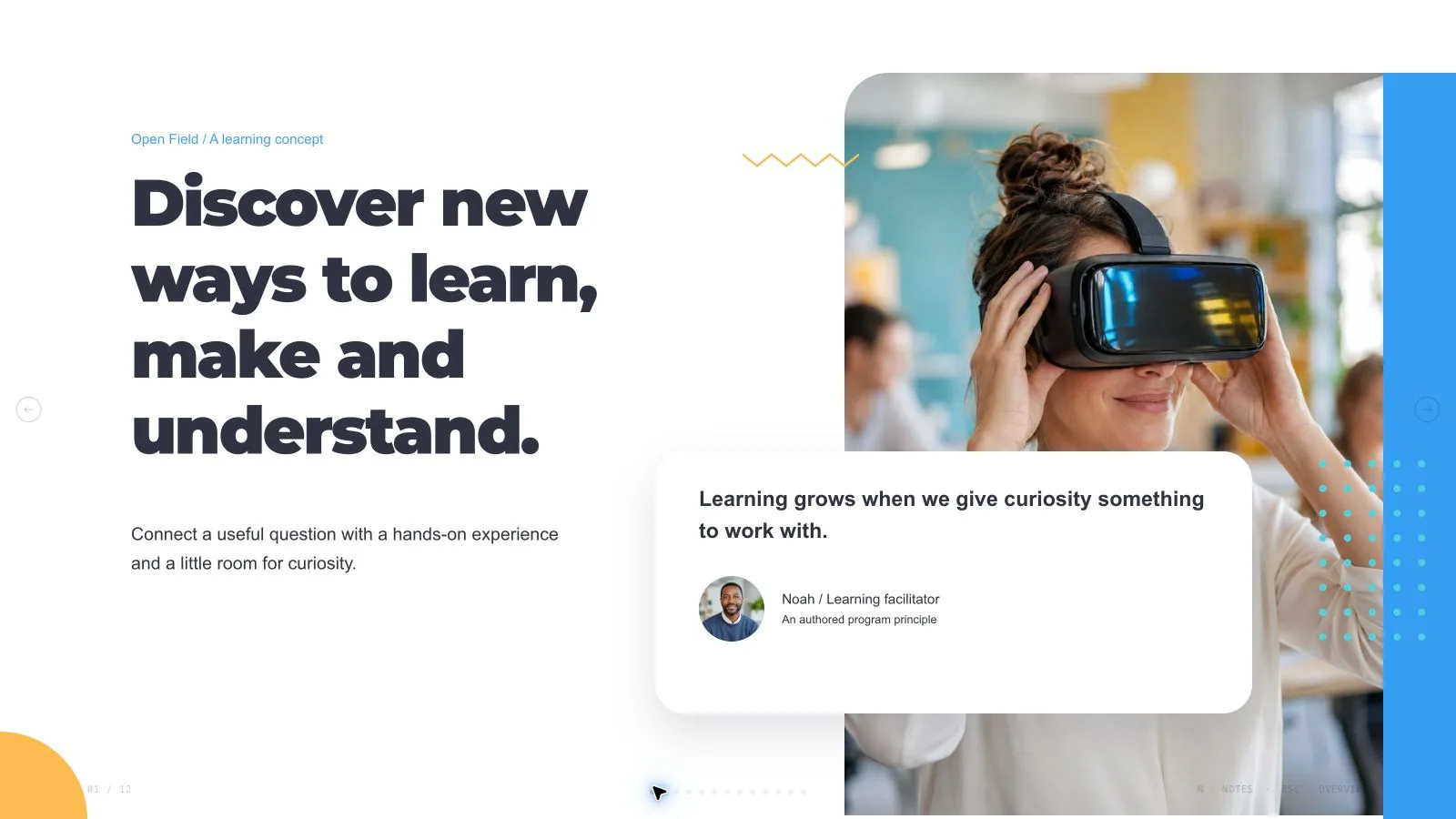
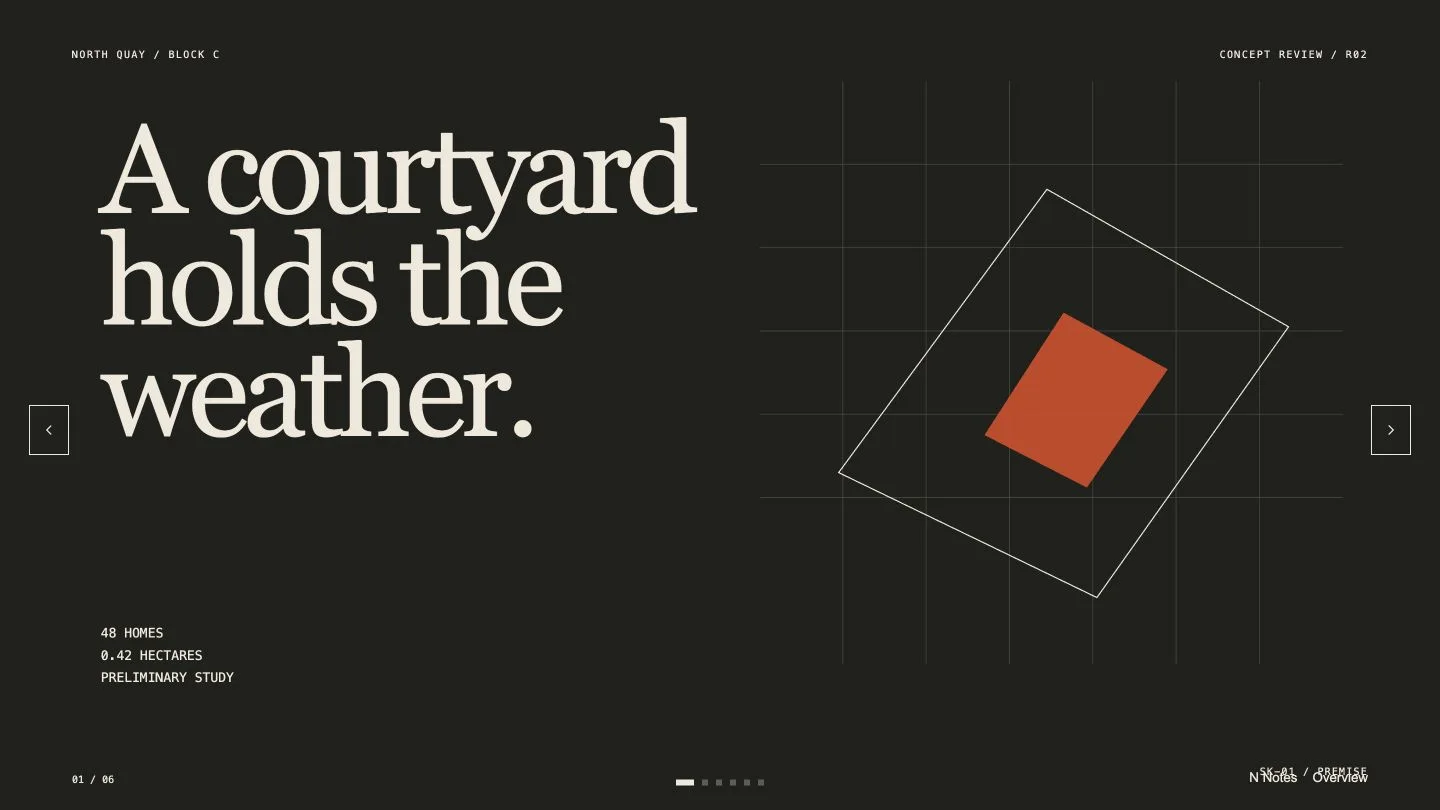
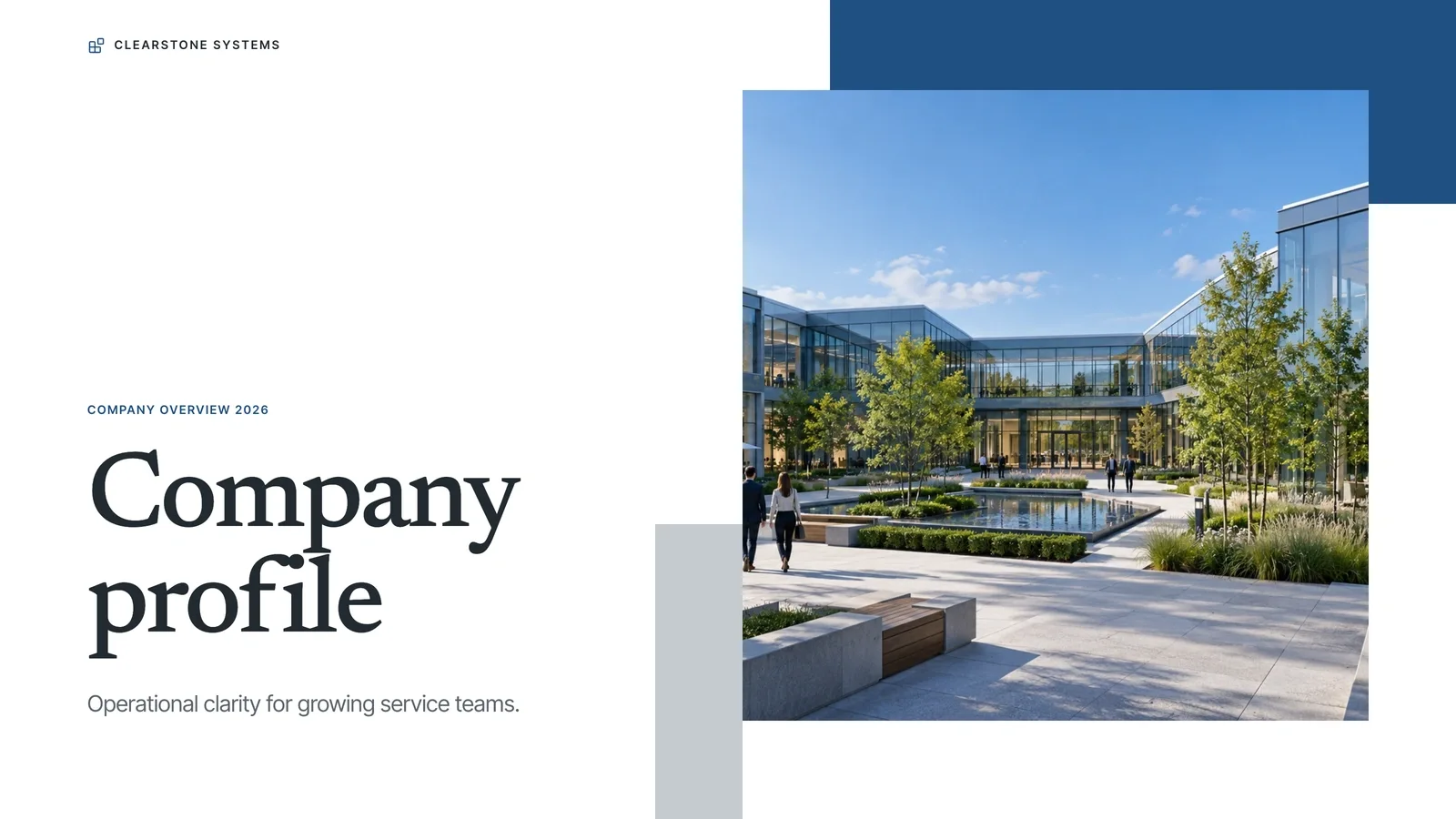
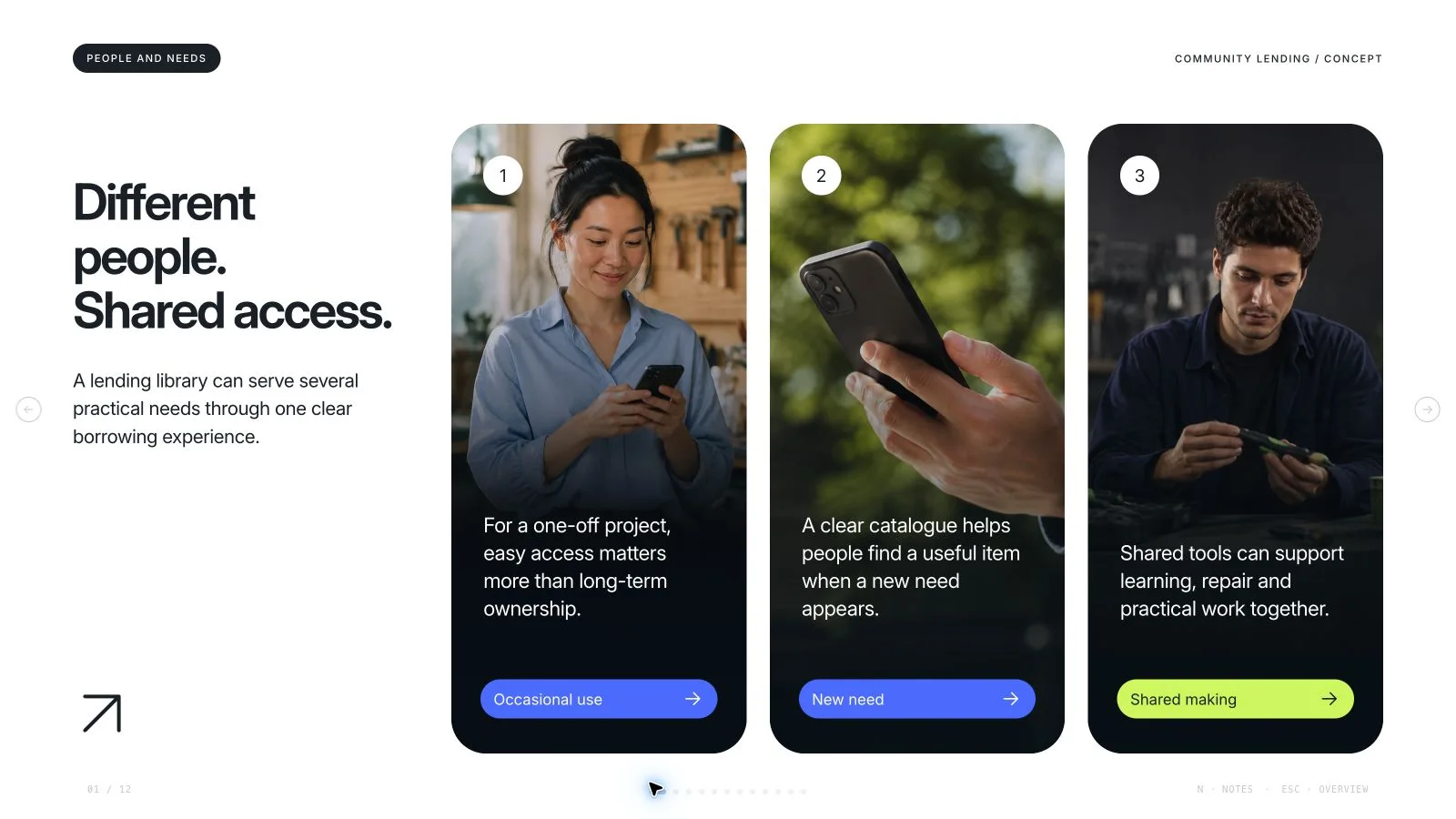
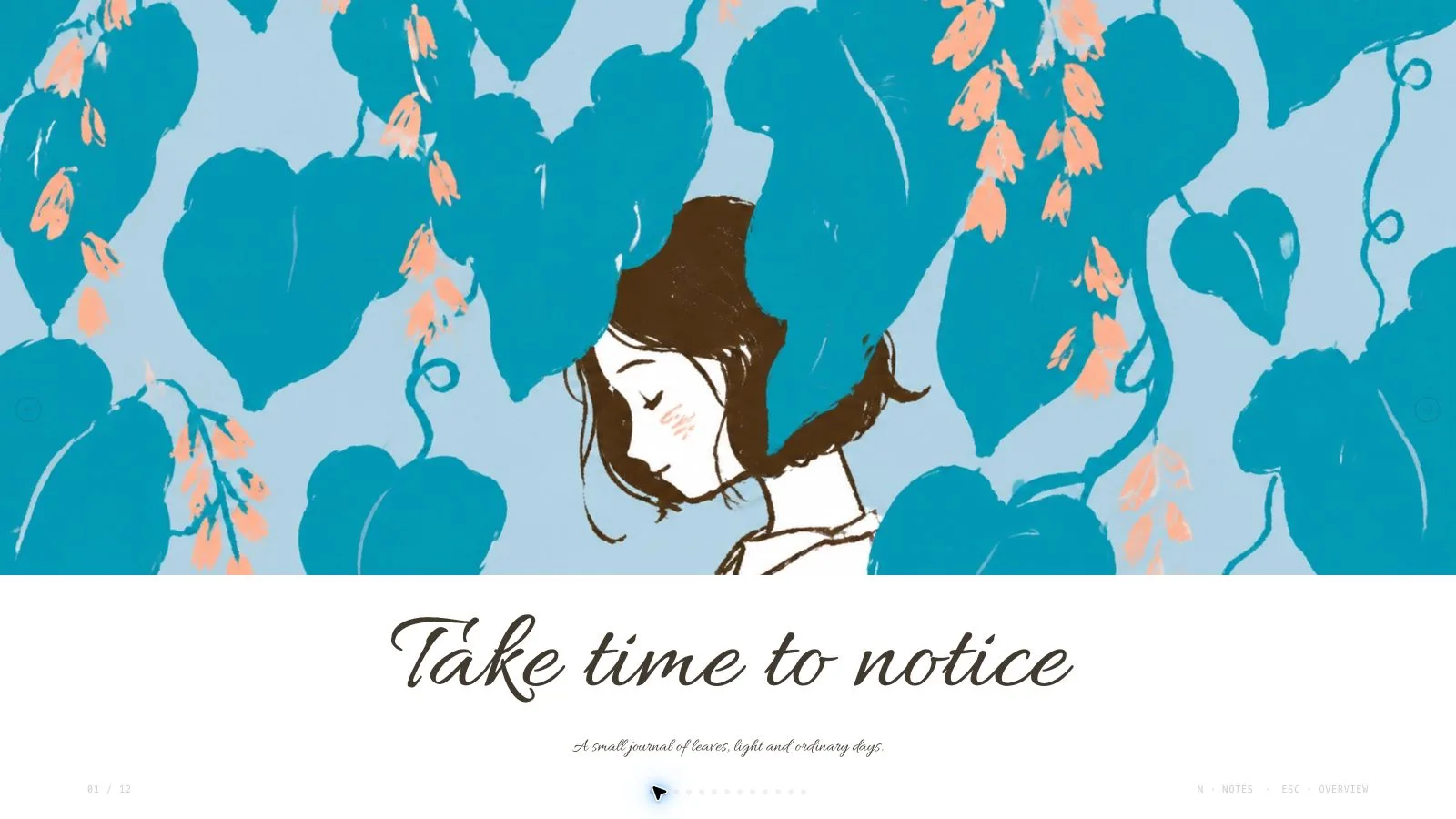
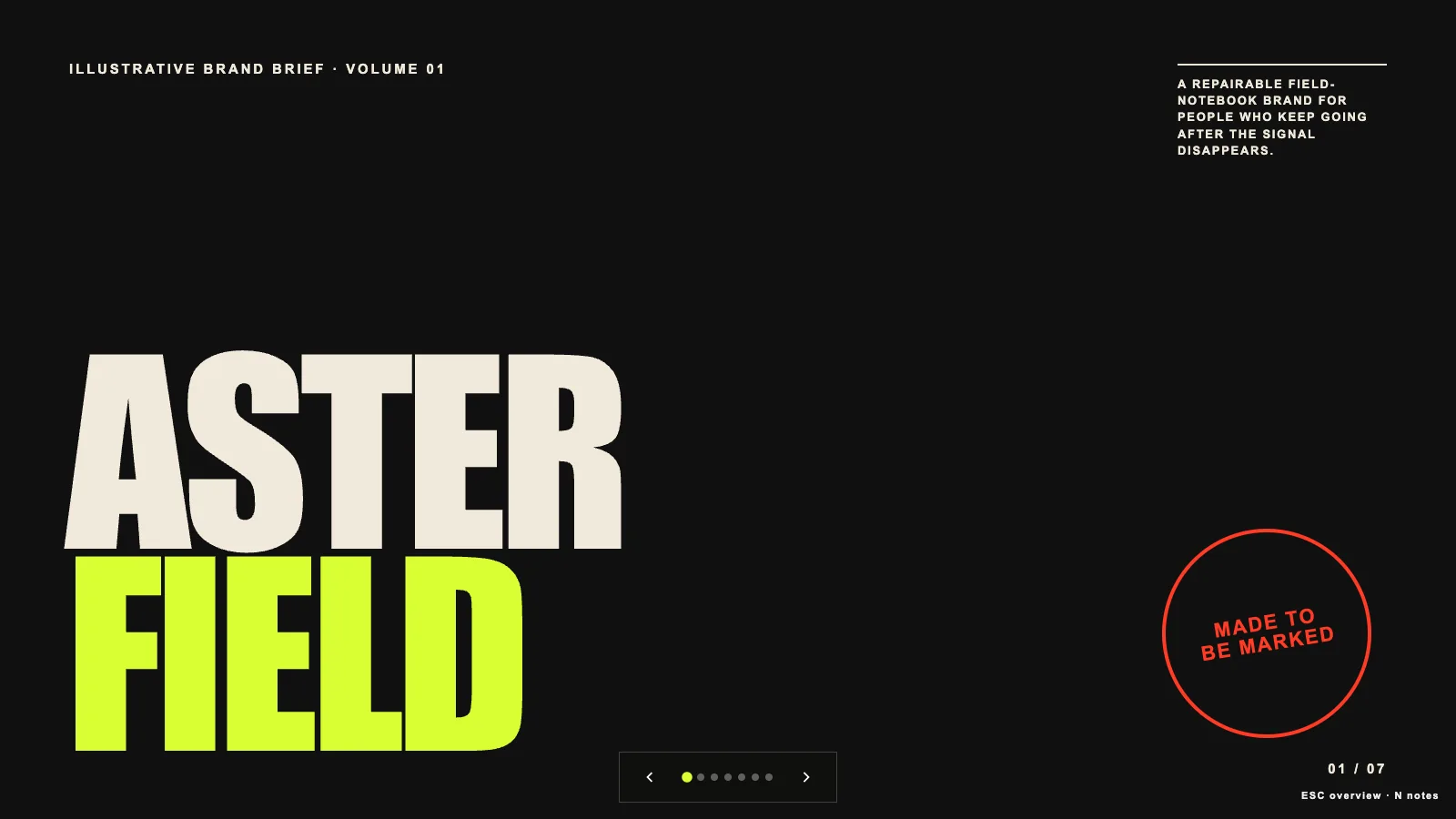
Present a product-discovery proposal as a sequence of questions, a sprint plan, people, experiments and a concrete next move. Acid Agency Deck pairs ultra-condensed uppercase type with lime, orange and violet fields, retro desk photography and lively studio portraits. The content and exact page count follow your brief; the fictional studio story supplies a visual example, not research findings or a prescribed discovery method.
What you get
Twelve adaptable compositions cover an opening, purpose and direction, sprint schedule, collaboration statement, team profiles, creative statement, service approach, four working principles, an experiment, a goal with two summary cards, three material studies and a close. Use the roles your narrative needs, then reorder, repeat with new content or extend them to the agreed length.
A coordinated visual system: acid lime #c4f000, orange #fa6c18, violet #8b7cf3, off-white and near-black; an embedded ultra-condensed display face with broad Arial accents; overlapping white title patches, rounded/arched photographs, colorful profile cards and orange-framed lime panels. This is one authored palette system, not a collection of editor-selectable themes.
Twelve bundled picture assets include two different retro desktops, team rituals, three fictional portraits, collaboration around a laptop, an immersive light-table scene and three tactile material studies. The light-table picture is marked topic-specific; use it only for a matching subject. The assets support the style without demonstrating a real customer, employee roster or project result.
A self-contained 1280×720 HTML presentation with inline pictures/fonts, page navigation, thumbnails, speaker notes, editing, presentation mode and print styling. Meaningful copy, labels and simple diagram elements remain editable instead of becoming a single slide screenshot.
An installation toolkit of style recipes, reference guidance, Python composition/build/static checks and optional Node picture helpers. Its small example-project file is a schema fixture, not a finished custom presentation. Requested PowerPoint export preserves editable text and notes plus separate pictures; backgrounds, decorations and SVG artwork become rendered layers. Print/PDF produces one 16:9 page per slide.
Before you choose
Check the argument before the color: each striking statement should identify a real question, a proposed action or an evidenced observation. Keep proposed timeboxes separate from achieved results, use genuine team material when introducing real people, and let the saturated layouts emphasize the decision instead of disguising missing discovery evidence.
Good fit
A product team needs to explain the question, timebox, collaborators, prototype and next decision behind a discovery sprint.
A creative studio wants an energetic proposal with a consistent visual rhythm across people, principles, schedules and experiment pages.
A presenter can supply an audience, a clear message, approved facts and the intended length, and prefers to refine an editable browser deck.
Not for
Copying an existing agency identity, recognizable source faces, logos, artworks or protected characters. Use original or authorized material; fictional catalog portraits should not stand in for actual staff.
Automatic discovery research, fact verification or proof of business improvement. The five-day schedule and one-direction summary are example planning devices, not measured outcomes or promises.
A deliverable whose every decoration, chart and background must be a native PowerPoint shape. Text and notes remain editable, but decorative layers are pictures; verify font availability and wrapping in the recipient’s application.
How to use
You say/acid-agency-deck Create a twelve-page product-discovery sprint deck with acid-yellow accents, bold typography and original editorial images.
Supply the subject, audience, purpose, key messages and source facts, communication/content languages and exact slide count. Include opening and closing in that count unless specified otherwise. If the length is undecided, agree a count from the material and speaking time; twelve recipes do not impose twelve slides.
Approve a page sequence with one useful job per slide. For a sprint proposal, separate the motivating question, proposed schedule, team responsibilities, working principles, experiment and next decision. Replace fictional names and planning figures with authorized content, retaining uncertainty rather than inventing research or performance evidence.
Choose the picture route before generation: use supplied pictures first, then reuse the library, generate only gaps, or generate every asset anew. Reuse is the default when no choice is available. There is no fixed image quota; record page, subject, ratio, placement and saved result for each needed slot. Use each pictorial source once; cropping, rotating or recoloring the same source does not create another unique image. Functional icons may repeat.
Check catalog descriptions against the subject before embedding library IDs. A mismatched or unavailable picture leaves an identified frame that must be resolved or disclosed. For fresh art, follow the slot ratio in the style kit, not a conflicting example prompt ratio. Use built-in image generation or the supplied FAL helper with FAL_KEY; FAL submissions are paid, submitted once, then polled/fetched. Do not automatically resubmit a failed paid task. Without a supported generator, return to library reuse.
Compose plan.json from the selected style-kit recipes, assign text, pictures, alt text, icons and actual data by node ID, and remove unused objects. Run the bundled Python composition step, resolve unfilled images and leftover example content, then build the standalone HTML and run the deck check against the agreed count. Python 3 handles core building/checks; Node is used by the optional picture helpers. Keep assets embedded and the file below the package’s 20 MB ceiling; optimize and recheck if warned.
Inspect every page at presentation size over local HTTP: type hierarchy, density, contrast, arched crops, complete heads/hands, picture uniqueness, bounds, page numbering and notes. Check the schedule is labeled as a plan and supplied evidence has not become an exaggerated claim. Exercise text/block edits, picture changes, layout/color changes, undo/redo, notes, Save and reopen. Presentation mode should disable editing and hide idle controls.
Deliver the standalone HTML and explain Edit/E, browser-local recovery and Save (Cmd/Ctrl+S), which writes changes into a portable HTML file. Keep interface language separate from slide language; switching the UI does not translate content. CJK uses system fallbacks and RTL follows framework rules. For requested PPTX, export, run the supplied checker and inspect fonts/crops/layers in PowerPoint, Keynote or WPS; inspect printed PDF separately before calling either verified.
Requirements and costs
You bring
Presentation topic and audience · Key messages or source material · Desired slide count and language
Dependencies
A browser for presentation and verified print export · Node.js for local validation · A host image generation tool for fresh artwork · Chrome, Chromium or Edge plus Node.js 20 or newer — required only for PowerPoint export
Outside costs
Generating new artwork may incur a separate provider charge. The included original example can be viewed without image generation.
Publisher testing
v1.0.5 — Claude Code / Claude Desktop / Cowork / Codex / ChatGPT
FAQ
Yes. Keep the color, type and composition language while replacing the fictional discovery story with your own evidence and message. Agree the exact count before building. Select or extend the twelve recipes to fit it; do not pad the deck or repeat pictures just to match the example.
No new generation is needed to use suitable bundled pictures or your own authorized assets. The library includes twelve assets, with the immersive-experience scene restricted by its topic label. If fresh artwork is needed, built-in generation follows your account limits; FAL requires FAL_KEY and charges separately. A deck can be reviewed with disclosed empty frames, but those frames are not completed artwork.
The file opens in page view; Edit or E enters the shared editor for text, pictures, order, colors, layout and notes. This palette is applied during generation: there is no per-style theme chooser. Save writes changes into the HTML, whereas automatic browser recovery is local. Current export runs from the embedded menu without a mandatory Node-based PowerPoint toolchain; Python is needed for source build/check and optional picture helpers use Node. PPTX keeps text/notes editable and pictures separate, with decoration rendered into layers. Test the actual export and fonts in the target app; embedded-site previews can restrict saving/export, so use the standalone file.
User reviews
—0 reviews
Select a star to share your experience.
No reviews yet. Ratings appear once readers share real experiences.