Provide the product name, a short three- or four-word headline idea and one-line promise, plus confirmed prices, finishes, specifications, warranty and shipping/return rules. Add an approved logo, product photographs and checkout/waitlist destination where available. List missing facts for approval; do not invent sales, ratings, press, safety claims, certifications, people or a discounted former price.
With no existing project or framework request, adapt the dependency-free HTML reference and its image folder. For a requested multi-page/Next.js version, start from the nested project ZIP. In an existing project, inspect its conventions and port the same tokens, sections, icon grammar and behavior into real components/routes; swap framework-specific image/link tools for the host equivalents. Keep unrelated files and the agreed design proportions.
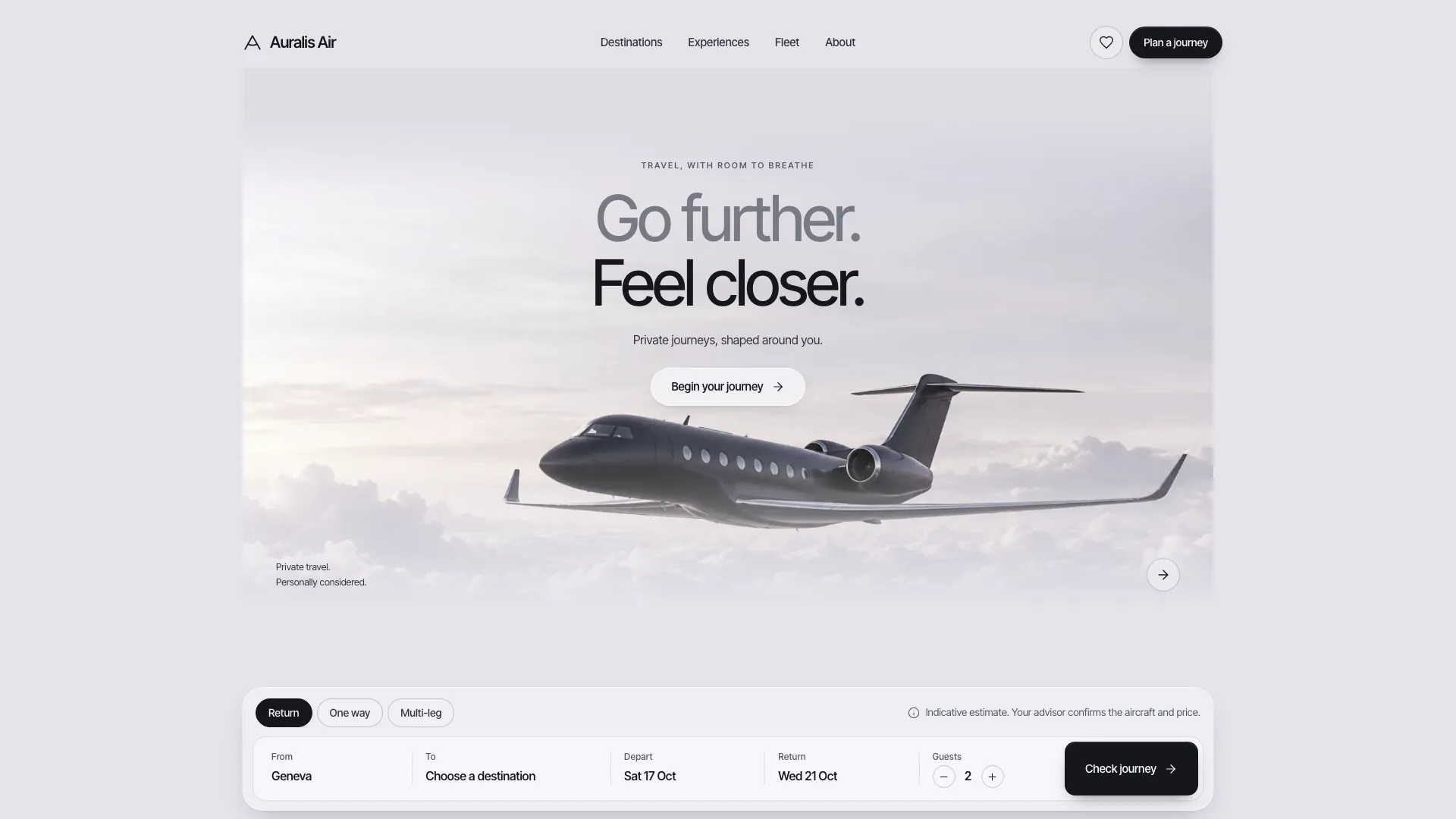
Keep the homepage sequence and sparse hero: one headline, subtitle, black pill and product cutout. Use the 1232px container, large tight type, rounded photography, alternating feature rows and oversized footer mark. Teal highlights belong to the object’s glow and restrained button treatment, not colored section backgrounds. Review both themes, including transparency and the inverted footer wordmark.
Create one shared physical-product description before generating images: silhouette, dimensions/proportions, material, controls, finish and light placement. Apply it to every studio, feature, room, article and finish image. Consistency is a review requirement, not something prompts can guarantee. Use approved actual product photos where available; replacement artwork must not change the product between shots or imply a feature it lacks.
Replace every bundled Halo asset for a different product, including small value pills, thumbnail crops, finish cutouts and article covers. Preserve slot ratios, meaningful alternative text and real alpha on cutouts so they work on white and dark. The bundled images are illustrative, not neutral photographs of your goods. Real staff/customer pictures need your approved photos; generated team/avatar images remain disclosed stand-ins. New image-tool usage can cost extra, while opening the reference has no generation charge.
Scale content deliberately: one to three inline image pills, one to four feature rows, two to four trust cards, two to five carousel images with matching numbered thumbnails and three to eight FAQs. Show two to six article cards with matching reading entries, or omit the section and its navigation if there is at most one. Adjust grid columns with counts. Finishes and setup quantities must also agree with product data, cutouts, totals and labels; single/pair wording needs rewriting for another bundle.
Replace the sample identity end to end: title/description/social metadata, wordmarks and accessible labels, product/company names, order-reference prefix, every image description, contact promise, legal copy and social links. In the framework project also replace its six MDX sample posts/slugs/bylines, product/specification JSON, manifest/icons and animated brand text. Only include testimonials with permissioned real quotes; legal and policy drafts require the business’s own review.
For the offline file, use Node.js 18+ to run the asset inliner with the source next to its local image folder. Aim below 5 MB and remain below the 8 MB strict ceiling. Default fonts require no download; if you choose to embed Inter Tight, add the documented font declaration and allow the one-time download or provide a local font. Check the helper’s exit status, because it writes output before reporting missing assets. Framework dependency installation/build is a separate route and needs its own compatible environment.
Test the pre-order flow through finish, quantity, total, invalid email and confirmation, and test contact validation, reading sheets, article next links, carousel keyboard/swipe/thumbnail navigation, FAQ, theme switch and mobile-menu Escape. The inspected HTML and framework handlers only use timers but display reservation/sent claims. Before handing a demo to users, make those states explicitly local; before a live launch, replace them with confirmed responses from real services. Inspect dialog focus trapping and repeat submission/loading behavior as part of that integration.
Run the supplied validator on the built HTML, with its documented files mode for a hosted local-asset page. For the framework source run type/build checks and the directory validator as well. Its checks cover structural counts, link targets, asset references, accessibility/motion markers and sample leftovers, with limited patterns for invented proof; they cannot establish that every factual claim is true, a message was delivered or a transaction succeeded.
Open every page/sheet at 1440, 1024, 768 and 390px in both themes. Check crops, font fallback, text fit, sideways scrolling, control states, keyboard focus and reduced motion, and test the standalone file in the documented scripts-only sandbox. Deliver the path, actual checks performed and all placeholder facts/images. Request copy, photograph or layout changes in ordinary language; publish only after the remaining service and content boundaries are resolved.