Provide the name, audience and promised outcome, four to six capabilities with their mechanisms, two to four plans with real limits, FAQ answers and any attributable numbers or permissioned customer material. Rough notes are enough to start. Keep every drafted price, person, quote, date, address, metric or result on a confirmation list; never manufacture certification, compliance, SLA, award or security evidence.
Inspect the project and select the output. With no existing app, adapt the self-contained template. With an existing/requested React/Next, Vue/Nuxt, Svelte, Astro or plain-HTML project, build its own components, data and real routes, preserving unrelated work. Use local Geist/Geist Mono and suitable framework controls; an image tool is optional and no Skill-specific API key is required for the prototype.
Choose the story and page family in canonical order. Retain header, small hero, footer, a not-found view and a working form route; use signup for a normal launch or waitlist. Keep contact, changelog, status and legal destinations whenever links promise them. Remove unused sections together with their links and script hooks. Finance/API products need domain-specific objects and setup instructions; omit an irrelevant public status/changelog instead of inventing one.
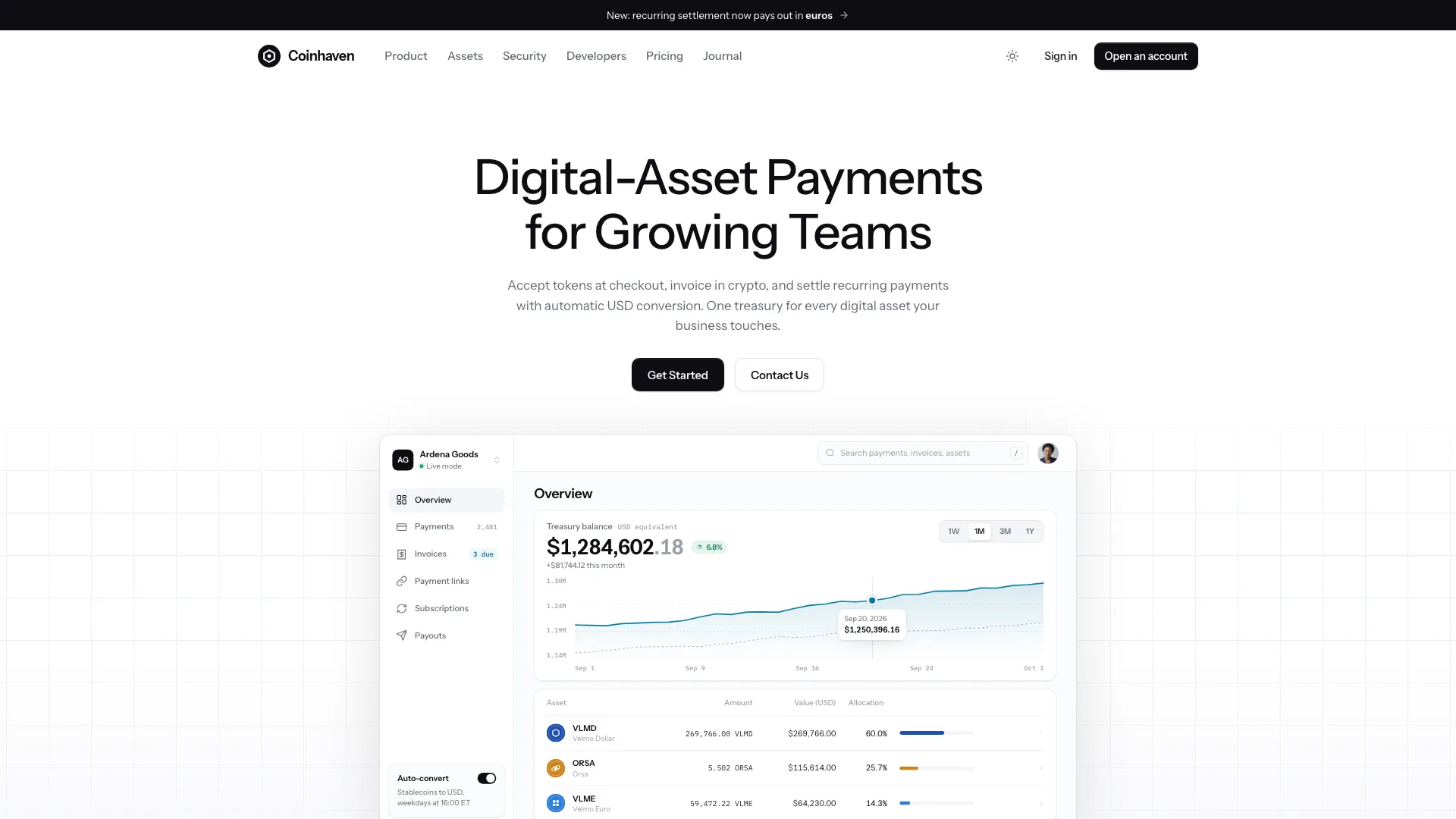
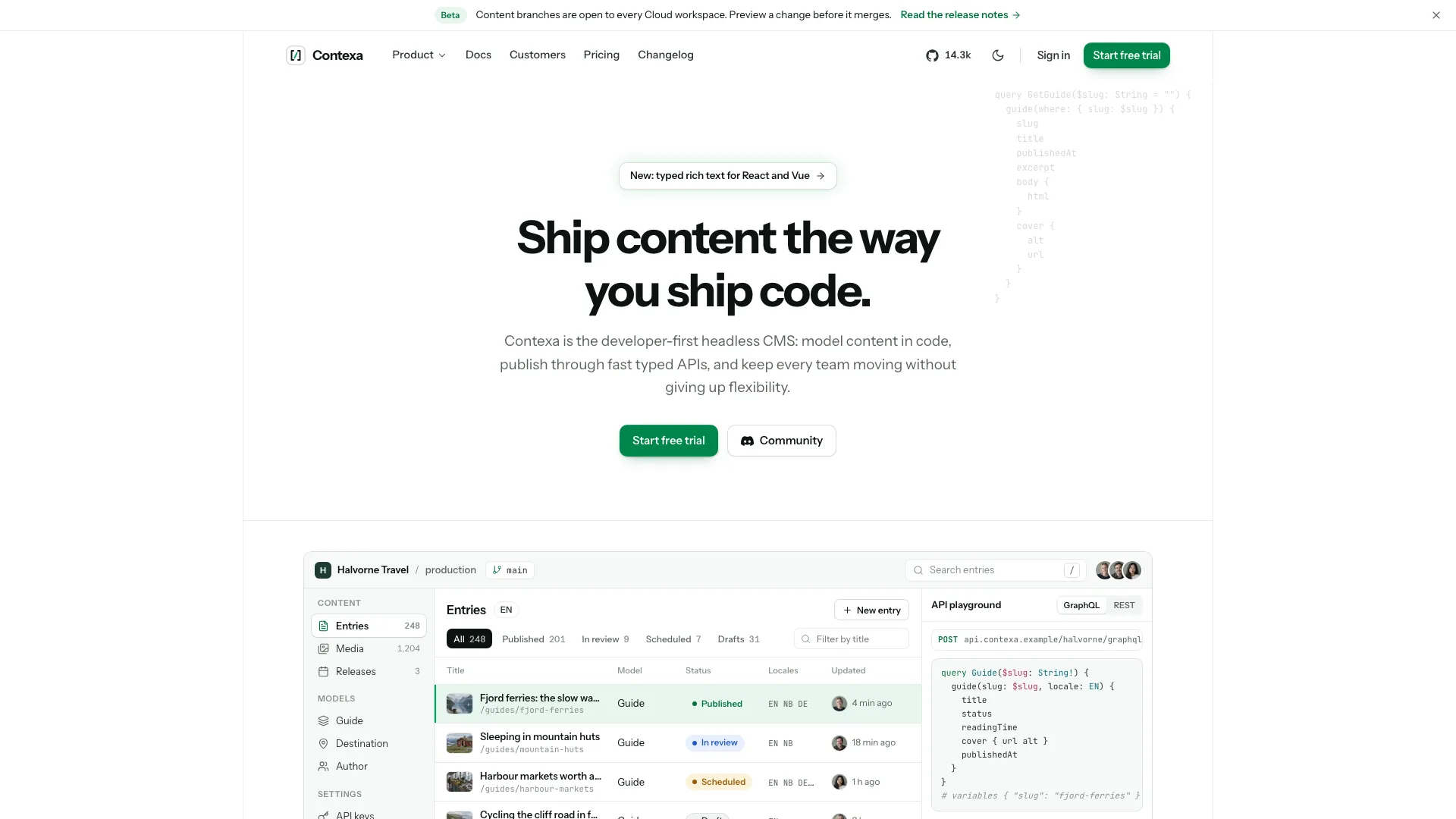
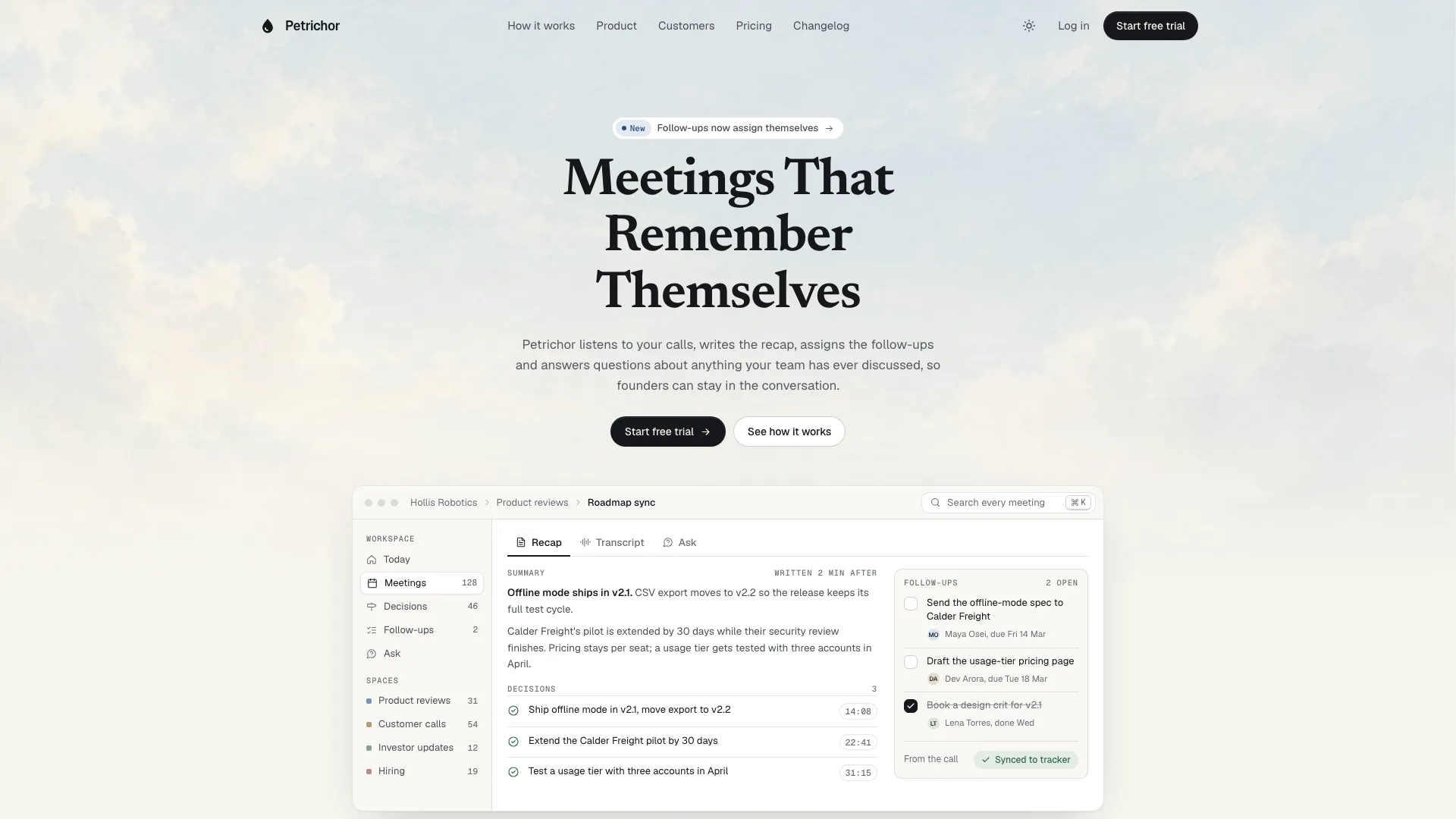
Rebuild the console, tour and bento in the product’s own vocabulary, using concrete objects, states and meaningful labels. Keep the chart as SVG from data, table rows as collections and a descriptive accessible label around decorative product imagery. For example, finance software might show invoices/payouts and an API product requests/latency. The supplied seeded chart and randomized check counter remain illustrative unless replaced by an actual data connection.
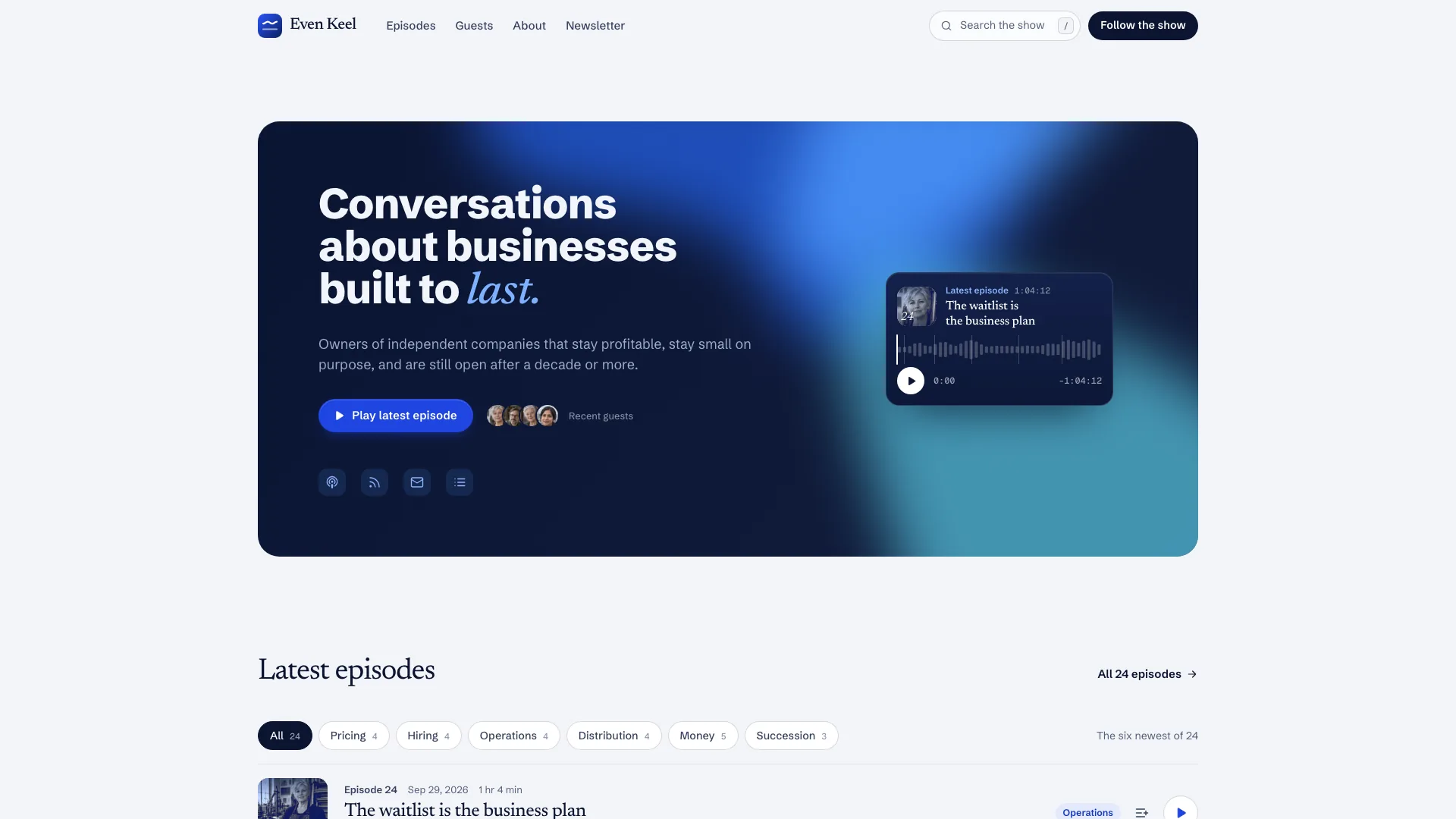
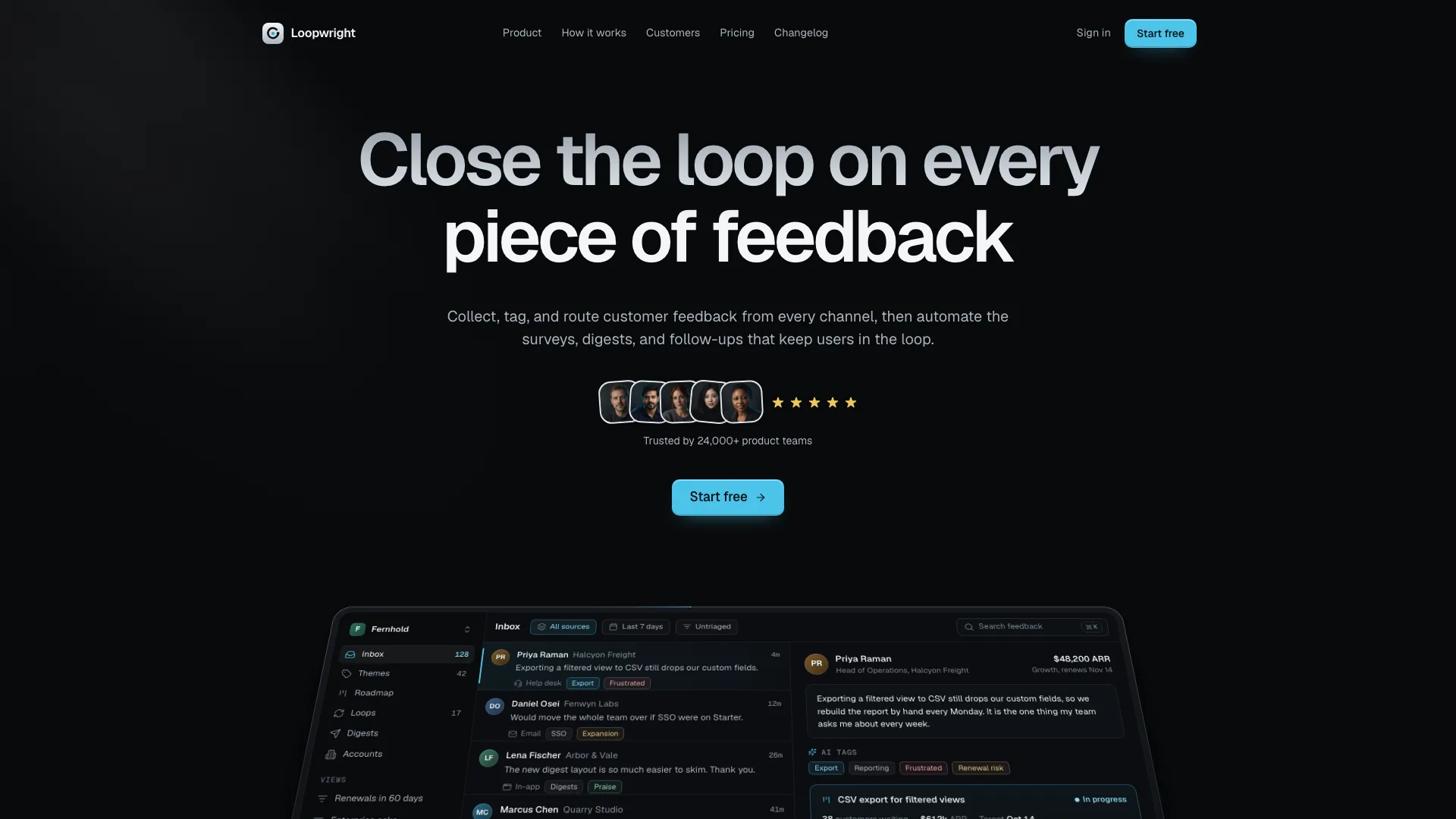
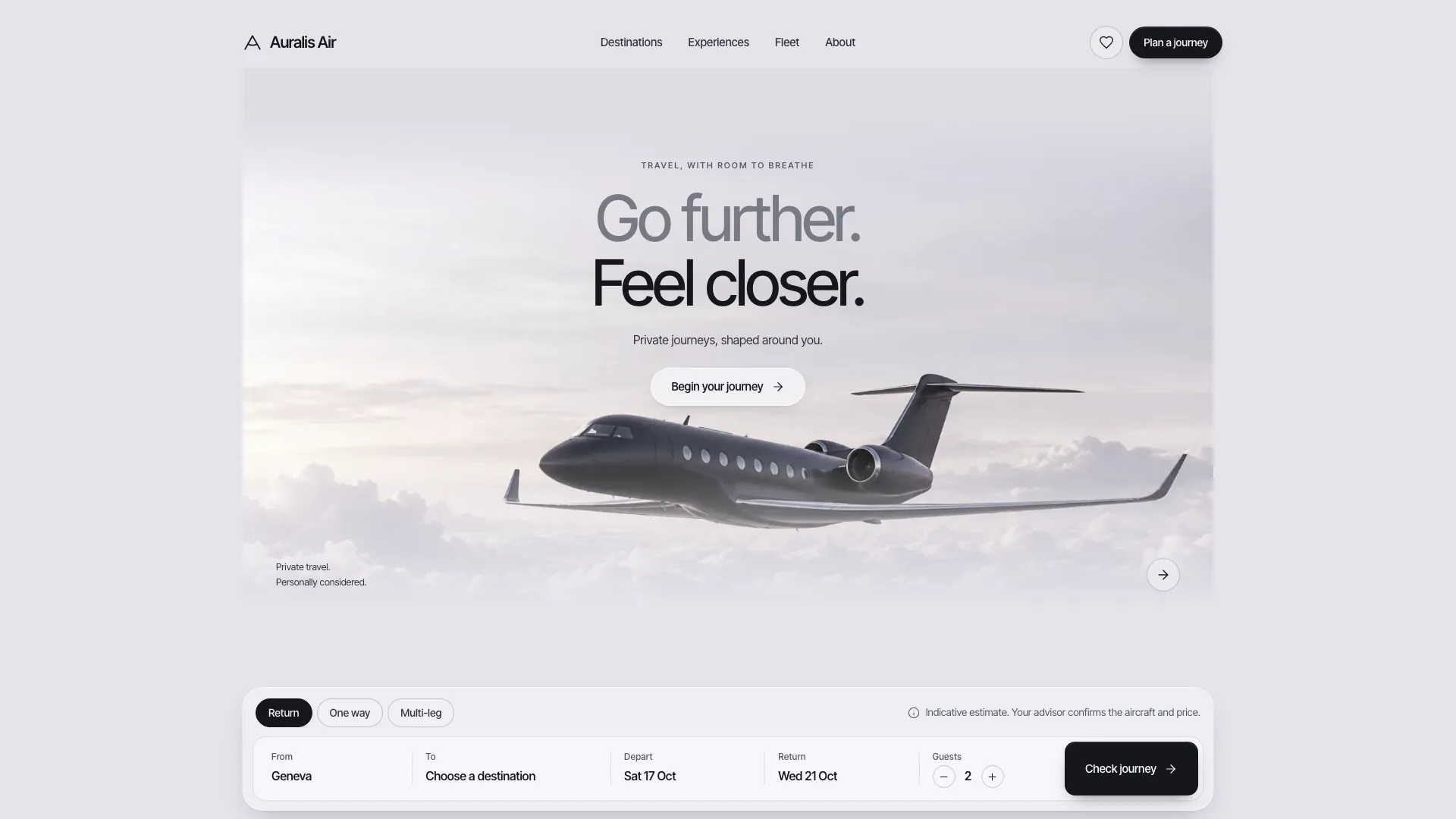
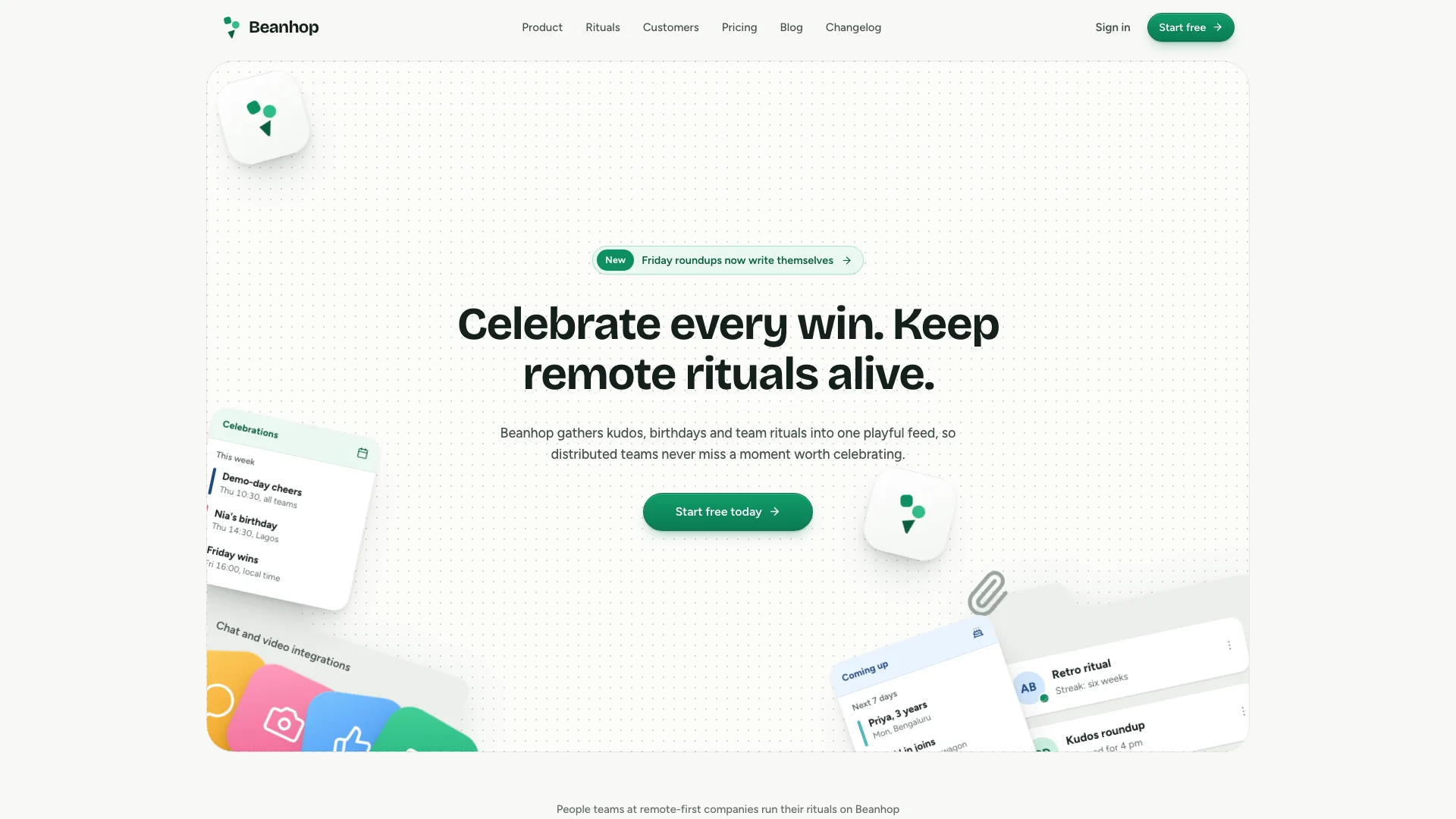
Preserve visual hierarchy: one blue beam, neutral buttons, gradient Geist headings, hairline surfaces and full dark tokens. Keep the hero free of console windows, statistics and floating cards; section headings remain restrained below roughly 27px. Vary bento, console, editorial, tour, code, story and pricing compositions rather than repeating identical rows. Use guarded reveals, a visible-content fallback and reduced-motion final states.
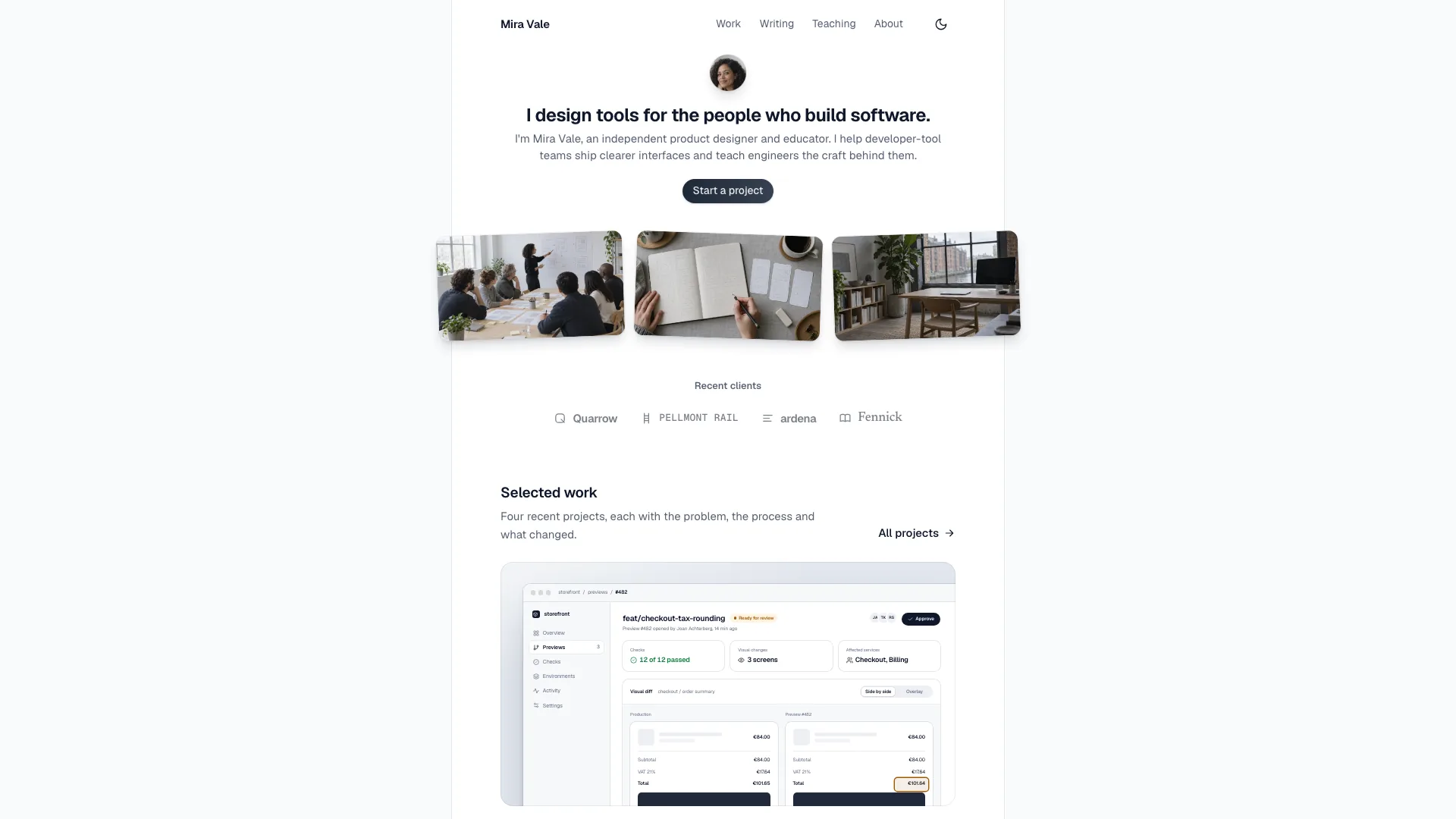
Plan only photographs that explain the brief: one customer-story portrait, a relevant editorial scene, testimonial portraits and an optional contact-team photo. The twelve supplied files include nine generated avatars and three larger scenes. Avatars/team may be disclosed stand-ins; the bedside-phone picture suits alerting/notification only, and the sample customer portrait must be replaced and renamed. Real named people need approved photos. New image-tool work may incur charges.
Without an image tool or approved photos, keep the product UI, use testimonial initials, replace the editorial photograph with a product vignette and omit the team photo. Resolve any remaining customer-story image need with approved material or an agreed section change. Do not hotlink unrelated stock images or use generated portraits as evidence for a testimonial. Review crop, subject, alternative text, dimensions and lazy loading across breakpoints.
Keep counts, grids and linked data synchronized: two to four plan cards, one featured plan, matching comparison columns/values and plan-query entries; a fifth tier belongs in an enterprise strip. Match four to six logos to their grid, three or four statistics to their columns, and the testimonial display to its actual count. Three quotes need no reveal button; seven to nine give desktop “show all” meaningful additional content. Verify monthly/yearly totals and that signup receives the selected plan and cadence.
Replace the full fictional identity, including workspace/users, setup commands and outputs, symbols, customer story, photo filenames, changelog, incident history, legal copy and addresses, not just the hero. Review security and menu claims separately: certification, encryption, SSO and availability statements need confirmed product evidence. The bundled validator only warns about some compliance phrases; a pass cannot substantiate the rest.
Test all form states and retain an honest demo boundary. The inspected handlers use timers yet claim that confirmation, sign-in and reset links were sent, that subscriptions succeeded and that SSO is redirecting. Rewrite those states as local demonstrations until real services return confirmed responses. They do not authenticate a password, deliver email or redirect to an identity provider. Check repeated submissions and error/retry behavior when adding those services.
For the default offline output, use Node.js 18+ and initial internet access to embed the two font files and local images with the asset inliner. Target at most 5 MB and stay below 8 MB; check the process result because a partial output can be written before missing assets cause failure. Run the design validator on the built file, or its documented files mode for locally hosted assets. That mode warns about network API usage, but does not test a live service. Framework output needs its own build and type checks.
Review the entire flow and every route twice in a browser, taking screenshots at 1440, 1024, 768, 390 and 360px in both themes. Exercise mega-menu hover/click/keys/Escape, mobile focus trap, chart ranges/tooltips, replay, tour/setup keys and copy, pricing, comparison, story reveal, FAQ and status tooltips. Open the comparison and on-call panels while checking horizontal overflow. Test back/forward, route heading focus, reduced motion and the standalone file in the documented scripts-only sandbox. Deliver the path, actual check results and every outstanding placeholder; static validation does not replace this review.