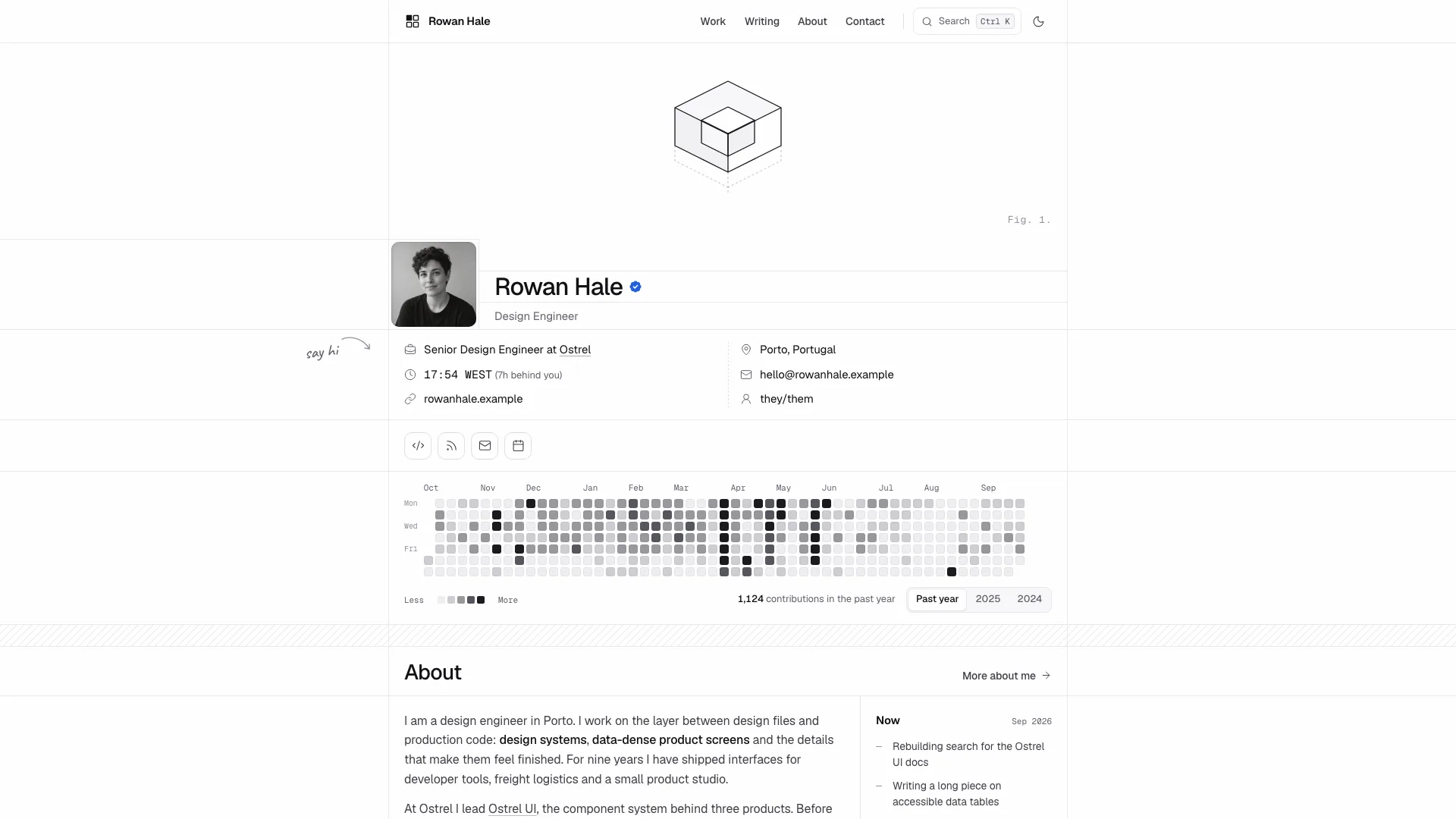
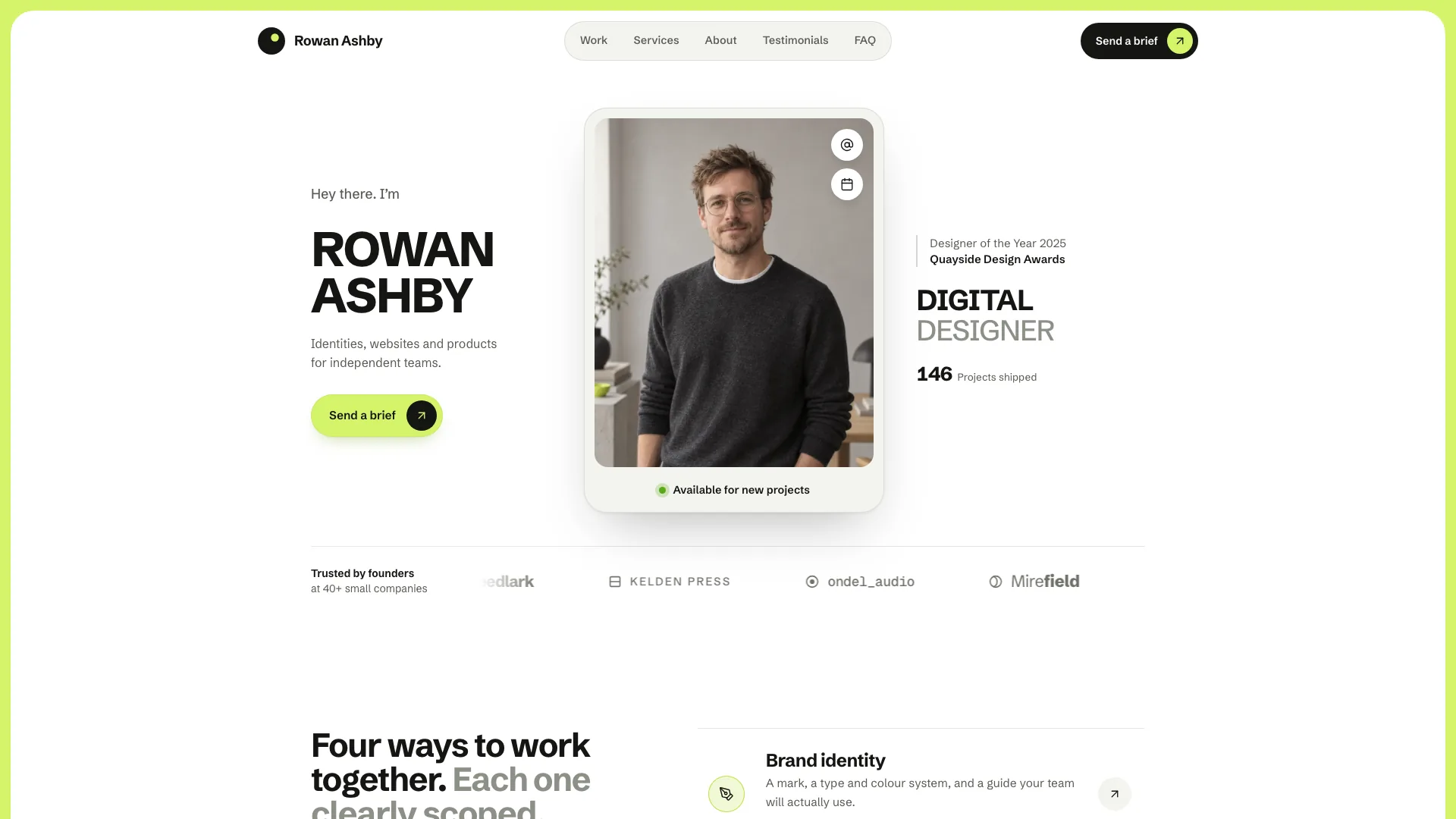
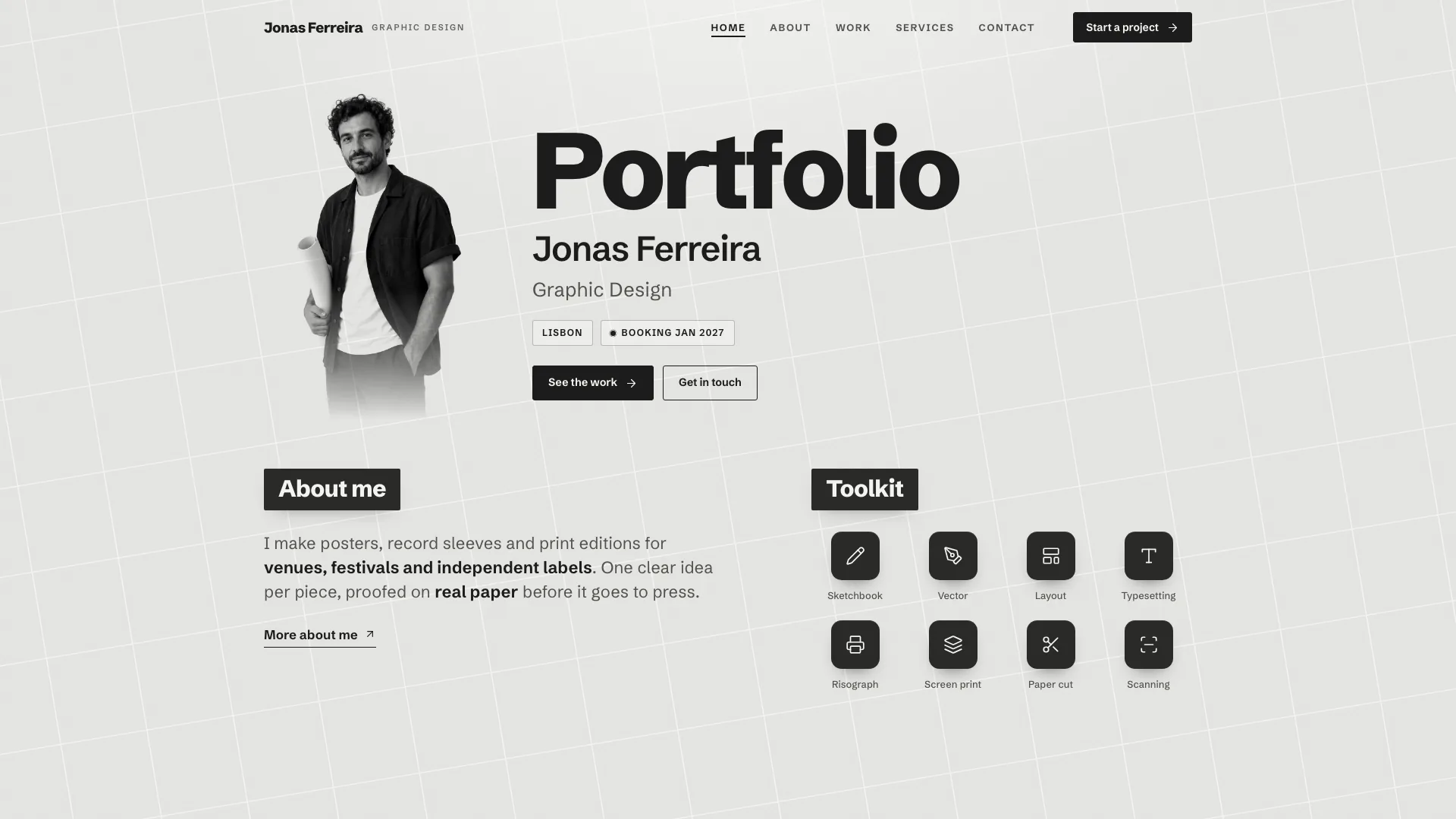
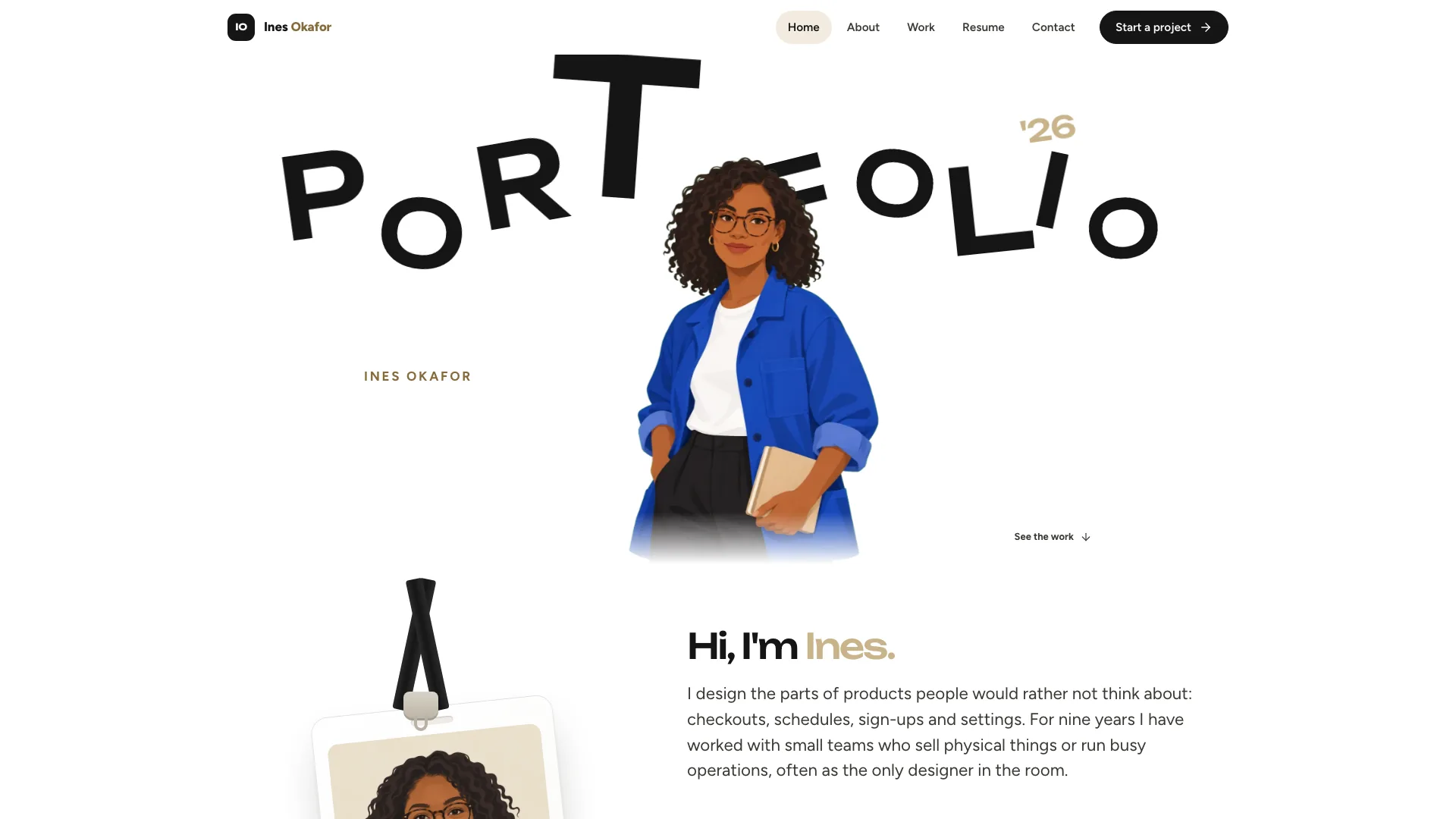
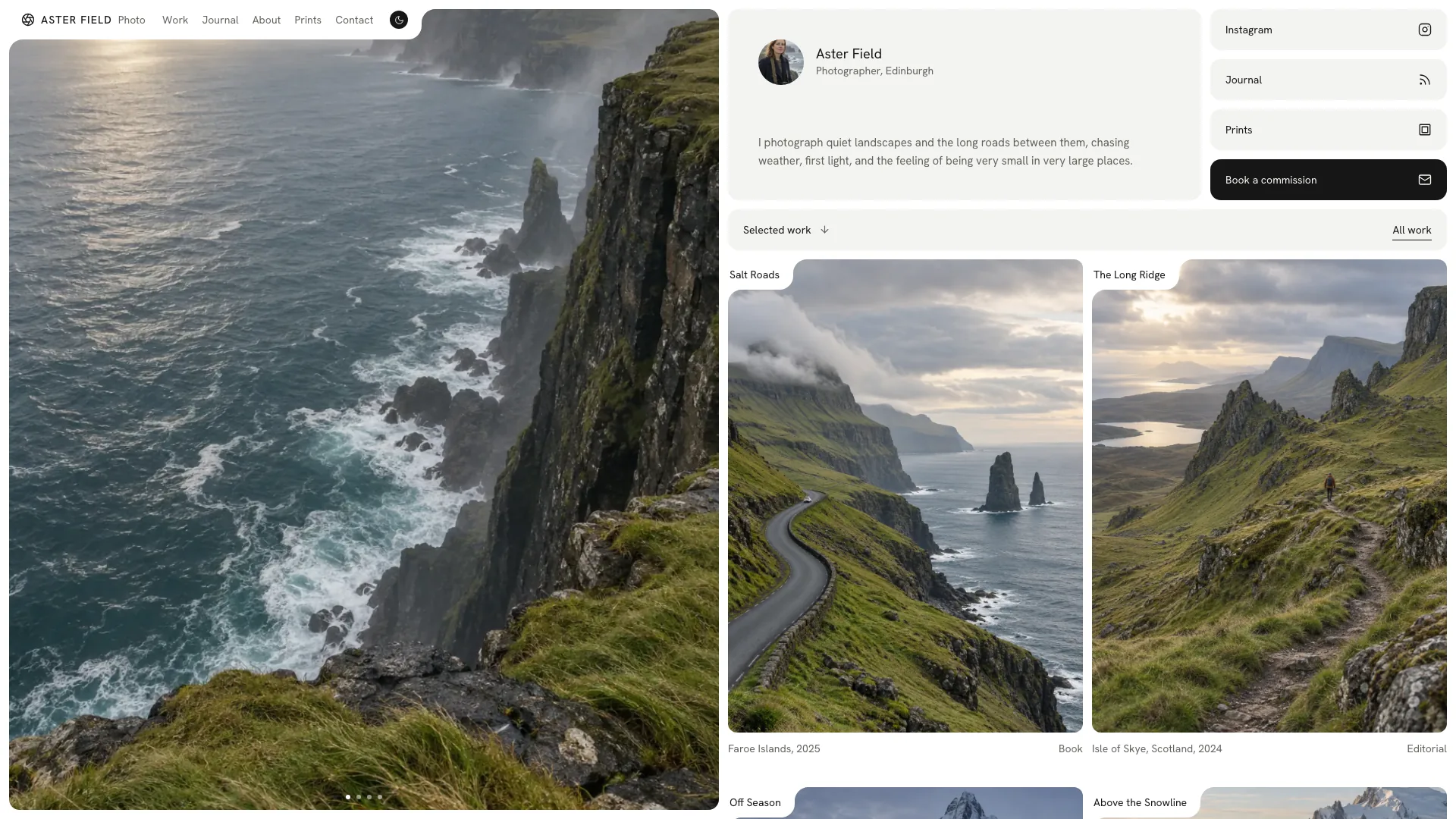
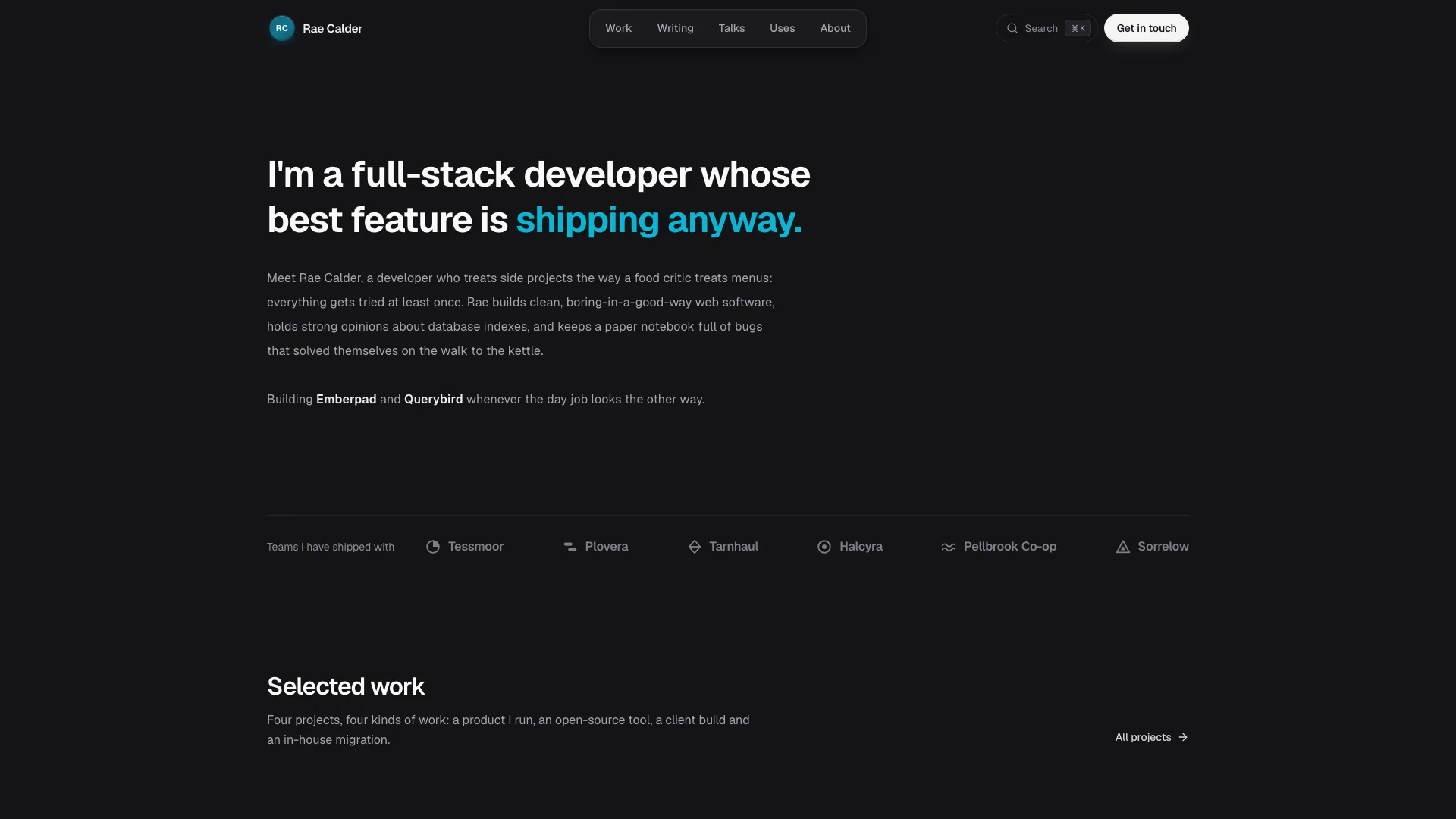
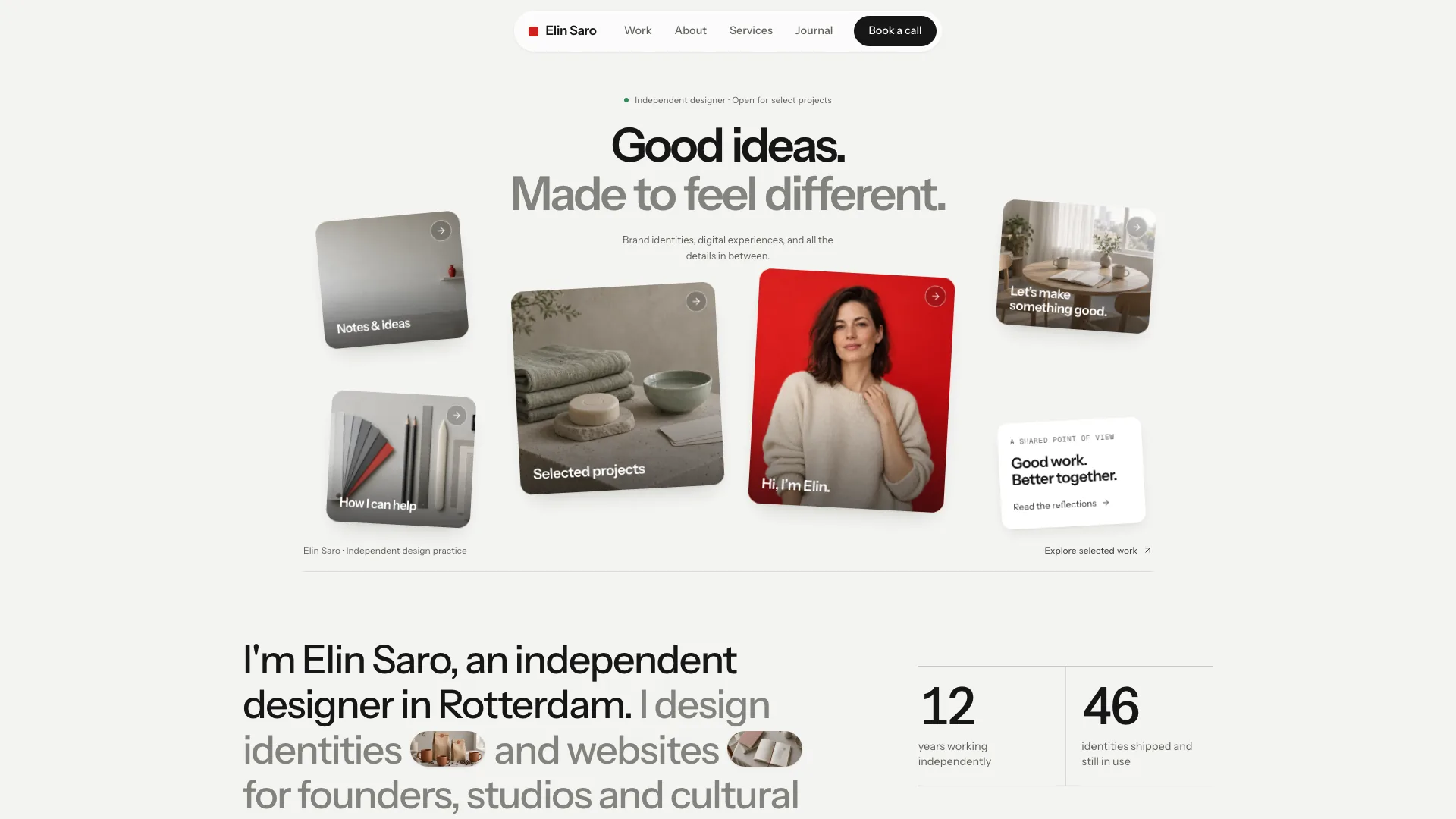
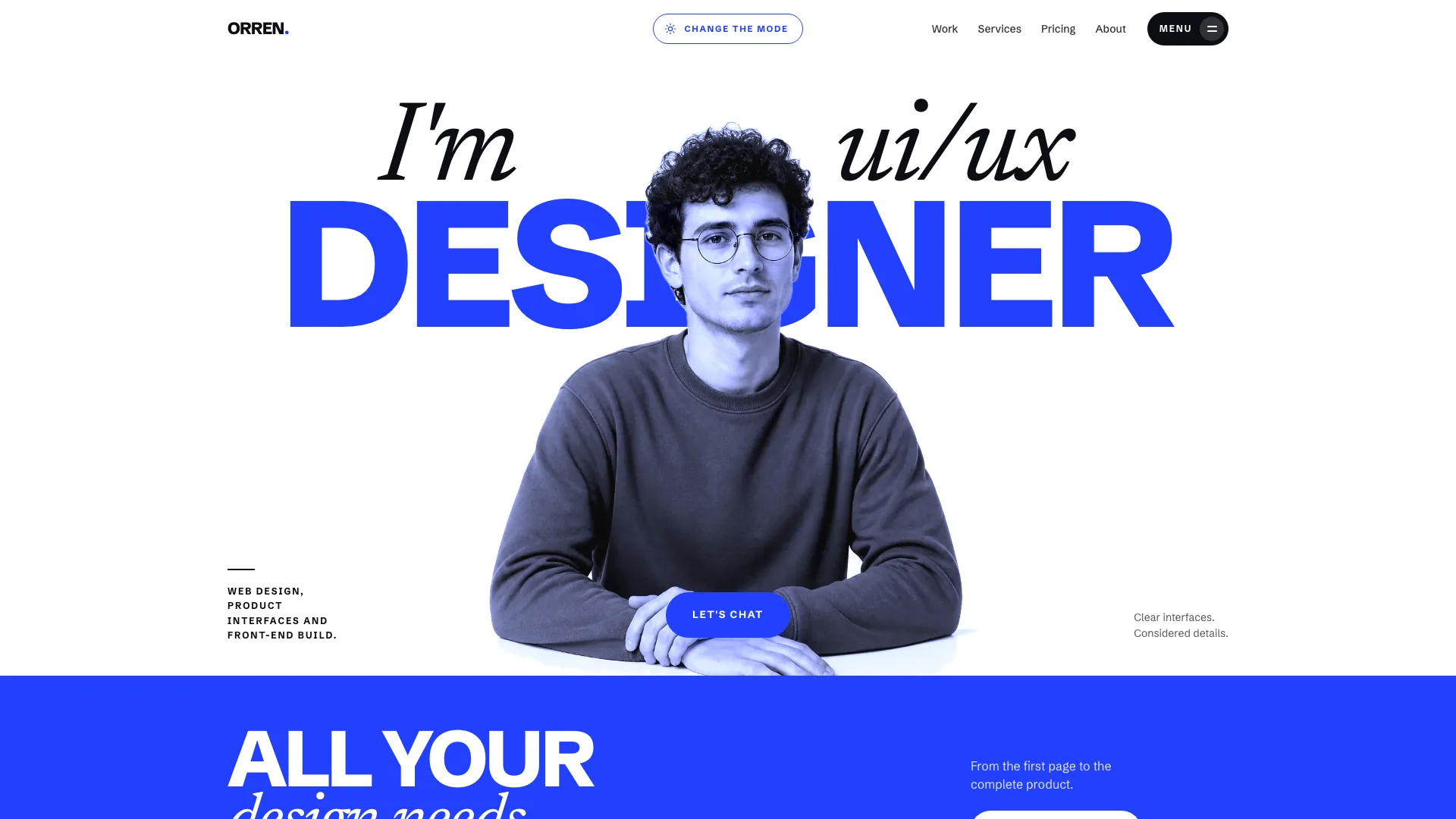
Introduce your practice with the warmth of a working sketchbook, then back it up with detailed projects and a clear service offer. Doodle combines a large cobalt serif headline, cream paper and a portrait in a lilac shape with handwritten notes and drawn accents. Beneath that playful opening, visitors can inspect product previews, understand your process and estimate a service budget.
What you get
A complete page family illustrated by twenty-two example routes: Home, a Work index and four cases, Services with three detail pages, About, Experience, a Journal with four articles, Contact, FAQ, Newsletter, Privacy and a designed missing-page view. Counts and content adapt to the actual practice.
A notebook visual system using Young Serif headlines, Figtree body text, Kalam notes and Geist Mono metadata. A taped identity card crosses the lilac portrait shape; arrows, flowers and uneven underlines draw in once rather than looping beside the text.
A home sequence covering introduction, services, selected work, experience, process, toolkit, testimonials, notes and a closing enquiry prompt. Individual cases offer desktop, mobile and component previews drawn in code or replaced with actual product screenshots.
Work filters with search, sort and empty states; service cards and a live price-range estimator; a testimonial carousel, FAQ topic tabs and accordions, article reading progress and validated contact/newsletter forms with local feedback.
A default standalone HTML file with fonts and images embedded for offline opening without network requests, or a real component-and-route implementation inside an existing or requested framework. Supporting guides cover the visual contract, page roles, imagery and final checks.
Before you choose
Choose Doodle when personality and an explicit service offer matter equally. Its estimator is useful only when options reflect how you actually price work. Begin with one service and one complete case, then use the same content depth across the rest of the site; changing colors alone will not turn the fictional showcase into your practice.
Good fit
Front-end developers and product designers who want a recognizable personal identity alongside substantial case studies.
Small studios, illustrators and independent makers who can connect their work to services, process and a journal.
Freelancers who want to explain scope and show indicative pricing before a prospective client sends an enquiry.
Not for
A formal corporate identity. The portrait stage, handwritten annotations and pastel surfaces deliberately make the site feel personal and playful.
Actual message delivery or newsletter enrollment without integration. Form confirmations are local until connected to your provider.
An anonymous product site with no person or studio representative to feature. The opening composition depends on a portrait and identity card.
How to use
You say/doodle-developer-portfolio Build a portfolio for Mira Hollis, a developer and designer in Porto, with four case studies and a price estimator.
Gather name, role, location, introduction and contact information, plus two to six projects with their brief, decisions and outcomes. List the services you sell, their actual prices or estimate ranges, and any experience, tools, articles or approved testimonials worth including.
Map those materials to complete pages before adjusting the opening. Keep a specific case behind each work card and a clear offer behind each service. List missing facts as drafts for confirmation; remove unsupported achievements and sample identities before publishing.
Prepare a portrait with a crop suitable for the lilac stage and any studio or context photos. Product previews should use real screenshots or interfaces drawn with actual copy and data. Journal illustrations use a consistent gouache-like medium; a supplied desk photo and four illustrations can be reused for matching subjects. For work without an interface, use the actual artwork or context image and remove irrelevant Mobile and Components tabs instead of fabricating a software product.
Build the offline output or adapt the design into the requested framework without changing an existing app’s stack. The single-file build needs Node.js 18 or newer and an initial font download. Optional generation uses your agent’s image tool and may cost extra; no separate API key is required by the Skill.
Try a complete enquiry journey on phone and desktop: find a project with filters, inspect all preview tabs, choose service-estimator options and check the resulting range, then test form errors and confirmation. Also check carousel controls, FAQ tabs, article navigation, keyboard access and reduced motion. Connect and verify real delivery before using the forms publicly.
Requirements and costs
You bring
Your name, role, location and a short introduction, plus a portrait if you have one · Two to six projects with the brief, key decisions and outcome, and the services you offer with prices · Optional: experience, toolkit, testimonials, articles and contact details
Dependencies
Node.js 18 or newer on your agent's machine, to run the bundled script that builds the single offline file · Internet access while the file is built, so the fonts can be downloaded once and embedded · An image tool in your agent for the portrait, studio and context photos and journal illustrations; optional if you supply your own
Outside costs
Photos and illustrations you do not supply are generated with your agent's own image tool, which may incur that tool's usage charges. Product previews are drawn in code, and the finished page makes no network requests. Viewing the example costs nothing.
Publisher testing
v1.0.2 — Claude Code / Claude Desktop / Cowork / Codex / ChatGPT
FAQ
By default, a self-contained HTML site with its images and fonts embedded so it opens offline. If you supply an existing project or request a framework, the design is rebuilt with that project’s components and real routes rather than wrapped as an embedded demo.
No. Desktop, mobile and component views are drawn in code with meaningful interface copy and data, or can use actual screenshots you supply. Generated media is reserved for photos and journal illustrations, not fake readable product interfaces.
Only missing media that you choose to generate may incur your agent’s image-tool charges. No separate API key is required by the Skill. You can supply your own photos and illustrations, and reuse the bundled desk photo or four journal illustrations where their subjects fit.
No. It updates an indicative price range from the configured choices. Set those values to match your real service and use the result to start an enquiry; taking payment or issuing an agreed quote requires a separate operational flow.
Retain their roles as notes, directional cues and emphasis within the existing hierarchy. The large opening already carries the personality; project pages need clear explanations and legible previews rather than more decorative marks.
User reviews
—0 reviews
Select a star to share your experience.
No reviews yet. Ratings appear once readers share real experiences.