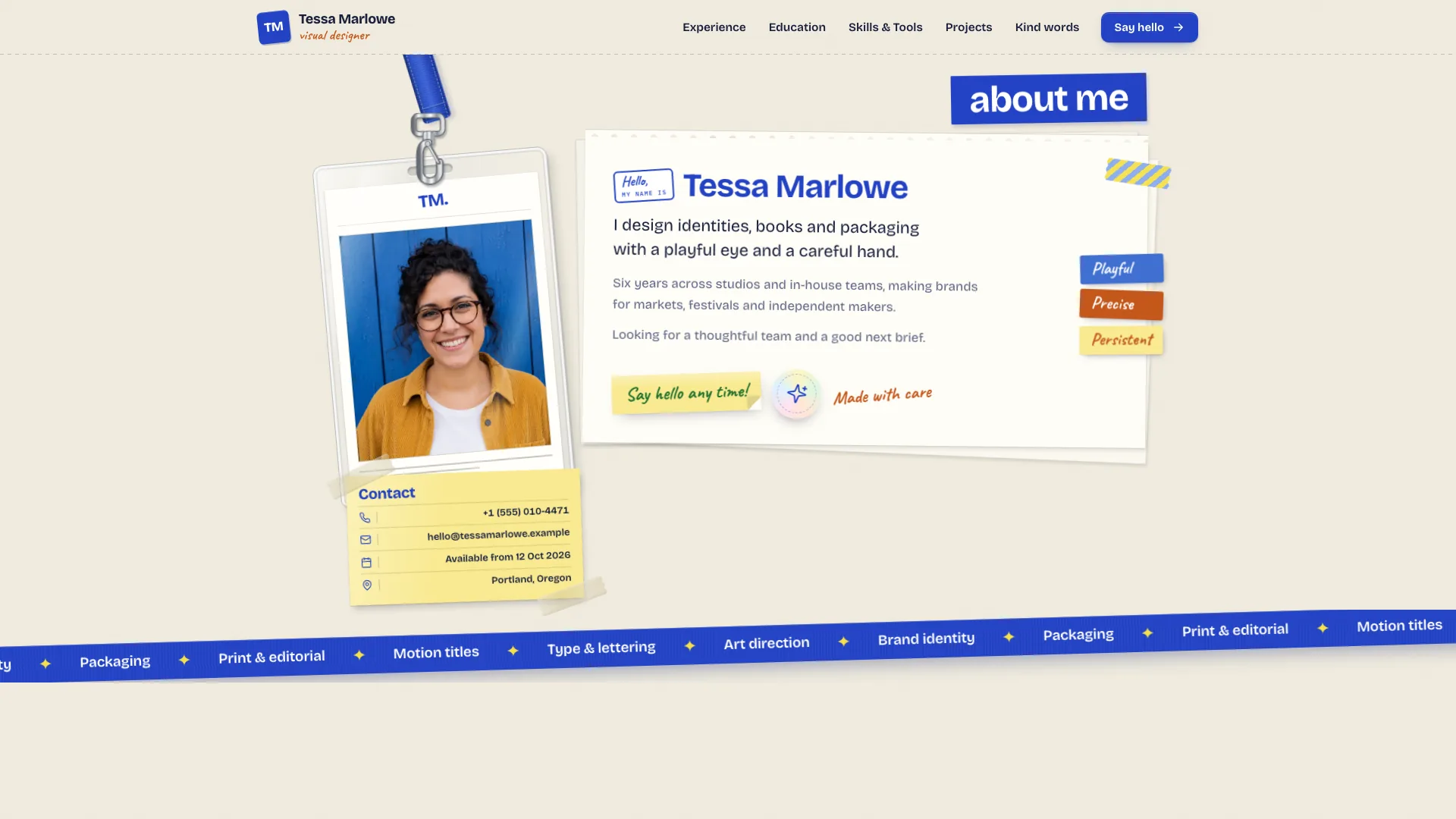
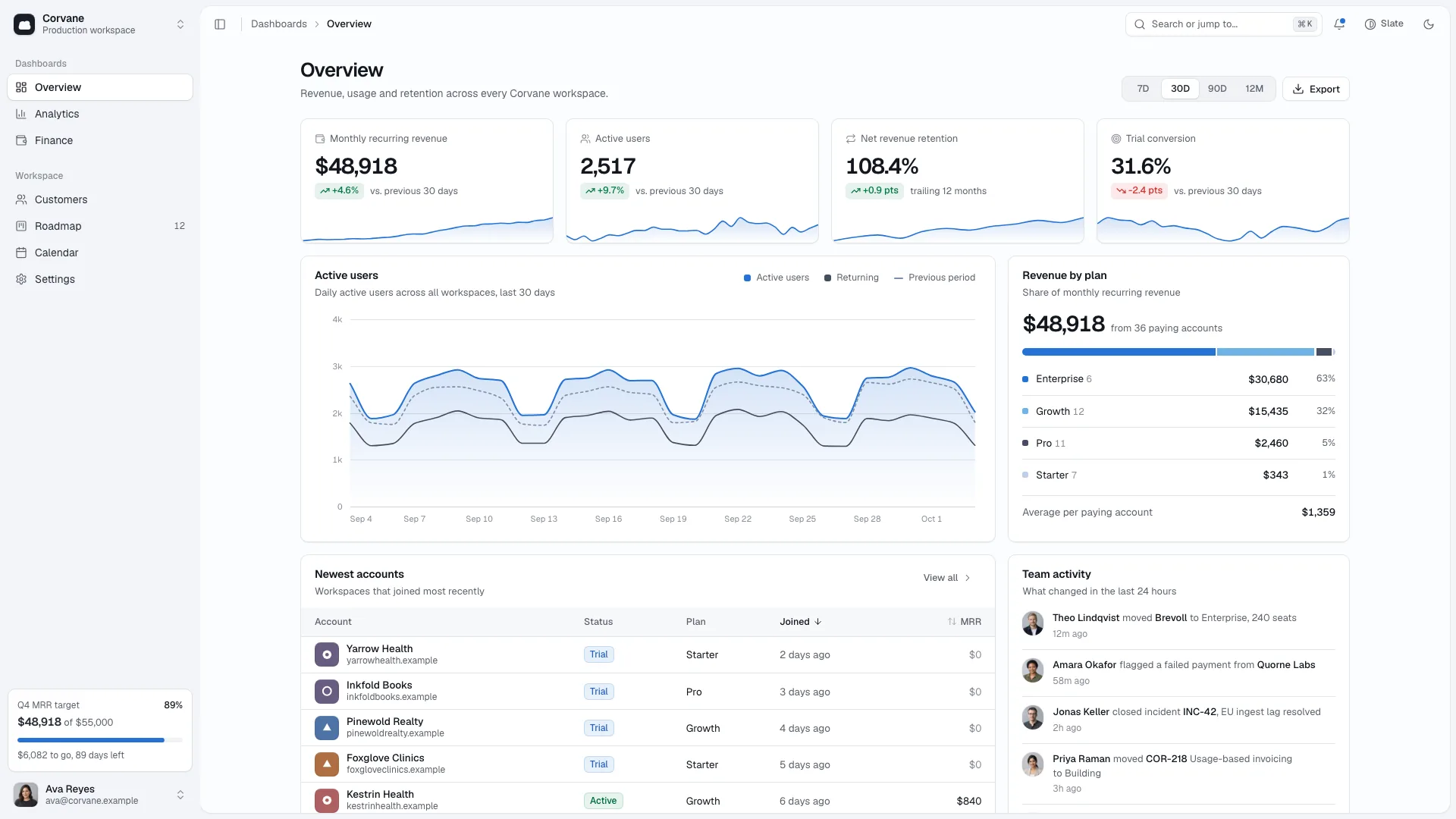
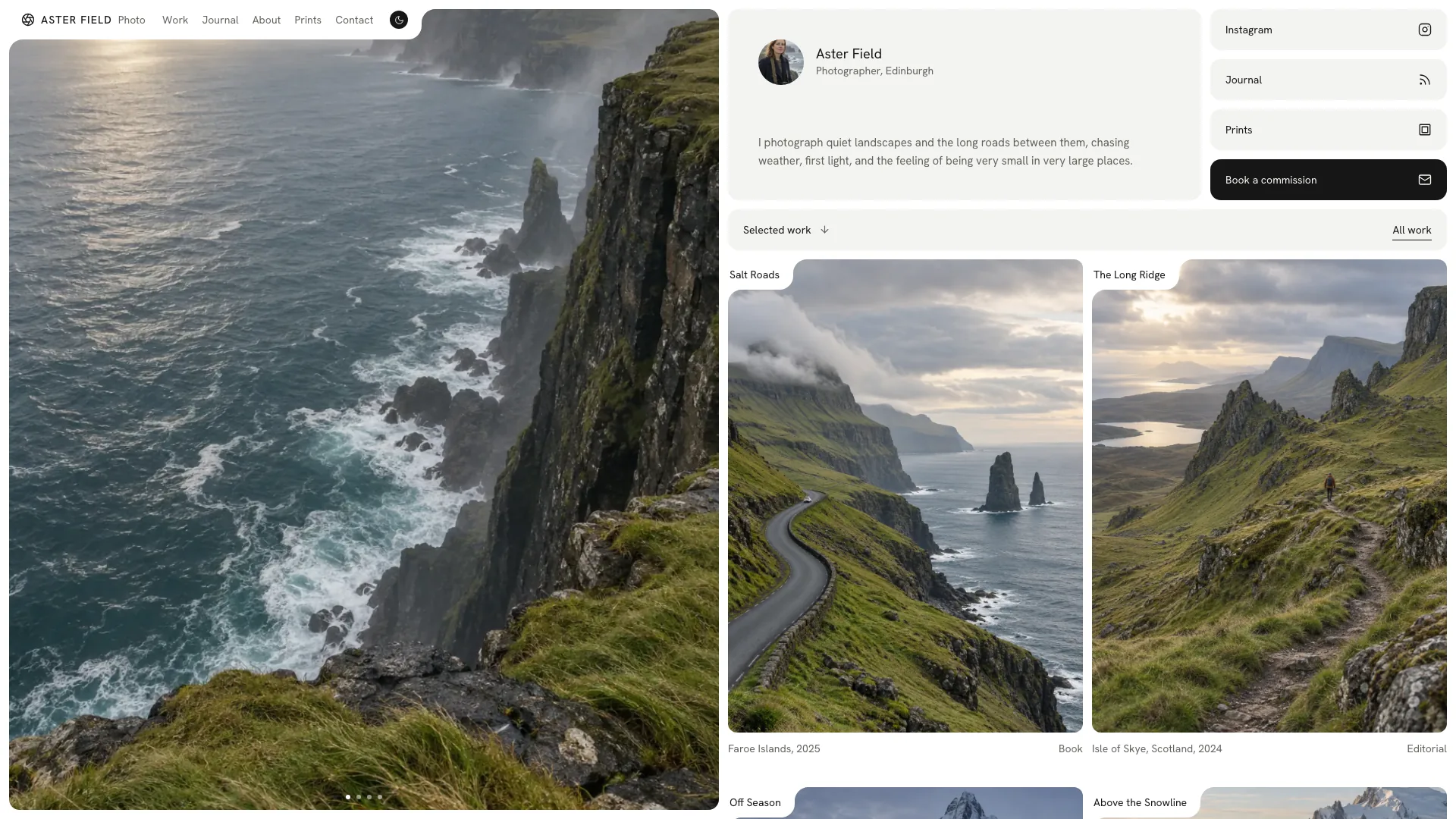
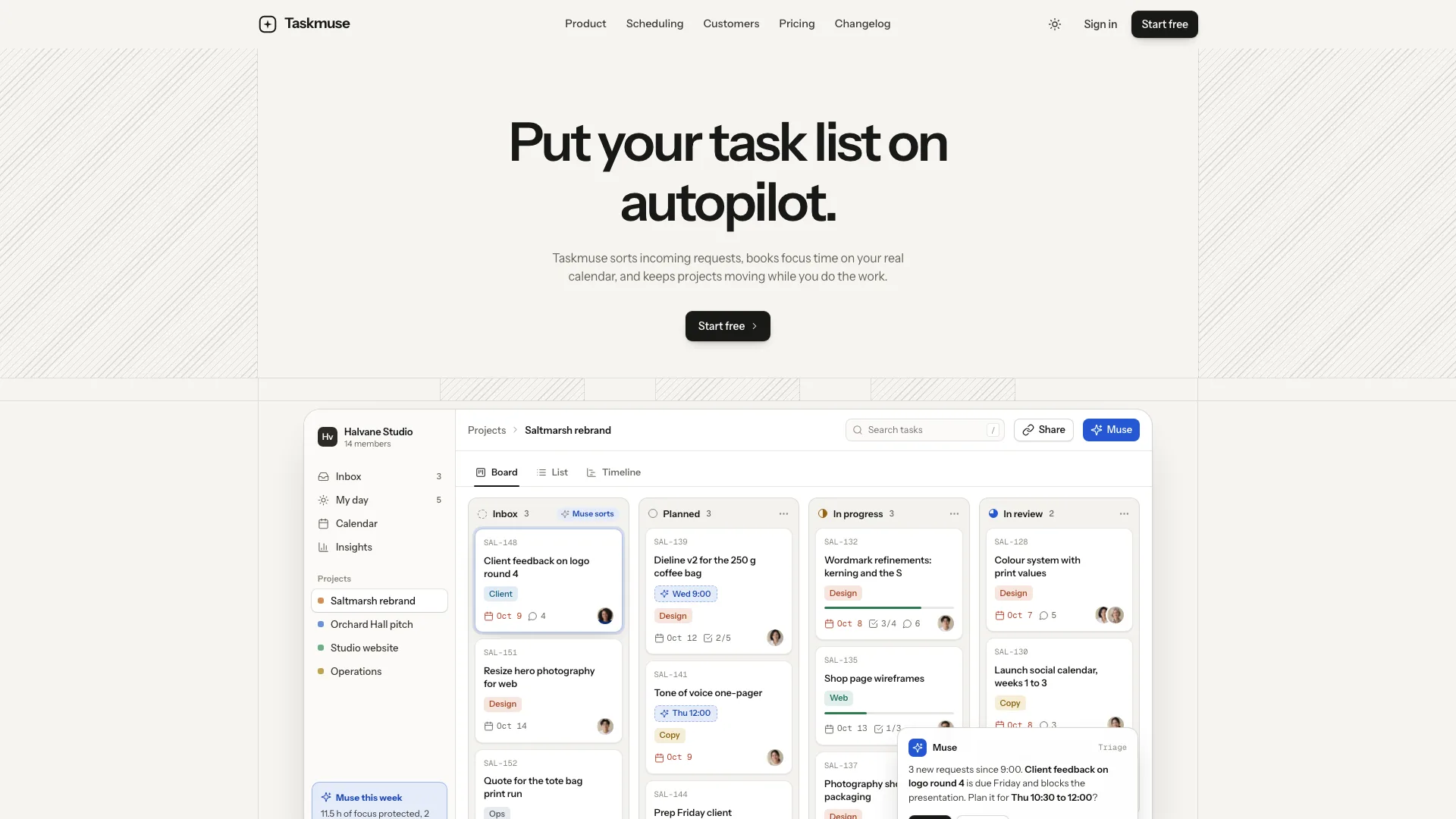
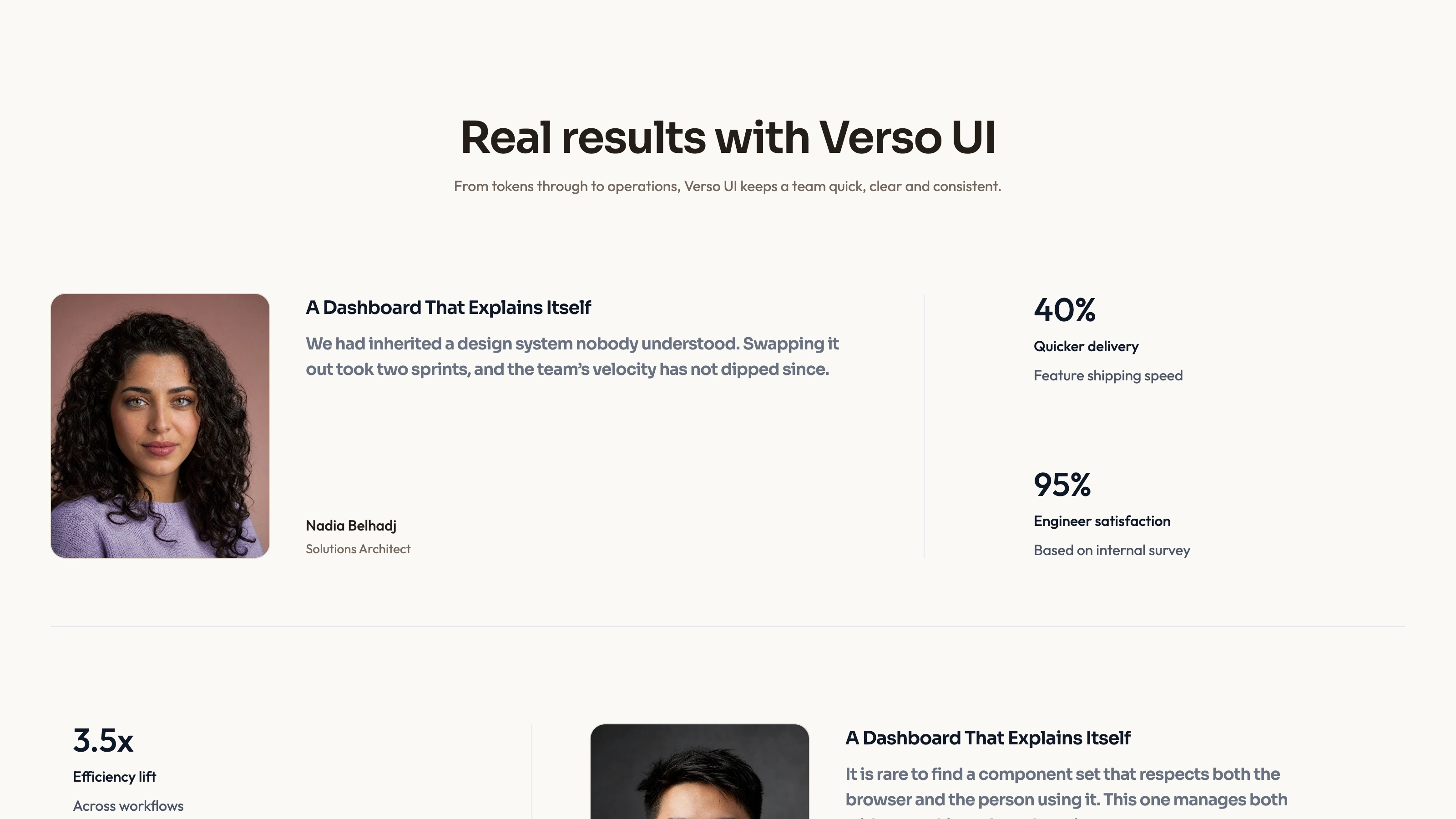
Make the route from your personality to your design decisions easy to follow. Playful UI/UX Portfolio opens with animated display lettering and an illustrated portrait, then turns selected work into numbered, color-coded case studies. It is designed for projects that deserve an explanation of the problem, findings and outcome, not only a thumbnail gallery.
What you get
A connected portfolio with Home, About, Work, case-study detail, Resume and Contact, plus a designed missing-page state. The fictional example has five cases and eleven routes; your actual brief can use three to six cases rather than inheriting its identity or project count.
A distinctive home-page reading path: letter-based hero, lanyard badge and greeting, experience/community/contact columns, a large outlined content index and numbered columns leading to product work. Process steps, client statements and a closing action connect the personal introduction to the work.
Case pages covering brief, findings, process, a three-screen gallery, outcomes and an attributed client statement, with previous/next links. Product screens are drawn as editable interface content within phone, tablet and laptop frames instead of flattened screenshots. The About and Resume views retain skill groups as chips rather than unexplained percentage scores.
Work filters, search and sorting, a quote carousel, FAQ and a contact form with local error and success states. Form feedback is an interface demonstration until message delivery is connected.
A self-contained HTML file by default, with Unbounded, Figtree and Geist Mono and image assets embedded. The package includes a template and checks, and an existing or requested framework project can receive the same design as real components and routes instead.
Before you choose
Choose this when a visitor needs to see both who you are and how you reason about product work. Give every case one decision worth explaining and distinguish your contribution from the team result. Compared with Hairline Grid, this is the more expressive, illustration-led identity; compared with Scrapbook Resume, it puts the product cases ahead of the career record.
Good fit
Product and interaction designers want a personable introduction but need case studies to show substantive decisions and shipped work.
Your best projects are apps, dashboards, checkouts or research artifacts that can be explained through clear interface scenes and supporting findings.
A UX researcher or small studio can map studies or shared projects to the case-page structure while keeping individual roles and actual evidence explicit.
Not for
A photography-first archive or art gallery where the main task is viewing many large images.
A minimal monochrome identity: bright case colors, illustrated people and moving display letters are central to this visual system.
Sending real contact messages without a backend or automatically establishing that example outcome numbers and quotations are true.
Treating the code-drawn interface scenes as a functioning version of every product shown in the portfolio.
How to use
You say/playful-uiux-portfolio Build Ines Okafor's portfolio: a product designer in Rotterdam with five case studies and a resume page.
Collect your name, discipline, city, availability, short greeting, experience and contact facts. Prepare three to six cases with your role, brief, findings, process, screens and supported outcomes. Add permitted client quotations and your own photos for the illustrated likeness.
Choose the deliverable for the actual project. With no existing project, the package defaults to one self-contained HTML file; with a framework project or an explicit request, adapt the design to its routes, components and data. Next.js App Router with TypeScript is the fallback when a framework is requested but unnamed.
Build each case around what you found and decided. Draw its actual product or research artifacts within the device frames and carry its identity and color across overview, detail and previous/next navigation. Update numbered indexes and references when the case count changes.
Create the illustrated portrait and related scenes from your permitted photos using the available image tool, then inspect transparency, likeness and crops. Any generated likeness without your photos is a stand-in to identify and replace. Record image-generation charges separately; interface drawings do not need image generation.
Build the embedded file and run the supplied checks, then inspect every route and control on desktop and phone. Test filters, sorting, quote navigation and form errors/success, check reduced motion for the lettering and replace or flag all drafted identities, dates, metrics and claims before publishing.
Requirements and costs
You bring
Name, discipline, city, availability and a short first-person greeting · Three to six case studies with brief, findings, process steps, outcomes and a client quote · Experience, skills, contact details and photos of yourself for the illustrations
Dependencies
Node.js 18 or newer on your agent's machine, to run the bundled script that builds the single offline file · Internet access while the file is built, so the fonts can be downloaded once and embedded · An image generation tool in your agent for the illustrated portrait and studio scenes
Outside costs
Making the illustrated portrait and scenes with your agent's image tool may incur that tool's usage charges. Product screens are built in the page and need no image generation.
Publisher testing
v1.0.2 — Claude Code / Claude Desktop / Cowork / Codex / ChatGPT
FAQ
A self-contained HTML site with fonts and images embedded so the built file can be opened offline. A sandboxed preview is useful for review, but verify the final browser behavior too. In a framework project, the design should become real components and routes rather than an iframe containing the demo.
The workflow uses your own photos as the basis for the hero, badge and studio illustrations. New image generation can consume the chosen tool’s credits or incur charges. A likeness produced without your photos is a stand-in, not a verified portrait of you.
The authored approach builds the interfaces inside device frames in code, using project-specific labels and content. Text stays sharp and editable. Photographs are used where the represented product itself calls for them; this does not turn the portfolio scene into the actual product backend.
Yes. The package maps research cases onto the same anatomy using study artifacts such as survey, journey-map or findings-board views. Keep methods, evidence and your contribution clear rather than forcing every case into a feature-launch story.
The included form validates and shows a local result. Connect and test actual message delivery before describing its success state as a sent enquiry.
User reviews
—0 reviews
Select a star to share your experience.
No reviews yet. Ratings appear once readers share real experiences.